ExpenseMonkey
会計 · 11.6K 月間訪問数
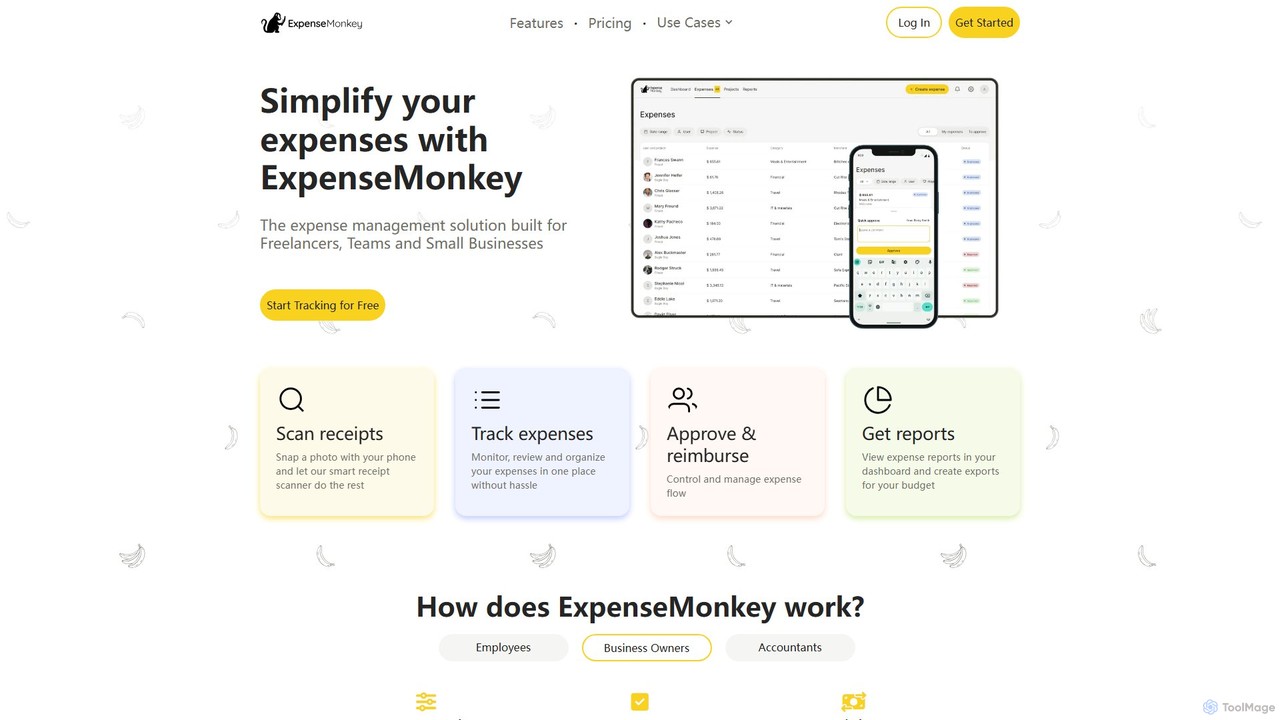
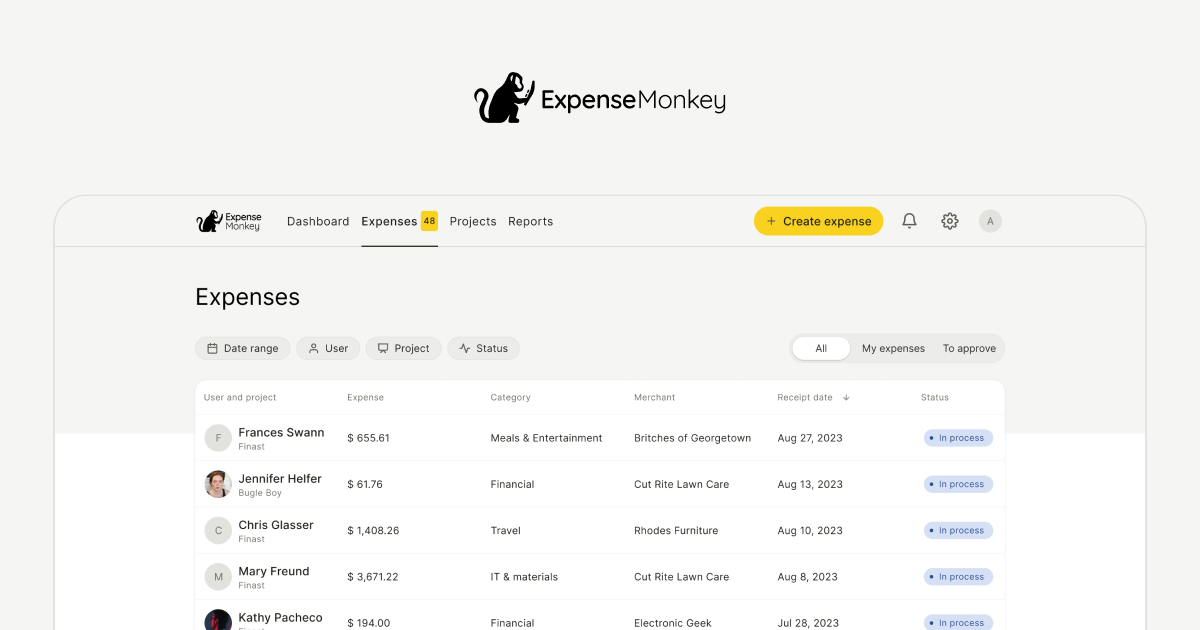
ExpenseMonkeyは、フリーランサー、小規模企業、チーム向けに設計されたAI搭載の経費トラッカーです。領収書のスキャン、データ抽出、費用の自動分類、QuickBooksやXeroなどの会計ソフトとの連携により、経費管理を自動化します。スマートな自動化で、経費報告、精算、税務申告を簡素化します。
ExpenseMonkeyは、フリーランサー、小規模企業、チーム向けに設計されたAI搭載の経費トラッカーです。領収書のスキャン、データ抽出、費用の自動分類、QuickBooksやXeroなどの会計ソフトとの連携により、経費管理を自動化します。スマートな自動化で、経費報告、精算、税務申告を簡素化します。
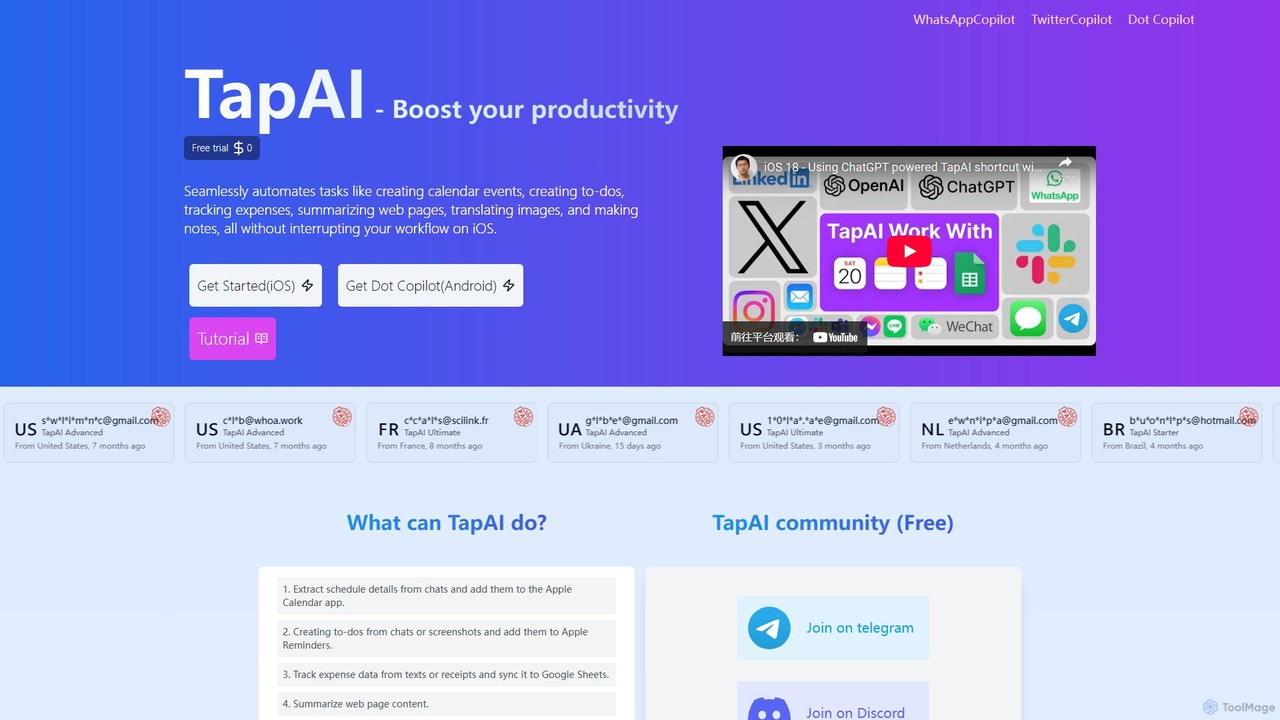
TapAIは、iPhoneの「背面タップ」機能を使用して画面上の情報を即座に処理するiOS生産性向上ツールです。ChatGPTを搭載し、テキストの抽出、カレンダーイベントの作成、ToDoリストの管理、Googleスプレッドシートへの経費追跡、コンテンツの翻訳、スマートリプライの生成を、現在のアプリを離れることなく行えます。
ExpenseMonkeyは、フリーランサー、小規模企業、チーム向けに設計されたAI搭載の経費トラッカーです。領収書のスキャン、データ抽出、費用の自動分類、QuickBooksやXeroなどの会計ソフトとの連携により、経費管理を自動化します。スマートな自動化で、経費報告、精算、税務申告を簡素化します。
TapAIは、iPhoneの「背面タップ」機能を使用して画面上の情報を即座に処理するiOS生産性向上ツールです。ChatGPTを搭載し、テキストの抽出、カレンダーイベントの作成、ToDoリストの管理、Googleスプレッドシートへの経費追跡、コンテンツの翻訳、スマートリプライの生成を、現在のアプリを離れることなく行えます。
| Feature | ExpenseMonkey | TapAI |
|---|---|---|
| 主要カテゴリー | 会計 | 経費追跡 |
| 追加日 | 2025-08-05 | 2025-08-02 |
| 価格 | フリーミアム | フリーミアム |
| 公式サイト | www.expensemonkey.io | tapai.aicanvas.app |
| 製品タイプ | ウェブサイト | アプリ |
| Performance data | ||
| ユーザー評価 | 未確認 | 未確認 |
| コメント | 0 | 0 |
| 月間訪問数 | 11.6K | 4K |
| 月間成長率 | -16.6% | 未確認 |
| お気に入り | 144 | 139 |
| Details | 詳細を見る | 詳細を見る |
Compare ExpenseMonkey and TapAI by monthly reach, traffic trend, visit depth, top regions, and acquisition sources.
In the ExpenseMonkey vs TapAI monthly traffic comparison, ExpenseMonkey currently shows 11.6K visits and TapAI shows 4K; ExpenseMonkey has about 2.9 times the visible traffic of TapAI, an absolute difference of about 7.6K visits. This reflects visible reach, not feature quality or paid users.
Only ExpenseMonkey has complete third-party traffic details; TapAI uses visits recorded inside ToolMage. These scopes cannot estimate market share directly, and on-site views should not be treated as the product’s total website traffic.
| Country/region | Percentage | Traffic |
|---|---|---|
| 🇺🇸United States | 65.1% | 7.5K |
| 🇬🇧United Kingdom | 13.29% | 1.5K |
| 🇮🇳India | 9.26% | 1.1K |
| 🇵🇭Philippines | 6.75% | 781 |
| 🇵🇱Poland | 5.6% | 648 |
This in-depth ExpenseMonkey vs TapAI comparison uses only the product records, taxonomy, audience, traffic, and community signals available on this page. ExpenseMonkey is primarily listed under “会計”, while TapAI is primarily listed under “経費追跡”, so the first decision is whether your actual task matches their recorded scope.
The structured fields currently show these decision-relevant differences: Primary category (ExpenseMonkey: 会計; TapAI: 経費追跡); Product type (ExpenseMonkey: Website; TapAI: App); Monthly visits (ExpenseMonkey: 11.6K; TapAI: 4K); Favorites (ExpenseMonkey: 144; TapAI: 139); Website (ExpenseMonkey: www.expensemonkey.io; TapAI: tapai.aicanvas.app). These facts are more useful for selection than brand visibility alone.
In the ExpenseMonkey vs TapAI monthly traffic comparison, ExpenseMonkey currently shows 11.6K visits and TapAI shows 4K; ExpenseMonkey has about 2.9 times the visible traffic of TapAI, an absolute difference of about 7.6K visits. This reflects visible reach, not feature quality or paid users.
Only ExpenseMonkey has complete third-party traffic details; TapAI uses visits recorded inside ToolMage. These scopes cannot estimate market share directly, and on-site views should not be treated as the product’s total website traffic.
The current traffic scope is not sufficient for a reliable product ranking. Treat monthly visits as a market-interest signal, then decide using taxonomy, use cases, pricing, and a like-for-like trial rather than reading exposure as product capability.
ExpenseMonkey and TapAI currently overlap in shared categories: 経費追跡、自動化; shared tags: 自動化. This can place both on the same shortlist, but it does not prove equal implementation, depth, or cost.
ExpenseMonkey's unique categories/tags are 会計、AI、簿記、支出トラッカー、財務管理、フリーランス ツール、クイックブックス、レシートスキャナー; TapAI's are iOS、タスク管理、カレンダー、ChatGPT、費用追跡、GPT-4、iOSショートカット、iPhone. These unique fields are the strongest differentiators: validate the product whose recorded scope matches the task instead of following traffic alone.
ExpenseMonkey has no verified rating, 0 comments, 144 favorites, and 130 likes;TapAI has no verified rating, 0 comments, 139 favorites, and 145 likes。
Neither product has enough rating or comment samples for a credible reputation ranking.
Put ExpenseMonkey on the priority trial list when the task aligns with “会計” and especially 会計、AI、簿記、支出トラッカー、財務管理、フリーランス ツール. This follows recorded positioning and does not imply unlisted capabilities are absent.
ExpenseMonkey also currently records: pricing is freemium, product type is website, 11.6K verified monthly visits, no verified user rating. Verify any hard requirement around price, platform, or reach before trial, and do not let sparse review data substitute for testing.
Put TapAI on the priority trial list when the task aligns with “経費追跡” and especially iOS、タスク管理、カレンダー、ChatGPT、費用追跡、GPT-4. This follows recorded positioning and does not imply unlisted capabilities are absent.
TapAI also currently records: pricing is freemium, product type is app, 4K on-site monthly views, no verified user rating. Verify any hard requirement around price, platform, or reach before trial, and do not let sparse review data substitute for testing.
The available data describes positioning, public visibility, and community signals, but it cannot prove output quality, speed, integration effort, privacy, or long-term cost in your workflow. Before deciding, run the same representative tasks in ExpenseMonkey and TapAI, then record completion time, accuracy, manual corrections, and the real paid threshold. A like-for-like trial turns this comparison into a defensible adoption decision.
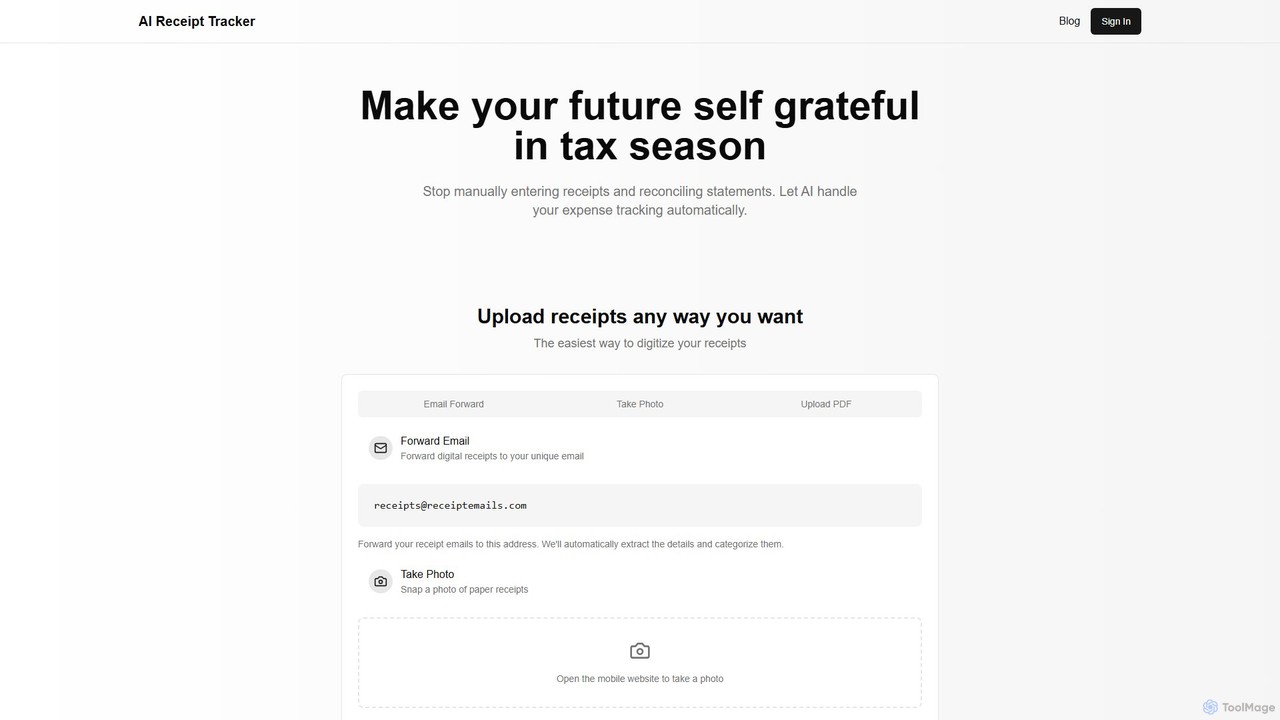
AI Receipt Trackerは、レシートをインテリジェントにスキャンして分類することで、経費管理を自動化します。メールを転送したり、写真を撮ったり、PDFをアップロードするだけで経費をデジタル化できます。即座に財務インサイトを提供し、支出パターンを追跡し、レシートを銀行明細書と照合することで、フリーランサー、小規模事業者、個人の確定申告シーズンと帳簿付けを楽にします。
簿記
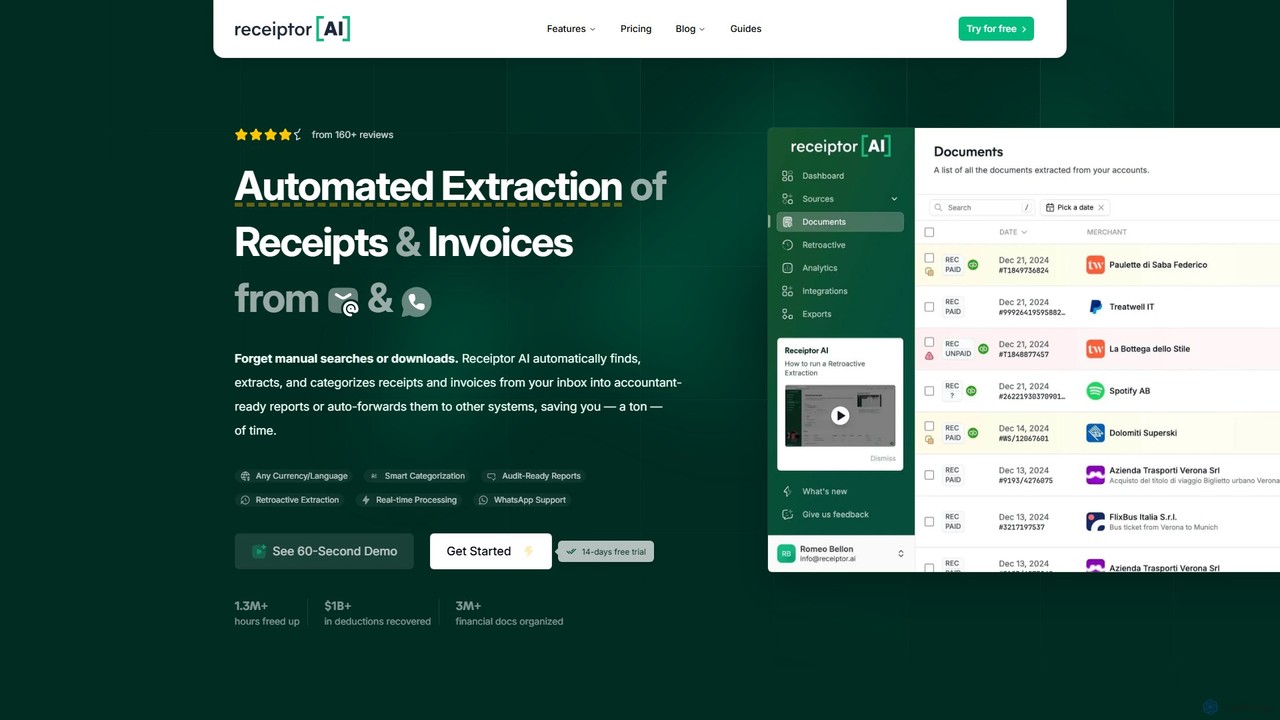
Receiptor AIは、メールから直接レシートや請求書を抽出するインテリジェントな自動化ツールです。財務書類を自動的にキャプチャ、分類、整理し、XeroやQuickBooksなどの会計ソフトと同期し、リアルタイムの経費分析を提供します。簡単な経費管理と監査対応を目指すフリーランサー、スタートアップ、中小企業に最適です。
会計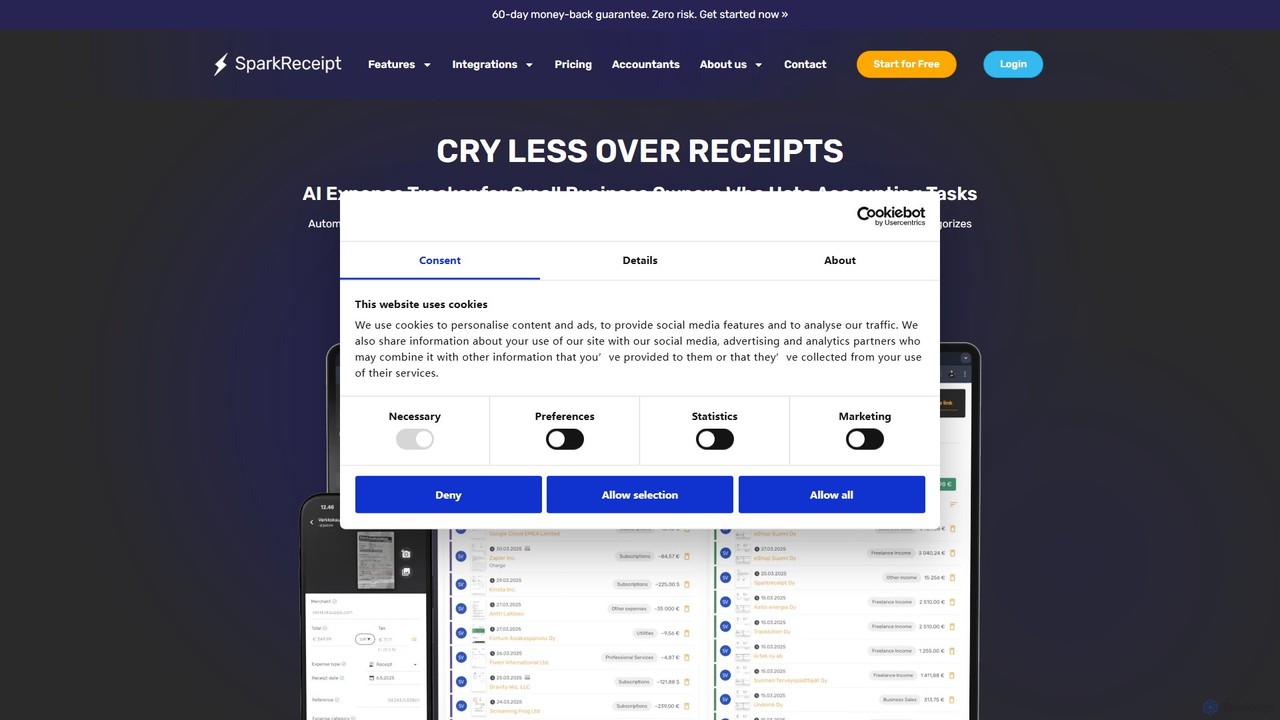
SparkReceiptは、起業家、フリーランサー、小規模企業向けに設計されたAI搭載のレシートスキャナーおよび経費追跡ツールです。高度なOCR技術を使用してレシートからデータを自動的に抽出し、経費管理を簡素化します。多通貨対応や安全なクラウドストレージなどの機能により、ユーザーは財務記録をデジタル化し、時間を節約し、確定申告に備えることができます。
会計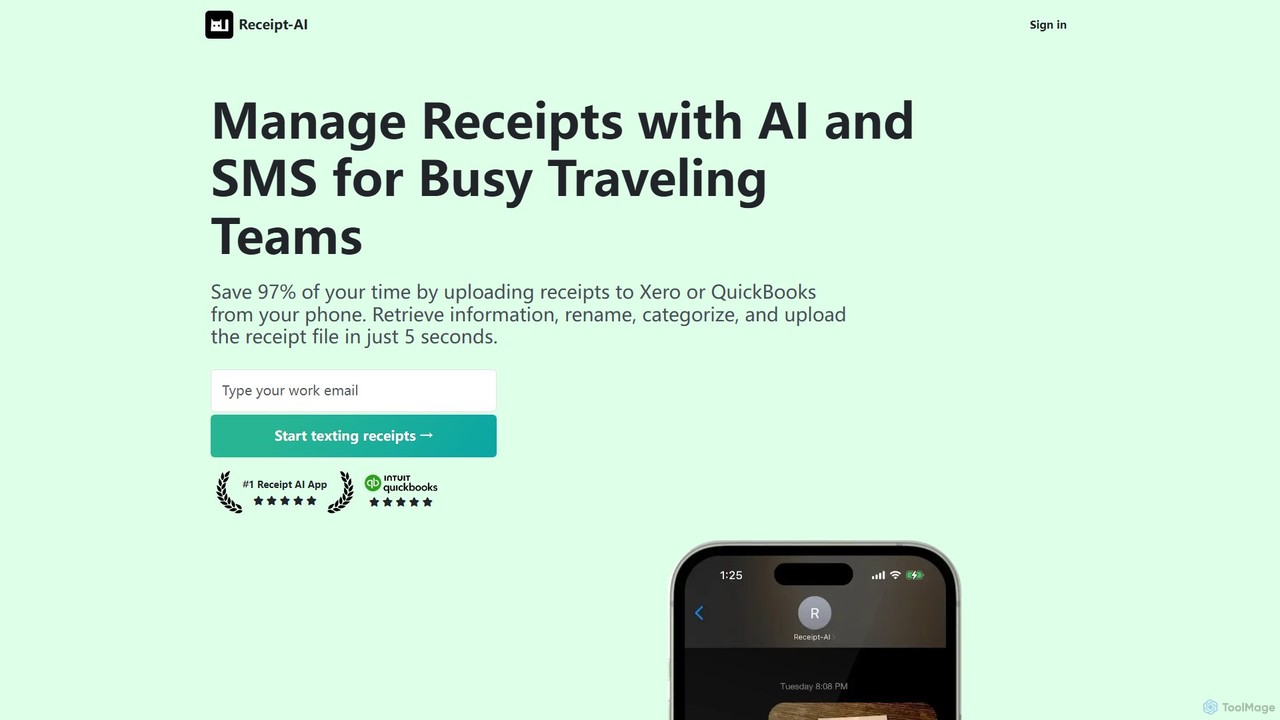
Receipt AIは、SMS、Eメール、またはウェブアップロードを介して領収書をキャプチャ・処理することで、多忙なチームの経費管理を自動化します。OCRを使用してデータを抽出し、QuickBooksやXeroと統合してワンクリックで照合を行い、39言語をサポートすることで、大幅な時間節約と精度の向上を実現します。
会計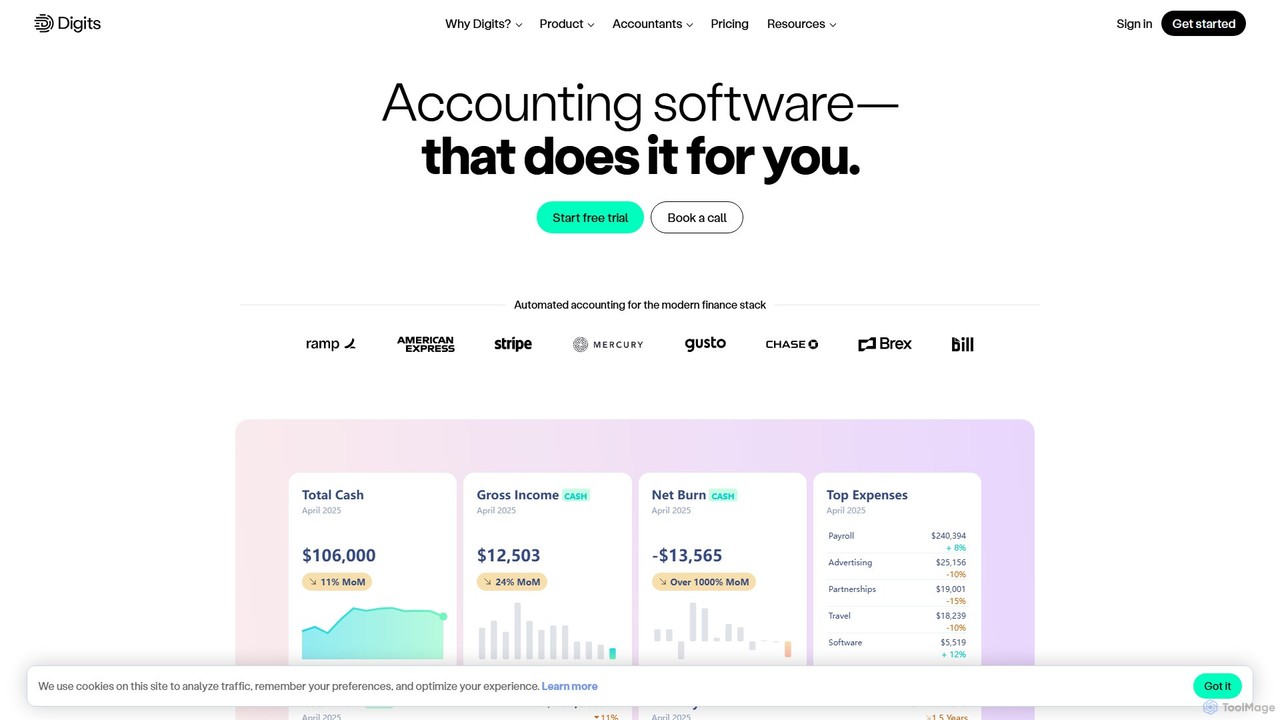


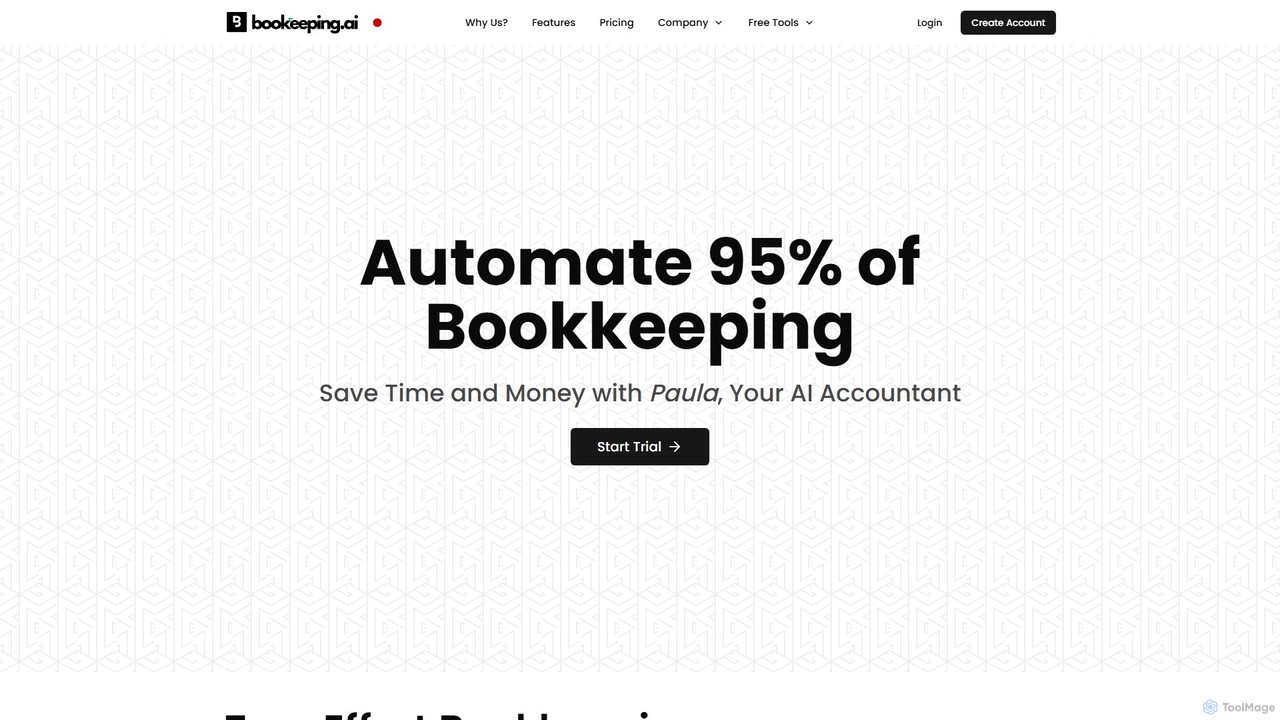
bookeeping.aiは、24時間365日対応のAI会計士「Paula」を搭載したAI駆動の会計プラットフォームです。台帳管理、損益計算書報告、領収書スキャンなど、簿記業務の95%以上を自動化します。このツールは、AIによる請求書発行、経費管理、銀行同期、リアルタイムの財務報告を提供します。中小企業、フリーランサー、会計士向けに設計されており、シンプルなチャットベースのインターフェースを通じて財務業務を合理化し、時間とコストを節約することを目的としています。
経営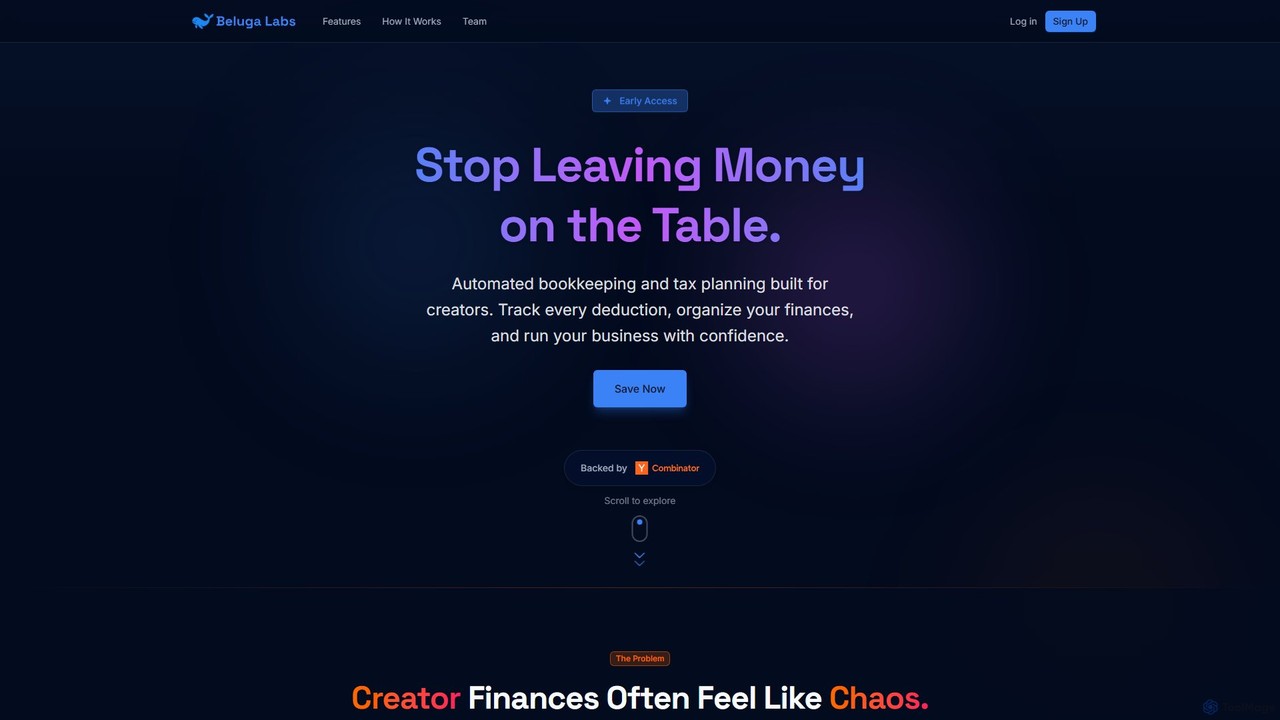
Beluga Labsは、コンテンツクリエイター向けに特化して設計されたAI搭載の自動簿記および税務計画サービスです。あらゆる控除を追跡し、財務を整理し、自信を持ってクリエイタービジネスを運営できるよう支援し、スプレッドシートや消費者向けアプリの混乱を解消します。無駄な出費をなくし、創作活動に集中しましょう。
クリエイターエコノミー
Fortune Appは、ビジネスの意思決定のために設計されたAI搭載の会計ソフトウェアです。簿記、経費の分類、照合といった複雑な会計業務を自動化します。このプラットフォームは、即時の財務レポート、リアルタイム分析、パーソナルAI会計士へのアクセスを提供し、企業が時間を節約し、データに基づいた意思決定を容易に行えるよう支援します。
分析

COPILOTは、Appleショートカットを通じてAppleエコシステムに深く統合されたAIアシスタントです。スケジュールの要約、ウェブブラウジング、コンテンツ作成、画像生成などの日常タスクを、お気に入りのアプリ内ですべて自動化します。Appleユーザー向けに設計されており、頻繁なアプリ切り替えやコピー&ペーストの手間をなくし、時間を節約し、ワークフローを効率化します。
パーソナルアシスタント