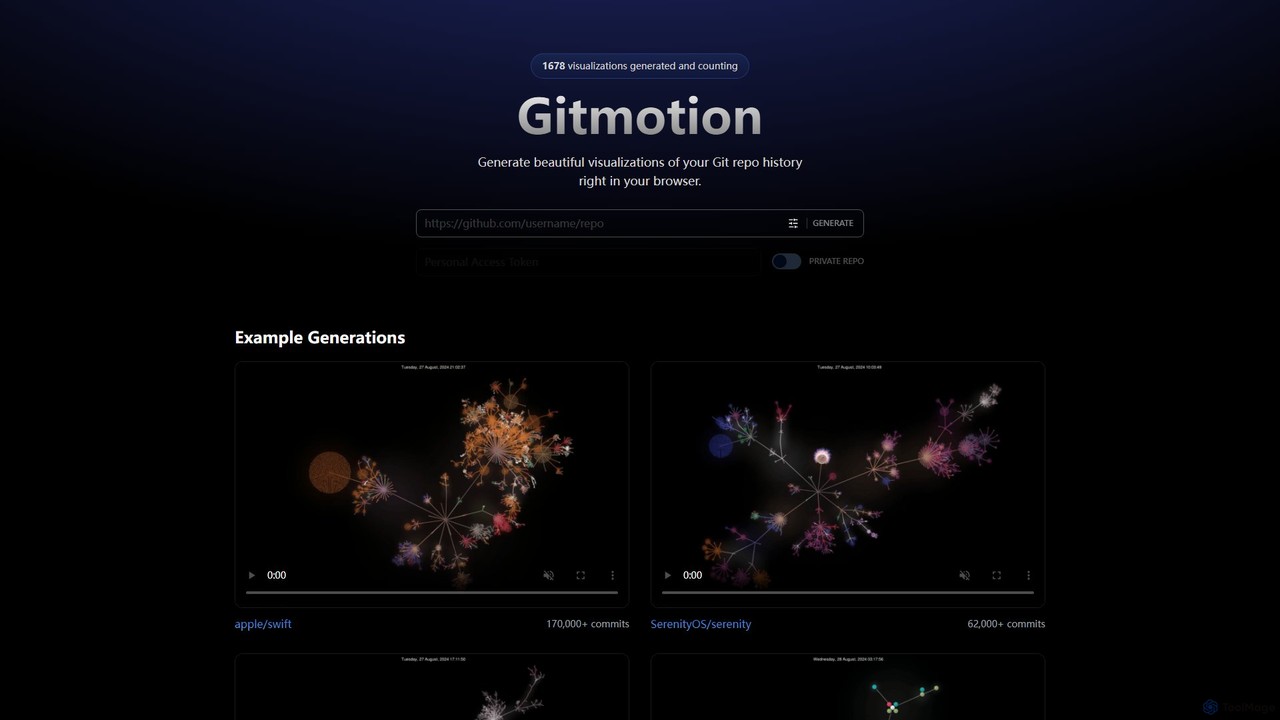
GitBrain é um cliente Git para Mac com inteligência artificial, projetado para otimizar seu fluxo de trabalho. Ele divide automaticamente as alterações de código em commits lógicos, gera mensagens de commit claras e fornece resumos de código com IA para autorrevisão. Com uma interface nativa do macOS, integração com IDE e um design focado em teclado, o GitBrain simplifica a gestão do Git, permitindo que os desenvolvedores se concentrem na codificação.
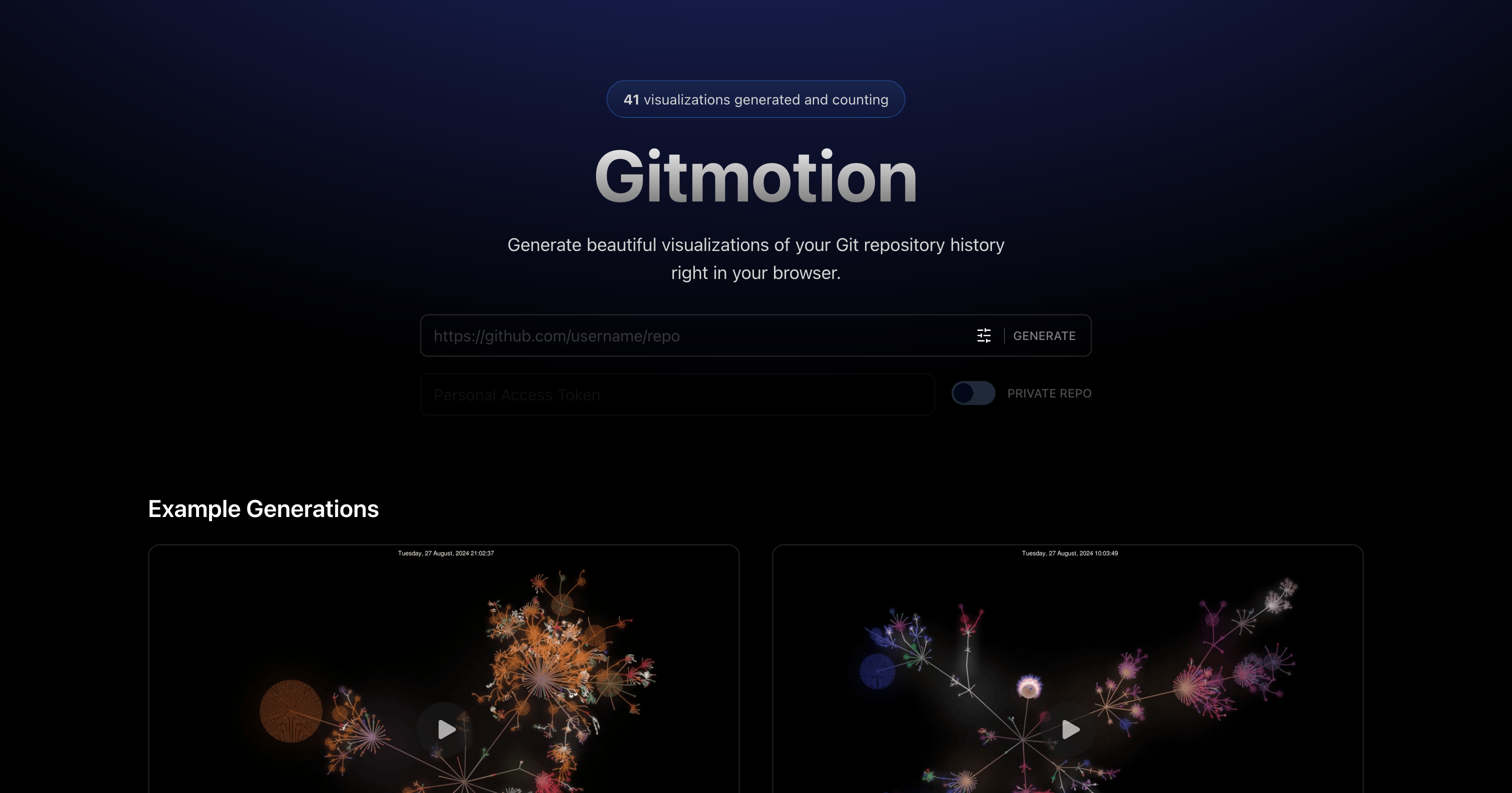
Gitmotion é uma ferramenta baseada na web que gera belas visualizações animadas do histórico do seu repositório Git. Transforma logs de commit complexos em vídeos ou imagens dinâmicas e fáceis de entender, perfeitas para análise de projetos, apresentações e integração de equipes. Suporta repositórios públicos e privados, oferecendo uma maneira simples de ver a evolução do seu código.
Visão geral
GitBrain Visão geral
GitBrain é um cliente Git para Mac com inteligência artificial, projetado para otimizar seu fluxo de trabalho. Ele divide automaticamente as alterações de código em commits lógicos, gera mensagens de commit claras e fornece resumos de código com IA para autorrevisão. Com uma interface nativa do macOS, integração com IDE e um design focado em teclado, o GitBrain simplifica a gestão do Git, permitindo que os desenvolvedores se concentrem na codificação.
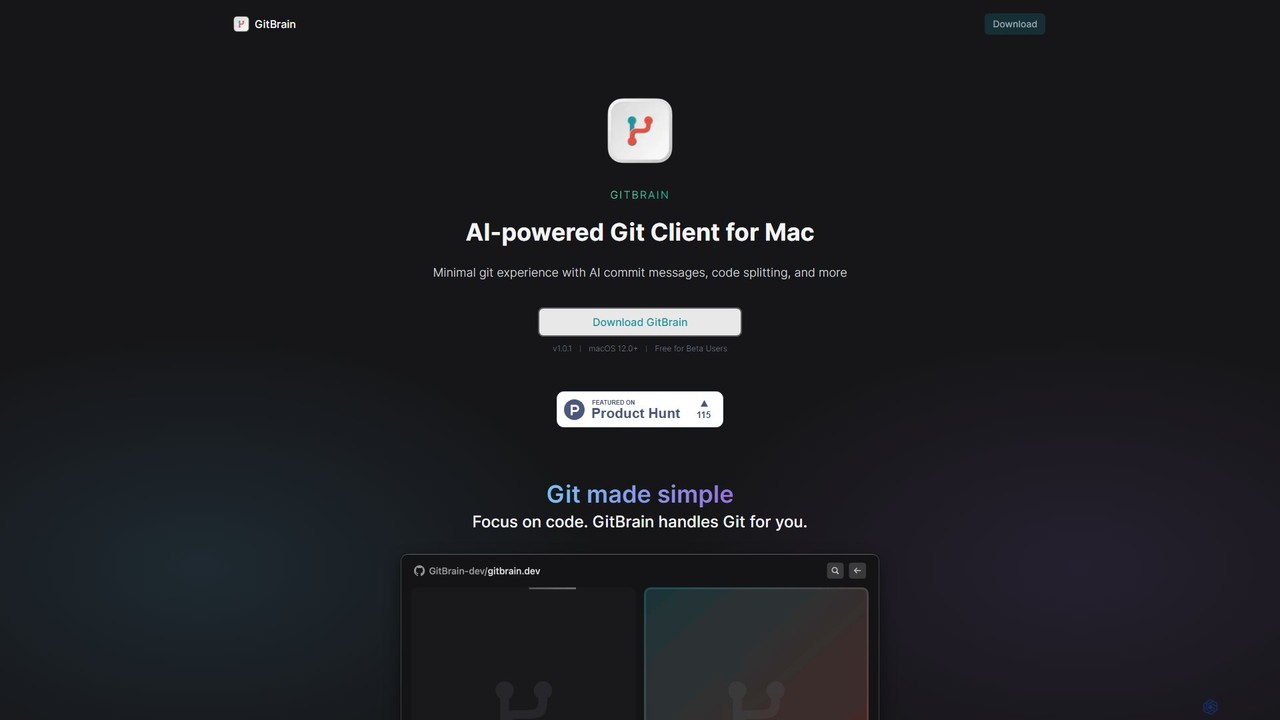
Gitmotion Visão geral
Gitmotion é uma ferramenta baseada na web que gera belas visualizações animadas do histórico do seu repositório Git. Transforma logs de commit complexos em vídeos ou imagens dinâmicas e fáceis de entender, perfeitas para análise de projetos, apresentações e integração de equipes. Suporta repositórios públicos e privados, oferecendo uma maneira simples de ver a evolução do seu código.
Detailed feature comparison
| Feature | GitBrain | Gitmotion |
|---|---|---|
| Categoria principal | Assistente de Código | Visualização de Dados |
| Adicionado | 2025-08-05 | 2025-08-09 |
| Preço | Freemium | Freemium |
| Site oficial | gitbrain.dev | gitmotion.app |
| Tipo de produto | Aplicativo | Site |
| Performance data | ||
| Avaliação | Não verificado | Não verificado |
| Comentários | 0 | 0 |
| Visitas mensais | 3.4K | 3.5K |
| Crescimento mensal | Não verificado | Não verificado |
| Favoritos | 134 | 107 |
| Details | Ver detalhes | Ver detalhes |
GitBrain vs Gitmotion monthly traffic
Compare GitBrain and Gitmotion by monthly reach, traffic trend, visit depth, top regions, and acquisition sources.
How to interpret the traffic data
In the GitBrain vs Gitmotion monthly traffic comparison, GitBrain currently shows 3.4K visits and Gitmotion shows 3.5K; the two products have similar visible traffic, an absolute difference of about 51 visits. This reflects visible reach, not feature quality or paid users.
Both values come from visits recorded inside ToolMage. They can indicate relative interest on this site, but not total website traffic or global market share.
GitBrain monthly traffic:
Latest traffic
Gitmotion monthly traffic:
Latest traffic
Usage comparison
Compare the core capabilities of GitBrain and Gitmotion
GitBrain Core features
Gitmotion Core features
Use cases
GitBrain Use cases
Gitmotion Use cases
GitBrain vs Gitmotion:In-depth comparison and selection guidance
First decide whether the products solve the same kind of need
This in-depth GitBrain vs Gitmotion comparison uses only the product records, taxonomy, audience, traffic, and community signals available on this page. GitBrain is primarily listed under “Assistente de Código”, while Gitmotion is primarily listed under “Visualização de Dados”, so the first decision is whether your actual task matches their recorded scope.
The structured fields currently show these decision-relevant differences: Primary category (GitBrain: Assistente de Código; Gitmotion: Visualização de Dados); Product type (GitBrain: App; Gitmotion: Website); Monthly visits (GitBrain: 3.4K; Gitmotion: 3.5K); Favorites (GitBrain: 134; Gitmotion: 107); Website (GitBrain: gitbrain.dev; Gitmotion: gitmotion.app). These facts are more useful for selection than brand visibility alone.
What market visibility and monthly traffic mean
In the GitBrain vs Gitmotion monthly traffic comparison, GitBrain currently shows 3.4K visits and Gitmotion shows 3.5K; the two products have similar visible traffic, an absolute difference of about 51 visits. This reflects visible reach, not feature quality or paid users.
Both values come from visits recorded inside ToolMage. They can indicate relative interest on this site, but not total website traffic or global market share.
The current traffic scope is not sufficient for a reliable product ranking. Treat monthly visits as a market-interest signal, then decide using taxonomy, use cases, pricing, and a like-for-like trial rather than reading exposure as product capability.
Product positioning, use cases, and roles
GitBrain and Gitmotion currently overlap in shared categories: Controle de Versão; shared tags: Desenvolvedor, Git e Controle de versão. This can place both on the same shortlist, but it does not prove equal implementation, depth, or cost.
GitBrain's unique categories/tags are Assistente de Código, Automação, IA, automação, Assistente de código, Revisão de código, Mensagem de commit e macOS; Gitmotion's are Visualização de Dados, Visualização, Animação, Código, GitHub, GitLab, gerenciamento de projetos e repositório. These unique fields are the strongest differentiators: validate the product whose recorded scope matches the task instead of following traffic alone.
What ratings, comments, and favorites can tell you
GitBrain has no verified rating, 0 comments, 134 favorites, and 149 likes;Gitmotion has no verified rating, 0 comments, 107 favorites, and 102 likes。
Neither product has enough rating or comment samples for a credible reputation ranking.
Selection guidance by actual need
When to evaluate GitBrain first
Put GitBrain on the priority trial list when the task aligns with “Assistente de Código” and especially Assistente de Código, Automação, IA, automação, Assistente de código e Revisão de código. This follows recorded positioning and does not imply unlisted capabilities are absent.
GitBrain also currently records: pricing is freemium, product type is app, 3.4K on-site monthly views, no verified user rating. Verify any hard requirement around price, platform, or reach before trial, and do not let sparse review data substitute for testing.
When to evaluate Gitmotion first
Put Gitmotion on the priority trial list when the task aligns with “Visualização de Dados” and especially Visualização de Dados, Visualização, Animação, Código, GitHub e GitLab. This follows recorded positioning and does not imply unlisted capabilities are absent.
Gitmotion also currently records: pricing is freemium, product type is website, 3.5K on-site monthly views, no verified user rating. Verify any hard requirement around price, platform, or reach before trial, and do not let sparse review data substitute for testing.
How to validate the recommendation before deciding
The available data describes positioning, public visibility, and community signals, but it cannot prove output quality, speed, integration effort, privacy, or long-term cost in your workflow. Before deciding, run the same representative tasks in GitBrain and Gitmotion, then record completion time, accuracy, manual corrections, and the real paid threshold. A like-for-like trial turns this comparison into a defensible adoption decision.