

ToolMage
Đăng nhập
GhostSnap
Image Tools · 3.7K lượt truy cập tháng

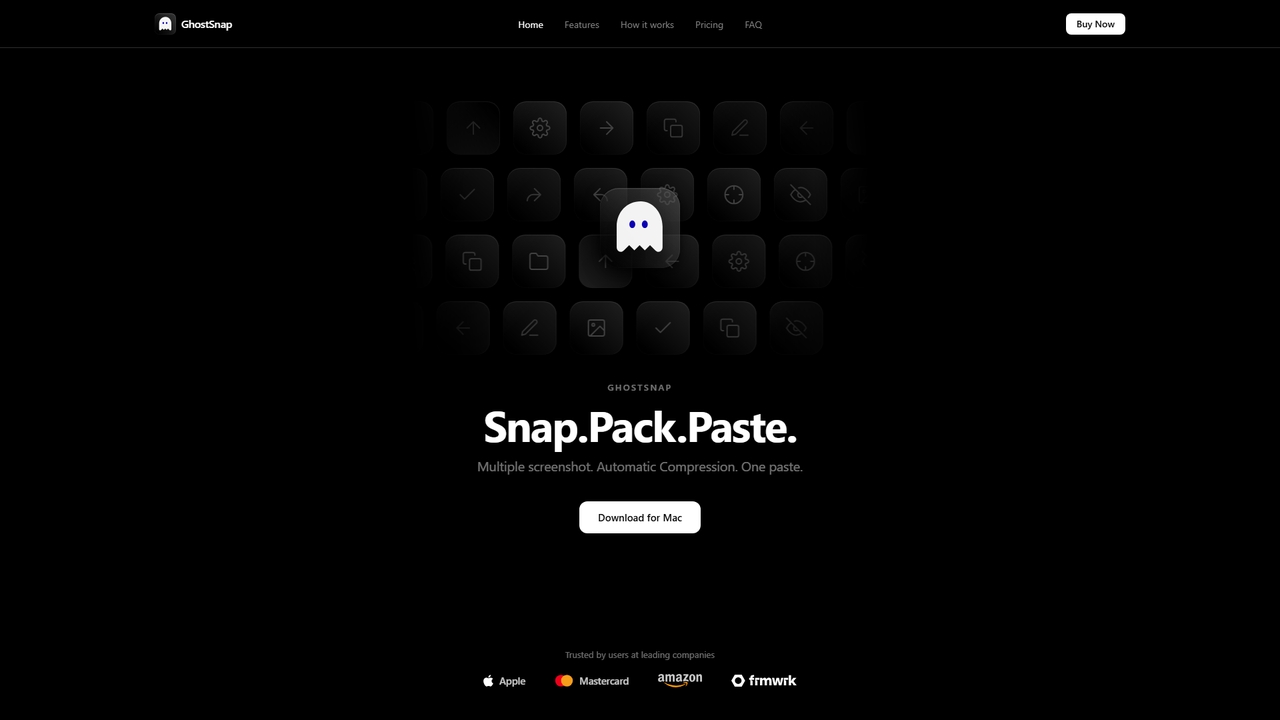
GhostSnap là một công cụ năng suất macOS giúp cách mạng hóa quy trình chụp ảnh màn hình. Nó cho phép người dùng chụp nhiều ảnh màn hình, tự động nén chúng lên đến 80% để tiết kiệm dung lượng và giảm việc sử dụng token trong các công cụ AI, và dán tất cả chỉ với một lệnh duy nhất. Nó cũng có tính năng trích xuất văn bản OCR cục bộ và công cụ chú thích hình ảnh.

VS
Screenity
Báo cáo lỗi · 43.8K lượt truy cập tháng

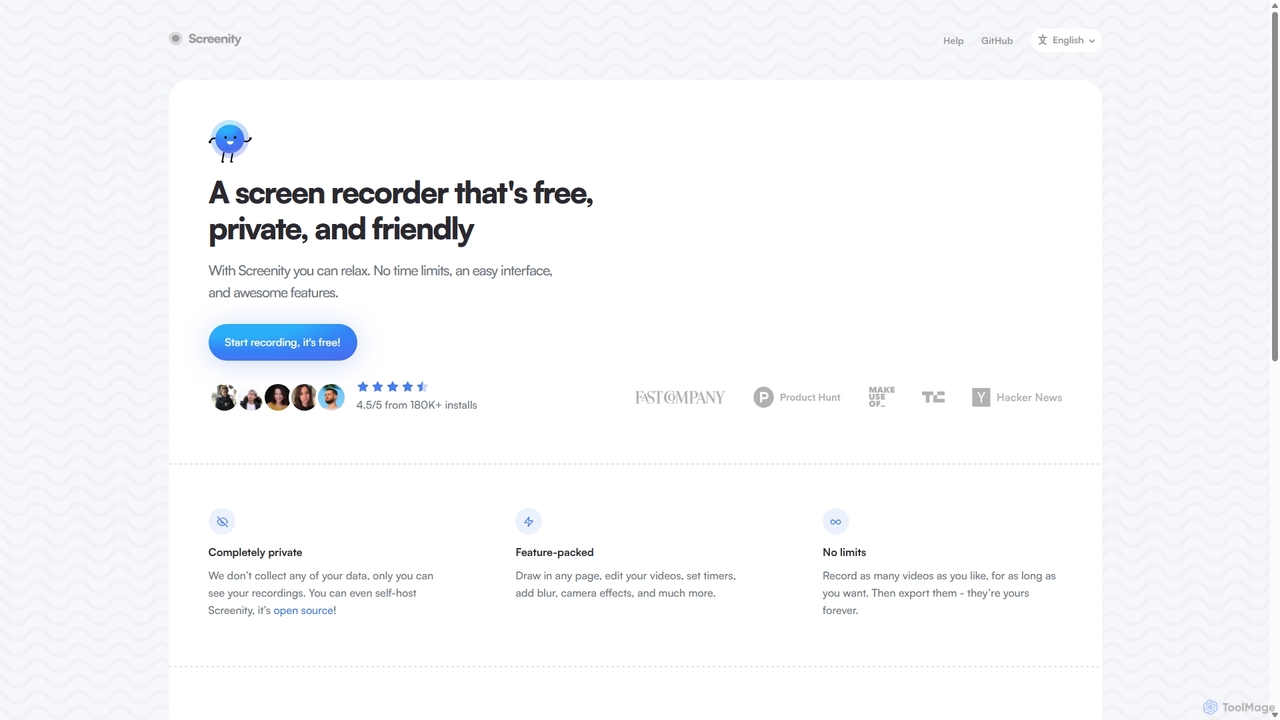
Screenity là một công cụ quay màn hình và camera mạnh mẽ, miễn phí và tập trung vào quyền riêng tư cho Chrome. Nó cung cấp tính năng ghi hình không giới hạn, công cụ chú thích và chỉnh sửa video cơ bản mà không thu thập bất kỳ dữ liệu người dùng nào. Lý tưởng để tạo hướng dẫn, demo và bài thuyết trình.

GhostSnap vs Screenity: giá, tính năng và lưu lượng

So sánh GhostSnap và Screenity theo định vị, giá, khả năng, lưu lượng và phản hồi người dùng.

Cập nhật 5 thg 8, 2026

Tổng quan sản phẩm

GhostSnap Tổng quan sản phẩm

GhostSnap là một công cụ năng suất macOS giúp cách mạng hóa quy trình chụp ảnh màn hình. Nó cho phép người dùng chụp nhiều ảnh màn hình, tự động nén chúng lên đến 80% để tiết kiệm dung lượng và giảm việc sử dụng token trong các công cụ AI, và dán tất cả chỉ với một lệnh duy nhất. Nó cũng có tính năng trích xuất văn bản OCR cục bộ và công cụ chú thích hình ảnh.
Preview

Screenity Tổng quan sản phẩm

Screenity là một công cụ quay màn hình và camera mạnh mẽ, miễn phí và tập trung vào quyền riêng tư cho Chrome. Nó cung cấp tính năng ghi hình không giới hạn, công cụ chú thích và chỉnh sửa video cơ bản mà không thu thập bất kỳ dữ liệu người dùng nào. Lý tưởng để tạo hướng dẫn, demo và bài thuyết trình.

Preview

Detailed feature comparison

FeatureGhostSnapScreenity
Danh mục chínhImage ToolsBáo cáo lỗi
Ngày thêm2026-05-222025-09-10
GiáTrả phíMiễn phí
Trang chính thứcghostsnap.appscreenity.io
Loại sản phẩmỨng dụngTiện ích trình duyệt
Performance data
Đánh giá người dùngChưa xác minhChưa xác minh
Bình luận00
Lượt truy cập tháng3.7K43.8K
Tăng trưởng thángChưa xác minh-1.6%
Yêu thích5111
DetailsXem chi tiếtXem chi tiết

GhostSnap vs Screenity monthly traffic

Compare GhostSnap and Screenity by monthly reach, traffic trend, visit depth, top regions, and acquisition sources.

How to interpret the traffic data

In the GhostSnap vs Screenity monthly traffic comparison, GhostSnap currently shows 3.7K visits and Screenity shows 43.8K; Screenity has about 12 times the visible traffic of GhostSnap, an absolute difference of about 40.2K visits. This reflects visible reach, not feature quality or paid users.

Only Screenity has complete third-party traffic details; GhostSnap uses visits recorded inside ToolMage. These scopes cannot estimate market share directly, and on-site views should not be treated as the product’s total website traffic.

GhostSnap monthly traffic:

Latest traffic

Lượt truy cập tháng
3.7K

Screenity monthly traffic:

Latest traffic

Lượt truy cập tháng
43.8K
Thời lượng trung bình
1:54
Trang mỗi lượt
2.65
Tỷ lệ thoát
40.47%
Data updated 2026-06-15

Monthly traffic trend

  • 2025/9: 45.9K Lượt truy cập tháng
  • 2026/1: 31.2K Lượt truy cập tháng
  • 2026/2: 34.2K Lượt truy cập tháng
  • 2026/3: 47K Lượt truy cập tháng
  • 2026/4: 44.5K Lượt truy cập tháng
  • 2026/5: 43.8K Lượt truy cập tháng

Khu vực hàng đầu

Top 5 countries/regions
Country/regionPercentageTraffic
🇺🇸United States46.14%20.2K
🇮🇳India21.26%9.3K
🇫🇷France12.83%5.6K
🇧🇷Brazil10.03%4.4K
🇻🇳Vietnam9.74%4.3K

Nguồn lưu lượng

Source typePercentageTraffic
Trực tiếp81.8%35.9K
Giới thiệu18.2%8K

Từ khóa tìm kiếm

record browser with censored partsscreemityscreenityscreen recorder-chromescreensity github
Traffic-based selection guidance: The current traffic scope is not sufficient for a reliable product ranking. Treat monthly visits as a market-interest signal, then decide using taxonomy, use cases, pricing, and a like-for-like trial rather than reading exposure as product capability.

Usage comparison

Compare the core capabilities of GhostSnap and Screenity

GhostSnap Core features

Image Tools
Annotation
OCR

Screenity Core features

Báo cáo lỗi
Tạo Hướng Dẫn
Tạo Video
Quay màn hình

Use cases

GhostSnap Use cases

chú thích
Chụp màn hình
batch
Bảng tạm
compression
macOS
OCR
năng suất
Ảnh chụp màn hình

Screenity Use cases

chú thích
Chụp màn hình
Tiện ích mở rộng Chrome
Công cụ miễn phí
Mã nguồn mở
Quyền riêng tư
trình ghi màn hình
Trình tạo Hướng dẫn
chỉnh sửa video
Quay video

Best suited roles

GhostSnap Best suited roles

Người sáng tạo nội dung
Hỗ trợ khách hàng
Lập trình viên phần mềm
Nhà thiết kế UI/UX
Chuyên gia tiếp thị kỹ thuật số
Nhà thiết kế đồ họa
Nhà nghiên cứu

Screenity Best suited roles

Người sáng tạo nội dung
Hỗ trợ khách hàng
Lập trình viên phần mềm
Nhà thiết kế UI/UX
nhà giáo dục
Giám đốc Marketing
Quản lý Sản phẩm
Người kiểm thử QA
Đại diện kinh doanh

GhostSnap vs Screenity:In-depth comparison and selection guidance

First decide whether the products solve the same kind of need

This in-depth GhostSnap vs Screenity comparison uses only the product records, taxonomy, audience, traffic, and community signals available on this page. GhostSnap is primarily listed under “Image Tools”, while Screenity is primarily listed under “Báo cáo lỗi”, so the first decision is whether your actual task matches their recorded scope.

The structured fields currently show these decision-relevant differences: Primary category (GhostSnap: Image Tools; Screenity: Báo cáo lỗi); Product type (GhostSnap: App; Screenity: Browser extension); Pricing (GhostSnap: Paid; Screenity: Free); Monthly visits (GhostSnap: 3.7K; Screenity: 43.8K); Favorites (GhostSnap: 5; Screenity: 111). These facts are more useful for selection than brand visibility alone.

What market visibility and monthly traffic mean

In the GhostSnap vs Screenity monthly traffic comparison, GhostSnap currently shows 3.7K visits and Screenity shows 43.8K; Screenity has about 12 times the visible traffic of GhostSnap, an absolute difference of about 40.2K visits. This reflects visible reach, not feature quality or paid users.

Only Screenity has complete third-party traffic details; GhostSnap uses visits recorded inside ToolMage. These scopes cannot estimate market share directly, and on-site views should not be treated as the product’s total website traffic.

The current traffic scope is not sufficient for a reliable product ranking. Treat monthly visits as a market-interest signal, then decide using taxonomy, use cases, pricing, and a like-for-like trial rather than reading exposure as product capability.

Product positioning, use cases, and roles

GhostSnap and Screenity currently overlap in shared tags: chú thích và Chụp màn hình; shared roles: Người sáng tạo nội dung, Hỗ trợ khách hàng, Lập trình viên phần mềm và Nhà thiết kế UI/UX. This can place both on the same shortlist, but it does not prove equal implementation, depth, or cost.

GhostSnap's unique categories/tags are Image Tools, Annotation, OCR, batch, Bảng tạm, compression, macOS và năng suất; Screenity's are Báo cáo lỗi, Tạo Hướng Dẫn, Tạo Video, Quay màn hình, Tiện ích mở rộng Chrome, Công cụ miễn phí, Mã nguồn mở và Quyền riêng tư. These unique fields are the strongest differentiators: validate the product whose recorded scope matches the task instead of following traffic alone.

What ratings, comments, and favorites can tell you

GhostSnap has no verified rating, 0 comments, 5 favorites, and 2 likes;Screenity has no verified rating, 0 comments, 111 favorites, and 110 likes。

Neither product has enough rating or comment samples for a credible reputation ranking.

Selection guidance by actual need

When to evaluate GhostSnap first

Put GhostSnap on the priority trial list when the task aligns with “Image Tools” and especially Image Tools, Annotation, OCR, batch, Bảng tạm và compression, or the users include Chuyên gia tiếp thị kỹ thuật số, Nhà thiết kế đồ họa và Nhà nghiên cứu. This follows recorded positioning and does not imply unlisted capabilities are absent.

GhostSnap also currently records: pricing is paid, product type is app, 3.7K on-site monthly views, no verified user rating. Verify any hard requirement around price, platform, or reach before trial, and do not let sparse review data substitute for testing.

When to evaluate Screenity first

Put Screenity on the priority trial list when the task aligns with “Báo cáo lỗi” and especially Báo cáo lỗi, Tạo Hướng Dẫn, Tạo Video, Quay màn hình, Tiện ích mở rộng Chrome và Công cụ miễn phí, or the users include nhà giáo dục, Giám đốc Marketing, Quản lý Sản phẩm và Người kiểm thử QA. This follows recorded positioning and does not imply unlisted capabilities are absent.

Screenity also currently records: pricing is free, product type is browser extension, 43.8K verified monthly visits, no verified user rating. Verify any hard requirement around price, platform, or reach before trial, and do not let sparse review data substitute for testing.

How to validate the recommendation before deciding

The available data describes positioning, public visibility, and community signals, but it cannot prove output quality, speed, integration effort, privacy, or long-term cost in your workflow. Before deciding, run the same representative tasks in GhostSnap and Screenity, then record completion time, accuracy, manual corrections, and the real paid threshold. A like-for-like trial turns this comparison into a defensible adoption decision.

Câu hỏi thường gặp

How should I choose between GhostSnap and Screenity?
Compare positioning, pricing, taxonomy, and traffic maturity, then verify the latest details on each official website.
Where does this comparison data come from?
The factual baseline is derived from product, taxonomy, traffic, and community data. Reviewed editorial conclusions show their source and verification date.
What do unknown fields mean?
Unknown means there is not enough reliable evidence; the page does not fill gaps with assumptions.