
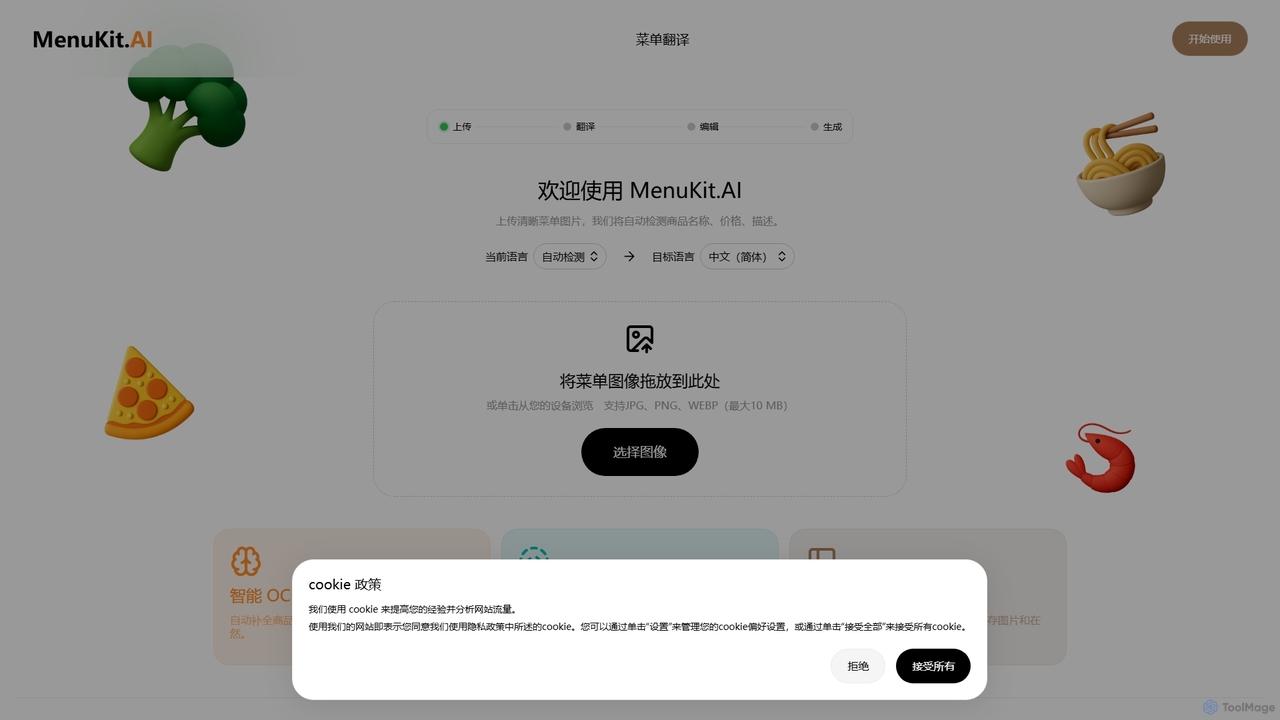
圖像處理 領域最好的 1 個 OCR AI 工具
圖像處理領域的OCR熱門 AI 工具包括 MenuKit 等,幫助您快速提升效率。
关于 OCR
OCR(光學字元辨識)工具是一類利用AI技術將圖像中的文字轉換為機器可讀、可編輯文字格式的解決方案。這類工具基於先進的電腦視覺和機器學習演算法,能夠實現實體文件和圖像的數位化,將靜態視覺資訊轉化為動態、可搜尋的資料。這項能力對於自動化資料輸入、優化文件管理以及提高資訊可存取性至關重要。
核心功能
- 高精度文字提取:精確地將掃描文件、照片或PDF中的印刷體或手寫體文字進行轉換。
- 多語言支援:辨識並處理多種語言的文字,滿足全球化需求。
- 版面保留:在轉換過程中保留原始文件的版面佈局,包括表格、分欄和圖像。
- 手寫辨識(HWR):專門辨識手寫內容並將其轉換為數位文字。
- 批次處理:高效地同時處理和轉換大量文件,顯著節省時間。
適用場景
OCR工具在各個領域對於數位化和處理基於文字的資訊至關重要。它們廣泛應用於法律和金融行業,用於將合約、發票和收據轉換為可搜尋的數位記錄。醫療保健提供者利用OCR將患者記錄和醫療表格轉換為電子格式,從而改善資料管理和可存取性。此外,圖書館和檔案館採用OCR來數位化歷史文獻,使其可搜尋並保護文化遺產。
選擇要點
選擇OCR工具時,需考慮幾個關鍵因素以確保其滿足您的特定需求。評估其準確性和語言支援,特別是對於複雜版面或多種語言。考察其整合能力,檢查是否提供與現有文件管理或業務系統的API或連接器。考慮其批次處理和速度以應對大批量任務,並審查解決方案的成本和可擴展性,以符合您的預算和未來增長。最後,優先選擇為敏感資料提供強大安全功能的工具。
OCR 应用场景
1
自動化發票資料輸入
財務團隊和小型企業主使用OCR自動從掃描或拍攝的發票中提取供應商名稱、發票號碼、金額和日期等關鍵資訊。這些資料隨後直接填充到會計軟體或ERP系統中,顯著減少了手動資料輸入錯誤,每週節省了數小時的行政工作,確保了更快的支付處理和更高的財務記錄準確性。
2
數位化歷史檔案
博物館、圖書館和歷史學會利用OCR將古老手稿、珍稀書籍和檔案文獻轉換為可搜尋的數位文字。這一過程不僅保護了脆弱的實物副本,還使全球研究人員和公眾能夠輕鬆存取大量的歷史資訊。使用者可以快速搜尋整個館藏中的特定關鍵字或短語,開啟新的研究可能性和文化洞察。
3
從身份證件中提取資訊
銀行、政府機構和酒店業部署OCR解決方案,以快速捕獲和驗證護照、駕駛執照和國民身份證等身份證明文件中的資料。在客戶入職或入住辦理過程中,OCR自動提取姓名、出生日期、地址和證件號碼,顯著加快了驗證速度,減少了手動錯誤,並增強了安全合規性。
4
Converting Scanned Legal Contracts
Law firms and legal departments use OCR to transform scanned legal documents, such as contracts, agreements, and court filings, into editable and searchable text. This enables legal professionals to quickly search for specific clauses, terms, or names within vast document repositories, facilitating faster document review, e-discovery processes, and efficient case management, ultimately saving significant time and resources.
5
Enhancing Accessibility for Visually Impaired
Individuals with visual impairments and accessibility organizations leverage OCR technology to convert printed materials, such as books, menus, and public notices, into digital text. This digital text can then be read aloud by screen readers or converted into braille, making information accessible to those who cannot read standard print. This application significantly promotes inclusivity and equal access to information for all.
6
Streamlining Inventory Management
Retailers, logistics companies, and manufacturers apply OCR to efficiently read and capture data from product labels, serial numbers, shipping manifests, and warehouse tags in images. This automates the process of updating inventory levels, tracking goods, and managing stock, reducing manual errors and accelerating supply chain operations. It allows for real-time inventory visibility and improved operational efficiency across the board.
相关分类
OCR 常见问题
什麼是OCR(光學字元辨識)?
OCR(光學字元辨識)是一種將圖像中的文字轉換為機器可讀文字的技術。它透過分析圖像中字元的視覺模式並將其與已知字元進行匹配來工作,從而有效地將印刷或手寫內容數位化。這使得使用者能夠搜尋、編輯和複製以前被鎖定在圖像中的文字,使資訊在文件歸檔和資料輸入自動化等各種應用中更易於存取和管理。
OCR與通用圖像處理有何不同?
雖然OCR是圖像處理的一種特殊形式,但其核心區別在於其具體目標:提取文字。通用圖像處理涵蓋更廣泛的任務,例如調整大小、過濾、增強或分析圖像中的視覺元素,其目的並非文字辨識。而OCR則專門專注於辨識和轉換文字內容。圖像處理技術通常可用作預處理步驟,以提高圖像品質,從而提高後續OCR操作的準確性。
選擇OCR工具時應考慮哪些關鍵因素?
選擇OCR工具時,應優先考慮其準確性,特別是對於多樣化的文件類型或手寫內容。根據您的營運需求,考慮其語言支援。評估透過API與現有系統的整合能力。針對大批量任務,評估其批次處理速度和可擴展性。關注敏感資料的安全功能,並了解其定價模式(例如,按頁、按交易、訂閱)。最後,檢查其版面保留功能,以在轉換後保持文件結構。
Can OCR tools recognize handwritten text?
Yes, many advanced OCR tools are equipped with Handwriting Recognition (HWR) capabilities, which is a specialized subset of OCR. While recognizing printed text is generally more straightforward, HWR utilizes sophisticated machine learning and deep learning models to interpret various styles of handwritten content. The accuracy of HWR can vary significantly depending on the clarity, neatness, and complexity of the handwriting, but modern solutions are increasingly effective at converting even challenging handwritten documents into digital text.
What are the main benefits of using OCR technology in business?
Implementing OCR technology in business offers several significant benefits. Firstly, it drives automation by converting manual data entry tasks into automated processes, saving time and reducing labor costs. Secondly, it enhances searchability and accessibility, making scanned documents fully searchable and information readily available. Thirdly, OCR improves data accuracy by minimizing human errors during transcription. Lastly, it boosts operational efficiency by accelerating document processing workflows, leading to faster decision-making and improved overall productivity across various departments.