frameable
仮想ワークスペース · 6.2K 月間訪問数
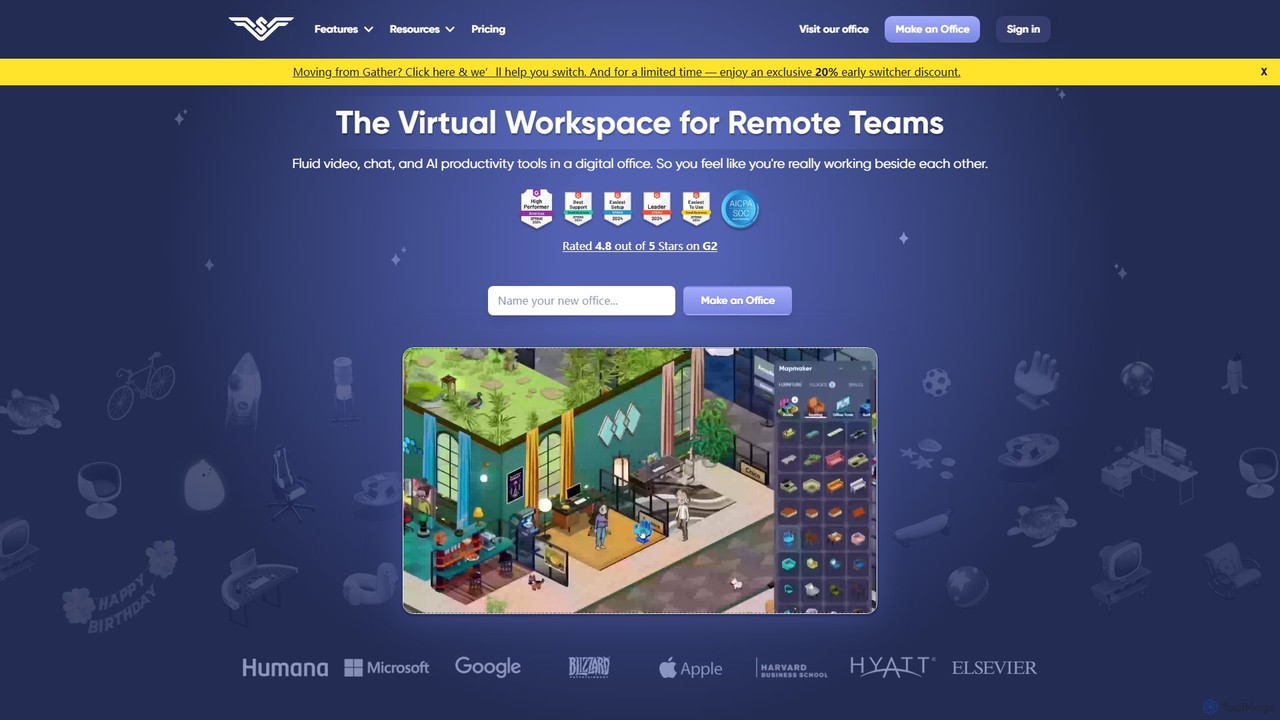
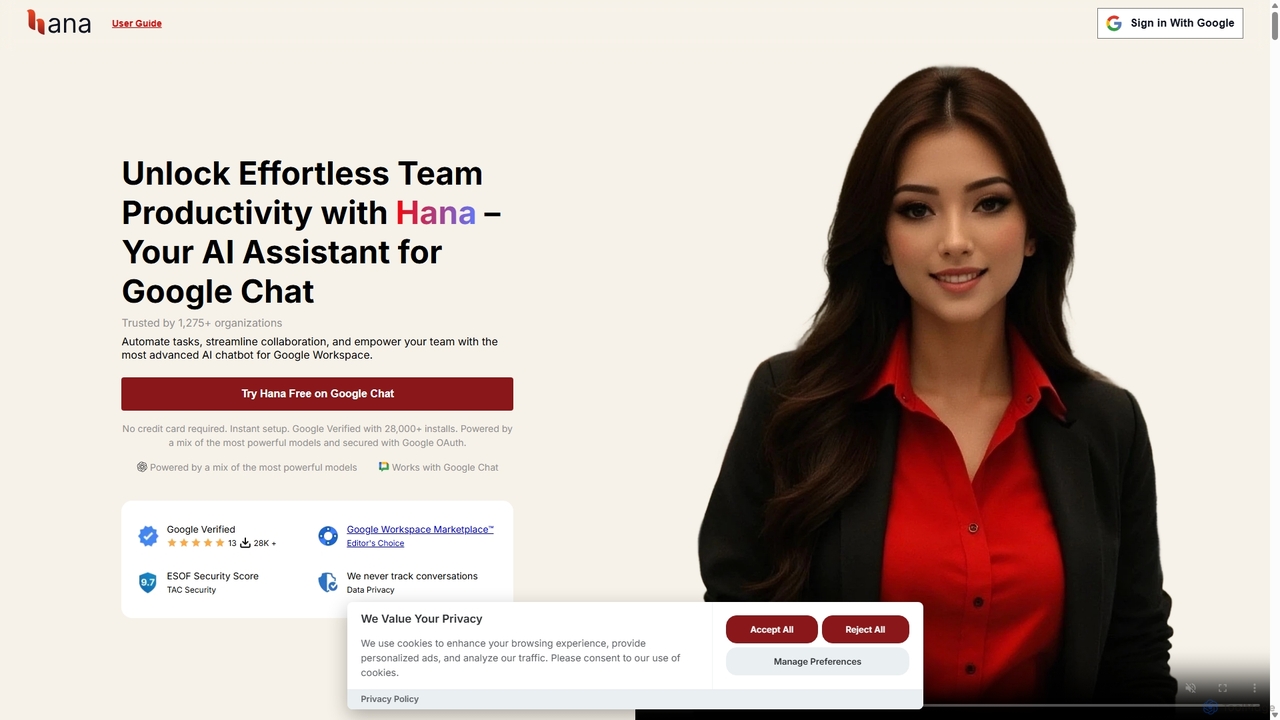
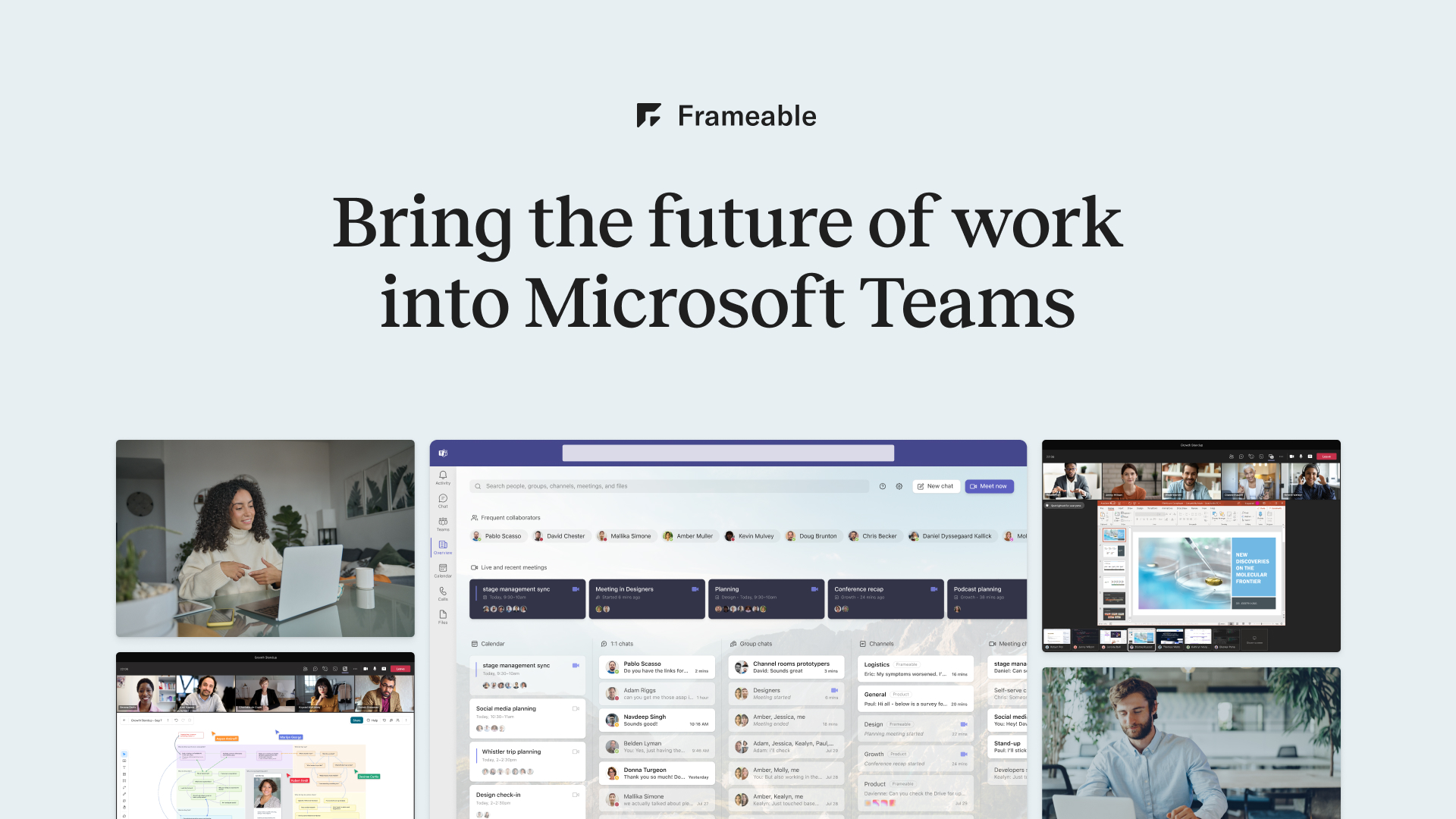
Frameableは、HDビデオ会議と永続的でインタラクティブなデジタルワークスペースを統合した高度な仮想コラボレーションプラットフォームです。リモートおよびハイブリッドチームが、統一された没入型の環境でコミュニケーション、ブレインストーミング、データ操作を行えるように設計されており、従来のオンライン会議を超えています。
Frameableは、HDビデオ会議と永続的でインタラクティブなデジタルワークスペースを統合した高度な仮想コラボレーションプラットフォームです。リモートおよびハイブリッドチームが、統一された没入型の環境でコミュニケーション、ブレインストーミング、データ操作を行えるように設計されており、従来のオンライン会議を超えています。
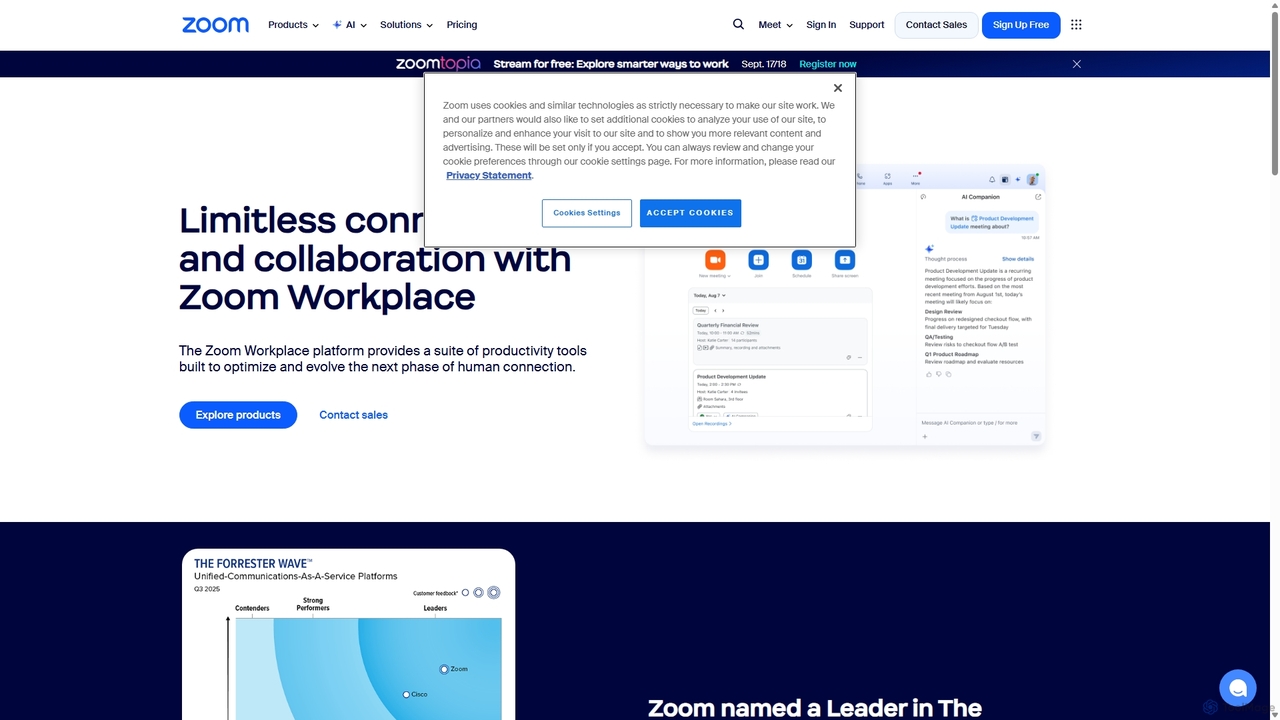
Zoomは、ビデオ会議、電話、チームチャット、ウェビナーなどを通じて人々をつなぐ、AIファーストの統合コラボレーションプラットフォームです。AI Companionを搭載し、ワークフローを合理化し、会議を要約し、あらゆる業界のリモートおよびハイブリッドチームの生産性を向上させます。
Frameableは、HDビデオ会議と永続的でインタラクティブなデジタルワークスペースを統合した高度な仮想コラボレーションプラットフォームです。リモートおよびハイブリッドチームが、統一された没入型の環境でコミュニケーション、ブレインストーミング、データ操作を行えるように設計されており、従来のオンライン会議を超えています。
Zoomは、ビデオ会議、電話、チームチャット、ウェビナーなどを通じて人々をつなぐ、AIファーストの統合コラボレーションプラットフォームです。AI Companionを搭載し、ワークフローを合理化し、会議を要約し、あらゆる業界のリモートおよびハイブリッドチームの生産性を向上させます。
Compare frameable and Zoom by monthly reach, traffic trend, visit depth, top regions, and acquisition sources.
In the frameable vs Zoom monthly traffic comparison, frameable currently shows 6.2K visits and Zoom shows 87.9M; Zoom has about 14,134.9 times the visible traffic of frameable, an absolute difference of about 87.9M visits. This reflects visible reach, not feature quality or paid users.
Both tools provide verified traffic details, so monthly trends, visit depth, regions, and acquisition sources can be compared on the same basis.
| Country/region | Percentage | Traffic |
|---|---|---|
| 🇺🇸United States | 38.82% | 2.4K |
| 🇮🇳India | 25.36% | 1.6K |
| 🇩🇪Germany | 18.65% | 1.2K |
| 🇻🇳Vietnam | 9.07% | 564 |
| 🇵🇰Pakistan | 8.1% | 504 |
| Country/region | Percentage | Traffic |
|---|---|---|
| 🇺🇸United States | 63.1% | 55.5M |
| 🇯🇵Japan | 19.35% | 17M |
| 🇮🇩Indonesia | 7.62% | 6.7M |
| 🇬🇧United Kingdom | 5% | 4.4M |
| 🇷🇺Russia | 4.93% | 4.3M |
| Source type | Percentage | Traffic |
|---|---|---|
| ダイレクト | 85.83% | 75.4M |
| 参照元 | 7.46% | 6.6M |
| Eメール | 6.71% | 5.9M |
This in-depth frameable vs Zoom comparison uses only the product records, taxonomy, audience, traffic, and community signals available on this page. frameable is primarily listed under “仮想ワークスペース”, while Zoom is primarily listed under “会議管理”, so the first decision is whether your actual task matches their recorded scope.
The structured fields currently show these decision-relevant differences: Primary category (frameable: 仮想ワークスペース; Zoom: 会議管理); Monthly visits (frameable: 6.2K; Zoom: 87.9M); Monthly growth (frameable: -20%; Zoom: 104.9%); Website (frameable: frameable.com; Zoom: zoom.com); Added (frameable: 2025-08-03; Zoom: 2025-09-10). These facts are more useful for selection than brand visibility alone.
In the frameable vs Zoom monthly traffic comparison, frameable currently shows 6.2K visits and Zoom shows 87.9M; Zoom has about 14,134.9 times the visible traffic of frameable, an absolute difference of about 87.9M visits. This reflects visible reach, not feature quality or paid users.
Both tools provide verified traffic details, so monthly trends, visit depth, regions, and acquisition sources can be compared on the same basis.
If public market visibility is an important first-pass criterion, investigate Zoom first. The final choice should still follow taxonomy, use case, and a real trial because higher traffic does not prove broader capabilities or better workflow fit.
frameable and Zoom currently overlap in shared categories: ビデオ会議、コラボレーション; shared tags: オンライン会議、リモートワーク、ビデオ会議. This can place both on the same shortlist, but it does not prove equal implementation, depth, or cost.
frameable's unique categories/tags are 仮想ワークスペース、コラボレーション、データ視覚化、デジタルホワイトボード、知識管理、チームコミュニケーション、バーチャルオフィス; Zoom's are 会議管理、文書管理、AIアシスタント、AIコンパニオン、チームコラボレーション、ユニファイドコミュニケーション、バーチャル会議、ウェビナー. These unique fields are the strongest differentiators: validate the product whose recorded scope matches the task instead of following traffic alone.
frameable has no verified rating, 0 comments, 125 favorites, and 110 likes;Zoom has no verified rating, 0 comments, 125 favorites, and 125 likes。
Neither product has enough rating or comment samples for a credible reputation ranking.
Put frameable on the priority trial list when the task aligns with “仮想ワークスペース” and especially 仮想ワークスペース、コラボレーション、データ視覚化、デジタルホワイトボード、知識管理、チームコミュニケーション. This follows recorded positioning and does not imply unlisted capabilities are absent.
frameable also currently records: pricing is freemium, product type is website, 6.2K verified monthly visits, no verified user rating. Verify any hard requirement around price, platform, or reach before trial, and do not let sparse review data substitute for testing.
Put Zoom on the priority trial list when the task aligns with “会議管理” and especially 会議管理、文書管理、AIアシスタント、AIコンパニオン、チームコラボレーション、ユニファイドコミュニケーション, or the users include 事業主、コンテンツクリエイター、カスタマーサポート、教育者. This follows recorded positioning and does not imply unlisted capabilities are absent.
Zoom also currently records: pricing is freemium, product type is website, 87.9M verified monthly visits, no verified user rating. Verify any hard requirement around price, platform, or reach before trial, and do not let sparse review data substitute for testing.
The available data describes positioning, public visibility, and community signals, but it cannot prove output quality, speed, integration effort, privacy, or long-term cost in your workflow. Before deciding, run the same representative tasks in frameable and Zoom, then record completion time, accuracy, manual corrections, and the real paid threshold. A like-for-like trial turns this comparison into a defensible adoption decision.
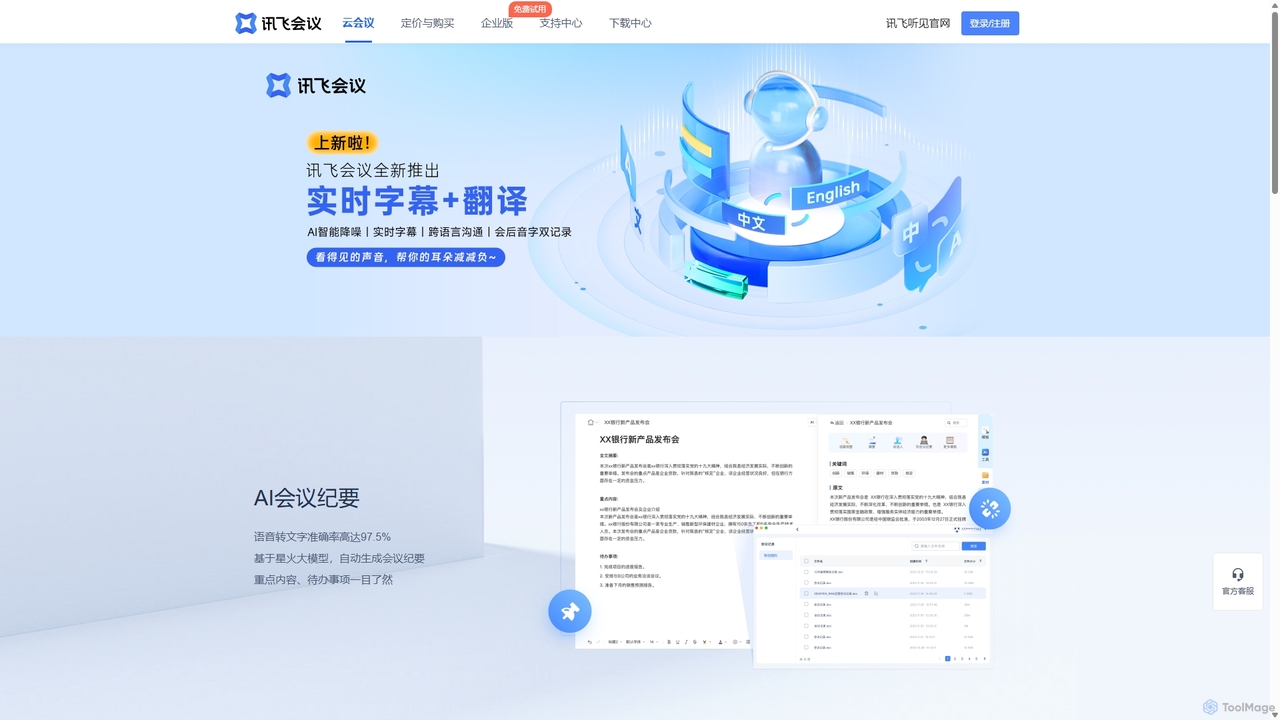
iFlytek Meetingは、AIを搭載したHDビデオ会議プラットフォームです。高精度のリアルタイム文字起こし、自動会議議事録、およびTo-Doリスト生成機能を提供します。安定したHDビデオ、クロスプラットフォーム対応、堅牢なセキュリティなどの機能により、個人、チーム、大企業の会議効率を向上させ、シームレスなリモートコラボレーション体験を実現します。
コミュニケーション
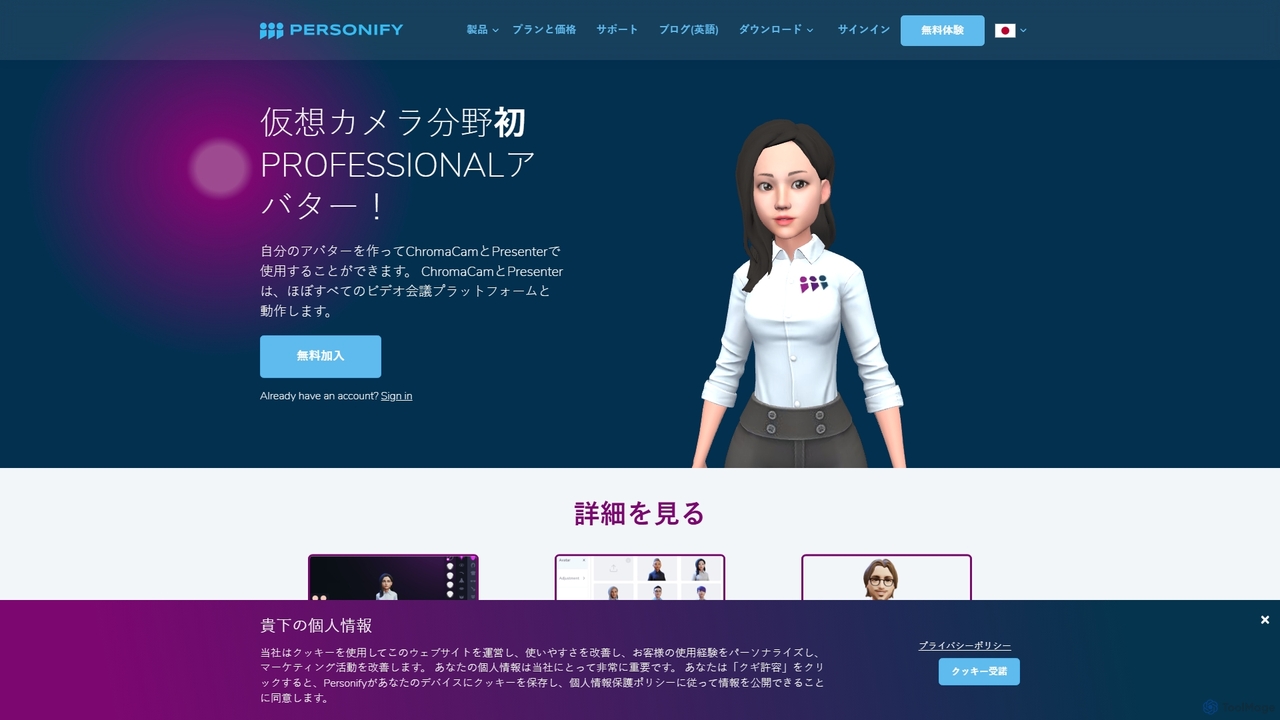
Personifyは、PresenterとChromaCamを含むAI搭載のバーチャルカメラツールスイートで、没入感のある魅力的なビデオプレゼンテーションを作成するために設計されています。ユーザーはコンテンツ上にビデオを重ねたり、カスタム3Dアバターを使用したり、あらゆるビデオ会議アプリで背景を置き換えたりすることができます。
バーチャルアイデンティティ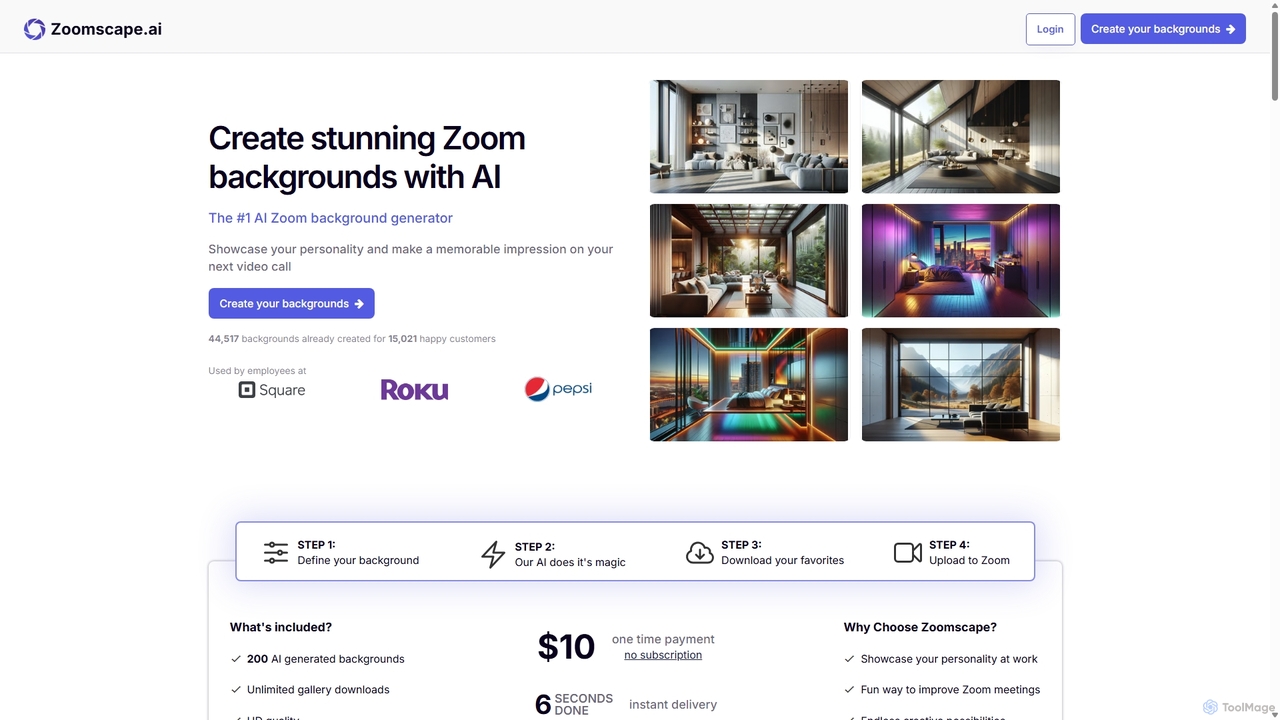
ZoomScape.aiは、Zoomやその他のビデオ会議プラットフォーム向けに、ユニークで美しい高解像度のバーチャル背景を数百種類作成するAI搭載ジェネレーターです。数秒であなたの個性を表現し、プロフェッショナルなブランドを強化し、会議をより魅力的にするパーソナライズされた背景を生成できます。
その他
Sliteは、AIを搭載したナレッジベースおよびチームコラボレーションツールです。信頼できる唯一の情報源として機能し、チームがドキュメントを整理し、知識を共有し、非同期で意思決定を行うのを支援します。中心的なAI機能である「Ask」により、ユーザーは自然言語の質問でワークスペース全体から回答を見つけ、情報を即座に利用できます。
社内コミュニケーション