ToolMage
Anmelden
Retina
3D · 4.9K monatliche besuche

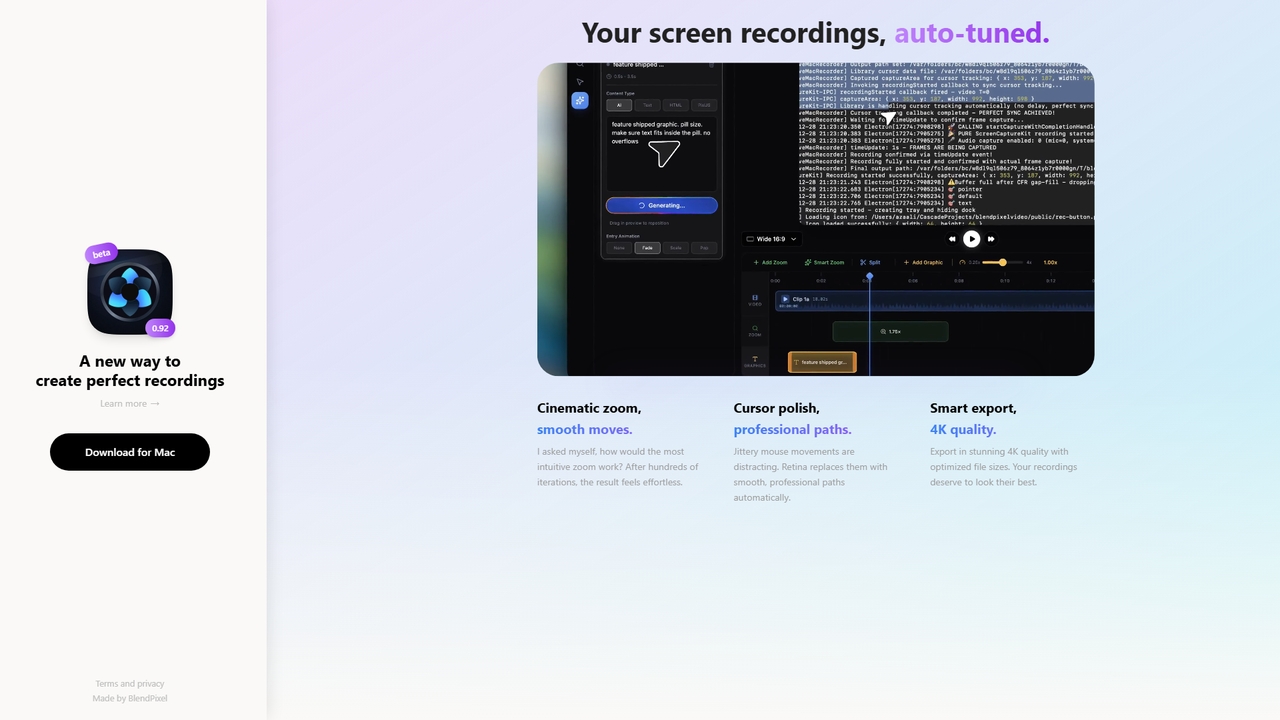
Retina ist ein Bildschirmaufnahme-Tool für macOS, das Aufnahmen automatisch mit filmischen Zooms, sanften Cursorwegen und intelligentem 4K-Export verfeinert. Derzeit im öffentlichen Beta-Stadium (kostenlos), mit dem Fokus darauf, Aufnahmen mühelos und schön zu gestalten.

VS
Screenity
Fehlerberichterstattung · 43.8K monatliche besuche

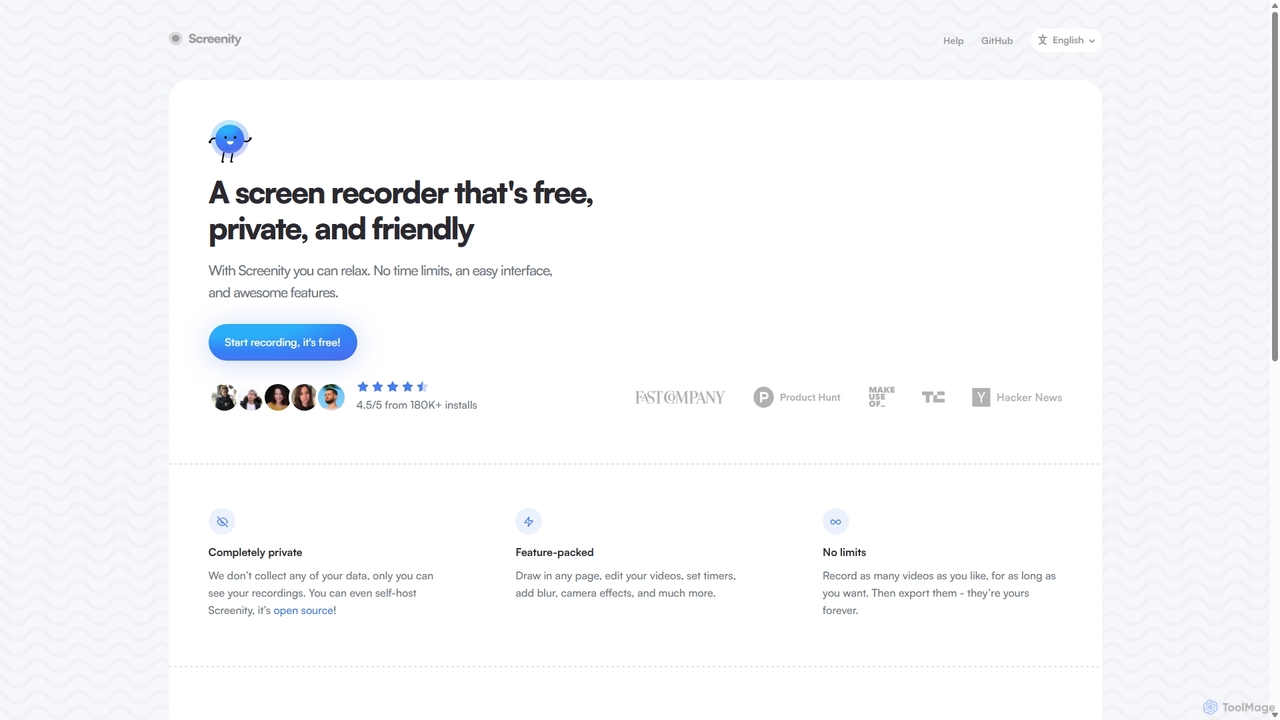
Screenity ist ein leistungsstarker, kostenloser und datenschutzfreundlicher Bildschirm- und Kamera-Rekorder für Chrome. Er bietet unbegrenzte Aufnahmen, Anmerkungswerkzeuge und grundlegende Videobearbeitung, ohne Benutzerdaten zu sammeln. Ideal für die Erstellung von Tutorials, Demos und Präsentationen.

Retina vs Screenity: Preise, Funktionen und Traffic

Vergleiche Retina und Screenity nach Positionierung, Preis, Funktionen, Traffic und Nutzerfeedback.

Aktualisiert 19.08.2026

Produktübersicht

Retina Produktübersicht

Retina ist ein Bildschirmaufnahme-Tool für macOS, das Aufnahmen automatisch mit filmischen Zooms, sanften Cursorwegen und intelligentem 4K-Export verfeinert. Derzeit im öffentlichen Beta-Stadium (kostenlos), mit dem Fokus darauf, Aufnahmen mühelos und schön zu gestalten.

Preview

Screenity Produktübersicht

Screenity ist ein leistungsstarker, kostenloser und datenschutzfreundlicher Bildschirm- und Kamera-Rekorder für Chrome. Er bietet unbegrenzte Aufnahmen, Anmerkungswerkzeuge und grundlegende Videobearbeitung, ohne Benutzerdaten zu sammeln. Ideal für die Erstellung von Tutorials, Demos und Präsentationen.

Preview

Detailed feature comparison

FeatureRetinaScreenity
Hauptkategorie3DFehlerberichterstattung
Hinzugefügt2026-05-222025-09-10
PreismodellKostenlosKostenlos
Offizielle Websiteblendpixel.comscreenity.io
ProdukttypAppBrowser-Erweiterung
Performance data
NutzerbewertungNicht verifiziertNicht verifiziert
Kommentare00
Monatliche Besuche4.9K43.8K
Monatliches WachstumNicht verifiziert-1.6%
Favoriten6118
DetailsDetails ansehenDetails ansehen

Retina vs Screenity monthly traffic

Compare Retina and Screenity by monthly reach, traffic trend, visit depth, top regions, and acquisition sources.

How to interpret the traffic data

In the Retina vs Screenity monthly traffic comparison, Retina currently shows 4.9K visits and Screenity shows 43.8K; Screenity has about 9 times the visible traffic of Retina, an absolute difference of about 38.9K visits. This reflects visible reach, not feature quality or paid users.

Only Screenity has complete third-party traffic details; Retina uses visits recorded inside ToolMage. These scopes cannot estimate market share directly, and on-site views should not be treated as the product’s total website traffic.

Retina is registered at the blendpixel.com/products/retina subpage. Because the current data does not state whether other host pages are excluded, treat this as domain-level context rather than independent traffic for one product or project.


Retina monthly traffic:

Latest traffic

Monatliche Besuche
4.9K

Screenity monthly traffic:

Latest traffic

Monatliche Besuche
43.8K
Ø Besuchsdauer
1:54
Seiten pro Besuch
2.65
Absprungrate
40.47%
Data updated 2026-06-15

Monthly traffic trend

  • 2025/9: 45.9K Monatliche Besuche
  • 2026/1: 31.2K Monatliche Besuche
  • 2026/2: 34.2K Monatliche Besuche
  • 2026/3: 47K Monatliche Besuche
  • 2026/4: 44.5K Monatliche Besuche
  • 2026/5: 43.8K Monatliche Besuche

Top-Regionen

Top 5 countries/regions
Country/regionPercentageTraffic
🇺🇸United States46.14%20.2K
🇮🇳India21.26%9.3K
🇫🇷France12.83%5.6K
🇧🇷Brazil10.03%4.4K
🇻🇳Vietnam9.74%4.3K

Traffic-Quellen

Source typePercentageTraffic
Direkt81.8%35.9K
Verweis18.2%8K

Suchbegriffe

record browser with censored partsscreemityscreenityscreen recorder-chromescreensity github
Traffic-based selection guidance: The current traffic scope is not sufficient for a reliable product ranking. Treat monthly visits as a market-interest signal, then decide using taxonomy, use cases, pricing, and a like-for-like trial rather than reading exposure as product capability.

Usage comparison

Compare the core capabilities of Retina and Screenity

Retina Core features

3D

Screenity Core features

Fehlerberichterstattung
Tutorial-Erstellung
Videoerstellung
Bildschirmaufnahme

Use cases

Retina Use cases

Tutorial-Ersteller
Videobearbeitung
4K-Export
cinematic zoom
cursor enhancement
macOS-App
Bildschirmaufnahme

Screenity Use cases

Tutorial-Ersteller
Videobearbeitung
Annotation
Chrome-Erweiterung
Kostenloses Tool
Open Source
Datenschutz
Screenshot
Bildschirmrekorder
Videoaufzeichnung

Best suited roles

Retina Best suited roles

Content Creator
Pädagoge
Marketing Manager
Produktmanager
Softwareentwickler
UX/UI Designer

Screenity Best suited roles

Content Creator
Pädagoge
Marketing Manager
Produktmanager
Softwareentwickler
Kundensupport
QA Tester
Vertriebsmitarbeiter
UI/UX Designer

Retina vs Screenity:In-depth comparison and selection guidance

First decide whether the products solve the same kind of need

This in-depth Retina vs Screenity comparison uses only the product records, taxonomy, audience, traffic, and community signals available on this page. Retina is primarily listed under “3D”, while Screenity is primarily listed under “Fehlerberichterstattung”, so the first decision is whether your actual task matches their recorded scope.

The structured fields currently show these decision-relevant differences: Primary category (Retina: 3D; Screenity: Fehlerberichterstattung); Product type (Retina: App; Screenity: Browser extension); Monthly visits (Retina: 4.9K; Screenity: 43.8K); Favorites (Retina: 6; Screenity: 118); Website (Retina: blendpixel.com; Screenity: screenity.io). These facts are more useful for selection than brand visibility alone.

What market visibility and monthly traffic mean

In the Retina vs Screenity monthly traffic comparison, Retina currently shows 4.9K visits and Screenity shows 43.8K; Screenity has about 9 times the visible traffic of Retina, an absolute difference of about 38.9K visits. This reflects visible reach, not feature quality or paid users.

Only Screenity has complete third-party traffic details; Retina uses visits recorded inside ToolMage. These scopes cannot estimate market share directly, and on-site views should not be treated as the product’s total website traffic.

Retina is registered at the blendpixel.com/products/retina subpage. Because the current data does not state whether other host pages are excluded, treat this as domain-level context rather than independent traffic for one product or project.

The current traffic scope is not sufficient for a reliable product ranking. Treat monthly visits as a market-interest signal, then decide using taxonomy, use cases, pricing, and a like-for-like trial rather than reading exposure as product capability.

Product positioning, use cases, and roles

Retina and Screenity currently overlap in shared tags: Tutorial-Ersteller und Videobearbeitung; shared roles: Content Creator, Pädagoge, Marketing Manager, Produktmanager und Softwareentwickler. This can place both on the same shortlist, but it does not prove equal implementation, depth, or cost.

Retina's unique categories/tags are 3D, 4K-Export, cinematic zoom, cursor enhancement, macOS-App und Bildschirmaufnahme; Screenity's are Fehlerberichterstattung, Tutorial-Erstellung, Videoerstellung, Bildschirmaufnahme, Annotation, Chrome-Erweiterung, Kostenloses Tool und Open Source. These unique fields are the strongest differentiators: validate the product whose recorded scope matches the task instead of following traffic alone.

What ratings, comments, and favorites can tell you

Retina has no verified rating, 0 comments, 6 favorites, and 5 likes;Screenity has no verified rating, 0 comments, 118 favorites, and 120 likes。

Neither product has enough rating or comment samples for a credible reputation ranking.

Selection guidance by actual need

When to evaluate Retina first

Put Retina on the priority trial list when the task aligns with “3D” and especially 3D, 4K-Export, cinematic zoom, cursor enhancement, macOS-App und Bildschirmaufnahme, or the users include UX/UI Designer. This follows recorded positioning and does not imply unlisted capabilities are absent.

Retina also currently records: pricing is free, product type is app, 4.9K on-site monthly views, no verified user rating. Verify any hard requirement around price, platform, or reach before trial, and do not let sparse review data substitute for testing.

When to evaluate Screenity first

Put Screenity on the priority trial list when the task aligns with “Fehlerberichterstattung” and especially Fehlerberichterstattung, Tutorial-Erstellung, Videoerstellung, Bildschirmaufnahme, Annotation und Chrome-Erweiterung, or the users include Kundensupport, QA Tester, Vertriebsmitarbeiter und UI/UX Designer. This follows recorded positioning and does not imply unlisted capabilities are absent.

Screenity also currently records: pricing is free, product type is browser extension, 43.8K verified monthly visits, no verified user rating. Verify any hard requirement around price, platform, or reach before trial, and do not let sparse review data substitute for testing.

How to validate the recommendation before deciding

The available data describes positioning, public visibility, and community signals, but it cannot prove output quality, speed, integration effort, privacy, or long-term cost in your workflow. Before deciding, run the same representative tasks in Retina and Screenity, then record completion time, accuracy, manual corrections, and the real paid threshold. A like-for-like trial turns this comparison into a defensible adoption decision.

Vergleichs-FAQ

How should I choose between Retina and Screenity?
Compare positioning, pricing, taxonomy, and traffic maturity, then verify the latest details on each official website.
Where does this comparison data come from?
The factual baseline is derived from product, taxonomy, traffic, and community data. Reviewed editorial conclusions show their source and verification date.
What do unknown fields mean?
Unknown means there is not enough reliable evidence; the page does not fill gaps with assumptions.

Related AI tools

Tella
Freemium

Tella

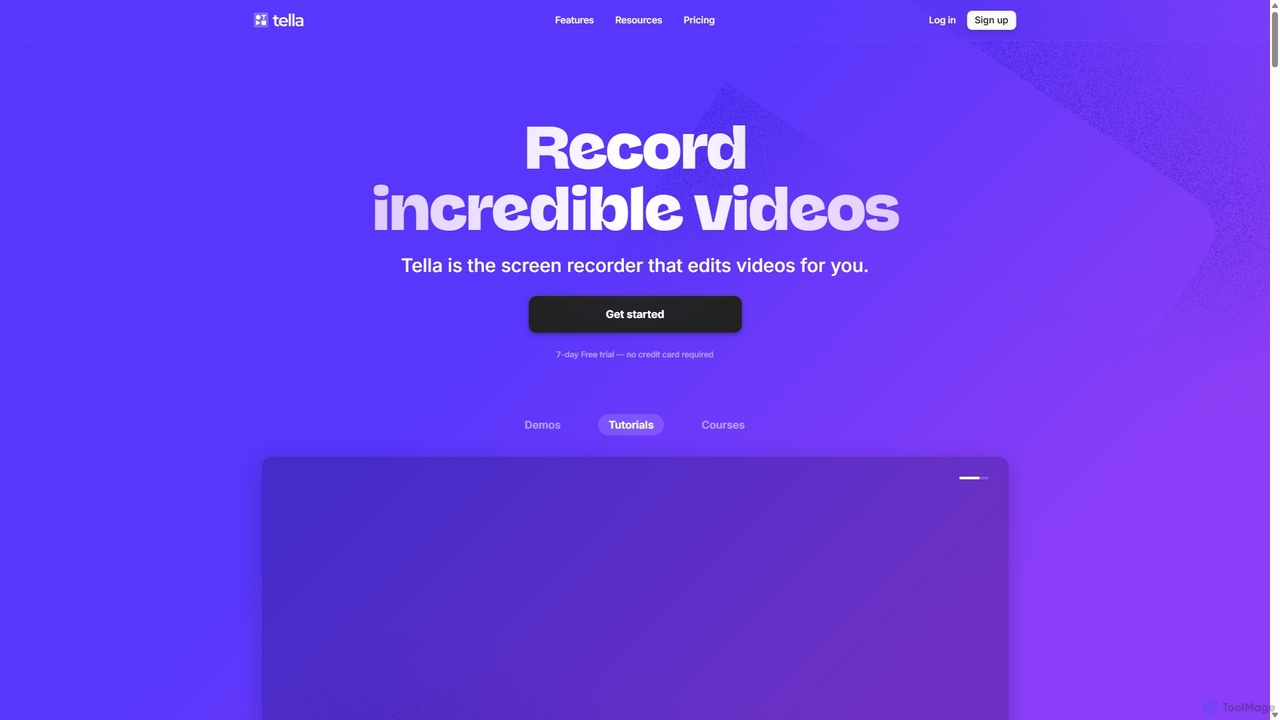
Tella ist ein KI-gestützter Bildschirmrekorder und Video-Editor für Mac & Windows, der die Videoerstellung vereinfacht. Er entfernt automatisch Pausen und Füllwörter, bietet eine transkriptbasierte Bearbeitung und professionelle Anpassungsoptionen wie Hintergründe, Layouts und Zooms. Ideal für die Erstellung von Tutorials, Produktdemos und Online-Kursen in Minuten, nicht Stunden.

E-Learning
Visits 385.4KFavorites 130Likes 127
Tight Studio
Freemium

Tight Studio

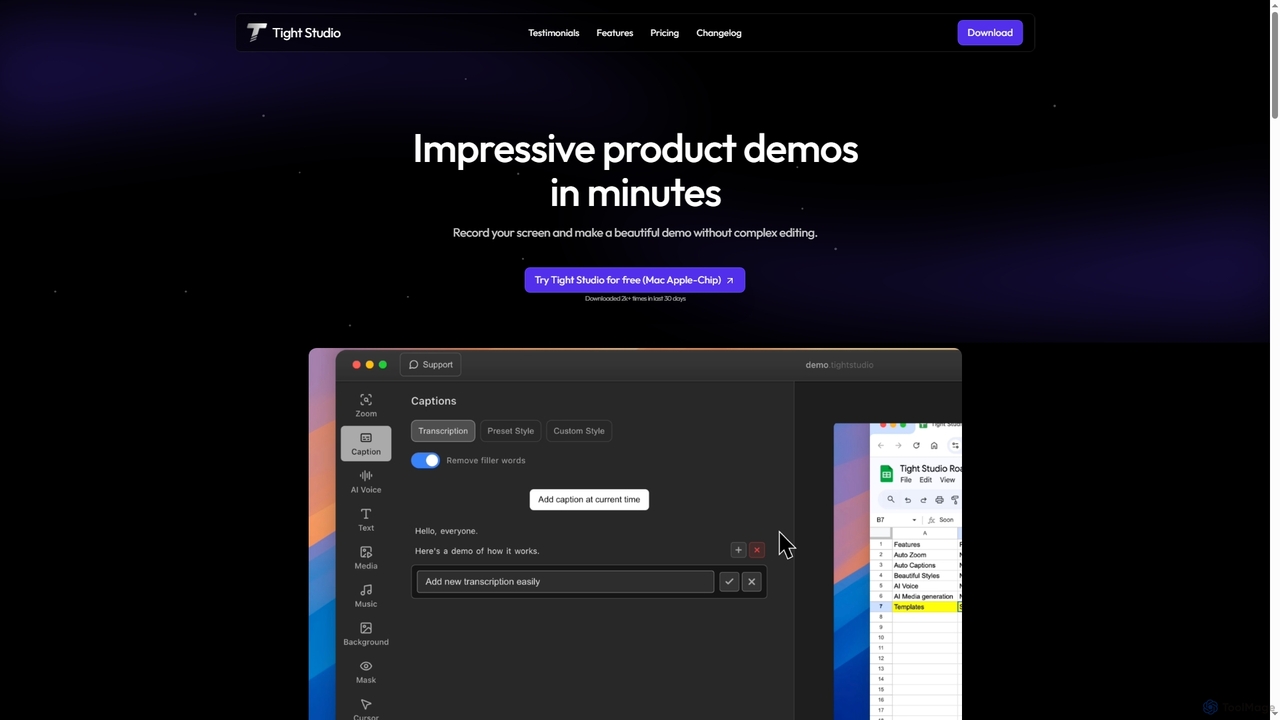
Tight Studio ist eine KI-gestützte Bildschirmaufnahme- und Videobearbeitungsanwendung für Mac, die entwickelt wurde, um professionelle Produktdemos und Tutorials in Minuten zu erstellen. Es verfügt über intelligenten Zoom, automatische Untertitel, KI-Narration und einen intuitiven Editor, der es Benutzern ohne Bearbeitungsfähigkeiten ermöglicht, mühelos hochwertige und ansprechende Videos zu produzieren.

Tutorials
Visits 4.8KFavorites 104Likes 99
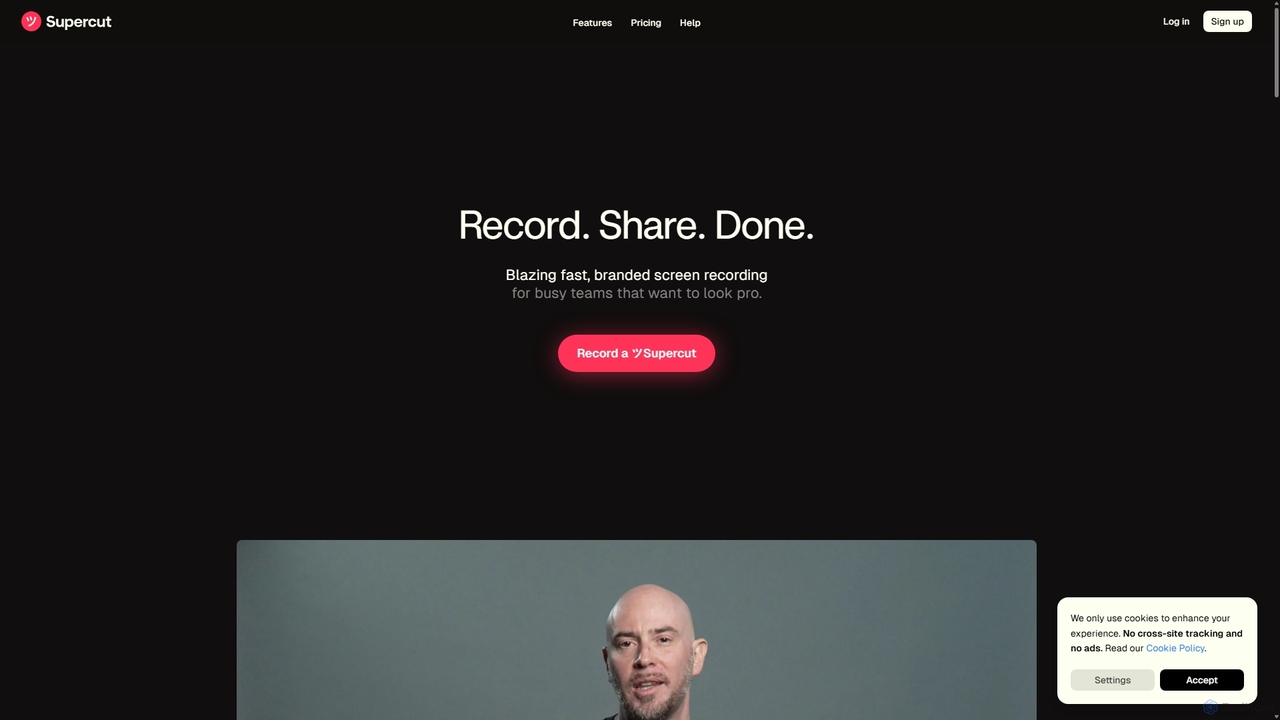
Supercut
Free

Supercut

Supercut ist ein KI-gestütztes Bildschirmaufzeichnungstool, das für Teams entwickelt wurde, um professionelle, gebrandete Videos in Höchstgeschwindigkeit zu erstellen. Es automatisiert mühsame Aufgaben wie die Kapitelerstellung und Bearbeitung, sodass Benutzer sofort aufnehmen, teilen und Ergebnisse erzielen können. Ideal für Vertrieb, Kundensupport und Teamkollaboration.

Helpdesk
Visits 4.2KFavorites 134Likes 129
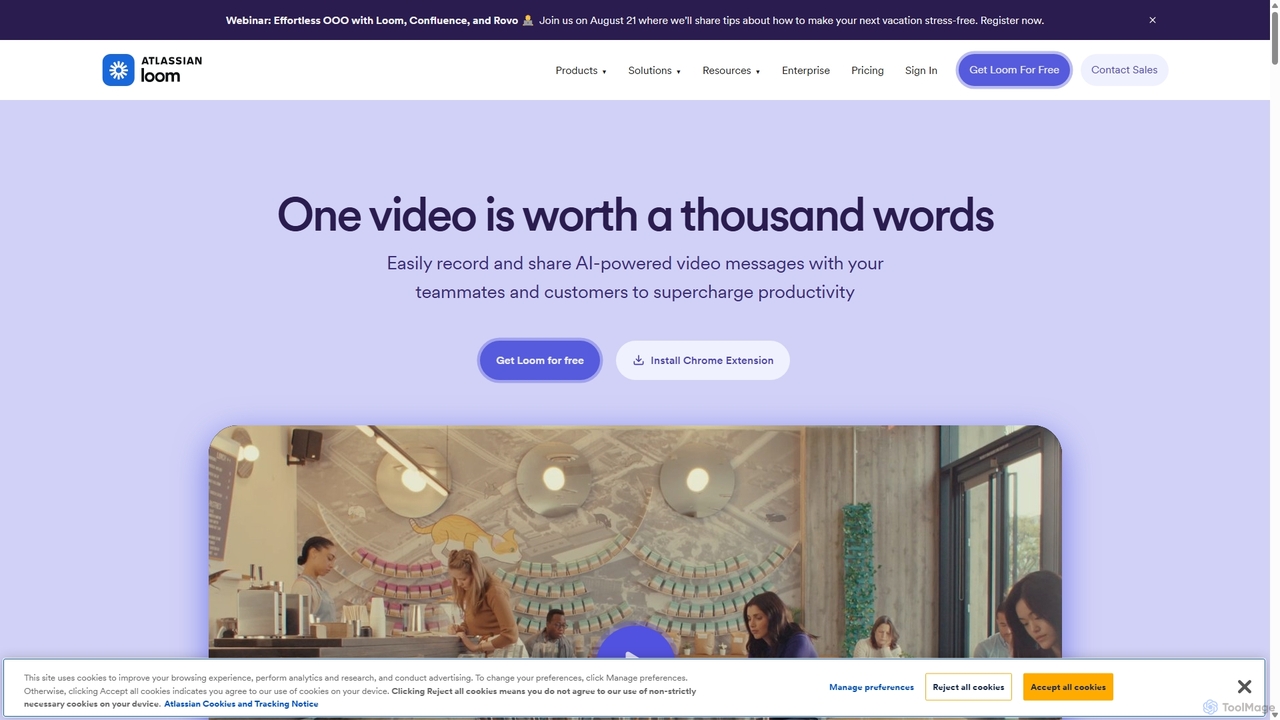
Loom
Freemium

Loom

Loom ist eine KI-gestützte Videonachrichten-Plattform für die Arbeit, die es Benutzern ermöglicht, ihren Bildschirm, ihre Kamera und ihr Audio sofort aufzuzeichnen und zu teilen. Sie optimiert die Kommunikation, reduziert Meetings und verbessert die Teamzusammenarbeit mit Funktionen wie KI-gestützten Zusammenfassungen, Transkriptionen und Bearbeitungswerkzeugen.

Teammanagement
Visits 17.4MFavorites 139Likes 141
Jyek
AD

Jyek

Jyek ist eine KI-Agenten-Plattform, die Ziele versteht, Ausführungspläne erstellt, Werkzeuge nutzt und überprüfbare Ergebnisse für komplexe, mehrstufige Aufgaben liefert.

Automatisierung
Visits 2.6KFavorites 4Likes 6
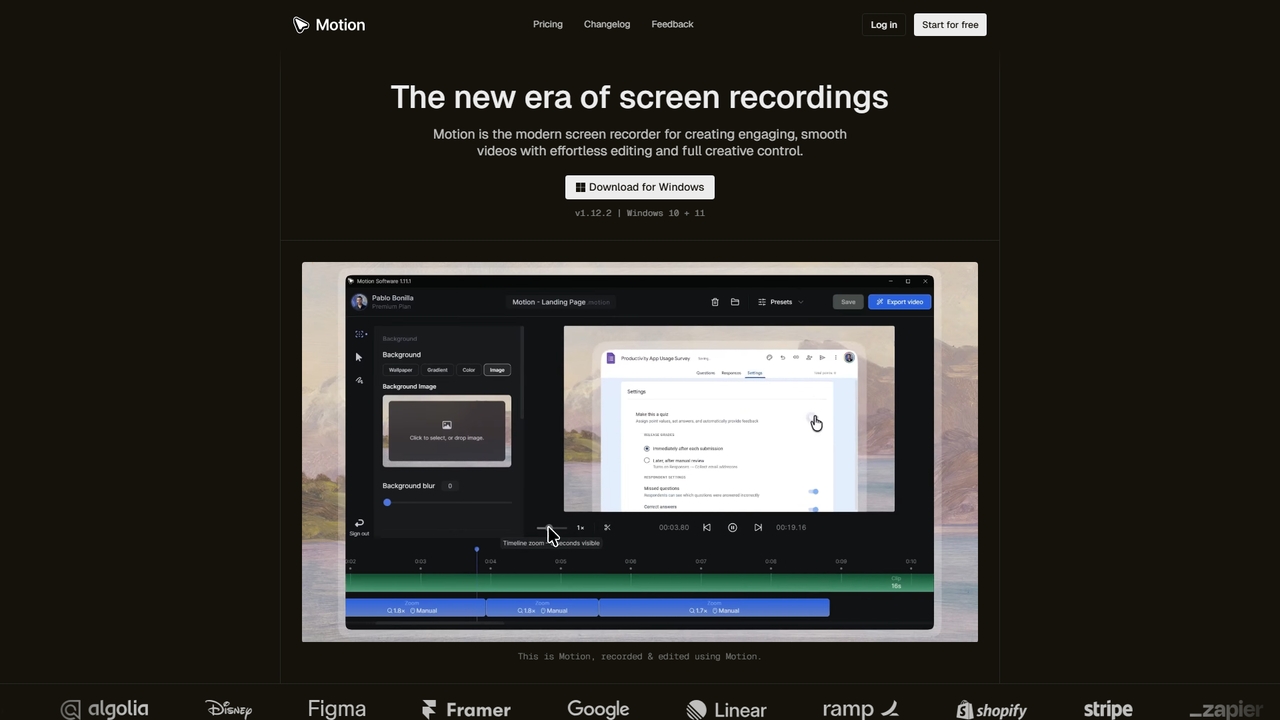
Motion
Freemium

Motion

Motion ist ein modernes Bildschirmaufnahme- und Videobearbeitungstool, das speziell für Windows entwickelt wurde. Es ermöglicht mühelos die Erstellung flüssiger, professioneller Bildschirmaufnahmen mit integrierten intelligenten Bearbeitungswerkzeugen, die Animationen wie Cursor-Bewegungen und Zooms automatisch verarbeiten. Perfekt zum Erstellen von Tutorials, Demos, Marketinginhalten und mehr, bietet Motion einen leistungsstarken und intuitiven Arbeitsbereich für Anfänger und Profis.

Präsentationen
Visits 6.5KFavorites 7Likes 9
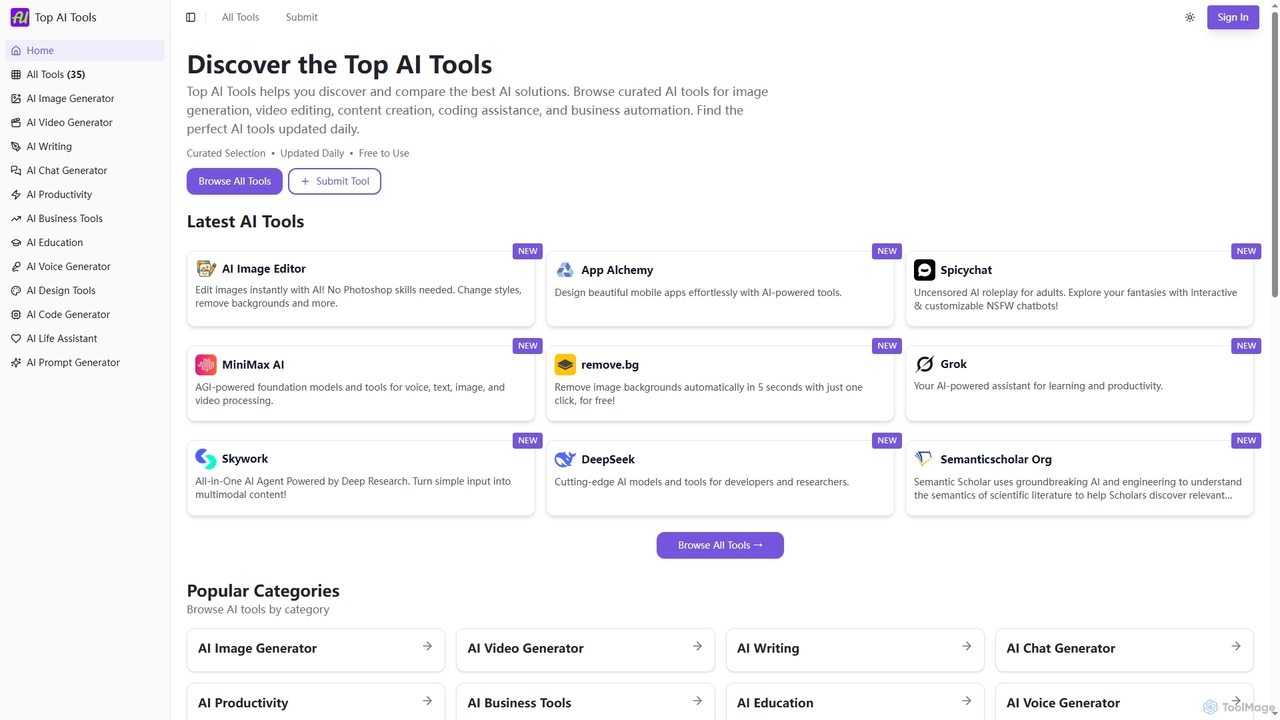
Top AI Tools
Free

Top AI Tools

Top AI Tools ist ein umfassendes, kostenloses Verzeichnis, das Benutzern hilft, die besten KI-gestützten Softwarelösungen in verschiedenen Kategorien zu entdecken, zu vergleichen und zu erkunden. Es bietet kuratierte Listen, detaillierte Informationen zu Funktionen und Preisen sowie tägliche Updates, um die Suche nach dem perfekten KI-Tool für jeden Bedarf zu vereinfachen.

Entdeckung
Visits 11.8KFavorites 124Likes 120
Velo
Freemium

Velo

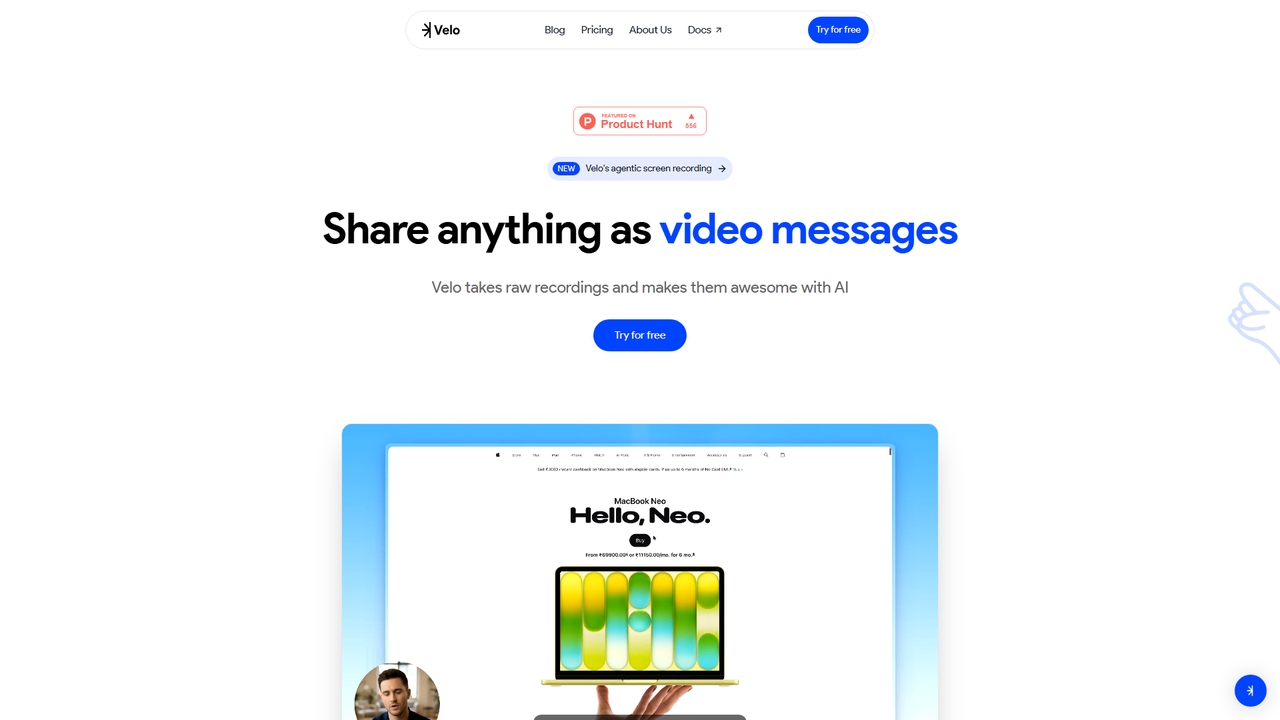
Velo ist eine KI-gestützte Videomessaging-Plattform, die unbearbeitete Bildschirmaufnahmen in professionelle, teilerbereite Videos verwandelt. Sie nutzt agentenbasierte Bildschirmaufzeichnung und erstellt hyperrealistische KI-Avatare, um Vertriebs-, Produkt-, Support-, Marketing-, Bildungs- und Creator-Teams dabei zu helfen, komplexe Ideen mühelos zu kommunizieren.

Training
Visits 24.2KFavorites 12Likes 16
WowTo
Freemium

WowTo

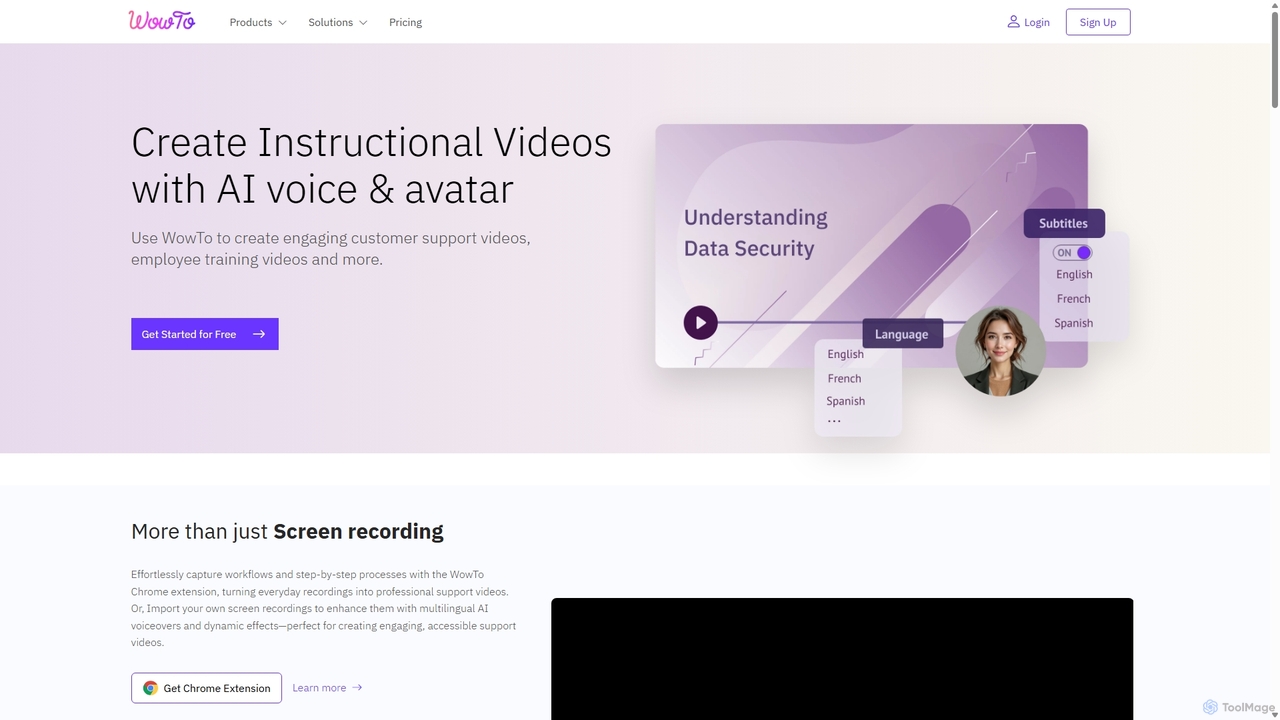
WowTo ist eine KI-gestützte Plattform, die entwickelt wurde, um professionelle Anleitungs-, Support- und Schulungsvideos in Minuten zu erstellen. Sie wandelt Bildschirmaufnahmen, Text oder bestehende Präsentationen in ansprechende, mehrsprachige Videos mit KI-Stimmen um und hilft Unternehmen, Support-Tickets zu reduzieren und das Onboarding von Benutzern zu verbessern.

Helpdesk
Visits 15.3KFavorites 95Likes 84
Zoom
Freemium

Zoom

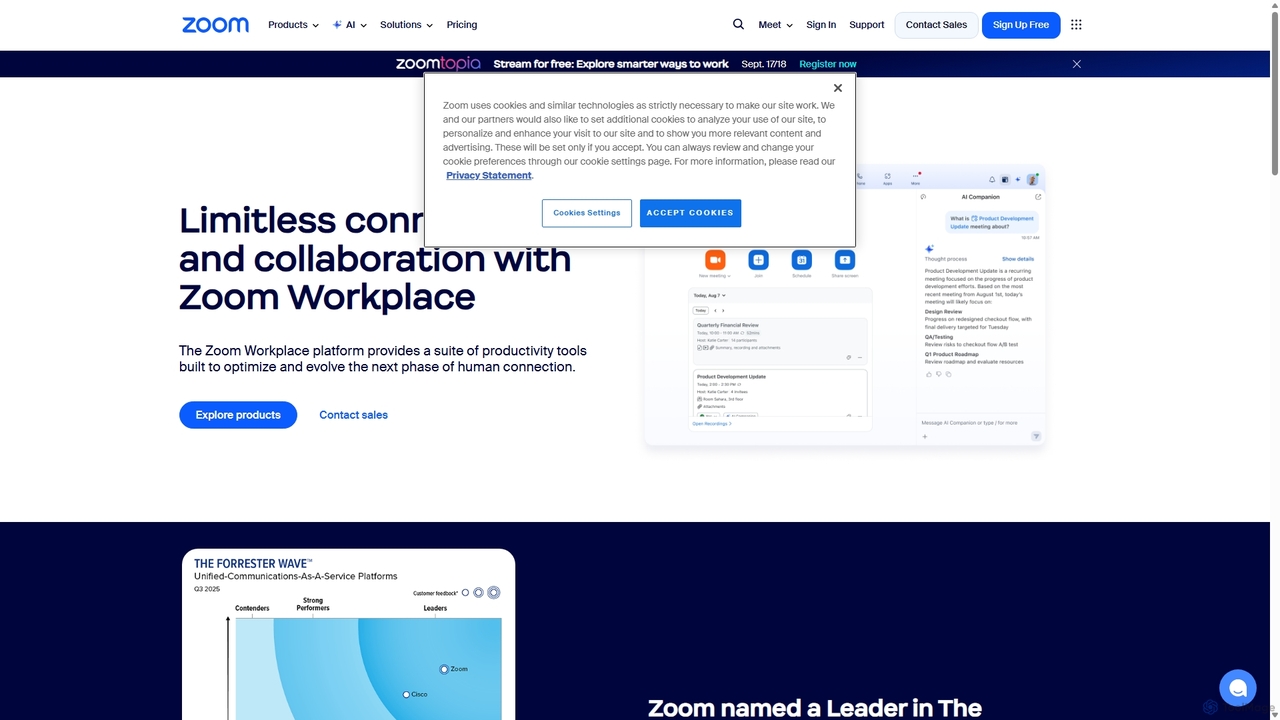
Zoom ist eine KI-gestützte, einheitliche Kollaborationsplattform, die Menschen durch Videomeetings, Telefonanrufe, Team-Chat, Webinare und mehr verbindet. Mit dem AI Companion optimiert sie Arbeitsabläufe, fasst Meetings zusammen und steigert die Produktivität für Remote- und Hybrid-Teams in allen Branchen.

Besprechungsmanagement
Visits 87.9MFavorites 123Likes 122
CueCam Presenter
Freemium

CueCam Presenter

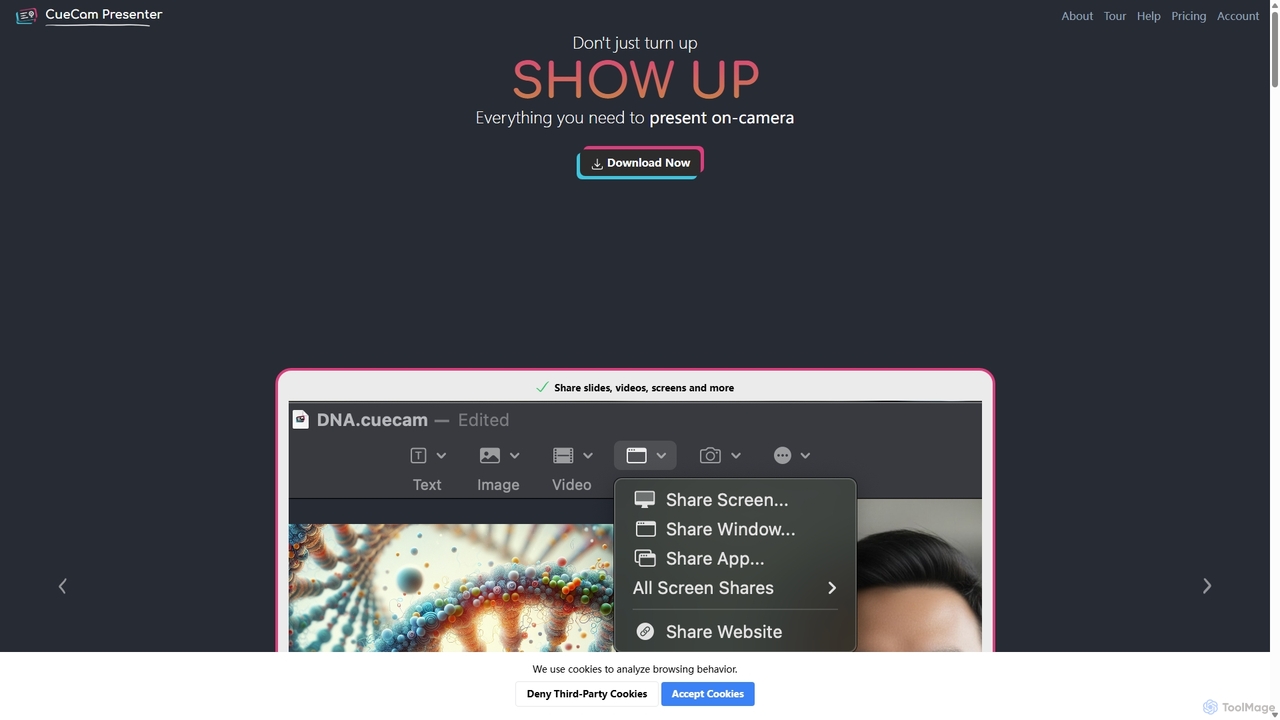
Eine leistungsstarke Mac-Anwendung, die Ihre Webcam in ein professionelles Präsentationsstudio verwandelt. Sie integriert einen Teleprompter, intelligente Stichwortkarten, Bildschirmfreigabe und Live-Anmerkungen über das iPad. Ideal für Remote-Anrufe, Videoaufnahmen und Live-Streaming, vereinfacht es komplexe Produktionsabläufe auf einen einzigen "Weiter"-Button.

Live-Streaming
Visits 5.4KFavorites 115Likes 98
Lit.Codes Chat
Freemium

Lit.Codes Chat

Eine datenschutzorientierte KI-Chat-Oberfläche, die Zugriff auf eine breite Palette fortschrittlicher GPT-Modelle, einschließlich GPT-4o, bietet. Sie verfügt über einen Ende-zu-Ende-verschlüsselten Chatverlauf und eine praktische Chrome-Erweiterung, was sie zu einem sicheren und vielseitigen Werkzeug für Entwickler, Autoren und Fachleute macht, die leistungsstarke KI-Unterstützung suchen, ohne die Datensicherheit zu beeinträchtigen.

Programmierassistent
Visits 4.3KFavorites 118Likes 109
OpenResume
Free

OpenResume

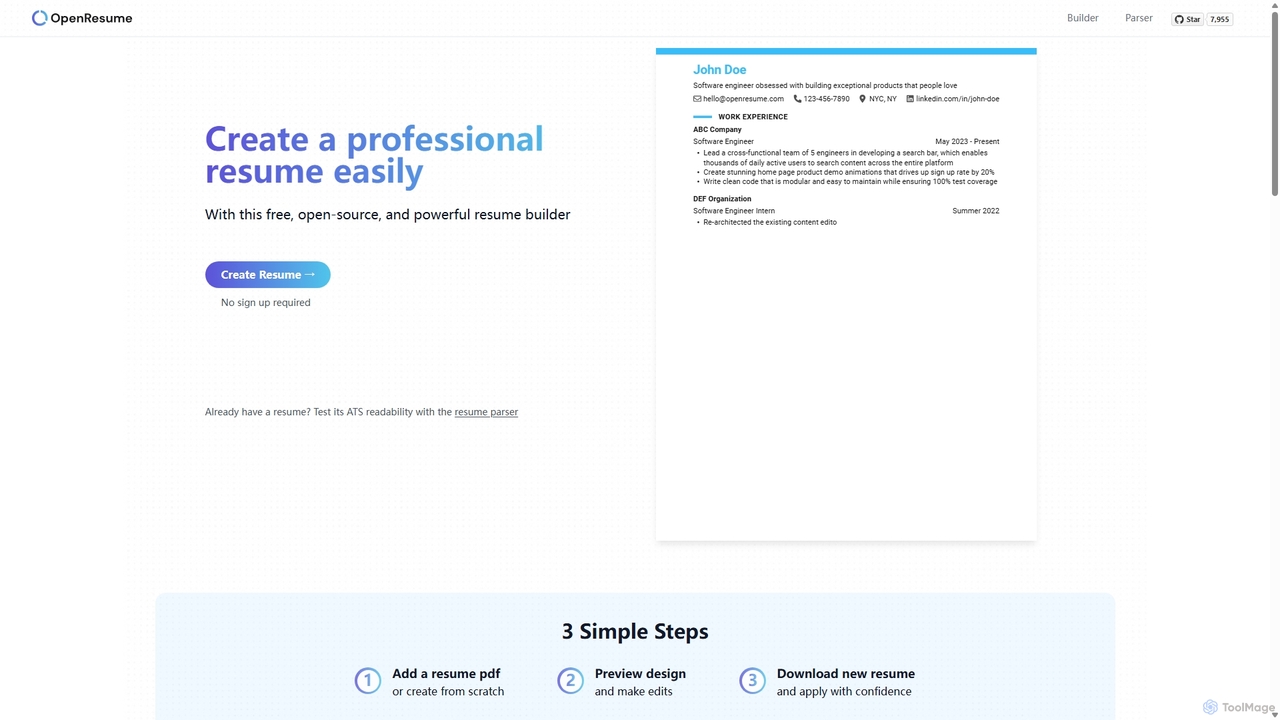
OpenResume ist ein kostenloser, quelloffener Lebenslauf-Ersteller und ATS-Parser, der Ihnen hilft, mühelos professionelle Lebensläufe zu erstellen. Er priorisiert die Privatsphäre der Benutzer ohne Anmeldung und mit lokaler Datenspeicherung und ist für die Standards des US-Arbeitsmarktes und Bewerber-Tracking-Systeme (ATS) optimiert, um Ihre Chancen auf ein Vorstellungsgespräch zu erhöhen.

Karriere
Visits 87.2KFavorites 113Likes 95
Typebot
Freemium

Typebot

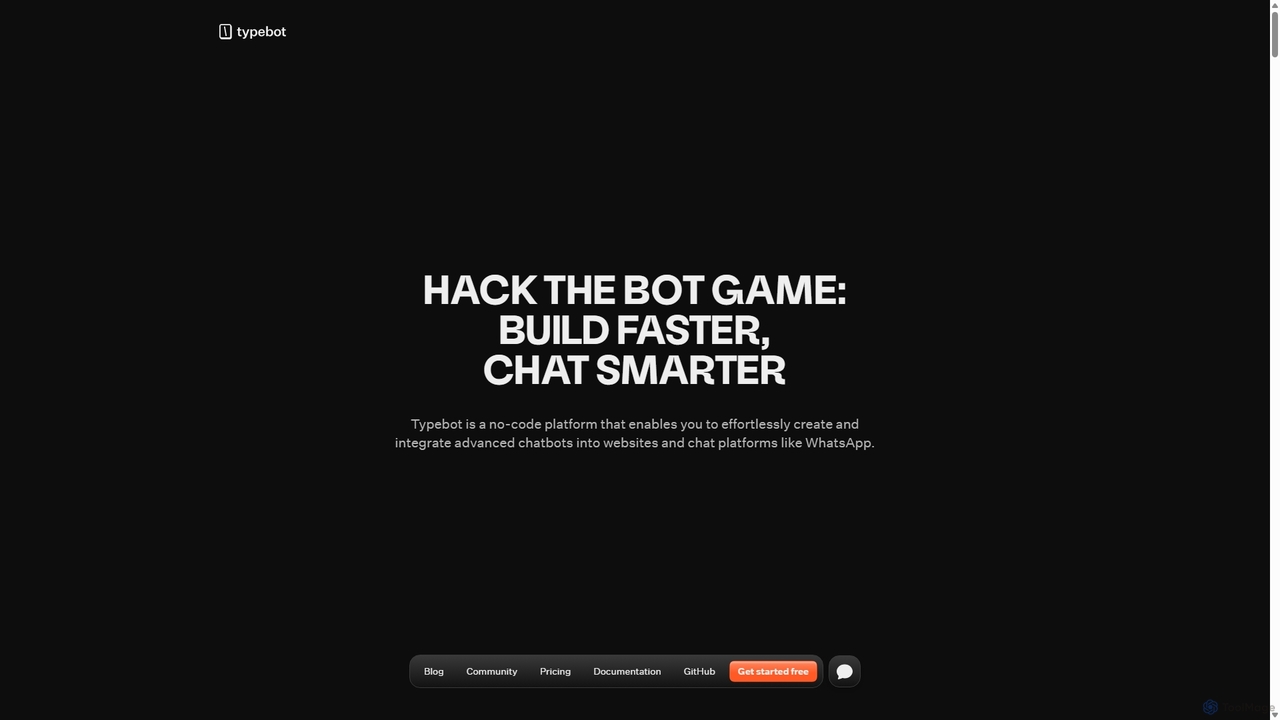
Typebot ist eine Open-Source-No-Code-Plattform zur Erstellung fortschrittlicher Konversations-Apps und Chatbots. Sie ermöglicht es Benutzern, ansprechende, interaktive Erlebnisse für Marketing, Vertrieb und Support zu schaffen und diese auf Websites, WhatsApp und anderen Plattformen bereitzustellen, um Konversionen zu steigern und die Kommunikation zu automatisieren.

Chatbots
Visits 86.8KFavorites 96Likes 105
Descript
Freemium

Descript

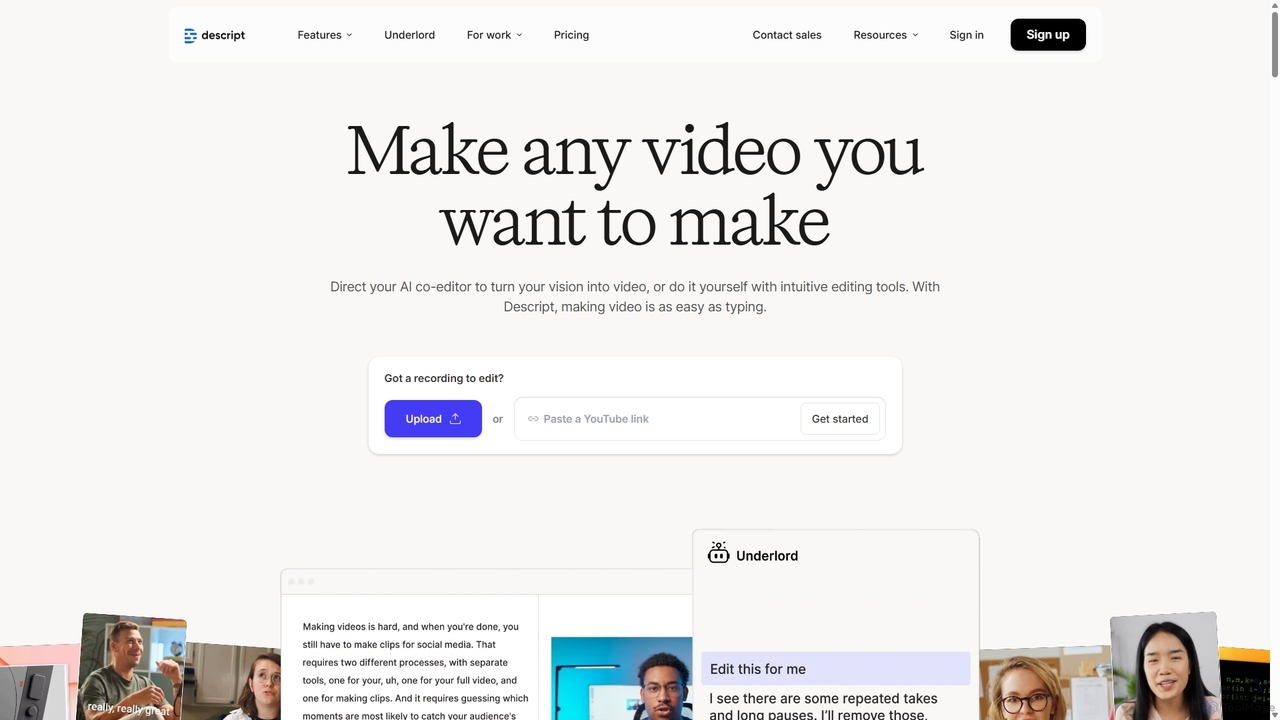
Descript ist ein All-in-One-KI-gestützter Video- und Podcast-Editor, mit dem Sie Medien so einfach wie ein Textdokument bearbeiten können. Er bietet automatische Transkription, Bildschirmaufnahme, KI-Stimmenklonung, Füllwortentfernung und leistungsstarke KI-Effekte wie Studio Sound und Green Screen, um die Inhaltserstellung für Kreative, Vermarkter und Unternehmen zu optimieren.

Soziale Medien
Visits 9KFavorites 136Likes 143