Retina
3D · 5.1K 月間訪問数
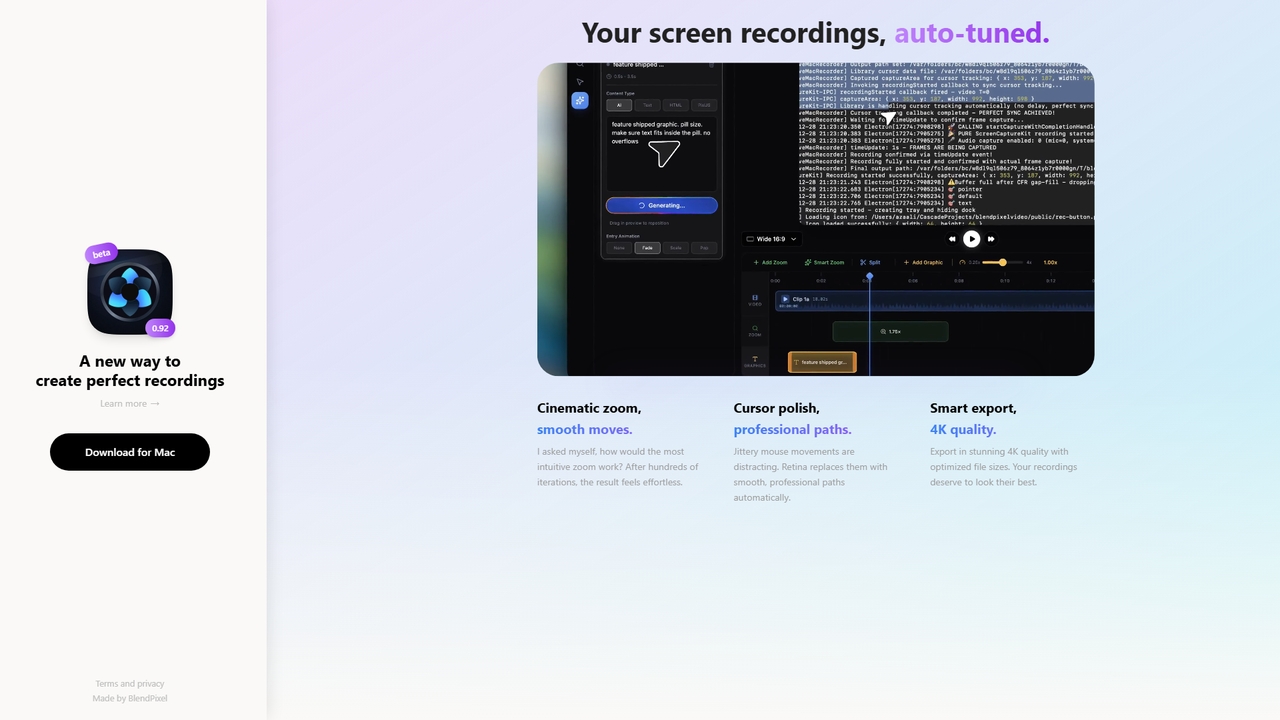
RetinaはmacOS向けの画面録画ツールで、シネマティックズーム、スムーズなカーソルパス、スマートな4Kエクスポートで録画を自動的に向上させます。現在は無料のパブリックベータ版であり、録画を簡単かつ美しく行うことに焦点を当てています。
RetinaはmacOS向けの画面録画ツールで、シネマティックズーム、スムーズなカーソルパス、スマートな4Kエクスポートで録画を自動的に向上させます。現在は無料のパブリックベータ版であり、録画を簡単かつ美しく行うことに焦点を当てています。
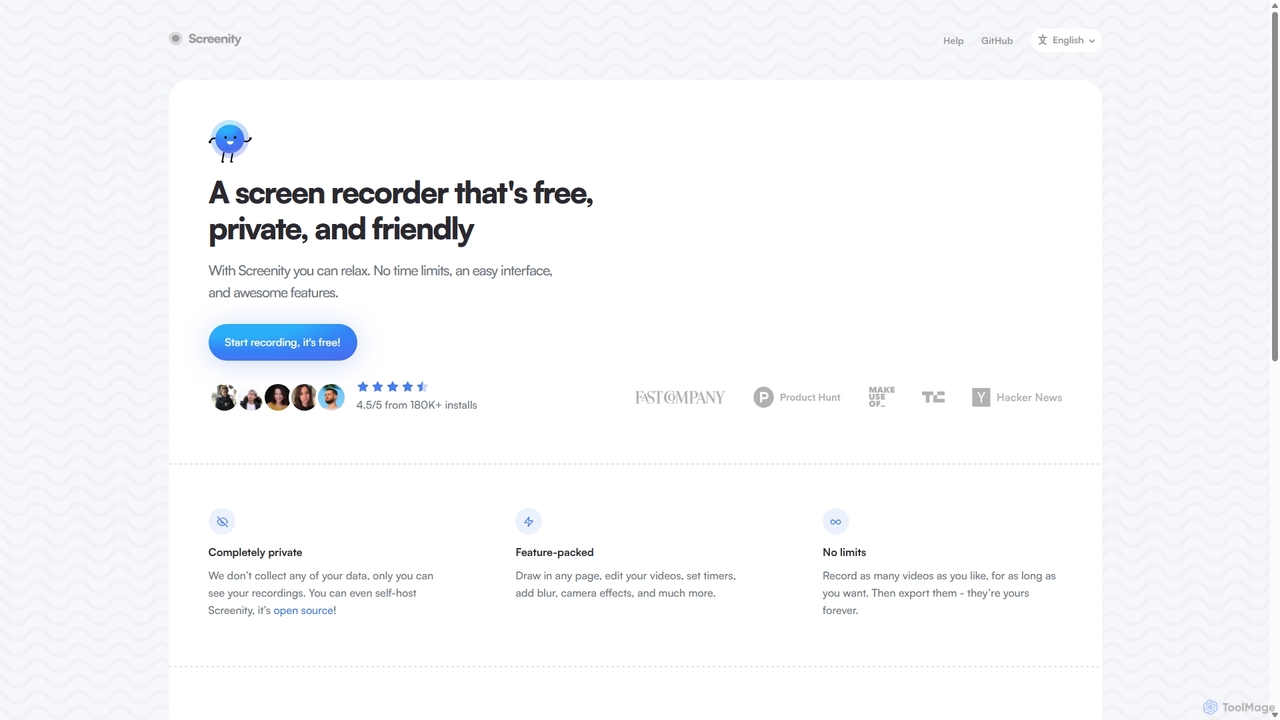
Screenityは、強力で無料、プライバシーを重視したChrome向けの画面・カメラレコーダーです。ユーザーデータを一切収集せず、無制限の録画、注釈ツール、基本的な動画編集機能を提供します。チュートリアル、デモ、プレゼンテーションの作成に最適です。
| Feature | Retina | Screenity |
|---|---|---|
| 主要カテゴリー | 3D | バグレポート |
| 追加日 | 2026-05-22 | 2025-09-10 |
| 価格 | 無料 | 無料 |
| 公式サイト | blendpixel.com | screenity.io |
| 製品タイプ | アプリ | ブラウザ拡張 |
| Performance data | ||
| ユーザー評価 | 未確認 | 未確認 |
| コメント | 0 | 0 |
| 月間訪問数 | 5.1K | 43.8K |
| 月間成長率 | 未確認 | -1.6% |
| お気に入り | 8 | 122 |
| Details | 詳細を見る | 詳細を見る |
Compare Retina and Screenity by monthly reach, traffic trend, visit depth, top regions, and acquisition sources.
In the Retina vs Screenity monthly traffic comparison, Retina currently shows 5.1K visits and Screenity shows 43.8K; Screenity has about 8.5 times the visible traffic of Retina, an absolute difference of about 38.7K visits. This reflects visible reach, not feature quality or paid users.
Only Screenity has complete third-party traffic details; Retina uses visits recorded inside ToolMage. These scopes cannot estimate market share directly, and on-site views should not be treated as the product’s total website traffic.
Retina is registered at the blendpixel.com/products/retina subpage. Because the current data does not state whether other host pages are excluded, treat this as domain-level context rather than independent traffic for one product or project.
| Country/region | Percentage | Traffic |
|---|---|---|
| 🇺🇸United States | 46.14% | 20.2K |
| 🇮🇳India | 21.26% | 9.3K |
| 🇫🇷France | 12.83% | 5.6K |
| 🇧🇷Brazil | 10.03% | 4.4K |
| 🇻🇳Vietnam | 9.74% | 4.3K |
| Source type | Percentage | Traffic |
|---|---|---|
| ダイレクト | 81.8% | 35.9K |
| 参照元 | 18.2% | 8K |
This in-depth Retina vs Screenity comparison uses only the product records, taxonomy, audience, traffic, and community signals available on this page. Retina is primarily listed under “3D”, while Screenity is primarily listed under “バグレポート”, so the first decision is whether your actual task matches their recorded scope.
The structured fields currently show these decision-relevant differences: Primary category (Retina: 3D; Screenity: バグレポート); Product type (Retina: App; Screenity: Browser extension); Monthly visits (Retina: 5.1K; Screenity: 43.8K); Favorites (Retina: 8; Screenity: 122); Website (Retina: blendpixel.com; Screenity: screenity.io). These facts are more useful for selection than brand visibility alone.
In the Retina vs Screenity monthly traffic comparison, Retina currently shows 5.1K visits and Screenity shows 43.8K; Screenity has about 8.5 times the visible traffic of Retina, an absolute difference of about 38.7K visits. This reflects visible reach, not feature quality or paid users.
Only Screenity has complete third-party traffic details; Retina uses visits recorded inside ToolMage. These scopes cannot estimate market share directly, and on-site views should not be treated as the product’s total website traffic.
Retina is registered at the blendpixel.com/products/retina subpage. Because the current data does not state whether other host pages are excluded, treat this as domain-level context rather than independent traffic for one product or project.
The current traffic scope is not sufficient for a reliable product ranking. Treat monthly visits as a market-interest signal, then decide using taxonomy, use cases, pricing, and a like-for-like trial rather than reading exposure as product capability.
Retina and Screenity currently overlap in shared tags: チュートリアルメーカー、映像編集; shared roles: コンテンツクリエイター、教育者、マーケティングマネージャー、プロダクトマネージャー、ソフトウェア開発者. This can place both on the same shortlist, but it does not prove equal implementation, depth, or cost.
Retina's unique categories/tags are 3D、4Kエクスポート、cinematic zoom、cursor enhancement、macOSアプリ、画面録画; Screenity's are バグレポート、チュートリアル作成、動画作成、画面録画、アノテーション、Chrome拡張機能、無料ツール、オープンソース. These unique fields are the strongest differentiators: validate the product whose recorded scope matches the task instead of following traffic alone.
Retina has no verified rating, 0 comments, 8 favorites, and 7 likes;Screenity has no verified rating, 0 comments, 122 favorites, and 124 likes。
Neither product has enough rating or comment samples for a credible reputation ranking.
Put Retina on the priority trial list when the task aligns with “3D” and especially 3D、4Kエクスポート、cinematic zoom、cursor enhancement、macOSアプリ、画面録画, or the users include UX/UIデザイナー. This follows recorded positioning and does not imply unlisted capabilities are absent.
Retina also currently records: pricing is free, product type is app, 5.1K on-site monthly views, no verified user rating. Verify any hard requirement around price, platform, or reach before trial, and do not let sparse review data substitute for testing.
Put Screenity on the priority trial list when the task aligns with “バグレポート” and especially バグレポート、チュートリアル作成、動画作成、画面録画、アノテーション、Chrome拡張機能, or the users include カスタマーサポート、QAテスター、営業担当者、UI/UXデザイナー. This follows recorded positioning and does not imply unlisted capabilities are absent.
Screenity also currently records: pricing is free, product type is browser extension, 43.8K verified monthly visits, no verified user rating. Verify any hard requirement around price, platform, or reach before trial, and do not let sparse review data substitute for testing.
The available data describes positioning, public visibility, and community signals, but it cannot prove output quality, speed, integration effort, privacy, or long-term cost in your workflow. Before deciding, run the same representative tasks in Retina and Screenity, then record completion time, accuracy, manual corrections, and the real paid threshold. A like-for-like trial turns this comparison into a defensible adoption decision.
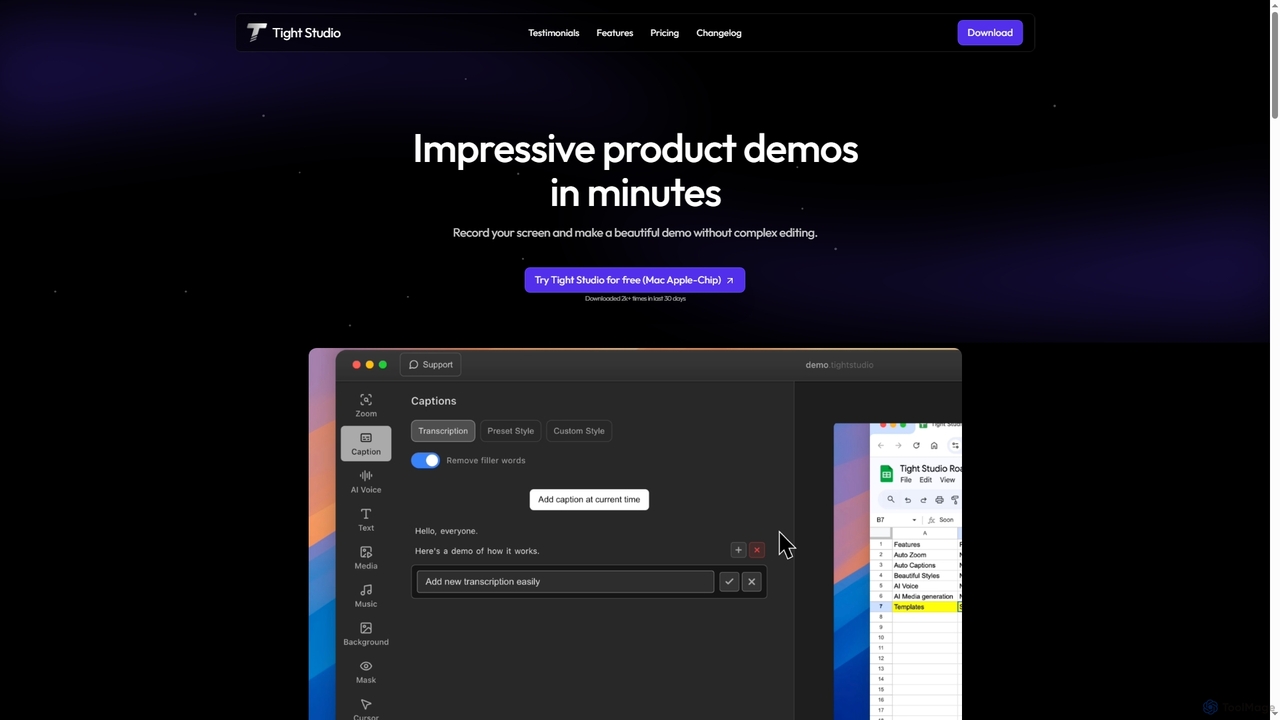
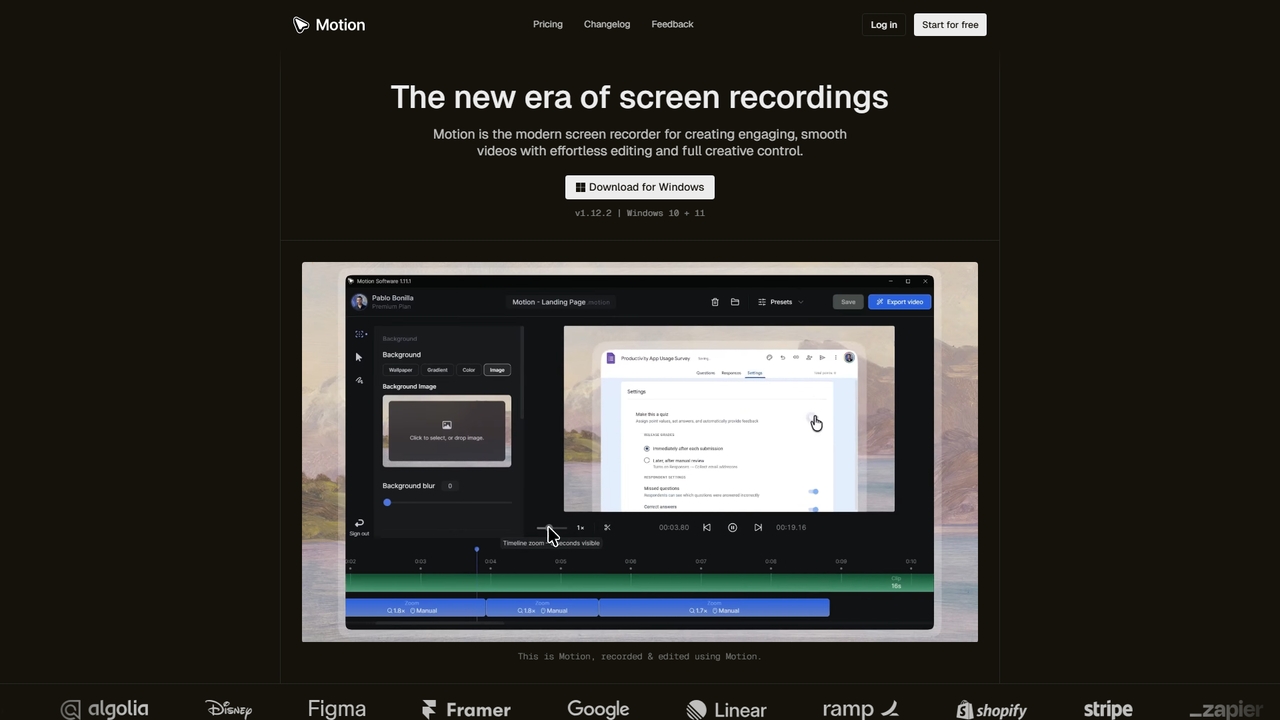
Tight Studioは、プロフェッショナルな製品デモやチュートリアルを数分で作成するために設計された、Mac向けのAI搭載スクリーン録画およびビデオ編集アプリケーションです。スマートズーム、自動キャプション、AIナレーション、直感的なエディタを特徴とし、編集スキルがないユーザーでも高品質で魅力的なビデオを簡単に制作できます。
チュートリアル
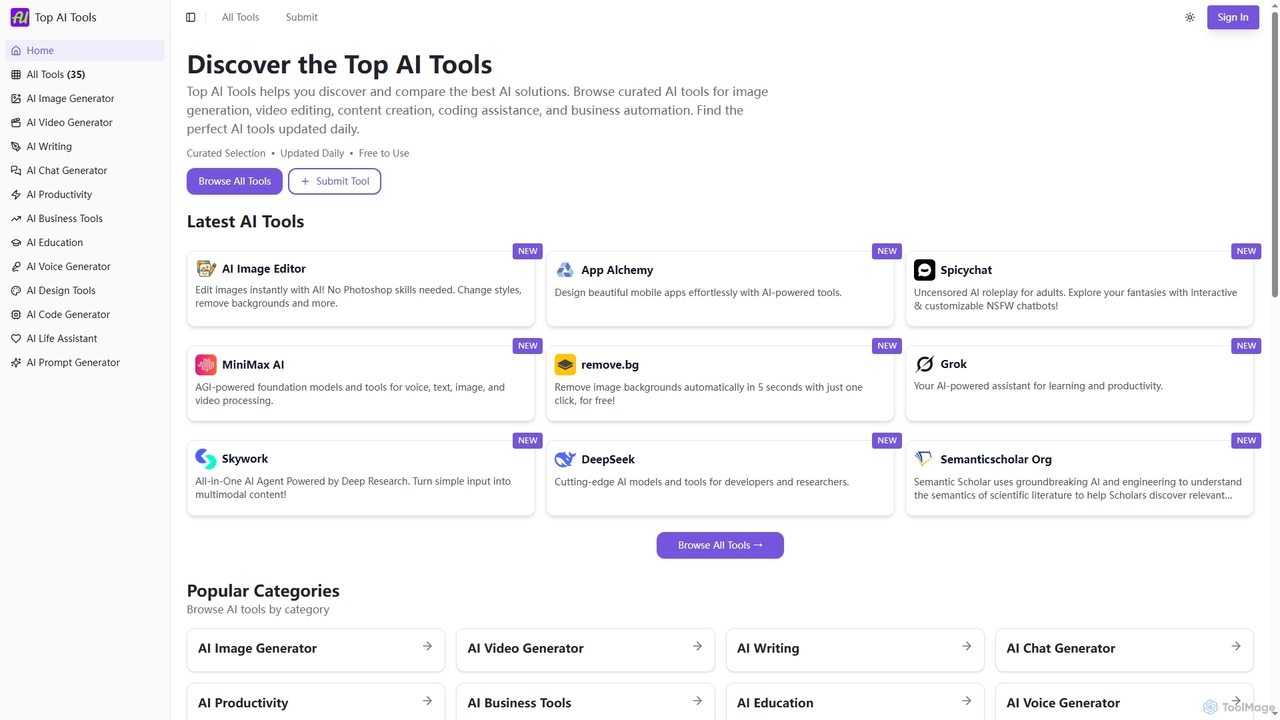
Top AI Toolsは、様々なカテゴリの最高のAI搭載ソフトウェアソリューションを発見、比較、探索できる包括的で無料のディレクトリです。厳選されたリスト、機能と価格に関する詳細情報、そして毎日の更新を提供し、あらゆるニーズに合った完璧なAIツールを見つけるプロセスを簡素化します。
発見
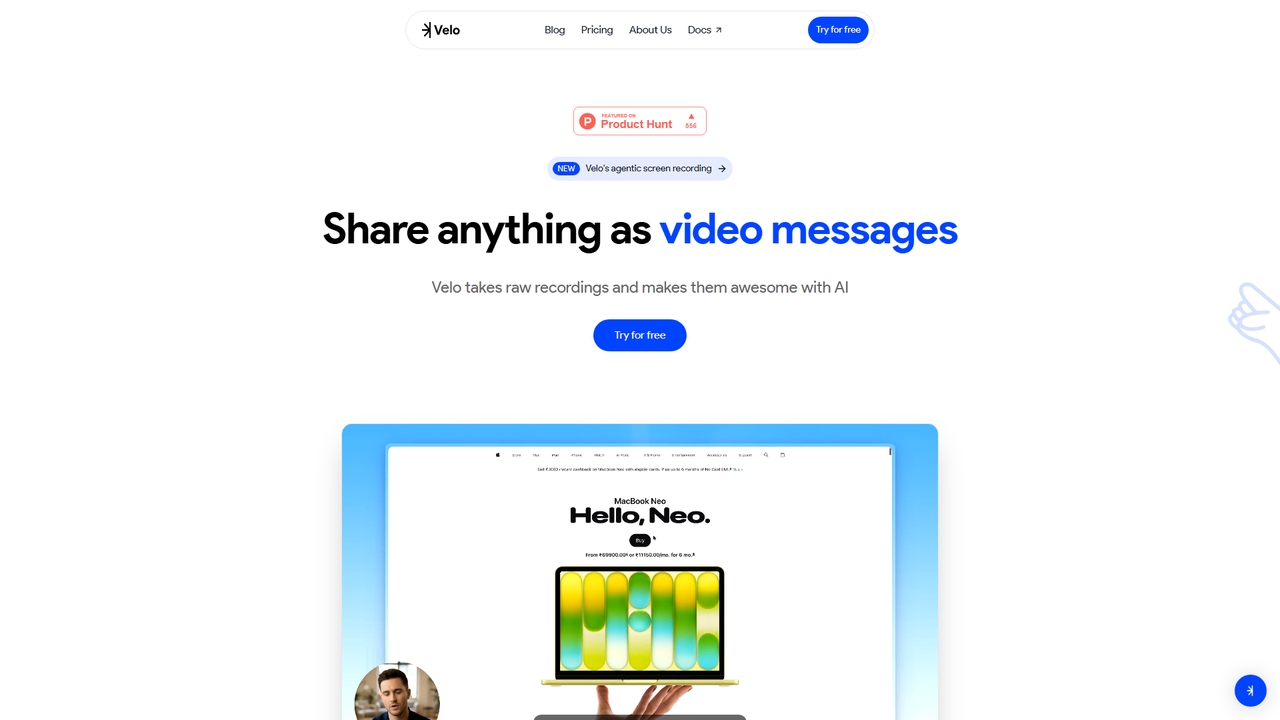
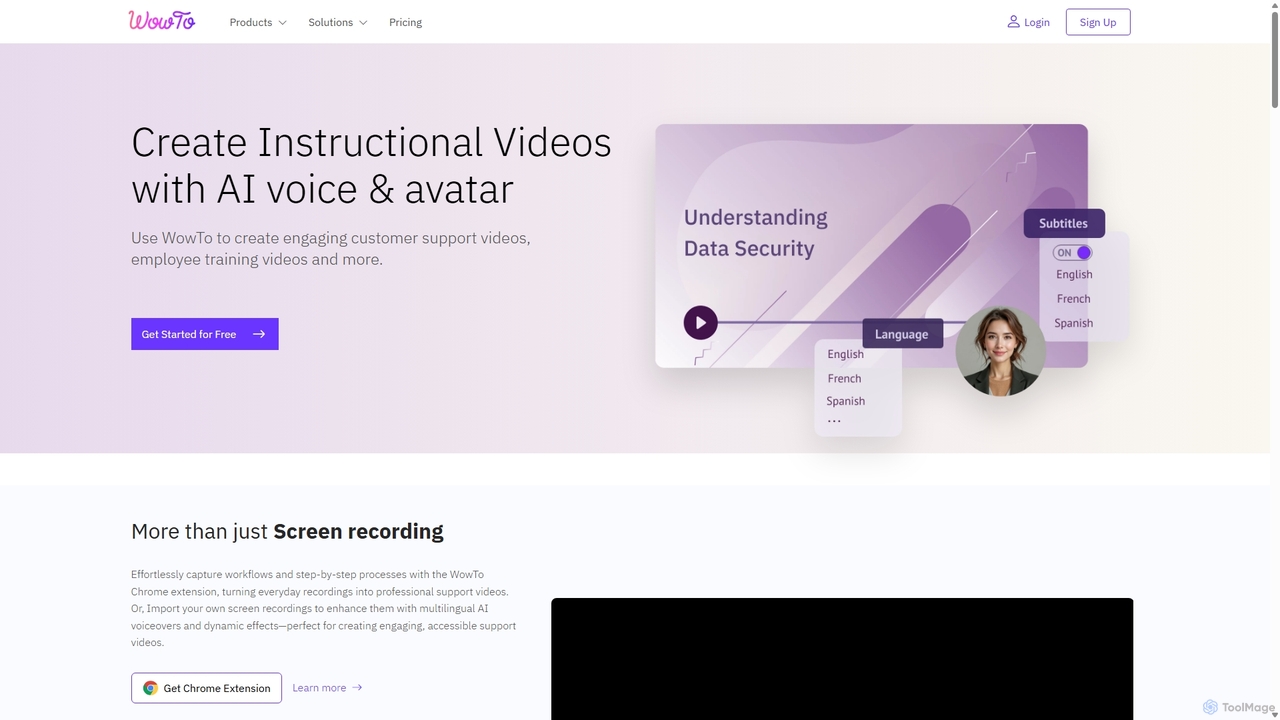
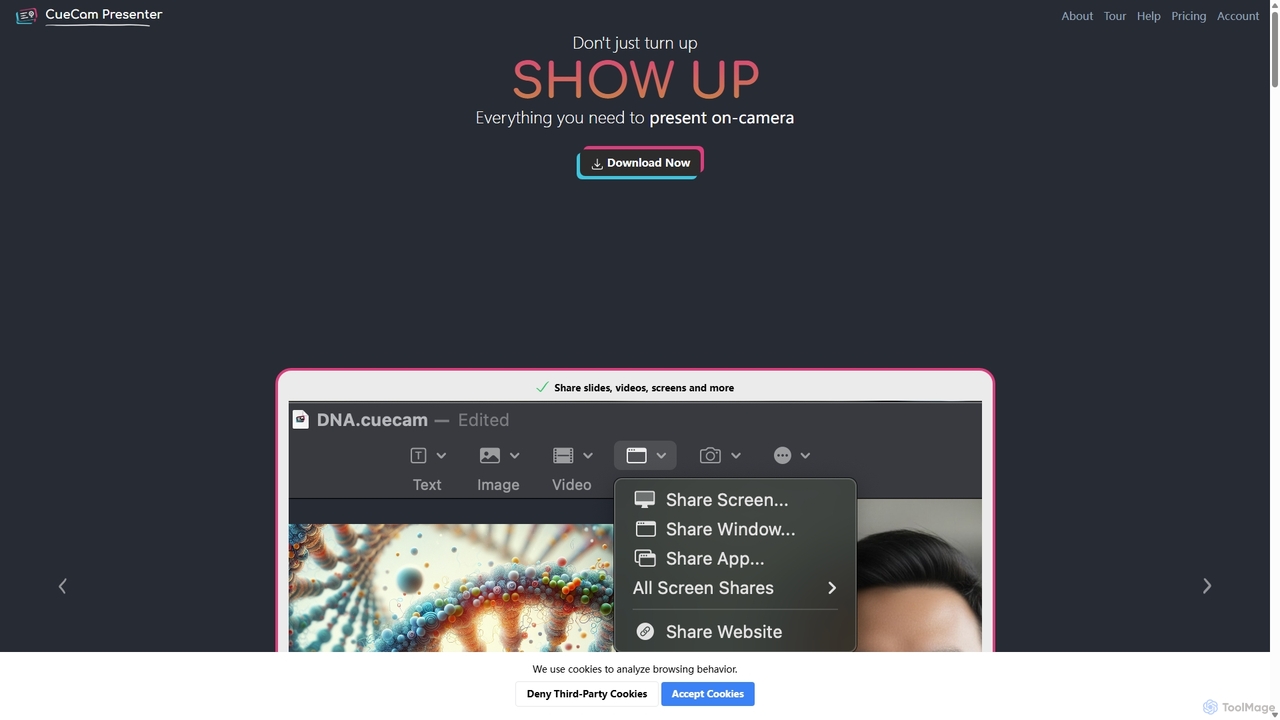
ウェブカメラをプロフェッショナルなプレゼンテーションスタジオに変える、強力なMacアプリケーションです。テレプロンプター、スマートキューカード、画面共有、iPadによるライブ注釈機能を統合。リモート通話、ビデオ録画、ライブストリーミングに最適で、複雑な制作ワークフローを単一の「次へ」ボタンで簡素化します。
ライブ配信
プライバシーを重視したAIチャットインターフェースで、GPT-4oを含む幅広い高度なGPTモデルへのアクセスを提供します。エンドツーエンドで暗号化されたチャット履歴と便利なChrome拡張機能を備えており、開発者、ライター、専門家がデータセキュリティを損なうことなく強力なAI支援を求めるための、安全で多機能なツールです。
コーディングアシスタント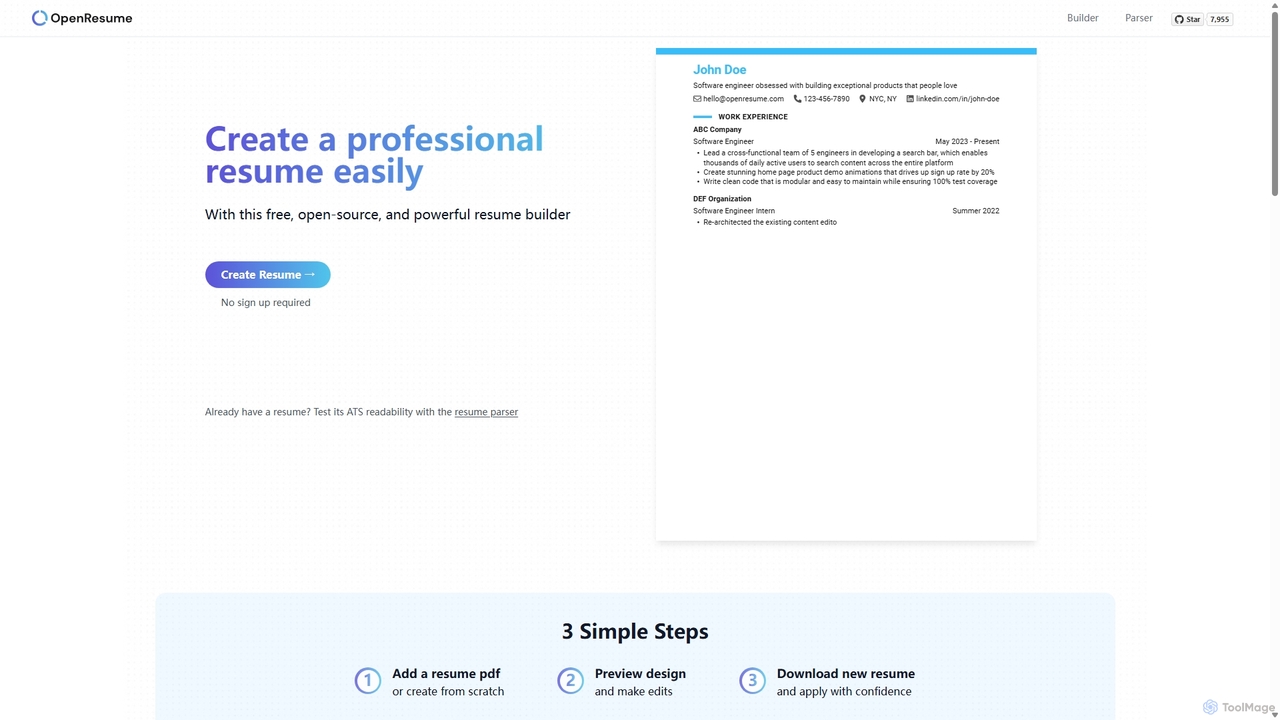
OpenResumeは、プロフェッショナルな履歴書を簡単に作成できるよう設計された、無料のオープンソース履歴書ビルダーおよびATSパーサーです。サインアップ不要でデータをローカルに保存し、ユーザーのプライバシーを最優先します。また、米国の雇用市場基準と応募者追跡システム(ATS)に最適化されており、面接のチャンスを高めます。
キャリア