ToolMage
Sign in

Best 4 Ai Avatar AI tools

Popular Ai Avatar AI tools include myvega, Alethea AI, InstaInfluencer.ai, and Evatar, helping you work more efficiently.

Evatar
Paid

Evatar

Evatar is an AI-powered platform designed to simplify social media management by creating digital twins, automating content posting, and generating engaging videos. It helps brands boost visibility, connect with audiences authentically, and enhance their online presence across various platforms.

Video Generation
Visits 4KFavorites 121Likes 106
Alethea AI

Alethea AI

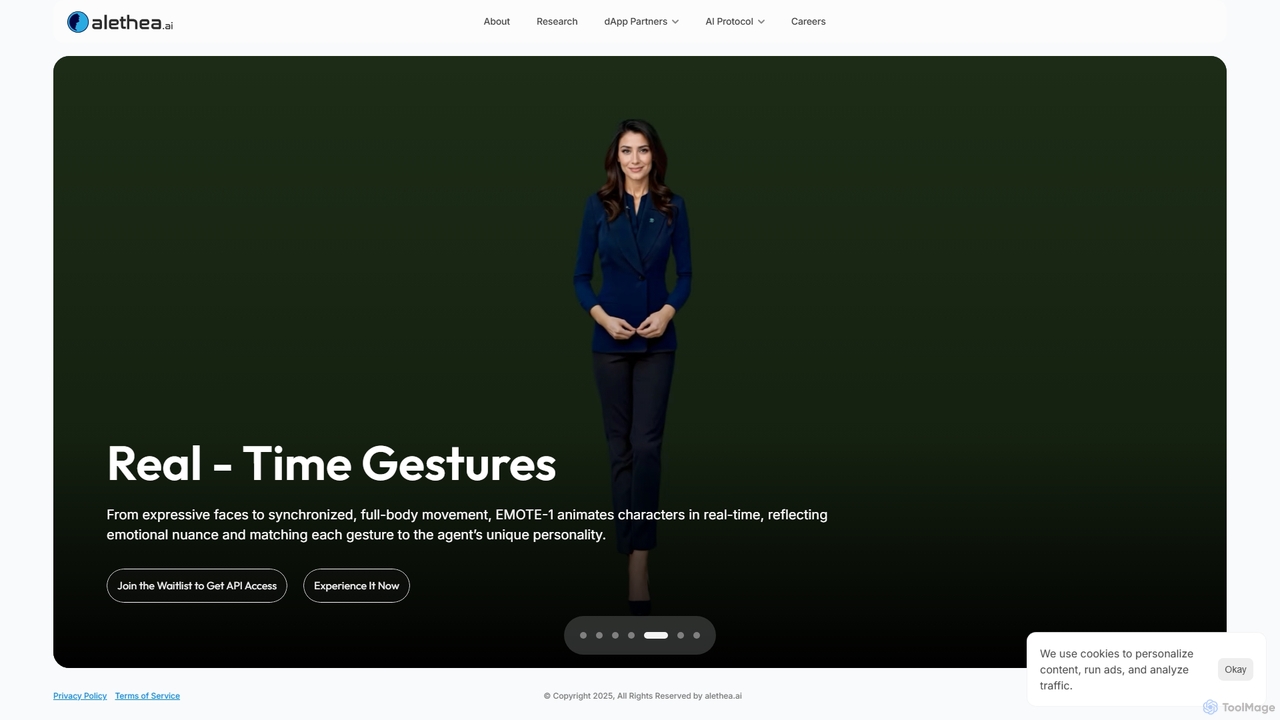
Alethea AI is a research and development lab pioneering the intersection of Agentic AI and blockchain. It enables the creation of interactive, intelligent, and ownable AI characters through its multimodal engine, EMOTE-1, and its Text-to-Character system, CharacterGPT. The platform is a leader in intelligent NFTs (iNFTs) and decentralized AI, empowering developers to build and deploy autonomous AI agents on-chain.

Character Generator
Visits 4.1KFavorites 114Likes 113
myvega
Freemium

myvega

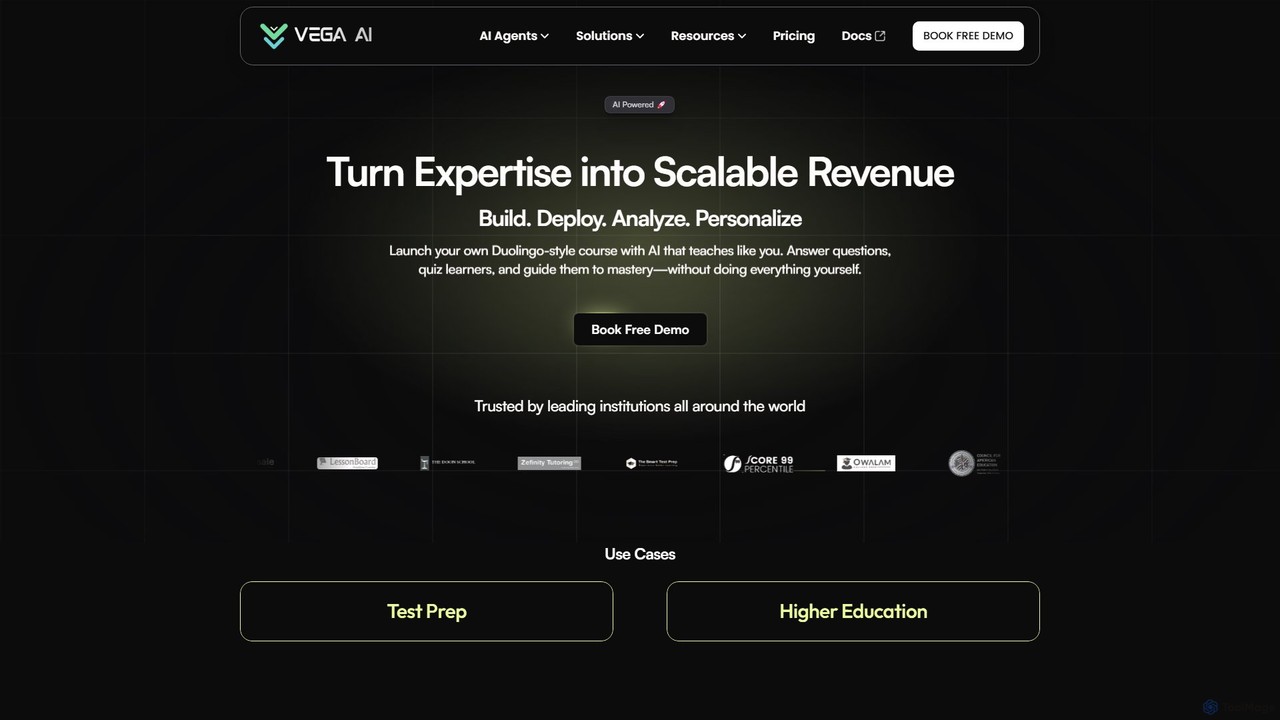
myvega is an AI-powered platform for educators and institutions to create scalable, Duolingo-style adaptive learning experiences. Build personalized courses, deploy an AI avatar of your expertise for 24/7 student support, automate grading, and analyze performance to turn your knowledge into a thriving educational business.

Personalized Learning
Visits 18.7KFavorites 150Likes 152
InstaInfluencer.ai
Freemium

InstaInfluencer.ai

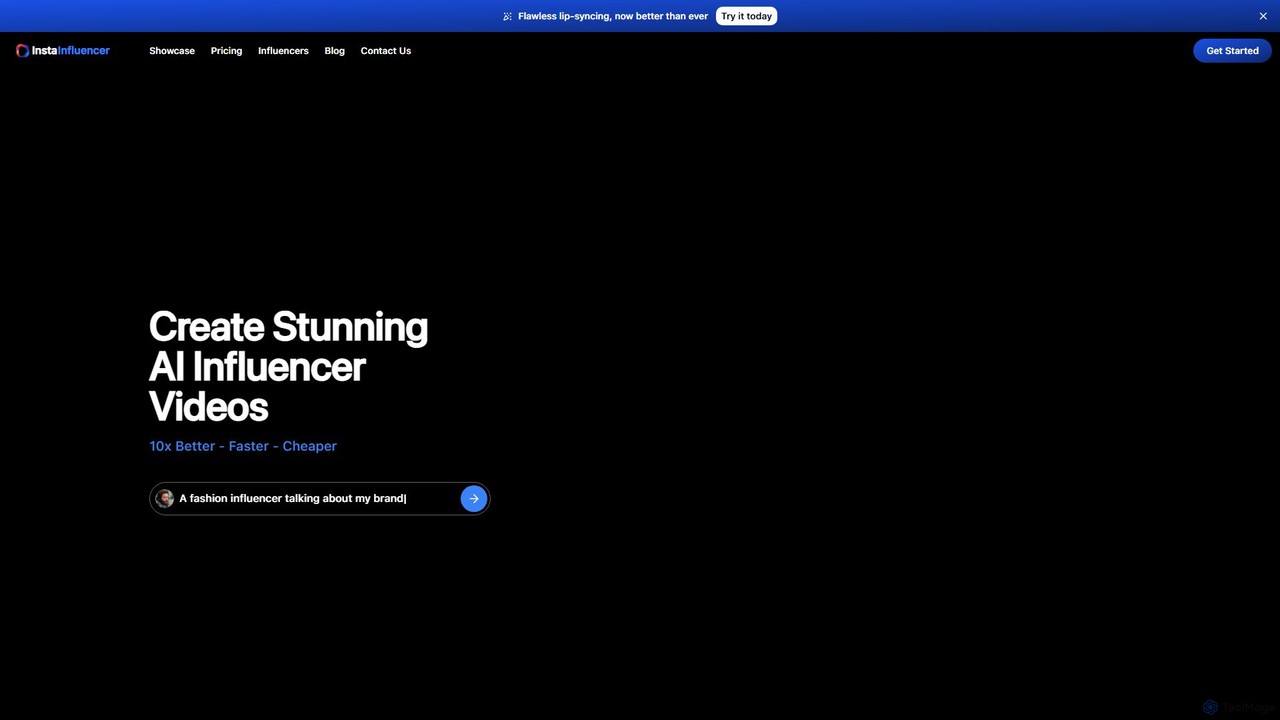
InstaInfluencer.ai is an AI-powered platform that enables users to create stunning influencer videos 10x faster and more affordably. It's perfect for small businesses, startups, and marketers looking to boost online engagement. Choose from diverse AI avatars, generate compelling scripts, and produce high-quality, lip-synced videos in minutes without any editing skills. You can even create a custom avatar or turn yourself into a digital influencer.

Personalized Video
Visits 4KFavorites 105Likes 110

About Ai Avatar

AI Avatar tools are a class of applications that use artificial intelligence to generate unique, personalized digital representations of individuals. These tools typically leverage generative models, such as GANs or diffusion models, to transform user-uploaded photos or text descriptions into stylized or photorealistic avatars. They offer a powerful way to create custom profile pictures, game characters, or virtual personas without needing artistic skills. The key advantage lies in their ability to produce a wide variety of styles, from professional headshots to fantasy art, in a matter of minutes.

Core Features

  • Photo-to-Avatar Generation: Creates avatars by analyzing user-uploaded photographs to capture facial features and structure.
  • Text-to-Avatar Creation: Generates avatars based on detailed textual descriptions of appearance, clothing, and style.
  • Style Customization: Offers a diverse library of artistic styles, such as anime, cyberpunk, fantasy, cartoon, or professional portraits.
  • Attribute Editing: Allows users to fine-tune details like hair color, accessories, background, and facial expressions.
  • Batch Generation: Produces multiple avatar variations from a single input, providing a wide range of options.

Use Cases

AI Avatar tools are widely used by individuals for creating unique social media profile pictures and gaming characters. Professionals and businesses leverage them to generate consistent, high-quality headshots for team profiles, websites, and marketing materials. Content creators and virtual influencers also use these tools to establish a distinct and anonymous digital identity.

How to Choose

When selecting an AI Avatar tool, first consider the input type you prefer—photo-based for realism or text-based for creativity. Evaluate the variety and quality of available art styles to ensure they match your needs. Check the output resolution and format options (e.g., PNG with transparent background). Finally, compare pricing models, such as one-time purchases for a set of avatars versus subscription plans for ongoing use.

Featured tool rankings

Ai Avatar use cases

1

Creating Unique Social Media Profiles

A content creator or social media user wants to stand out with a unique profile picture across platforms like Instagram, Twitter, or TikTok. Instead of a standard photo, they upload a few selfies to an AI Avatar tool. The tool generates over 100 avatars in various styles, such as cyberpunk, fantasy hero, and pop art. The user can then select the ones that best represent their online persona, helping them build a memorable and visually consistent brand identity without hiring a digital artist.

2

Generating Professional Business Headshots

A startup needs consistent, professional headshots for its team members for the company website and LinkedIn profiles. Arranging a photoshoot is costly and time-consuming. Instead, each team member uploads a clear photo of themselves to an AI Avatar generator. The company selects a 'corporate' or 'professional' style pack, and the tool produces a set of high-quality, polished headshots for everyone with a uniform background and lighting. This approach saves significant budget and ensures a cohesive brand image across all professional platforms.

3

Designing Characters for Gaming and Virtual Worlds

A gamer or a VR enthusiast wants to create a custom avatar for their favorite game or a virtual reality platform like VRChat. They use a text-to-avatar tool to bring their vision to life. They input a detailed prompt, such as 'a male elf with silver hair, glowing blue eyes, wearing futuristic black armor with neon green accents.' The AI generates multiple visual interpretations of this character. The user can then refine the results or select the best one to use as their unique identity in the digital realm, enhancing their immersive experience.

4

Creating Brand Mascots for Marketing

A marketing team for a new tech product wants to create a friendly, approachable brand mascot for their social media and customer support channels. Instead of commissioning an illustrator, they use an AI avatar tool. They upload a simple sketch or use a text prompt to describe the mascot's characteristics. The AI generates dozens of variations in different poses and expressions (e.g., happy, thinking, waving). This allows the team to quickly create a consistent visual character for their brand, which can be used across all marketing materials at a fraction of the cost of traditional design.

5

Visualizing an Anonymous Online Persona

An author who writes under a pen name or a YouTuber who wishes to remain anonymous needs a visual representation for their brand. They use an AI avatar generator to create a face for their persona. By uploading a stock photo or using a detailed text description, they can generate a unique, non-existent person's face that aligns with their brand's tone—be it mysterious, academic, or playful. This allows them to engage with their audience visually on websites, book covers, or video thumbnails without revealing their true identity, maintaining privacy while building a personal connection.

6

Creating Themed Avatars for Events or Teams

A company is hosting a themed virtual conference, like a 'Future Tech Summit,' and wants to create themed avatars for all speakers and attendees to use on the event platform. They use an AI avatar tool with a specific style pack (e.g., 'cyberpunk' or 'futuristic'). Each participant uploads their photo, and the tool generates an on-theme avatar. This creates a fun, immersive, and unified visual experience for the event, fostering a sense of community and making the virtual environment more engaging than a grid of standard video feeds.

Ai Avatar FAQ

What is an AI Avatar generator?

An AI Avatar generator is a tool that uses artificial intelligence, specifically generative models, to create digital images of people or characters. Users can typically provide an input, such as a series of their own photos or a detailed text description, and the AI will produce a new, often stylized, image. These tools are popular for creating unique profile pictures, game characters, and professional headshots without needing any design skills.

How to choose the right AI Avatar tool?

To choose the right AI Avatar tool, consider these factors:

  • Input Method: Decide if you prefer uploading photos (photo-to-avatar) for a likeness or using text prompts (text-to-avatar) for more creative freedom.
  • Style Variety: Look at the tool's gallery or style library. Does it offer the specific artistic styles you want, such as realistic, anime, fantasy, or corporate?
  • Output Quality: Check the resolution and clarity of the generated avatars. Some tools offer high-resolution downloads suitable for printing.
  • Customization Options: See if the tool allows you to edit or refine the results, such as changing colors, backgrounds, or accessories.
  • Pricing: Compare the cost structures. Some charge a one-time fee for a pack of avatars, while others have a subscription model.
What's the difference between an AI Avatar and a photo filter?

The key difference lies in creation versus modification. A photo filter applies an overlay or adjusts the colors and textures of an existing photograph, but the underlying image structure remains the same. An AI Avatar generator, on the other hand, creates a completely new image. It analyzes the input (photos or text) to understand features or concepts and then generates a new piece of art from scratch, often in a completely different style, medium, or composition.

Can I use AI-generated avatars for commercial purposes?

The ability to use AI-generated avatars for commercial purposes depends entirely on the terms of service of the specific tool you use. Many services offer different licenses based on the pricing plan. A free or personal plan might restrict usage to non-commercial activities, while a paid or business plan often grants a commercial license. It is crucial to read the terms and conditions of any AI avatar generator before using its output for business, marketing, or any other for-profit activity to avoid copyright issues.

How many photos are needed to create a good AI avatar?

The number of photos required varies by tool, but most high-quality photo-to-avatar generators recommend uploading between 10 to 20 clear, well-lit photos. For best results, you should provide a variety of images showing your face from different angles, with different facial expressions, and in various lighting conditions. This diverse dataset helps the AI learn your facial features accurately, resulting in more consistent and recognizable avatars. Avoid using photos with sunglasses, hats, or heavy makeup that obscures your features.