ToolMage
Sign in

Best 1 Editing AI tools for Content Quality

Popular Editing AI tools in Content Quality include FluffFilter, helping you work more efficiently.

FluffFilter
Paid

FluffFilter

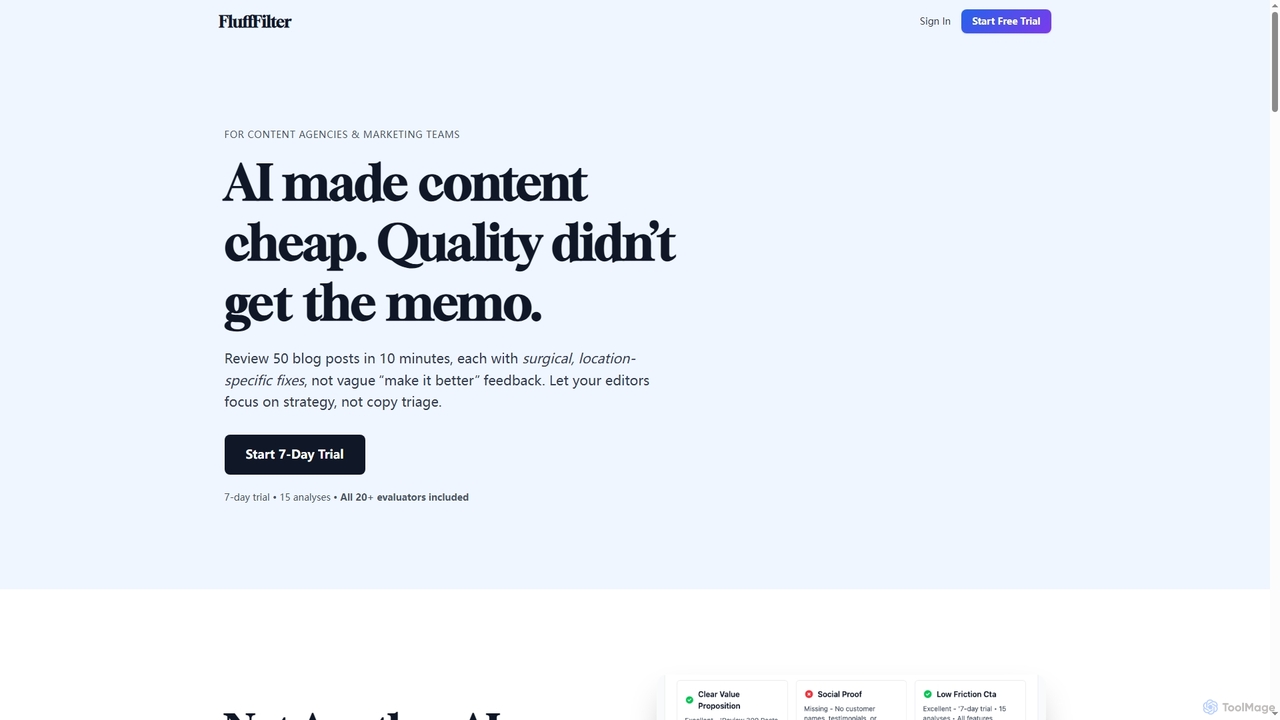
FluffFilter is an AI-powered content quality tool for marketing teams and content agencies. It provides surgical, location-specific fixes and detailed feedback for over 20 content types, helping editors streamline reviews and ensure high-quality, actionable content at scale.

Agency Tools
Visits 10.8KFavorites 169Likes 181

About Editing

AI Editing tools are applications that use artificial intelligence to analyze and improve written content. Leveraging natural language processing (NLP), these tools go beyond basic spell-checking to offer corrections for complex grammar, style, tone, and clarity. They help users produce professional, error-free, and engaging text for various purposes, from academic papers to marketing copy. By providing intelligent suggestions, AI editors streamline the revision process and enhance the overall quality of communication.

Core Features

  • Advanced Grammar & Punctuation Correction: Identifies and fixes complex grammatical errors, awkward phrasing, and incorrect punctuation that standard checkers often miss.
  • Style and Tone Analysis: Evaluates the text's tone (e.g., formal, confident, friendly) and suggests changes to align with the intended audience and purpose.
  • Clarity and Readability Enhancement: Simplifies convoluted sentences, replaces jargon with clearer alternatives, and improves overall text flow for better comprehension.
  • Plagiarism Detection: Scans content against a vast database of online sources and academic papers to ensure originality and proper citation.
  • Vocabulary Enhancement: Suggests more impactful or contextually appropriate word choices to enrich the text and avoid repetition.

Use Cases

These tools are widely used by students for academic writing, professionals for business communications like reports and emails, and content creators for blogs and articles. They are also valuable for non-native speakers aiming to produce fluent and natural-sounding text, as well as for teams needing to maintain a consistent brand voice across all written materials.

How to Choose

When selecting an AI Editing tool, consider the depth of its analysis—does it cover style and tone, or just grammar? Evaluate its integration capabilities with your writing platforms, such as browser extensions or word processor add-ins. Check the supported languages and the ability to set custom style guides or dictionaries. Finally, compare pricing models based on your usage volume and feature requirements.

Editing use cases

1

Proofreading Academic Papers and Theses

A graduate student is finalizing their thesis. They use an AI Editing tool to perform a final check before submission. The tool scans the entire document, identifying not only basic spelling and grammar errors but also inconsistencies in terminology, awkward sentence structures, and instances of passive voice that weaken the academic tone. It suggests more precise vocabulary and helps ensure the paper adheres to a formal, scholarly style. This process helps elevate the quality of the writing, allowing the student to present their research more clearly and professionally, potentially improving their final grade.

2

Refining Business Proposals and Reports

A business development manager is preparing a crucial proposal for a potential client. To ensure the document is persuasive and professional, they use an AI editor. The tool helps rephrase sentences for greater impact, checks for a confident and formal tone, and eliminates any jargon that might confuse the client. It also ensures consistency in formatting and language across the entire document. The result is a polished, clear, and compelling proposal that strengthens the company's credibility and increases the likelihood of winning the contract.

3

Enhancing Blog Posts and Marketing Content

A content marketer writes a blog post aimed at driving traffic and engagement. Before publishing, they run the text through an AI Editing tool. The tool suggests breaking up long, complex sentences to improve readability. It identifies overused words and offers dynamic synonyms. Furthermore, it analyzes the tone to ensure it matches the brand's friendly and approachable voice. By implementing these suggestions, the marketer creates a piece of content that is not only error-free but also more engaging and easier for the target audience to read, leading to longer time on page and better SEO performance.

4

Ensuring Brand Voice Consistency Across Teams

A large corporation's marketing department needs to ensure all external communications adhere to a specific brand voice (e.g., innovative, authoritative, and concise). They configure their AI Editing tool with a custom style guide that includes preferred terminology, tone guidelines, and formatting rules. Now, when any team member—from social media managers to PR specialists—writes copy, the tool automatically flags deviations from the brand voice. This automates a significant part of the internal review process, saving time and ensuring a consistent, professional brand image across all channels.

5

Assisting Non-Native Speakers in Professional Communication

An engineer for whom English is a second language needs to write a technical report for an international team. They use an AI Editing tool to check their writing. The tool corrects grammatical errors and, more importantly, suggests more natural-sounding phrasings and idioms common in business English. It helps them replace literal translations with contextually appropriate expressions. This empowers the engineer to communicate their complex technical ideas clearly and confidently, overcoming language barriers and ensuring their expertise is accurately conveyed to colleagues and stakeholders.

6

Streamlining the Creative Writing Revision Process

An author working on a novel uses an AI Editing tool to refine their manuscript. While the tool helps catch typos and grammatical slips, its main value lies in stylistic analysis. It highlights repetitive sentence starters, flags overuse of certain adverbs, and analyzes pacing by tracking sentence length variation. This provides the author with objective data on their writing patterns, helping them identify areas for improvement without stifling their creative voice. The tool acts as a tireless first reader, allowing the author to focus on higher-level story elements like plot and character development.

Editing FAQ

What are AI Editing tools?

AI Editing tools are software applications that use artificial intelligence, particularly natural language processing (NLP), to analyze and improve written text. Unlike traditional spell checkers, they provide comprehensive feedback on grammar, punctuation, style, tone, clarity, and even plagiarism. They act as an intelligent assistant to help writers produce clear, correct, and impactful content for any purpose, from professional emails to academic articles.

How is an AI Editor different from a standard spell checker?

A standard spell checker, like those built into word processors, primarily identifies misspelled words and very basic grammatical errors. An AI Editor goes much further by analyzing the context and meaning of your writing. Key differences include:

  • Contextual Understanding: AI editors can detect correctly spelled words used in the wrong context (e.g., 'their' vs. 'there').
  • Style and Tone: They provide suggestions to improve writing style, adjust formality, and ensure a consistent tone.
  • Clarity and Structure: They can identify and help rephrase confusing sentences, passive voice, and wordiness.
  • Advanced Grammar: They catch complex errors in sentence structure and punctuation that basic checkers miss.
In essence, a spell checker corrects mistakes, while an AI editor helps you refine and improve your writing craft.

Who can benefit most from using AI Editing tools?

A wide range of individuals and teams can benefit significantly from AI Editing tools. Key user groups include:

  • Students and Academics: To ensure their essays, papers, and theses are clear, professional, and grammatically correct.
  • Content Creators and Marketers: To produce engaging, readable, and error-free blog posts, articles, and marketing copy.
  • Business Professionals: To write clear, persuasive, and polished emails, reports, and proposals.
  • Non-Native Speakers: To improve fluency, correct grammatical errors, and learn more natural ways of expression.
  • Authors and Creative Writers: To get objective feedback on style, pacing, and clarity, streamlining the revision process.
Essentially, anyone who writes as part of their professional, academic, or creative work can improve their output and save time by using these tools.

Can AI Editing tools replace human editors?

AI Editing tools are powerful assistants, but they do not fully replace the nuanced understanding of a skilled human editor. While AI excels at identifying grammatical patterns, inconsistencies, and stylistic issues based on vast amounts of data, it may lack a deep understanding of authorial intent, cultural context, or the subtle emotional impact of language. Human editors provide critical thinking, creative judgment, and a holistic view of the content. The most effective workflow often involves using an AI tool for a thorough first pass to clean up the text, allowing a human editor to focus on higher-level improvements.

How do I choose the right AI Editing tool?

Choosing the right tool depends on your specific needs. Consider the following factors:

  • Primary Use Case: Are you writing academic papers, marketing copy, or casual emails? Some tools specialize in certain styles.
  • Integration: Does it work where you write? Look for browser extensions, desktop apps, or integrations with platforms like Google Docs or Microsoft Word.
  • Features: Do you need advanced features like plagiarism detection, tone analysis, or custom style guides for a team?
  • Language Support: Ensure the tool supports all the languages you write in with a high degree of accuracy.
  • Budget: Compare free versions with paid plans. Free tools are often sufficient for basic corrections, while paid plans unlock more advanced analytical features.
It's often a good idea to try the free version or a trial of a few different tools to see which one best fits your workflow and writing style.