Graphics & Design Best in category 1 results Icon Design AI Tool

Popular AI tools in the Icon Design field of Graphics & Design include IconMaker, etc., helping you quickly improve efficiency.

IconMaker

IconMaker

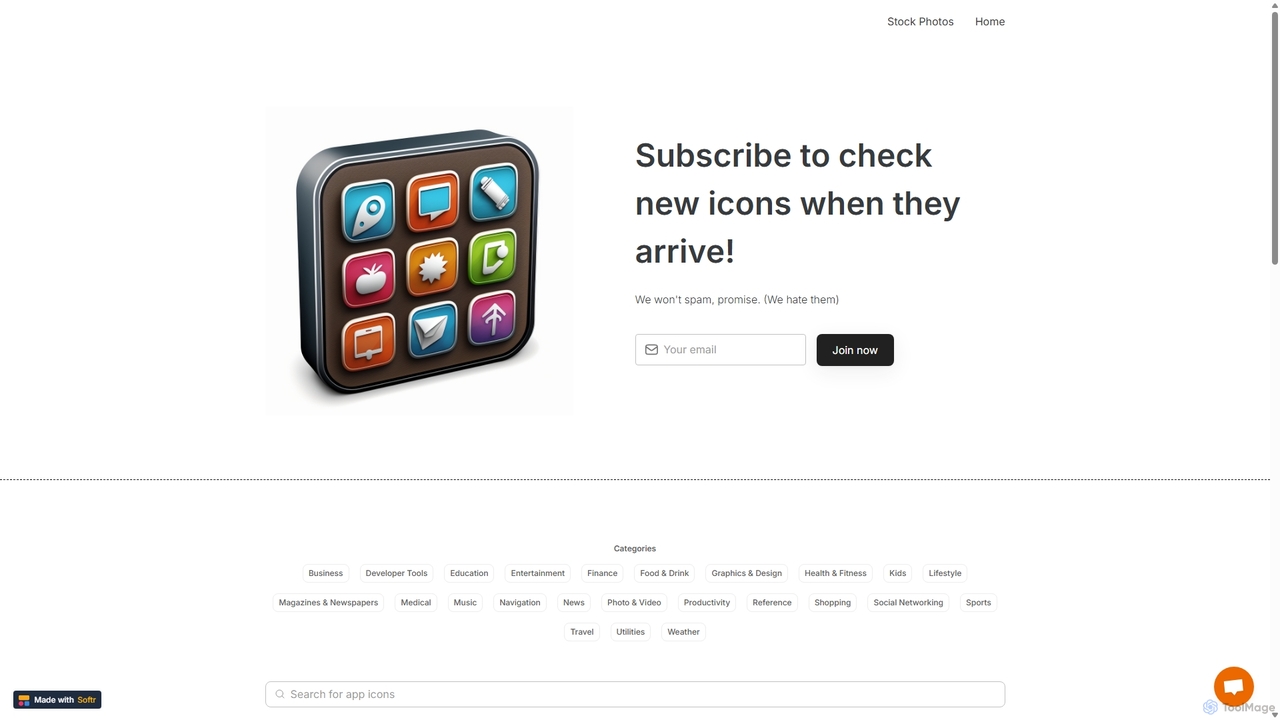
IconMaker is a marketplace for unique, AI-generated app icons and royalty-free stock photos. Ideal for developers, designers, and …

4.0K

About Icon Design

AI Icon Design tools are applications that use generative artificial intelligence to create unique icons from text descriptions, sketches, or style parameters. These tools leverage advanced models to interpret user input and produce a wide range of visual options in seconds, significantly accelerating the design workflow. They are particularly valuable for generating consistent icon sets for applications, websites, and branding materials. Many platforms also offer features for style customization, color palette control, and exporting in scalable vector formats like SVG.

Core Features

  • Text-to-Icon Generation: Creates icons based on simple natural language descriptions.
  • Style Consistency: Produces a complete set of icons with a unified visual style and theme.
  • Rapid Variation: Generates multiple design alternatives from a single prompt for quick iteration.
  • Vector Export: Allows exporting icons as SVG files, ensuring scalability without loss of quality.
  • Customization Control: Provides options to adjust line weight, color palettes, and level of detail.

Use Cases

These tools are widely used by UI/UX designers, web developers, marketers, and application creators. They are ideal for rapidly prototyping interfaces, creating custom icon sets for new digital products, designing visuals for marketing campaigns, or enhancing presentations with unique graphics that align with brand identity.

How to Choose

When selecting an AI Icon Design tool, evaluate the quality and diversity of its generative output. Key factors include the level of style control, the availability of SVG export, the ease of use of the interface, and the pricing model (e.g., subscription vs. credit-based). Also, consider its ability to maintain consistency across a large set of icons.

Icon DesignUse Cases

1

Creating a Consistent Icon Set for a New App

A UI/UX designer is tasked with creating over 50 unique icons for a new productivity app. Instead of spending days illustrating each one manually, they use an AI icon design tool. By providing a core prompt like 'minimalist line art icon for...' combined with a consistent style parameter, they generate the entire set in a few hours. This ensures all icons, from 'settings' to 'new document', share the same line weight, corner radius, and overall aesthetic, resulting in a professional and cohesive user interface.

2

Generating Feature Icons for a Website

A web developer is building a new 'Services' page and needs custom icons for features like 'Cloud Storage', '24/7 Support', and 'Data Encryption'. Using an AI icon generator, they can input these specific terms and instantly receive multiple visual interpretations. They select the best options, apply the website's brand color palette directly within the tool, and export them as SVGs. This process avoids the search for generic stock icons and provides unique, relevant visuals that enhance the page's clarity and professionalism.

3

Enhancing Marketing Materials and Presentations

A marketing professional is creating an infographic and a slide deck for a new product launch. To maintain visual interest and avoid overused stock imagery, they use an AI tool to generate custom icons for key data points and benefits. For a benefit like 'Increased Efficiency', the tool can produce a unique icon that visually represents speed and productivity. This allows for highly tailored, on-brand visual communication that makes complex information more digestible and memorable for the audience.

4

Rapid Prototyping for Product Managers

A product manager is creating a low-fidelity wireframe for a new feature. They need placeholder icons to represent actions like 'upload', 'share', and 'edit'. Instead of searching for a suitable icon pack, they use an AI generator to create simple, clear icons on the fly. This allows them to quickly populate the user interface mockups, making the prototype more understandable for stakeholder reviews and user testing, without needing to involve a designer in the early stages.

5

Creating Custom Social Media Icons

A content creator wants to refresh their brand's visual identity across all social media platforms. They need unique icons for Instagram highlights, YouTube video thumbnails, and custom buttons on their blog. Using an AI icon tool, they can generate a cohesive set of icons that reflects their personal brand's style and color scheme. For example, they can create a 'Q&A' icon, a 'Behind the Scenes' icon, and a 'New Video' icon, all in a consistent, recognizable style, strengthening their brand recognition.

6

Generating Educational Icons for E-Learning

An instructional designer is developing an online course and needs a variety of icons to visually represent different modules, topics, and activity types like 'Video Lesson', 'Quiz', and 'Downloadable Resource'. Using an AI icon generator, they can create a custom, thematic icon set that fits the course's subject matter. This enhances the learning experience by providing clear visual cues, making the course platform more intuitive and engaging for students to navigate.

Icon DesignFrequently Asked Questions