Clean Cut Stone
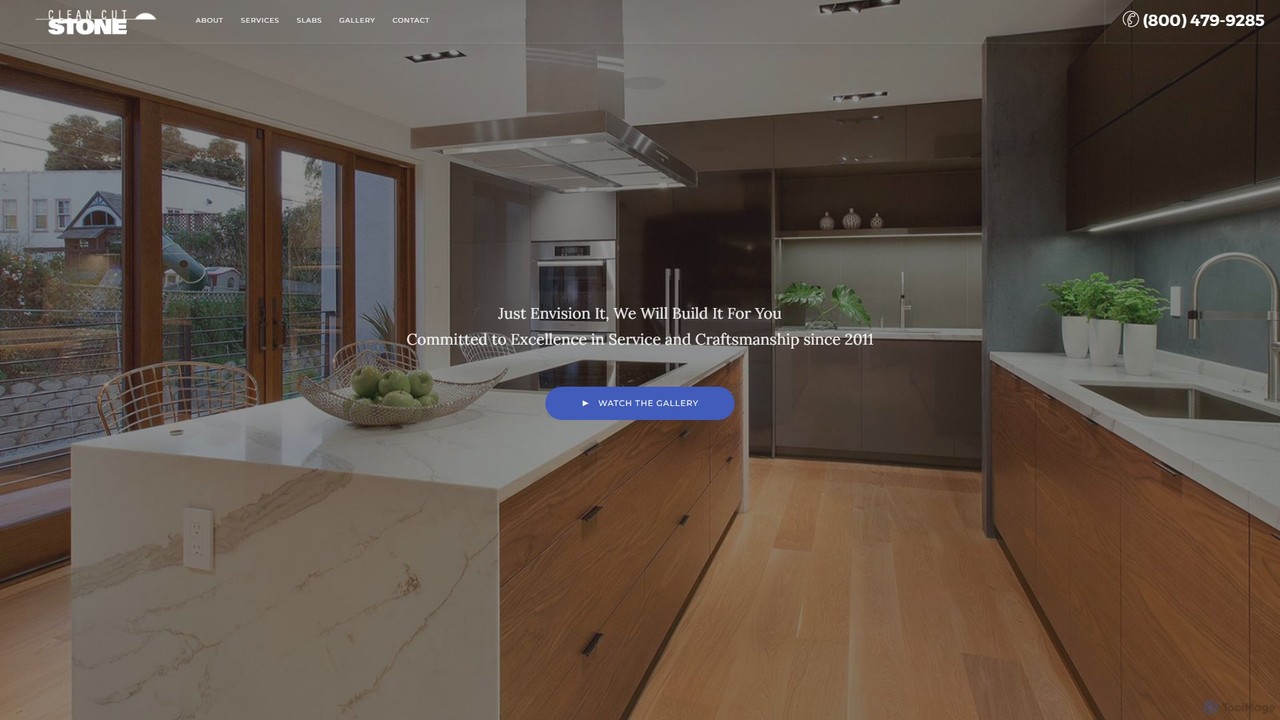
Clean Cut Stone is a professional service provider specializing in the fabrication and installation of luxury natural and …
Clean Cut Stone is a professional service provider specializing in the fabrication and installation of luxury natural and engineered stone countertops. They offer a wide selection of materials like quartz, granite, and marble, providing end-to-end service from material selection at their slab yard to final installation for kitchens, bathrooms, and more.
About Interior Design
AI Interior Design tools are applications that use artificial intelligence to automatically generate and visualize interior decoration concepts. These tools analyze a room's photo, sketch, or dimensions to suggest furniture layouts, color schemes, and stylistic makeovers. They empower users to explore numerous design possibilities quickly, transforming ideas into photorealistic visuals without needing professional design skills. This makes them valuable for personal home projects, professional client presentations, and real estate marketing.
Core Features
- Style Generation: Instantly applies various design styles (e.g., Modern, Minimalist, Scandinavian) to an existing room photo.
- Virtual Staging: Populates empty rooms with realistic furniture and decor to showcase a property's potential.
- Layout Optimization: Suggests optimal furniture placement based on room size, flow, and function.
- Material & Color Customization: Allows users to experiment with different wall paints, flooring materials, and fabric textures.
- Photorealistic Rendering: Creates high-quality, life-like images of the proposed interior design from various angles.
Use Cases
These tools are widely used by homeowners planning renovations, real estate agents creating compelling property listings, and interior designers who need to produce quick concepts for clients. Furniture retailers also use them to help customers visualize products in their own homes.
How to Choose
When selecting an AI Interior Design tool, consider the quality and realism of the renderings, the variety in the furniture and decor library, the ease of use (e.g., drag-and-drop vs. text prompt), and the pricing model (per-image credits vs. monthly subscription). Also, check if it supports various input types like photos, floor plans, or 3D models.
Interior DesignUse Cases
Redesign a Living Room for Homeowners
A homeowner wants to update their outdated living room but is unsure which style to choose. They upload a photo of their current space to an AI Interior Design tool. Within seconds, they can generate multiple design variations in styles like 'Modern Farmhouse,' 'Industrial,' and 'Bohemian.' The tool automatically replaces their old furniture, changes the wall color, and even suggests new lighting fixtures. This allows them to visualize a complete transformation and make confident decisions before purchasing any new items, saving time and avoiding costly mistakes.
Virtual Staging for Real Estate Listings
A real estate agent needs to market an empty apartment. Instead of paying for expensive physical staging, they use an AI tool. They upload photos of each empty room and select a 'Contemporary' style. The AI furnishes the living room with a sleek sofa, the bedroom with a modern bed frame, and the dining area with a stylish table set. The agent receives photorealistic images within minutes, which they use for online listings. This helps potential buyers visualize themselves in the space, leading to a 50% increase in viewing requests and a faster sale.
Quick Concept Creation for Interior Designers
An interior designer is preparing for a client meeting. To present multiple options efficiently, they use an AI design tool. They input the client's floor plan and text prompts like 'a serene master bedroom with natural wood elements and a neutral color palette.' The AI generates three distinct high-quality renderings in under an hour. This process, which would traditionally take days of manual 3D modeling, allows the designer to offer more creative choices and facilitate faster client feedback and approval, significantly speeding up the project timeline.
Experimenting with Kitchen Remodel Ideas
A couple is planning a kitchen remodel and is overwhelmed by the choices. They use an AI interior design app on their tablet. By uploading a photo of their current kitchen, they can instantly test different cabinet colors, countertop materials like marble or quartz, and various backsplash tile patterns. They can switch from a white shaker cabinet style to dark modern flat-panel doors with a single click. This interactive process helps them visualize combinations they hadn't considered, making the decision-making process enjoyable and ensuring they agree on a final design before hiring a contractor.
Visualize Furniture in Your Own Room
A user is shopping online for a new sofa but is hesitant to make a large purchase without knowing how it will fit in their space. They use an AI tool, often integrated into a retailer's website, that utilizes augmented reality (AR) or photo uploads. They can select the sofa, point their phone's camera at their living room, and see a 3D model of the sofa placed realistically in their room. This 'try before you buy' experience provides an accurate sense of scale and style, increasing purchase confidence and reducing the likelihood of product returns.
Planning Office Space Layouts
A small business owner is moving into a new office and needs to plan the layout for 15 employees. Using an AI interior design tool, they upload the office floor plan. The tool allows them to drag and drop desks, chairs, and partitions. More advanced features can even suggest optimal layouts to maximize natural light, promote collaboration, or ensure proper social distancing. They can generate a 3D walkthrough to get a feel for the space before ordering any furniture, ensuring the new office is both functional and comfortable for the team from day one.