
How2Solutions
How2Solutions is an AI-powered platform designed to provide instant, clear, and concise answers to a wide range of …
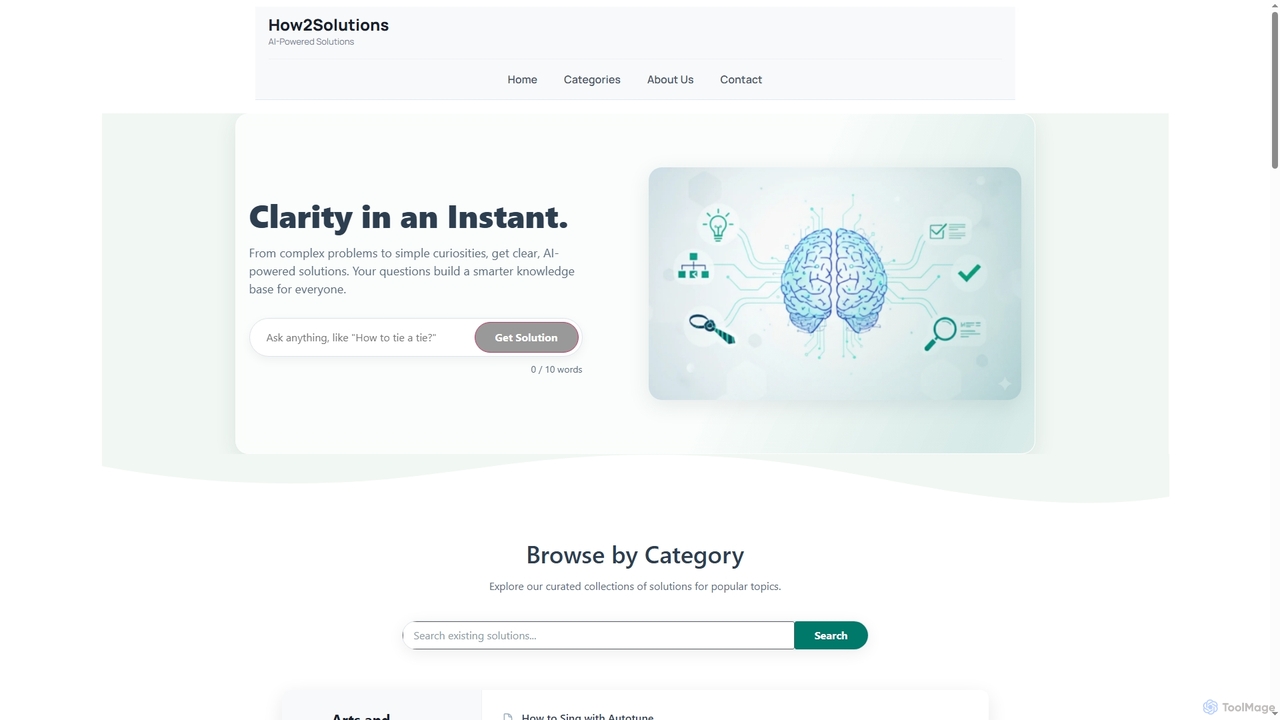
How2Solutions is an AI-powered platform designed to provide instant, clear, and concise answers to a wide range of questions. From complex problems to simple curiosities, it leverages state-of-the-art artificial intelligence to generate easy-to-understand solutions 24/7. Every query contributes to a growing, human-curated knowledge base, making valuable information accessible to everyone.
About How To Guides
How-To Guides are instructional resources providing step-by-step tutorials for effectively using AI tools and platforms. As a practical subset of reference materials, they translate complex AI capabilities into clear, actionable workflows for users. These guides are essential for mastering new software, implementing advanced techniques like prompt engineering, and integrating AI into specific projects. They often feature visual aids, code snippets, and real-world examples to accelerate learning and enhance problem-solving skills.
Core Features
- Step-by-Step Instructions: Breaks down complex processes into easy-to-follow, sequential actions.
- Visual Aids: Incorporates screenshots, diagrams, and videos to clarify procedures and user interfaces.
- Practical Examples & Templates: Offers real-world scenarios and ready-to-use templates, such as prompt examples or configuration files.
- Best Practices & Tips: Provides expert advice for optimizing results, improving efficiency, and avoiding common errors.
- Troubleshooting Sections: Addresses frequent issues, error messages, and provides clear solutions.
Applicable Scenarios
These guides are utilized across various roles and industries. Developers follow them to integrate AI APIs into applications. Marketers use them to learn new AI-powered analytics tools. Content creators rely on them to master advanced techniques for image or text generation. They are also crucial for internal training, helping teams adopt new AI-driven workflows consistently and effectively.
Selection Criteria
When choosing a How-To Guide, verify its recency to ensure it aligns with the current version of the AI tool. Assess the clarity of the instructions and the quality of visual aids. Prioritize guides created by official vendors or recognized experts in the field. A well-structured guide with clear navigation and content for different skill levels (beginner to advanced) offers the most value.
How To GuidesUse Cases
Onboarding to a New AI Analytics Platform
A marketing analyst is tasked with adopting a new AI-powered platform for customer behavior analysis. Instead of navigating complex documentation, they use a series of official how-to guides. The guides walk them through setting up their first project, connecting data sources, building a predictive model, and interpreting the dashboard visualizations. Each step is illustrated with screenshots and short video clips, reducing the learning curve from weeks to just a few days and ensuring they can generate their first actionable insights quickly.
Mastering Advanced Prompt Engineering Techniques
A graphic designer wants to improve the quality of images generated by an AI art tool. They find a community-written how-to guide focused on advanced prompt engineering. The guide explains concepts like negative prompts, token weighting, and using specific artist styles. It provides numerous before-and-after examples and a library of prompt templates for different scenarios (e.g., photorealistic portraits, fantasy landscapes). By following the guide, the designer learns to craft highly specific prompts, gaining precise control over the AI's output and elevating their creative work.
Integrating a Language Model API into an App
A freelance developer is building a mobile app that needs a chatbot feature. They decide to use a popular large language model's API. They find a how-to guide on the provider's website that details the entire integration process. The guide includes code snippets in Python and JavaScript, explains authentication methods, and provides best practices for structuring API calls to manage costs and latency. Following this guide allows the developer to implement a fully functional chatbot in their app within a weekend, a task that would have otherwise taken weeks of research and trial-and-error.
Setting Up an AI-Powered Customer Service Workflow
A small e-commerce business owner wants to automate responses to common customer queries. They use a how-to guide for an AI chatbot builder. The guide shows them how to connect the chatbot to their website and social media, how to train it on their FAQ page and product data, and how to set up escalation paths for complex issues to be handled by a human agent. The visual, step-by-step nature of the guide allows the owner, who has no technical background, to launch an effective 24/7 customer support bot, improving response times and freeing up staff for more complex tasks.
Training a Custom Image Recognition Model
A data science student is working on a project to identify different species of birds from images. They use a how-to guide for a popular machine learning framework. The guide provides a complete walkthrough, from preparing and labeling the image dataset to configuring the neural network architecture and initiating the training process. It also explains how to monitor training progress and evaluate the model's accuracy. Thanks to the guide's clear code examples and explanations, the student successfully trains a model with over 95% accuracy, a significant achievement for their portfolio.
Troubleshooting AI Tool Configuration Errors
A user is setting up a complex AI automation tool but encounters a persistent API authentication error. Instead of contacting support immediately, they search for a how-to guide on troubleshooting common setup issues. They find a guide that lists the top five configuration errors and provides a step-by-step checklist for each. By following the instructions for the authentication error, which involves checking environment variables and token permissions, the user identifies and resolves the issue in under 15 minutes, saving time and gaining a better understanding of the tool's configuration.