Spreadsheets Best in category 1 results Database Management AI Tool

Popular AI tools in the Database Management field of Spreadsheets include airwiz, etc., helping you quickly improve efficiency.

airwiz

airwiz

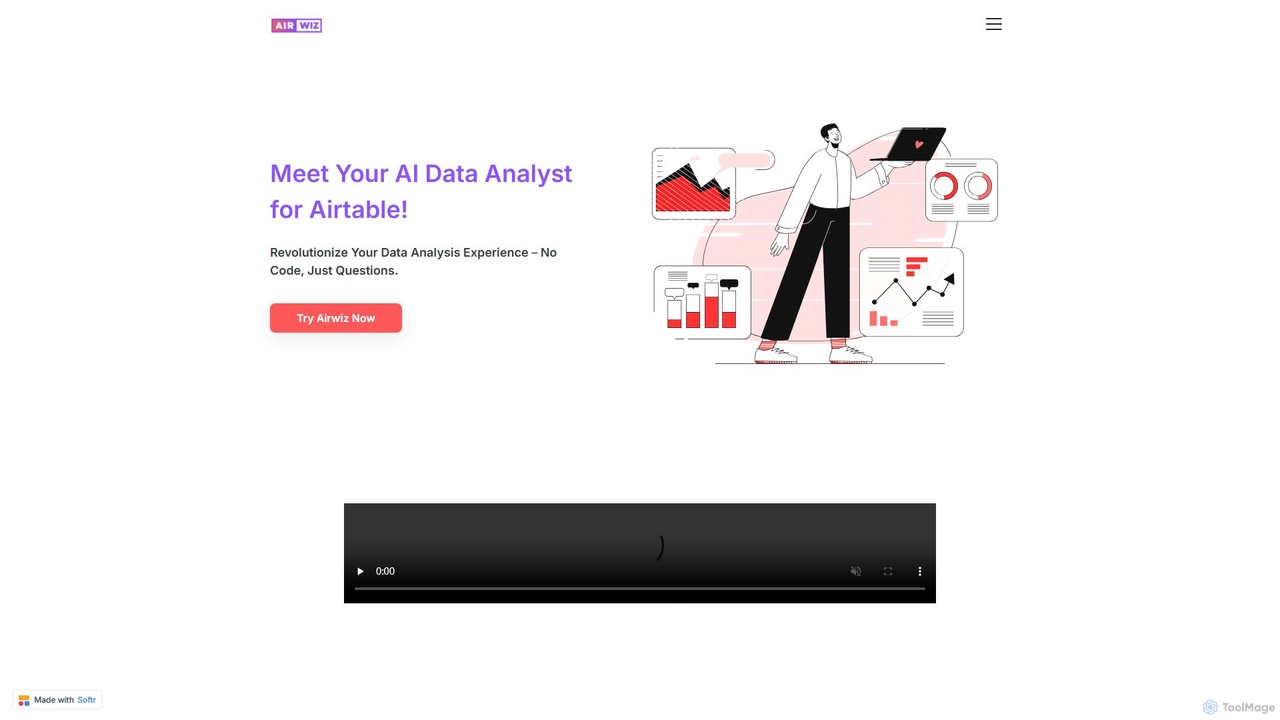
Airwiz is an AI-powered data analyst designed specifically for Airtable. It allows users to ask complex questions about …

2.2K

About Database Management

AI Database Management tools are applications that use artificial intelligence to simplify creating, organizing, and querying structured data, offering a powerful alternative to traditional spreadsheets. They leverage AI for features like natural language queries, automated data structuring, and intelligent data entry. This allows users to build sophisticated, relational databases for managing complex information—such as projects, customers, or inventory—without writing code. These tools excel at handling interconnected data where simple rows and columns are insufficient.

Core Features

  • Natural Language Querying: Interact with your data by asking questions in plain language, eliminating the need for complex formulas or SQL.
  • Automated Data Structuring: AI analyzes imported data to suggest optimal table layouts, field types, and relationships between datasets.
  • Intelligent Data Entry & Cleaning: Automatically populates fields, identifies and merges duplicate records, and standardizes inconsistent data formats.
  • Relational Data Linking: Easily connect related information across different tables, such as linking customers to their orders and support tickets.

Use Cases

These tools are highly versatile, used by teams for building custom CRMs, managing content calendars, tracking project tasks, and organizing inventory. They are particularly valuable for small to medium-sized businesses, startups, and individual creators who need a flexible yet structured way to manage operational data without the overhead of traditional database software.

How to Choose

When selecting an AI Database Management tool, consider the complexity of your data relationships and scalability needs. Evaluate its integration capabilities with other applications in your workflow, such as email or analytics tools. Also, assess the user interface's ease of use for non-technical team members and review the pricing model based on the number of records, users, and automations you require.

Database ManagementUse Cases

1

Building a No-Code CRM for a Small Business

A sales manager at a small business needs to track leads, customer interactions, and deal pipelines without relying on a complex spreadsheet. Using an AI database tool, they create separate tables for 'Contacts', 'Companies', and 'Deals'. The tool's relational features allow them to link each deal to a specific contact and company. The AI assists by suggesting data types for fields like 'Deal Value' (currency) and 'Close Date' (date). The team can now update deal statuses in a centralized place, and the manager can ask 'Show me all deals expected to close this month' in plain English to get an instant, filtered view, replacing manual sorting in a spreadsheet.

2

Managing a Content Production Calendar

A marketing team uses an AI database tool to manage their editorial workflow. They create tables for 'Content Pieces', 'Authors', and 'Campaigns'. Each content piece is linked to an author and can be associated with one or more campaigns. This relational structure provides a clear overview of all activities, which is difficult to achieve in a flat spreadsheet. The team uses different views like a Kanban board to track progress from 'Idea' to 'Published', and a calendar view to visualize the publishing schedule. AI features can help automatically tag content based on its description, making it easier to search for articles on specific topics later on.

3

Tracking Inventory and Suppliers for E-commerce

An e-commerce store owner moves from a cumbersome spreadsheet to an AI database to manage inventory. They create a 'Products' table with fields for SKU, stock level, and price, and a 'Suppliers' table with contact information. By linking these two tables, they can instantly see which supplier provides which product. When stock for a product runs low, an automation can be set up to trigger a reorder notification. The AI's data cleaning feature helps ensure that product names and SKUs are consistent across the database, preventing costly ordering errors that were common with the old spreadsheet system.

4

Organizing User Research and Feedback

A UX research team centralizes qualitative data from user interviews, surveys, and support tickets into an AI database. Instead of manually sifting through documents, they use the tool to store each piece of feedback as a record. They create fields for 'Source', 'User Type', and 'Sentiment'. The AI's natural language capabilities help automatically tag feedback with relevant themes like 'UI confusion' or 'feature request'. This allows researchers to quickly query the entire dataset, for instance, by asking 'What are the top 3 issues reported by new users?' to identify patterns and prioritize design improvements efficiently.

5

Managing a Freelance Project Pipeline

A freelance designer uses an AI database to manage their client projects, replacing a scattered system of notes and spreadsheets. They create a 'Projects' table to track status, deadlines, and deliverables, and a 'Clients' table for contact details. By linking projects to clients, they maintain a clear, organized overview of their workload. They can create a custom view that only shows 'Active Projects' or a 'To-Do' list grouped by client. The AI can help by automatically parsing emails to create new project leads or tasks, saving administrative time and ensuring no opportunities are missed.

6

Creating a Personal Knowledge Management (PKM) System

An academic researcher or writer uses an AI database to build a 'second brain' for organizing notes, articles, and ideas. They create tables for 'Sources', 'Notes', and 'Topics'. Each note can be linked to its original source and tagged with multiple topics, creating a web of interconnected knowledge. This relational structure is far more powerful than a simple folder system. When starting a new paper, they can query the database with natural language, such as 'Find all notes related to behavioral economics from the last year', to instantly gather all relevant information, streamlining the research and writing process.

Database ManagementFrequently Asked Questions