Video & Audio Best in category 2 results Video Editing AI Tool

Popular AI tools in the Video Editing field of Video & Audio include HayaiLearn、peppypick, etc., helping you quickly improve efficiency.

peppypick

peppypick

Peppy Pick is an AI-powered "Interview as a Service" platform designed to streamline the entire hiring process. It …

2.8K
HayaiLearn

HayaiLearn

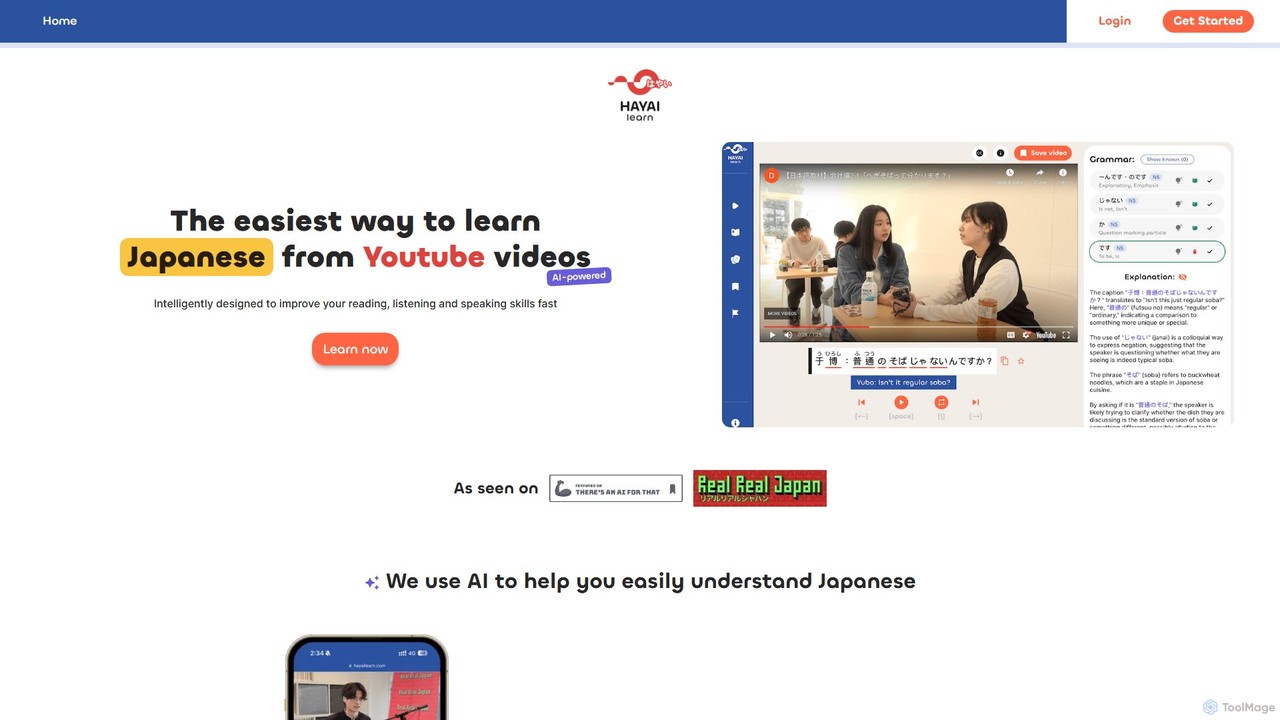
HayaiLearn is an AI-powered platform designed for rapid Japanese language acquisition through video immersion. It transforms YouTube videos …

63.7K

About Video Editing

AI Video Editing tools are applications that leverage artificial intelligence to automate and enhance the video creation process. They use machine learning models for tasks like scene detection, automated cutting, and generating video from text prompts. This enables creators of all skill levels to produce professional-quality videos faster and more efficiently. These tools are particularly effective for traditionally time-consuming tasks, such as transcribing audio, creating subtitles, or finding the best clips from hours of footage.

Core Features

  • AI-Powered Scene Detection & Smart Cutting: Automatically identifies scenes, highlights, or key moments in raw footage for quick assembly.
  • Text-to-Video Generation: Creates video clips or entire sequences from simple text descriptions or scripts.
  • Automated Transcription & Subtitling: Transcribes audio to text with high accuracy and generates synchronized subtitles in multiple languages.
  • AI Effects & Enhancements: Includes features like background removal, object replacement, automatic color correction, and noise reduction.
  • Content Repurposing: Automatically reformats long-form videos into short, engaging clips for social media.

Use Cases

AI video editors are ideal for social media managers, content creators, marketers, and educators who need to produce a high volume of video content quickly. They are also valuable for businesses creating training materials or product demos without a dedicated video production team, streamlining workflows and reducing costs.

How to Choose

When selecting an AI video editor, first identify your primary need, such as text-to-video generation versus smart editing of existing footage. Evaluate the tool's ease of use and learning curve. Check its integration capabilities with other platforms and the accuracy of its AI models, like transcription. Finally, compare pricing models based on your expected usage and required export resolution.

Video EditingUse Cases

1

Automating Social Media Video Creation

A social media manager needs to create daily short-form videos for platforms like TikTok and Instagram Reels. Using an AI video editor, they upload a long-form podcast recording. The AI automatically transcribes the audio, identifies the most engaging soundbites, and generates multiple vertical video clips with animated captions. This process reduces the time to create a week's worth of content from a full day to under an hour.

2

Streamlining Corporate Training Video Production

An HR department needs to produce a series of internal training modules. Instead of hiring a full video team, they use an AI tool. They input a script, and the AI generates a video using relevant stock footage, adds a synthetic voiceover, and applies consistent branding. The AI's smart editing features ensure smooth transitions and pacing, allowing the team to create professional training materials at a fraction of the traditional cost and time.

3

Repurposing Webinars for Marketing Content

A marketing team hosts a one-hour webinar and wants to maximize its reach. They upload the recording to an AI video editor. The tool's AI identifies key topics and questions discussed, then automatically creates a dozen short, shareable clips, each focusing on a specific insight. It also generates a full transcript for a blog post and a summary for an email newsletter, turning one piece of content into a multi-channel campaign.

4

Generating Product Demo Videos from Text

A software startup needs to create quick demo videos for new features. A product manager writes a simple script describing the feature's function. The AI video editor uses this text to generate a complete video, selecting relevant screen recordings or stock clips, adding a voiceover, and highlighting key on-screen elements. This allows for rapid iteration and deployment of marketing materials without involving developers or designers.

5

Enhancing User-Generated Content for Campaigns

A brand runs a campaign encouraging users to submit video testimonials. The raw footage varies greatly in quality. The marketing team uses an AI video editor to automatically stabilize shaky videos, remove background noise, apply a consistent color grade, and add branded overlays and subtitles. This standardizes the look and feel of diverse user content, creating a cohesive and professional final campaign video.

6

Localizing Video Content for Global Audiences

A global e-learning company needs to adapt its video courses for different markets. They use an AI video editing tool with translation and voice cloning features. The tool automatically transcribes the original English audio, translates it into Spanish and Japanese, and then generates a new voiceover in those languages using a clone of the original instructor's voice. This maintains consistency and dramatically speeds up the localization process.

Video EditingFrequently Asked Questions