1ui
Code Generation
AI TOOL COMPARISON
What is the difference, and which fits your workflow? Compare features, usage, pricing models and traffic side by side.
1ui is an AI-powered platform that generates pixel-perfect, production-ready UI designs from natural language prompts. It streamlines the design process by creating responsive layouts, contextual images, and clean HTML/CSS code in seconds. Features include a prompt enhancer, team collaboration, and direct export to Figma as editable layers.
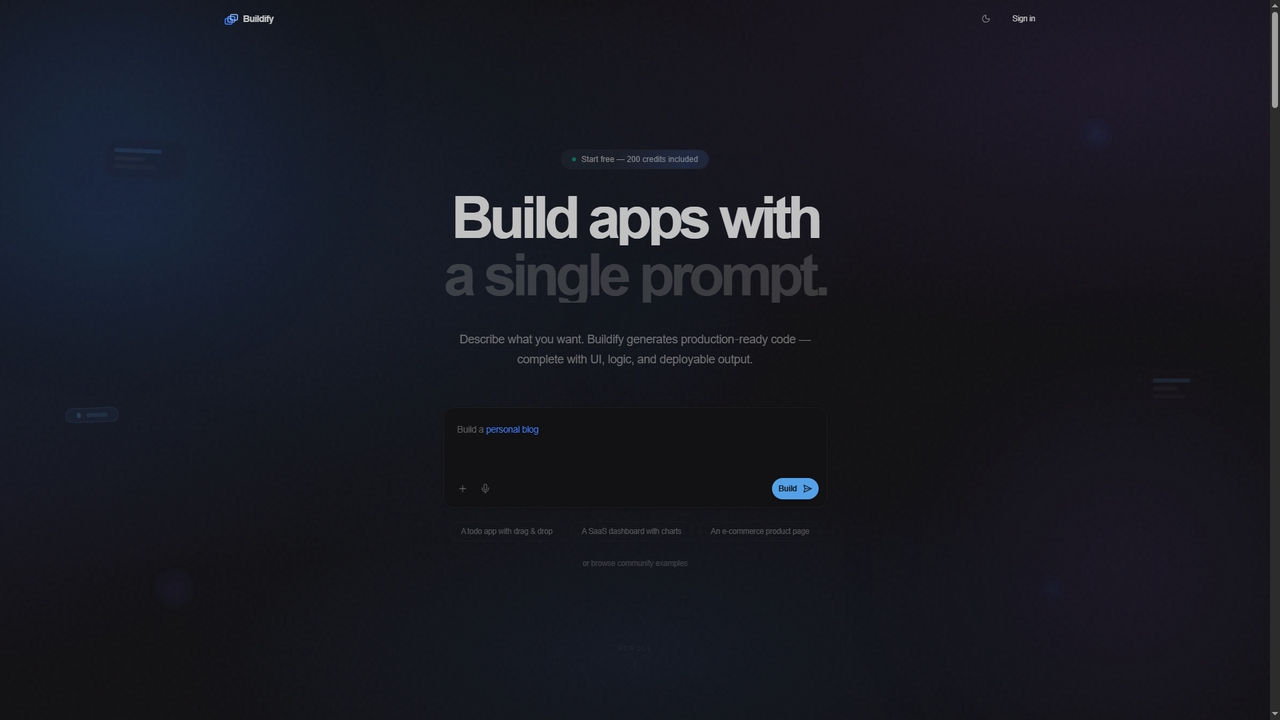
Buildify is an AI-powered app builder that translates natural language prompts into production-ready, full-stack code. It enables developers and creators to quickly generate complete applications with UI, logic, and database components, then iterate through conversation.
Compare product focus, pricing models and audiences. Highlighted rows indicate different listed information; unknown pricing does not mean free.
| Quick facts | 1ui | Buildify |
|---|---|---|
| Pricing model | Freemium | Freemium |
| Product type | Web | Web |
| Primary focus | Code Generation | Ui Design |
| Audience and roles | Frontend Developer · Graphic Designer · Marketing Manager · Product Manager · Software Developer · Startup Founder · UI Designer · UX Designer | Entrepreneur · Frontend Developer · Full-Stack Developer · Product Manager · Project Manager · Software Engineer · Startup Founder · Student · UI/UX Designer |
| Categories | Code Generation · Ui Design · Frontend Development · Prototyping | Ui Design · Prototyping · Code Generation |
| Added | Oct 20, 2025 | Mar 19, 2026 |
| Updated | Nov 19, 2026 | Nov 19, 2026 |
Explore the listed product descriptions, features and workflows. Taxonomy labels alone are not feature evaluations.
1ui is a cutting-edge, AI-driven design platform created to dramatically accelerate the UI design workflow for developers, designers, and teams. By simply describing an interface in natural language, users can generate complete, responsive, and visually stunning designs in seconds. The platform is engineered for speed and precision, leveraging advanced AI from Studdio App to interpret prompts, generate contextual assets, and produce clean, production-ready code. It aims to democratize design, making it faster and more accessible for everyone to bring their ideas to life.
The process is streamlined into three simple steps: 1. Describe Your Design: Type what you want to create using natural language. You can also upload reference images to provide more context. The AI understands design principles and context to interpret your vision. 2. AI Generates Your Design: In seconds, 1ui orchestrates the entire process, generating images, composing layouts, and writing production-ready HTML and CSS. 3. Export and Integrate: Download your design as a PNG, copy the HTML/CSS code directly, or export it to Figma. By using the free 'HTML to Design' community plugin, the exported file becomes a fully editable design in Figma with distinct layers.
Ideal for rapid prototyping of web and application interfaces, allowing teams to visualize and iterate on ideas at unprecedented speed. It's perfect for developers needing to quickly create front-end components, for marketers designing landing pages, and for product managers building mockups. It also serves as a powerful tool for bridging the gap between design and development by providing an instant, code-ready foundation.
The primary advantage of 1ui is its incredible speed, enabling up to 10x faster design iteration compared to traditional methods. It boasts 98% accuracy in design generation, minimizing manual adjustments. The platform provides a seamless workflow from a simple idea to a fully editable Figma file or production-ready code, significantly boosting productivity. It also makes high-quality UI design accessible to non-designers, empowering a wider range of creators.
1ui offers a transparent pricing structure with three main tiers:
Please note that according to the Terms of Service, all sales are final and no refunds are provided.
Buildify is a comprehensive AI platform that reimagines software development by allowing users to generate full-stack, deployable applications from simple English descriptions. It combines advanced code generation with visual design tools to accelerate the app creation process for developers of all skill levels.
To use Buildify, first sign up for a free account which includes 200 credits. Within the Builder tool, describe the application you want to create using natural language. The AI will generate production-ready code. You can then use the iterative chat to refine the output. Alternatively, use the drag-and-drop Buildify Studio for visual design, or the AI Chat to preview ideas with open-source models. Finally, export the code and deploy it to your preferred platform.
Buildify is ideal for rapidly prototyping SaaS dashboards, startup websites, e-commerce pages, todo apps, and interactive games. It serves developers seeking to accelerate coding, entrepreneurs validating ideas, product managers creating mockups, and individuals building professional resumes or personal projects without deep coding expertise.
Buildify significantly reduces development time by generating code in seconds. It lowers the barrier to entry for app creation, supports a wide range of technologies, and enforces security best practices by default. The platform is built for iteration, allowing continuous refinement through conversation. The free tier with 200 credits and no credit card requirement makes it highly accessible for experimentation.
Their taxonomy shows where the products overlap and where each one has a more distinct focus. Unknown fields are shown explicitly and are never filled with assumptions.
Traffic is shown on the same scale so differences in market visibility are not visually understated.
Both charts share the same months and vertical scale. Each tool identifies its latest reporting month; missing months are left blank, not counted as zero. Regional and source visit counts are estimates calculated from the reported shares.
No data available
No data available
Ratings, comments, favorites, and likes are community signals—not a substitute for product fit.
To export your design to Figma, you first generate it in 1ui and click 'Download Figma HTML'. Then, you need to install the free 'HTML to Design' community plugin in Figma. Finally, upload the downloaded HTML file to the plugin, and it will convert your design into fully editable Figma layers with proper hierarchy.
The Basic plan is limited to 100 AI-powered UI screen generations per month. For unlimited generations, you would need to upgrade to the Pro plan.
Yes, every design generated by 1ui is responsive by default. The platform automatically optimizes each design for mobile, tablet, and desktop screens with perfect responsive behavior.
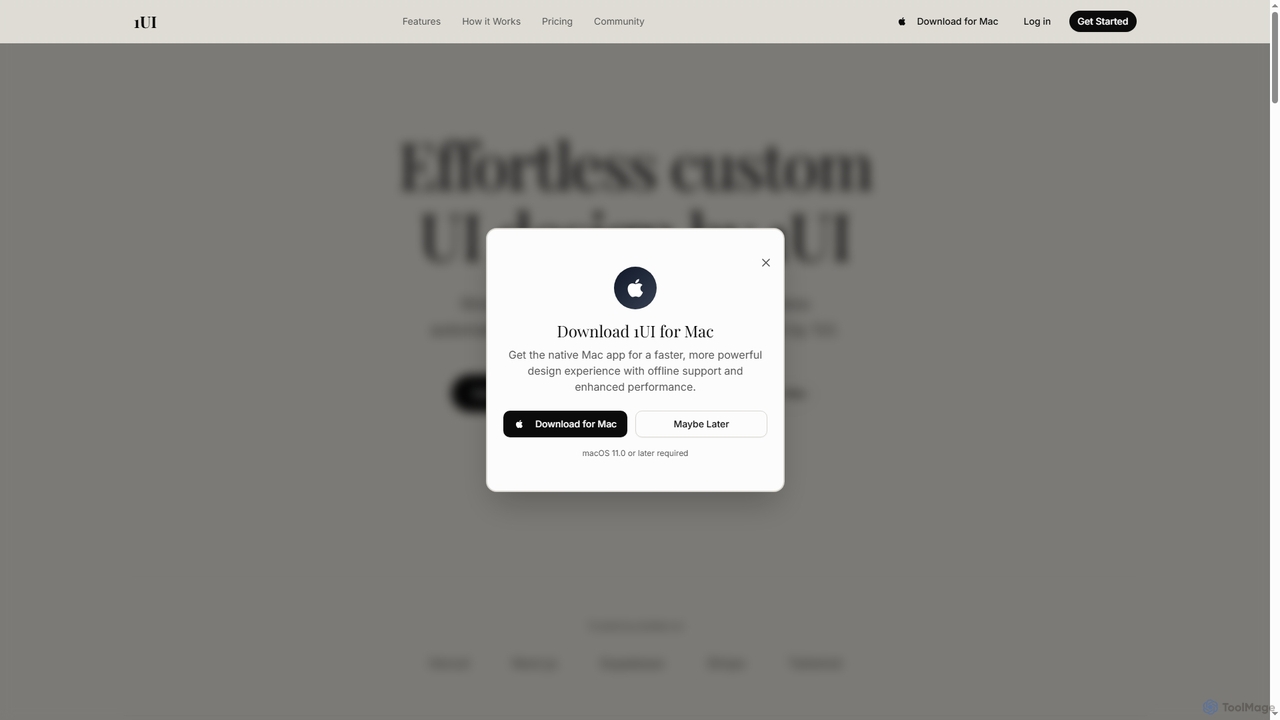
Yes, 1ui offers a native Mac app for users on macOS 11.0 or later. The app provides a faster, more powerful experience with offline support and enhanced performance.
1ui generates clean, semantic HTML and CSS that follows best practices. The code is production-ready and can be directly integrated into your projects.
Yes, Buildify offers a free tier. According to the website, new accounts receive 200 credits upon signup with no credit card required. These credits can be used within the Builder tool to generate full applications. You can also explore all other tools on the platform, including Buildify Studio and AI Chat, for free, forever.
You can describe a wide variety of applications in plain English and the Builder will generate the corresponding production-ready, full-stack code. Examples provided on the site include a startup website, a todo app with drag & drop, a SaaS dashboard with charts, and an e-commerce product page. The output includes UI, logic, and is deployable.
No, Buildify is designed to be accessible to users regardless of their experience level. The core promise is to turn ideas into working applications for everyone. The natural language interface of the Builder and the drag-and-drop functionality of Buildify Studio do not require advanced coding skills to start creating.
You can export the code generated by Buildify and deploy it to any platform of your choice. The website specifically mentions deployment to Vercel, AWS, or your own infrastructure, giving you full control over the hosting environment.
Buildify supports over 20 programming languages and frameworks. The site explicitly names React, Python, and Go as examples, indicating broad compatibility for both frontend and backend development needs.
This page is assembled from ToolMage product listings, taxonomy, traffic statistics and on-site user feedback. It is not a hands-on test or an independent review.