ToolMage
Sign in

AI TOOL COMPARISON

Aider vs Refact

What is the difference, and which fits your workflow? Compare features, usage, pricing models and traffic side by side.

Jump to key differences

Product overview

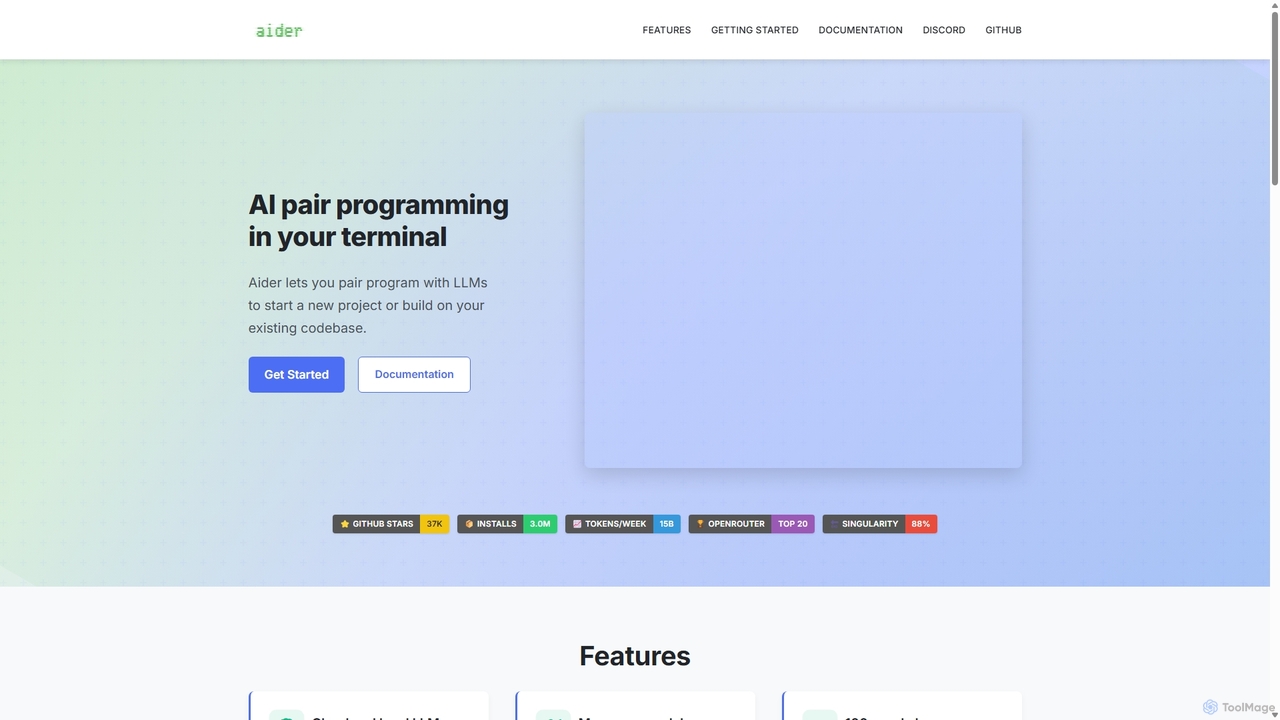
Aider Product overview

Aider is an AI-powered pair programmer that operates directly in your terminal. It intelligently maps your entire codebase, providing full project context for complex tasks. Seamlessly integrated with Git, it automates commits and allows you to manage AI-driven changes with familiar tools. Aider supports over 100 programming languages, connects to leading cloud and local LLMs, and even accepts voice and image inputs, making it a versatile and powerful assistant for any developer seeking to accelerate their workflow and improve code quality.

Preview

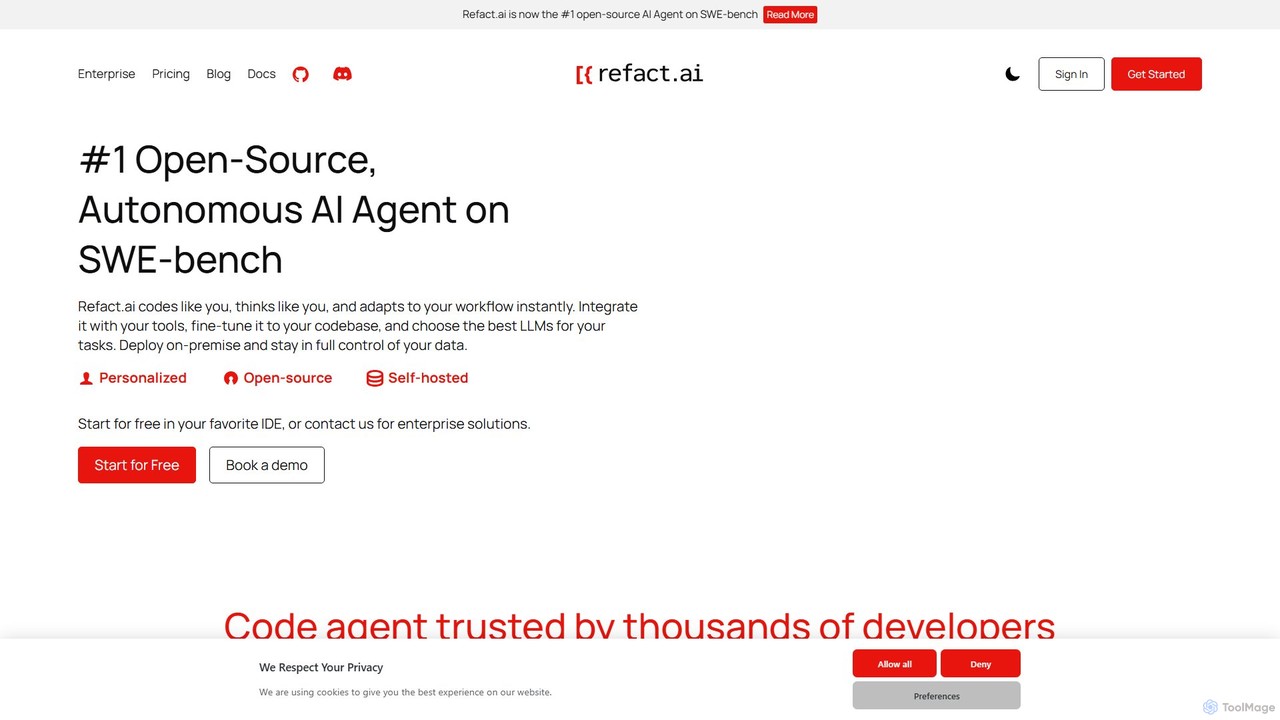
Refact Product overview

Refact is an open-source, self-hostable, and autonomous AI coding agent. It integrates into your IDE to act as a digital twin, automating coding tasks, providing context-aware completions and chat, and adapting to your codebase for maximum productivity and data privacy.

Preview

Quick facts

Compare product focus, pricing models and audiences. Highlighted rows indicate different listed information; unknown pricing does not mean free.

Aider VS Refact — Quick facts
Quick factsAiderRefact
Pricing modelFreeFreemium
Product typeAppWeb
Primary focusProgrammingCode Assistant
Audience and rolesData Scientist · DevOps Engineer · Full-Stack Developer · Mobile App Developer · Software Developer · Software Engineer · Web DeveloperNo data available
CategoriesProgramming · Code Assistant · AutomationCode Assistant · Debugging · Refactoring · Automation
AddedSep 17, 2025Aug 9, 2025
UpdatedNov 19, 2026Nov 19, 2026

Features, usage and use cases

Explore the listed product descriptions, features and workflows. Taxonomy labels alone are not feature evaluations.

Aider

Aider is a cutting-edge AI pair programming tool designed to work where developers work: the command line. It's not just another code snippet generator; Aider acts as an intelligent partner with a deep understanding of your entire project. By creating a comprehensive map of your codebase, it can perform complex edits, implement new features, and fix bugs across multiple files with remarkable accuracy. Its tight integration with Git means every change is version-controlled, allowing you to review, manage, and undo AI-generated modifications with ease. Aider is built for professional developers who value efficiency, control, and seamless integration into their existing workflows.

How to use Aider

Getting started with Aider is straightforward and designed to integrate into your natural coding rhythm:

  1. Installation: Install Aider on your system. As a command-line tool, this is typically done via a package manager like pip: pip install Aider-chat.
  2. Configuration: Configure Aider with your preferred Large Language Model (LLM) API key. You can choose from top models like OpenAI's GPT-4o, Anthropic's Claude 3.7 Sonnet, or even set it up with a local LLM for enhanced privacy and offline use.
  3. Launch: Navigate to your project's root directory in your terminal and simply run the Aider command.
  4. Provide Context: Add the relevant files for your task to the Aider chat session using the /add command (e.g., /add src/main.py tests/test_main.py). Aider will read these files and build its understanding of your code.
  5. Make Your Request: Describe the changes you need in plain English. You can also use the voice-to-code feature to speak your request, or provide screenshots and web links for visual context. For example, "Refactor the user authentication logic in main.py to use a more secure hashing algorithm and update the corresponding tests."
  6. Review and Approve: Aider will analyze your request, consult its map of your codebase, and propose the necessary code changes. It will show you a diff of the proposed modifications for your review.
  7. Commit: Once you approve the changes, Aider will apply them to your files and automatically commit them to your Git repository with a clear, descriptive commit message. You can then continue your work or give Aider a new task.

Core Features of Aider

  • Comprehensive Codebase Mapping: Unlike tools that only see one file at a time, Aider builds a repository map, enabling it to understand relationships between different parts of your code and perform complex, multi-file changes.
  • Deep Git Integration: Aider automatically commits every change it makes, complete with a sensible commit message. This allows you to use standard Git commands (like git diff, git checkout) to review and manage the AI's work.
  • Flexible LLM Support: Works with a wide array of powerful LLMs, including Claude 3.7 Sonnet, DeepSeek, OpenAI's GPT-4o, and more. Crucially, it also supports local LLMs, giving you full control over your data and costs.
  • Multi-modal Context: Enhance your requests with visual information. Add screenshots of bugs, diagrams of architecture, or links to documentation pages directly into the chat to give the AI precise context.
  • Voice-to-Code: Speak your coding instructions naturally. Aider's voice-to-code functionality is perfect for brainstorming, dictating complex logic, or hands-free coding.
  • IDE Integration: Work from the comfort of your favorite editor. By adding specially formatted comments in your code, you can direct Aider to make changes without leaving your IDE.
  • Automated Linting and Testing: Aider can be configured to run your linter and test suite automatically after every change. It can even analyze the failures and attempt to fix the issues it finds, ensuring code quality is maintained.
  • Extensive Language Support: Proficient in over 100 programming languages, including Python, JavaScript, Rust, Go, C++, PHP, HTML, CSS, and many others.

Use Cases for Aider

Aider is a versatile assistant suitable for a wide range of development tasks:

  • Rapid Prototyping & Feature Development: Quickly scaffold new features, create API endpoints, or build UI components by describing the desired functionality.
  • Complex Bug Fixing: Provide Aider with bug reports, error logs, or screenshots. Its whole-codebase awareness helps it trace issues across services and files to find and fix the root cause.
  • Code Refactoring and Modernization: Modernize legacy code, improve performance, or refactor complex functions for better readability. Instruct Aider to "Convert all class-based React components in this directory to functional components with Hooks."
  • Test-Driven Development (TDD): Ask Aider to write unit tests, integration tests, or end-to-end tests for new or existing code, helping you achieve higher test coverage faster.
  • Documentation Generation: Automatically generate docstrings, comments, and even README files to keep your project well-documented and easy for new team members to understand.
  • Learning and Exploration: Use Aider to explore a new codebase. Ask it to explain how a particular feature is implemented or to add comments to a complex algorithm.

Advantages of Aider

Aider stands out from other AI coding tools with its developer-first approach:

  • Superior Context: The repository map gives Aider a significant advantage in understanding complex projects, leading to more accurate and relevant code suggestions.
  • Seamless Workflow Integration: By living in the terminal and using Git, Aider doesn't force you to change your habits. It complements your existing tools and processes.
  • Unparalleled Control: You are always in control. Every change is presented as a diff for your approval, and everything is logged in your Git history.
  • Privacy and Cost-Effectiveness: The ability to use local, self-hosted LLMs means your code never has to leave your machine, and you can avoid recurring API subscription costs.
  • Increased Productivity: Aider automates the repetitive and time-consuming parts of coding, freeing you up to focus on high-level design and problem-solving.

Pricing and Plans

Aider is a free and open-source tool, licensed under the Apache 2.0 License. You can download, use, and modify it without any cost for the software itself.

The primary cost associated with using Aider is the API access to the Large Language Models (LLMs) it connects to. You are responsible for the fees charged by your chosen LLM provider (e.g., OpenAI, Anthropic, Google). However, Aider provides a significant advantage by supporting local LLMs. By running a model like Llama 3 or Code Llama on your own hardware, you can use Aider completely free of charge, with the added benefit of maximum privacy and offline functionality.

Refact

Refact is a revolutionary AI tool designed to transform the software development lifecycle. Positioned as the #1 open-source, autonomous AI agent on the SWE-bench, Refact functions like an additional developer on your team. It understands your coding style, adapts to your workflow, and integrates seamlessly with your existing tools. Founded by a former OpenAI team member, Refact's vision is to democratize AI's power, making advanced development tools accessible to programmers worldwide. It emphasizes customization, privacy, and control, offering on-premise deployment to ensure your codebase remains secure. Whether you're a solo developer on a hobby project or part of a large enterprise, Refact provides a suite of powerful features to accelerate development, debug complex issues, and build better software faster.

How to use Refact

Getting started with Refact is straightforward. First, you install the Refact extension into your favorite IDE, with support for VS Code, JetBrains (IntelliJ, PyCharm, WebStorm, etc.), Visual Studio, Neovim, and more. Once installed, the AI agent connects to your project. You can then delegate tasks by describing what you need in natural language. The agent will analyze the codebase, plan the necessary steps, execute the code changes, and even interact with tools like GitHub, databases, and CI/CD pipelines. You can use the in-IDE chat for quick questions, code generation, or debugging assistance. The AI provides real-time, context-aware code completions as you type, significantly speeding up the coding process. For enterprises, Refact can be deployed on-premise or in a private cloud for maximum security and control.

Core Features of Refact

  • Autonomous AI Agent: Delegate end-to-end coding tasks. The agent can plan, execute, and deploy solutions by understanding high-level requirements.
  • Context-Aware In-IDE Chat: Get accurate answers and code suggestions tailored to your project's specific context, including your entire codebase.
  • Intelligent Code Completions: Powered by advanced models like Qwen2.5-Coder and Retrieval-Augmented Generation (RAG), Refact provides precise, real-time predictions for lines, functions, or entire classes.
  • Flexible LLM Integration: Use top models like Claude 4, GPT-4o, and Gemini, or connect your own API key (BYOK) to use any LLM of your choice.
  • On-Premise Deployment: A self-hosted option ensures your code never leaves your servers, providing complete data privacy and security.
  • Codebase Fine-Tuning: Train the AI on your company's specific codebase and documentation to create a personalized assistant that understands your architecture and standards.
  • Broad Tool & Language Support: Integrates with GitHub, Docker, PostgreSQL, and more. It supports over 25 programming languages, including Python, Java, JavaScript, C++, and Rust.
  • Image to Code: Convert design mockups or screenshots directly into HTML/CSS code, streamlining front-end development.

Use Cases for Refact

Refact excels in a variety of development scenarios. Developers use it for rapid prototyping, building a functional product prototype in a week by simply providing prompts and testing the results. It's also invaluable for legacy code maintenance; in one case, it identified and fixed a complex plugin issue in 30 minutes, a task estimated to take 80 hours manually. For new feature development, a developer built 99.9% of a full-fledged IoT cloud monitoring app using only the Refact Agent. It can also accelerate UI development, creating a fully functional GUI from a GitHub repository in just 14 minutes. Even developers with no experience in a particular tech stack can build functional web applications using its 'vibe coding' approach.

Advantages of Refact

The primary advantage of Refact is its ability to act as a true force multiplier for engineering teams. It offers a massive productivity boost, with users reporting it handles up to 95% of the work. This leads to significant cost and time savings, reducing months of work to a single week. Its key differentiator is data privacy and control through its open-source nature and on-premise deployment options. Unlike many cloud-based solutions, your code remains yours. The agent's ability to learn and adapt to your specific codebase through fine-tuning and RAG makes it progressively smarter and more helpful. This high degree of customization and flexibility in model choice and tool integration makes it a superior choice for professional developers and enterprises who demand control over their development environment.

Pricing and Plans

Refact offers a flexible, freemium pricing model to suit different needs:

  • FREE Plan: Ideal for personal and hobby projects. It includes access to the Autonomous AI Agent (with 2,000 coins for usage), unlimited code completions, context-aware in-IDE chat, RAG, and the self-hosting option.
  • PRO Plan: Starting from $10/month, this plan is for professional use. It includes everything in the Free plan but increases the AI Agent & Chat usage with 10,000 coins renewed monthly. Users can purchase additional coins as needed.
  • ENTERPRISE Plan: A custom plan for businesses requiring maximum control and performance. It offers on-premise, SaaS, or AWS deployment, LLM fine-tuning on your company's codebase, optimization for multiple GPUs, advanced access control, complete code privacy with zero telemetry, and priority support.

Positioning

Their taxonomy shows where the products overlap and where each one has a more distinct focus. Unknown fields are shown explicitly and are never filled with assumptions.

Categories

Shared
Code AssistantAutomation
Only Aider
Programming
Only Refact
DebuggingRefactoring

Tags

Shared
code assistantdebuggingdeveloper toolopen sourcerefactoring
Only Aider
AI codingClaude 3.7code generationcommand lineGitgpt-4ollmpair programmingterminal
Only Refact
AI agentcode completionIDE pluginjetbrainsRAGself-hostedVS Code

Audience and roles

Shared
No listed items
Only Aider
Data ScientistDevOps EngineerFull-Stack DeveloperMobile App DeveloperSoftware DeveloperSoftware EngineerWeb Developer
Only Refact
No listed items

Traffic comparison

Traffic is shown on the same scale so differences in market visibility are not visually understated.

How to interpret the traffic data

Both charts share the same months and vertical scale. Each tool identifies its latest reporting month; missing months are left blank, not counted as zero. Regional and source visit counts are estimates calculated from the reported shares.

Aider monthly traffic:

Latest traffic · 2026-05

Monthly visits
478.7K
Avg. visit duration
1:24
Pages per visit
2.29
Bounce rate
47.26%
Data updated 2026-06-15

Monthly traffic trend

  • 2025-09: 363.5K
  • 2026-01: 314.6K
  • 2026-02: 289.1K
  • 2026-03: 364.1K
  • 2026-04: 402K
  • 2026-05: 478.7K

Top regions

Top 5 countries/regions
Country/regionPercentageEstimated visits
🇺🇸United States37.13%177.7K
🇨🇳China22.17%106.1K
🇮🇳India17.78%85.1K
🇧🇷Brazil14.8%70.8K
🇩🇪Germany8.12%38.9K

Traffic sources

Source typePercentageEstimated visits
Direct81.13%388.4K
Referral18.37%87.9K
Email0.5%2.4K

Search keywords

aideraider aiaider-chataider clillm leaderboard

Refact monthly traffic:

Latest traffic · 2026-05

Monthly visits
112.8K
Avg. visit duration
0:08
Pages per visit
1.41
Bounce rate
40.11%
Data updated 2026-06-15

Monthly traffic trend

  • 2025-09: 77.5K
  • 2026-01: 60.3K
  • 2026-02: 44.7K
  • 2026-03: 88.8K
  • 2026-04: 75.5K
  • 2026-05: 112.8K

Top regions

Top 5 countries/regions
Country/regionPercentageEstimated visits
🇺🇸United States35.47%40K
🇮🇳India25.58%28.9K
🇳🇬Nigeria15.43%17.4K
🇮🇩Indonesia12.33%13.9K
🇬🇧United Kingdom11.19%12.6K

Traffic sources

Source typePercentageEstimated visits
Direct79.07%89.2K
Referral20.93%23.6K

Search keywords

image to code converterimage to htmlimage to html converterpicture to htmlrefact

Community signals

Ratings, comments, favorites, and likes are community signals—not a substitute for product fit.

Aider

Rating
No data available
Comments
0
Favorites
226
Likes
221

Refact

Rating
No data available
Comments
0
Favorites
164
Likes
164

Aider vs Refact · Comparison FAQ

What do Aider and Refact have in common?
Both tools are listed under Code Assistant、Automation. These categories indicate overlapping use cases; compare their detailed descriptions for workflows, capabilities and limitations.
Are Aider and Refact free?
Listed pricing models: Aider — Free; Refact — Freemium. Missing pricing is not proof of a free plan, and freemium does not mean every feature is free. Check official sites for current plans, limits and trials.
How should I choose between Aider and Refact?
The primary listed category is Programming for Aider, and Code Assistant for Refact. Compare features, steps and use cases, then verify pricing, data permissions and deployment needs. This page does not include hands-on testing and does not declare a winner from traffic or tags.

Sources and comparison methodology

This page is assembled from ToolMage product listings, taxonomy, traffic statistics and on-site user feedback. It is not a hands-on test or an independent review.
  • Feature and plan descriptions reflect information in the listings, not real-time guarantees. Verify pricing, quotas, availability and privacy terms on the official sites.
  • Traffic uses the reporting months shown. Missing statistics do not mean zero visits, and different periods do not establish growth or superiority. Regional and source visit counts are estimates based on shares.
  • Different tags indicate differences in the listings, not proof that the other product lacks a capability. Ratings, favorites and visits are not used to declare a winner.

Related comparisons