Airtable
Project Management
AI TOOL COMPARISON
What is the difference, and which fits your workflow? Compare features, usage, pricing models and traffic side by side.
Project Management
Sales Automation
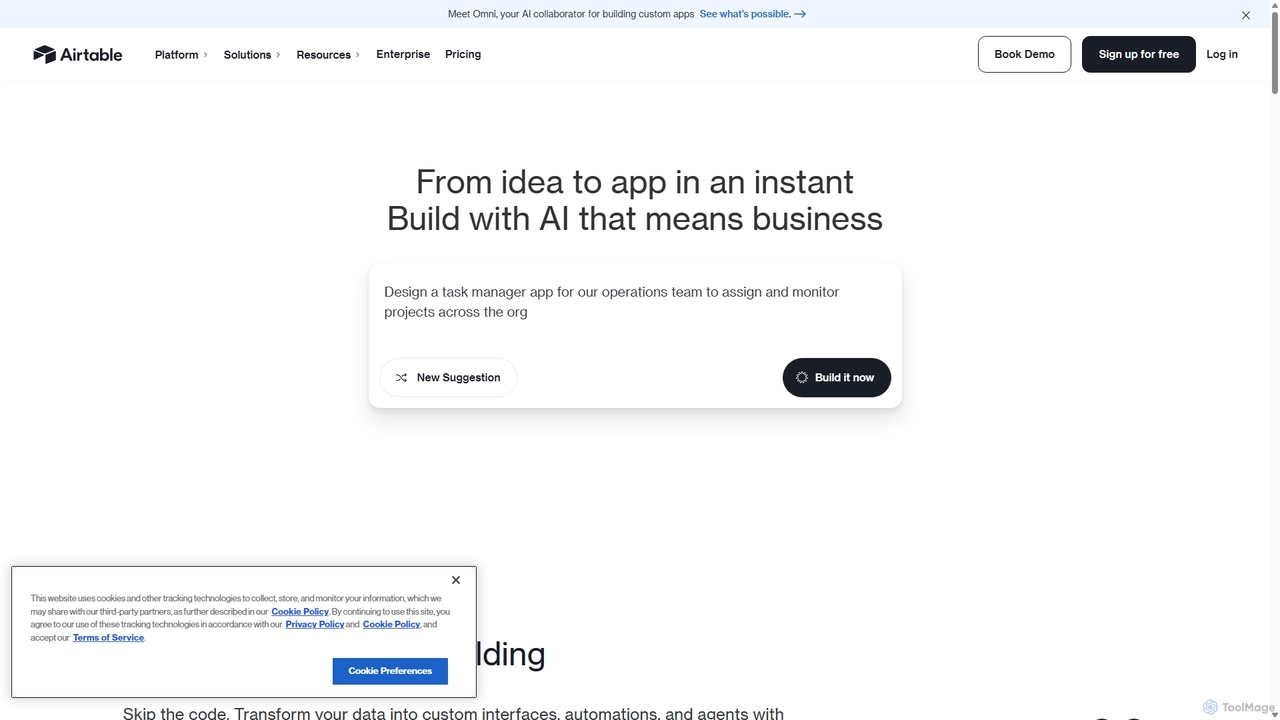
Airtable is an AI-native app building platform for enterprises, combining the flexibility of a spreadsheet with the power of a database. It enables teams to create custom applications, automate complex workflows, and deploy intelligent AI agents without writing code, transforming critical data into actionable insights and streamlined operations.
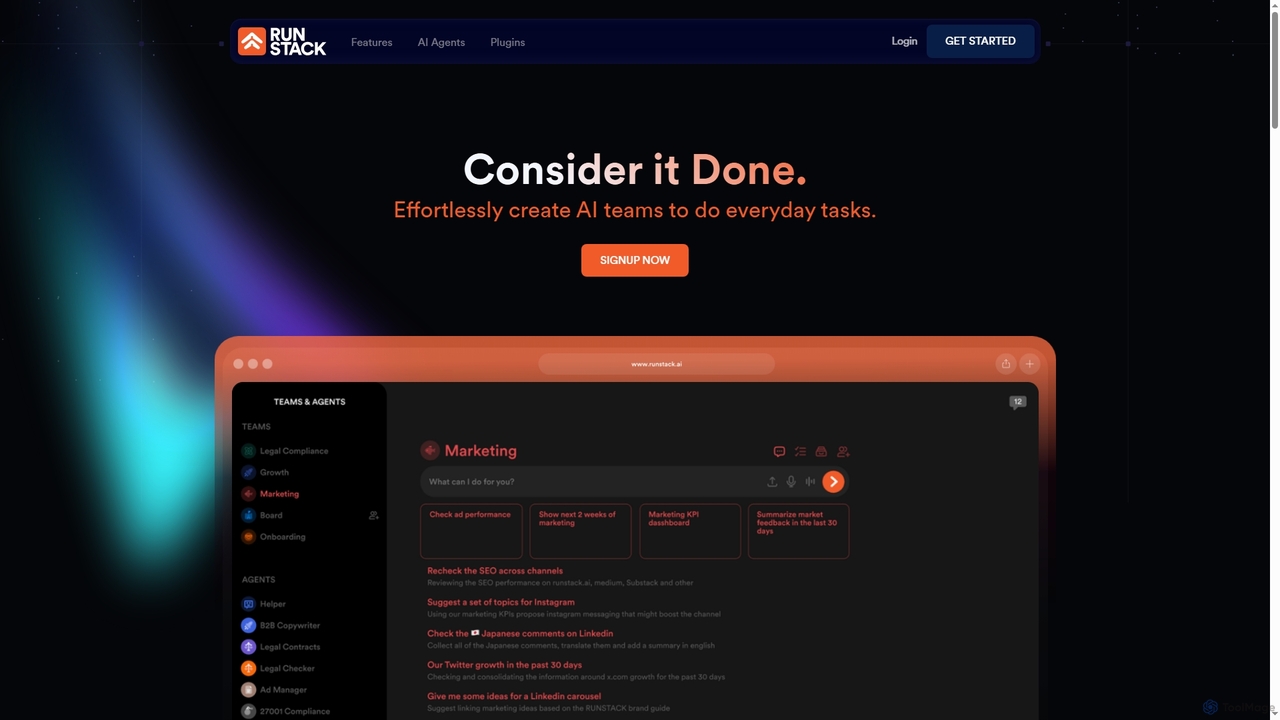
Runstack is an innovative AI agent platform that empowers businesses to effortlessly create custom AI assistants. By simply describing tasks in plain English, users can deploy intelligent agents to automate workflows, integrate with over 50 business tools, and handle complex operations across various departments, from sales and marketing to finance and project management.
Compare product focus, pricing models and audiences. Highlighted rows indicate different listed information; unknown pricing does not mean free.
| Quick facts | Airtable | Runstack |
|---|---|---|
| Pricing model | Freemium | No data available |
| Product type | Web | Web |
| Primary focus | Project Management | Sales Automation |
| Audience and roles | Business Owner · Content Creator · Data Analyst · HR Manager · Marketing Manager · Operations Manager · Product Manager · Project Manager · Sales Representative · Software Developer | Accountant · Business Owner · Customer Support · Data Analyst · Entrepreneur · Legal Professional · Marketing Manager · Operations Manager · Product Manager · Project Manager · Sales Representative · Software Developer |
| Categories | Project Management · Database & Analytics · No Code & Low Code · Workflow Automation | Sales Automation · Digital Marketing · Workflow Automation · No Code Development |
| Added | Sep 18, 2025 | Dec 16, 2025 |
| Updated | Nov 19, 2026 | Nov 19, 2026 |
Explore the listed product descriptions, features and workflows. Taxonomy labels alone are not feature evaluations.
Airtable is a next-generation, AI-native application platform designed to empower organizations to build powerful, custom workflows and applications without needing extensive technical expertise. It merges the user-friendly interface of a spreadsheet with the robust functionality of a database, creating a uniquely flexible environment for managing data, projects, and processes. Trusted by over 500,000 organizations, including 80% of the Fortune 100, Airtable helps teams accelerate work, automate complex processes, and leverage AI to achieve significant business impact.
The platform's core philosophy is to make app development accessible to everyone. Through a conversational AI builder, users can describe their needs in plain language, and Airtable instantly generates a functional application with custom interfaces, automations, and data structures. This dramatically reduces development time from months to minutes, allowing teams to build production-ready apps at the speed of prototyping.
Getting started with Airtable is an intuitive process designed for users of all skill levels. First, you create a 'Base,' which serves as a single source of truth for your project or workflow. Within a Base, you create 'Tables' for different types of data, similar to sheets in a spreadsheet. You then populate these tables with 'Records' (rows) and organize them using customizable 'Fields' (columns) that can hold everything from text and numbers to attachments, barcodes, and checkboxes. You can connect related data across tables using 'Linked Records' to build a relational database. From there, you can design custom 'Interfaces' to visualize and interact with your data, create 'Automations' to handle repetitive tasks, and integrate 'Airtable AI' to summarize text, categorize data, generate content, and more, directly within your workflows.
Airtable's flexibility makes it suitable for a vast range of applications across departments:
Airtable provides a significant competitive edge by enabling rapid and scalable application development. Its no-code, AI-driven approach democratizes software creation, allowing business teams to build the exact tools they need without relying on IT departments. This leads to faster problem-solving and increased agility. The platform's ability to centralize data eliminates silos, ensuring everyone works from the most up-to-date information. Furthermore, its enterprise-ready security, governance, and scalability make it a trusted choice for large organizations handling sensitive data and complex operations.
Airtable offers a tiered pricing structure to accommodate different needs:
Runstack revolutionizes how businesses leverage artificial intelligence by providing an intuitive platform for building and deploying custom AI agents. Designed for non-technical users, it allows individuals to "program in English," transforming natural language requests into powerful automated workflows. These intelligent agents are tailored to specific business needs, learning and evolving with user feedback to optimize performance. Runstack seamlessly integrates with over 50 popular business tools, enabling agents to execute tasks across various platforms, coordinate team activities, automate customer follow-ups, manage calendars, and much more, freeing up human teams to focus on strategic initiatives.
To use Runstack, simply describe the task you need done in plain English. The platform will then instantly create a personalized AI agent tailored to your request. You can connect this agent to your existing business tools, choosing from over 50 available plugins like Gmail, Outlook, CRMs, and project management software. Once connected, instruct the AI agent on what to do, and it will automatically handle the work, learning and adapting as it goes. Users can suggest modifications to their agents, allowing them to evolve and improve over time.
Runstack's versatility makes it suitable for a wide range of business applications. For sales and marketing, agents can automate CRM updates, draft follow-up emails, score leads, analyze lost deals, generate sales playbooks, manage social media campaigns (Hootsuite, Facebook Ads, Mailchimp), and optimize ad performance (Google Ads). In project and operations management, agents can coordinate team tasks, manage project timelines, flag blockers, forecast delivery risks (Jira, ClickUp, Slack, Google Calendar), organize files across cloud storage (Google Drive, Notion, SharePoint), and generate reports for board meetings. Customer service and support teams can automate customer follow-ups and manage support tickets (Zendesk). Financial and legal professionals can automate invoice management, expense tracking (QuickBooks), review contracts, and create legal summaries. Data analysis and research tasks, such as tracking market trends, analyzing financial data (Technical Analysis, Dexscreener), retrieving real-time information (Web Search), and performing statistical computations, are also streamlined. Furthermore, agents can assist in content creation and curation, researching, writing, and publishing newsletters efficiently.
Runstack offers several key advantages that enhance business efficiency and productivity. Its primary strength is its ease of use, allowing non-technical users to create powerful AI agents using natural language, eliminating the need for coding expertise. The platform provides high customization, as agents are built to fit specific business needs and workflows, offering a personalized experience rather than a one-size-fits-all solution. Runstack boasts seamless integration with a wide array of existing business tools, enhancing current workflows without requiring users to switch between multiple programs. Its continuous learning system ensures that AI agents evolve and improve over time by learning from user interactions and business data, becoming more effective with continued use. This leads to enhanced productivity, as routine and complex tasks are automated, allowing teams to focus on higher-value activities and strategic decision-making. Finally, Runstack guarantees data security and privacy, ensuring that user data and connected systems are secure and private, with no access or sale of information.
Their taxonomy shows where the products overlap and where each one has a more distinct focus. Unknown fields are shown explicitly and are never filled with assumptions.
Traffic is shown on the same scale so differences in market visibility are not visually understated.
Both charts share the same months and vertical scale. Each tool identifies its latest reporting month; missing months are left blank, not counted as zero. Regional and source visit counts are estimates calculated from the reported shares.
| Country/region | Percentage | Estimated visits |
|---|---|---|
| 🇺🇸United States | 74.16% | 19.7M |
| 🇬🇧United Kingdom | 7.78% | 2.1M |
| 🇵🇭Philippines | 6.15% | 1.6M |
| 🇫🇷France | 5.98% | 1.6M |
| 🇮🇳India | 5.93% | 1.6M |
| Source type | Percentage | Estimated visits |
|---|---|---|
| Direct | 86.16% | 22.9M |
| Referral | 8.26% | 2.2M |
| 5.58% | 1.5M |
| Country/region | Percentage | Estimated visits |
|---|---|---|
| 🇧🇷Brazil | 58.97% | 239 |
| 🇪🇬Egypt | 27.17% | 110 |
| 🇹🇭Thailand | 13.86% | 56 |
Ratings, comments, favorites, and likes are community signals—not a substitute for product fit.
Runstack creates custom AI agents by allowing users to simply describe what they need done in plain English. The platform then instantly builds a personalized AI assistant tailored to handle that unique request, designed to work exactly as needed without any technical setup. This process is like "programming in English," as stated on the Runstack website.
Runstack agents can connect to over 50 existing business tools and platforms. Examples include email services like Gmail and Outlook, calendars, CRMs (e.g., Salesforce, Pipedrive), databases (e.g., Oracle DB, MongoDB, PostgreSQL), and project management tools (e.g., Jira, ClickUp). The platform offers a wide range of plugins across categories like Productivity, Utility, Data, Marketing, Finance, and Messaging.
Yes, Runstack is specifically designed for non-technical users. The platform emphasizes that users can "speak to them like people and do what you ask," comparing it to "programming in English." It highlights that while the technology is sophisticated, users interact with it using plain English, requiring no technical setup.
Runstack prioritizes data security and privacy. According to its 'About Us' page, "The data you put in RUNSTACK and the system you connect to it are yours and yours alone. We don't access or sell anything," ensuring that user information remains confidential and protected.
Yes, Runstack agents are built with a learning system. The platform states that "As you use your agent you can suggest modifications and adjustment so it can evolve." Furthermore, "Your RUNSTACK learns from you. How you write, how you work and what business you are in so it can better serve you," indicating continuous adaptation and improvement.
This page is assembled from ToolMage product listings, taxonomy, traffic statistics and on-site user feedback. It is not a hands-on test or an independent review.