ToolMage
Sign in

AI TOOL COMPARISON

Aivory vs CodeAnt AI

What is the difference, and which fits your workflow? Compare features, usage, pricing models and traffic side by side.

Jump to key differences

Product overview

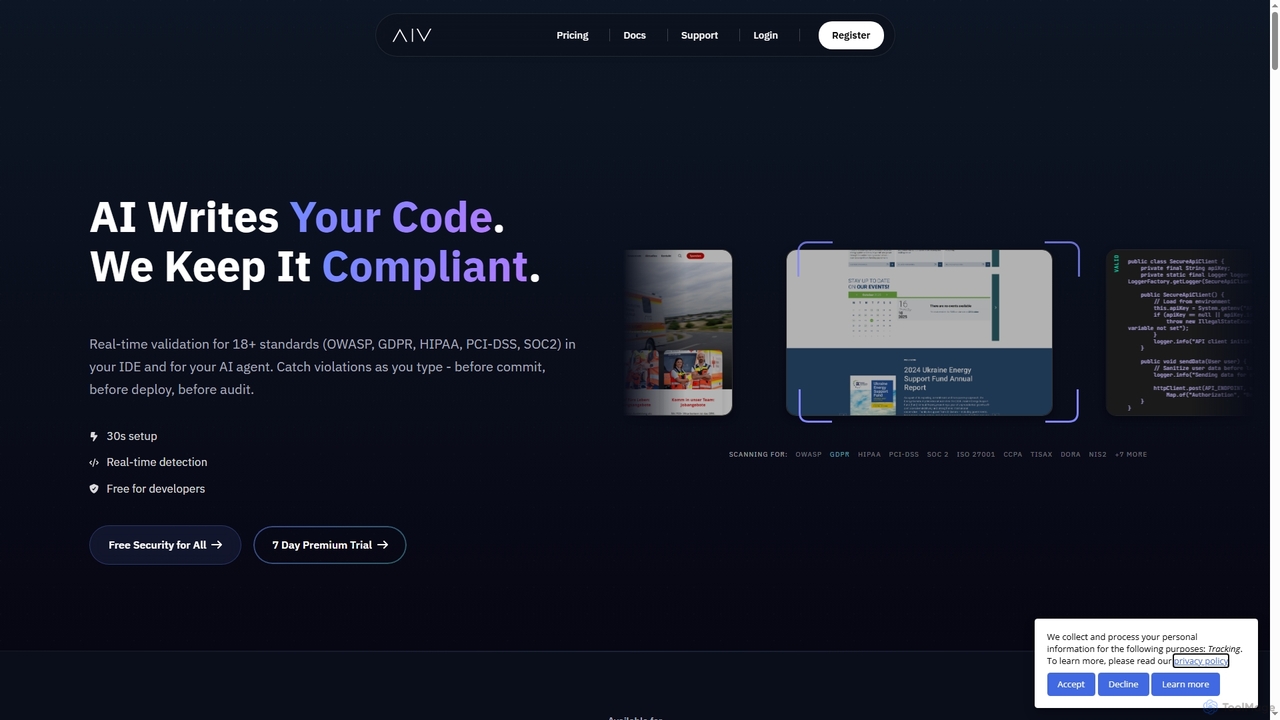
Aivory Product overview

Aivory is a real-time compliance and security validation tool for developers. It integrates into IDEs like VS Code and JetBrains to scan AI-generated and human-written code as you type, catching violations against 18+ standards (GDPR, HIPAA, OWASP) before they are committed, saving significant time and cost.

Preview

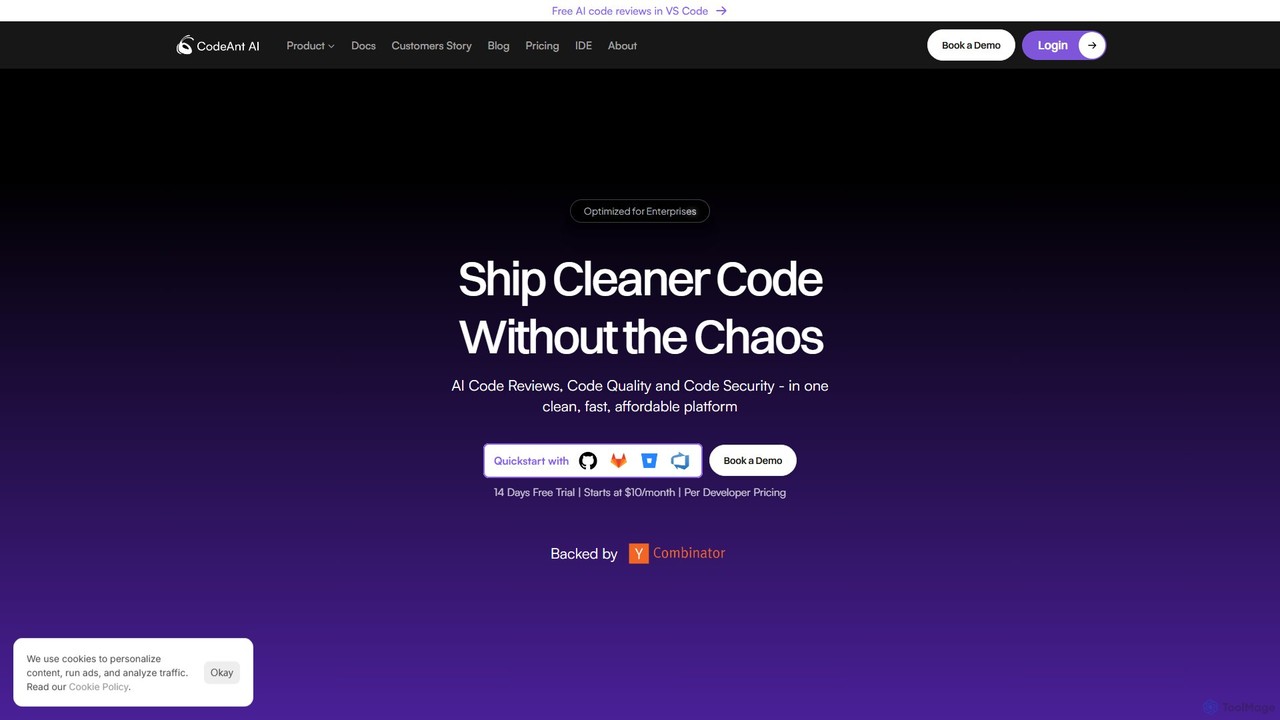
CodeAnt AI Product overview

CodeAnt AI is an AI-powered platform that automates code reviews, enhances code quality, and ensures application security. It integrates seamlessly into developer workflows, providing AI-generated pull request summaries, one-click fixes, and continuous scanning for vulnerabilities, helping teams ship cleaner, more secure code faster.

Preview

Quick facts

Compare product focus, pricing models and audiences. Highlighted rows indicate different listed information; unknown pricing does not mean free.

Aivory VS CodeAnt AI — Quick facts
Quick factsAivoryCodeAnt AI
Pricing modelFreemiumFreemium
Product typeExtensionsWeb
Primary focusCode QualityCode Quality
Audience and rolesCompliance Officer · DevOps Engineer · Engineering Manager · Security Engineer · Software DeveloperNo data available
CategoriesCode Quality · Code Assistant · ComplianceCode Quality · Code Review · Application Security
AddedDec 5, 2025Aug 10, 2025
UpdatedNov 19, 2026Nov 19, 2026

Features, usage and use cases

Explore the listed product descriptions, features and workflows. Taxonomy labels alone are not feature evaluations.

Aivory

Aivory is a developer-first platform designed to automate compliance and security validation directly within the coding workflow. It provides real-time scanning for both AI-generated and human-written code, catching potential violations against over 18 international standards like GDPR, HIPAA, PCI-DSS, and OWASP Top 10. By integrating seamlessly into popular IDEs and AI coding assistants, Aivory helps teams "shift left," identifying and fixing issues at the point of creation, which is 30-50x more cost-effective than finding them in production.

How to use Aivory

Users can install the Aivory plugin or extension in their preferred IDE (such as JetBrains IDEs, VS Code, or Cursor). After installation, they select the compliance frameworks they need to adhere to (e.g., SOC 2, GDPR). The tool then automatically starts scanning code in real-time as it's being written. Violations are highlighted inline, often with one-click suggestions for remediation. For AI agents like GitHub Copilot CLI or Claude Code, Aivory can be configured via MCP (Model Context Protocol) to ensure the generated code is compliant from the start.

Core Features of Aivory

  • Real-Time Code Scanning: Instantly detects compliance and security violations as code is written.
  • Broad Standards Coverage: Supports 18+ frameworks including GDPR, HIPAA, SOC 2, PCI-DSS, and OWASP.
  • IDE & AI Tool Integration: Native plugins for JetBrains, VS Code, Cursor, and integrations for GitHub Copilot, Claude, and more.
  • AI-Generated Code Auditing: Applies special scrutiny to code snippets likely generated by AI assistants.
  • One-Click Fixes: Provides suggested remediation for identified violations to speed up corrections.
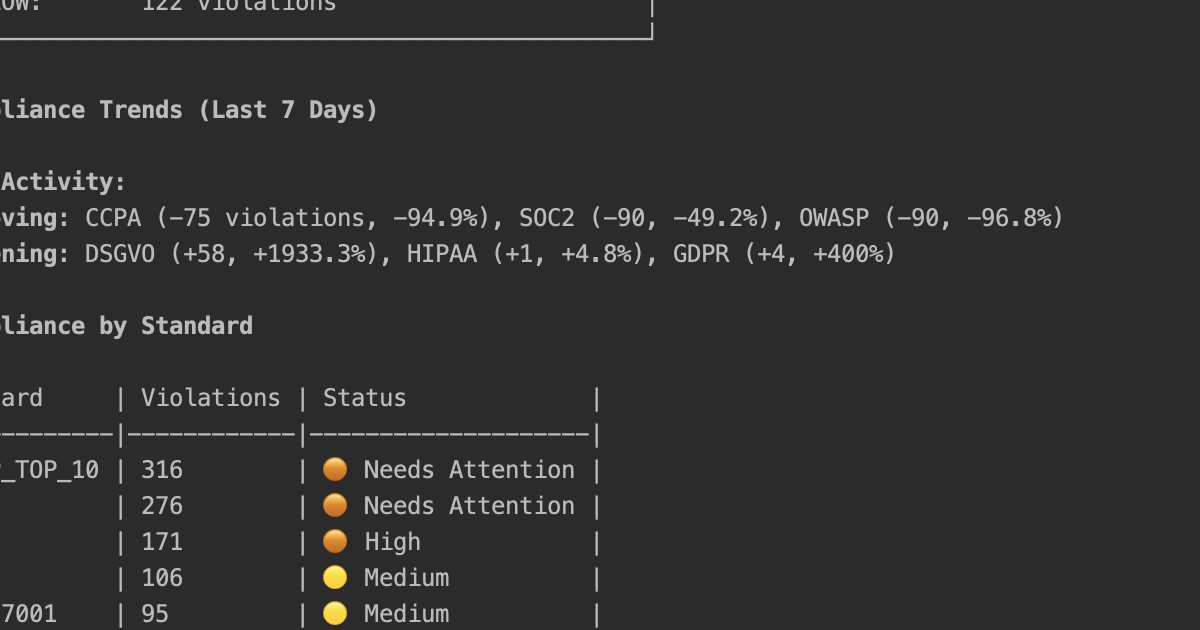
  • Compliance Dashboards: Offers Web, CLI, and IDE dashboards for real-time monitoring, analytics, and audit-ready reporting.
  • Pre-Commit Gates: Helps prevent non-compliant code from being committed to the repository.

Use Cases for Aivory

Aivory is ideal for various scenarios, including secure software development where developers can catch OWASP Top 10 vulnerabilities early. It's crucial for teams in regulated industries like healthcare (HIPAA) and FinTech (PCI-DSS, SOC 2) to ensure code meets strict data protection requirements. Startups using AI to accelerate development can embed compliance into their process from day one, avoiding costly future rework. For large enterprises, Aivory helps enforce consistent compliance policies across all development teams, especially with the rising use of AI coding assistants.

Advantages of Aivory

The primary advantage of Aivory is significant cost reduction, as it's 30-50x cheaper to fix issues at write-time than post-deployment. It boosts developer velocity by allowing them to use AI coding tools confidently without manual compliance reviews. By integrating security early, it embodies the "shift-left" principle. The platform also provides audit-ready dashboards and trails, simplifying compliance reporting. Its developer-friendly nature means it works within existing tools, providing actionable feedback without context switching.

Pricing and Plans

Aivory offers several pricing tiers:

  • Free: $0 forever, which includes 50 scans per week and scanning for OWASP Top 10 vulnerabilities.
  • Starter: $19 per month, offering 250 scans per week, support for all compliance standards, AI code tracking, and a web dashboard.
  • Pro: $39 per month, which includes unlimited scans, all features from the Starter plan, plus team collaboration tools.
  • Enterprise: Custom pricing for organizations needing on-premise deployment, self-hosted LLM, custom integrations, and SLA guarantees.

The Starter and Pro plans come with a 7-day free trial that does not require a credit card.

CodeAnt AI

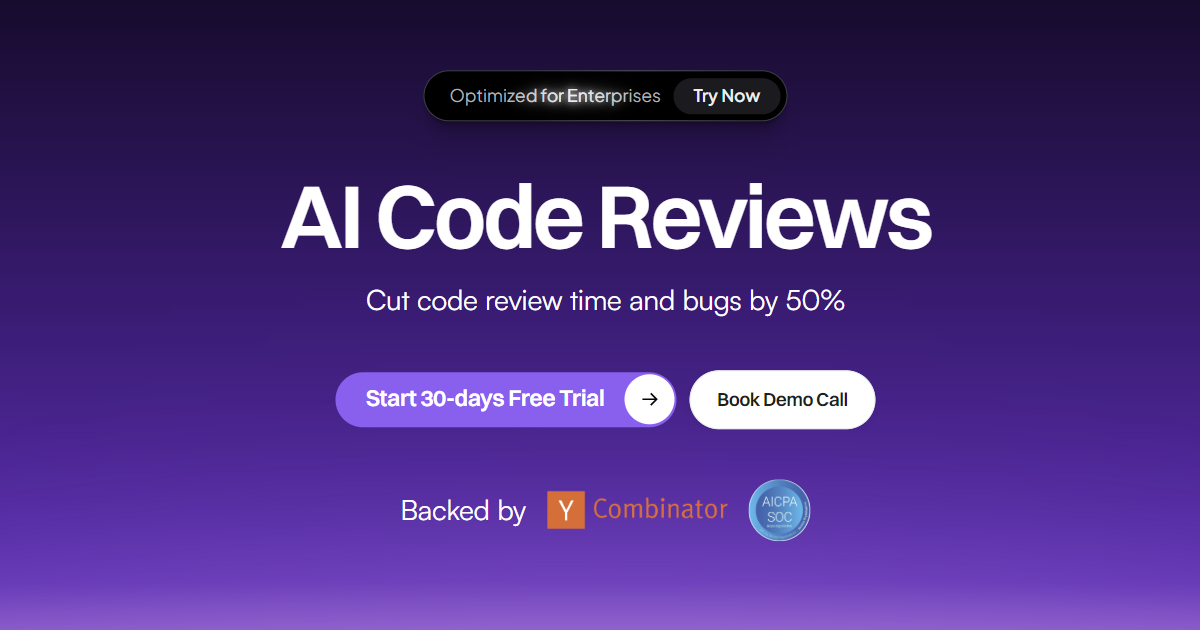
CodeAnt AI is a comprehensive, AI-driven platform designed to empower modern engineering teams by automating and enhancing the entire code review process. It integrates code quality, application security, and automated reviews into a single, efficient platform, aiming to eliminate the chaos of manual reviews and allow developers to focus on building core product features. Built for teams that prioritize speed and security, CodeAnt AI is optimized for enterprise-level requirements, offering robust security, compliance (SOC 2, HIPAA), and governance features.

The platform is structured around three core pillars: AI Code Review for new code, a Code Quality Platform for existing codebases, and a Code Security Platform for continuous vulnerability protection. By integrating directly into version control systems like GitHub, GitLab, Bitbucket, and Azure DevOps, as well as IDEs like VS Code, CodeAnt AI fits naturally into the existing development lifecycle, providing actionable insights where developers need them most.

How to use CodeAnt AI

Using CodeAnt AI is designed to be a seamless addition to your development workflow:

  1. Integration: Start by connecting CodeAnt AI to your version control system (e.g., GitHub, GitLab). This allows the platform to access your repositories and analyze pull requests.
  2. Automated Pull Request Review: Once integrated, CodeAnt AI automatically triggers a review for every new pull request. It analyzes the code changes for quality issues, security vulnerabilities, infrastructure-as-code (IaC) misconfigurations, and leaked secrets.
  3. Receive AI-Powered Feedback: In the pull request interface, you'll receive a concise AI-generated summary of the changes, detailed feedback on identified issues, and often, one-click suggestions to fix them instantly. You can also engage with a contextual AI chat to ask questions about the suggested changes.
  4. IDE Integration: Install the free CodeAnt AI extension for VS Code. This allows you to find and fix security flaws, code quality issues, and bugs directly in your editor before the code is even committed, shifting security and quality checks further left.
  5. Dashboard Monitoring: Utilize the comprehensive dashboards to get a high-level overview of your entire codebase's health. Track code quality metrics, security vulnerabilities, DORA metrics, and review insights across your organization.
  6. Configuration and Gating: Customize review rules to match your team's standards. Set up quality and security gates to automatically block pull requests that contain critical issues, ensuring that only high-quality, secure code makes it into production.

Core Features of CodeAnt AI

  • AI Code Reviewer: Automatically generates PR summaries, provides contextual chat for clarification, and offers inline AI reviews with one-click fixes.
  • Code Security Platform: Includes Static Application Security Testing (SAST), Software Composition Analysis (SCA) to find vulnerabilities in dependencies, secret scanning, and Infrastructure-as-Code (IaC) scanning for cloud misconfigurations.
  • Code Quality Platform: Performs static code analysis to find code smells, analyzes code complexity, detects dead and duplicate code, and automatically generates missing docstrings to improve maintainability.
  • Workflow & IDE Integration: Seamlessly integrates with GitHub, GitLab, Bitbucket, Azure DevOps, and offers a powerful VS Code extension for real-time feedback.
  • Enterprise-Grade Compliance: The platform is SOC 2 and HIPAA compliant, with features like on-premise deployment, SSO/SAML, and detailed audit reports available for enterprise clients.
  • Insightful Dashboards & Reporting: Provides organization-wide reporting on code quality, security posture, DORA metrics, and test coverage, with options to generate PDF reports.

Use Cases for CodeAnt AI

CodeAnt AI is ideal for various scenarios:

  • Accelerating Development Cycles: Teams looking to reduce the time spent on manual code reviews can automate the process, allowing senior developers to focus on more complex architectural decisions.
  • Enhancing Application Security: Organizations can proactively identify and remediate security vulnerabilities (SAST, SCA, secrets) early in the development lifecycle, reducing the risk of security breaches.
  • Managing Technical Debt: Engineering teams can use the Code Quality Platform to continuously monitor and improve their existing codebase, tackling issues like dead code, duplication, and high complexity.
  • Enforcing Coding Standards: Leaders can establish and enforce consistent coding standards and security policies across the entire organization using custom rules and automated quality gates.
  • Improving Developer Onboarding: The auto-generated docstrings and clear quality insights help new developers get up to speed with the codebase more quickly.

Advantages of CodeAnt AI

CodeAnt AI offers significant advantages by being a unified, intelligent, and developer-centric tool. It replaces the need for multiple disparate tools for SAST, SCA, and quality analysis. Its AI-powered nature not only identifies issues but also provides actionable solutions, saving significant developer time. The focus on enterprise security and compliance makes it a trusted choice for organizations with stringent governance requirements. By shifting analysis into the IDE and CI/CD pipeline, it fosters a proactive culture of quality and security, rather than a reactive one.

Pricing and Plans

CodeAnt AI offers a tiered pricing model with a 14-day free trial for all plans, with no credit card required.

  • Basic Plan: Starting at $10 per user/month. This plan includes unlimited AI code reviews, PR summaries and chat, static analysis & SAST, and Jira integration.
  • Premium Plan: Starting at $20 per user/month. It includes all features of the Basic plan, plus white-glove onboarding support and access to SOC 2 & HIPAA audit reports. This plan is recommended for teams with over 100 developers.
  • Enterprise Plan: Custom pricing. This plan is tailored for large organizations and includes all Premium features plus options for on-premise/VPC deployment, SSO/SAML integration, custom contracts, and a dedicated success manager and staff engineer.

Positioning

Their taxonomy shows where the products overlap and where each one has a more distinct focus. Unknown fields are shown explicitly and are never filled with assumptions.

Categories

Shared
Code Quality
Only Aivory
Code AssistantCompliance
Only CodeAnt AI
Code ReviewApplication Security

Tags

Shared
code securitydeveloper toolsSASTstatic analysis
Only Aivory
AI code generationcompliance automationGDPRHIPAAIDE pluginOWASPPCI DSSshift-left
Only CodeAnt AI
ai coding assistantCI/CDcode qualitycode reviewgithubgitlabpull requestSCAsecurity scanning

Audience and roles

Shared
No listed items
Only Aivory
Compliance OfficerDevOps EngineerEngineering ManagerSecurity EngineerSoftware Developer
Only CodeAnt AI
No listed items

Traffic comparison

Traffic is shown on the same scale so differences in market visibility are not visually understated.

How to interpret the traffic data

Both charts share the same months and vertical scale. Each tool identifies its latest reporting month; missing months are left blank, not counted as zero. Regional and source visit counts are estimates calculated from the reported shares.

Aivory

No data available

CodeAnt AI monthly traffic:

Latest traffic · 2026-05

Monthly visits
133.8K
Avg. visit duration
1:10
Pages per visit
2.85
Bounce rate
40.01%
Data updated 2026-06-15

Monthly traffic trend

  • 2025-09: 94.9K
  • 2026-01: 128.2K
  • 2026-02: 122.1K
  • 2026-03: 150.7K
  • 2026-04: 121K
  • 2026-05: 133.8K

Top regions

Top 5 countries/regions
Country/regionPercentageEstimated visits
🇮🇳India60.91%81.5K
🇺🇸United States25.89%34.6K
🇳🇬Nigeria5.23%7K
🇧🇷Brazil4.57%6.1K
🇻🇳Vietnam3.4%4.5K

Traffic sources

Source typePercentageEstimated visits
Direct90.37%120.9K
Referral6.38%8.5K
Email3.25%4.3K

Search keywords

codeantcodeant aicoderabbitqodosonarqube

Community signals

Ratings, comments, favorites, and likes are community signals—not a substitute for product fit.

Aivory

Rating
No data available
Comments
0
Favorites
172
Likes
182

CodeAnt AI

Rating
No data available
Comments
0
Favorites
161
Likes
179

Aivory vs CodeAnt AI · Comparison FAQ

What do Aivory and CodeAnt AI have in common?
Both tools are listed under Code Quality. These categories indicate overlapping use cases; compare their detailed descriptions for workflows, capabilities and limitations.
Are Aivory and CodeAnt AI free?
Listed pricing models: Aivory — Freemium; CodeAnt AI — Freemium. Missing pricing is not proof of a free plan, and freemium does not mean every feature is free. Check official sites for current plans, limits and trials.
How should I choose between Aivory and CodeAnt AI?
The primary listed category is Code Quality for Aivory, and Code Quality for CodeAnt AI. Compare features, steps and use cases, then verify pricing, data permissions and deployment needs. This page does not include hands-on testing and does not declare a winner from traffic or tags.

Aivory · Comparison FAQ

What pricing plans does Aivory offer?

Aivory provides four main plans. The Free plan costs $0 and includes 50 scans per week for OWASP Top 10. The Starter plan is $19/month for 250 scans/week covering all compliance standards. The Pro plan at $39/month offers unlimited scans and team features. Finally, a custom-priced Enterprise plan is available for on-premise deployment and specialized needs.

Can I try the premium features before buying?

Yes, Aivory offers a 7-day free trial for its Starter and Pro plans. The website explicitly states that no credit card is required to start the trial, and you can cancel at any time. The trial grants full access to premium features, including all compliance frameworks and priority support.

Which IDEs and tools does Aivory integrate with?

Aivory integrates with a wide range of developer tools. It offers native plugins and extensions for JetBrains IDEs (like IntelliJ IDEA, PyCharm), VS Code, and Cursor. It also supports AI coding assistants via MCP integration, including GitHub Copilot CLI, Claude Code, and Windsurf.

What compliance standards does Aivory support?

Aivory supports over 18 compliance and security standards. Key standards mentioned on the website include OWASP Top 10, GDPR, HIPAA, PCI-DSS, SOC 2, ISO 27001, CCPA, TISAX, DORA, and NIS2. The Free plan is limited to OWASP Top 10, while all paid plans cover the full range of supported standards.

How does Aivory handle data privacy and security?

According to its website, Aivory is SOC 2 Compliant and operates with a Zero Data Retention policy. For enterprise clients concerned about data residency, Aivory offers a self-hosted, on-premise deployment option, which ensures that all data and language models remain within the company's own infrastructure.

Sources and comparison methodology

This page is assembled from ToolMage product listings, taxonomy, traffic statistics and on-site user feedback. It is not a hands-on test or an independent review.
  • Feature and plan descriptions reflect information in the listings, not real-time guarantees. Verify pricing, quotas, availability and privacy terms on the official sites.
  • Traffic uses the reporting months shown. Missing statistics do not mean zero visits, and different periods do not establish growth or superiority. Regional and source visit counts are estimates based on shares.
  • Different tags indicate differences in the listings, not proof that the other product lacks a capability. Ratings, favorites and visits are not used to declare a winner.

Related comparisons