ToolMage
Sign in

AI TOOL COMPARISON

Anima vs Builder.io

What is the difference, and which fits your workflow? Compare features, usage, pricing models and traffic side by side.

Jump to key differences

Product overview

Anima Product overview

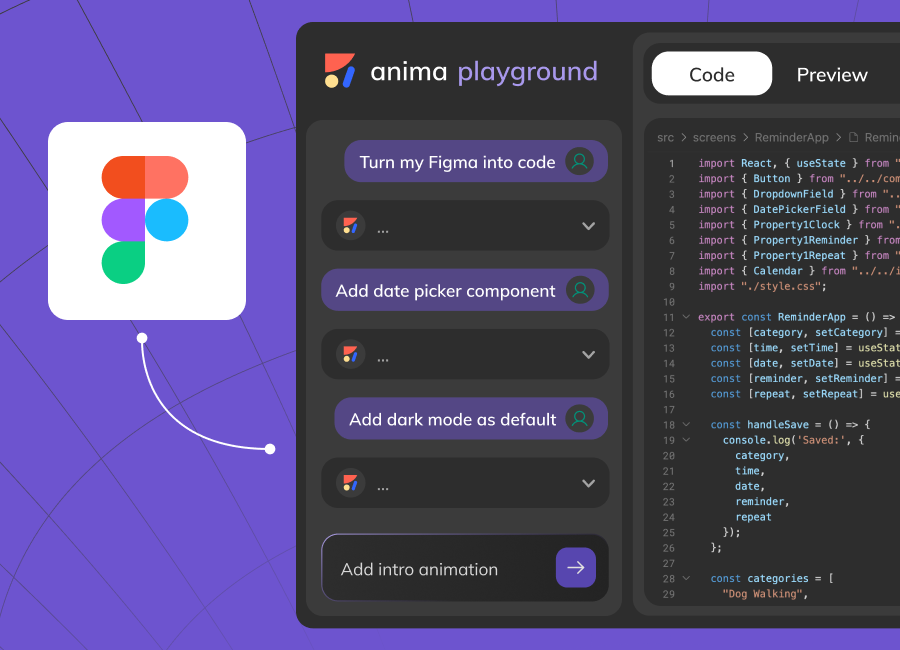
Anima is an AI-powered design-to-code platform that automates frontend development. It transforms designs from Figma, Adobe XD, and Sketch into clean, production-ready React, Vue, and HTML code. Featuring AI-driven iteration and website cloning, it empowers designers, developers, and founders to build and launch web applications and prototypes up to 10x faster.

Preview

Builder.io Product overview

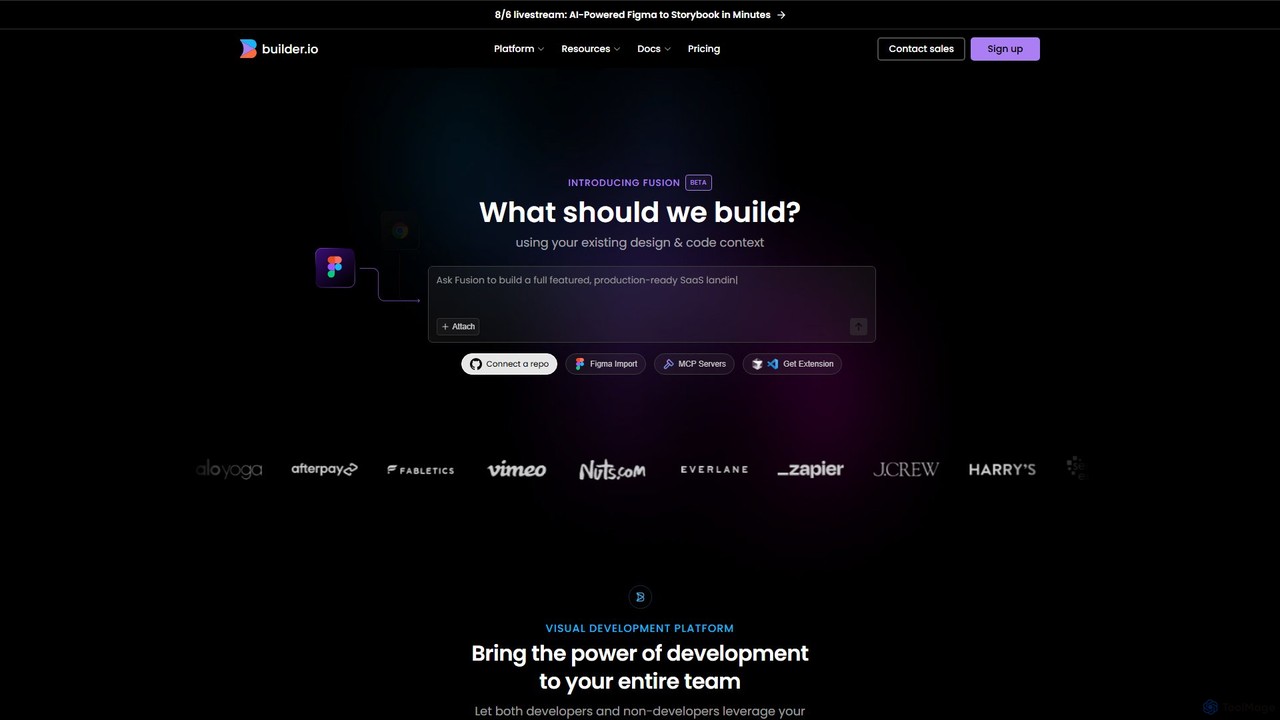
Builder.io is an AI-powered visual development platform that transforms Figma designs into production-ready code. It enables teams to build, edit, and publish web pages and UIs with unprecedented speed, integrating seamlessly with existing codebases, design systems, and headless CMS workflows.

Preview

Quick facts

Compare product focus, pricing models and audiences. Highlighted rows indicate different listed information; unknown pricing does not mean free.

Anima VS Builder.io — Quick facts
Quick factsAnimaBuilder.io
Pricing modelFreemiumFreemium
Product typeWebWeb
Primary focusDesign To CodeDesign To Code
Audience and rolesNo data availableNo data available
CategoriesDesign To Code · Low Code No Code · AutomationDesign To Code · Web Development · Low Code No Code
AddedAug 11, 2025Aug 12, 2025
UpdatedNov 19, 2026Nov 19, 2026

Features, usage and use cases

Explore the listed product descriptions, features and workflows. Taxonomy labels alone are not feature evaluations.

Anima

Anima is a revolutionary AI-powered platform designed to bridge the gap between design and development, creating a seamless, continuous workflow. Trusted by over 1.5 million users and leading tech companies, Anima automates the conversion of user interface designs into high-quality, production-ready frontend code. It empowers teams, whether they are designers who don't code, developers who don't design, or founders with limited time, to bring their ideas to life with unprecedented speed and efficiency. The platform supports popular design tools like Figma, Adobe XD, and Sketch, transforming static designs into dynamic, interactive web applications built with React, Vue, or standard HTML/CSS.

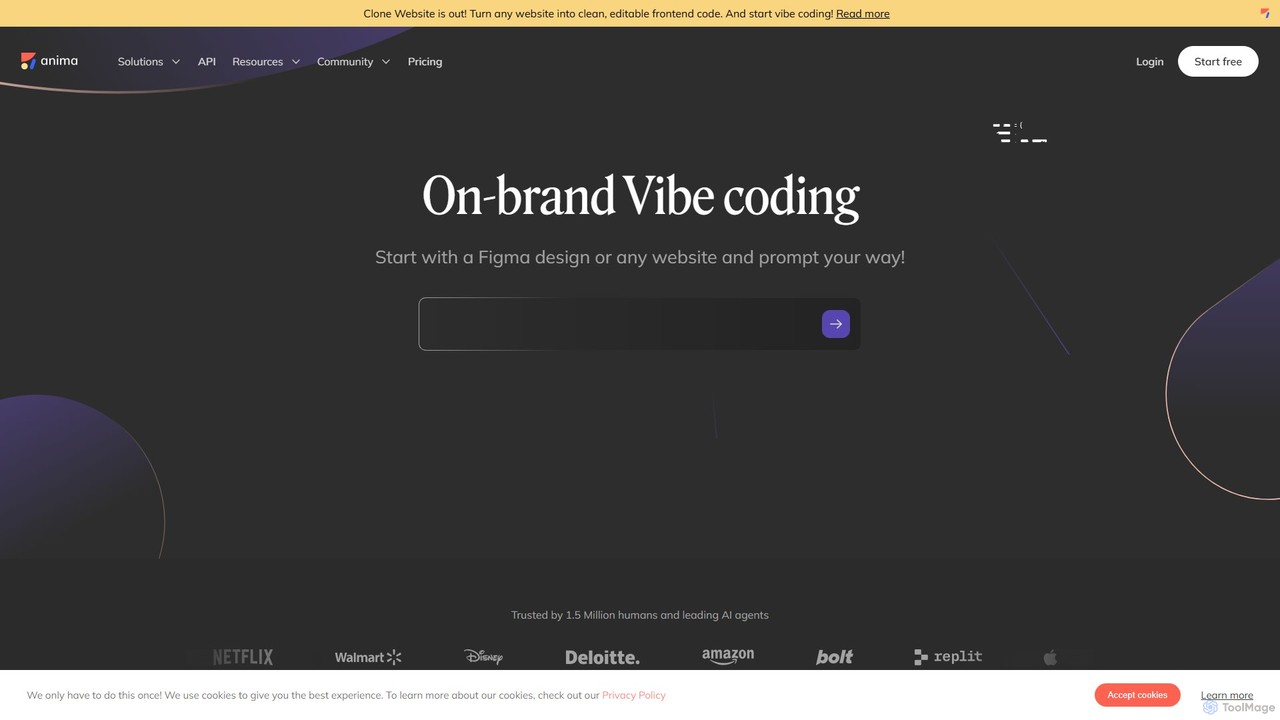
At its core, Anima introduces a concept called "vibe coding," an AI-driven process that allows users to start with a design, an image, a text prompt, or even an existing website, and then use natural language to iterate and refine the product. This intuitive approach removes technical barriers, making web development more accessible. The recently launched "Clone Website" feature further enhances this by enabling users to convert any live website into clean, editable frontend code, providing an instant starting point for new projects or redesigns.

How to use Anima

The workflow in Anima is designed for simplicity and speed, allowing you to go from concept to live product in minutes:

  1. Start Your Project: Begin with your preferred source. You can sync a design directly from Figma, Adobe XD, or Sketch. Alternatively, you can use a text prompt, an image, or the URL of an existing website to clone its structure and style.
  2. Instant Code Generation: Anima's AI engine instantly analyzes your design and generates clean, pixel-perfect code. You can choose your desired framework, including React, Vue, or HTML.
  3. Iterate with AI: Use Anima's AI chat and "vibe coding" capabilities to refine your project. You can tweak layouts, change styles, add new features, or connect to backend services using simple text prompts. This real-time iteration process allows for rapid experimentation and fine-tuning.
  4. Create Interactive Prototypes: Go beyond static mockups by creating high-fidelity, interactive prototypes that behave like a real application. This is perfect for user testing, gathering stakeholder feedback, or presenting to investors.
  5. Export or Publish: Once you are satisfied with the result, you can either export the production-ready code to integrate into your existing development pipeline or use Anima's one-click publishing to deploy your project as a live website or web app.

Core Features of Anima

  • AI Design-to-Code Conversion: Automatically translates designs from Figma, Adobe XD, and Sketch into developer-friendly React, Vue, and HTML/CSS code.
  • Vibe Coding: An innovative, AI-powered workflow that allows for iterative development using natural language prompts to modify and enhance your application.
  • Website Cloning: Instantly convert any existing website into clean, editable, and component-based frontend code.
  • High-Fidelity Prototyping: Build fully functional and interactive prototypes that accurately represent the final product's user experience.
  • One-Click Deployment: Publish your websites, web apps, and prototypes instantly to the web and share them with a live link.
  • API for Automation: Anima provides an API to integrate its design-to-code capabilities into custom workflows and CI/CD pipelines, perfect for large-scale development and AI agents.
  • Component-Based Export: Generates modular and reusable code components, promoting best practices and making the codebase easier to maintain.

Use Cases for Anima

Anima is versatile and can be used by various professionals to accelerate their projects:

  • Frontend Developers: Automate the tedious process of writing boilerplate UI code, allowing them to focus on complex logic and functionality.
  • UI/UX Designers: Create and test interactive prototypes without writing a single line of code, ensuring their vision is translated perfectly into the final product.
  • Product Managers & Founders: Quickly build MVPs (Minimum Viable Products) and functional prototypes to validate ideas, secure funding, and launch products faster.
  • Marketing Teams: Independently create and launch landing pages and marketing websites directly from design files, reducing reliance on development resources.
  • Agencies: Streamline the design-to-development handoff process, delivering client projects on tighter deadlines and with greater accuracy.

Advantages of Anima

Anima offers a significant competitive edge by fundamentally improving the product development lifecycle. Its primary advantage is the massive acceleration of the development process, enabling teams to innovate and ship products up to 10 times faster. It democratizes web development, empowering non-technical team members to build real, functional products. The platform generates high-quality, clean, and maintainable code, which serves as a reliable foundation for developers. This seamless collaboration between design and code eliminates misunderstandings and ensures pixel-perfect implementation of the original design.

Pricing and Plans

Anima offers a flexible pricing structure to suit different needs, including a free plan for evaluation.

  • Free Plan: Allows users to try Anima without a credit card. You can create and sync designs, review the generated code, and host a project live in an Anima-hosted environment to evaluate its capabilities.
  • Paid Plans: The paid tiers are based on the number of user seats (for designers/developers), a monthly quota of code exports, and the number of hosted projects and screens. These plans unlock the ability to download and use the code.
  • Enterprise Plan: Starting at $500/month (billed annually), this plan is designed for larger organizations. It includes advanced security features like SSO and MFA, enterprise-grade SLAs, unlimited usage, custom seat allocation, and dedicated support. Invoicing is available for all plans.

Anima accepts payments via credit card, Google Pay, and Apple Pay, with wire transfers available for enterprise and custom plans.

Builder.io

Builder.io is a comprehensive visual development platform designed to accelerate the entire process from idea to production. It empowers both developers and non-technical team members to create and manage digital experiences efficiently. The platform is built around two core products: Fusion, an AI-powered code generation tool, and Publish, a high-performance headless CMS.

With its flagship AI feature, Visual Copilot, Builder.io can interpret natural language prompts and Figma designs to generate clean, production-ready code that aligns with your existing coding standards and component libraries. This dramatically reduces the manual effort of converting designs into functional user interfaces, allowing development teams to focus on more complex, high-value tasks.

How to use Builder.io

The workflow in Builder.io is designed for seamless integration and speed:

  1. Connect Your Stack: Start by connecting your existing code repositories from GitHub, GitLab, or Bitbucket. You can also link your Figma account to import designs directly.
  2. Generate with AI (Fusion): Use the Visual Copilot to generate UIs. You can either paste a link to a Figma design or write a descriptive prompt like "Create a hero section with a title, a paragraph, and a call-to-action button." The AI will use your connected design system and components to generate on-brand code.
  3. Visually Edit and Refine: Once the initial UI is generated, use the intuitive drag-and-drop visual editor to make adjustments. You can modify styles, change layouts, and fine-tune every element with precision, all without writing a single line of code.
  4. Collaborate and Iterate: The platform facilitates collaboration by allowing team members to review changes, provide feedback, and work on branches. For every change, Builder.io can open a pull request and spin up a live preview.
  5. Publish and Optimize: Use the headless CMS (Publish) to manage content, run A/B tests, and publish experiences to any website or application via API. This empowers marketing and content teams to update pages independently.

Core Features of Builder.io

  • AI-Powered Code Generation (Fusion): Automatically converts Figma designs and text prompts into high-quality, production-ready code for frameworks like React, Angular, and Next.js.
  • Visual Copilot: An AI assistant that understands your design system and coding patterns to generate and edit UI components.
  • Headless CMS (Publish): A powerful system for creating, managing, and publishing content and pages to any tech stack.
  • Drag-and-Drop Visual Editor: An intuitive interface for building and modifying UIs, allowing both developers and non-developers to contribute.
  • Seamless Integrations: Connects with popular Git providers (GitHub, GitLab, Bitbucket, Azure DevOps), design tools (Figma), and project management tools (Linear).
  • Enterprise-Grade Security & Control: SOC 2 Type II compliant, with features like roles and permissions, custom workflows, and the ability to bring your own LLM (BYO LLM).
  • Component Mapping & Reusability: Intelligently maps your existing code components to Figma designs, ensuring consistency and reusability.

Use Cases for Builder.io

Builder.io is versatile and has been adopted by leading companies like Zapier, J.Crew, and Everlane for various purposes:

  • Rapid Landing Page Creation: Marketing teams can quickly build and launch hundreds of campaign-specific landing pages without developer dependency.
  • Accelerated A/B Testing: Easily create and deploy variations of pages to optimize conversion rates, as demonstrated by Zapier improving its homepage conversion.
  • Personalized Content Delivery: E-commerce brands like Everlane use it to create over 100 personalized homepages in a month, tailoring experiences to different user segments.
  • Streamlining Design-to-Development Handoff: Drastically reduces the time from design to live deployment from weeks to days, or even hours.
  • Empowering Content Teams: Allows non-technical users to manage and update website content, freeing up engineering resources for core product development.

Advantages of Builder.io

The primary advantage of Builder.io is the massive boost in efficiency and speed. Customers report a 2x faster time-to-market and saving over 160 engineering hours per sprint. It democratizes web development, fostering better collaboration between design, marketing, and engineering teams. By leveraging existing tech stacks and design systems, it ensures brand consistency and high-quality code output, all while operating within a secure, enterprise-ready environment.

Pricing and Plans

Builder.io offers separate plans for its Fusion (AI Code Generation) and Publish (Headless CMS) products, which can be combined.

Fusion (Beta Pricing):

  • Free Plan: $0/user/month. Includes up to 10 users and 25 monthly AI credits. Ideal for individuals and small teams exploring the platform.
  • Pro Plan: $24/user/month. Includes up to 20 users, 100 monthly AI credits, pay-as-you-go options for more usage, and standard support.
  • Enterprise Plan: Custom pricing. Offers custom user seats, custom AI credits, advanced integrations (e.g., self-hosted Git), custom roles, SSO, premium support, and more.

Positioning

Their taxonomy shows where the products overlap and where each one has a more distinct focus. Unknown fields are shown explicitly and are never filled with assumptions.

Categories

Shared
Design To Code
Only Anima
Low Code No CodeAutomation
Only Builder.io
Web DevelopmentLow Code No Code

Tags

Shared
design to codefigma to codelow-codeno-codereact
Only Anima
automationfigma to reactfrontend developmenthtmlprototypingUI/UXvueweb development
Only Builder.io
AI code generationenterpriseheadless CMSUI buildervisual developmentwebsite builder

Audience and roles

Shared
No listed items
Only Anima
No listed items
Only Builder.io
No listed items

Traffic comparison

Traffic is shown on the same scale so differences in market visibility are not visually understated.

How to interpret the traffic data

Both charts share the same months and vertical scale. Each tool identifies its latest reporting month; missing months are left blank, not counted as zero. Regional and source visit counts are estimates calculated from the reported shares.

Anima monthly traffic:

Latest traffic · 2026-05

Monthly visits
320.7K
Avg. visit duration
1:25
Pages per visit
2.47
Bounce rate
43.6%
Data updated 2026-06-15

Monthly traffic trend

  • 2025-09: 307.9K
  • 2026-01: 390.5K
  • 2026-02: 288.9K
  • 2026-03: 303.3K
  • 2026-04: 280.5K
  • 2026-05: 320.7K

Top regions

Top 5 countries/regions
Country/regionPercentageEstimated visits
🇮🇳India32.56%104.4K
🇻🇳Vietnam22.89%73.4K
🇺🇸United States19.93%63.9K
🇧🇷Brazil12.74%40.9K
🇰🇷Korea, Republic of11.88%38.1K

Traffic sources

Source typePercentageEstimated visits
Direct69.93%224.3K
Referral24.5%78.6K
Email5.57%17.9K

Search keywords

animaanima aianima appclaude designclaude design to figma

Builder.io monthly traffic:

Latest traffic · 2026-05

Monthly visits
806.3K
Avg. visit duration
1:46
Pages per visit
3.24
Bounce rate
51.02%
Data updated 2026-06-15

Monthly traffic trend

  • 2025-09: 1.2M
  • 2026-01: 1.2M
  • 2026-02: 1.1M
  • 2026-03: 1.1M
  • 2026-04: 930.4K
  • 2026-05: 806.3K

Top regions

Top 5 countries/regions
Country/regionPercentageEstimated visits
🇺🇸United States56.71%457.3K
🇮🇳India22.97%185.2K
🇺🇬Uganda7.95%64.1K
🇮🇩Indonesia6.5%52.4K
🇿🇦South Africa5.87%47.3K

Traffic sources

Source typePercentageEstimated visits
Direct81.18%654.6K
Referral16.83%135.7K
Email1.99%16K

Search keywords

builder ioclaude codecodex vs claude codecursorperplexity

Community signals

Ratings, comments, favorites, and likes are community signals—not a substitute for product fit.

Anima

Rating
No data available
Comments
0
Favorites
188
Likes
206

Builder.io

Rating
No data available
Comments
0
Favorites
154
Likes
164

Anima vs Builder.io · Comparison FAQ

What do Anima and Builder.io have in common?
Both tools are listed under Design To Code. These categories indicate overlapping use cases; compare their detailed descriptions for workflows, capabilities and limitations.
Are Anima and Builder.io free?
Listed pricing models: Anima — Freemium; Builder.io — Freemium. Missing pricing is not proof of a free plan, and freemium does not mean every feature is free. Check official sites for current plans, limits and trials.
How should I choose between Anima and Builder.io?
The primary listed category is Design To Code for Anima, and Design To Code for Builder.io. Compare features, steps and use cases, then verify pricing, data permissions and deployment needs. This page does not include hands-on testing and does not declare a winner from traffic or tags.

Sources and comparison methodology

This page is assembled from ToolMage product listings, taxonomy, traffic statistics and on-site user feedback. It is not a hands-on test or an independent review.
  • Feature and plan descriptions reflect information in the listings, not real-time guarantees. Verify pricing, quotas, availability and privacy terms on the official sites.
  • Traffic uses the reporting months shown. Missing statistics do not mean zero visits, and different periods do not establish growth or superiority. Regional and source visit counts are estimates based on shares.
  • Different tags indicate differences in the listings, not proof that the other product lacks a capability. Ratings, favorites and visits are not used to declare a winner.

Related comparisons