ToolMage
Sign in

AI TOOL COMPARISON

Answerly vs GPTFlow

What is the difference, and which fits your workflow? Compare features, usage, pricing models and traffic side by side.

Jump to key differences

Product overview

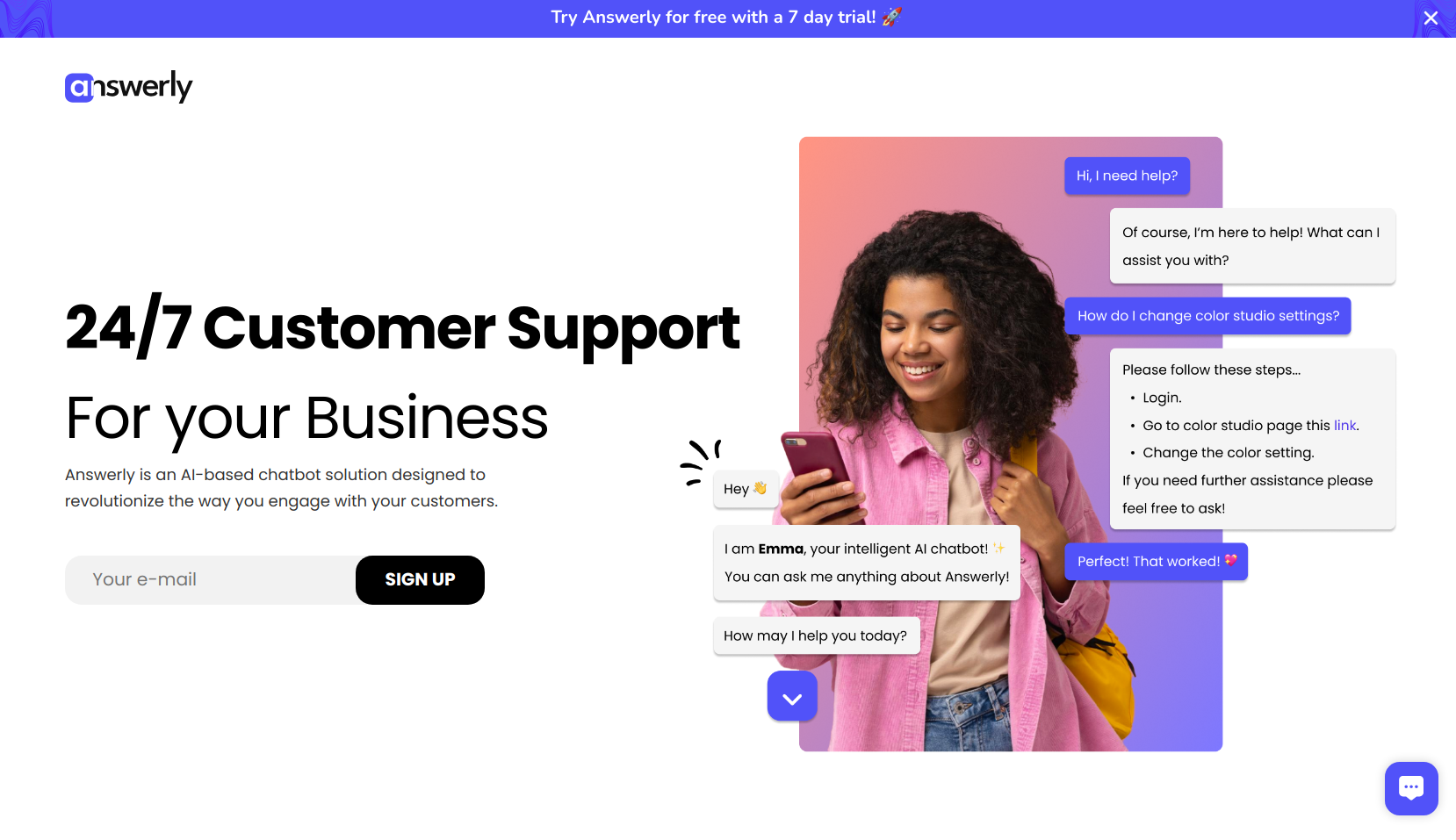
Answerly Product overview

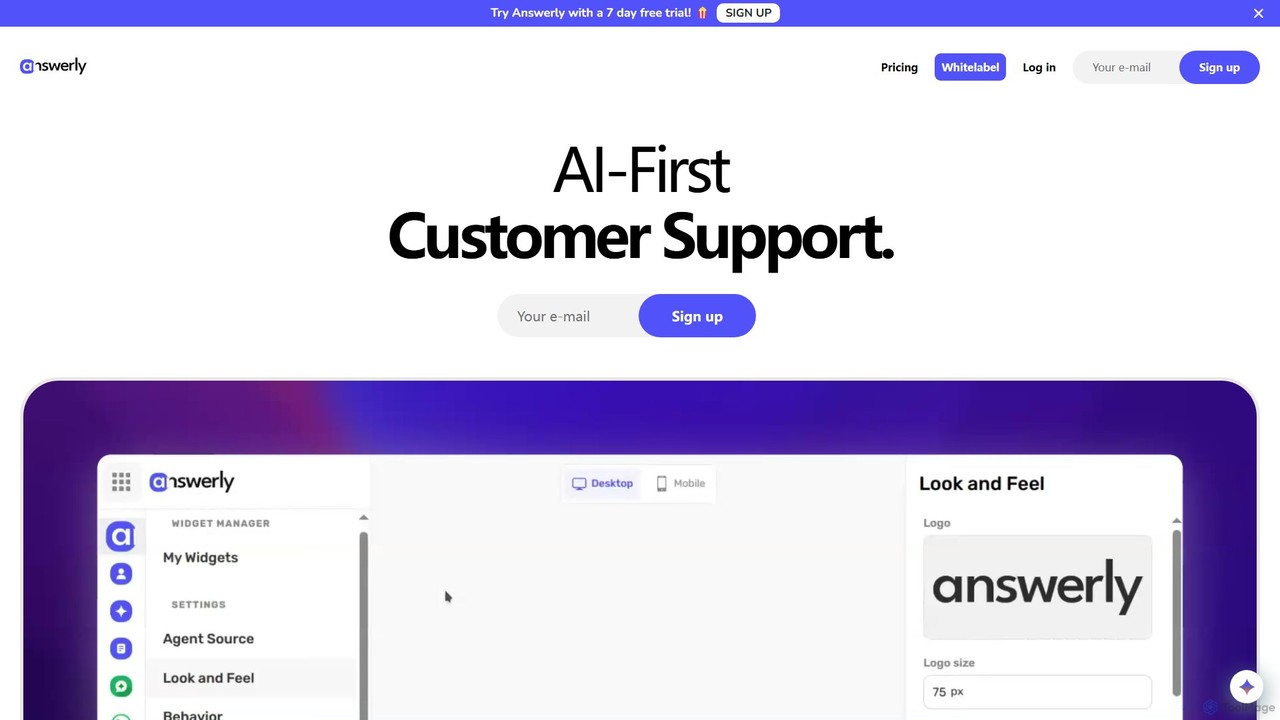
Answerly is an AI-first customer support platform that allows businesses to create and deploy intelligent chatbots in seconds. Train your AI with various data sources like websites, documents, and videos to provide instant, accurate answers. It supports multiple AI models, offers deep customization, and includes features like data collection forms and in-chat meeting booking to enhance customer engagement and streamline support operations.

Preview

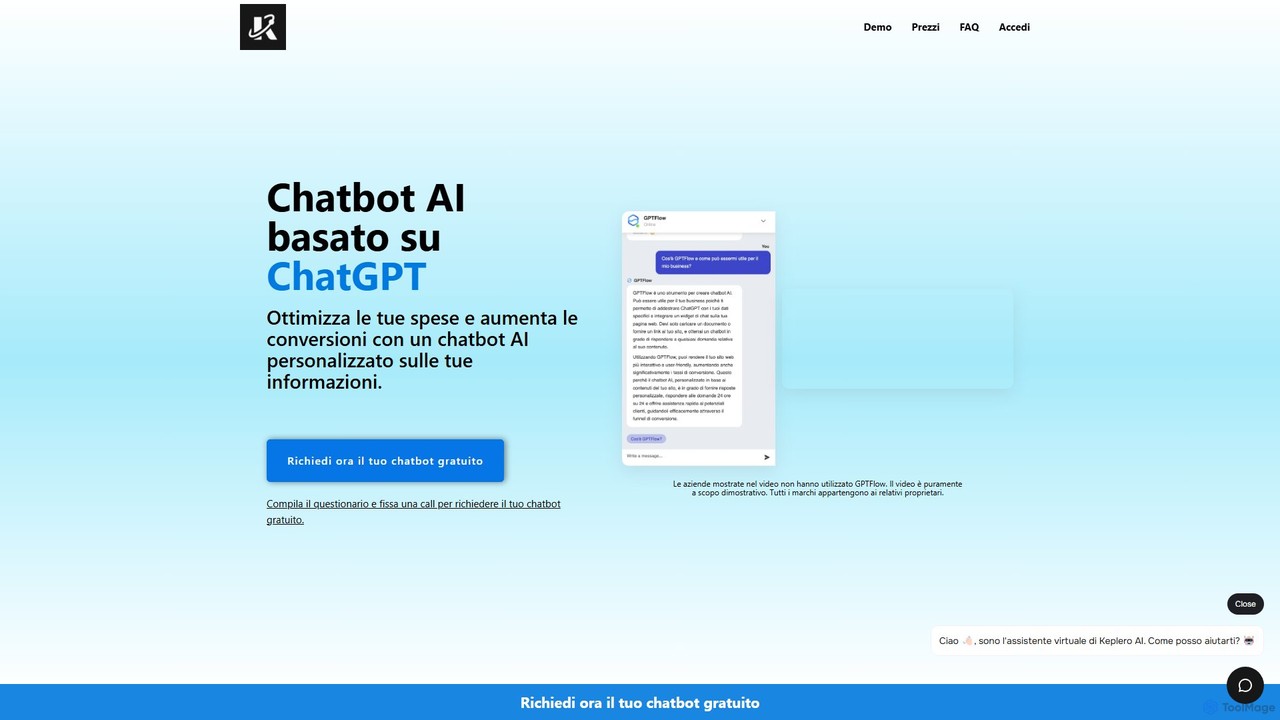
GPTFlow Product overview

GPTFlow is a platform for creating custom AI chatbots powered by ChatGPT. Train a chatbot on your own data—websites, PDFs, and text—to provide 24/7 automated customer support. It integrates seamlessly with any website or CMS, helping businesses increase conversions, reduce support costs, and improve user engagement by answering up to 95% of customer inquiries instantly.

Preview

Quick facts

Compare product focus, pricing models and audiences. Highlighted rows indicate different listed information; unknown pricing does not mean free.

Answerly VS GPTFlow — Quick facts
Quick factsAnswerlyGPTFlow
Pricing modelFreemiumFreemium
Product typeWebWeb
Primary focusChatbotChatbot
Audience and rolesNo data availableNo data available
CategoriesChatbot · Lead Generation · AutomationChatbot · Lead Generation · Automation
AddedAug 1, 2025Aug 11, 2025
UpdatedNov 19, 2026Nov 19, 2026

Features, usage and use cases

Explore the listed product descriptions, features and workflows. Taxonomy labels alone are not feature evaluations.

Answerly

Answerly is a powerful, AI-first customer support platform designed to revolutionize how businesses interact with their customers. It enables the creation of sophisticated AI chatbots that can be trained in seconds using a wide array of data sources. This flexibility allows companies to build a knowledgeable AI assistant that accurately reflects their brand and product information, providing instant, 24/7 support to website visitors. By leveraging top-tier AI models from providers like OpenAI, Anthropic, and Gemini, Answerly ensures high-quality, context-aware conversations. The platform is not just about answering questions; it's a comprehensive tool for engagement, featuring capabilities for data collection, lead generation, and even scheduling meetings directly within the chat interface.

How to use Answerly

Getting started with Answerly is designed to be a straightforward and rapid process. First, you sign up for an account, choosing between the free or pro plan. The core of the process is training your AI agent. You can do this by simply providing a website URL, uploading documents (PDF, DOC, CSV), connecting a Google Doc or Sheet, pasting text, or even using a YouTube video link. Answerly's AI processes this information to build its knowledge base. Next, you can customize the chatbot's appearance (widget colors, placement, size) and the AI assistant's personality (name and persona) to align with your brand identity. Once trained and customized, you can instantly embed the chatbot widget onto your website with a simple code snippet. Alternatively, you can share your chatbot via a direct link or a QR code, making it accessible even without website integration.

Core Features of Answerly

  • Flexible AI Training: Train your chatbot using diverse sources including websites, Q&A pairs, Google Docs/Sheets, PDFs, text files, and YouTube videos for a comprehensive knowledge base.
  • Multi-Model Support: Choose from a wide range of leading AI providers and models, including OpenAI (GPT series), Anthropic (Claude), Google (Gemini), Mistral, and more, ensuring you have the best technology powering your bot.
  • Integrated Data Collection: Create custom forms within the platform. The AI agent can guide users through these forms to collect valuable data, qualify leads, or gather feedback seamlessly.
  • In-Chat Meeting Booking: Embed a calendar directly into the chat widget, allowing customers to book meetings or appointments effortlessly when they request it.
  • Rich Media Responses: The AI can provide more engaging answers by incorporating images and relevant web links, making interactions more dynamic and helpful.
  • Deep Customization: Tailor the widget's look and feel to match your website's design. Personalize the AI assistant's name and personality to create a consistent brand experience.
  • Advanced Developer Tools: Utilize Webhooks, a Chatbot SDK, and CNAME support for custom domains to extend functionality and integrate Answerly deeply into your existing workflows.
  • Team Collaboration: Create a workspace to invite team members, allowing for collective management and continuous improvement of the chatbot's performance.

Use Cases for Answerly

Answerly is versatile and can be applied across various business functions. The primary use case is for 24/7 Automated Customer Support, where it can instantly answer common customer queries, reducing the load on human agents and improving customer satisfaction. It's also a powerful tool for Marketing and Lead Generation; the AI can engage visitors, qualify them through conversation, and collect their contact information using integrated forms. For sales teams, it can act as a Sales Funnel Assistant, guiding potential customers through the initial stages of the sales process and booking demos or meetings. Educational institutions and online course creators can use it to provide an Interactive Knowledge Base for their students, answering questions about course material from an LMS or uploaded documents.

Advantages of Answerly

Answerly stands out for its user-friendly interface and rapid deployment capabilities. Users praise its intuitive setup and the ease of training the AI, which can be done in minutes. The platform is noted for its high accuracy, with user reports of over 90% correctness in responses. Unlike some other widgets, Answerly is lightweight and does not slow down website performance. Its pricing is highly competitive, offering an unparalleled feature set for its cost. The support for a vast array of top AI models gives businesses the flexibility to choose the best fit for their needs. Finally, the excellent and responsive customer support team is frequently highlighted as a major advantage, ensuring users can resolve any issues quickly.

Pricing and Plans

Answerly offers a straightforward and accessible pricing structure:

  • Free Plan: Ideal for getting started, this plan costs $0 and includes 1 AI agent, support for 1 website, 1 AI training dataset, and 1 workspace seat. This plan includes Answerly branding.
  • Pro Plan: Priced at $19 per month, this plan unlocks the full power of the platform. It includes unlimited AI agents, unlimited websites, unlimited AI training datasets, and unlimited workspace seats. It also removes all branding, provides access to all supported AI models, and enables real-time AI training.

GPTFlow

GPTFlow transforms customer interaction by enabling businesses to build and deploy intelligent, ChatGPT-powered chatbots. These bots are not generic; they are trained specifically on your company's data, ensuring accurate, context-aware responses that perfectly reflect your brand's voice and information. This powerful tool is designed for e-commerce sites, blogs, service providers, and any business looking to enhance their online presence, provide instant support, and capture more leads. By automating responses to common questions, GPTFlow aims to significantly reduce customer service workload, decrease website bounce rates by up to 20%, and ultimately boost conversions.

How to use GPTFlow

Setting up your custom AI chatbot with GPTFlow is a straightforward process designed for speed and efficiency:

  1. Sign Up and Choose a Plan: Start by registering on the GPTFlow website. You can request a free demo chatbot to experience the service before committing.
  2. Provide Your Data Sources: This is the core of the customization. Train your chatbot by providing various sources: input your website URLs for crawling, upload PDF documents (like product manuals, FAQs, or policy documents), or simply paste raw text. GPTFlow's AI will process this information to build a comprehensive knowledge base.
  3. Customize the Chatbot Widget: Tailor the appearance of the chatbot to match your brand identity. You can customize colors, logos, and welcome messages to ensure a seamless integration with your website's design.
  4. Integrate on Your Website: Once trained and customized, GPTFlow provides a simple code snippet. Copy and paste this snippet into your website's HTML. It's compatible with any Content Management System (CMS), including WordPress, Shopify, Wix, and custom-built sites. The entire process can be completed in as little as 5 minutes.
  5. Monitor and Manage: Use the intuitive dashboard to view all chat conversations, monitor the chatbot's performance, and gain valuable insights into what your customers are asking. This helps you refine your knowledge base and improve service over time.

Core Features of GPTFlow

  • Custom Data Training: Train your chatbot on specific website pages, PDF files, and raw text to ensure it provides highly accurate and relevant answers.
  • 24/7 Automated Support: Offer round-the-clock assistance to your website visitors, answering their questions instantly, even outside of business hours.
  • Seamless CMS Integration: Effortlessly embed the chatbot on any platform, including blogs, e-commerce stores, and landing pages, with a simple copy-paste script.
  • Customizable Widget: Personalize the chatbot's appearance, including colors, logos, and initial greeting, to align perfectly with your brand.
  • Intuitive Dashboard: Access a user-friendly dashboard to review all chat logs, track performance metrics, and understand customer needs.
  • Smart Escalation: The chatbot is designed to handle the vast majority of inquiries (around 95%) and can automatically forward complex or unanswerable queries to human agents.
  • Multi-Language Support: Engage a global audience as the chatbot can understand and respond in multiple languages.
  • GDPR Compliant: Built with privacy in mind, ensuring all data handling processes meet the strict requirements of the GDPR.
  • Multi-Chatbot Management: Create and manage separate, independently trained chatbots for different websites or business lines from a single account.

Use Cases for GPTFlow

GPTFlow is versatile and can be applied across various industries:

  • E-commerce: Answer product-related questions, assist with order tracking, provide shipping information, and recommend products to increase sales and customer satisfaction.
  • Lead Generation: Actively engage website visitors, qualify potential leads by asking targeted questions, and schedule appointments or demos automatically.
  • Customer Support Automation: Provide instant answers to frequently asked questions about services, pricing, and company policies, significantly reducing the ticket volume for human support teams.
  • SaaS Companies: Help with user onboarding by explaining features, guide users through the platform, and troubleshoot common issues directly within the application.
  • Digital Agencies: Create and manage custom chatbots for multiple clients as a value-added service, enhancing their digital marketing and support offerings.

Advantages of GPTFlow

Implementing GPTFlow provides several key benefits:

  • Increased Conversions: By engaging users immediately and providing instant answers, GPTFlow reduces site abandonment and effectively guides users through the conversion funnel.
  • Cost Optimization: Automating up to 95% of customer inquiries drastically reduces the operational costs associated with maintaining a large human customer support team.
  • Enhanced User Experience: Visitors receive immediate, helpful, and consistent responses 24/7, leading to higher satisfaction, longer site visits, and stronger brand loyalty.
  • Significant Time-Saving: Frees up your team's valuable time to focus on more complex, strategic, and high-value tasks instead of handling repetitive questions.
  • Quick and Easy Setup: Go from sign-up to a fully functional, custom-trained chatbot live on your site in just a matter of minutes.

Pricing and Plans

GPTFlow offers a flexible pricing structure to suit different business needs:

  • Free Demo: You can request a complimentary chatbot by filling out a questionnaire. This allows you to test the chatbot's capabilities and integrate it on your website for free before choosing a subscription.
  • Scale Plan: Priced at €82 per month (billed annually). This plan is ideal for websites with traffic over 50,000 monthly visitors. It includes 10 GPTFlow Chatbots, 12,000 messages per month, and can be trained on up to 500 web pages, 100 PDF pages, or 4,000,000 text characters.
  • Enterprise Plan: Available on request with custom pricing (billed annually). This plan is tailored for businesses with high-volume traffic or unique requirements. It includes unlimited chatbots, unlimited training data, private technical support, and custom-developed features.

Positioning

Their taxonomy shows where the products overlap and where each one has a more distinct focus. Unknown fields are shown explicitly and are never filled with assumptions.

Categories

Shared
ChatbotLead GenerationAutomation
Only Answerly
No listed items
Only GPTFlow
No listed items

Tags

Shared
AI assistantautomationchatbotcustomer engagementcustomer supportlead generationwebsite widget
Only Answerly
knowledge base
Only GPTFlow
chatgpt

Audience and roles

Shared
No listed items
Only Answerly
No listed items
Only GPTFlow
No listed items

Traffic comparison

Traffic is shown on the same scale so differences in market visibility are not visually understated.

How to interpret the traffic data

Both charts share the same months and vertical scale. Each tool identifies its latest reporting month; missing months are left blank, not counted as zero. Regional and source visit counts are estimates calculated from the reported shares.

Answerly monthly traffic:

Latest traffic · 2026-05

Monthly visits
8.6K
Avg. visit duration
0:10
Pages per visit
1.61
Bounce rate
37.86%
Data updated 2026-06-15

Monthly traffic trend

  • 2025-09: 4.8K
  • 2026-01: 5K
  • 2026-02: 9.3K
  • 2026-03: 5.6K
  • 2026-04: 6.6K
  • 2026-05: 8.6K

Top regions

Top 5 countries/regions
Country/regionPercentageEstimated visits
🇳🇬Nigeria56.97%4.9K
🇺🇸United States20.82%1.8K
🇮🇳India13.55%1.2K
🇵🇱Poland8.66%746

Search keywords

answer ioanswerlyanswerly aianswerly ai freehow to make placeholder for div?

GPTFlow monthly traffic:

Latest traffic · 2026-05

Monthly visits
669
Avg. visit duration
1:09
Pages per visit
2.15
Bounce rate
40.18%
Data updated 2026-06-15

Monthly traffic trend

  • 2025-09: 1K
  • 2026-01: 670
  • 2026-02: 1.6K
  • 2026-03: 2.7K
  • 2026-04: 2.7K
  • 2026-05: 669

Top regions

Top 5 countries/regions
Country/regionPercentageEstimated visits
🇮🇹Italy100%669

Search keywords

chat gpt flowflow gptgptflowkeplero aikeplero ai recensioni trustpilot

Community signals

Ratings, comments, favorites, and likes are community signals—not a substitute for product fit.

Answerly

Rating
No data available
Comments
0
Favorites
190
Likes
183

GPTFlow

Rating
No data available
Comments
0
Favorites
168
Likes
153

Answerly vs GPTFlow · Comparison FAQ

What do Answerly and GPTFlow have in common?
Both tools are listed under Chatbot、Lead Generation、Automation. These categories indicate overlapping use cases; compare their detailed descriptions for workflows, capabilities and limitations.
Are Answerly and GPTFlow free?
Listed pricing models: Answerly — Freemium; GPTFlow — Freemium. Missing pricing is not proof of a free plan, and freemium does not mean every feature is free. Check official sites for current plans, limits and trials.
How should I choose between Answerly and GPTFlow?
The primary listed category is Chatbot for Answerly, and Chatbot for GPTFlow. Compare features, steps and use cases, then verify pricing, data permissions and deployment needs. This page does not include hands-on testing and does not declare a winner from traffic or tags.

Sources and comparison methodology

This page is assembled from ToolMage product listings, taxonomy, traffic statistics and on-site user feedback. It is not a hands-on test or an independent review.

  • Feature and plan descriptions reflect information in the listings, not real-time guarantees. Verify pricing, quotas, availability and privacy terms on the official sites.
  • Traffic uses the reporting months shown. Missing statistics do not mean zero visits, and different periods do not establish growth or superiority. Regional and source visit counts are estimates based on shares.
  • Different tags indicate differences in the listings, not proof that the other product lacks a capability. Ratings, favorites and visits are not used to declare a winner.

Related comparisons