ToolMage
Sign in

AI TOOL COMPARISON

Aviator vs GitPack

What is the difference, and which fits your workflow? Compare features, usage, pricing models and traffic side by side.

Jump to key differences

Product overview

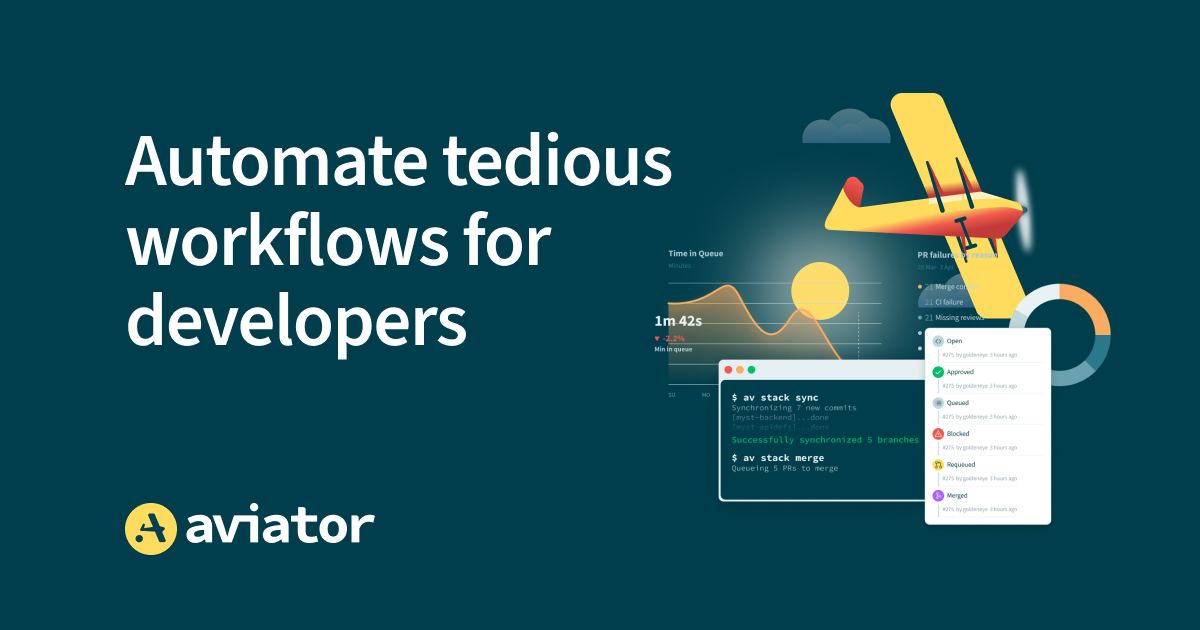
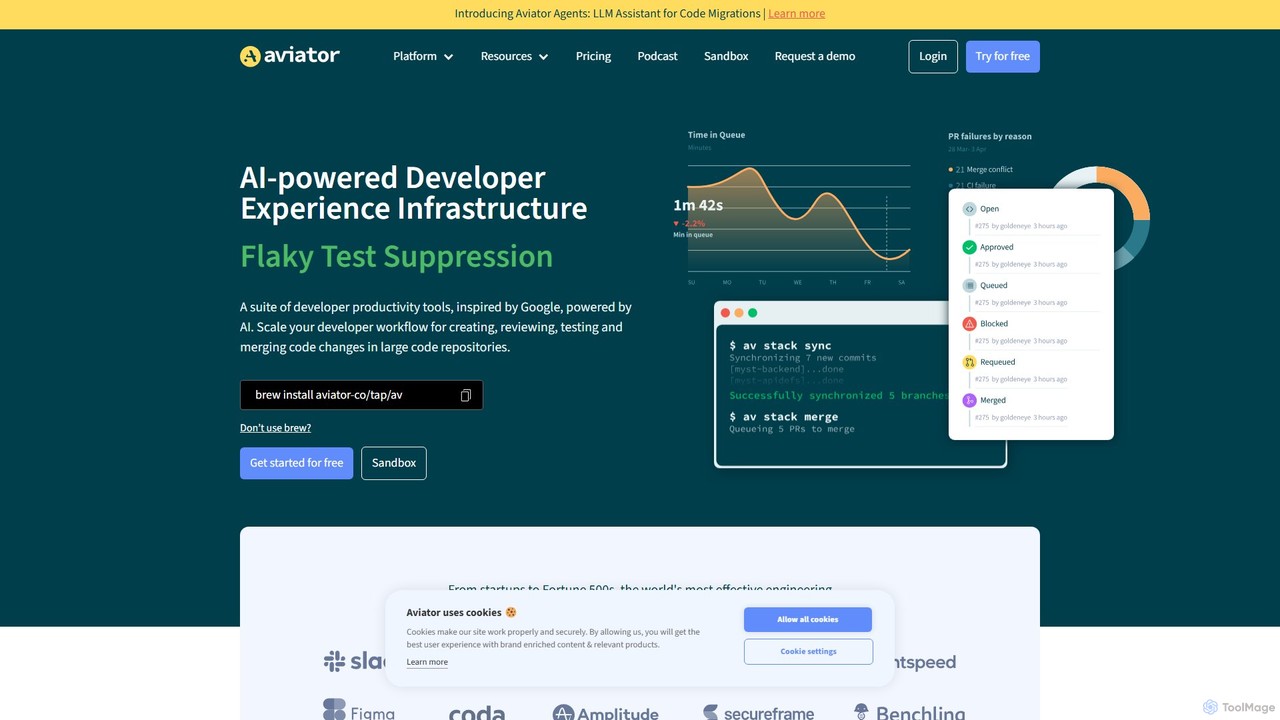
Aviator Product overview

Aviator is a developer collaboration suite that automates the CI/CD pipeline, focusing on pull request management. It uses an automated merge queue to test, rebase, and merge code, ensuring the main branch remains stable and deployable, thereby boosting developer productivity and code quality.

Preview

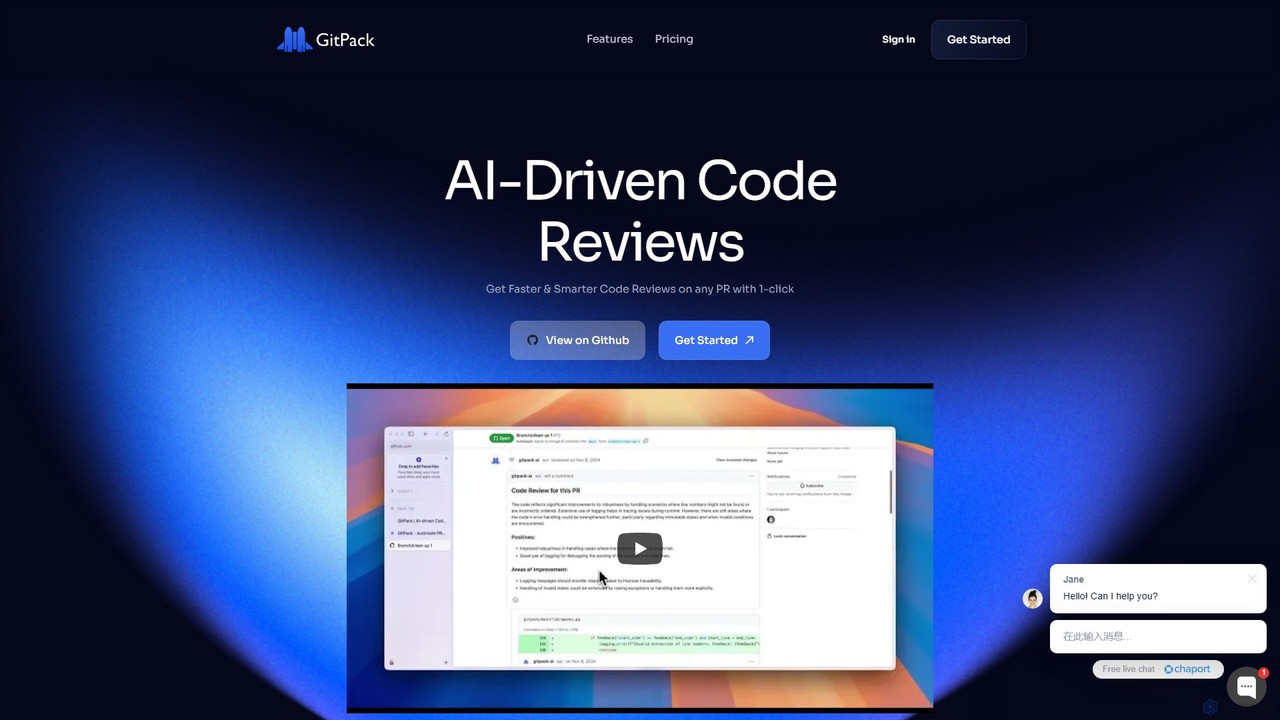
GitPack Product overview

GitPack is an AI-driven tool that automates code reviews on GitHub. It analyzes pull requests, provides context-aware feedback, and helps improve code quality, allowing developers to save time and streamline their workflow.

Preview

Quick facts

Compare product focus, pricing models and audiences. Highlighted rows indicate different listed information; unknown pricing does not mean free.

Aviator VS GitPack — Quick facts
Quick factsAviatorGitPack
Pricing modelFreemiumFreemium
Product typeWebWeb
Primary focusCode CollaborationCode Assistant
Audience and rolesNo data availableNo data available
CategoriesCode Collaboration · Continuous Integration · AutomationCode Assistant · Code Review · Automation
AddedAug 10, 2025Aug 12, 2025
UpdatedNov 19, 2026Nov 19, 2026

Features, usage and use cases

Explore the listed product descriptions, features and workflows. Taxonomy labels alone are not feature evaluations.

Aviator

Aviator is an advanced developer collaboration and productivity suite designed to streamline the software development lifecycle, particularly the critical phase of code integration and merging. At its core, Aviator provides a robust automated merge queue system that eliminates the chaos of concurrent development, ensuring that your main branch is always stable, green, and ready for deployment. It is trusted by engineering teams at companies like TestRigor, Secureframe, and Health Catalyst to save countless hours of engineering time and reduce developer frustration.

The platform is built to enforce high standards for your CI/CD workflow. By automating tedious and error-prone tasks such as rebasing, monitoring pull requests (PRs), and resolving merge conflicts, Aviator empowers developers to focus on what they do best: writing code. It acts as an intelligent gatekeeper for your codebase, guaranteeing that every PR is thoroughly tested against the most up-to-date version of the main branch before being merged.

How to use Aviator

Getting started with Aviator is a straightforward process designed for quick integration and immediate impact:

  1. Integration: Connect Aviator to your GitHub account (both cloud and self-hosted Enterprise versions are supported). The setup process typically takes only a few minutes.
  2. Configuration: Define your merge rules and required checks within a simple configuration file. You can specify which automated tests, linters, and human reviews must pass before a PR is eligible for the queue.
  3. Workflow Automation: Once a developer's PR is approved and passes initial checks, they can add it to the Aviator MergeQueue with a simple command or label.
  4. Automated Merging: Aviator takes over from here. It sequentially picks up PRs from the queue, automatically rebases them on the latest main branch, runs the full suite of tests one last time to ensure compatibility, and merges the code upon success.
  5. Failure Handling: If a PR fails the final validation in the queue, Aviator automatically notifies the author, removes the problematic PR, and continues processing the next one, preventing any broken code from reaching the main branch.

Core Features of Aviator

  • Automated MergeQueue: Serializes the merging of PRs to prevent race conditions and semantic conflicts, ensuring the main branch is never broken.
  • Automatic Rebasing: Keeps PRs constantly updated with the latest changes from the main branch, saving developers from manual and repetitive rebasing tasks.
  • Flaky Test Management: Intelligently identifies and handles flaky tests that fail intermittently, preventing them from blocking the development pipeline unnecessarily. This can include automatic retries or temporary quarantining.
  • CI/CD Optimization: Streamlines the entire continuous integration process, leading to faster and more reliable builds and deployments.
  • Comprehensive GitHub Integration: Works seamlessly with GitHub Pull Requests, Checks, and supports GitHub Enterprise (Cloud and Self-Hosted).
  • On-Premise Deployment: Offers on-premise installation options using Docker or Kubernetes for organizations with strict security and compliance requirements.

Use Cases for Aviator

Aviator is ideal for engineering teams of all sizes looking to improve their development velocity and code quality:

  • High-Growth Startups: Helps maintain a stable and fast-moving codebase as the engineering team scales rapidly.
  • Large Enterprise Teams: Manages the complexity of having hundreds of developers committing code to the same repositories, preventing merge conflicts and integration hell.
  • Quality-Focused Organizations: Enforces strict quality gates and testing protocols, ensuring that every piece of code merged is reliable and deployable.
  • Teams with Long Test Suites: Automates the 'wait-test-merge' cycle, freeing developers from monitoring long-running CI jobs.

Advantages of Aviator

Adopting Aviator provides significant benefits:

  • Increased Developer Productivity: Developers can 'set and forget' their PRs, saving hours each week previously spent on manual merging, rebasing, and monitoring.
  • Enhanced Code Stability: Guarantees a perpetually green and deployable main branch, eliminating the stress and downtime caused by broken builds.
  • Faster Development Cycles: By automating the final stage of the development workflow, teams can merge and ship features more quickly and confidently.
  • Improved Developer Experience: Reduces frustration associated with merge processes and CI failures, leading to a happier and more focused engineering team.

Pricing and Plans

Aviator offers a flexible pricing model designed to scale with your team. It includes a 14-day free trial that does not require a credit card. The pricing is based on the number of 'active collaborators'—defined as users who have created a Pull Request that utilizes Aviator within a billing period. There is no charge for the number of users who only need access to the dashboard. Several plans are available, and you can upgrade or change your plan at any time. For organizations with specific security needs, an On-Premise license is available upon request, supporting self-hosted environments.

GitPack

GitPack is a powerful AI-driven GitHub App designed to revolutionize the code review process. By automating routine checks and providing intelligent feedback, GitPack allows development teams to accelerate their workflow, maintain high standards of code quality, and focus on building new features. It seamlessly integrates into your existing GitHub environment, analyzing every pull request to catch bugs, enforce coding standards, and suggest improvements. The tool leverages advanced AI models like OpenAI's GPT-4o and Anthropic's Opus to deliver context-aware, line-by-line comments, making code reviews faster, more consistent, and more effective.

How to use GitPack

Getting started with GitPack is incredibly simple and requires no complex setup. The process is designed for immediate productivity:

  1. Install from GitHub Marketplace: Navigate to the GitHub Marketplace and install the GitPack AI app with a single click.
  2. Grant Repository Access: Choose which repositories (public or private) you want GitPack to monitor.
  3. Automated Reviews: Once installed, GitPack works automatically in the background. When a developer creates a new pull request in a connected repository, GitPack will initiate its analysis.
  4. Receive Feedback: Within minutes, GitPack posts a comprehensive review as a comment directly on the pull request. This feedback includes line-by-line suggestions, potential bug alerts, and recommendations for improving code health and test coverage.

Core Features of GitPack

  • AI-Powered Code Analysis: Automatically reviews pull requests for bugs, style inconsistencies, security vulnerabilities, and performance issues.
  • Context-Aware Feedback: Provides intelligent suggestions tailored to your project's specific codebase and context, not just generic advice.
  • Seamless GitHub Integration: Installs as a GitHub App with one click, requiring no configuration or changes to your workflow.
  • Advanced AI Models: Utilizes state-of-the-art models including OpenAI GPT-4o, O1 Preview, and Anthropic Opus to ensure high-quality, nuanced reviews.
  • Automated Test Generation: Suggests and helps create unit and integration tests to improve code coverage and reliability.
  • End-to-End Quality Assurance: Delivers instant feedback to improve the overall quality and health of your applications and services across the entire team.
  • Scalable Platform: Efficiently handles code reviews for teams of any size, from solo developers to large enterprises.

Use Cases for GitPack

GitPack is versatile and beneficial for various development scenarios:

  • Startups and Solo Developers: Acts as a virtual senior developer, providing a crucial second pair of eyes to enforce best practices and catch errors early.
  • Agile Development Teams: Reduces the time spent on manual code reviews, freeing up senior developers to focus on complex problems and architectural decisions, thereby accelerating development sprints.
  • Open-Source Projects: Helps maintainers manage a high volume of contributions by automating initial quality checks and ensuring all submitted code meets project standards.
  • Enterprise Teams: Enforces consistent coding standards across large, distributed teams, improving overall code health and reducing long-term technical debt.

Advantages of GitPack

Implementing GitPack provides several key advantages:

  • Increased Developer Productivity: Automates tedious manual checks, allowing developers to merge PRs faster and focus more on creative, high-value work.
  • Enhanced Code Quality: Ensures every piece of code is scrutinized by a consistent, unbiased AI, leading to fewer bugs in production and a more maintainable codebase.
  • Faster Development Cycles: Significantly shortens the feedback loop for pull requests, accelerating the entire development and deployment pipeline.
  • Cost-Effective: Provides expert-level code review capabilities at a fraction of the cost of hiring more senior engineers or spending valuable developer hours on manual reviews.

Pricing and Plans

GitPack offers a flexible pricing structure with a 14-day free trial for organizations.

  • Free Plan: $0. Ideal for open-source projects. Includes unlimited developers, unlimited public repositories, unlimited PR reviews, line-by-line code review, and the OpenAI GPT-4o model.
  • Basic Plan: $5 per developer, per month. Designed for startups and solo developers. Includes everything in the Free plan, plus unlimited private repositories, unlimited unit & integration tests, and email support.
  • Business Plan: $10 per developer, per month. Tailored for high-caliber teams. Includes all Basic plan features, plus detailed PR reviews with improved unit testing, access to premium models (OpenAI O1 Preview & Anthropic Opus), and both email and chat support.

Positioning

Their taxonomy shows where the products overlap and where each one has a more distinct focus. Unknown fields are shown explicitly and are never filled with assumptions.

Categories

Shared
Automation
Only Aviator
Code CollaborationContinuous Integration
Only GitPack
Code AssistantCode Review

Tags

Shared
automationcode qualitydeveloper toolsgithubpull requestsoftware development
Only Aviator
CI/CDcontinuous integrationdevopsmerge queue
Only GitPack
AIcode reviewgpt-4oprogramming

Audience and roles

Shared
No listed items
Only Aviator
No listed items
Only GitPack
No listed items

Traffic comparison

Traffic is shown on the same scale so differences in market visibility are not visually understated.

How to interpret the traffic data

Both charts share the same months and vertical scale. Each tool identifies its latest reporting month; missing months are left blank, not counted as zero. Regional and source visit counts are estimates calculated from the reported shares.

Aviator monthly traffic:

Latest traffic · 2026-05

Monthly visits
72.6K
Avg. visit duration
0:39
Pages per visit
1.91
Bounce rate
39.39%
Data updated 2026-06-15

Monthly traffic trend

  • 2025-09: 83.3K
  • 2026-01: 98K
  • 2026-02: 62.7K
  • 2026-03: 84.9K
  • 2026-04: 76.7K
  • 2026-05: 72.6K

Top regions

Top 5 countries/regions
Country/regionPercentageEstimated visits
🇺🇸United States60.4%43.9K
🇳🇬Nigeria12.2%8.9K
🇮🇳India10.51%7.6K
🇩🇪Germany9.34%6.8K
🇻🇳Vietnam7.55%5.5K

Traffic sources

Source typePercentageEstimated visits
Direct82.75%60.1K
Referral15.07%10.9K
Email2.18%1.6K

Search keywords

aviatoraviator companyaviator co.zagit undo last commitpostgresql wallpaper

GitPack

No data available

Community signals

Ratings, comments, favorites, and likes are community signals—not a substitute for product fit.

Aviator

Rating
No data available
Comments
0
Favorites
168
Likes
166

GitPack

Rating
No data available
Comments
0
Favorites
166
Likes
189

Aviator vs GitPack · Comparison FAQ

What do Aviator and GitPack have in common?
Both tools are listed under Automation. These categories indicate overlapping use cases; compare their detailed descriptions for workflows, capabilities and limitations.
Are Aviator and GitPack free?
Listed pricing models: Aviator — Freemium; GitPack — Freemium. Missing pricing is not proof of a free plan, and freemium does not mean every feature is free. Check official sites for current plans, limits and trials.
How should I choose between Aviator and GitPack?
The primary listed category is Code Collaboration for Aviator, and Code Assistant for GitPack. Compare features, steps and use cases, then verify pricing, data permissions and deployment needs. This page does not include hands-on testing and does not declare a winner from traffic or tags.

Sources and comparison methodology

This page is assembled from ToolMage product listings, taxonomy, traffic statistics and on-site user feedback. It is not a hands-on test or an independent review.

  • Feature and plan descriptions reflect information in the listings, not real-time guarantees. Verify pricing, quotas, availability and privacy terms on the official sites.
  • Traffic uses the reporting months shown. Missing statistics do not mean zero visits, and different periods do not establish growth or superiority. Regional and source visit counts are estimates based on shares.
  • Different tags indicate differences in the listings, not proof that the other product lacks a capability. Ratings, favorites and visits are not used to declare a winner.

Related comparisons