ToolMage
Sign in

AI TOOL COMPARISON

BuildShip vs CopilotKit

What is the difference, and which fits your workflow? Compare features, usage, pricing models and traffic side by side.

Jump to key differences

Product overview

BuildShip Product overview

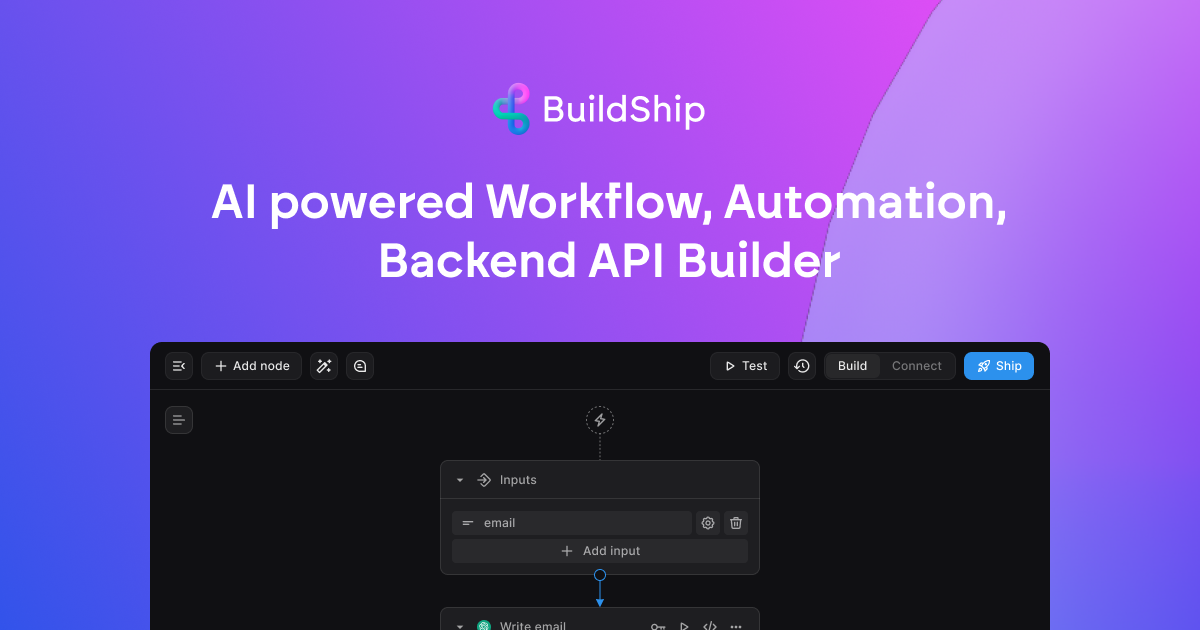
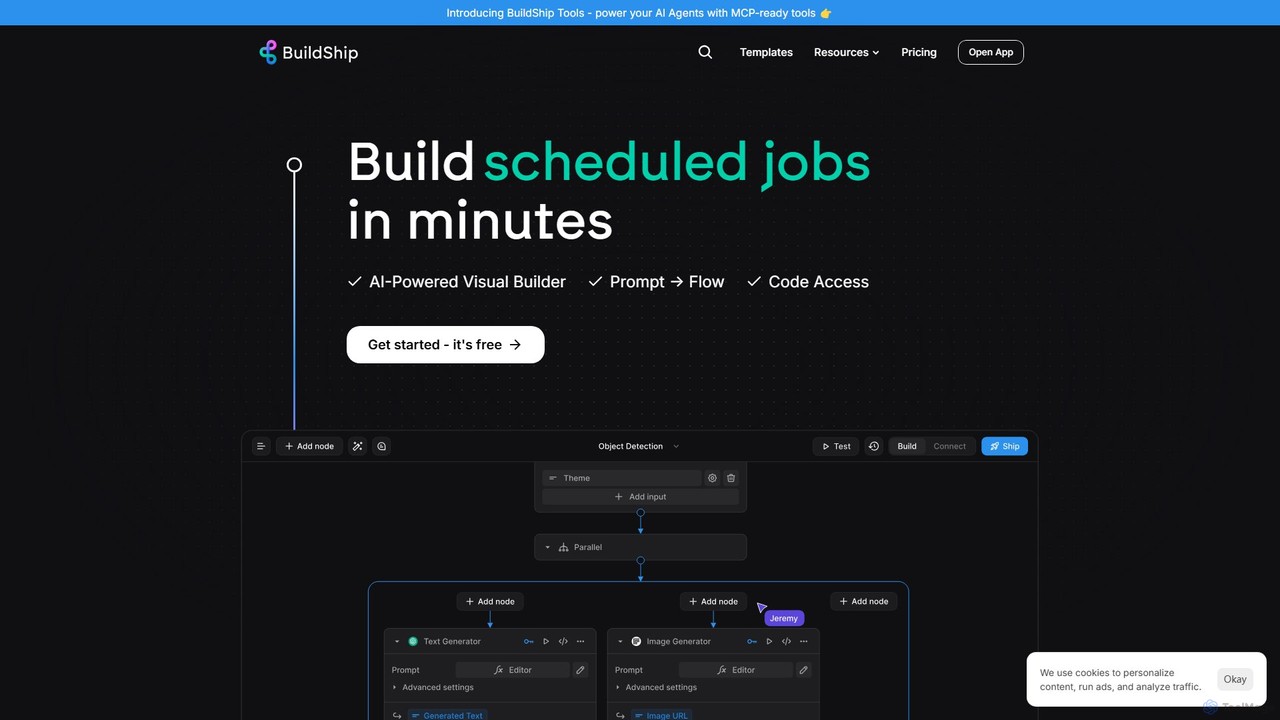
BuildShip is a low-code, AI-powered platform for visually building backend workflows, APIs, and scheduled jobs. Connect any AI model, database, or tool using a drag-and-drop interface or natural language prompts. Go from idea to a scalable, production-ready backend in minutes, with the flexibility to use JavaScript/TypeScript for advanced customization. Ideal for developers and creators alike.

Preview

CopilotKit Product overview

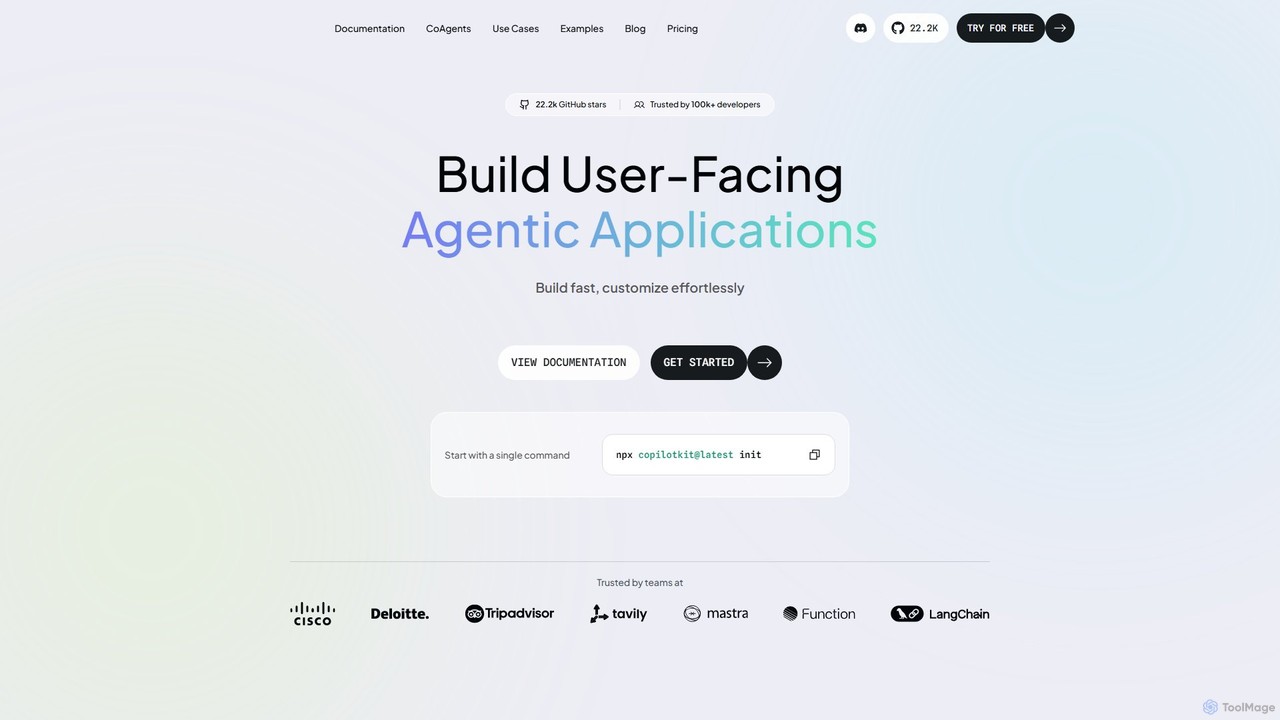
CopilotKit is an open-source, full-stack framework for developers to build, deploy, and customize in-app AI copilots and agentic applications. It provides front-end components, back-end logic, and seamless integrations with any LLM or agent framework, enabling the creation of powerful, user-facing AI assistants.

Preview

Quick facts

Compare product focus, pricing models and audiences. Highlighted rows indicate different listed information; unknown pricing does not mean free.

BuildShip VS CopilotKit — Quick facts
Quick factsBuildShipCopilotKit
Pricing modelFreemiumFreemium
Product typeWebWeb
Primary focusApiFrameworks
Audience and rolesNo data availableNo data available
CategoriesApi · Backend · Low Code No Code · AutomationFrameworks · Low Code No Code · Automation
AddedAug 8, 2025Aug 12, 2025
UpdatedNov 19, 2026Nov 19, 2026

Features, usage and use cases

Explore the listed product descriptions, features and workflows. Taxonomy labels alone are not feature evaluations.

BuildShip

BuildShip is a revolutionary low-code platform designed to accelerate the development of backend systems, AI-powered workflows, and scalable APIs. It empowers builders, makers, and developers to transform ideas into fully functional cloud-deployed applications in minutes, directly from their browser. By combining a visual, drag-and-drop interface with the power of AI and the flexibility of code, BuildShip bridges the gap between no-code simplicity and low-code power.

The platform allows you to seamlessly integrate a vast array of tools and services. You can plug in any AI model from providers like OpenAI, Stable Diffusion, and HuggingFace, connect to databases such as Postgres, Firebase, and Supabase, and integrate with essential business applications like Stripe, Slack, and Discord. This extensive connectivity, combined with a library of pre-built nodes and templates, makes it incredibly fast to get started on complex projects.

How to use BuildShip

Getting started with BuildShip is designed to be intuitive and efficient. Users can begin in several ways:

  1. Start with a Template: Browse a rich library of pre-built templates for common use cases like AI chatbots, web scrapers, RAG systems, or Stripe payment integrations. Simply remix a template to fit your specific needs.
  2. Visual Builder: Use the drag-and-drop visual editor to construct your workflow. Connect pre-built nodes for various actions, logic, and integrations to create your custom flow.
  3. Generate with AI: Describe your desired workflow or node functionality in plain English. BuildShip's AI will generate the necessary nodes or even the entire flow for you, which you can then refine.
  4. Code with JS/TS: For advanced users or complex logic, you can dive into the code. Every node's code is accessible, and you can write custom JavaScript/TypeScript, import any NPM package, and utilize an editor with autocomplete and a debugger.

Once built, your workflow can be deployed as a scalable API endpoint, a scheduled job that runs at specific intervals, or a backend task triggered by an event.

Core Features of BuildShip

  • AI-Powered Visual Builder: Visually construct and automate workflows with an intuitive drag-and-drop interface, enhanced with AI-powered generation from text prompts.
  • Multi-Model & Tool Integration: Natively connect to a wide range of AI models (LLMs, image/video generation), databases (Postgres, Firebase, Supabase), and third-party services (Stripe, Slack, GitHub).
  • Pre-built Templates & Nodes: Accelerate development with a large set of ready-made nodes and full workflow templates for popular use cases.
  • Scalable APIs and Scheduled Jobs: Instantly deploy workflows as robust, scalable APIs or run them as cron jobs for automation without worrying about infrastructure.
  • Code Access & Export: Gain full control by accessing and editing the JavaScript/TypeScript code for any node or exporting the entire workflow to self-host.
  • Built-in Database & Storage: Comes with a ready-to-use Firestore database and unlimited, scalable cloud storage for files and assets.
  • Advanced Dev Tools: Features include a secure secret manager, version control, support for over 1 million NPM packages, and a powerful code editor with a debugger.

Use Cases for BuildShip

BuildShip is versatile enough to handle a wide spectrum of applications, including:

  • AI Chatbots: Create intelligent chatbots for WhatsApp, Telegram, or websites with conversation history and tool usage.
  • Data Automation: Scrape websites, crawl entire domains, and extract structured data using AI. Automate data entry from services like Stripe into Google Sheets or Airtable.
  • RAG (Retrieval-Augmented Generation): Build sophisticated Q&A systems over your own documents by integrating with vector databases like Supabase.
  • Content Creation: Automate the generation of SEO-optimized blog articles from YouTube videos, create AI-driven meditation sessions, or translate and dub audio content.
  • Backend for Frontend: Serve as a powerful, serverless backend for applications built with FlutterFlow, Webflow, Vercel v0, or any other frontend framework.
  • E-commerce & SaaS Automation: Manage Stripe subscriptions, automate invoicing, and create custom sales agent tools to research prospects.

Advantages of BuildShip

BuildShip offers a unique combination of speed, power, and flexibility. Its key advantages include bridging the gap between no-code and low-code, allowing users to start without code and seamlessly transition to using JavaScript/TypeScript when needed. The platform is built for scalability, ensuring that your application can grow without facing unexpected costs or performance bottlenecks. With features like code export, users retain full ownership and can avoid vendor lock-in. The vibrant community and extensive library of templates provide a strong foundation for building even the most ambitious projects quickly and efficiently.

Pricing and Plans

BuildShip offers a freemium model with plans designed for individuals and companies.

  • Free Plan: $0/month. Includes 3,000 credits/month, 5 active flows, and 1 team member. Perfect for getting started and building personal projects.
  • Starter Plan: $19/month. Includes 20,000 credits/month, 20 active flows, 3 team members, and version control. Ideal for makers building simple projects.
  • Pro Plan: $59/month. Includes 100,000 credits/month, 150 active flows, 10 team members, and priority support. Designed for teams that want to scale.
  • Business/Enterprise Plan: Custom pricing for larger teams needing advanced features like self-hosting, multiple environments, and dedicated support.

Pricing is based on a credit system where credits are consumed based on node execution time. Top-up credits are available for all plans. Add-ons like 'No Cold Start' ($29/mo) and 'Custom Domain' ($80/year) are also available for paid plans.

CopilotKit

CopilotKit is a comprehensive, open-source agentic framework designed to empower developers to seamlessly integrate sophisticated AI copilots directly into their applications. It serves as a full-stack solution, bridging the gap between powerful backend AI agents and interactive frontend user experiences. With a focus on creating user-facing, context-aware AI assistants, CopilotKit provides the necessary tools to build everything from simple conversational interfaces to complex agentic applications that can automate workflows and enhance user productivity.

At its core, CopilotKit is built around the Agent-User Interaction Protocol (AG-UI), an open standard that ensures interoperability between different agent frameworks and the user interface. This allows developers to avoid vendor lock-in and leverage the best tools for their specific needs, whether it's LangChain, LlamaIndex, CrewAI, or others. The framework is trusted by over 100,000 developers and has a significant open-source community, reflecting its robustness and utility in real-world applications.

How to use CopilotKit

Getting started with CopilotKit is designed to be fast and straightforward for developers. The process typically involves these steps:

  1. Initialization: Begin by adding CopilotKit to your project with a single command: npx copilotkit@latest init.
  2. Frontend Integration: Use the provided React components (like CopilotPopup or CopilotTextarea) to embed the AI chat interface into your application's UI. The library offers both pre-built components for speed and headless UI options for maximum customization.
  3. Backend Actions: Define 'Copilot Actions' in your backend code. These are functions that the AI agent can execute to perform tasks, such as fetching data from your database, calling an external API, or manipulating the application state. This is how the copilot interacts with your application's logic.
  4. Connect your Agent/LLM: Configure CopilotKit to connect to your chosen Large Language Model (LLM) and, if applicable, your preferred agent framework. The framework is designed to be model-agnostic.
  5. Deployment: Deploy your application. CopilotKit supports both self-hosting for the open-source version and a managed cloud platform for teams that require additional features and support.

Core Features of CopilotKit

  • Full-Stack Agentic Framework: Provides all the tools needed to build AI agents, from frontend UI to backend logic and third-party integrations.
  • Frontend Components: A rich library of pre-built and headless UI components for React, enabling rapid development and full design control.
  • Copilot Actions: Allows AI to securely interact with your application's backend, enabling it to perform meaningful tasks on behalf of the user.
  • Generative UI: Empowers the AI to dynamically generate and render UI components in response to user interactions, creating truly interactive experiences.
  • Multi-Agent Framework Integration: Native support for popular frameworks like LangChain, LlamaIndex, CrewAI, and LangGraph via the AG-UI protocol.
  • Bring Your Own LLM (BYOLLM): Complete flexibility to use any LLM, including models from OpenAI, Anthropic, or open-source alternatives.
  • Retrieval-Augmented Generation (RAG): Built-in capabilities to create knowledge-based copilots that can chat with your documents, data, or knowledge base.
  • Human-in-the-Loop (HITL): Designed to build agents that collaborate with users, allowing for monitoring, steering, and interactive Q&A.

Use Cases for CopilotKit

CopilotKit is versatile and can be applied to a wide range of applications:

  • SaaS Copilots: Embed an intelligent assistant in your SaaS platform to help users navigate complex dashboards, automate repetitive tasks, and understand data through natural language queries.
  • Productivity Tools: Create agentic applications that amplify user productivity, such as an AI research canvas, an intelligent travel planner, or a copilot that assists in filling out complex forms.
  • Developer Tools: Build AI-powered assistants into IDEs or developer platforms to help with code generation, debugging, and documentation lookup.
  • Data Interaction: Develop 'Chat with your data' features that allow non-technical users to query databases and visualize information conversationally.
  • Complex Workflow Automation: Transform multi-step, complex user workflows into simple, manageable conversational state machines guided by an AI agent.

Advantages of CopilotKit

The primary advantages of using CopilotKit include:

  • Accelerated Development: Go from concept to a functional in-app copilot in minutes, not months, thanks to pre-built components and a streamlined workflow.
  • Seamless Integration: Acts as the 'last mile' for AI, connecting powerful backend agent capabilities to a polished frontend user experience.
  • Extreme Customization: Supports the full spectrum of needs, from ready-to-use components to fully customizable headless UIs.
  • Open and Interoperable: Built on the open AG-UI protocol, it prevents vendor lock-in and ensures compatibility with a growing ecosystem of AI tools.
  • Scalable and Secure: Offers solutions for every scale, from individual developers using the open-source version to large enterprises needing features like SSO, on-premise hosting, and dedicated support.

Pricing and Plans

CopilotKit offers a flexible pricing structure to suit different needs:

  • Developer (Free): Includes up to 100 Monthly Active Users (MAU), the core CopilotKit agent framework, integrations, cloud hosting, and Discord community support.
  • Pro Teams ($249 / month): For growing teams, this plan includes up to 1000 MAU, everything in the Developer plan, plus team accounts, onboarding consultation, and dedicated Slack support with an SLA.
  • Enterprise (Custom Pricing): For large-scale applications with over 1000 MAU. It includes all Pro features plus SSO, on-premise cloud options, internationalization, accessibility support, and premium support.
  • Open Source: A self-hosted, always-free version that provides access to the core platform features for those who prefer to manage their own infrastructure.

Positioning

Their taxonomy shows where the products overlap and where each one has a more distinct focus. Unknown fields are shown explicitly and are never filled with assumptions.

Categories

Shared
Low Code No CodeAutomation
Only BuildShip
ApiBackend
Only CopilotKit
Frameworks

Tags

Shared
developer tools
Only BuildShip
AI integrationAPIbackend buildercron jobsdatabasejavascriptlow-codeno-codeserverlesstypescriptworkflow automation
Only CopilotKit
AI agentCopilotframeworkgenerative uiin-app aiLangChainopen sourcereactSaaSSDK

Audience and roles

Shared
No listed items
Only BuildShip
No listed items
Only CopilotKit
No listed items

Traffic comparison

Traffic is shown on the same scale so differences in market visibility are not visually understated.

How to interpret the traffic data

Both charts share the same months and vertical scale. Each tool identifies its latest reporting month; missing months are left blank, not counted as zero. Regional and source visit counts are estimates calculated from the reported shares.

BuildShip monthly traffic:

Latest traffic · 2026-05

Monthly visits
50.9K
Avg. visit duration
1:01
Pages per visit
2.57
Bounce rate
36.9%
Data updated 2026-06-15

Monthly traffic trend

  • 2025-09: 81.2K
  • 2026-01: 74.5K
  • 2026-02: 65.4K
  • 2026-03: 63.2K
  • 2026-04: 58K
  • 2026-05: 50.9K

Top regions

Top 5 countries/regions
Country/regionPercentageEstimated visits
🇬🇧United Kingdom38.93%19.8K
🇧🇷Brazil19.52%9.9K
🇳🇬Nigeria14.64%7.5K
🇻🇳Vietnam14.13%7.2K
🇺🇸United States12.78%6.5K

Search keywords

buildshippinecone veya supabasevercel ui stylderwebsite to build ai workflows from promptworkflow build auto

CopilotKit monthly traffic:

Latest traffic · 2026-05

Monthly visits
169.6K
Avg. visit duration
1:56
Pages per visit
2.96
Bounce rate
42.32%
Data updated 2026-06-15

Monthly traffic trend

  • 2025-09: 153.3K
  • 2026-01: 231.9K
  • 2026-02: 193.2K
  • 2026-03: 164.7K
  • 2026-04: 160.9K
  • 2026-05: 169.6K

Top regions

Top 5 countries/regions
Country/regionPercentageEstimated visits
🇺🇸United States41.88%71K
🇨🇳China32.12%54.5K
🇮🇳India14.68%24.9K
🇳🇬Nigeria6.35%10.8K
🇩🇪Germany4.97%8.4K

Traffic sources

Source typePercentageEstimated visits
Direct81.51%138.2K
Referral17.17%29.1K
Email1.32%2.2K

Search keywords

ag-uicopilot kitcopilotkitcopilotkit ag-ui and a2-uigenerative ui

Community signals

Ratings, comments, favorites, and likes are community signals—not a substitute for product fit.

BuildShip

Rating
No data available
Comments
0
Favorites
189
Likes
186

CopilotKit

Rating
No data available
Comments
0
Favorites
162
Likes
135

BuildShip vs CopilotKit · Comparison FAQ

What do BuildShip and CopilotKit have in common?
Both tools are listed under Low Code No Code、Automation. These categories indicate overlapping use cases; compare their detailed descriptions for workflows, capabilities and limitations.
Are BuildShip and CopilotKit free?
Listed pricing models: BuildShip — Freemium; CopilotKit — Freemium. Missing pricing is not proof of a free plan, and freemium does not mean every feature is free. Check official sites for current plans, limits and trials.
How should I choose between BuildShip and CopilotKit?
The primary listed category is Api for BuildShip, and Frameworks for CopilotKit. Compare features, steps and use cases, then verify pricing, data permissions and deployment needs. This page does not include hands-on testing and does not declare a winner from traffic or tags.

Sources and comparison methodology

This page is assembled from ToolMage product listings, taxonomy, traffic statistics and on-site user feedback. It is not a hands-on test or an independent review.
  • Feature and plan descriptions reflect information in the listings, not real-time guarantees. Verify pricing, quotas, availability and privacy terms on the official sites.
  • Traffic uses the reporting months shown. Missing statistics do not mean zero visits, and different periods do not establish growth or superiority. Regional and source visit counts are estimates based on shares.
  • Different tags indicate differences in the listings, not proof that the other product lacks a capability. Ratings, favorites and visits are not used to declare a winner.

Related comparisons