ToolMage
Sign in

AI TOOL COMPARISON

Chatclient vs Interworky

What is the difference, and which fits your workflow? Compare features, usage, pricing models and traffic side by side.

Jump to key differences

Product overview

Chatclient Product overview

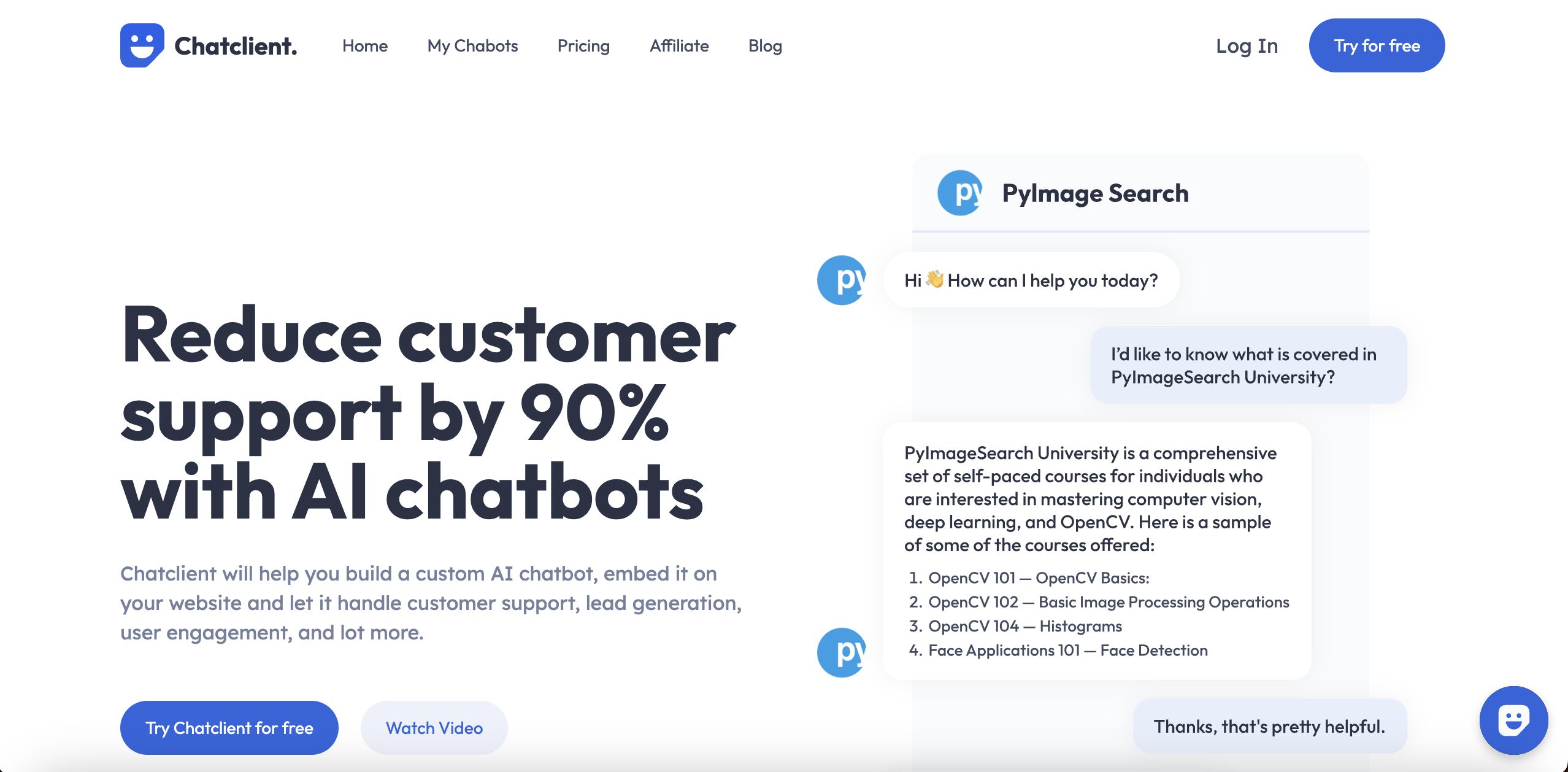
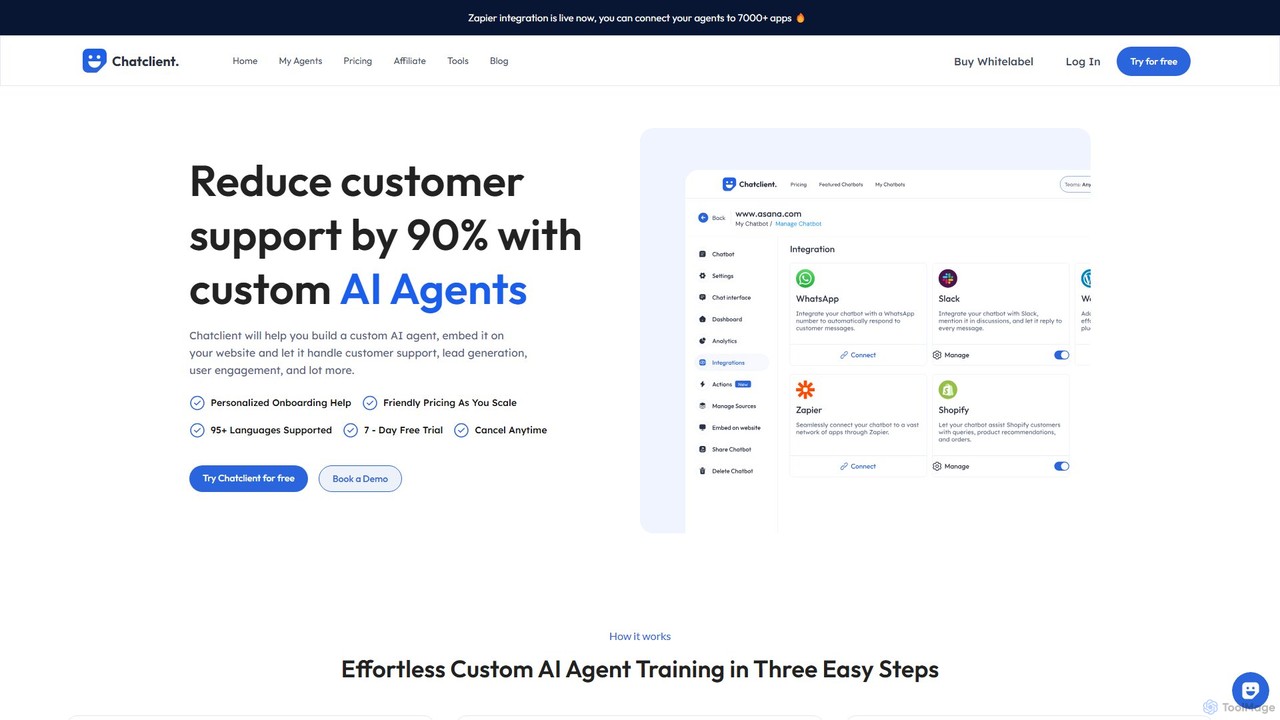
Chatclient is an AI platform for building custom AI agents trained on your business data. Embed these agents on your website to automate customer support, generate leads, and enhance user engagement 24/7. It supports multiple data sources, offers deep customization, and integrates with over 7000 apps via Zapier, supporting 95+ languages to provide a personalized experience for a global audience.

Preview

Interworky Product overview

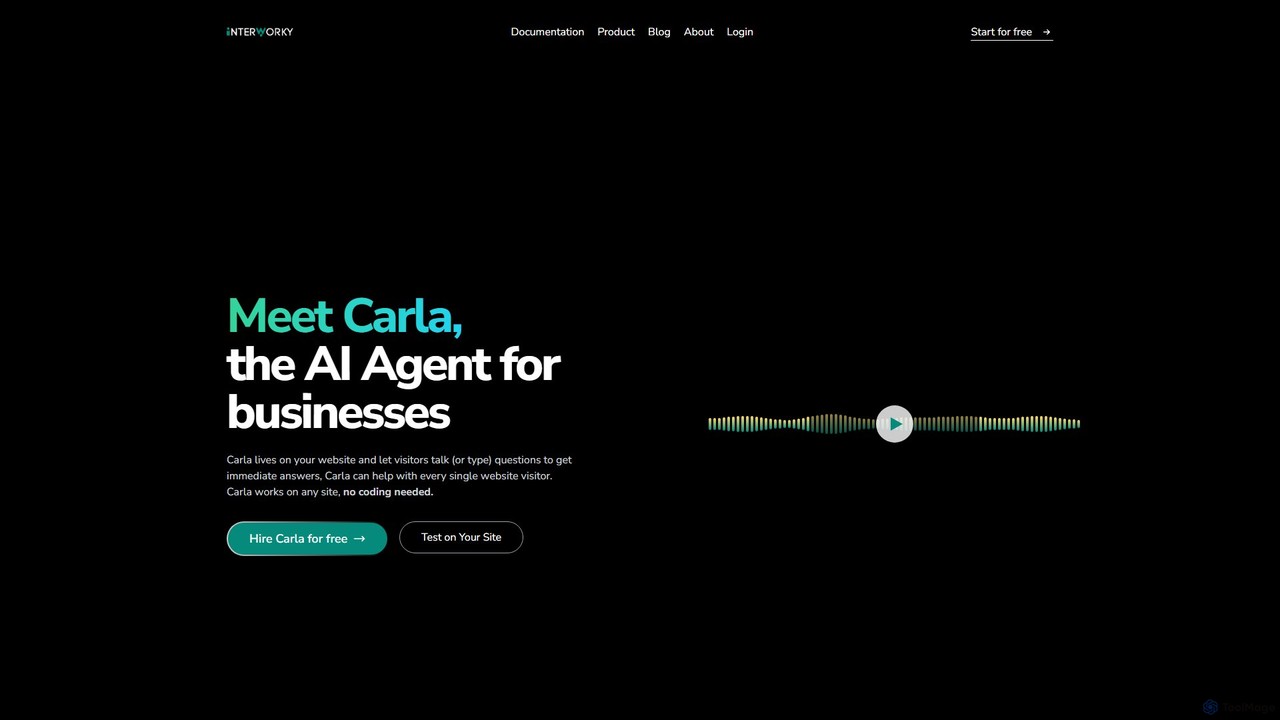
Interworky is a no-code AI agent for business websites. Named Carla, it engages visitors through voice or text, providing instant answers by syncing with your site's content. It automates tasks like lead generation and appointment booking, supports multiple languages with real-time detection, and offers deep customization to match your brand.

Preview

Quick facts

Compare product focus, pricing models and audiences. Highlighted rows indicate different listed information; unknown pricing does not mean free.

Chatclient VS Interworky — Quick facts
Quick factsChatclientInterworky
Pricing modelFreemiumFreemium
Product typeWebWeb
Primary focusChatbotChatbot
Audience and rolesNo data availableNo data available
CategoriesChatbot · Api · Lead Generation · AutomationChatbot · Api · Lead Generation · Automation
AddedAug 17, 2025Aug 5, 2025
UpdatedNov 19, 2026Nov 19, 2026

Features, usage and use cases

Explore the listed product descriptions, features and workflows. Taxonomy labels alone are not feature evaluations.

Chatclient

Chatclient is a powerful no-code platform designed to help businesses create and deploy custom AI agents. These agents are trained on your specific company data, enabling them to handle a wide array of tasks such as customer support, lead generation, and user engagement with remarkable efficiency. By leveraging advanced AI models like GPT-4o, Claude 3.5 Sonnet, and Gemini 1.5 Pro, Chatclient can reduce customer support workload by up to 90%, providing instant, accurate, and personalized responses to user queries around the clock.

The platform is built for simplicity and power, allowing you to go from data import to a fully functional, embedded chatbot in minutes, not months. It offers a seamless way to keep your customers informed and engaged, directly on your website or across multiple platforms, transforming your user interaction and driving business growth.

How to use Chatclient

Getting started with Chatclient is a straightforward, three-step process designed for users of all technical levels:

  1. Import Your Data: Begin by training your AI agent. You can upload data from various sources, including PDF files, DOCX, CSV, TXT, or simply paste plain text. You can also provide a website URL, and Chatclient will automatically scrape the content to build its knowledge base.
  2. Customize Behavior & Appearance: Tailor the agent to perfectly match your brand. You can customize its personality, name, and response instructions (e.g., 'only answer in Spanish'). Adjust the look and feel of the chat widget, including colors and logos, to ensure it integrates seamlessly with your website's design.
  3. Embed & Integrate: Once your agent is trained and customized, you can embed it on your website using a simple iframe or a chat bubble script. For more advanced use cases, you can connect your agent to other applications using the API or pre-built integrations with platforms like Slack, WhatsApp, and Zapier, which connects to over 7,000 other apps.

Core Features of Chatclient

  • Multiple Data Sources: Train your agent using a wide variety of content formats, including websites, PDFs, documents, and raw text.
  • Advanced AI Models: Choose from top-tier AI models like GPT-4o, Claude 3.5 Sonnet, and Gemini 1.5 Pro to power your agent's responses.
  • Deep Customization: Fully customize the agent's appearance, personality, and operational instructions to align with your brand identity and goals.
  • Seamless Integrations: Connect your agent to thousands of tools through Zapier, as well as native integrations with Slack, WhatsApp, and more. API access is also available for custom solutions.
  • 95+ Languages Supported: Engage with a global audience by providing support in their native language, even if your source data is in English.
  • Whitelabel Solution: Remove all Chatclient branding and use your own custom domain for a completely branded user experience (available on paid plans).
  • Auto-Retrain: Keep your agent's knowledge up-to-date by setting it to automatically retrain and sync with your data sources.
  • Privacy & Security: All your data is hosted on secure servers with robust encryption and strict access controls to ensure confidentiality and integrity.

Use Cases for Chatclient

Chatclient can be adapted for numerous business scenarios:

  • Automated Customer Support: Provide 24/7 instant answers to frequently asked questions, freeing up your human support team to handle more complex issues.
  • Lead Generation: Proactively engage website visitors, ask qualifying questions, collect contact information, and schedule demos, turning passive traffic into qualified leads.
  • User Onboarding & Engagement: Create unique AI personas to guide new users through your platform, provide interactive tutorials, or simply engage them with personalized content.
  • Multi-platform Support: Embed your AI agent not just on your website, but also within mobile apps or any other platform using the provided embed code or API.
  • Human Handoff: Ensure a smooth customer experience by allowing users to seamlessly escalate a conversation to a human agent if the AI's answers are not sufficient.

Advantages of Chatclient

Chatclient stands out with its user-friendly interface, powerful features, and scalability. The ability to train an agent in seconds using existing content significantly lowers the barrier to entry for AI adoption. Its support for multiple advanced AI models ensures high-quality interactions. Furthermore, the extensive integration capabilities, especially with Zapier, make it a versatile hub for automating workflows across your entire business ecosystem. The combination of easy setup, deep customization, and robust performance makes it a game-changer for businesses looking to enhance customer experience and operational efficiency.

Pricing and Plans

Chatclient operates on a freemium model, making it accessible for everyone to get started. A free plan is available upon signup, which includes 15 message credits and the ability to create 1 agent. This is ideal for testing the platform's capabilities. For businesses with greater needs, Chatclient offers scalable paid plans that provide more message credits, a higher number of agents, and advanced features such as the whitelabel option, custom domain usage, and priority support. The pricing is designed to scale with your usage and business growth.

Interworky

Interworky introduces Carla, a sophisticated AI agent designed to revolutionize how businesses interact with their website visitors. This powerful tool lives on your website, offering a seamless conversational interface where users can either talk or type to get immediate, accurate answers to their questions. Interworky is built to enhance user engagement, increase customer satisfaction by up to 25%, and significantly reduce operational costs by 30% by automating repetitive tasks.

The platform is engineered for simplicity and power, requiring no coding skills for implementation. It can be effortlessly integrated into any website, making advanced AI accessible to everyone. By continuously syncing with your website's content—including articles, product information, and even forms—the AI agent stays perpetually up-to-date, ensuring the information it provides is always relevant and reliable.

How to use Interworky

Getting started with Interworky is a straightforward, no-code process:

  1. Sign Up & Test: Visit the Interworky website to test the AI agent on your own site for free, with no credit card required.
  2. Customize Your Agent: From the Interworky dashboard, personalize your AI agent. Give it a unique name, define its personality (e.g., friendly, formal), and customize its appearance, including colors and fonts, to align perfectly with your brand identity.
  3. Sync Your Knowledge: Add your website's URL to allow Interworky to sync with all your content. You can also create a custom knowledge base and provide specific instructions on how to handle different types of inquiries, such as support questions or promotional offers.
  4. Embed on Your Site: Interworky provides a simple embed code that you can copy and paste into your website's HTML. It offers clear documentation and dedicated guides for popular platforms like WordPress, Wix, Next.js, React, and Squarespace.
  5. Activate Capabilities: Enable built-in features like contact collection or appointment scheduling mode, or extend its functionality further by creating custom integrations using REST APIs.

Core Features of Interworky

  • AI Agent Customization: Fully tailor the agent's name, personality, and visual theme (colors, fonts) to match your brand's look and feel.
  • Real-Time Website Sync: Automatically keeps the AI's knowledge base updated by syncing with your website content in real-time, ensuring answers are always accurate.
  • Voice and Text Interaction: Allows users to engage in their preferred way, either by speaking or typing, making the website more accessible and intuitive.
  • Multilingual Support: Features real-time language detection to automatically identify and respond in the user's native language, breaking down communication barriers for a global audience.
  • Managed & Custom Capabilities: Comes with pre-built skills for lead generation (contact collection) and appointment booking. It also supports custom capabilities via REST API integration for limitless functionality.
  • Seamless Integrations: Offers easy, no-code integration with all major website builders and frameworks, including WordPress, Wix, Next.js, and more.
  • Enterprise-Grade Solution: For larger organizations, Interworky can unify knowledge from various internal sources (Slack, wikis, ticketing systems) and can be deployed on-premise for maximum security with role-based access controls.

Use Cases for Interworky

Interworky is a versatile tool suitable for a wide range of applications:

  • 24/7 Customer Support: Automate responses to frequently asked questions, freeing up human agents to handle more complex issues.
  • Lead Generation and Qualification: Proactively engage visitors to collect contact details and qualify leads directly through conversation.
  • Enhanced Website Navigation: Help users instantly find information on content-heavy websites, such as government portals, educational institutions, or large e-commerce stores.
  • Appointment Scheduling: Allow customers to book appointments or demos without leaving your website, streamlining the sales process.
  • Internal Knowledge Management: Deploy an enterprise agent internally to provide employees with instant, secure access to company information from a unified source.

Advantages of Interworky

Interworky provides a distinct competitive edge through:

  • Increased Efficiency: Automates manual tasks, reduces the burden on support teams, and lowers operational costs.
  • Improved User Experience: Offers instant, 24/7 support and a dynamic conversational interface that users prefer over static FAQ pages.
  • Higher Conversion Rates: Engages potential customers effectively, guiding them through the sales funnel and capturing leads automatically.
  • Accessibility and Inclusivity: Voice AI and multilingual features make your website more accessible to a diverse, global audience.
  • No-Code Simplicity: Empowers businesses of all sizes to implement advanced AI without needing a development team.

Pricing and Plans

Interworky operates on a freemium model. You can start by testing the AI agent on your website for free without providing any credit card details. This free tier allows you to experience the core functionalities. For businesses requiring more advanced features, higher usage limits, enterprise-grade security (like on-premise deployment), and dedicated support, Interworky offers premium and enterprise plans. For detailed pricing information, it is recommended to visit the official website or contact their sales team.

Positioning

Their taxonomy shows where the products overlap and where each one has a more distinct focus. Unknown fields are shown explicitly and are never filled with assumptions.

Categories

Shared
ChatbotApiLead GenerationAutomation
Only Chatclient
No listed items
Only Interworky
No listed items

Tags

Shared
AI agentcustomer supportlead generationmultilingual chatbotno-code
Only Chatclient
chatbot builderClaude 3.5gpt-4owebsite widgetwhitelabelZapier integration
Only Interworky
API integrationchatbotenterprise AIvoice AIwebsite automation

Audience and roles

Shared
No listed items
Only Chatclient
No listed items
Only Interworky
No listed items

Traffic comparison

Traffic is shown on the same scale so differences in market visibility are not visually understated.

How to interpret the traffic data

Both charts share the same months and vertical scale. Each tool identifies its latest reporting month; missing months are left blank, not counted as zero. Regional and source visit counts are estimates calculated from the reported shares.

Chatclient monthly traffic:

Latest traffic · 2026-05

Monthly visits
973
Avg. visit duration
0:48
Pages per visit
1.88
Bounce rate
39.5%
Data updated 2026-06-15

Monthly traffic trend

  • 2025-09: 10K
  • 2026-01: 4.2K
  • 2026-02: 2.8K
  • 2026-03: 2.4K
  • 2026-04: 1.8K
  • 2026-05: 973

Top regions

Top 5 countries/regions
Country/regionPercentageEstimated visits
🇺🇸United States87.74%854
🇫🇷France12.26%119

Search keywords

chatclientclaude3dan chatgptdan promptinstructgpt

Interworky

No data available

Community signals

Ratings, comments, favorites, and likes are community signals—not a substitute for product fit.

Chatclient

Rating
No data available
Comments
0
Favorites
198
Likes
222

Interworky

Rating
No data available
Comments
0
Favorites
173
Likes
166

Chatclient vs Interworky · Comparison FAQ

What do Chatclient and Interworky have in common?
Both tools are listed under Chatbot、Api、Lead Generation、Automation. These categories indicate overlapping use cases; compare their detailed descriptions for workflows, capabilities and limitations.
Are Chatclient and Interworky free?
Listed pricing models: Chatclient — Freemium; Interworky — Freemium. Missing pricing is not proof of a free plan, and freemium does not mean every feature is free. Check official sites for current plans, limits and trials.
How should I choose between Chatclient and Interworky?
The primary listed category is Chatbot for Chatclient, and Chatbot for Interworky. Compare features, steps and use cases, then verify pricing, data permissions and deployment needs. This page does not include hands-on testing and does not declare a winner from traffic or tags.

Sources and comparison methodology

This page is assembled from ToolMage product listings, taxonomy, traffic statistics and on-site user feedback. It is not a hands-on test or an independent review.

  • Feature and plan descriptions reflect information in the listings, not real-time guarantees. Verify pricing, quotas, availability and privacy terms on the official sites.
  • Traffic uses the reporting months shown. Missing statistics do not mean zero visits, and different periods do not establish growth or superiority. Regional and source visit counts are estimates based on shares.
  • Different tags indicate differences in the listings, not proof that the other product lacks a capability. Ratings, favorites and visits are not used to declare a winner.

Related comparisons