ClickUp Brain
Collaboration
AI TOOL COMPARISON
What is the difference, and which fits your workflow? Compare features, usage, pricing models and traffic side by side.
Collaboration
Ai Assistant
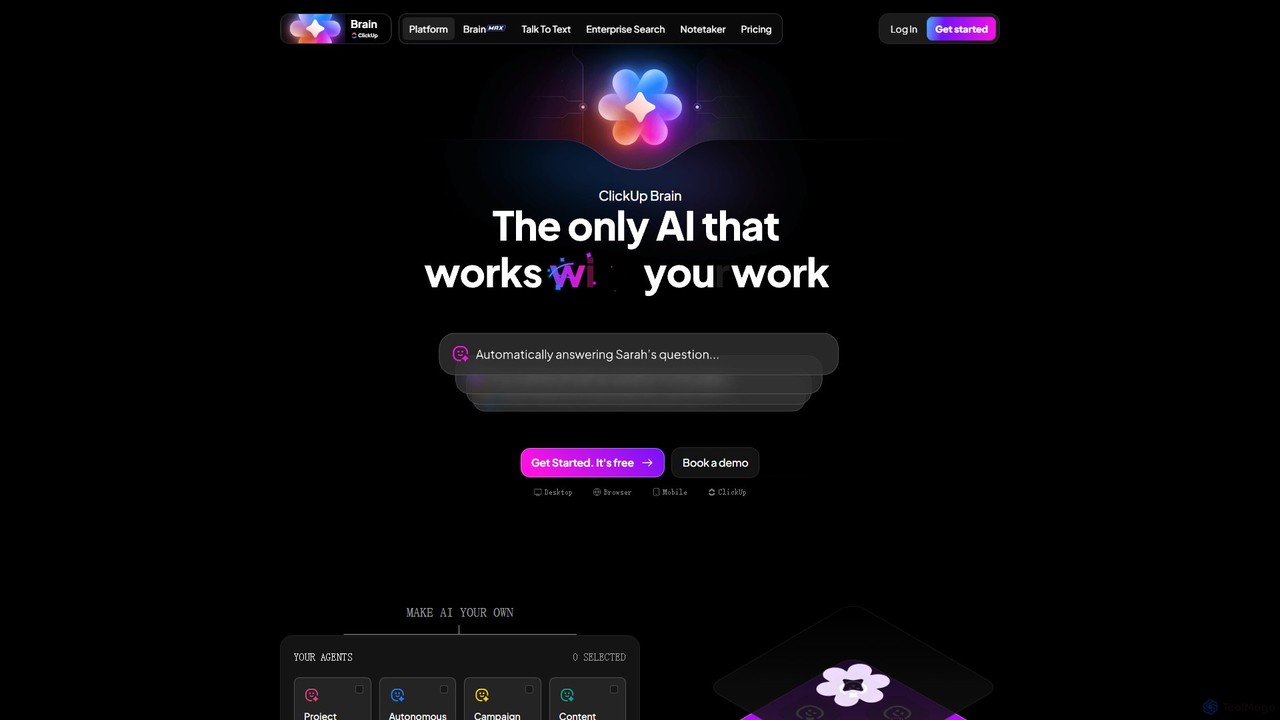
ClickUp Brain is an all-in-one AI assistant integrated directly into the ClickUp productivity platform. It automates tasks, manages projects, summarizes meetings, and generates content by leveraging the full context of your work. It aims to replace multiple standalone AI tools by providing a unified, intelligent workspace that enhances team collaboration and accelerates project completion.
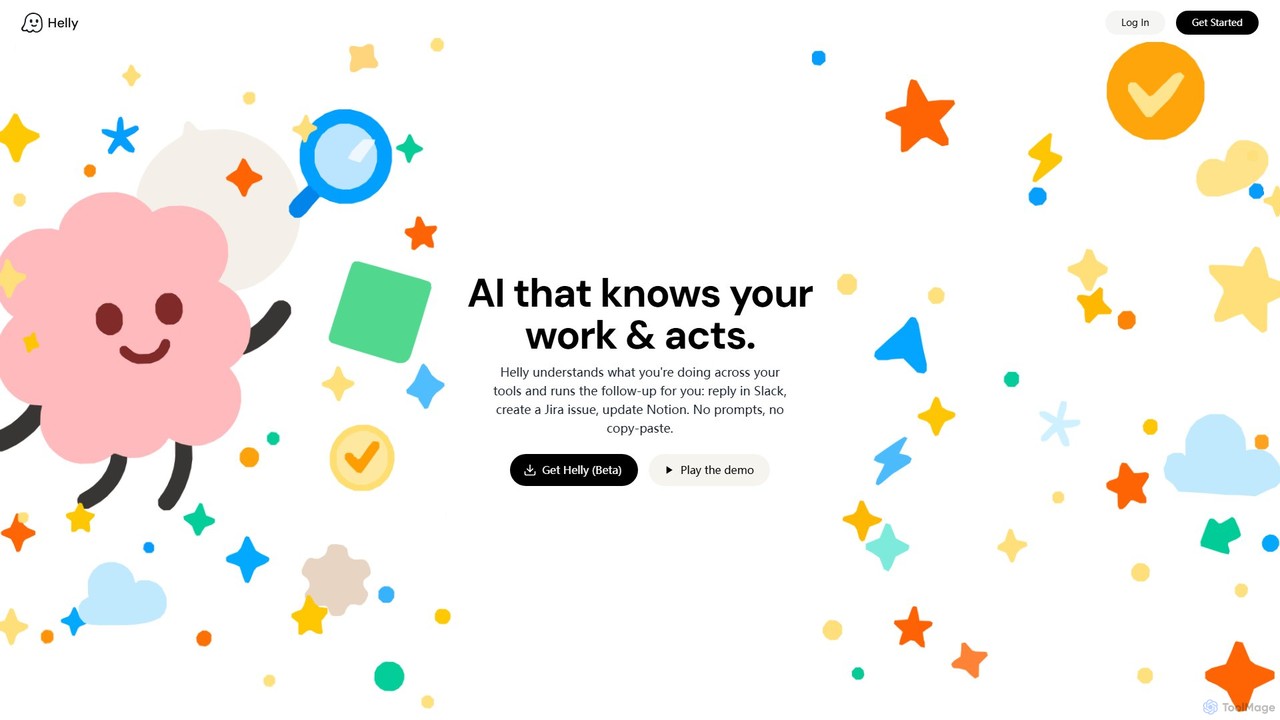
Helly is a proactive AI assistant that acts as your second brain across all your applications. It understands your work context and automates follow-up tasks like replying in Slack, creating Jira issues, or updating Notion, all without prompts or copy-pasting.
Compare product focus, pricing models and audiences. Highlighted rows indicate different listed information; unknown pricing does not mean free.
| Quick facts | ClickUp Brain | Helly |
|---|---|---|
| Pricing model | Freemium | Freemium |
| Product type | Web | Web |
| Primary focus | Collaboration | Ai Assistant |
| Audience and roles | No data available | No data available |
| Categories | Collaboration · Automation · Project Management · Task Management | Ai Assistant · Automation · Task Management |
| Added | Aug 4, 2025 | Aug 3, 2025 |
| Updated | Nov 19, 2026 | Nov 19, 2026 |
Explore the listed product descriptions, features and workflows. Taxonomy labels alone are not feature evaluations.
ClickUp Brain is a comprehensive, context-aware AI assistant built natively within the ClickUp ecosystem. It's designed to be the single source of intelligence for all your work, eliminating the need for dozens of separate AI tools. By connecting with your tasks, documents, chats, and integrated applications, ClickUp Brain understands the full scope of your projects to provide unparalleled support. It acts as a central nervous system for your team, automating mundane tasks, providing instant answers, and proactively moving projects forward. From autonomous project management to intelligent meeting summaries, ClickUp Brain transforms how teams plan, execute, and collaborate.
Using ClickUp Brain is seamless as it's woven into the fabric of the ClickUp platform. You can access its capabilities from anywhere in your workspace. Start by using the Copilot Sidebar for proactive suggestions and assistance. You can mention '@Brain' in any task, doc, or chat to get instant, context-rich answers or to delegate a task. To automate workflows, configure pre-built or custom AI Agents for specific roles like 'Project Manager' or 'Content Reviewer'. For example, you can turn a simple idea into a complete project brief and a set of tasks with a single command. Connect ClickUp Brain to your other tools like Slack, GitHub, or Salesforce to give it even more context, allowing it to search for information and execute actions across your entire tech stack.
Marketing Teams: Automate the creation of campaign briefs, generate ad copy and social media content, design visuals with the AI Image Generator, and let an Autopilot Agent track campaign progress and report on performance.
Software Development: Convert meeting discussions about new features into detailed user stories and tasks in ClickUp. Use AI Stand-ups to get daily summaries of progress and blockers without holding a meeting. Search across GitHub commits and Jira tickets from within ClickUp.
Project Managers: Automatically generate a full project plan from a one-line concept. Let AI assign tasks to the right team members, monitor deadlines, and provide real-time status updates, freeing you to focus on strategy.
Sales & CRM: After a client call, AI can automatically summarize the conversation, create follow-up tasks for the sales rep, and update the customer record in an integrated CRM like Salesforce or HubSpot.
Fully Integrated: As a native feature, it has complete context of your work, leading to more accurate and relevant AI assistance compared to third-party tools.
Cost and Efficiency: Aims to save teams over a day of work per week and reduces costs by consolidating the functionality of many different AI tools into one subscription.
Enhanced Productivity: By automating administrative overhead and accelerating content creation, teams can complete tasks up to 3x faster.
Customizable & No-Code: Build powerful, custom AI agents and workflows tailored to your specific needs without writing a single line of code.
Enterprise-Grade Privacy: ClickUp guarantees that your data is not used for training third-party models and is not retained by them, ensuring your information remains secure and private.
ClickUp Brain is offered as a feature within the ClickUp platform, which operates on a freemium model. While you can get started with ClickUp for free, the comprehensive suite of ClickUp Brain features is available as a paid add-on. The pricing is typically per user, per month, and can be bundled with ClickUp's paid plans (e.g., Business, Business Plus, and Enterprise). The advanced capabilities, such as custom AI Agents and unlimited AI usage, are reserved for higher-tier plans. For the most accurate and up-to-date pricing information, it is recommended to visit the official ClickUp pricing page.
Helly is a revolutionary AI tool designed to function as a 'second brain' that seamlessly integrates with your existing digital workspace. It operates on a proactive principle, observing your activities across various applications to understand the context of your work. Unlike traditional automation tools that require manual setup of triggers and actions, Helly intelligently anticipates your needs and suggests follow-up tasks automatically. Imagine discussing a bug with your team on Slack, and Helly instantly pops up with a pre-filled Jira ticket, ready for creation with a single click. This is the core promise of Helly: to eliminate the tedious, manual, and error-prone process of context-switching and data transfer between apps, allowing you to stay focused and in your flow.
By connecting your essential work tools like Slack, Jira, Notion, and more, Helly builds a comprehensive understanding of your projects, conversations, and workflows. It acts as an intelligent layer on top of your software stack, bridging the gaps between communication, project management, and documentation. The 'no prompts, no copy-paste' philosophy means you interact with the AI in the most natural way possible—by simply doing your work.
Getting started with Helly is designed to be intuitive and straightforward. As the tool is currently in beta, the process typically involves these steps:
Helly is versatile and can be applied across various roles and industries:
The primary advantage of Helly is its ability to significantly reduce cognitive load and save time. By automating the mundane 'glue work' between applications, it allows professionals to focus on high-value tasks. It minimizes context switching, which is a major drain on productivity, and reduces the chance of human error associated with manual data transfer. Its proactive nature means you don't have to remember every little follow-up item; Helly acts as your personal assistant, ensuring nothing falls through the cracks.
Helly is currently in a private beta phase, and access is available for free to early users who sign up. This allows the team to gather feedback and refine the product. Official pricing and plans have not yet been announced. It is anticipated that after the beta period, Helly may adopt a freemium or tiered subscription model based on usage and features. For now, users can join the waitlist to experience the tool at no cost.
Their taxonomy shows where the products overlap and where each one has a more distinct focus. Unknown fields are shown explicitly and are never filled with assumptions.
Traffic is shown on the same scale so differences in market visibility are not visually understated.
Both charts share the same months and vertical scale. Each tool identifies its latest reporting month; missing months are left blank, not counted as zero. Regional and source visit counts are estimates calculated from the reported shares.
| Country/region | Percentage | Estimated visits |
|---|---|---|
| 🇺🇸United States | 46.37% | 16.1M |
| 🇧🇷Brazil | 20.92% | 7.2M |
| 🇵🇭Philippines | 13.04% | 4.5M |
| 🇮🇳India | 12.98% | 4.5M |
| 🇮🇩Indonesia | 6.69% | 2.3M |
| Source type | Percentage | Estimated visits |
|---|---|---|
| Direct | 89.57% | 31M |
| 6.34% | 2.2M | |
| Referral | 4.09% | 1.4M |
| Country/region | Percentage | Estimated visits |
|---|---|---|
| 🇰🇷Korea, Republic of | 100% | 10 |
Ratings, comments, favorites, and likes are community signals—not a substitute for product fit.
This page is assembled from ToolMage product listings, taxonomy, traffic statistics and on-site user feedback. It is not a hands-on test or an independent review.