Coddy
Code Learning
AI TOOL COMPARISON
What is the difference, and which fits your workflow? Compare features, usage, pricing models and traffic side by side.
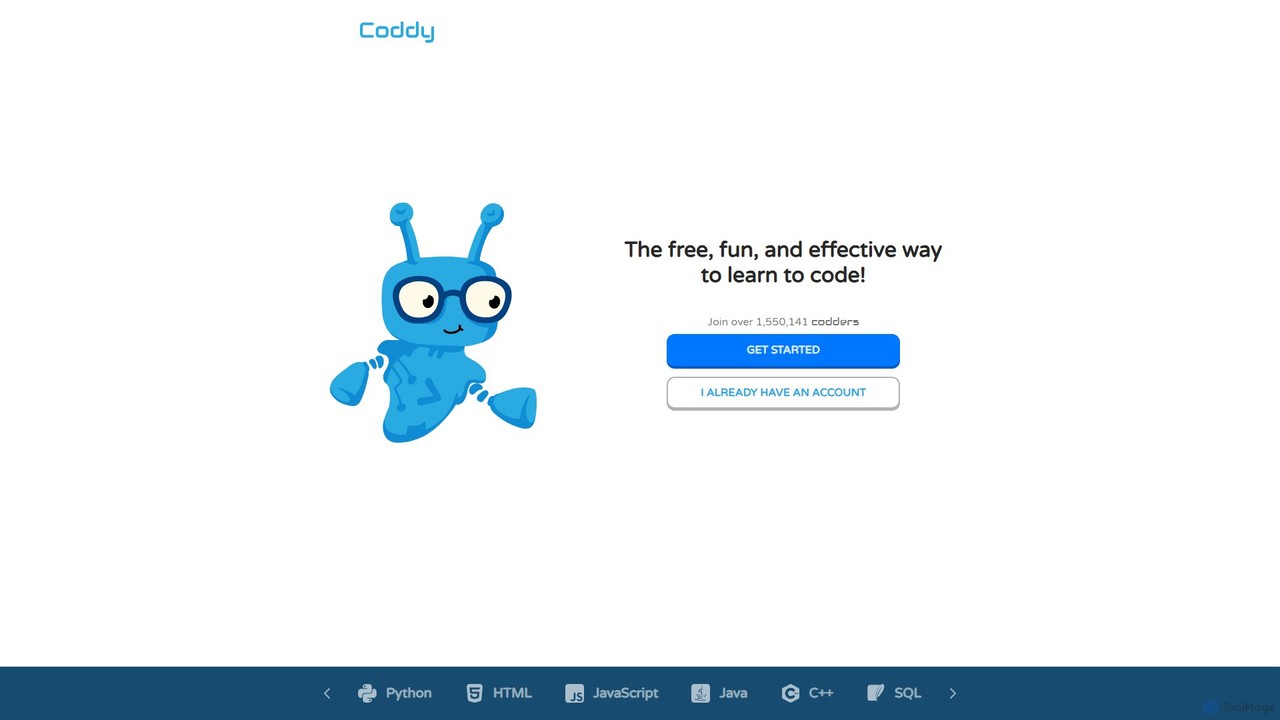
Coddy is an AI-powered platform designed to make learning to code free, fun, and effective. It offers a hands-on, practice-driven approach with an integrated online compiler, eliminating setup hassles. Featuring a 24/7 AI assistant for hints and explanations, gamified lessons, and personalized learning paths, Coddy transforms coding into an enjoyable daily hobby. Users can master numerous languages like Python, JavaScript, and C++ through endless, AI-generated challenges.
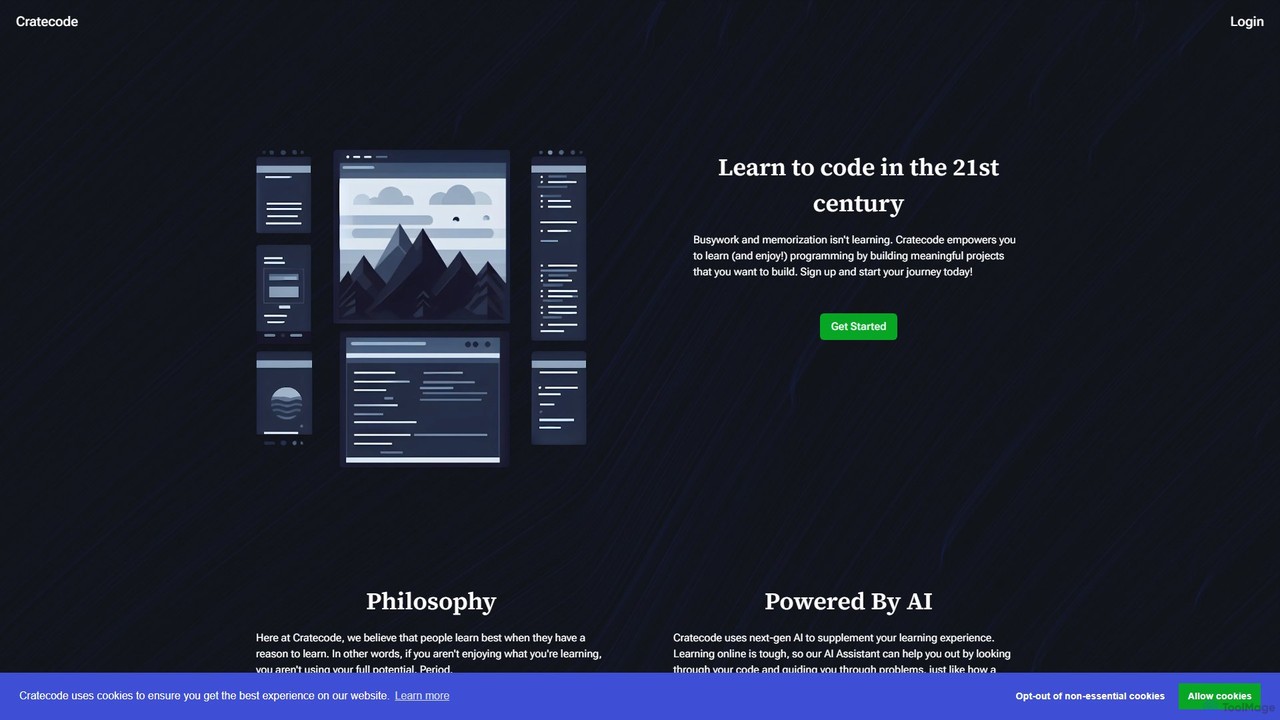
Cratecode is an AI-powered platform for learning to code by building real-world projects. It features an AI assistant that acts as a personal tutor, providing code analysis, answering questions, and offering step-by-step guidance. The platform emphasizes a hands-on, non-linear learning approach to make programming engaging and effective.
Compare product focus, pricing models and audiences. Highlighted rows indicate different listed information; unknown pricing does not mean free.
| Quick facts | Coddy | Cratecode |
|---|---|---|
| Pricing model | Freemium | Freemium |
| Product type | Web | Web |
| Primary focus | Code Learning | Code Assistant |
| Audience and roles | No data available | No data available |
| Categories | Code Learning · Programming · Learning | Code Assistant · Programming · Learning |
| Added | Aug 10, 2025 | Aug 7, 2025 |
| Updated | Nov 19, 2026 | Nov 19, 2026 |
Explore the listed product descriptions, features and workflows. Taxonomy labels alone are not feature evaluations.
Coddy is a revolutionary AI-powered learning platform dedicated to making coding education accessible, engaging, and highly effective for everyone. With a rapidly growing community of over 1.5 million learners, Coddy's mission is to elevate coding from a daunting task to an enjoyable daily hobby. The platform is built on a 'learn by doing' philosophy, integrating practical exercises into every lesson. This hands-on approach is supported by a seamless, web-based environment that includes an integrated compiler, allowing users to write, test, and run code directly in their browser without any complicated setup or downloads. Whether you're a complete beginner or looking to expand your skills, Coddy provides a structured yet flexible path to mastering programming.
Getting started with Coddy is simple and intuitive. First, create a free account on the Coddy.tech website. Once registered, you can choose from a wide array of programming languages to learn, such as Python, JavaScript, Java, C++, SQL, and many more. The platform will then guide you through a personalized learning journey tailored to your existing knowledge and goals. Each lesson is broken down into bite-sized, manageable concepts followed by interactive coding exercises. You'll write code directly in the browser-based editor. If you encounter a problem or feel stuck, Coddy's AI assistant, 'Bit', is available 24/7 to provide hints, explain complex concepts, or help you debug your code. To stay motivated, you can track your progress, earn points, maintain learning streaks, and compete on leaderboards.
Coddy is a versatile tool suitable for a diverse range of users. Absolute beginners with no prior programming experience can use it to build a solid foundation in a structured, supportive environment. Computer science students can supplement their formal education with practical exercises and an on-demand AI tutor. Professional developers can leverage Coddy to quickly learn a new programming language for a project or to sharpen their problem-solving skills. Hobbyists and lifelong learners who are curious about coding can explore it in a fun, low-pressure, and gamified way, turning their curiosity into a genuine skill.
The primary advantage of Coddy is its 'no-frustration' learning model. The AI assistant significantly lowers the barrier to entry and reduces the frustration that often causes learners to give up. The platform's accessibility is another key benefit; being fully web-based, it allows you to learn anywhere, anytime, on any device with a browser. The gamified approach makes learning addictive and encourages the formation of a daily practice habit. Furthermore, its focus on practical, hands-on coding ensures that learners acquire real-world skills that are immediately applicable, rather than just memorizing theoretical concepts.
Coddy operates on a freemium model, making coding education accessible to all. The platform offers a comprehensive free plan that allows users to access core learning materials, interactive exercises, and the AI assistant to start their coding journey at no cost. While the free tier is robust, Coddy may offer premium plans in the future that could include advanced features, unlimited access to specialized courses, or more in-depth analytics and personalized support. This model allows anyone to start learning immediately and decide later if they need to upgrade for more advanced capabilities.
Cratecode is a modern, AI-enhanced educational platform designed to revolutionize the way people learn programming. It moves away from traditional methods of memorization and busywork, instead adopting a philosophy that people learn best by doing. The core of Cratecode is its project-based curriculum, where learners engage with meaningful projects that have genuine use-cases. This hands-on approach not only makes learning more enjoyable but also equips students with practical skills they can apply in the real world.
The platform is built around an integrated, web-based development environment that provides all the necessary tools to start coding immediately. This includes a text editor for writing code, a terminal (or console) to see the output and run commands, and a file manager to organize project files. This seamless experience eliminates the need for complex local setups, allowing beginners to focus entirely on learning.
Getting started with Cratecode is straightforward. New users can begin in a 'Preview Mode' to explore the interface and lessons without commitment. To save progress and access all features, a simple sign-up is required. Once in, you can choose a course or project. The learning environment is divided into several key areas:
The platform encourages experimentation. Users are prompted to not just follow lessons, but to actively play with the code, change it, and see what happens, fostering a deeper understanding of programming principles.
Cratecode is ideal for a wide range of users:
The primary advantage of Cratecode is its unique blend of project-based learning and AI-powered support. This combination tackles the most common challenges in learning to code: loss of motivation and getting stuck. The AI assistant acts as a 24/7 personal tutor, providing instant, personalized feedback that would otherwise be costly or unavailable. The project-based approach ensures that learners stay engaged and develop a practical, applicable skillset. This makes the learning process not only more effective but also significantly more enjoyable.
Cratecode operates on a freemium model. The platform proudly states "Learn to Code for Free," offering a robust free plan that allows users to start their learning journey. This includes access to the core lessons and the AI-powered assistant. To unlock the full features of the platform, such as saving progress and accessing more advanced content or tools, users are required to sign up for an account. While specific details of paid tiers are not listed, the model is designed to be highly accessible, with the free offering being substantial enough to provide significant value.
Their taxonomy shows where the products overlap and where each one has a more distinct focus. Unknown fields are shown explicitly and are never filled with assumptions.
Traffic is shown on the same scale so differences in market visibility are not visually understated.
Both charts share the same months and vertical scale. Each tool identifies its latest reporting month; missing months are left blank, not counted as zero. Regional and source visit counts are estimates calculated from the reported shares.
| Country/region | Percentage | Estimated visits |
|---|---|---|
| 🇺🇸United States | 27.94% | 692.6K |
| 🇧🇷Brazil | 23.63% | 585.8K |
| 🇮🇳India | 19.73% | 489.1K |
| 🇷🇺Russia | 18.75% | 464.8K |
| 🇩🇪Germany | 9.95% | 246.6K |
| Source type | Percentage | Estimated visits |
|---|---|---|
| Direct | 85.32% | 2.1M |
| Referral | 11.66% | 289K |
| 3.02% | 74.9K |
| Country/region | Percentage | Estimated visits |
|---|---|---|
| 🇺🇸United States | 74.52% | 3.4K |
| 🇮🇳India | 23.35% | 1.1K |
| 🇳🇱Netherlands | 2.13% | 97 |
Ratings, comments, favorites, and likes are community signals—not a substitute for product fit.
This page is assembled from ToolMage product listings, taxonomy, traffic statistics and on-site user feedback. It is not a hands-on test or an independent review.