CodeConvert
Code Assistant
AI TOOL COMPARISON
What is the difference, and which fits your workflow? Compare features, usage, pricing models and traffic side by side.
Code Assistant
Code Assistant
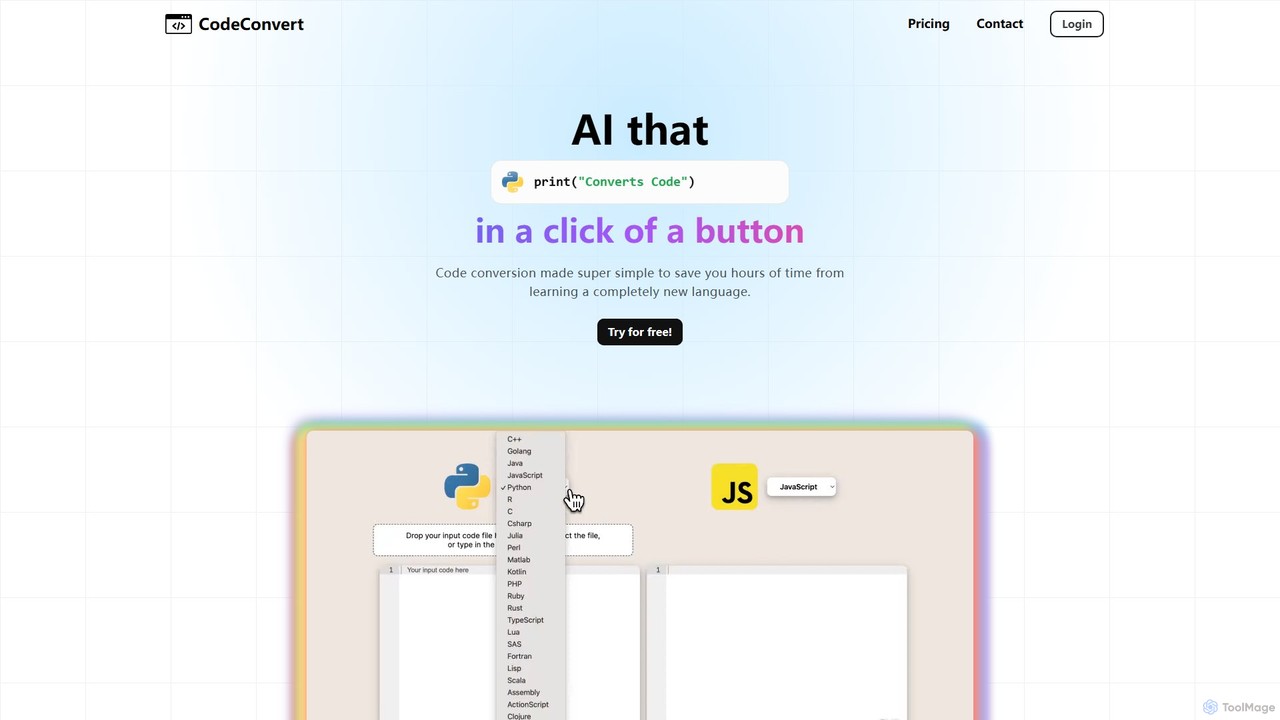
CodeConvert is an AI-powered tool that instantly translates code snippets between over 50 programming languages. It helps developers save hours of manual rewriting, learn new languages, and migrate projects efficiently. Features include high-accuracy conversion, code generation, and code explanation.
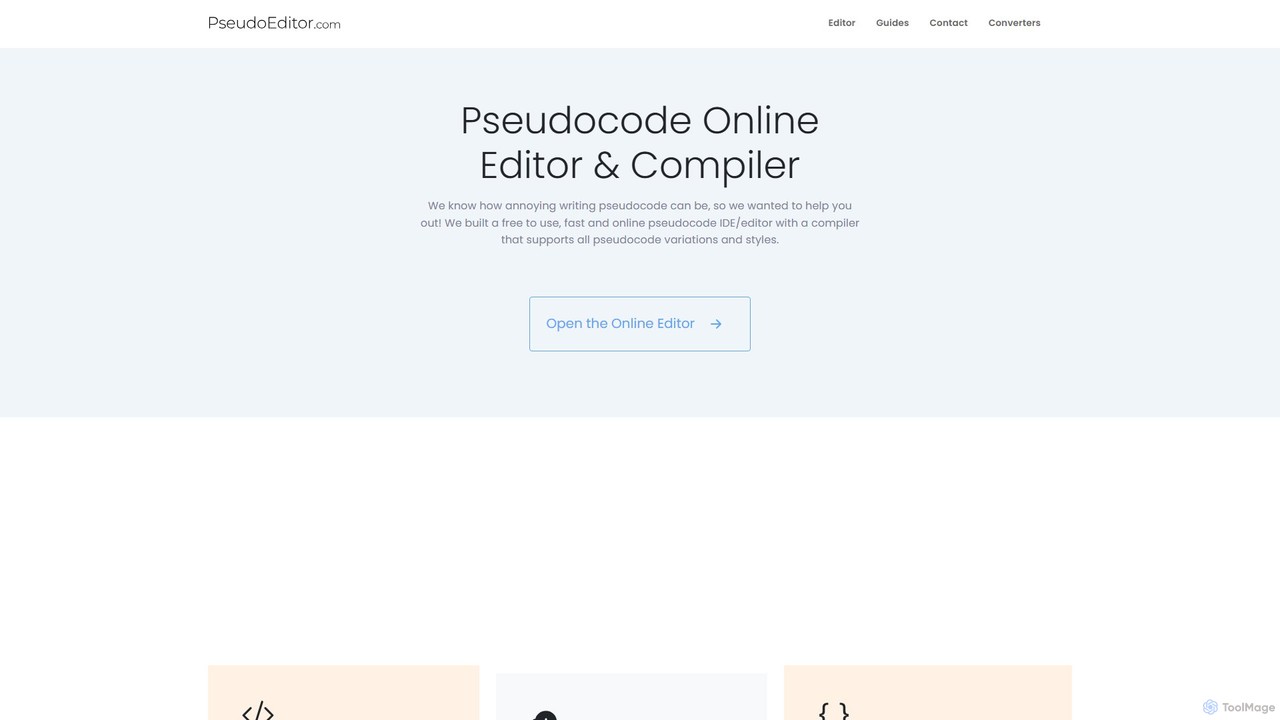
An online pseudocode editor, compiler, and AI-powered converter. Write, test, and debug algorithms, then convert your pseudocode into Python, Java, C++, and JavaScript. Ideal for students, educators, and developers.
Compare product focus, pricing models and audiences. Highlighted rows indicate different listed information; unknown pricing does not mean free.
| Quick facts | CodeConvert | PseudoEditor |
|---|---|---|
| Pricing model | Freemium | Freemium |
| Product type | Web | Web |
| Primary focus | Code Assistant | Code Assistant |
| Audience and roles | No data available | No data available |
| Categories | Code Assistant · Automation | Code Assistant · Learning · Automation |
| Added | Aug 14, 2025 | Aug 4, 2025 |
| Updated | Nov 19, 2026 | Nov 19, 2026 |
Explore the listed product descriptions, features and workflows. Taxonomy labels alone are not feature evaluations.
CodeConvert is a powerful and user-friendly AI tool designed to simplify the process of code conversion for developers, students, and tech professionals. It leverages advanced AI models to translate code across a vast spectrum of over 50 programming languages, from modern languages like Python, JavaScript, and Go to legacy systems like COBOL and Fortran. This tool is built to save countless hours of manual work, reduce errors, and accelerate development cycles, making it an indispensable asset for any programmer's toolkit.
The platform is entirely web-based, requiring no downloads or complex setup. Users can get started immediately, making it highly accessible. Beyond simple translation, paid plans for CodeConvert unlock advanced features like a code generation tool, which can create new code from natural language prompts, and a code explanation tool, which breaks down complex code snippets into easy-to-understand descriptions. The service also prioritizes user privacy, stating that it does not store or retain any of the user's input or the generated output code.
Using CodeConvert is designed to be a straightforward and intuitive process. There's no need for any installation or configuration. Follow these simple steps:
CodeConvert is versatile and can be applied in various scenarios:
The primary advantage of CodeConvert is the massive amount of time and effort it saves. Manually converting code is tedious, error-prone, and requires expertise in both languages. CodeConvert automates this process with high accuracy. Its web-based nature makes it instantly accessible, and the free tier allows anyone to test its capabilities. For professional users, the advanced features like code generation and explanation, combined with higher character limits and unlimited usage, provide significant value and boost productivity.
CodeConvert operates on a freemium model, offering plans for different levels of usage. All paid plans come with a 14-day money-back guarantee.
PseudoEditor is a comprehensive, web-based platform designed to streamline the process of writing, testing, and converting pseudocode. It serves as an all-in-one toolkit for students, educators, and developers who need to design and understand algorithms before implementation. The platform offers a user-friendly online editor with dynamic syntax highlighting, an integrated compiler to run and debug pseudocode, and powerful AI-driven tools to convert pseudocode into multiple programming languages.
At its core, PseudoEditor aims to bridge the gap between algorithmic logic and actual code. It provides a standardized environment, following the AQA computer science exam board standards from the UK, which makes it an invaluable resource for students preparing for exams. The ability to save projects in the cloud allows users to work on their algorithms from any device, at any time, ensuring their work is never lost.
Using PseudoEditor is straightforward and intuitive. First, navigate to the website and open the online editor. You can immediately start writing your algorithm in pseudocode. The editor features dynamic syntax highlighting for keywords, functions, data types, and conditionals, which helps in writing clean and error-free logic. Once your pseudocode is ready, you can click the 'Run' button to use the built-in compiler. The output of your program will be displayed in the console, allowing you to test and debug your logic on the spot. To save your work, you can create a free account, which enables you to store your projects and access them later from any device. For more advanced functionality, users can upgrade to PseudoEditor Pro. With a Pro account, you can access the AI-powered 'Code Converter' page. Simply paste your pseudocode into the input box, select the target language (like Python, Java, or C++), and the tool will automatically generate the corresponding code. Similarly, the AI Code Generator and Flowchart tools are available to Pro users to further accelerate their workflow.
PseudoEditor is versatile and beneficial for various users. For computer science students, it's an essential tool for learning algorithmic thinking, completing assignments, and preparing for exams. Educators can use it to teach programming concepts in a language-agnostic way and provide students with a hands-on learning platform. For software developers and engineers, it serves as a rapid prototyping tool to sketch out and validate algorithm logic before committing to writing complex code in a specific language. The AI converter saves significant time by automating the translation from a high-level plan to executable code.
The main advantage of PseudoEditor is its ability to centralize the entire algorithm design workflow. Instead of using separate tools for writing, testing, and converting, users get everything in one place. This improves efficiency and reduces context-switching. The educational focus, particularly its alignment with the AQA curriculum, makes it a highly relevant and practical tool for students. The freemium model ensures that core functionalities are accessible to everyone, while the Pro features provide significant value for serious users and professionals by automating complex tasks and saving valuable time.
PseudoEditor operates on a freemium model.
Free Plan: This plan includes access to the core online pseudocode editor, the compiler, and the ability to save projects. This version is ad-supported.
PseudoEditor Pro: This is a premium subscription plan that unlocks all advanced features. Pro users get unlimited access to the AI pseudocode converters (to Python, Java, etc.), the AI code generator, the flowchart generator, an ad-free experience, and priority 24/7 support. For the most current pricing and plan details, please visit the official PseudoEditor website.
Their taxonomy shows where the products overlap and where each one has a more distinct focus. Unknown fields are shown explicitly and are never filled with assumptions.
Traffic is shown on the same scale so differences in market visibility are not visually understated.
Both charts share the same months and vertical scale. Each tool identifies its latest reporting month; missing months are left blank, not counted as zero. Regional and source visit counts are estimates calculated from the reported shares.
| Country/region | Percentage | Estimated visits |
|---|---|---|
| 🇮🇳India | 53.25% | 155K |
| 🇺🇸United States | 24.41% | 71K |
| 🇬🇧United Kingdom | 7.77% | 22.6K |
| 🇩🇪Germany | 7.49% | 21.8K |
| 🇵🇰Pakistan | 7.08% | 20.6K |
| Source type | Percentage | Estimated visits |
|---|---|---|
| Direct | 68.11% | 198.2K |
| Referral | 30.86% | 89.8K |
| 1.03% | 3K |
| Country/region | Percentage | Estimated visits |
|---|---|---|
| 🇬🇧United Kingdom | 28.03% | 15.9K |
| 🇮🇳India | 20.01% | 11.3K |
| 🇺🇸United States | 19.85% | 11.3K |
| 🇵🇰Pakistan | 19.21% | 10.9K |
| 🇿🇦South Africa | 12.9% | 7.3K |
| Source type | Percentage | Estimated visits |
|---|---|---|
| Direct | 89.29% | 50.6K |
| Referral | 9.11% | 5.2K |
| 1.6% | 907 |
Ratings, comments, favorites, and likes are community signals—not a substitute for product fit.
This page is assembled from ToolMage product listings, taxonomy, traffic statistics and on-site user feedback. It is not a hands-on test or an independent review.