ToolMage
Sign in

AI TOOL COMPARISON

CodeGeeX vs CodeSquire

What is the difference, and which fits your workflow? Compare features, usage, pricing models and traffic side by side.

Jump to key differences

Product overview

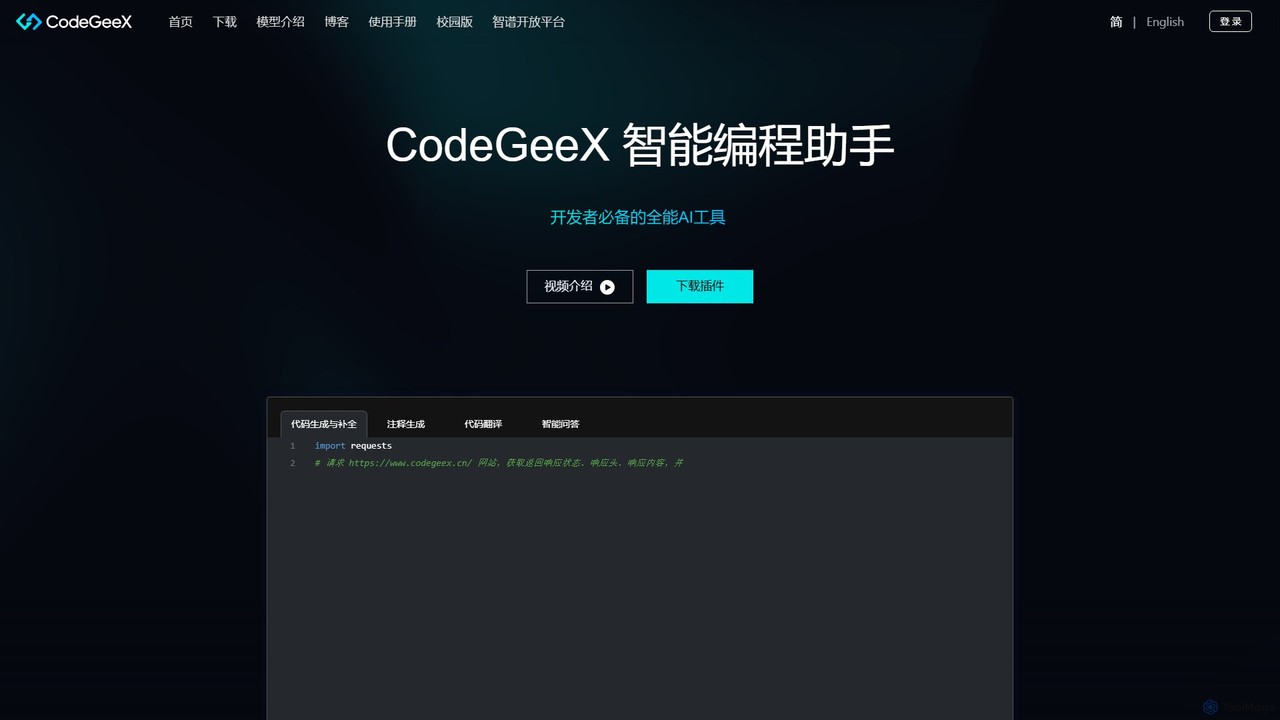
CodeGeeX Product overview

CodeGeeX is a powerful, free AI-powered coding assistant designed to boost developer productivity. It offers intelligent code generation and completion, code translation across multiple languages, automatic comment generation, and an interactive Q&A feature, all seamlessly integrated into your favorite IDE.

Preview

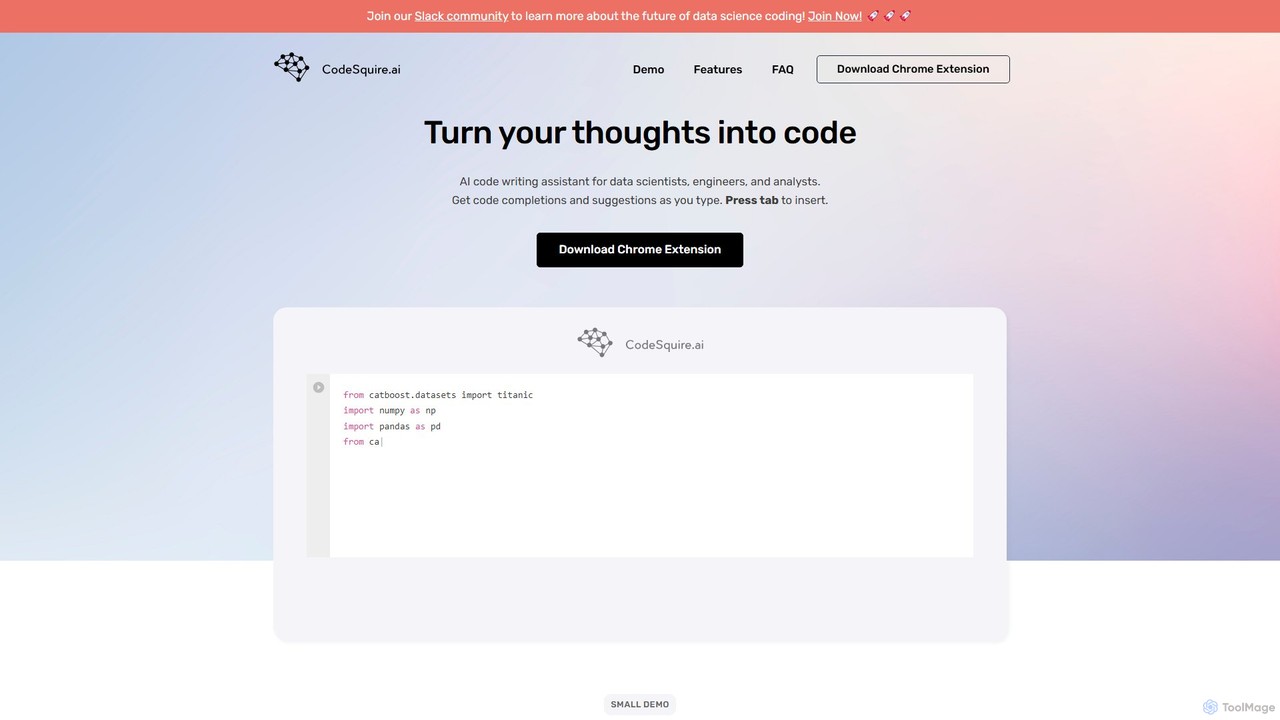
CodeSquire Product overview

CodeSquire is an AI-powered code writing assistant designed for data scientists, engineers, and analysts. It accelerates development by turning natural language comments into code, generating complex functions, writing SQL queries, and providing intelligent code completions directly within your favorite web-based environments.

Preview

Quick facts

Compare product focus, pricing models and audiences. Highlighted rows indicate different listed information; unknown pricing does not mean free.

CodeGeeX VS CodeSquire — Quick facts
Quick factsCodeGeeXCodeSquire
Pricing modelFreemiumFreemium
Product typeExtensionsExtensions
Primary focusCode GenerationMachine Learning
Audience and rolesNo data availableNo data available
CategoriesCode Generation · Code Assistant · AutomationMachine Learning · Code Assistant · Automation
AddedAug 13, 2025Aug 12, 2025
UpdatedNov 19, 2026Nov 19, 2026

Features, usage and use cases

Explore the listed product descriptions, features and workflows. Taxonomy labels alone are not feature evaluations.

CodeGeeX

CodeGeeX is a cutting-edge, multilingual code generation model and AI-powered programming assistant developed by Zhipu AI. Designed to be a developer's ultimate pair programmer, CodeGeeX significantly enhances coding efficiency by automating repetitive tasks and providing intelligent assistance directly within the development environment. It is built upon the powerful CodeGeeX4-ALL-9B model, which is open-source, encouraging community collaboration and innovation.

How to use CodeGeeX

Using CodeGeeX is straightforward and designed for seamless integration into your existing workflow. Follow these steps to get started:

  1. Choose your IDE: CodeGeeX is available as a plugin or extension for most popular Integrated Development Environments (IDEs), including Visual Studio Code, JetBrains IDEs (like IntelliJ IDEA, PyCharm), and others.
  2. Install the Plugin: Navigate to your IDE's marketplace or extension manager, search for "CodeGeeX", and click install.
  3. Start Coding: Once installed, CodeGeeX activates automatically. As you write code or type comments describing the function you need, it will provide real-time, context-aware code suggestions and completions.
  4. Use Specific Commands: You can invoke specific features using commands or right-click context menus. For example, you can select a block of code and ask CodeGeeX to generate comments for it or translate it to another language.
  5. Ask CodeGeeX: Utilize the intelligent Q&A feature for more complex queries. You can ask it to explain a piece of code, suggest debugging strategies, or provide solutions to programming problems in a conversational manner.

Core Features of CodeGeeX

  • Code Generation & Completion: Based on natural language descriptions (e.g., in comments) or the surrounding code context, CodeGeeX can generate entire functions or complete lines of code, saving significant time.
  • Code Translation: Seamlessly translate code snippets or entire files from one programming language to another. It supports a wide range of languages, making it easier to work on multilingual projects or learn new languages.
  • Comment Generation: Automatically generate explanatory comments for your code. This feature helps improve code readability, maintainability, and documentation quality.
  • Intelligent Q&A (Ask CodeGeeX): An integrated chatbot that can answer your programming questions, explain complex algorithms, help debug errors, and provide technical guidance without leaving the IDE.
  • Multilingual Support: Trained on a vast corpus of code, CodeGeeX supports over 20 popular programming languages, including Python, Java, C++, JavaScript, Go, and more.

Use Cases for CodeGeeX

CodeGeeX is versatile and can be applied in various scenarios:

  • Rapid Application Development: Quickly scaffold new projects and features by describing the required logic in comments and letting CodeGeeX generate the boilerplate code.
  • Learning and Education: Students and developers learning a new programming language can use the code translation and explanation features to understand syntax and concepts faster.
  • Code Refactoring and Modernization: Translate legacy code to a modern language or automatically add documentation to uncommented codebases to improve their quality.
  • Efficient Debugging: When faced with a bug, use the 'Ask CodeGeeX' feature to get suggestions for potential causes and fixes, accelerating the debugging process.

Advantages of CodeGeeX

CodeGeeX stands out for several reasons:

  • Open Source: The core model is open-source, promoting transparency, security, and allowing the community to contribute to its improvement.
  • Free to Use: The powerful features of CodeGeeX are available for free, making advanced AI coding assistance accessible to all developers, students, and open-source contributors.
  • Seamless IDE Integration: As a plugin, it works within your preferred coding environment, ensuring a non-disruptive and highly integrated user experience.
  • All-in-One Tool: It combines multiple functionalities (generation, translation, Q&A) into a single, cohesive tool, eliminating the need for multiple separate utilities.

Pricing and Plans

CodeGeeX is currently available for free. Developers can download the IDE plugin and access all its core features without a subscription. The commitment to open source, with the CodeGeeX4-ALL-9B model available on GitHub, reinforces its accessibility for personal, educational, and research purposes. While enterprise-level solutions may be available through its parent company, Zhipu AI, the main tool is free for the community.

CodeSquire

CodeSquire is an advanced AI code writing assistant specifically tailored to enhance the productivity of data scientists, data engineers, and analysts. It functions as an intelligent pair programmer, seamlessly integrating into your workflow to help you translate ideas into functional code with remarkable speed and efficiency. By understanding natural language prompts and the context of your existing code, CodeSquire significantly reduces the time spent on boilerplate coding, syntax lookup, and debugging, allowing you to focus on solving complex problems.

The tool is designed to work where you work, primarily as a browser extension. This allows it to provide real-time assistance in popular web-based data science platforms. Whether you're cleaning data, building machine learning models, or querying databases, CodeSquire acts as a knowledgeable companion, offering smart suggestions and generating entire code blocks from simple descriptions.

How to use CodeSquire

Getting started with CodeSquire is straightforward. First, you need to install the CodeSquire Chrome Extension from the Chrome Web Store. Once installed, it automatically activates in supported web environments. The primary interaction method is through natural language comments or by starting to type code. For instance, you can write a comment like # create a bar chart of top 10 countries by population, and CodeSquire will suggest the complete Python code using libraries like Plotly or Matplotlib. To accept a suggestion, you simply press the 'Tab' key, and the code is inserted into your editor. This intuitive 'comment-and-tab' workflow makes coding feel more like a conversation with an expert assistant.

Core Features of CodeSquire

  • Natural Language to Code: Translate plain English comments and descriptions into ready-to-use code in Python and other languages.
  • Intelligent Code Completion: Get context-aware code suggestions and completions as you type, tailored to your specific coding style and imported libraries.
  • Function Generation: Automatically create entire functions, including parameters and docstrings, by simply describing what the function should do. This is especially useful for complex data processing tasks.
  • Natural Language to SQL: Write simple instructions in English to generate complex SQL queries, including joins, aggregations, and filtering. This democratizes data access for users less familiar with SQL syntax.
  • Code Explanation: Select a block of code and ask CodeSquire to explain it in plain English. This is invaluable for understanding legacy code or collaborating on projects.
  • Support for Data Science Libraries: The AI is fine-tuned to work with popular data science libraries such as Pandas, NumPy, Scikit-learn, TensorFlow, PyTorch, and Plotly.
  • Platform Integration: Works seamlessly as a Chrome extension in environments like Jupyter Notebooks, Google Colab, Databricks notebooks, and more.

Use Cases for CodeSquire

CodeSquire is versatile and can be applied across the entire data workflow. For example, a data analyst can use it to quickly generate a SQL query to pull sales data and then write a Python comment to immediately visualize that data as a time-series chart. A machine learning engineer can use it to rapidly prototype a feature engineering function or generate the boilerplate code for training a CatBoost classifier. A data engineer can describe a multi-step process, like downloading a file, transforming it, and uploading it to an AWS S3 bucket, and have CodeSquire generate the corresponding function.

Advantages of CodeSquire

The main advantage of CodeSquire is its specialized focus on the data science and analytics domain. Unlike more general-purpose code assistants, its models are trained on vast amounts of data-centric code, making its suggestions for libraries like Pandas and Scikit-learn highly relevant and accurate. This specialization leads to a significant boost in productivity, reduces the cognitive load of remembering specific syntax, and helps users write cleaner, more efficient code. It also serves as a great learning tool for those new to a particular library or programming language.

Pricing and Plans

CodeSquire typically operates on a freemium model, offering different tiers to suit various user needs. While specific plans should be confirmed on the official website, the structure generally includes:

  • Free Plan: A basic tier designed for students, hobbyists, and individuals getting started. It usually offers a limited number of AI suggestions per month.
  • Pro Plan: A paid subscription for professional developers and data scientists, providing unlimited suggestions, priority support, and access to the most advanced AI models and features.

Users are encouraged to visit the official CodeSquire website for the most current pricing and plan details.

Positioning

Their taxonomy shows where the products overlap and where each one has a more distinct focus. Unknown fields are shown explicitly and are never filled with assumptions.

Categories

Shared
Code AssistantAutomation
Only CodeGeeX
Code Generation
Only CodeSquire
Machine Learning

Tags

Shared
ai pair programmercode assistantcode completiondeveloper tool
Only CodeGeeX
code generationcode translationjetbrains pluginopen sourceVS Code extensionZhipu AI
Only CodeSquire
data sciencegoogle colabjupyterpythonsql generator

Audience and roles

Shared
No listed items
Only CodeGeeX
No listed items
Only CodeSquire
No listed items

Traffic comparison

Traffic is shown on the same scale so differences in market visibility are not visually understated.

How to interpret the traffic data

Both charts share the same months and vertical scale. Each tool identifies its latest reporting month; missing months are left blank, not counted as zero. Regional and source visit counts are estimates calculated from the reported shares.

CodeGeeX monthly traffic:

Latest traffic · 2026-05

Monthly visits
88.8K
Avg. visit duration
1:32
Pages per visit
2.99
Bounce rate
34.86%
Data updated 2026-06-15

Monthly traffic trend

  • 2025-09: 100.7K
  • 2026-01: 73.4K
  • 2026-02: 61.2K
  • 2026-03: 103.3K
  • 2026-04: 89.3K
  • 2026-05: 88.8K

Top regions

Top 5 countries/regions
Country/regionPercentageEstimated visits
🇨🇳China89.95%79.9K
🇺🇸United States3.77%3.3K
🇭🇰Hong Kong2.52%2.2K
🇮🇳India2.32%2.1K
🇸🇬Singapore1.44%1.3K

Traffic sources

Source typePercentageEstimated visits
Direct74.12%65.8K
Referral25.88%23K

Search keywords

codeg‌codegeexcodegeexcodegeex 官网codeseex

CodeSquire monthly traffic:

Latest traffic · 2026-05

Monthly visits
1.1K
Avg. visit duration
0:03
Pages per visit
1.48
Bounce rate
36.77%
Data updated 2026-06-11

Monthly traffic trend

  • 2025-09: 932
  • 2026-01: 682
  • 2026-02: 1.5K
  • 2026-03: 1.2K
  • 2026-04: 974
  • 2026-05: 1.1K

Top regions

Top 5 countries/regions
Country/regionPercentageEstimated visits
🇮🇳India70.84%750
🇺🇸United States29.16%309

Search keywords

codesquire

Community signals

Ratings, comments, favorites, and likes are community signals—not a substitute for product fit.

CodeGeeX

Rating
No data available
Comments
0
Favorites
188
Likes
172

CodeSquire

Rating
No data available
Comments
0
Favorites
201
Likes
198

CodeGeeX vs CodeSquire · Comparison FAQ

What do CodeGeeX and CodeSquire have in common?
Both tools are listed under Code Assistant、Automation. These categories indicate overlapping use cases; compare their detailed descriptions for workflows, capabilities and limitations.
Are CodeGeeX and CodeSquire free?
Listed pricing models: CodeGeeX — Freemium; CodeSquire — Freemium. Missing pricing is not proof of a free plan, and freemium does not mean every feature is free. Check official sites for current plans, limits and trials.
How should I choose between CodeGeeX and CodeSquire?
The primary listed category is Code Generation for CodeGeeX, and Machine Learning for CodeSquire. Compare features, steps and use cases, then verify pricing, data permissions and deployment needs. This page does not include hands-on testing and does not declare a winner from traffic or tags.

Sources and comparison methodology

This page is assembled from ToolMage product listings, taxonomy, traffic statistics and on-site user feedback. It is not a hands-on test or an independent review.

  • Feature and plan descriptions reflect information in the listings, not real-time guarantees. Verify pricing, quotas, availability and privacy terms on the official sites.
  • Traffic uses the reporting months shown. Missing statistics do not mean zero visits, and different periods do not establish growth or superiority. Regional and source visit counts are estimates based on shares.
  • Different tags indicate differences in the listings, not proof that the other product lacks a capability. Ratings, favorites and visits are not used to declare a winner.

Related comparisons