connect
Data Cleaning
AI TOOL COMPARISON
What is the difference, and which fits your workflow? Compare features, usage, pricing models and traffic side by side.
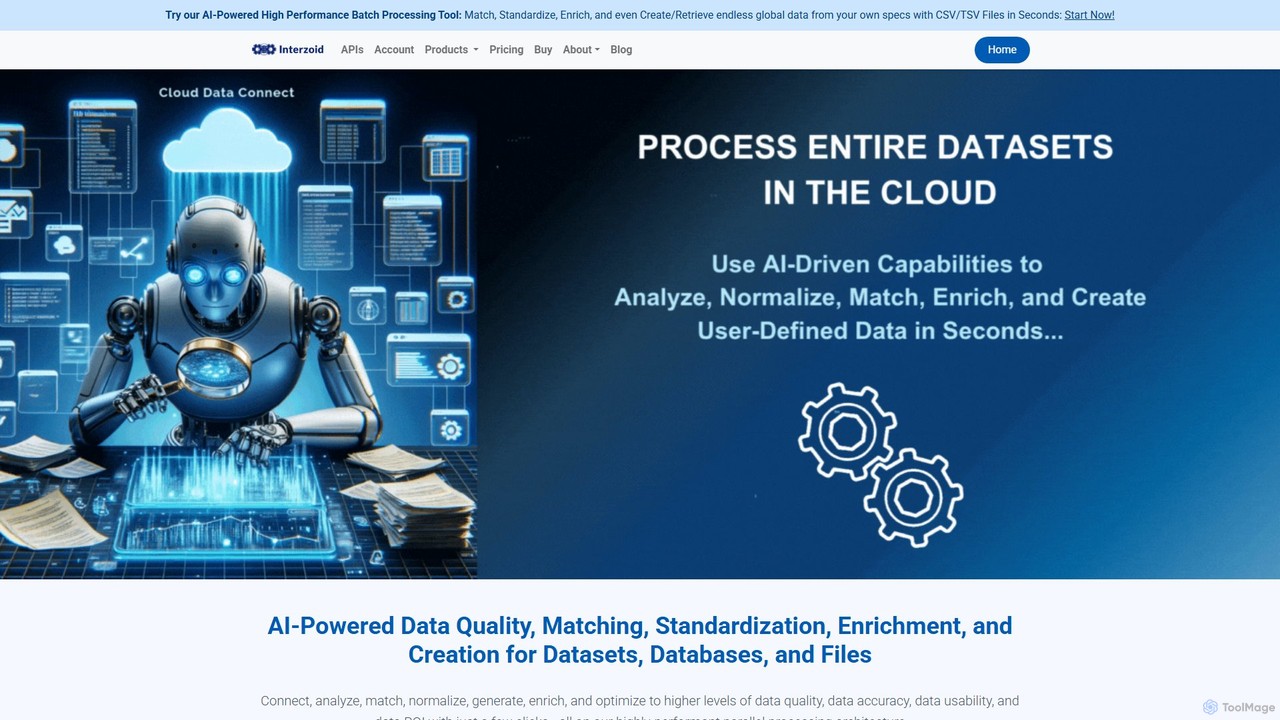
connect by Interzoid is an AI-powered platform for data quality, matching, and enrichment. It helps businesses clean, standardize, and enhance their datasets, databases, and files. Using advanced algorithms and generative AI, it identifies duplicates, corrects inconsistencies, and appends custom real-world data on demand. Available via a no-code web app or a powerful REST API, connect streamlines data pipelines and improves data ROI for marketing, CRM, and analytics.
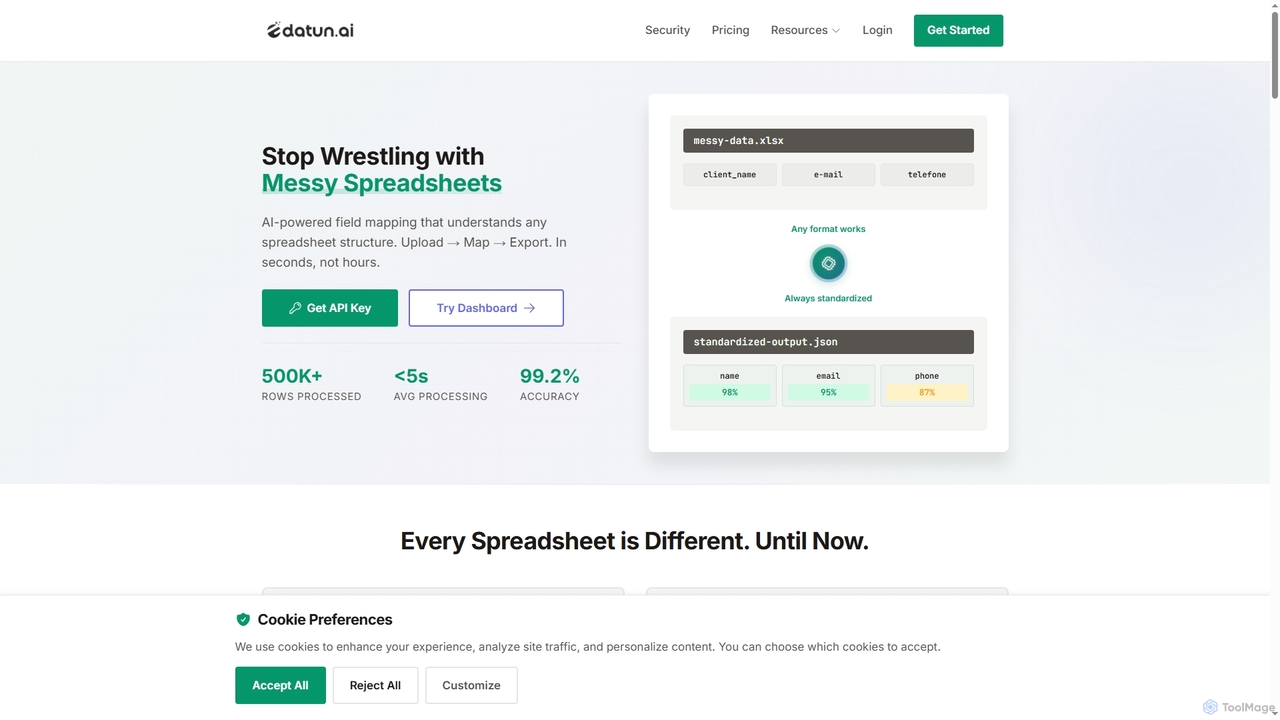
Datun is an AI-powered platform that automates the processing of messy spreadsheets. It intelligently maps fields from any spreadsheet structure, format, or language, standardizing data in seconds for developers and data teams.
Compare product focus, pricing models and audiences. Highlighted rows indicate different listed information; unknown pricing does not mean free.
| Quick facts | connect | Datun |
|---|---|---|
| Pricing model | Freemium | Freemium |
| Product type | Web | Web |
| Primary focus | Data Cleaning | Automation |
| Audience and roles | No data available | Data Analyst · Data Scientist · E-commerce Manager · Finance Manager · HR Manager · Logistics Manager · Product Manager · Software Developer |
| Categories | Data Cleaning · Api · Lead Generation · No Code | Automation · Data Cleaning · Api · Data Management |
| Added | Aug 5, 2025 | Nov 9, 2025 |
| Updated | Nov 19, 2026 | Nov 19, 2026 |
Explore the listed product descriptions, features and workflows. Taxonomy labels alone are not feature evaluations.
connect by Interzoid is a sophisticated, AI-driven platform designed to tackle the most common and costly data challenges: poor quality, inconsistency, and incompleteness. It provides a comprehensive suite of tools for data quality, matching, standardization, and enrichment, empowering organizations to transform their raw data into a valuable, reliable asset. Operating on a high-performance parallel processing architecture, connect can handle large volumes of data with remarkable speed and accuracy, whether they reside in datasets, databases, or simple files.
The platform's core is its SmartMatchAI technology, which combines Generative AI, machine learning, and specialized algorithms to intelligently analyze and process data. This enables connect to identify and resolve complex data issues, such as finding duplicate records for company names, individual names, or street addresses, even when they are spelled differently or contain errors. Beyond just cleaning, its AI Data Enrichment Agent allows users to build custom, self-directed datasets by appending valuable, real-world information to their existing data, making it a powerful tool for gaining a competitive edge.
Getting started with connect is a straightforward process designed for both technical and non-technical users:
connect is versatile and adds value across various business functions:
The primary advantage of connect is its ability to significantly increase the ROI of your data. By ensuring data is accurate, consistent, and enriched, businesses can make better decisions, run more effective campaigns, and operate more efficiently. Its high-speed processing saves valuable time, while the flexible access through both a no-code app and an API makes it accessible to everyone in the organization. The unique AI Data Enrichment Agent provides a level of customization that sets it apart, allowing businesses to build the exact datasets they need.
connect operates on a flexible, credits-based pricing model. An API key is required to track usage. Each API call to process a single record in a file deducts one credit from your balance. This transparent system allows you to pay only for what you use. The following options are available:
New users can sign up for a free account to receive trial credits and test the full functionality of the platform.
Datun is an advanced AI-powered tool designed to eliminate the manual and time-consuming task of processing and standardizing spreadsheet data. It can understand any spreadsheet structure, regardless of inconsistent headers, multiple file formats (XLSX, CSV, etc.), or different languages. By leveraging AI, Datun automatically maps data fields to a standardized template, achieving over 99% accuracy and transforming a process that takes hours into one that takes seconds.
Using Datun is a straightforward, three-step process: 1. Upload File: Upload your spreadsheet in any format, structure, or language. 2. AI Identifies Template: The AI automatically detects the most suitable template for your data and maps all fields, providing a confidence score for each mapping. 3. Get Clean Data: Download the standardized, clean data as a CSV, JSON, or Excel file, or integrate it directly into your workflows using the RESTful API.
Datun is ideal for teams that handle large volumes of spreadsheet data from various sources. Key applications include: E-commerce: Standardizing product catalogs from hundreds of different suppliers. HR & Recruiting: Consolidating employee data from various ATS and HRIS systems into a unified format. Finance: Normalizing invoices, expense reports, and P&L statements from multiple subsidiaries or systems. Logistics: Processing and standardizing shipping manifests and tracking information from different carriers.
Compared to traditional rules-based methods, Datun offers superior flexibility and intelligence. Its AI-powered approach automatically adapts to variations, typos, and different languages without needing constant manual rule updates. This results in significant time savings (up to 95%), higher accuracy, reduced manual errors, and a highly scalable solution for modern data teams.
Datun offers a free plan to get started, which includes 10 free analyses per month. No credit card is required to sign up.
Their taxonomy shows where the products overlap and where each one has a more distinct focus. Unknown fields are shown explicitly and are never filled with assumptions.
Traffic is shown on the same scale so differences in market visibility are not visually understated.
Both charts share the same months and vertical scale. Each tool identifies its latest reporting month; missing months are left blank, not counted as zero. Regional and source visit counts are estimates calculated from the reported shares.
No data available
| Country/region | Percentage | Estimated visits |
|---|---|---|
| 🇩🇪Germany | 32.42% | 759 |
| 🇹🇷Turkey | 31.42% | 736 |
| 🇮🇳India | 23.45% | 549 |
| 🇺🇸United States | 12.71% | 298 |
Ratings, comments, favorites, and likes are community signals—not a substitute for product fit.
Datun is an AI-powered platform that automates spreadsheet processing. It works in three steps: 1. You upload a spreadsheet file. 2. The AI automatically identifies a matching template and maps the data fields with confidence scores. 3. You can then download the clean, standardized data or access it via the API.
Datun supports a variety of spreadsheet formats, including XLSX, CSV, Google Sheets, and legacy XLS files, allowing you to process data from multiple sources without format conversion issues.
Every field mapping comes with a confidence score. You can set custom thresholds to control quality, for example: automatically accepting mappings with over 95% confidence, flagging those between 80-94% for review, and requiring manual verification for anything below 80%.
Yes, Datun provides a complete RESTful API for automation. It supports template management, secure file uploads with pre-signed URLs, paginated data access, and webhooks for asynchronous notifications about processing completion.
Datun is built with enterprise-grade security. All data is encrypted in transit (TLS 1.3) and at rest (AES-256). The platform is compliant with GDPR and LGPD, and all uploaded files are automatically deleted after 30 days to protect sensitive information.
This page is assembled from ToolMage product listings, taxonomy, traffic statistics and on-site user feedback. It is not a hands-on test or an independent review.