Contral
Ide
AI TOOL COMPARISON
What is the difference, and which fits your workflow? Compare features, usage, pricing models and traffic side by side.
Ide
Data Science
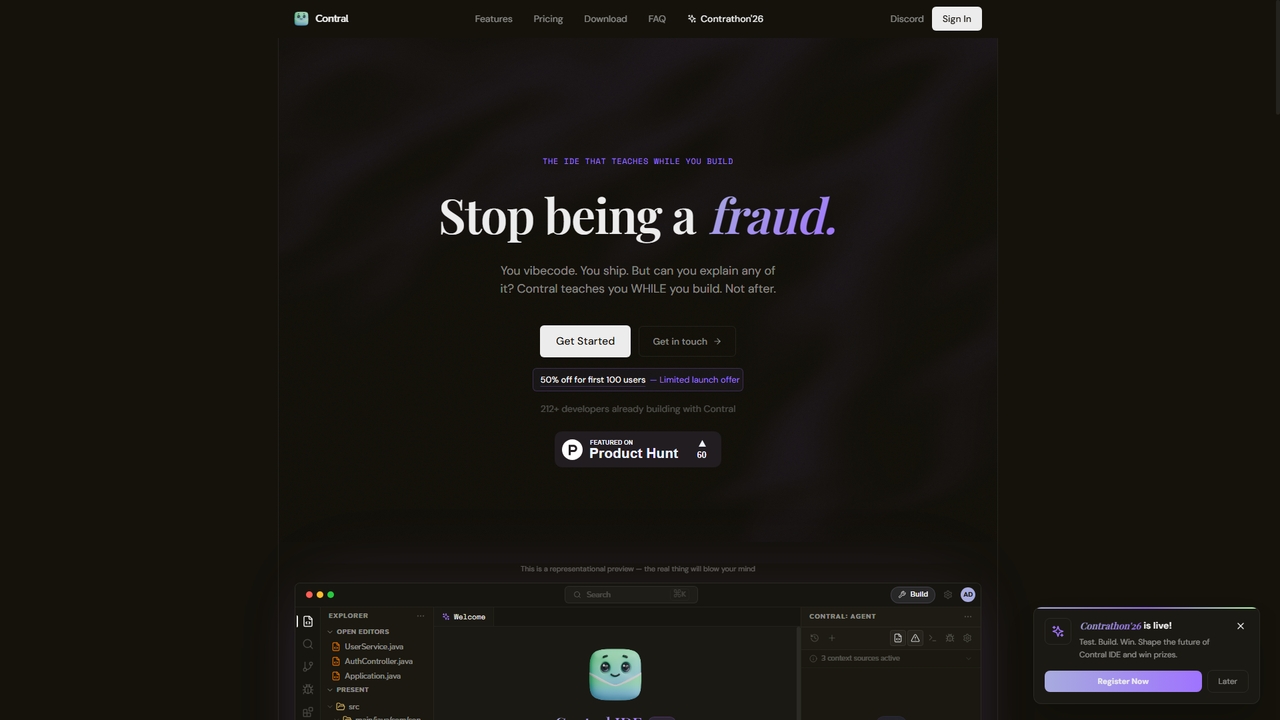
Contral is an intelligent development environment (IDE) designed to teach you programming while you build real projects. It combines a full-powered AI coding agent with a real-time teaching layer that explains every line of code, pattern, and architectural decision as it's written. Unlike standard AI code assistants, Contral focuses on ensuring you understand and can explain the code you ship.
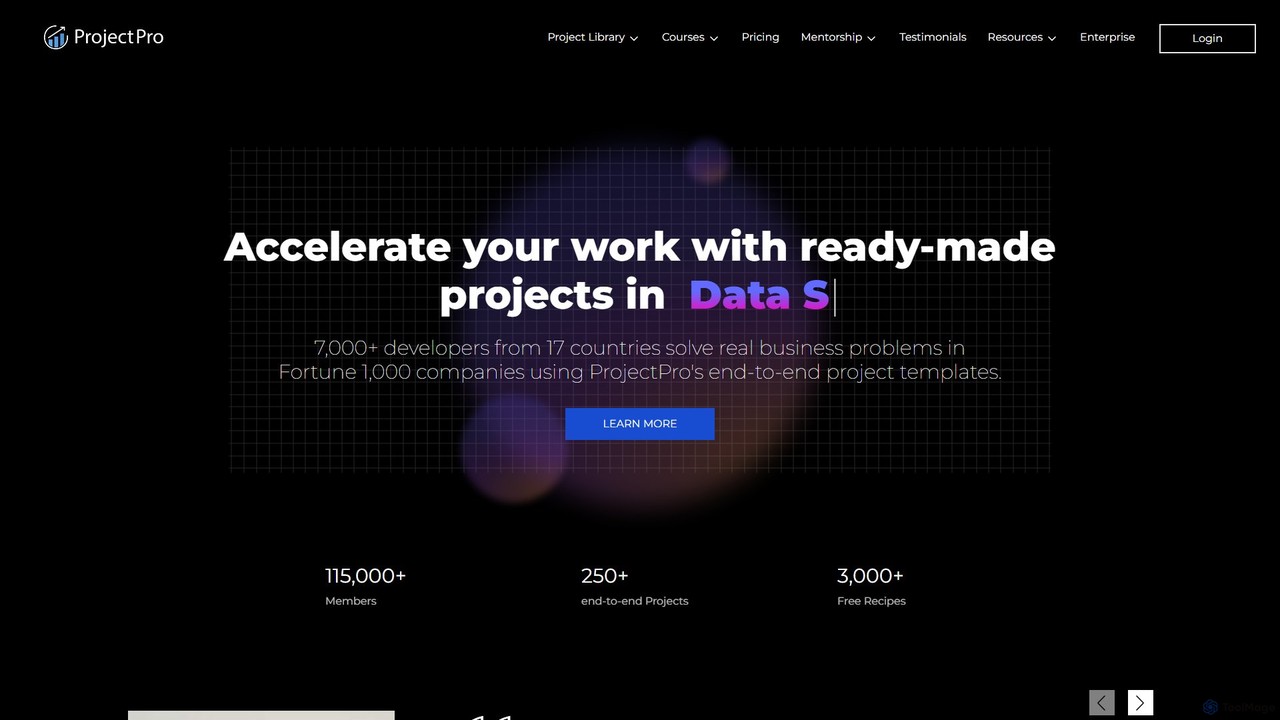
ProjectPro is a project-based learning platform designed to help data professionals accelerate their careers. It offers a vast library of over 250 end-to-end, industry-grade projects in Data Science, Big Data, AI, and MLOps. Each project includes verified solution code, detailed explainer videos, a cloud lab environment, and expert support, enabling users to gain practical, hands-on experience with real-world business problems and cutting-edge technologies.
Compare product focus, pricing models and audiences. Highlighted rows indicate different listed information; unknown pricing does not mean free.
| Quick facts | Contral | ProjectPro |
|---|---|---|
| Pricing model | Freemium | Paid |
| Product type | App | Web |
| Primary focus | Ide | Data Science |
| Audience and roles | Bootcamp Participant · Career Switcher · Computer Science Student · Junior Developer · Programming Instructor · Software Developer | No data available |
| Categories | Ide · Programming · Learning | Data Science · Programming · Learning |
| Added | Mar 22, 2026 | Aug 13, 2025 |
| Updated | Nov 19, 2026 | Nov 19, 2026 |
Explore the listed product descriptions, features and workflows. Taxonomy labels alone are not feature evaluations.
Contral is a teaching IDE that bridges the gap between learning and professional coding. It operates on your local machine and integrates an AI agent that can read, write, and run code within your full codebase. Its unique value proposition is the real-time teaching layer that provides contextual explanations and learning cards while the AI is actively building or refactoring code. This approach, dubbed "The Contral Loop," emphasizes building at AI speed, learning the rationale in real-time, and proving understanding through micro-challenges.
To use Contral, download and install the IDE on your computer. Start by opening a folder or workspace for your project. You can interact with the integrated Contral Agent to build, debug, refactor, or explain code by selecting an AI model and chatting with it. The interface offers distinct modes: "Build Mode," where the AI agent writes code while teaching you, and "Learn Mode," which provides a structured curriculum with challenges and projects for mastering a programming language from scratch. You can toggle between these modes and interact with floating learning cards that pop up to explain code decisions.
Contral is designed for developers and learners at various stages. Complete beginners can use Learn Mode to start a structured programming journey. Career switchers, CS students, and junior developers can leverage it to level up their skills by building real projects while gaining deep, contextual understanding of codebases. Experienced developers can use it as a sophisticated, teaching-oriented pair programmer to refactor, debug complex systems, and ensure they can defend architectural decisions.
The primary advantage of Contral is its integrated teaching philosophy. It moves beyond mere code generation to foster genuine comprehension. Users gain the confidence to explain their code, which is critical for interviews, debugging, and system ownership. The BYOK model offers flexibility and potential cost savings. Running locally enhances privacy, and the structured learning path provides a clear progression from beginner to mastery within a professional development environment.
Contral offers a freemium model with a free plan and two paid tiers (Pro and Pro+), with annual subscriptions offering a discount. A launch offer provides 50% off for the first 100 users. The Free plan includes 25 AI messages per day, 5 code explanations, basics module, and auto-fix. The Pro plan is priced at $9.99/month (with launch discount; standard $19.99) and includes 250 AI messages/day, all topics & languages, unlimited explanations, and more codebase analyses. The Pro+ plan is $29.99/month (with discount; standard $59.99) and offers unlimited AI messages, premium model access, certificates, and priority speed. All paid plans include a 7-day money-back guarantee and support BYOK.
ProjectPro is a premier educational platform dedicated to bridging the gap between theoretical knowledge and practical application in the fields of Data Science, Big Data, Artificial Intelligence, and Machine Learning. It serves a diverse audience, from students and career-changers aiming to enter the industry to seasoned practitioners seeking to upskill and accelerate their project delivery. With a library of over 250 solved, industry-grade projects, ProjectPro provides a unique, hands-on learning experience designed by experts from top technology companies like Microsoft, Amazon, and Google.
The platform's core philosophy is learning by doing. Instead of passive tutorials, users engage with end-to-end projects that mirror real-world business challenges. This approach not only builds technical proficiency but also instills the confidence needed to tackle complex problems in a professional setting. Each project is a complete package, offering everything a developer needs to succeed and learn efficiently.
Getting started with ProjectPro is a straightforward process designed for immediate impact:
ProjectPro is valuable for various professionals at different stages of their careers:
ProjectPro operates on a subscription-based model, offering users full access to its entire library of projects, video content, code repositories, and support services. While specific pricing tiers are not publicly listed on the main pages, the platform provides plans tailored for both individual professionals and enterprise teams. They also mention the availability of 0% interest monthly payment schemes for users in all countries. To get detailed pricing information and a customized plan, prospective users are encouraged to book a free demo through the website.
Their taxonomy shows where the products overlap and where each one has a more distinct focus. Unknown fields are shown explicitly and are never filled with assumptions.
Traffic is shown on the same scale so differences in market visibility are not visually understated.
Both charts share the same months and vertical scale. Each tool identifies its latest reporting month; missing months are left blank, not counted as zero. Regional and source visit counts are estimates calculated from the reported shares.
| Country/region | Percentage | Estimated visits |
|---|---|---|
| 🇮🇳India | 90.62% | 27.4K |
| 🇺🇸United States | 9.38% | 2.8K |
| Source type | Percentage | Estimated visits |
|---|---|---|
| Direct | 100% | 30.2K |
| Country/region | Percentage | Estimated visits |
|---|---|---|
| 🇮🇳India | 50.43% | 100.2K |
| 🇺🇸United States | 23.37% | 46.4K |
| 🇩🇪Germany | 10.4% | 20.7K |
| 🇬🇧United Kingdom | 8.37% | 16.6K |
| 🇷🇺Russia | 7.43% | 14.8K |
| Source type | Percentage | Estimated visits |
|---|---|---|
| Direct | 77.4% | 153.8K |
| Referral | 20.93% | 41.6K |
| 1.67% | 3.3K |
Ratings, comments, favorites, and likes are community signals—not a substitute for product fit.
Yes, Contral offers a Free plan that does not require a credit card to start. This plan includes 25 AI messages per day, 5 code explanations per day, access to the basics module, and features like auto-fix and Bring Your Own Key (BYOK).
BYOK allows you to use your own API keys from providers like OpenAI, Anthropic, or Google within Contral. When you use your own keys, your usage is unlimited regardless of your Contral subscription plan; you only pay the API provider directly for the tokens you consume.
According to Contral's comparison, tools like Cursor and Copilot primarily focus on writing code for you. Contral differentiates itself by teaching you to write and understand code yourself. It provides AI explanations, structured learning paths (Learn Mode), and deep-dive analyses alongside code generation. Additionally, Contral supports BYOK, which can make it more cost-flexible.
Yes, you can cancel your Pro or Pro+ subscription at any time from your account's billing portal. Your access will continue until the end of your current billing period. The Free plan requires no cancellation.
Yes, students with a valid .edu email address can get a 50% discount on the Pro plan. To claim the discount, you need to email the Contral team at [email protected] with your student email.
This page is assembled from ToolMage product listings, taxonomy, traffic statistics and on-site user feedback. It is not a hands-on test or an independent review.