ToolMage
Sign in

AI TOOL COMPARISON

Datafold vs Metaplane

What is the difference, and which fits your workflow? Compare features, usage, pricing models and traffic side by side.

Jump to key differences

Product overview

Datafold Product overview

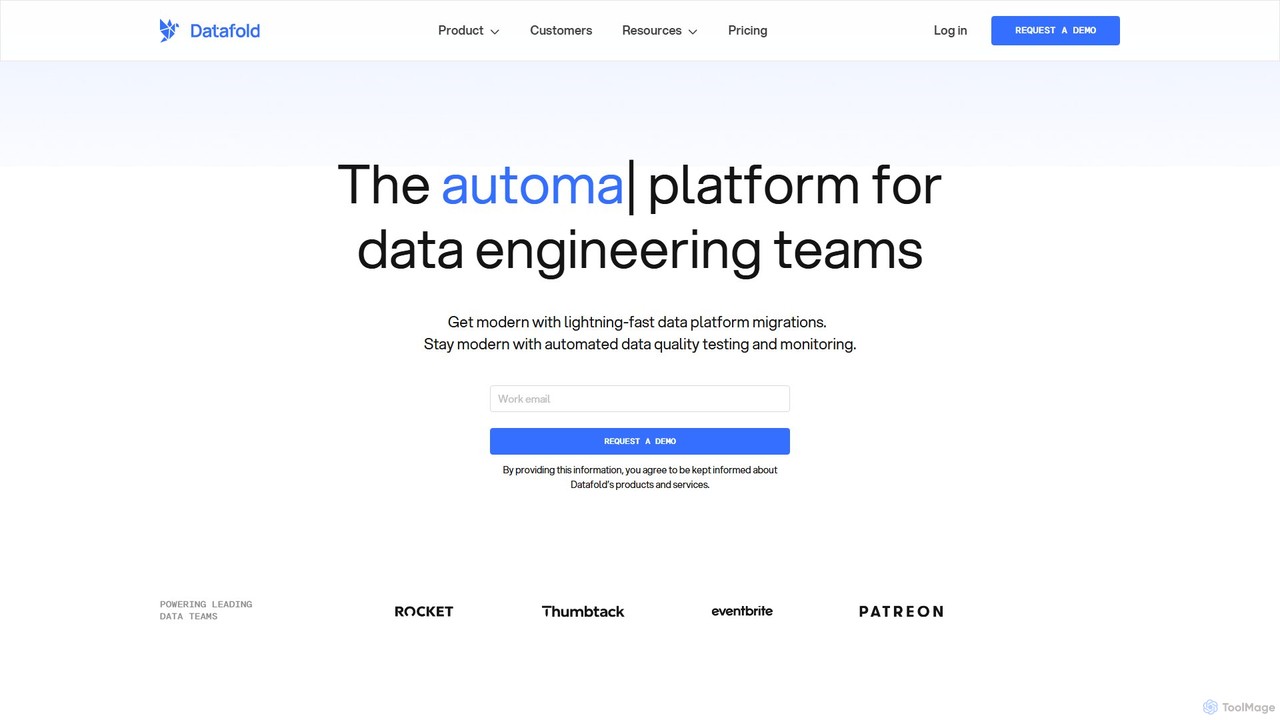
Datafold is an AI-powered platform for data engineering teams that automates data quality testing, monitoring, and migrations. It uses data diffing to compare datasets, enabling proactive issue detection in CI/CD and ensuring 100% parity during complex data migrations, accelerating timelines by up to 6x.

Preview

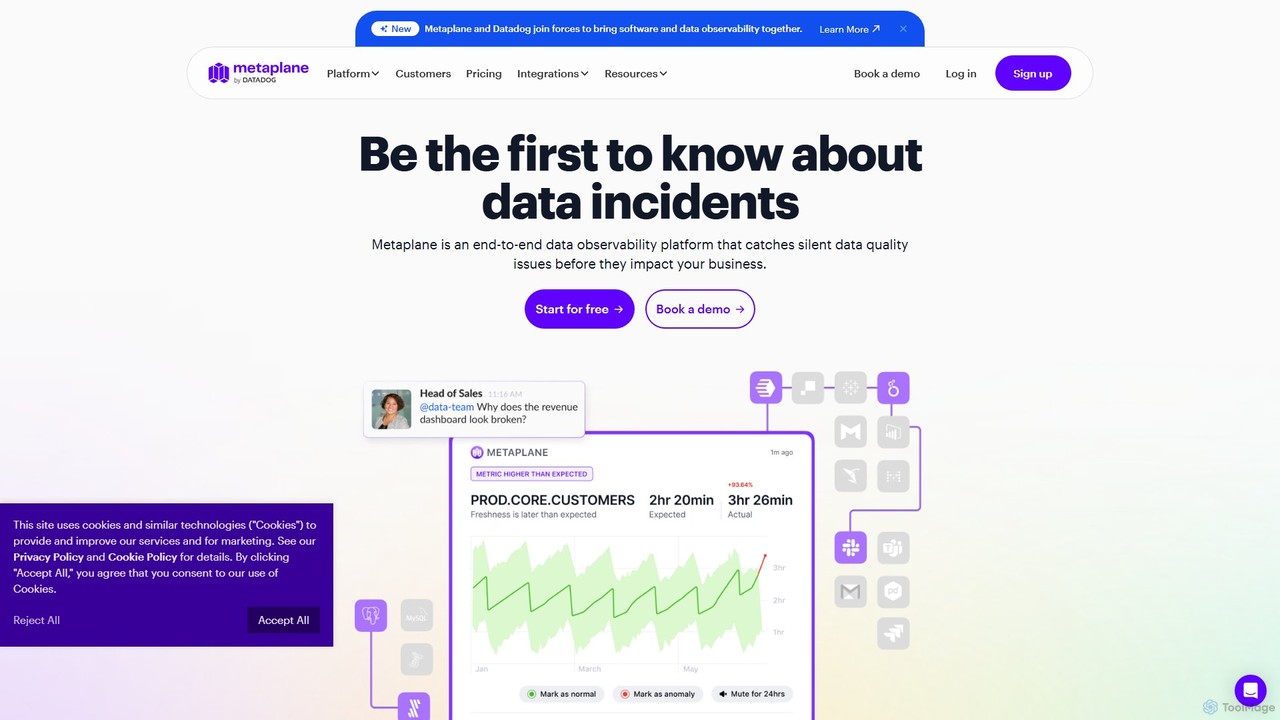
Metaplane Product overview

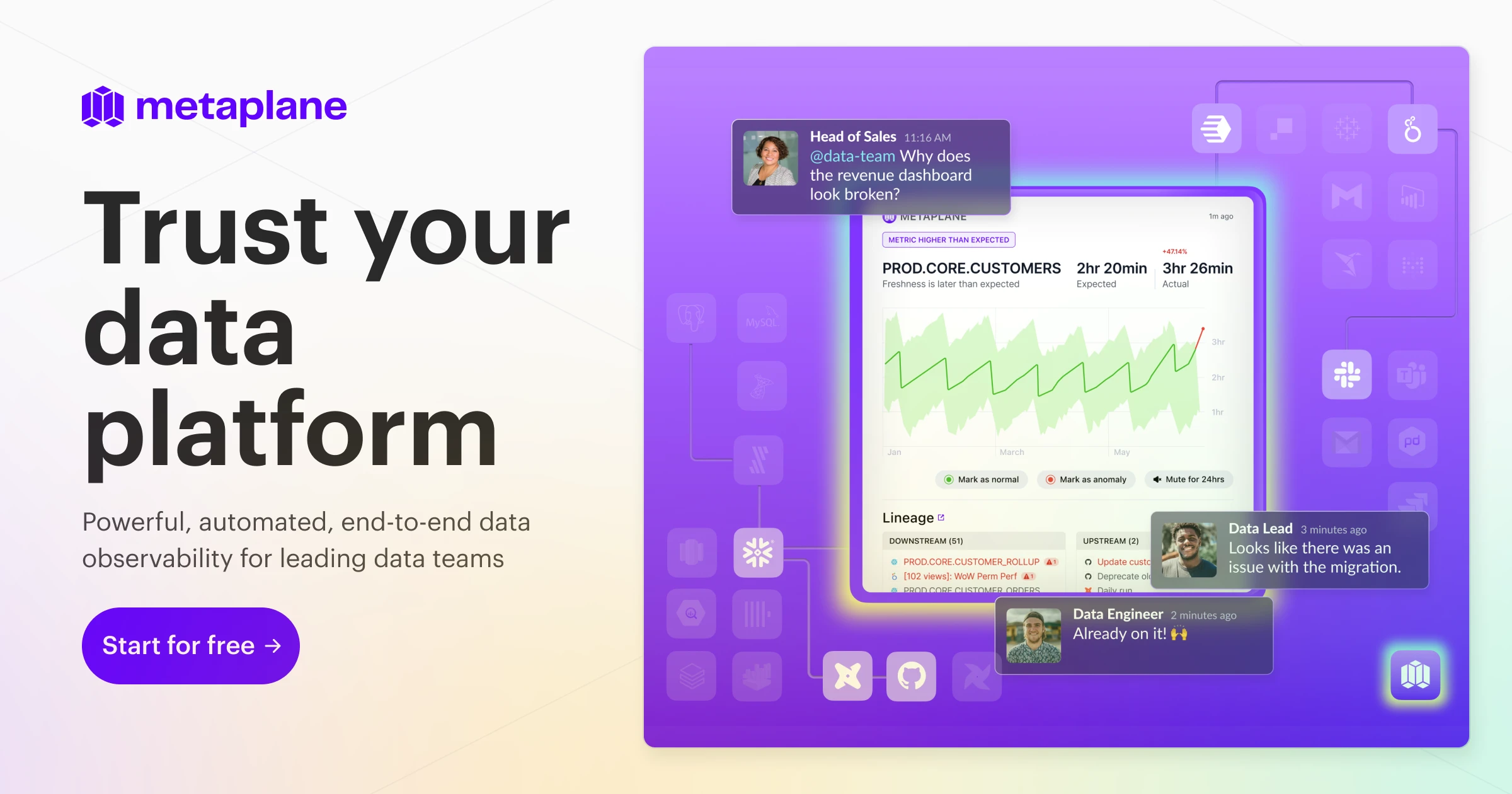
Metaplane is an end-to-end data observability platform for modern data teams. It uses machine learning to automatically monitor your data stack, detect silent data quality issues before they impact the business, and provide actionable alerts with full context.

Preview

Quick facts

Compare product focus, pricing models and audiences. Highlighted rows indicate different listed information; unknown pricing does not mean free.

Datafold VS Metaplane — Quick facts
Quick factsDatafoldMetaplane
Pricing modelPaidFreemium
Product typeWebWeb
Primary focusAnalyticsAnalytics
Audience and rolesNo data availableNo data available
CategoriesAnalytics · Database · AutomationAnalytics · Observability · Database · Monitoring
AddedAug 11, 2025Aug 10, 2025
UpdatedNov 19, 2026Nov 19, 2026

Features, usage and use cases

Explore the listed product descriptions, features and workflows. Taxonomy labels alone are not feature evaluations.

Datafold

Datafold is a unified platform for proactive data quality, specifically designed to empower data engineering teams. It addresses the most critical and challenging aspects of modern data workflows: ensuring absolute data integrity and streamlining the modernization of data infrastructure. By harnessing the power of AI, advanced Large Language Models (LLMs), and its proprietary "data diffing" technology, Datafold automates the most error-prone and time-consuming tasks. This allows teams to build highly reliable data products at a much faster pace.

The platform is founded on the principle that data quality should be a proactive, integral part of the development lifecycle, not a reactive afterthought. It provides the tools necessary for companies to move beyond the limitations of legacy systems and confidently build an AI-ready data stack with unparalleled speed and accuracy.

How to use Datafold

Datafold integrates seamlessly into existing data engineering workflows, providing a structured and automated approach for various tasks.

For Data Migrations:

  1. Plan: Leverage detailed column-level lineage to map all data dependencies and accurately assess the complexity of the migration. This creates a comprehensive blueprint, making project timelines predictable and transparent.
  2. Translate: The AI-driven Datafold Migration Agent (DMA) automatically converts any SQL dialect or GUI-based transformation logic into the target system's syntax (e.g., migrating from Oracle PL/SQL to Snowflake SQL). It employs an intelligent feedback loop to iteratively refine the code until perfect functional parity is achieved.
  3. Validate: This is where Datafold's core "data diffing" capability excels. It performs a value-level comparison of every record between the legacy and new systems, automatically verifying 100% data accuracy without the need for manual sampling or tedious scripting.
  4. Ship: Upon successful validation, Datafold generates comprehensive reports and auditable data diff evidence. This provides concrete proof of data parity, which accelerates stakeholder sign-off and allows for the confident decommissioning of the legacy system.

For Data Quality Testing in CI/CD:

  1. Integration: Connect Datafold to your version control system, such as GitHub or GitLab.
  2. Automated Testing: When a developer opens a pull request containing changes to data transformation code (e.g., a dbt model), Datafold is automatically triggered to run a data diff between the development and production environments.
  3. Review and Deploy: The results are posted as a clear, concise comment within the pull request. This allows reviewers to see the exact impact of the code changes on the data at a value level, preventing data quality issues from ever reaching production.

Core Features of Datafold

  • AI-Powered Data Migration (Datafold Migration Agent - DMA): Automates the entire migration lifecycle, from SQL code translation across disparate dialects to complete end-to-end validation. It intelligently handles complex edge cases, such as differences in data type handling, non-deterministic functions, and character encoding, to deliver up to a 6x faster migration.
  • Data Diffing: A powerful validation engine that performs efficient, value-level comparisons of entire datasets, even those with billions of rows. It precisely identifies any additions, deletions, or modifications to guarantee 100% data parity.
  • Proactive CI/CD Testing: Integrates directly into the development workflow (shift-left testing) to test data transformation code before deployment. It includes impact analysis to visualize how changes affect downstream tables, BI dashboards, and reverse ETL pipelines.
  • Data Monitoring & Observability: Provides ML-powered anomaly detection to monitor data health in production. Users can define monitors as code (YAML) or via the UI for metrics, schema changes, and scheduled cross-database diffs, with real-time alerts through Slack, PagerDuty, and email.
  • Column-Level Lineage: Delivers a comprehensive map of data dependencies that extends beyond the data warehouse to BI tools (Tableau, Looker, Power BI) and other applications. This is crucial for impact analysis, root cause analysis, and compliance.
  • Data Replication Testing: Continuously validates data between source and target systems in ongoing replication pipelines, ensuring that mission-critical data remains synchronized and accurate at all times.

Use Cases for Datafold

  • Data Stack Modernization: Drastically accelerate migrations from legacy systems (e.g., Oracle, Teradata, SQL Server) to modern cloud data platforms (e.g., Snowflake, BigQuery, Databricks). For instance, Faire migrated over 5,000 tables from Redshift to Snowflake six months ahead of schedule using Datafold.
  • dbt Development & Testing: Supercharge dbt workflows by automatically testing every pull request, guaranteeing that changes to dbt models do not introduce data quality regressions.
  • Ensuring BI Dashboard Accuracy: Use column-level lineage to trace data from its source all the way to BI dashboards, ensuring that business reports are built on a foundation of reliable and accurate data.
  • Validating Replication Pipelines: For organizations using data ingestion tools like Fivetran or Airbyte, Datafold can schedule regular data diffs to certify that the data in the destination warehouse perfectly mirrors the source.

Advantages of Datafold

  • Unprecedented Speed: Compresses migration timelines from years to weeks by automating the most labor-intensive parts of the process.
  • Guaranteed Accuracy: Moves beyond simple row counts to exhaustive, value-level validation, eliminating the risk of data loss or corruption.
  • Increased Developer Velocity: Catches data bugs early in the CI/CD pipeline, empowering engineers to ship code faster and with greater confidence.
  • Proactive, Not Reactive: Implements a "shift-left" philosophy for data quality, preventing issues before they can impact production systems and business operations.
  • Enhanced Trust & Collaboration: Provides auditable, undeniable proof of data quality, which builds trust with business stakeholders and streamlines project approvals.
  • Secure & Flexible Deployment: Offers multiple deployment models (SaaS, single-tenant VPC, self-hosted) and is compliant with major standards like SOC2 Type II, GDPR, and HIPAA.

Pricing and Plans

Datafold provides customized pricing tailored to the unique requirements of each team. The pricing model is primarily based on the number of users and the volume of tables being monitored and tested. While the platform is typically sold as a comprehensive solution, specific features, such as one-time migration conversion and validation or standalone column-level lineage, can be purchased separately. To obtain an accurate price quote, prospective customers should contact the Datafold sales team by requesting a demo on their official website.

Metaplane

Metaplane, now part of Datadog, is a comprehensive data observability platform designed to bring software and data observability together. It empowers modern data teams to build trust in their data by proactively identifying and resolving data quality issues across the entire data stack, from source to BI tools. The platform uses advanced machine learning to detect anomalies that traditional, rigid tests might miss, accounting for seasonality and trends in your data. This ensures that alerts are relevant and noise-free, allowing teams to focus on genuine problems.

The core mission of Metaplane is to prevent silent data incidents—subtle errors in data that can go unnoticed for long periods, leading to flawed analysis and poor business decisions. By providing 100% visibility into data pipelines, Metaplane helps teams understand the flow of data, identify critical dependencies, and assess the impact of changes before they are deployed.

How to use Metaplane

Getting started with Metaplane is designed to be quick and straightforward, typically taking less than 15 minutes.

  1. Integrate Your Data Stack: Connect Metaplane to your data warehouses (like Snowflake, BigQuery, Redshift), transformation tools (like dbt), and BI platforms (like Looker, Tableau, PowerBI). The integration process is seamless and requires only read-only access to metadata, ensuring your underlying data remains secure.
  2. Configure Monitors: Metaplane automatically suggests monitors for your most important tables. You can also manually configure monitors for various data quality metrics, including volume, freshness, schema changes, uniqueness, nullness, and statistical distributions. Custom SQL monitors are also available for specific business logic.
  3. ML Model Training: Once connected, Metaplane's machine learning models begin training on your data's metadata profiles. Within as little as three days, the system is ready to send intelligent, context-aware alerts.
  4. Receive and Act on Alerts: When an anomaly is detected, Metaplane sends a targeted notification to your preferred communication channel (e.g., Slack, MS Teams, PagerDuty). The alert includes rich context, such as the nature of the issue and potential downstream impacts.
  5. Investigate and Resolve: Use Metaplane's end-to-end column-level lineage to trace the issue back to its root cause. The lineage graph visualizes dependencies across your entire stack, significantly accelerating triage and resolution time.
  6. Prevent Future Issues with Data CI/CD: Integrate Metaplane into your CI/CD pipeline (GitHub/GitLab). Before merging a pull request (e.g., for a dbt model change), Metaplane automatically runs regression and impact tests, forecasting which downstream tables and dashboards will be affected. This prevents data quality issues from ever reaching production.

Core Features of Metaplane

  • Automated Anomaly Detection: ML-powered monitors that automatically adjust to seasonality and trends to detect issues in data volume, freshness, schema, uniqueness, nullness, and more.
  • End-to-End Column-Level Lineage: Get a complete, automatically generated picture of your data stack, from sources to BI tools, to understand data flow and dependencies without manual setup.
  • Data CI/CD: Prevent data quality issues by running automated regression and impact tests within pull requests. It integrates with dbt Core/Cloud and GitHub/GitLab.
  • Data Insights & Usage Analytics: Discover how your data is being used, by whom, where, and how frequently. This helps in optimizing queries, reducing data debt, and prioritizing critical data assets.
  • Automated & Configurable Alerts: Receive targeted, noise-free notifications in tools like Slack, MS Teams, and PagerDuty, with the context needed to resolve issues quickly.
  • Schema Change Tracking: Get notified whenever databases, schemas, tables, or columns are added, renamed, or removed.
  • Snowflake Native App: Deploy and run Metaplane directly within your Snowflake environment, ensuring data never leaves your warehouse and allowing you to pay with existing Snowflake credits.

Use Cases for Metaplane

Metaplane is valuable for various roles and teams within a data-driven organization:

  • Data Engineering Teams: Proactively monitor data pipelines, reduce time spent firefighting data bugs, and ensure the reliability of data infrastructure.
  • Analytics Engineers: Confidently develop and deploy dbt models using Data CI/CD to prevent breaking changes to downstream dashboards and analyses.
  • BI and Analytics Teams: Build and maintain trust with business stakeholders by ensuring that the data powering reports and dashboards is accurate, fresh, and reliable.
  • Data Platform Owners: Gain full visibility and control over the data stack, optimize warehouse costs by identifying unused assets, and enforce data governance standards.

Advantages of Metaplane

Metaplane offers several key advantages over traditional data quality solutions:

  • Fast Time-to-Value: Setup takes minutes, not weeks, with actionable alerts generated within days.
  • Cost-Effective Pricing: A flexible, usage-based model where you only pay for the tables you actively monitor, which scales with your needs.
  • Reduced Alert Fatigue: Intelligent, ML-driven alerting that understands your data's normal patterns, significantly reducing false positives.
  • Holistic Observability: It combines monitoring, lineage, usage insights, and CI/CD into a single, unified platform.
  • Enterprise-Grade Security: SOC 2 Type II compliant and adheres to high privacy standards like GDPR, CCPA, and HIPAA, with a read-only metadata approach.

Pricing and Plans

Metaplane offers a flexible pricing structure designed for teams of all sizes.

  • Free Plan: A forever-free plan that includes monitoring for up to 10 tables and support for 4 users. It provides core monitoring capabilities for small teams or for trying out the platform.
  • Pro Plan: A usage-based plan where you pay per monitored table. It includes everything in the Free plan, plus advanced features like column-level lineage, Data CI/CD, cost & performance monitoring, and support for 12 users and unlimited viewers.
  • Enterprise Plan: A custom plan for large organizations with specific needs. It includes all Pro features, plus custom integrations, SSO (Okta, SAML), PrivateLink support, and premium support with a dedicated CSM.

Additionally, users of the Snowflake Native App can pay for Metaplane using their existing Snowflake credits, simplifying procurement.

Positioning

Their taxonomy shows where the products overlap and where each one has a more distinct focus. Unknown fields are shown explicitly and are never filled with assumptions.

Categories

Shared
Database
Only Datafold
AnalyticsAutomation
Only Metaplane
AnalyticsObservabilityMonitoring

Tags

Shared
CI/CDdata engineeringdata observabilitydata qualitydbt
Only Datafold
automationdatabasedata migrationdata testingdata validationSQL
Only Metaplane
analyticsanomaly detectionbigquerydata governancedata monitoringlineagesnowflake

Audience and roles

Shared
No listed items
Only Datafold
No listed items
Only Metaplane
No listed items

Traffic comparison

Traffic is shown on the same scale so differences in market visibility are not visually understated.

How to interpret the traffic data

Both charts share the same months and vertical scale. Each tool identifies its latest reporting month; missing months are left blank, not counted as zero. Regional and source visit counts are estimates calculated from the reported shares.

Datafold monthly traffic:

Latest traffic · 2026-05

Monthly visits
21K
Avg. visit duration
1:16
Pages per visit
2.13
Bounce rate
39.96%
Data updated 2026-06-15

Monthly traffic trend

  • 2025-09: 33.5K
  • 2026-01: 24.6K
  • 2026-02: 19.6K
  • 2026-03: 26.3K
  • 2026-04: 20.8K
  • 2026-05: 21K

Top regions

Top 5 countries/regions
Country/regionPercentageEstimated visits
🇺🇸United States54.41%11.4K
🇻🇳Vietnam13.86%2.9K
🇮🇳India12.19%2.6K
🇹🇭Thailand10.7%2.2K
🇵🇰Pakistan8.84%1.9K

Traffic sources

Source typePercentageEstimated visits
Direct94.33%19.8K
Referral5.67%1.2K

Search keywords

data-diffdatafolddbt pythonnutrafol revenueopen source data warehouse

Metaplane monthly traffic:

Latest traffic · 2026-05

Monthly visits
26.5K
Avg. visit duration
2:39
Pages per visit
9.75
Bounce rate
33.59%
Data updated 2026-06-15

Monthly traffic trend

  • 2025-09: 36.9K
  • 2026-01: 33.4K
  • 2026-02: 37.4K
  • 2026-03: 30.9K
  • 2026-04: 25.7K
  • 2026-05: 26.5K

Top regions

Top 5 countries/regions
Country/regionPercentageEstimated visits
🇺🇸United States75.27%20K
🇻🇳Vietnam7.21%1.9K
🇮🇳India6.88%1.8K
🇧🇷Brazil5.54%1.5K
🇮🇩Indonesia5.1%1.4K

Traffic sources

Source typePercentageEstimated visits
Direct97.17%25.8K
Referral2.83%750

Search keywords

anomaliesdata anomaly meaningdata validation in marketing researchgoogle big query rows in tablesmetaplane

Community signals

Ratings, comments, favorites, and likes are community signals—not a substitute for product fit.

Datafold

Rating
No data available
Comments
0
Favorites
183
Likes
182

Metaplane

Rating
No data available
Comments
0
Favorites
158
Likes
177

Datafold vs Metaplane · Comparison FAQ

What do Datafold and Metaplane have in common?
Both tools are listed under Database. These categories indicate overlapping use cases; compare their detailed descriptions for workflows, capabilities and limitations.
Are Datafold and Metaplane free?
Listed pricing models: Datafold — Paid; Metaplane — Freemium. Missing pricing is not proof of a free plan, and freemium does not mean every feature is free. Check official sites for current plans, limits and trials.
How should I choose between Datafold and Metaplane?
The primary listed category is Analytics for Datafold, and Analytics for Metaplane. Compare features, steps and use cases, then verify pricing, data permissions and deployment needs. This page does not include hands-on testing and does not declare a winner from traffic or tags.

Sources and comparison methodology

This page is assembled from ToolMage product listings, taxonomy, traffic statistics and on-site user feedback. It is not a hands-on test or an independent review.
  • Feature and plan descriptions reflect information in the listings, not real-time guarantees. Verify pricing, quotas, availability and privacy terms on the official sites.
  • Traffic uses the reporting months shown. Missing statistics do not mean zero visits, and different periods do not establish growth or superiority. Regional and source visit counts are estimates based on shares.
  • Different tags indicate differences in the listings, not proof that the other product lacks a capability. Ratings, favorites and visits are not used to declare a winner.

Related comparisons