eKnow
Learning Assistant
AI TOOL COMPARISON
What is the difference, and which fits your workflow? Compare features, usage, pricing models and traffic side by side.
Learning Assistant
Content Generation
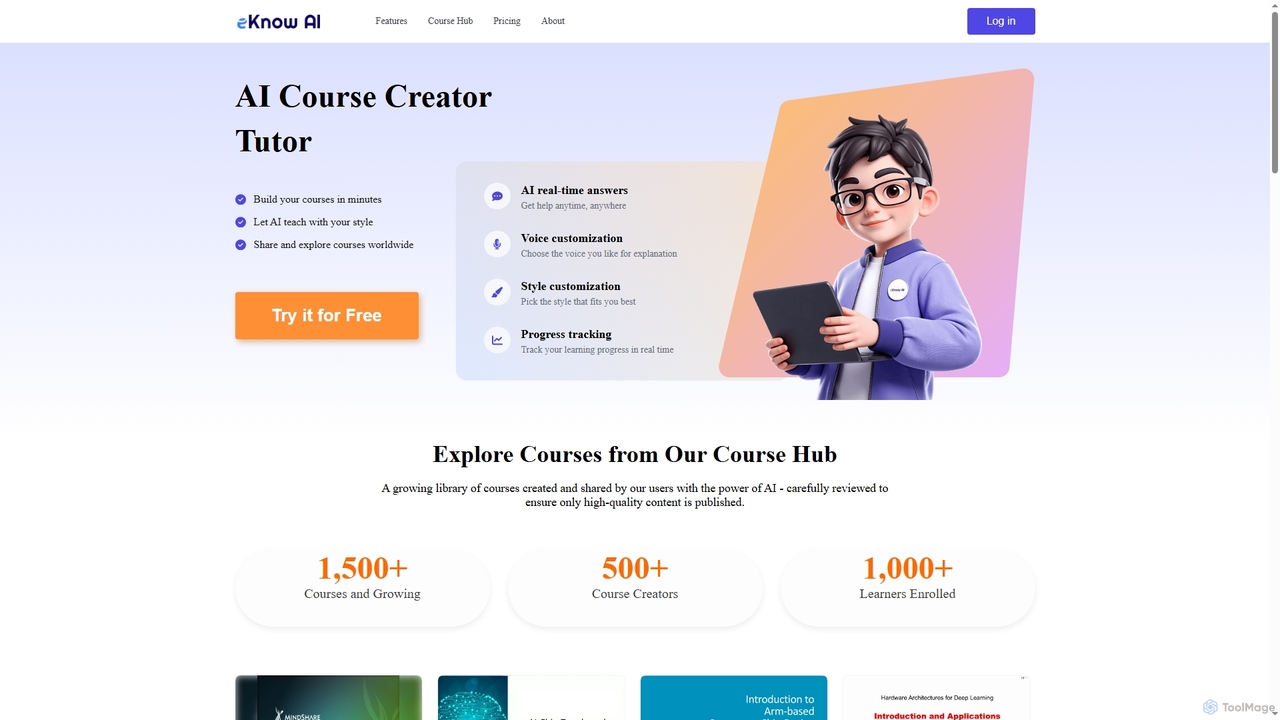
eKnow is an AI-powered platform that transforms lecture notes, PDFs, and presentations into interactive, personalized online courses within minutes. It offers an AI tutor for real-time answers, customizable learning styles, and a global Course Hub for sharing and exploring educational content.
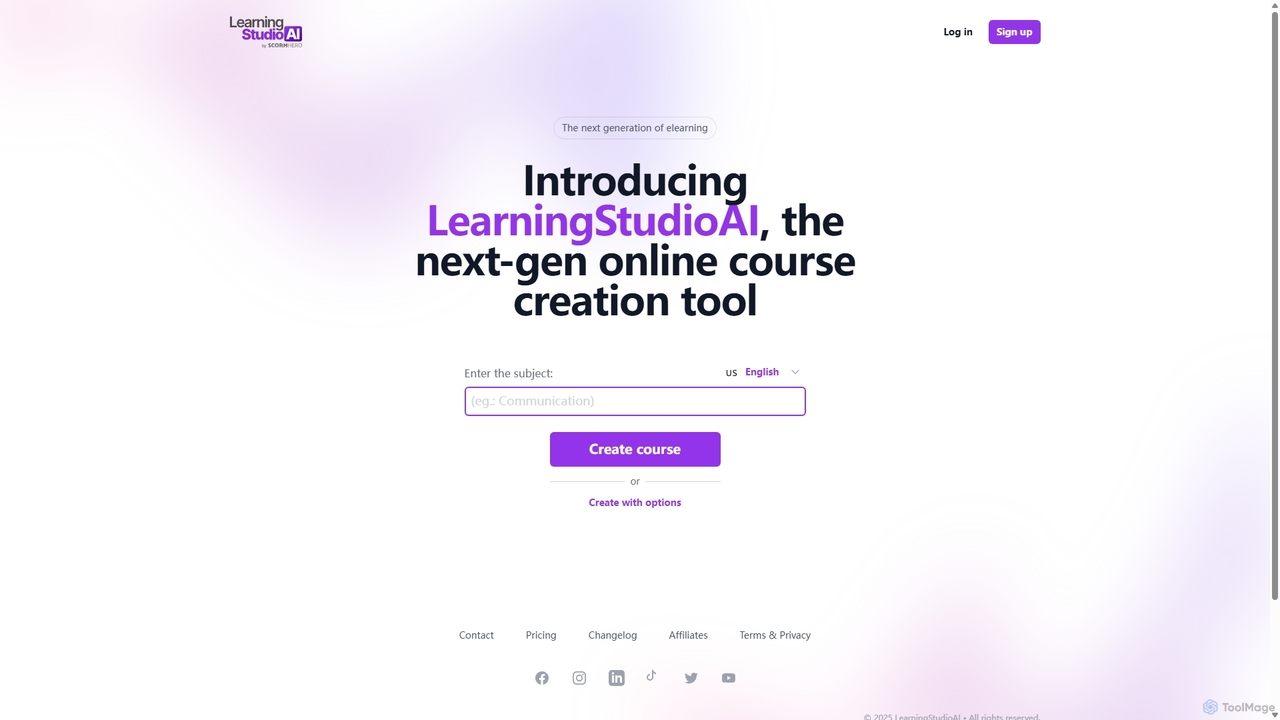
LearningStudioAI is a next-generation, AI-powered authoring tool designed to rapidly create engaging online courses. Simply provide a subject, and the AI generates a complete course structure with content, which can then be customized with rich media, quizzes, and interactive elements. It supports SCORM and PDF exports for seamless LMS integration.
Compare product focus, pricing models and audiences. Highlighted rows indicate different listed information; unknown pricing does not mean free.
| Quick facts | eKnow | LearningStudioAI |
|---|---|---|
| Pricing model | Paid | Freemium |
| Product type | Web | Web |
| Primary focus | Learning Assistant | Content Generation |
| Audience and roles | Content Creator · Corporate Trainer · Educator · HR Manager · Instructional Designer · Lifelong Learner · Researcher · Student · Subject Matter Expert · Trainer | Content Creator · Corporate Trainer · Educator · HR Manager · Instructional Designer · Marketing Manager · Subject Matter Expert |
| Categories | Learning Assistant · Training & Development · Course Creation · Online Learning · Content Generation | Content Generation · Course Creation · Authoring Tool |
| Added | Nov 28, 2025 | Sep 5, 2025 |
| Updated | Nov 19, 2026 | Nov 19, 2026 |
Explore the listed product descriptions, features and workflows. Taxonomy labels alone are not feature evaluations.
eKnow is an innovative AI-powered platform designed to revolutionize how individuals and organizations create, share, and consume educational content. It addresses the limitations of static learning materials by enabling users to effortlessly convert their existing knowledge base—such as lecture notes, PDFs, or presentations—into dynamic, interactive online courses. Leveraging state-of-the-art natural language processing (NLP) and generative AI, eKnow analyzes content, structures it into engaging lessons, and provides a personalized learning experience tailored to each user's needs.
To use eKnow, users can simply upload their lecture notes, PDFs, or presentations. The AI then instantly analyzes the content and builds a structured, interactive course. Learners can then engage with a dedicated AI tutor for real-time answers and deeper explanations. They can also customize their tutor's explanation style (e.g., formal, humorous, storytelling) and select a preferred voice for audio explanations. Course creators can share their custom courses directly with friends or publish them to the global Course Hub, while learners can explore a vast library of high-quality, AI-generated and user-shared courses.
eKnow is ideal for educators and trainers looking to quickly transform their teaching materials into engaging online courses without extensive technical knowledge. Students and lifelong learners can benefit from personalized AI tutoring, interactive quizzes, and adaptive learning paths that cater to their individual pace and style. Professionals can use eKnow to create internal training modules from existing documentation, ensuring dynamic and accessible learning for their teams. It's also suitable for anyone wanting to share their expertise globally by publishing courses to the Course Hub.
The primary advantage of eKnow is its ability to rapidly create high-quality, interactive courses from existing documents, significantly reducing development time. It offers a highly personalized learning experience through customizable AI tutors, diverse explanation styles, and real-time support, making complex concepts more accessible. The platform fosters a global learning community by allowing users to share and explore a wide range of courses. Its smart progress tracking helps learners efficiently focus their efforts, while the interactive quiz master ensures knowledge solidification.
eKnow offers flexible subscription plans:
LearningStudioAI is a revolutionary e-learning authoring platform that leverages artificial intelligence to dramatically simplify and accelerate the online course creation process. Designed for educators, corporate trainers, and subject matter experts, this tool allows users to generate a comprehensive course draft in minutes just by entering a topic. The AI handles the initial heavy lifting of structuring lessons, writing content, and suggesting relevant sections, freeing up creators to focus on refining and enhancing the material.
The platform offers a highly intuitive and flexible editing environment. Once the initial draft is created, users can fully customize their courses. This includes adding and arranging various content blocks such as text, bullet points, and headings. The powerful "Edit with AI" feature allows for on-the-fly text enhancement, enabling users to expand, summarize, or rewrite paragraphs to improve clarity and engagement. The tool also provides extensive support for rich media, allowing for the easy insertion of images (from a royalty-free library or uploads), videos (from YouTube, Vimeo, or uploads), and audio (uploaded, recorded directly, or generated via text-to-speech).
Creating a course with LearningStudioAI is a straightforward process designed for efficiency:
LearningStudioAI is ideal for a wide range of applications:
The primary advantage of LearningStudioAI is its incredible speed and efficiency. What used to take weeks of manual work can now be accomplished in hours. The AI-driven workflow removes the initial friction of content creation, while the powerful editor provides full control for customization. Its broad compatibility through SCORM, PDF, and embedding options makes it a versatile tool that fits into existing e-learning ecosystems. The continuous addition of new features, as seen in the changelog, demonstrates a commitment to improving the user experience and expanding capabilities.
LearningStudioAI offers a tiered subscription model with a free trial available for all plans.
All plans can be canceled at any time, and a discount is available for yearly subscriptions.
Their taxonomy shows where the products overlap and where each one has a more distinct focus. Unknown fields are shown explicitly and are never filled with assumptions.
Traffic is shown on the same scale so differences in market visibility are not visually understated.
Both charts share the same months and vertical scale. Each tool identifies its latest reporting month; missing months are left blank, not counted as zero. Regional and source visit counts are estimates calculated from the reported shares.
| Country/region | Percentage | Estimated visits |
|---|---|---|
| 🇺🇸United States | 100% | 5K |
| Country/region | Percentage | Estimated visits |
|---|---|---|
| 🇧🇷Brazil | 47.52% | 1.9K |
| 🇺🇸United States | 29.27% | 1.2K |
| 🇮🇳India | 23.21% | 933 |
Ratings, comments, favorites, and likes are community signals—not a substitute for product fit.
eKnow is an AI-powered platform that allows users to create interactive online courses from their lecture notes, PDFs, or presentations in minutes. It also provides a personalized AI tutor for real-time answers and a global Course Hub for exploring and sharing educational content.
You can create a course by simply uploading your lecture notes, PDFs, or presentations. eKnow's AI will instantly analyze the content and build a structured, interactive course tailored for you.
You can customize your AI tutor's explanation style (e.g., formal, humorous, storytelling) and select a voice that you find most engaging for audio explanations.
Yes, you can share your custom courses directly with friends or publish them to the global Course Hub to help learners worldwide master the subject.
eKnow offers a Monthly plan at $20 (originally $50) and an Annual plan at $199 (originally $399). An Enterprise plan is also available for custom/bulk needs, offering LMS integration and custom user capacity. Both paid plans include access to marketplace courses, course creation limits, and bonus points for courseware pages.
This page is assembled from ToolMage product listings, taxonomy, traffic statistics and on-site user feedback. It is not a hands-on test or an independent review.