ToolMage
Sign in

AI TOOL COMPARISON

FetchFox vs instantapi

What is the difference, and which fits your workflow? Compare features, usage, pricing models and traffic side by side.

Jump to key differences

Product overview

FetchFox Product overview

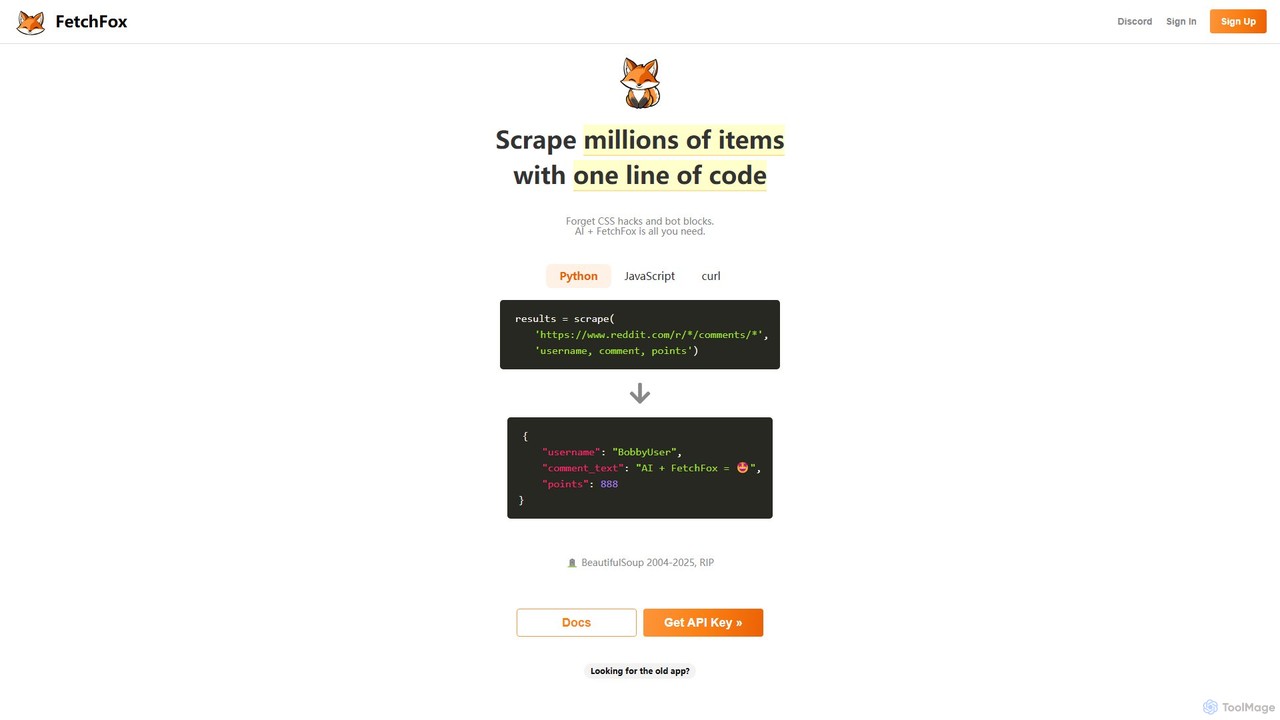
FetchFox is an AI-powered web scraping tool that allows users to extract data from any website using simple text prompts. It eliminates the need for complex coding or CSS selectors, automatically handling anti-bot measures. Available as an API, JavaScript library, and Chrome extension, it's designed for both developers and non-technical users to automate data collection effortlessly.

Preview

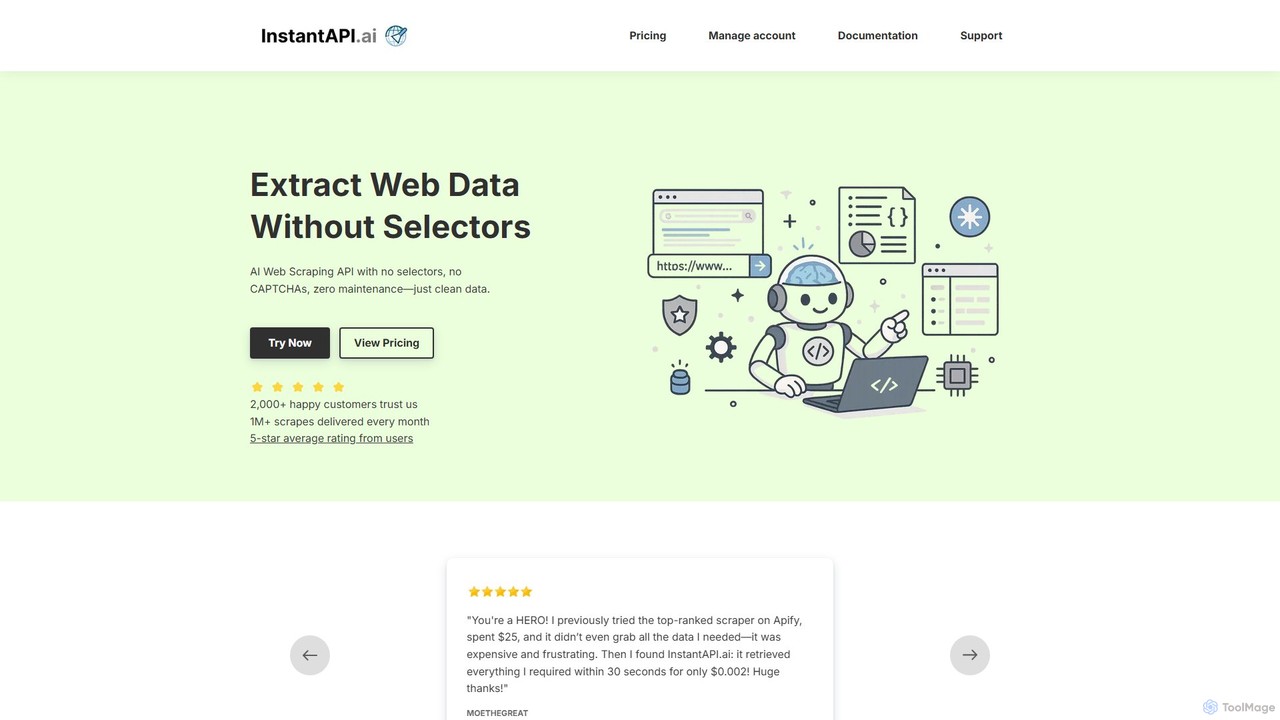
instantapi Product overview

instantapi is an AI-powered web scraping API designed for simplicity and speed. It allows users to extract structured data from any website with a single API call, eliminating the need for complex coding or manual setup. Ideal for developers, data analysts, and businesses who need fast, affordable, and reliable data extraction without the hassle of traditional web scrapers.

Preview

Quick facts

Compare product focus, pricing models and audiences. Highlighted rows indicate different listed information; unknown pricing does not mean free.

FetchFox VS instantapi — Quick facts
Quick factsFetchFoxinstantapi
Pricing modelFreemiumFreemium
Product typeWebWeb
Primary focusData ExtractionData Extraction
Audience and rolesNo data availableNo data available
CategoriesData Extraction · Web Scraping · Lead Generation · AutomationData Extraction · Api · Lead Generation · Automation
AddedAug 13, 2025Aug 14, 2025
UpdatedNov 19, 2026Nov 19, 2026

Features, usage and use cases

Explore the listed product descriptions, features and workflows. Taxonomy labels alone are not feature evaluations.

FetchFox

FetchFox is a revolutionary AI-powered web scraping platform designed to simplify and automate the process of data extraction from the web. It fundamentally changes how users approach web scraping by replacing complex coding, CSS selectors, and maintenance of fragile scripts with simple, natural language prompts. Whether you're a developer needing to integrate data into an application or a business user looking to gather market intelligence, FetchFox provides a robust and accessible solution.

The core principle of FetchFox is its AI engine, which intelligently understands the structure and content of a webpage. Users simply describe the data they want to extract, and the AI handles the rest. This includes navigating through pages, identifying the relevant data points, and structuring the output into a clean, usable format like JSON. The platform is engineered to be resilient, automatically adapting to website layout changes and bypassing common anti-scraping technologies such as CAPTCHAs and IP blocks, which are major hurdles for traditional scraping methods.

How to use FetchFox

FetchFox offers flexible ways to use its service, catering to different user needs:

1. For Developers (API and Libraries):

  • Get an API Key: Sign up on the FetchFox website to receive your unique API key.
  • Integrate with your code: Use the official Python or JavaScript (npm install fetchfox) libraries for seamless integration, or make direct cURL requests to the API endpoint.
  • Define your scrape job: In your request, specify the target website(s) using `start_urls` and a URL `pattern` for crawling multiple pages.
  • Write a natural language prompt: The most crucial part is the `template` parameter. Here, you describe the data fields you need, for example: "Extract the product name, price, customer rating, and the text of the first three reviews."
  • Execute and receive data: Run your script to start the scraping job. FetchFox will process the request and return the extracted data in a structured JSON format.

2. For Non-Technical Users (Chrome Extension):

  • Install the Extension: Add the FetchFox extension to your Chrome browser from the Chrome Web Store.
  • Navigate and Activate: Go to the webpage you want to scrape data from. Open the extension and input your API key.
  • Enter a Prompt: In the extension's interface, type a simple command describing what you want to collect, such as "list all job titles and company names on this page."
  • Start Scraping: Press the 'Go' button. FetchFox will analyze the page, extract the requested information, and allow you to download the results, typically as a CSV file.

Core Features of FetchFox

  • AI-Powered Natural Language Scraping: No need for XPath or CSS selectors. Just tell the AI what data you need in plain English.
  • Advanced Anti-Bot Bypass: Intelligently navigates through anti-scraping measures, including dynamic content, CAPTCHAs, and proxy management.
  • Multi-Platform Access: Use the powerful API, convenient Python/JavaScript libraries, or the user-friendly no-code Chrome extension.
  • Structured Data Output: Automatically delivers clean, well-structured JSON data, saving you time on data cleaning and parsing.
  • Scalable Crawling: Effortlessly scrape millions of items across entire websites by defining URL patterns for the crawler to follow.
  • Bring Your Own Key (BYOK): An option to use your personal OpenAI API key, which can reduce costs and provides a more generous free item allowance.

Use Cases for FetchFox

FetchFox is versatile and can be applied across various industries and roles:

  • Sales and Lead Generation: Scrape business directories, LinkedIn Sales Navigator, or professional networks to build targeted lead lists with names, job titles, companies, and contact details.
  • Market and Competitor Research: Aggregate product information, pricing, and customer reviews from e-commerce sites like Amazon or eBay to analyze market trends and competitor strategies.
  • Financial Data Aggregation: Collect data from financial news sites, stock market platforms, or DeFi protocols for investment analysis and model training.
  • Academic and Scientific Research: Assemble large datasets from various online sources, publications, or public records for academic studies.
  • Real Estate Analysis: Gather property listings, prices, and agent details from real estate websites to monitor market conditions.

Advantages of FetchFox

The primary advantage of FetchFox is its radical simplicity and power. It democratizes web scraping, making it accessible to users without a technical background. For developers, it significantly speeds up the development process by abstracting away the most tedious and challenging aspects of scraping. Its resilience to website changes means less time spent on maintaining broken scripts and more time focused on utilizing the data. The combination of a powerful AI engine and robust infrastructure makes it a highly efficient and reliable tool for any data extraction task.

Pricing and Plans

FetchFox employs a straightforward, transparent, pay-as-you-go pricing model.

  • Free Tier: New users get their first 1,000 extracted items for free. An 'item' corresponds to one row of data (e.g., one product's details).
  • Standard Pricing: After the free tier, the cost is a flat rate of $1 per 1,000 items.
  • Bring Your Own Key (BYOK) Bonus: If you choose to use your own OpenAI API key, you receive an additional 10,000 items for free. This can be a more cost-effective option for users with existing OpenAI accounts.
  • Custom Plans: For users with large-scale scraping needs or complex requirements, FetchFox offers custom enterprise plans. Interested parties can contact their sales team for a consultation.

instantapi

instantapi is a revolutionary AI-driven web scraping service designed for individuals and businesses who just want data, without the complexity. Frustrated with expensive, slow, and unreliable scrapers? instantapi offers a streamlined solution. By leveraging advanced artificial intelligence, it can understand the structure of a webpage and extract the desired information with a simple API request. This eliminates the need for writing and maintaining custom parsers, dealing with IP blocks, or solving CAPTCHAs, allowing you to focus on utilizing the data, not acquiring it.

The platform is built on a philosophy of simplicity, speed, and affordability. As highlighted by numerous users, instantapi stands out from competitors by being incredibly intuitive and cost-effective. It can perform complex data extraction tasks in seconds for a fraction of the cost of other services, making it a powerful tool for projects of any scale, from populating a small directory site to conducting large-scale market research.

How to use instantapi

Using instantapi is designed to be straightforward, even for those with minimal technical experience. The process typically involves these simple steps:

  1. Sign Up & Get API Key: Create an account on the instantapi website to access your personal dashboard and receive a unique API key.
  2. Formulate Your Request: Make a simple API call using your preferred programming language (like Python, JavaScript) or a tool like cURL. The request typically includes the target URL you want to scrape.
  3. Let AI Do the Work: Unlike traditional scrapers, you don't need to specify CSS selectors or XPath. The AI intelligently analyzes the webpage's structure to identify and extract key data points automatically.
  4. Receive Structured Data: The API processes the page, handles any anti-scraping measures in the background, and returns the extracted information in a clean, structured JSON format, ready for immediate use in your application, database, or analysis tool.

Core Features of instantapi

  • AI-Powered Data Extraction: The core of the service. The AI automatically identifies and extracts relevant data fields, such as product names, prices, descriptions, reviews, and contact information, without manual configuration.
  • Simple API Interface: A clean and easy-to-use API that requires only a target URL to start scraping.
  • Handles Dynamic Websites: Capable of scraping modern websites that rely heavily on JavaScript to load content, ensuring comprehensive data capture.
  • Built-in Proxy Rotation & CAPTCHA Solving: Automatically manages proxies and bypasses CAPTCHAs to ensure high success rates and prevent your IP from being blocked.
  • Structured JSON Output: Delivers clean, well-organized data in JSON format, making it easy to integrate into any workflow or application.
  • High Speed and Scalability: Engineered for performance, allowing you to scrape single pages in seconds or scale up to thousands of pages efficiently.

Use Cases for instantapi

The versatility of instantapi makes it suitable for a wide range of applications:

  • Market Research: Aggregate competitor pricing, product features, and customer reviews to gain a competitive edge.
  • Lead Generation: Extract contact details from online directories, professional networks, and corporate websites to build sales pipelines.
  • E-commerce: Monitor product prices, stock availability, and new arrivals across multiple e-commerce platforms.
  • Content Aggregation: Automatically populate directory websites, news aggregators, or job boards with fresh, relevant content.
  • Financial Data Analysis: Gather data from financial news sites, stock market portals, or real estate listings for analysis and modeling.

Advantages of instantapi

Based on user feedback and its design, instantapi offers significant advantages:

  • Unmatched Simplicity: Its intuitive nature allows users to get started immediately without a steep learning curve.
  • Extreme Cost-Effectiveness: A pay-as-you-go model with very low per-request costs makes it accessible for both small projects and large-scale operations.
  • Exceptional Speed: Delivers data in seconds, dramatically accelerating data collection workflows.
  • High Reliability: Successfully extracts complete data where other, more complex tools often fail.
  • Responsive Developer Support: Users consistently praise the fast, patient, and helpful support provided by the development team, often via Discord.

Pricing and Plans

instantapi operates on a highly competitive and transparent pricing model, primarily pay-as-you-go. This ensures you only pay for what you use, making it incredibly budget-friendly.

  • Free Trial/Credits: New users typically receive free credits to test the API's full capabilities without any commitment.
  • Pay-As-You-Go: The main pricing structure is based on a low cost per successful API call. As mentioned by users, a single scrape can cost as little as a fraction of a cent (e.g., $0.002), offering massive savings compared to competitors.
  • Volume Discounts: While specific plans are not detailed, services like this often offer tiered pricing or bulk credit purchases that provide lower per-call rates for high-volume users.

This flexible model makes instantapi an ideal choice for startups, developers, and businesses looking for a powerful scraping solution without the burden of fixed monthly subscriptions.

Positioning

Their taxonomy shows where the products overlap and where each one has a more distinct focus. Unknown fields are shown explicitly and are never filled with assumptions.

Categories

Shared
Data ExtractionLead GenerationAutomation
Only FetchFox
Web Scraping
Only instantapi
Api

Tags

Shared
APIautomationdata extractiondata miningdeveloper toolslead generationmarket researchno-codeweb scraping
Only FetchFox
AI scraper
Only instantapi
No listed items

Audience and roles

Shared
No listed items
Only FetchFox
No listed items
Only instantapi
No listed items

Traffic comparison

Traffic is shown on the same scale so differences in market visibility are not visually understated.

How to interpret the traffic data

Both charts share the same months and vertical scale. Each tool identifies its latest reporting month; missing months are left blank, not counted as zero. Regional and source visit counts are estimates calculated from the reported shares.

FetchFox monthly traffic:

Latest traffic · 2026-05

Monthly visits
40.3K
Avg. visit duration
5:28
Pages per visit
4.08
Bounce rate
57.8%
Data updated 2026-06-15

Monthly traffic trend

  • 2025-09: 2.7K
  • 2026-01: 1.9K
  • 2026-02: 771
  • 2026-03: 1K
  • 2026-04: 14.8K
  • 2026-05: 40.3K

Top regions

Top 5 countries/regions
Country/regionPercentageEstimated visits
🇮🇳India45.78%18.5K
🇺🇸United States44.91%18.1K
🇪🇸Spain9.31%3.8K

Search keywords

fetch foxfetchfox aifetchfoxaifetchfox.iafounding engineer equity

instantapi

No data available

Community signals

Ratings, comments, favorites, and likes are community signals—not a substitute for product fit.

FetchFox

Rating
No data available
Comments
0
Favorites
149
Likes
149

instantapi

Rating
No data available
Comments
0
Favorites
191
Likes
201

FetchFox vs instantapi · Comparison FAQ

What do FetchFox and instantapi have in common?
Both tools are listed under Data Extraction、Lead Generation、Automation. These categories indicate overlapping use cases; compare their detailed descriptions for workflows, capabilities and limitations.
Are FetchFox and instantapi free?
Listed pricing models: FetchFox — Freemium; instantapi — Freemium. Missing pricing is not proof of a free plan, and freemium does not mean every feature is free. Check official sites for current plans, limits and trials.
How should I choose between FetchFox and instantapi?
The primary listed category is Data Extraction for FetchFox, and Data Extraction for instantapi. Compare features, steps and use cases, then verify pricing, data permissions and deployment needs. This page does not include hands-on testing and does not declare a winner from traffic or tags.

Sources and comparison methodology

This page is assembled from ToolMage product listings, taxonomy, traffic statistics and on-site user feedback. It is not a hands-on test or an independent review.
  • Feature and plan descriptions reflect information in the listings, not real-time guarantees. Verify pricing, quotas, availability and privacy terms on the official sites.
  • Traffic uses the reporting months shown. Missing statistics do not mean zero visits, and different periods do not establish growth or superiority. Regional and source visit counts are estimates based on shares.
  • Different tags indicate differences in the listings, not proof that the other product lacks a capability. Ratings, favorites and visits are not used to declare a winner.

Related comparisons