FlowEngine
Ai Workflow Generation
AI TOOL COMPARISON
What is the difference, and which fits your workflow? Compare features, usage, pricing models and traffic side by side.
Ai Workflow Generation
Workflow Automation
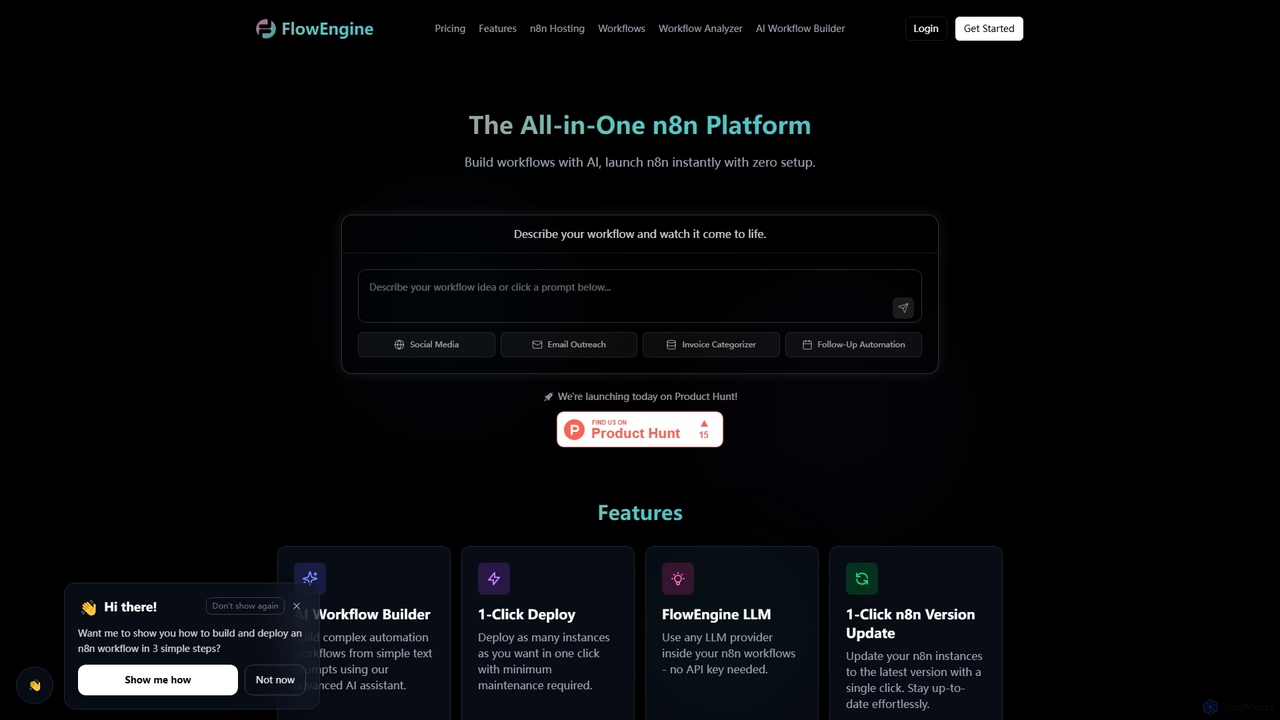
FlowEngine is an all-in-one n8n hosting platform that simplifies workflow automation with AI. It allows users to build complex automation workflows from simple text prompts, deploy n8n instances instantly with zero setup, and manage them with ease. It integrates over 100 pre-loaded LLMs and offers managed hosting, ensuring security and reliability for all your automation needs.
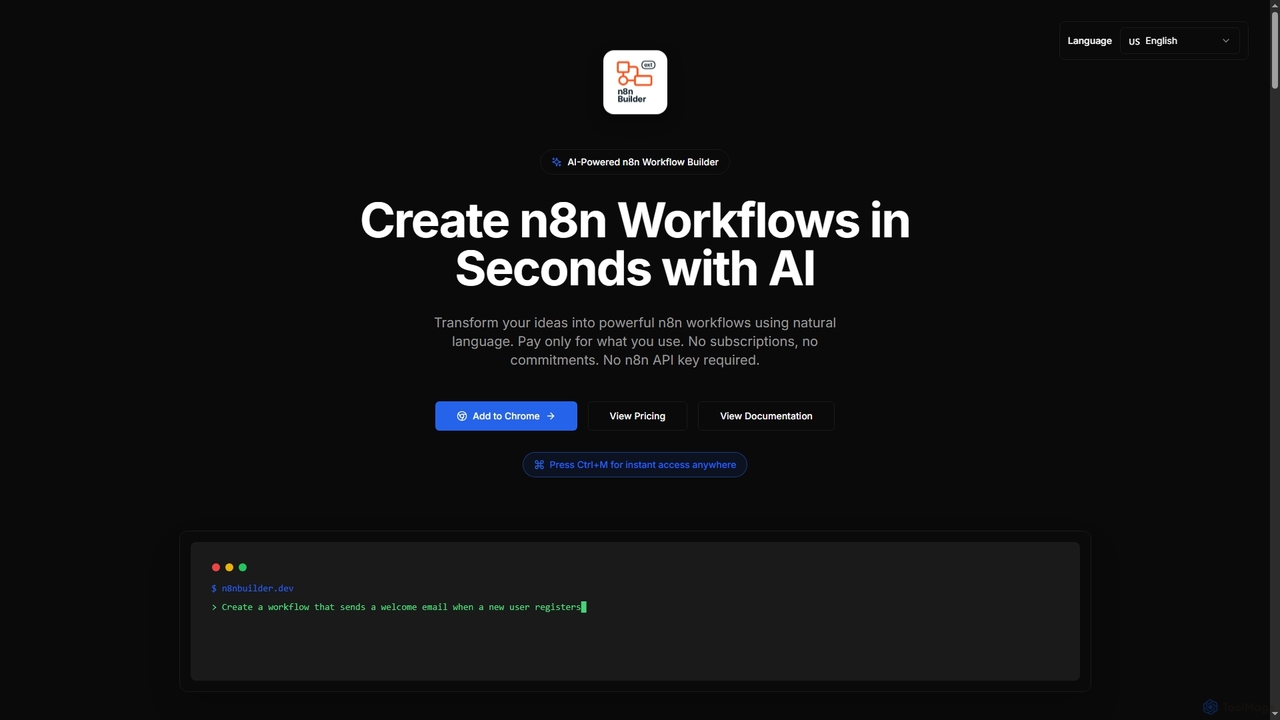
n8n Builder is an AI-powered Chrome extension that transforms natural language descriptions into ready-to-import n8n workflows in seconds. It accelerates automation for freelancers, developers, and teams with features like API reference research, instant export, and flexible workflow enhancement modes, all on a transparent pay-as-you-go model.
Compare product focus, pricing models and audiences. Highlighted rows indicate different listed information; unknown pricing does not mean free.
| Quick facts | FlowEngine | n8n Builder |
|---|---|---|
| Pricing model | Freemium | Paid |
| Product type | Web | Extensions |
| Primary focus | Ai Workflow Generation | Workflow Automation |
| Audience and roles | Automation Engineer · Business Analyst · Data Analyst · Entrepreneur · Marketing Manager · Operations Manager · Project Manager · Sales Representative · Small Business Owner · Software Developer | Automation Engineer · Business Analyst · Data Analyst · Freelancer · Marketing Manager · Product Manager · Sales Representative · Software Developer |
| Categories | Ai Workflow Generation · Workflow Automation · Managed Services · No Code Development · Business Process Automation | Workflow Automation · Productivity · Low Code No Code · Ai Assistant |
| Added | Dec 9, 2025 | Nov 13, 2025 |
| Updated | Nov 19, 2026 | Nov 19, 2026 |
Explore the listed product descriptions, features and workflows. Taxonomy labels alone are not feature evaluations.
FlowEngine is presented as the ultimate all-in-one n8n hosting platform, designed to revolutionize how users build and deploy automation workflows. It empowers individuals and organizations to create sophisticated automation using natural language prompts, leveraging advanced AI capabilities. The platform eliminates the complexities of infrastructure management, offering instant n8n deployment with zero setup and minimal maintenance, allowing users to focus entirely on designing and optimizing their workflows.
To use FlowEngine, you typically start by describing your desired workflow in plain English using the AI Workflow Builder. The AI assistant then instantly generates a production-ready n8n workflow based on your description. Once the workflow is built, you can deploy as many n8n instances as needed with a single click. The platform provides a simple panel for managing advanced actions, including direct terminal access and real-time logs. You can also utilize the n8n Workflow Analyzer to get AI-powered insights for improving your workflows, pasting your n8n workflow JSON for analysis.
FlowEngine is ideal for a wide array of automation scenarios across various industries. It can be used for social media management, automating email outreach campaigns, categorizing invoices, and setting up follow-up automations. Specific examples include building a WhatsApp Booking Assistant, an Intelligent Invoice Management System, an Excel File Analysis Assistant, or an AI Blog Post Generator. It also supports complex multi-agent AI workflows, data processing, communication automation like Smart Meeting Schedulers, and integrating smart home devices. Essentially, any repetitive task or data flow that can be structured can be automated using FlowEngine's n8n hosting and AI capabilities.
FlowEngine offers significant advantages by combining the power of n8n with fully managed hosting and advanced AI features. Users benefit from zero setup and configuration, allowing for rapid deployment and focus on core automation tasks. The platform provides self-hosted benefits like data ownership and control, without the operational headaches of managing a VPS. Fixed pricing models, including options with unlimited executions, ensure cost predictability. The integrated AI Workflow Builder and Analyzer significantly reduce development time and improve workflow quality. Furthermore, features like one-click updates, auto backups, pre-loaded LLMs, and enterprise-grade security ensure a robust, reliable, and scalable automation environment.
FlowEngine offers a variety of pricing plans for both AI Builder + Hosting and Hosting Only options, available monthly or annually:
n8n Builder is an innovative AI-powered Chrome extension designed to revolutionize how users create and manage n8n workflows. By simply describing desired automations in natural language, users can instantly generate complex n8n workflows, significantly reducing development time and effort. This tool caters to a wide range of users, from new learners seeking to understand n8n by example to power users and development teams aiming to accelerate their automation journey and focus on custom logic rather than boilerplate setup. It operates on a transparent pay-as-you-go model, ensuring users only pay for successful workflow generations without any subscriptions or hidden fees, and notably, it does not require an n8n API key.
Getting started with n8n Builder is straightforward. First, install the extension from the Chrome Web Store. Once installed, you can quickly access it from anywhere by pressing the Ctrl+M keyboard shortcut. Within the extension interface, you'll describe your desired workflow using natural language prompts. The AI will then generate the n8n workflow in seconds. After generation, the workflow JSON is automatically copied to your clipboard, allowing for a one-click paste directly into your n8n canvas. You can also choose between 'Replace Mode' for new workflows, 'Insert Mode' to add nodes to an existing workflow, or 'Upsert Mode' to intelligently update or add nodes.
n8n Builder is versatile, supporting a wide array of automation scenarios across various business functions:
n8n Builder offers several key advantages for anyone working with n8n:
n8n Builder operates on a simple pay-as-you-go pricing model with no monthly fees or hidden costs. All prices include taxes, and credits never expire. There are no charges for failed generations, only successful ones count.
Their taxonomy shows where the products overlap and where each one has a more distinct focus. Unknown fields are shown explicitly and are never filled with assumptions.
Traffic is shown on the same scale so differences in market visibility are not visually understated.
Both charts share the same months and vertical scale. Each tool identifies its latest reporting month; missing months are left blank, not counted as zero. Regional and source visit counts are estimates calculated from the reported shares.
| Country/region | Percentage | Estimated visits |
|---|---|---|
| 🇺🇸United States | 40.74% | 5.1K |
| 🇻🇳Vietnam | 22.15% | 2.8K |
| 🇧🇷Brazil | 14.09% | 1.8K |
| 🇮🇳India | 12.1% | 1.5K |
| 🇩🇪Germany | 10.92% | 1.4K |
No data available
Ratings, comments, favorites, and likes are community signals—not a substitute for product fit.
FlowEngine is an all-in-one n8n hosting platform that allows users to build automation workflows with AI and launch n8n instances instantly with zero setup. It provides managed hosting, handling infrastructure so you can focus on building workflows.
With FlowEngine's AI Workflow Builder, you describe your desired workflow in plain English. The advanced AI assistant then instantly builds production-ready n8n workflows based on your natural language input, including auto-validation and fixing.
Yes, FlowEngine allows you to use any LLM provider inside your n8n workflows without needing an API key. It also features an MCP Server for Any LLM, enabling connection with AI agents like Claude, Cursor, and other MCP-compatible models.
FlowEngine offers one-click updates for your n8n instances. You can update through your dashboard by opening your FlowEngine dashboard, going to your n8n instance, and clicking "Update Version." The instance restarts automatically.
Yes, FlowEngine offers a "Basic" plan for $0. This plan is perfect for getting started and includes basic AI models, limited tokens, and an n8n account for testing.
n8n Builder is an AI-powered Chrome extension that allows users to create n8n workflows in seconds using natural language. It transforms your ideas into powerful n8n workflows without requiring an n8n API key.
You describe your desired workflow in natural language, and the AI instantly builds it. It understands integrations, triggers, and branching logic, outputting ready-to-import JSON definitions. The process includes automatic API reference research to enhance accuracy.
While n8n Builder accelerates workflow creation, the documentation states it's built for everyone who works with n8n, including new learners. You can learn n8n workflows by example, seeing how AI builds automations and then customizing them as you learn. However, some familiarity with n8n concepts would be beneficial for customization and review.
Yes, n8n Builder is an extension that you install to Chrome from the Chrome Web Store. The documentation explicitly mentions 'Add the extension to Chrome' and 'Is only Google Chrome supported?' in the FAQ section, implying it's Chrome-specific.
Yes, your credentials stay securely in Chrome extension storage. All communication is HTTPS-only. The tool also states that it does not require an n8n API key, further enhancing security by not handling sensitive n8n credentials.
This page is assembled from ToolMage product listings, taxonomy, traffic statistics and on-site user feedback. It is not a hands-on test or an independent review.