ToolMage
Sign in

AI TOOL COMPARISON

Hoop.dev vs Yamify

What is the difference, and which fits your workflow? Compare features, usage, pricing models and traffic side by side.

Jump to key differences

Product overview

Hoop.dev Product overview

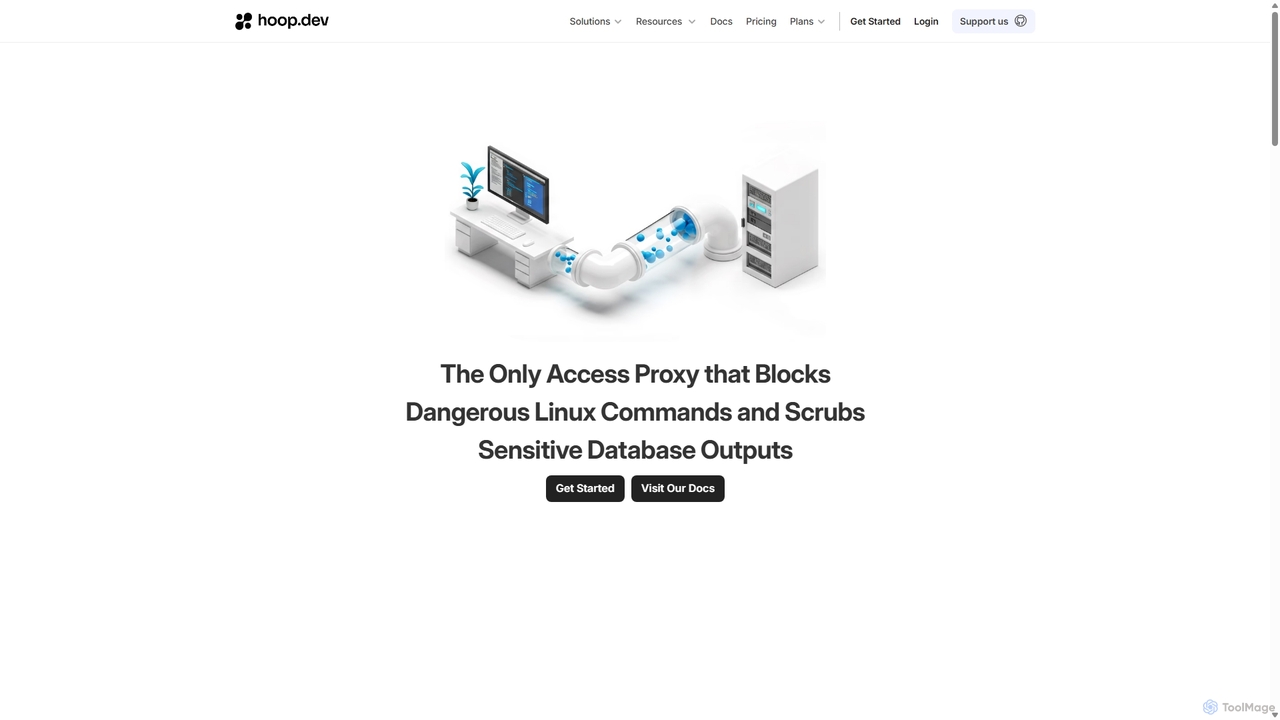
Hoop.dev is an AI-powered access gateway providing developers with invisible security and admins with command-line control. It offers secure, auditable access to databases and servers, featuring real-time AI data masking, session recording, and streamlined approval workflows to enhance security without disrupting productivity.

Preview

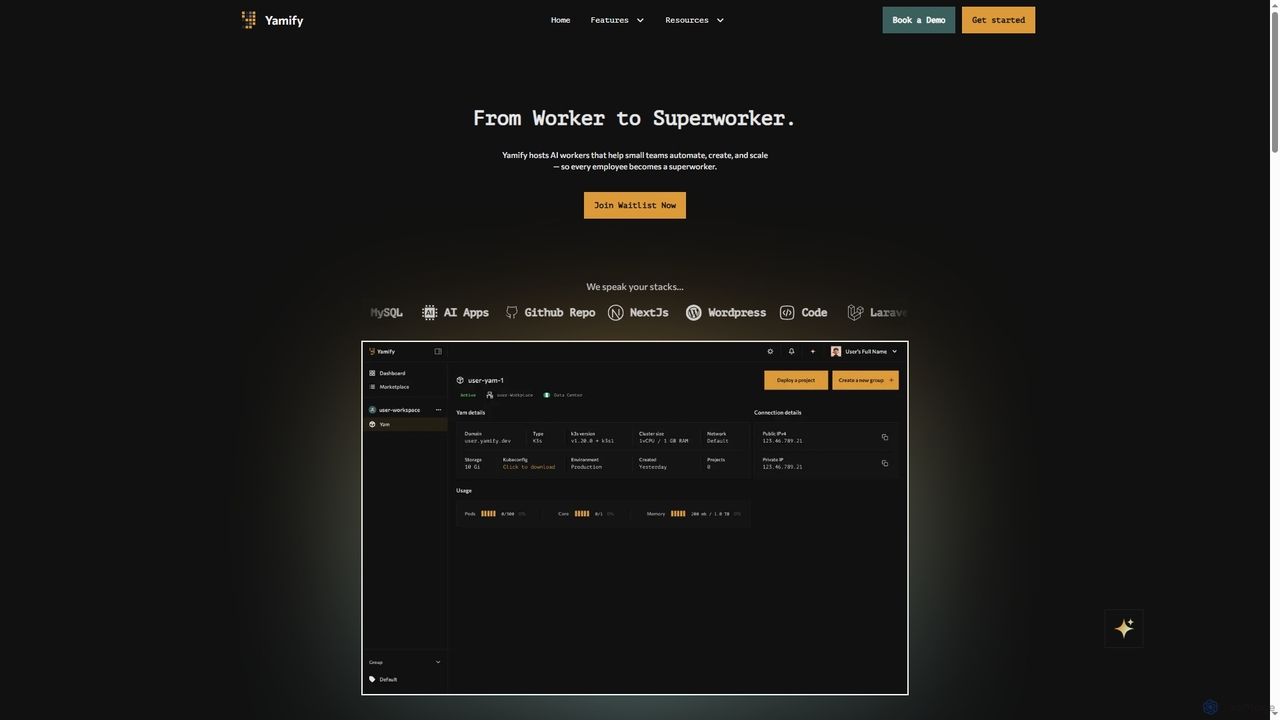
Yamify Product overview

Yamify is a cloud platform that hosts AI workers to help small teams automate, create, and scale applications. It simplifies Kubernetes deployment and management, allowing users to launch and manage apps in a private cloud environment without writing YAML.

Preview

Quick facts

Compare product focus, pricing models and audiences. Highlighted rows indicate different listed information; unknown pricing does not mean free.

Hoop.dev VS Yamify — Quick facts
Quick factsHoop.devYamify
Pricing modelFreemiumNo data available
Product typeWebWeb
Primary focusSecurityPaas
Audience and rolesCompliance Officer · Database Administrator · DevOps Engineer · IT Manager · Product Manager · Security Engineer · Software Developer · System AdministratorDevOps Engineer · IT Manager · Product Manager · Software Developer · Startup Founder · Web Developer
CategoriesSecurity · Automation · Access ManagementPaas · Deployment · Automation
AddedSep 13, 2025Nov 4, 2025
UpdatedNov 19, 2026Nov 19, 2026

Features, usage and use cases

Explore the listed product descriptions, features and workflows. Taxonomy labels alone are not feature evaluations.

Hoop.dev

Hoop.dev is a modern access gateway designed to solve the complex challenges of managing infrastructure access in today's organizations. It provides a secure, auditable, and easy-to-manage layer between users and critical resources like databases, servers, and Kubernetes clusters. By leveraging AI-powered automations, Hoop.dev eliminates cumbersome access policies and break-glass workflows, offering invisible security for developers, centralized control for administrators, and built-in oversight for security teams. The platform addresses key issues such as security risks from overly permissive access, productivity bottlenecks from complex approvals, and compliance headaches from inadequate audit trails.

How to use Hoop.dev

Getting started with Hoop.dev is designed to be straightforward, whether using the managed service or self-hosting. The process involves a few key steps:

  1. Deployment: Choose between the managed cloud service for a quick setup or self-host Hoop.dev in your own infrastructure using Docker, Kubernetes, or AWS for full control.
  2. Connect Resources: Add your databases (Postgres, MySQL, etc.), Kubernetes clusters, or other infrastructure endpoints to Hoop.dev using the appropriate connection strings and credentials.
  3. Configure Policies & Integrations: Define granular, role-based access policies to determine who can access what. Integrate with your existing Identity Provider (IDP) for SSO and sync user groups. Set up integrations with tools like Slack or Microsoft Teams for just-in-time access approvals.
  4. Developer Access: Developers can connect to resources using their preferred CLI or the Hoop.dev web interface. The process is seamless, requiring zero onboarding or changes to their existing workflows. All activity is transparently proxied and logged in the background.
  5. Administer & Audit: Administrators manage all resources, policies, and logs from a single, centralized interface. They can review session recordings, audit access logs, and ensure compliance with regulations like SOC 2, HIPAA, and PCI.

Core Features of Hoop.dev

  • AI Data Masking: Automatically identifies and scrubs sensitive data like PII, emails, and SSNs in real-time before it leaves the server, making data usable without the risk.
  • Session Recording: Captures complete, searchable records of user activity, including video playback and structured logs. This aids in faster debugging, compliance, and knowledge sharing.
  • Access Control & Guardrails: Enforces granular, role-based access controls and intelligent guardrails that block unsafe actions and risky commands before they reach your resources.
  • Just-in-Time Access & Reviews: Enables time-based access sessions or command-level reviews with approvals pushed through Slack and Microsoft Teams, eliminating standing privileges.
  • Git-Versioned Runbooks: Automates routine tasks by allowing teams to create, share, and execute templated procedures from a Git repository, reducing manual errors and ad-hoc scripting.
  • Secrets Management: Securely integrates with popular secrets management tools, dynamically expanding environment variables without exposing sensitive credentials.
  • Comprehensive Integrations: Connects with IDPs for SSO, communication platforms like Slack and Teams for workflows, and SIEM tools for advanced monitoring.

Use Cases for Hoop.dev

Hoop.dev is ideal for various scenarios across different teams:

  • Secure Database Access: Provide developers and data analysts with secure, audited access to databases while automatically masking sensitive data in query results.
  • VPN-less Server Access: Eliminate the need for a VPN by offering secure, authenticated, and audited access to SSH servers, Kubernetes clusters, and application runtimes.
  • Compliance & Auditing: Automatically generate detailed audit trails, session recordings, and access logs to meet strict regulatory requirements like SOC 2, HIPAA, and PCI.
  • Developer Productivity: Streamline access to necessary resources, allowing developers to work efficiently without being hindered by slow, manual approval processes.
  • Incident Response & Debugging: Quickly investigate incidents by reviewing detailed session recordings to understand exactly what commands were run and what their outputs were.

Advantages of Hoop.dev

The primary advantage of Hoop.dev is its ability to provide robust security that is 'invisible' to developers. It doesn't disrupt workflows, allowing teams to remain productive. The AI-powered data masking is a key differentiator, offering proactive data loss prevention without manual configuration. Furthermore, its centralized control, automated compliance reporting, and use of Git-based runbooks significantly improve operational efficiency and reduce the administrative burden on DevOps and security teams.

Pricing and Plans

Hoop.dev offers a flexible pricing structure to suit different organizational needs:

  • Free (Open-Source): This plan is ideal for smaller teams or initial adoption. It includes core features like secure outbound access, free SSO integration, role-based access control, and a basic audit trail.
  • Enterprise: A comprehensive plan designed for larger organizations with advanced security and compliance needs. It includes all features from the Free plan plus action-level access control, real-time AI data masking, preventive guardrails, access intelligence and analytics, Jira integration, and dedicated support with SLAs. Pricing for the Enterprise plan is available upon request by contacting sales.

Yamify

Yamify is a comprehensive cloud platform designed to transform regular employees into 'superworkers' by simplifying and automating application deployment and management. It provides a user-friendly interface for managing a private Kubernetes space, known as a 'Yam', which eliminates the traditional complexities of cloud infrastructure. This allows small teams to focus on building and scaling their ideas without getting bogged down by complex configurations. The platform is structured around Workspaces, Yams, and Groups, creating an organized and efficient workflow from development to production.

How to use Yamify

To get started with Yamify, you first create a Workspace, which is your isolated environment with dedicated resources. Within this Workspace, you launch a 'Yam'—your virtual Kubernetes cluster. You can then organize your applications into 'Groups' (e.g., production, staging) for better management. Finally, use the Marketplace to deploy services like WordPress or databases with a single click into your designated Yam and Group.

Core Features of Yamify

  • Yam: A private, managed Kubernetes space that enables app deployment and management without direct YAML interaction.
  • Workspace: An isolated environment containing your Yam, apps, team access, and usage tracking.
  • Groups: A feature to organize applications within a Yam by purpose or stage, such as staging, production, or AI.
  • Marketplace: A repository of ready-to-go services like WordPress and databases that can be installed with a few clicks.
  • AI Assistance (Coming Soon): An upcoming feature that will use AI to help set up, configure, and optimize your environment.
  • Wallet (Coming Soon): A future tool for managing cloud usage costs in local currency with full transparency.

Use Cases for Yamify

Yamify is ideal for small development teams, startups, and agencies that need a powerful but simple solution for deploying and scaling web applications. It's particularly useful for those who want the benefits of Kubernetes—such as scalability and control—without the steep learning curve. Use cases include hosting multiple client websites, managing different development stages (staging, production), and quickly launching new projects from the Marketplace.

Advantages of Yamify

The primary advantage of Yamify is its simplification of complex DevOps processes. It abstracts away the need to write or manage Kubernetes YAML files, making cloud-native deployment accessible to a broader audience. Its organized structure through Workspaces and Groups enhances project management and clarity. The one-click Marketplace streamlines the setup of common services, significantly reducing deployment time and effort.

Positioning

Their taxonomy shows where the products overlap and where each one has a more distinct focus. Unknown fields are shown explicitly and are never filled with assumptions.

Categories

Shared
Automation
Only Hoop.dev
SecurityAccess Management
Only Yamify
PaasDeployment

Tags

Shared
devopskubernetes
Only Hoop.dev
access controlAIaudit trailcompliancedatabase securitydata maskinginfrastructure accesssecuritysession recordingZero Trust
Only Yamify
AI workersApplication Hostingautomationcloud deploymentno-codePaaSserver managementsmall teams

Audience and roles

Shared
DevOps EngineerIT ManagerProduct ManagerSoftware Developer
Only Hoop.dev
Compliance OfficerDatabase AdministratorSecurity EngineerSystem Administrator
Only Yamify
Startup FounderWeb Developer

Traffic comparison

Traffic is shown on the same scale so differences in market visibility are not visually understated.

How to interpret the traffic data

Both charts share the same months and vertical scale. Each tool identifies its latest reporting month; missing months are left blank, not counted as zero. Regional and source visit counts are estimates calculated from the reported shares.

Hoop.dev monthly traffic:

Latest traffic · 2026-05

Monthly visits
81.7K
Avg. visit duration
0:38
Pages per visit
1.72
Bounce rate
42.38%
Data updated 2026-06-15

Monthly traffic trend

  • 2025-09: 23.1K
  • 2026-01: 93.2K
  • 2026-02: 78.1K
  • 2026-03: 91.2K
  • 2026-04: 91.4K
  • 2026-05: 81.7K

Top regions

Top 5 countries/regions
Country/regionPercentageEstimated visits
🇩🇪Germany22.68%18.5K
🇺🇸United States22.04%18K
🇧🇷Brazil20.58%16.8K
🇮🇳India18.64%15.2K
🇳🇬Nigeria16.06%13.1K

Traffic sources

Source typePercentageEstimated visits
Referral50.78%41.5K
Direct49.22%40.2K

Search keywords

argocd s3 deploymentcosmos db vsl clickhousecreate a sql database google workspacefatsapi bigquery client gcphashicorp vault access fido

Yamify

No data available

Community signals

Ratings, comments, favorites, and likes are community signals—not a substitute for product fit.

Hoop.dev

Rating
No data available
Comments
0
Favorites
202
Likes
196

Yamify

Rating
No data available
Comments
0
Favorites
121
Likes
140

Hoop.dev vs Yamify · Comparison FAQ

What do Hoop.dev and Yamify have in common?
Both tools are listed under Automation. These categories indicate overlapping use cases; compare their detailed descriptions for workflows, capabilities and limitations.
Are Hoop.dev and Yamify free?
Listed pricing models: Hoop.dev — Freemium; Yamify — No data available. Missing pricing is not proof of a free plan, and freemium does not mean every feature is free. Check official sites for current plans, limits and trials.
How should I choose between Hoop.dev and Yamify?
The primary listed category is Security for Hoop.dev, and Paas for Yamify. Compare features, steps and use cases, then verify pricing, data permissions and deployment needs. This page does not include hands-on testing and does not declare a winner from traffic or tags.

Yamify · Comparison FAQ

What is a 'Yam' in the Yamify platform?

A 'Yam' is your private Kubernetes space provided by Yamify. It is designed for speed, scale, and control, allowing you to deploy and manage applications without needing to write or interact with YAML files directly.

How does Yamify help organize applications?

Yamify uses 'Groups' to help you organize applications inside a Yam. You can create groups for different purposes, such as 'staging', 'production', or 'AI', which makes it easier to manage, monitor, and deploy your apps with clarity.

Can I install common applications like WordPress easily?

Yes, Yamify features a 'Marketplace' where you can find and install services like WordPress or deployment helpers in just a few clicks. You can select an app from the Marketplace and deploy it instantly into your chosen Yam and group.

What is a 'Workspace' in Yamify?

A 'Workspace' is your dedicated and isolated environment on Yamify. It contains one Yam, your applications, usage data, and team access controls, providing a self-contained space for your projects.

What upcoming features are planned for Yamify?

According to the website, Yamify is planning to launch two key features soon: 'AI Assistance' to help you set up, configure, and optimize your environment, and a 'Wallet' to manage your cloud usage costs in your local currency with full transparency.

Sources and comparison methodology

This page is assembled from ToolMage product listings, taxonomy, traffic statistics and on-site user feedback. It is not a hands-on test or an independent review.

  • Feature and plan descriptions reflect information in the listings, not real-time guarantees. Verify pricing, quotas, availability and privacy terms on the official sites.
  • Traffic uses the reporting months shown. Missing statistics do not mean zero visits, and different periods do not establish growth or superiority. Regional and source visit counts are estimates based on shares.
  • Different tags indicate differences in the listings, not proof that the other product lacks a capability. Ratings, favorites and visits are not used to declare a winner.

Related comparisons