HyperWrite
Research
AI TOOL COMPARISON
What is the difference, and which fits your workflow? Compare features, usage, pricing models and traffic side by side.
Research
Research
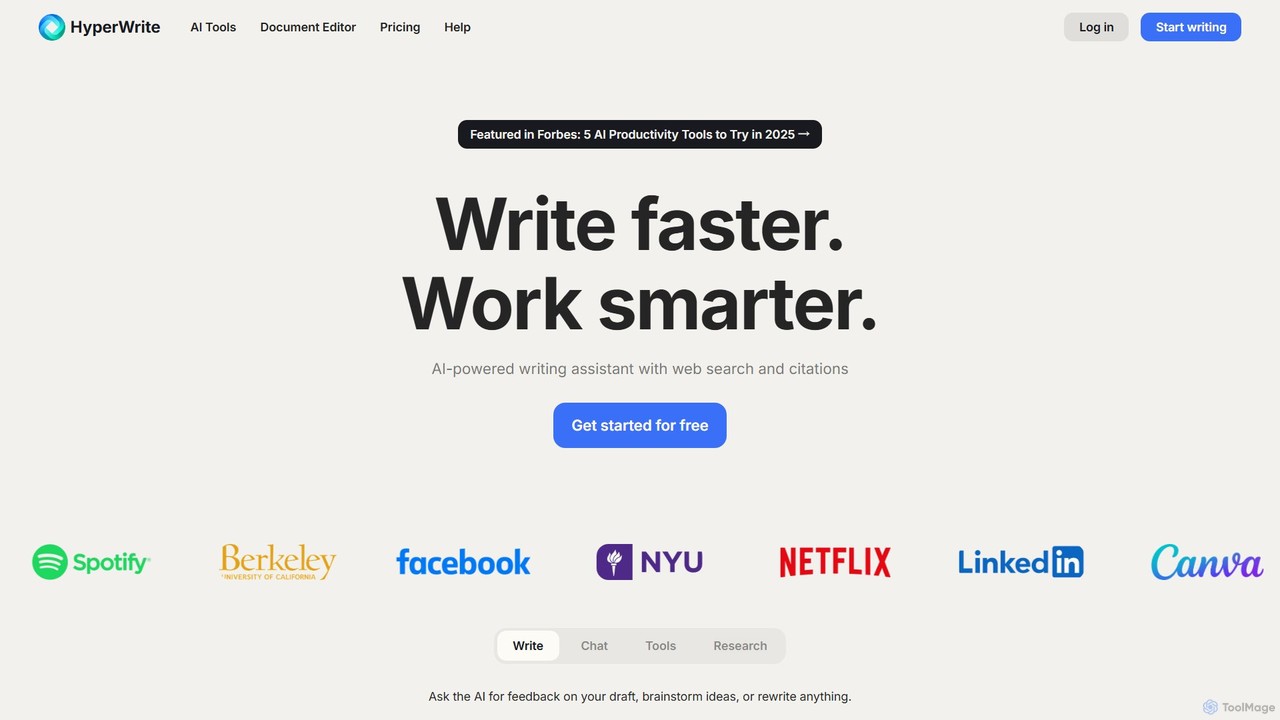
HyperWrite is an advanced AI writing assistant designed to enhance productivity for students, marketers, and professionals. It offers hundreds of tools for writing, research, summarization, and content creation. Key features include real-time academic research with citations, customizable 'Personas' to match your writing style, and a seamless Chrome extension for workflow integration.
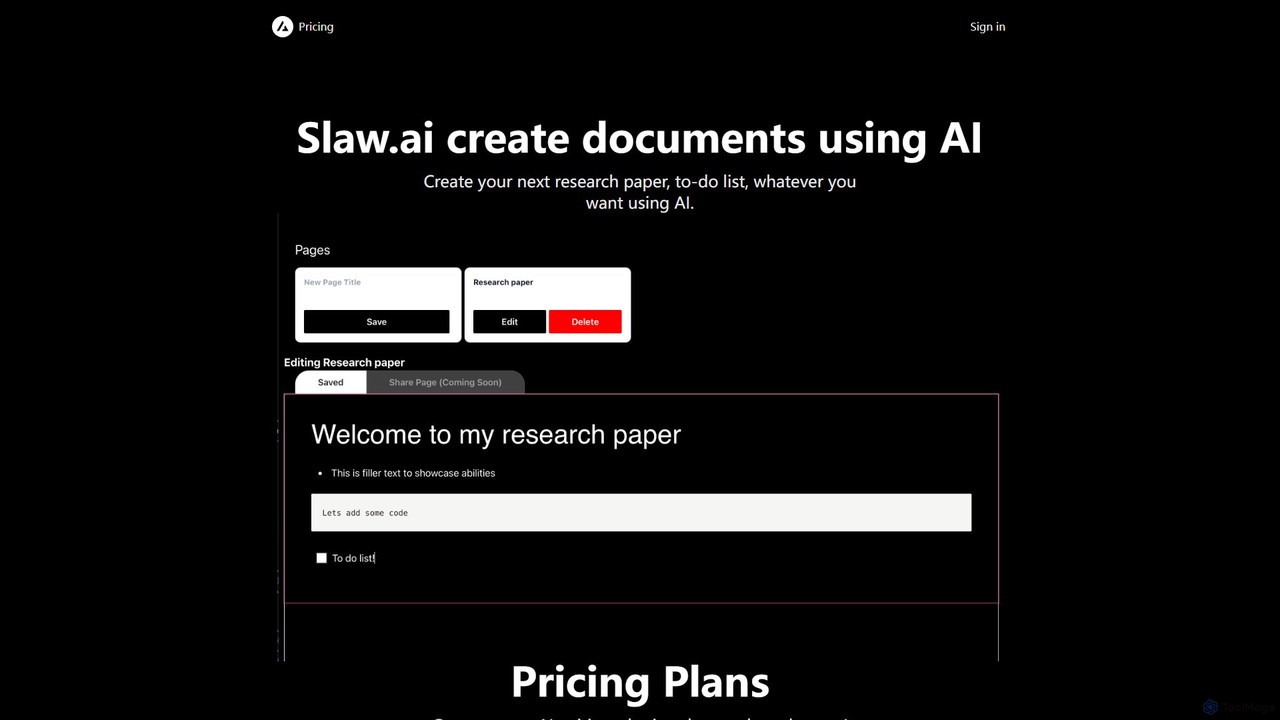
Slaw.ai is an AI-powered document creation platform that leverages GPT-4 to help users write anything from research papers to to-do lists. It offers a streamlined interface for generating high-quality text, along with features for document sharing and collaboration. With a simple, affordable subscription, users get unlimited access to all its writing capabilities.
Compare product focus, pricing models and audiences. Highlighted rows indicate different listed information; unknown pricing does not mean free.
| Quick facts | HyperWrite | Slaw.ai |
|---|---|---|
| Pricing model | Freemium | Paid |
| Product type | Web | Web |
| Primary focus | Research | Research |
| Audience and roles | No data available | No data available |
| Categories | Research · Content Creation · Writing | Research · Content Creation · Writing |
| Added | Aug 2, 2025 | Aug 16, 2025 |
| Updated | Nov 19, 2026 | Nov 19, 2026 |
Explore the listed product descriptions, features and workflows. Taxonomy labels alone are not feature evaluations.
HyperWrite is a comprehensive AI-powered writing assistant that serves as a versatile partner for a wide range of writing and research tasks. Developed by OthersideAI, it leverages cutting-edge models like GPT-4 and a custom Llama 3 70B to help users work smarter and faster. Whether you're drafting an academic paper, creating marketing copy, or simply responding to emails, HyperWrite integrates seamlessly into your workflow to refine your ideas and bring your words to life. It's more than just a text generator; it's a research tool, an editor, and a creative collaborator all in one.
Getting started with HyperWrite is straightforward. Users can sign up for a free account to explore its basic features. The primary way to interact with the tool is through its web-based document editor or the powerful Chrome Extension, which brings AI assistance to any website you visit.
HyperWrite is trusted by a diverse range of users to improve efficiency and quality:
HyperWrite stands out by offering a combination of power, personalization, and practicality. Its main advantages include a significant productivity boost by automating repetitive writing tasks, enhanced writing quality through advanced editing and style suggestions, and access to factual, current information with its real-time research capabilities. The 'Personas' feature provides unparalleled personalization, while the Chrome extension ensures a frictionless experience, making powerful AI assistance available wherever you work.
HyperWrite offers a flexible pricing structure to suit different needs:
Discounts: HyperWrite offers a 50% student discount for users with a valid .edu email address. New users can also get 50% off their first month with the code TRYHYPERWRITE.
Slaw.ai is an advanced AI-driven platform designed to revolutionize document creation. By harnessing the power of sophisticated models like GPT-4, Slaw.ai empowers users to effortlessly generate a wide variety of written content. Whether you're a student working on a complex research paper, a professional drafting a business report, or simply organizing your thoughts with a to-do list, this tool provides the assistance you need to produce high-quality, coherent, and well-structured documents quickly and efficiently.
The platform is built around a user-friendly interface that simplifies the writing process. Users can start from scratch by providing a simple prompt or topic, and the AI will generate a complete draft. This draft can then be refined and edited within Slaw.ai's integrated editor. The inclusion of document sharing capabilities suggests a collaborative environment, allowing teams or peers to review and contribute to the content, making it a versatile tool for both individual and group projects.
Using Slaw.ai is designed to be intuitive. First, sign up for an account and subscribe to a plan. Once logged in, you can start a new document. You will be presented with an input field where you can describe the document you want to create. For example, you could type 'Write a 500-word introduction to a research paper on the impact of AI on the job market' or 'Create a to-do list for planning a marketing campaign'. The AI then processes your request and generates the text. You can then use the built-in editor to modify, expand, or rephrase sections of the generated content. Finally, you can save your document or use the sharing feature to send a link to colleagues or friends for feedback or collaboration.
For Students and Academics: Quickly draft essays, literature reviews, and research papers. Overcome writer's block by generating initial ideas and outlines. Format citations and bibliographies with AI assistance.
For Professionals: Create detailed business reports, proposals, meeting agendas, and marketing copy. Streamline the creation of internal communications and press releases. Generate professional-quality emails and presentations.
For Content Creators: Write engaging blog posts, articles, and social media updates. Brainstorm content ideas and generate multiple variations of headlines or ad copy.
For Personal Productivity: Organize thoughts by creating detailed to-do lists, planning personal projects, or even drafting personal correspondence.
The primary advantage of Slaw.ai is its combination of power and simplicity. By leveraging GPT-4, it delivers a high standard of writing that can be adapted to numerous contexts. Its straightforward, unlimited-access pricing model is highly competitive and removes the worry of credit limits or usage tiers. The focus on core functionalities like writing and sharing, without unnecessary clutter, makes it an efficient tool for anyone looking to boost their writing productivity. It serves as an excellent co-pilot for writing, helping to accelerate the initial drafting phase and allowing users to focus on refining and perfecting their message.
Slaw.ai offers a simple and transparent pricing structure. The platform provides a single subscription plan with options for monthly or yearly billing.
Beginner Plan:
- Price: $4.99 per month.
- Billing: A yearly billing option is also available, which typically includes a discount over the monthly rate.
- Features: This plan grants unlimited access to all current and upcoming features, including unlimited AI document generation, document sharing, and use of all available AI models.
Their taxonomy shows where the products overlap and where each one has a more distinct focus. Unknown fields are shown explicitly and are never filled with assumptions.
Traffic is shown on the same scale so differences in market visibility are not visually understated.
Both charts share the same months and vertical scale. Each tool identifies its latest reporting month; missing months are left blank, not counted as zero. Regional and source visit counts are estimates calculated from the reported shares.
| Country/region | Percentage | Estimated visits |
|---|---|---|
| 🇺🇸United States | 73.81% | 232.1K |
| 🇬🇧United Kingdom | 11.24% | 35.3K |
| 🇮🇳India | 5.96% | 18.7K |
| 🇨🇳China | 4.55% | 14.3K |
| 🇹🇭Thailand | 4.44% | 14K |
| Source type | Percentage | Estimated visits |
|---|---|---|
| Direct | 87% | 273.6K |
| Referral | 11.2% | 35.2K |
| 1.8% | 5.7K |
No data available
Ratings, comments, favorites, and likes are community signals—not a substitute for product fit.
This page is assembled from ToolMage product listings, taxonomy, traffic statistics and on-site user feedback. It is not a hands-on test or an independent review.