
ToolMage
Sign in

AI TOOL COMPARISON

Instructa vs Takeoff

What is the difference, and which fits your workflow? Compare features, usage, pricing models and traffic side by side.

Jump to key differences

Product overview

Instructa Product overview

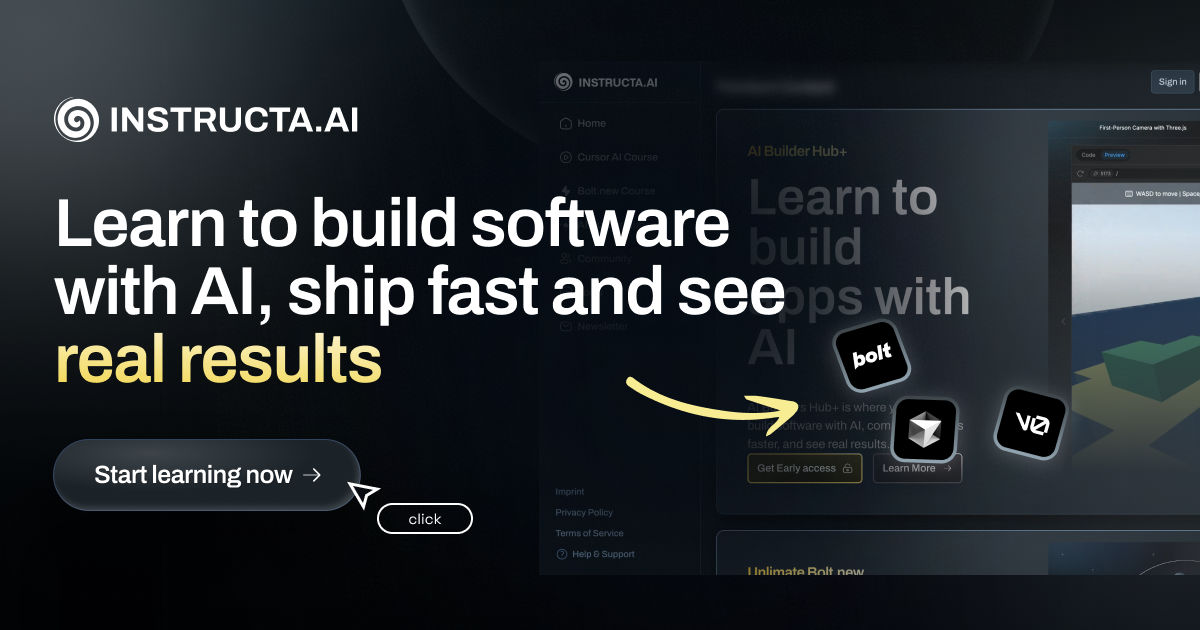
Instructa is an online learning academy for developers and AI builders. It offers a comprehensive suite of video courses, practical guides, and expert-tested prompts to help users master building real-world applications and games with AI. Learn to leverage tools like Cursor AI, Bolt.new, and advanced protocols like MCP to accelerate your development workflow, ship projects faster, and achieve tangible results. Join a supportive community and stay ahead with regularly updated content.

Preview

Takeoff Product overview

Takeoff is an online learning platform designed to help users master AI coding. It offers project-based courses for all skill levels, from complete beginners to experienced developers, focusing on practical skills with tools like Cursor and Claude to transform you into a top-tier AI user.

Preview

Quick facts

Compare product focus, pricing models and audiences. Highlighted rows indicate different listed information; unknown pricing does not mean free.

Instructa VS Takeoff — Quick facts
Quick factsInstructaTakeoff
Pricing modelFreemiumFreemium
Product typeWebWeb
Primary focusLearning PlatformLearning Platform
Audience and rolesNo data availableNo data available
CategoriesLearning Platform · Programming · CoursesLearning Platform · Programming · Skill Development
AddedAug 16, 2025Aug 4, 2025
UpdatedNov 19, 2026Nov 19, 2026

Features, usage and use cases

Explore the listed product descriptions, features and workflows. Taxonomy labels alone are not feature evaluations.

Instructa

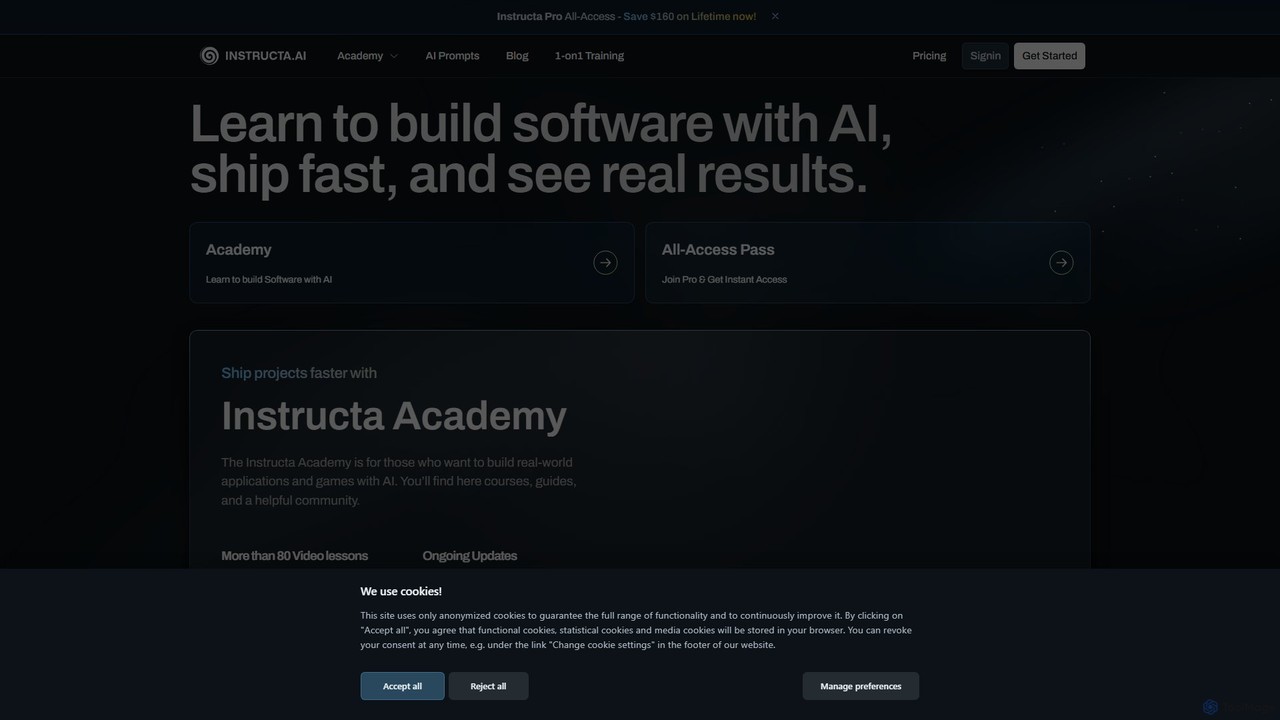
Instructa, also known as the Instructa Academy, is a premier online educational platform designed for developers, programmers, and AI enthusiasts who want to master the art of building software with artificial intelligence. Founded by industry expert Kevin Kern, Instructa's core mission is to bridge the gap between theoretical AI concepts and practical, real-world application. It provides a rich ecosystem of learning resources aimed at helping users ship projects faster and see tangible results.

The platform is more than just a collection of tutorials; it's a comprehensive academy that combines in-depth video lessons, step-by-step guides, and a vibrant community. Whether you're a beginner looking to build your first AI app or an experienced developer aiming to integrate advanced AI workflows, Instructa offers the tools and knowledge to accelerate your growth and enhance your profitability.

How to use Instructa

Getting started with Instructa is a straightforward journey designed for maximum learning efficiency:

  1. Join the Academy: Sign up for the Instructa Pro All-Access plan to unlock the entire library of content. This often includes promotional offers like a lifetime membership.
  2. Explore the Course Catalog: Dive into over 80 video lessons covering a wide range of essential topics. Start with foundational courses on tools like Cursor AI or explore advanced concepts such as the Model Context Protocol (MCP).
  3. Follow Practical Guides: Choose a project-based guide to apply your skills. Tutorials like "Build an AI Image Generator App" or "How to Build Landing Pages with AI" provide hands-on experience with modern tech stacks (Next.js, Supabase, etc.).
  4. Leverage Pro Prompts and Rules: Access a curated collection of industry-tested prompts and configuration rules. Use these to streamline project planning, create detailed roadmaps, and guide AI coding agents like Claude or GPT for more precise outputs.
  5. Engage with the Community: Join the exclusive private Discord server. It's a valuable space to ask questions, share your projects, exchange ideas with peers, and get direct feedback from experts.
  6. Stay Current: Subscribe to the free weekly newsletter to receive the latest AI tips, tool comparisons, and insights to keep your skills sharp and your projects profitable.

Core Features of Instructa

  • Extensive Video Course Library: Access a growing collection of over 80 video lessons on AI-native development, covering essential tools like Cursor AI, Bolt.new, and concepts like the Model Context Protocol (MCP).
  • Pro Planning & Coding Prompts: A unique repository of curated, industry-tested prompts and guidelines (e.g., rules for using Claude 3.7 in Cursor) to streamline project planning, specification writing, and AI-assisted coding.
  • Practical Step-by-Step Guides: In-depth, project-focused tutorials on building real-world applications, including AI image generators, full-stack apps with Supabase, and high-converting landing pages.
  • Exclusive Community Access: Membership includes access to a private Discord server, creating a platform for members to connect, ask questions, collaborate, and network with other AI builders.
  • Regular Content Updates: The curriculum is constantly refreshed with new courses, guides, and lessons delivered regularly, ensuring members stay ahead of the curve in the fast-evolving AI landscape.
  • Focus on Modern Tech Stacks: Courses and guides are built around popular and powerful frameworks and tools, including Next.js, Astro, Clerk for authentication, TailwindCSS, and Expo for mobile development.

Use Cases for Instructa

Instructa is valuable for a wide range of individuals and teams:

  • Aspiring AI Developers: Beginners can follow structured learning paths to build foundational skills and create their first portfolio-worthy AI-powered applications.
  • Experienced Developers: Seasoned programmers can upskill by learning advanced AI-native workflows, mastering tools like Cursor AI for enhanced productivity, and understanding new paradigms like MCP.
  • Freelancers and Entrepreneurs: Learn to ideate, plan, and build profitable AI projects efficiently, reducing development time and increasing project success rates.
  • Tech Teams and Leaders: Utilize the courses and defined coding standards (e.g., for Next.js with Clerk) to onboard new members and standardize AI development practices across the team for better consistency and maintainability.

Advantages of Instructa

  • Practical, Project-Based Learning: The curriculum emphasizes building real-world applications, ensuring that learners gain practical skills they can immediately apply.
  • Expert-Led Content: All materials are created and curated by industry professional Kevin Kern, guaranteeing high-quality, relevant, and battle-tested information.
  • Development Acceleration: The platform provides workflows, prompts, and tools specifically designed to speed up the entire software development lifecycle.
  • Supportive and Exclusive Community: The private Discord server offers a unique advantage for networking, collaborative problem-solving, and direct support.
  • All-in-One Learning Hub: It consolidates learning for a wide array of modern AI development tools and concepts, saving users time from searching for fragmented information elsewhere.

Pricing and Plans

Instructa operates on a freemium model:

  • Free Newsletter: Anyone can subscribe to the free newsletter to receive weekly AI tips, tutorials, and industry news.
  • Instructa Pro All-Access: This is the premium paid offering that grants full access to all video courses, guides, pro prompts, and the private community. Instructa frequently offers a lifetime access deal, providing significant long-term value compared to a recurring subscription model. For the most current pricing, please visit the official website.

Takeoff

Takeoff is the premier online destination for anyone looking to master the art and science of AI-powered coding. With a thriving community of over 26,000 learners, Takeoff provides a structured, beginner-friendly path to transform you from a novice into a top 1% AI user and engineer. The platform's mission is to make AI as accessible as the internet, empowering everyone with the skills to build with artificial intelligence.

The learning philosophy at Takeoff is centered around practical application rather than just theory. Courses are meticulously crafted by industry experts who use these AI tools in their daily workflows. This ensures that the curriculum is not only up-to-date with the latest advancements but also packed with real-world insights and best practices.

How to use Takeoff

Getting started with Takeoff is simple and flexible. First, create an account to explore the platform; you can start with a free plan to preview courses. Once registered, browse the comprehensive course catalog, which includes popular topics like 'The Complete Claude Code Course' and mastering the 'Cursor' AI-assisted editor. Select a course that aligns with your goals, whether it's learning the fundamentals or leveling up your existing skills. Follow the high-quality video lessons at your own pace, and most importantly, engage with the project-based assignments. These projects are designed to be built and deployed, giving you tangible proof of your new abilities and a portfolio to showcase your expertise.

Core Features of Takeoff

  • Expert-Crafted Curriculum: Courses are designed and taught by industry professionals with real-world experience in AI development.
  • Project-Based Learning: Go beyond theory by building and deploying real-world projects, solidifying your skills and creating a professional portfolio.
  • Continuously Updated Content: The AI landscape evolves rapidly, and Takeoff's courses are constantly updated to reflect the latest tools, techniques, and best practices.
  • Comprehensive Course Library: Access a wide range of courses covering essential AI tools and concepts, such as the Cursor editor and large language models like Claude.
  • Beginner to Pro Pathway: A structured curriculum that guides learners from zero programming knowledge to the level of a proficient AI engineer.
  • Thriving Community: Join a network of over 26,000 students, developers, and designers to share knowledge and collaborate.

Use Cases for Takeoff

Takeoff is valuable for a diverse range of individuals. For experienced developers, it's a way to 10x their productivity by integrating AI-assisted coding into their workflow. For career-switchers and beginners, it provides a clear, fast-tracked path to landing a tech job. Data analysts can learn to build their own custom tools, automating complex tasks and accelerating their work. Students can supplement their formal education with practical, in-demand skills that employers are actively seeking. Furthermore, companies can leverage Takeoff's team plans to upskill their entire development teams, ensuring they remain competitive and efficient.

Advantages of Takeoff

The primary advantage of Takeoff is its unwavering focus on practical, applicable skills. Unlike purely academic courses, Takeoff teaches you what actually works in a professional environment. The project-based approach ensures you don't just learn, you *do*. The platform is highly accessible, catering to absolute beginners while still offering immense value to seasoned developers. Testimonials from thousands of satisfied users highlight the platform's effectiveness in boosting productivity, building confidence, and even generating income through newly acquired skills.

Pricing and Plans

Takeoff offers a flexible pricing structure to suit different needs:

  • Free Plan: Get started for $0/month. This plan provides access to limited previews of courses, allowing you to sample the content.
  • Pro Plan: For full access to everything on the platform. This includes all courses, workshops, future content updates, and an ad-free experience. The cost is $39/month, or you can save 36% with the annual plan at $299/year (which comes to about $25/month).
  • Student Discount: Verified students can receive a 50% discount on all plans.
  • Team Discount: Teams of 5 or more are eligible for a 33% discount on 3-month or 1-year packages.

Positioning

Their taxonomy shows where the products overlap and where each one has a more distinct focus. Unknown fields are shown explicitly and are never filled with assumptions.

Categories

Shared
Learning PlatformProgramming
Only Instructa
Courses
Only Takeoff
Skill Development

Tags

Shared
developer educationprogramming courses
Only Instructa
AI applicationsAI developmentcoding tutorialscommunityCursor AIfull stack developmentNextJSprompt engineeringsoftware development
Only Takeoff
AI codingai engineerClaudeCursorlearn AIonline learningskill development

Audience and roles

Shared
No listed items
Only Instructa
No listed items
Only Takeoff
No listed items

Traffic comparison

Traffic is shown on the same scale so differences in market visibility are not visually understated.

How to interpret the traffic data

Both charts share the same months and vertical scale. Each tool identifies its latest reporting month; missing months are left blank, not counted as zero. Regional and source visit counts are estimates calculated from the reported shares.

Instructa monthly traffic:

Latest traffic · 2026-05

Monthly visits
18.6K
Avg. visit duration
0:08
Pages per visit
1.46
Bounce rate
39.38%
Data updated 2026-06-15

Monthly traffic trend

  • 2025-09: 68.6K
  • 2026-01: 46K
  • 2026-02: 36.3K
  • 2026-03: 29.7K
  • 2026-04: 23.3K
  • 2026-05: 18.6K

Top regions

Top 5 countries/regions
Country/regionPercentageEstimated visits
🇺🇸United States30.49%5.7K
🇳🇬Nigeria29.13%5.4K
🇻🇳Vietnam16.55%3.1K
🇧🇷Brazil14.67%2.7K
🇮🇳India9.16%1.7K

Search keywords

bugbotclaude allow all commandsclaude allowed-toolscursor bugbothow to set up cursor to make react native apps

Takeoff monthly traffic:

Latest traffic · 2026-05

Monthly visits
6K
Avg. visit duration
0:32
Pages per visit
1.85
Bounce rate
46.32%
Data updated 2026-06-15

Monthly traffic trend

  • 2025-09: 9.5K
  • 2026-01: 17.4K
  • 2026-02: 11K
  • 2026-03: 9.5K
  • 2026-04: 4.7K
  • 2026-05: 6K

Top regions

Top 5 countries/regions
Country/regionPercentageEstimated visits
🇺🇸United States91.59%5.5K
🇪🇸Spain5.67%339
🇳🇱Netherlands2.74%164

Search keywords

magiclearnmcp 101takeoff agentstakeoff aitakeoff ai inc

Community signals

Ratings, comments, favorites, and likes are community signals—not a substitute for product fit.

Instructa

Rating
No data available
Comments
0
Favorites
162
Likes
184

Takeoff

Rating
No data available
Comments
0
Favorites
180
Likes
169

Instructa vs Takeoff · Comparison FAQ

What do Instructa and Takeoff have in common?
Both tools are listed under Learning Platform、Programming. These categories indicate overlapping use cases; compare their detailed descriptions for workflows, capabilities and limitations.
Are Instructa and Takeoff free?
Listed pricing models: Instructa — Freemium; Takeoff — Freemium. Missing pricing is not proof of a free plan, and freemium does not mean every feature is free. Check official sites for current plans, limits and trials.
How should I choose between Instructa and Takeoff?
The primary listed category is Learning Platform for Instructa, and Learning Platform for Takeoff. Compare features, steps and use cases, then verify pricing, data permissions and deployment needs. This page does not include hands-on testing and does not declare a winner from traffic or tags.

Sources and comparison methodology

This page is assembled from ToolMage product listings, taxonomy, traffic statistics and on-site user feedback. It is not a hands-on test or an independent review.

  • Feature and plan descriptions reflect information in the listings, not real-time guarantees. Verify pricing, quotas, availability and privacy terms on the official sites.
  • Traffic uses the reporting months shown. Missing statistics do not mean zero visits, and different periods do not establish growth or superiority. Regional and source visit counts are estimates based on shares.
  • Different tags indicate differences in the listings, not proof that the other product lacks a capability. Ratings, favorites and visits are not used to declare a winner.

Related comparisons