Textsmith Pro
Research
AI TOOL COMPARISON
What is the difference, and which fits your workflow? Compare features, usage, pricing models and traffic side by side.
Research
Text To Speech
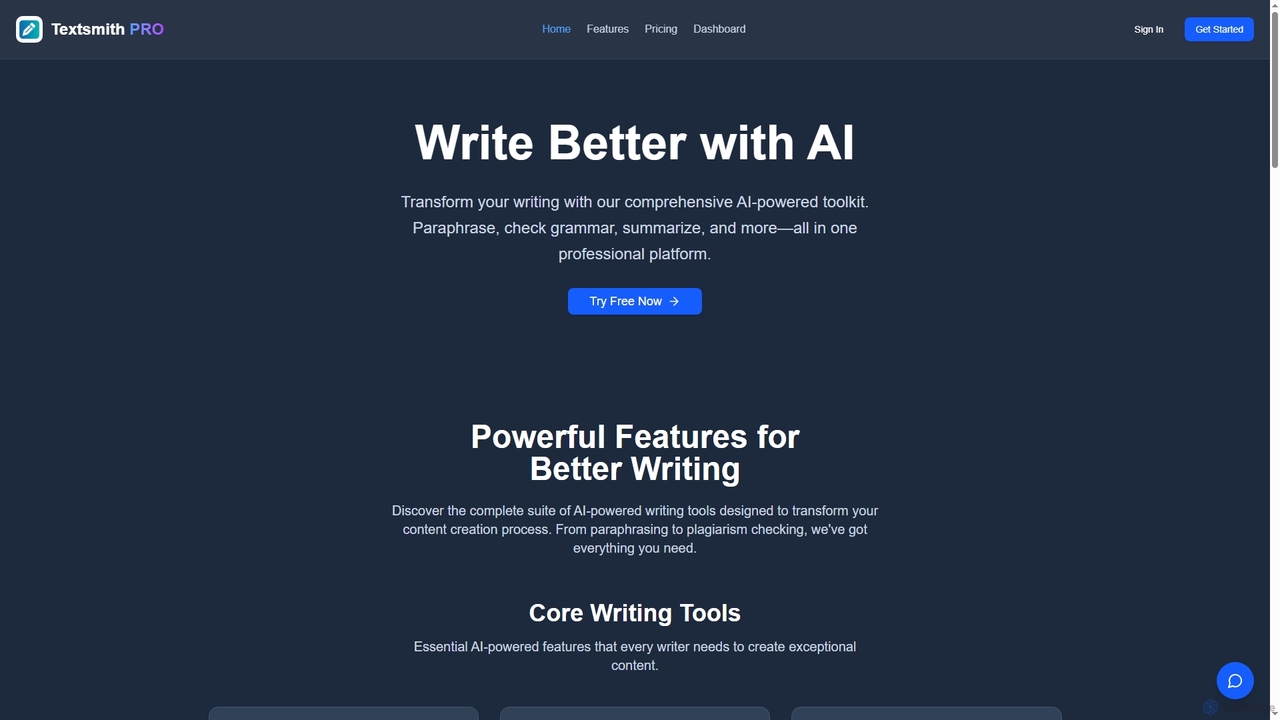
Textsmith Pro is a comprehensive AI writing assistant designed to enhance writing quality and productivity. It offers a suite of tools including an advanced paraphraser with 10+ modes, a grammar checker, plagiarism detection, an AI humanizer, a smart translator for over 20 languages, and a citation generator. Ideal for writers, students, and professionals, it helps create clear, original, and publication-ready content efficiently.
Toolsaday is a comprehensive AI-powered platform offering a suite of over 40 writing and content creation tools. It's designed to help writers, marketers, students, and storytellers save time, overcome writer's block, and produce high-quality content. Key features include a paraphrasing tool, story generator, email writer, ad copy creator, and text-to-speech converter.
Compare product focus, pricing models and audiences. Highlighted rows indicate different listed information; unknown pricing does not mean free.
| Quick facts | Textsmith Pro | Toolsaday |
|---|---|---|
| Pricing model | Freemium | Freemium |
| Product type | Web | Web |
| Primary focus | Research | Text To Speech |
| Audience and roles | Academic · Blogger · Content Creator · Editor · Marketing Manager · Professional Writer · Researcher · Social Media Manager · Student | No data available |
| Categories | Research · Content Creation · Writing | Text To Speech · Research · Content Creation · Writing |
| Added | Nov 8, 2025 | Aug 17, 2025 |
| Updated | Nov 19, 2026 | Nov 19, 2026 |
Explore the listed product descriptions, features and workflows. Taxonomy labels alone are not feature evaluations.
Textsmith Pro is an all-in-one AI-powered writing platform designed to assist writers, students, and professionals in creating high-quality, original, and polished content. The toolkit aims to streamline the entire writing process, from initial drafting to final proofreading, by providing a comprehensive set of intelligent features. It helps users save time, improve clarity and professionalism, and ensure the integrity of their work through advanced tools like paraphrasing, grammar checking, plagiarism detection, and more.
Using Textsmith Pro is straightforward. Users can start by signing up for a free account. Once logged in, you can paste or type text directly into the editor. From there, select the desired tool from the dashboard, such as the AI Paraphraser to rewrite sentences in different tones (e.g., Formal, Creative, Academic), the Grammar Checker for real-time corrections, or the AI Summarizer to condense long documents. For academic work, the Citation Generator can create references in formats like APA and MLA. Pro users can access advanced features like the Plagiarism Checker and AI Image Generator to further enhance their content.
Textsmith Pro is versatile and serves various needs. Students can use it to paraphrase research, check essays for grammar and plagiarism, and generate citations. Content creators and marketers can produce original blog posts, articles, and social media content faster, while using the AI Humanizer to ensure a natural tone. Academics and researchers can summarize lengthy papers and ensure their work is properly cited and original. Professionals can use it to draft clear and error-free emails, reports, and presentations, improving communication quality.
The primary advantage of Textsmith Pro is its comprehensive, integrated suite of tools, which eliminates the need for multiple separate applications. It significantly boosts productivity by automating tedious tasks like proofreading and citation. The platform enhances writing quality by providing advanced suggestions for grammar, style, and tone. Its robust plagiarism checker ensures academic and professional integrity. Furthermore, the freemium model makes it accessible for users to try core features before committing to a paid plan.
Textsmith Pro offers a clear pricing structure with a free and a paid plan:
Toolsaday is an all-in-one AI-powered platform designed to revolutionize the way you write and create content. Trusted by over 700,000 users, it provides a comprehensive suite of more than 40 intelligent tools that cater to a wide range of needs, from academic writing and business communication to creative storytelling and digital marketing. The platform's core mission is to streamline daily tasks, save valuable time and money, and unlock new levels of creativity and productivity through cutting-edge artificial intelligence.
Whether you're a student looking to polish an essay, a marketer crafting compelling ad copy, a novelist developing a new world, or a professional drafting important emails, Toolsaday offers a specialized tool for the job. The platform integrates various advanced AI models (like Cheetah, Liger, Puma, and Jaguar) to ensure high-quality, context-aware, and nuanced outputs. It even allows users to create their own custom AI tools, tailoring the technology to their specific workflows.
Using Toolsaday is a straightforward process designed for efficiency:
For Marketers & Entrepreneurs: Quickly generate engaging ad copy for social media campaigns, write compelling product descriptions, create entire blog posts from outline to conclusion, and draft professional marketing emails and newsletters.
For Authors & Creative Writers: Overcome writer's block with the Story Idea and Plot Twist Generators. Develop rich characters and settings with the Character Generator and World Building tools. Write and refine entire story chapters within the Novel Studio.
For Students & Academics: Effortlessly paraphrase text to avoid plagiarism while retaining original meaning. Use the Summarizer to grasp key points from long articles, and ensure flawless grammar and style with the Grammar and Tone Checkers.
For Business Professionals: Save hours by using the AI Email Generator to draft responses, outreach messages, and internal communications. Use the Response Generator for quick replies on various platforms.
Toolsaday stands out by offering a vast, integrated ecosystem of tools under one roof, eliminating the need for multiple subscriptions. Its key advantages include significant time savings (users report an average of 80% time saved), enhanced creativity by providing endless ideas and overcoming blocks, and improved quality of writing for non-native speakers and professionals alike. The ability to create custom tools provides unparalleled flexibility, making it a truly personal AI assistant.
Toolsaday operates on a freemium model, offering some free tools to get started. For full access, it provides several subscription plans:
Annual plans are also available, offering a discount equivalent to two months free. An AI Image Generator is also available with its own separate pricing plans.
Their taxonomy shows where the products overlap and where each one has a more distinct focus. Unknown fields are shown explicitly and are never filled with assumptions.
Traffic is shown on the same scale so differences in market visibility are not visually understated.
Both charts share the same months and vertical scale. Each tool identifies its latest reporting month; missing months are left blank, not counted as zero. Regional and source visit counts are estimates calculated from the reported shares.
| Country/region | Percentage | Estimated visits |
|---|---|---|
| 🇧🇷Brazil | 52.34% | 317 |
| 🇺🇸United States | 47.66% | 289 |
| Country/region | Percentage | Estimated visits |
|---|---|---|
| 🇺🇸United States | 48.11% | 355.5K |
| 🇮🇩Indonesia | 20.76% | 153.4K |
| 🇬🇧United Kingdom | 11.39% | 84.2K |
| 🇵🇭Philippines | 10.01% | 74K |
| 🇮🇳India | 9.73% | 71.9K |
| Source type | Percentage | Estimated visits |
|---|---|---|
| Direct | 87.65% | 647.8K |
| Referral | 9.79% | 72.4K |
| 2.56% | 18.9K |
Ratings, comments, favorites, and likes are community signals—not a substitute for product fit.
Every word you input into any of the AI tools counts towards your daily limit. The limit for the Free plan is 300 words per day, while the Pro plan offers a much higher limit of 5,000 words per day. These limits reset daily at midnight EST.
The Free plan provides access to three core tools: the Grammar Checker, the Paraphraser (with 2 basic modes), and the Summarizer. To unlock all 10+ premium tools, including the Plagiarism Checker, AI Humanizer, Translator, Citation Generator, and AI Image Generator, you need to upgrade to the Pro plan.
Your daily word and image generation limits reset every day at midnight EST. This means your usage counter returns to zero, and you receive your full daily allowance to use for the next 24 hours.
If you reach your daily word limit on the Free plan, you will need to wait until the daily reset at midnight EST to use the tools again. Alternatively, you can upgrade to the Pro plan to increase your limit to 5,000 words per day.
Yes, you can cancel your Pro subscription at any time. After cancellation, you will retain access to all Pro features until the end of your current billing period. Once the period ends, your account will revert to the Free plan with its associated limits.
This page is assembled from ToolMage product listings, taxonomy, traffic statistics and on-site user feedback. It is not a hands-on test or an independent review.