Vrain
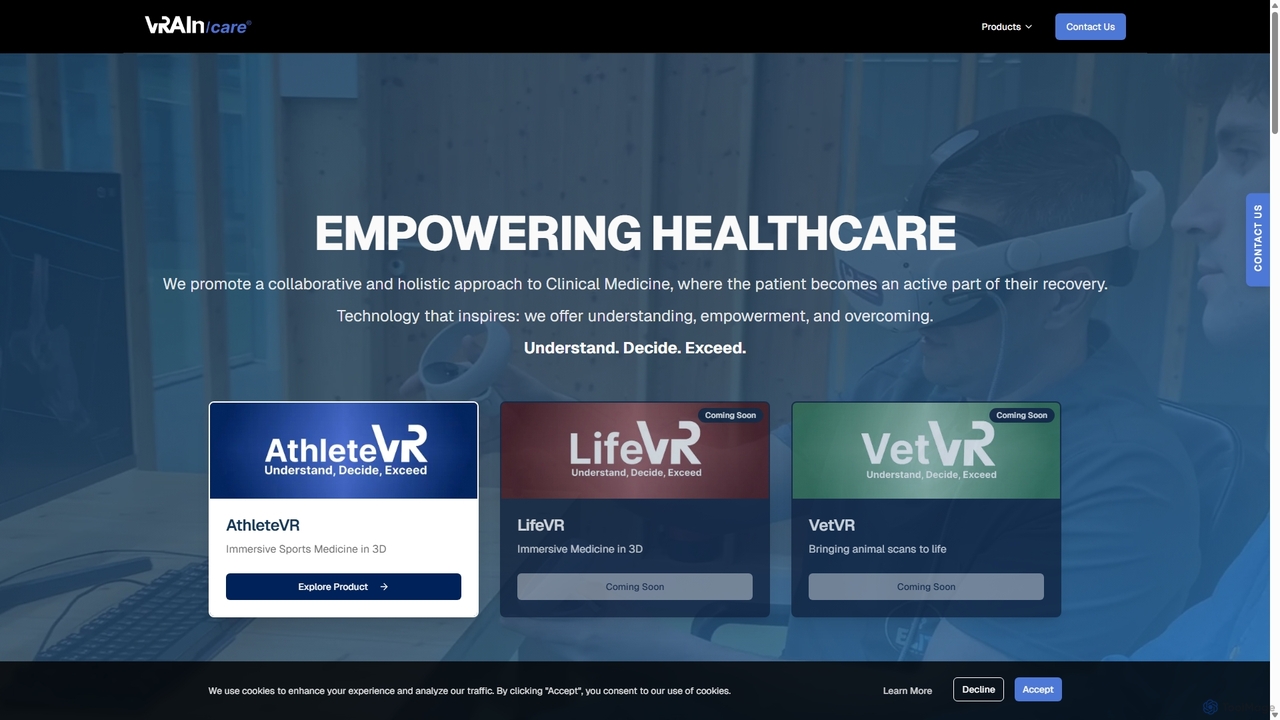
Vrain is an AI-powered bioimaging platform that uses VR, AR, and XR to transform 2D medical scans into …
Vrain is an AI-powered bioimaging platform that uses VR, AR, and XR to transform 2D medical scans into immersive 3D models. It enhances diagnosis, surgical planning, and medical training for professionals in oncology, neurology, and cardiology, aiming to improve patient outcomes through faster, more accurate insights.
About Virtual Reality
Virtual Reality (VR) tools are a class of software used to create and experience fully immersive, computer-generated environments. These tools leverage specialized headsets to replace a user's real-world surroundings with a digital simulation, enabling interaction with 3D objects and spaces. The primary value of VR lies in its ability to provide realistic simulations for training, design visualization, and entertainment, offering a level of immersion that is distinct from other 3D technologies like Augmented Reality. This makes it powerful for applications where spatial understanding and hands-on experience are critical.
Core Features
- Immersive Environment Simulation: Generates complete, 360-degree digital worlds that fully envelop the user's senses.
- Real-time Interaction and Tracking: Tracks the user's head, hand, and body movements to allow for natural interaction within the virtual space.
- Spatial Audio: Delivers three-dimensional sound that accurately reflects the position and movement of objects in the environment.
- Multi-User Collaboration: Enables multiple users to inhabit and interact within the same virtual space simultaneously from different physical locations.
- Haptic Feedback Integration: Supports devices that simulate the sense of touch through vibrations, force, or motion.
Use Cases
VR tools are widely adopted in industries such as architecture, engineering, and construction (AEC) for immersive design reviews and client walkthroughs. In healthcare, they are used for surgical training and therapy. The education sector utilizes VR for virtual labs and historical reconstructions, while the entertainment industry creates immersive games and cinematic experiences.
How to Choose
When selecting a Virtual Reality tool, consider its compatibility with your target hardware (e.g., Meta Quest, HTC Vive, Valve Index). Evaluate the development environment, such as support for engines like Unity or Unreal Engine. Assess the tool's capabilities for content creation, multi-user support, and the quality of its tracking and interaction systems. Finally, consider the learning curve and available community or enterprise support.

Virtual RealityUse Cases
Architectural Visualization and Client Walkthroughs
An architect uses a VR application to import a 3D model of a proposed building. Before construction begins, they invite clients to wear a VR headset and take a virtual tour. Clients can walk through rooms, assess spatial layouts, change materials like flooring or wall colors in real-time, and provide immediate feedback. This process helps identify design flaws early, ensures client satisfaction, and significantly reduces the need for costly physical models or late-stage revisions, saving both time and budget.
Medical and Surgical Training Simulation
Medical schools and hospitals use VR training modules to simulate complex surgical procedures. A surgical resident can practice a delicate operation, such as a neurosurgery or a cardiac procedure, in a hyper-realistic and risk-free virtual environment. The system tracks their hand movements for precision, simulates patient responses, and allows for repeated practice to build muscle memory and decision-making skills. This approach enhances learning outcomes, improves patient safety, and provides standardized training accessible to professionals anywhere.
Immersive Employee Onboarding and Safety Training
A large manufacturing company uses VR to train new employees on operating heavy machinery or handling hazardous materials. Instead of reading manuals or watching videos, new hires enter a virtual factory floor where they can practice emergency shutdown procedures or respond to simulated chemical spills. This hands-on experience in a safe environment accelerates learning, improves knowledge retention, and drastically reduces the risk of real-world accidents and injuries, leading to a safer and more efficient workforce.
Virtual Prototyping for Product Design
An automotive design team uses VR to review a full-scale digital prototype of a new car. Engineers and designers from different locations meet in a shared virtual space to interact with the model. They can sit inside the virtual car to check for ergonomic issues, simulate assembly processes to identify potential manufacturing challenges, and make design adjustments on the fly. This collaborative review process replaces the need for multiple expensive physical prototypes, shortens the design cycle, and fosters better cross-functional communication.
Educational Virtual Field Trips and Labs
A history teacher uses a VR platform to take their class on a virtual field trip to ancient Rome. Students can explore the Colosseum, walk through the Roman Forum, and interact with historical artifacts as if they were actually there. Similarly, a chemistry class can conduct dangerous or expensive experiments in a safe virtual lab. This immersive learning method increases student engagement, makes abstract concepts tangible, and provides access to experiences that would be impossible or impractical in the real world.
Remote Team Collaboration in Virtual Meeting Rooms
A globally distributed product development team uses a VR collaboration platform for its weekly brainstorming sessions. Instead of a standard video call, team members appear as avatars in a shared virtual room. They can use infinite whiteboards, manipulate 3D product models together, and use spatial audio to have natural side conversations. This creates a stronger sense of presence and co-location, leading to more creative and effective collaboration compared to traditional remote work tools.