Freemium
Popular Video AI tools include Adobe, OpenAI, VidCap, labs.google/fx, Google Labs, Shutterstock, Vimeo, CapCut, ElevenLabs, and Manus, helping you work more efficiently.
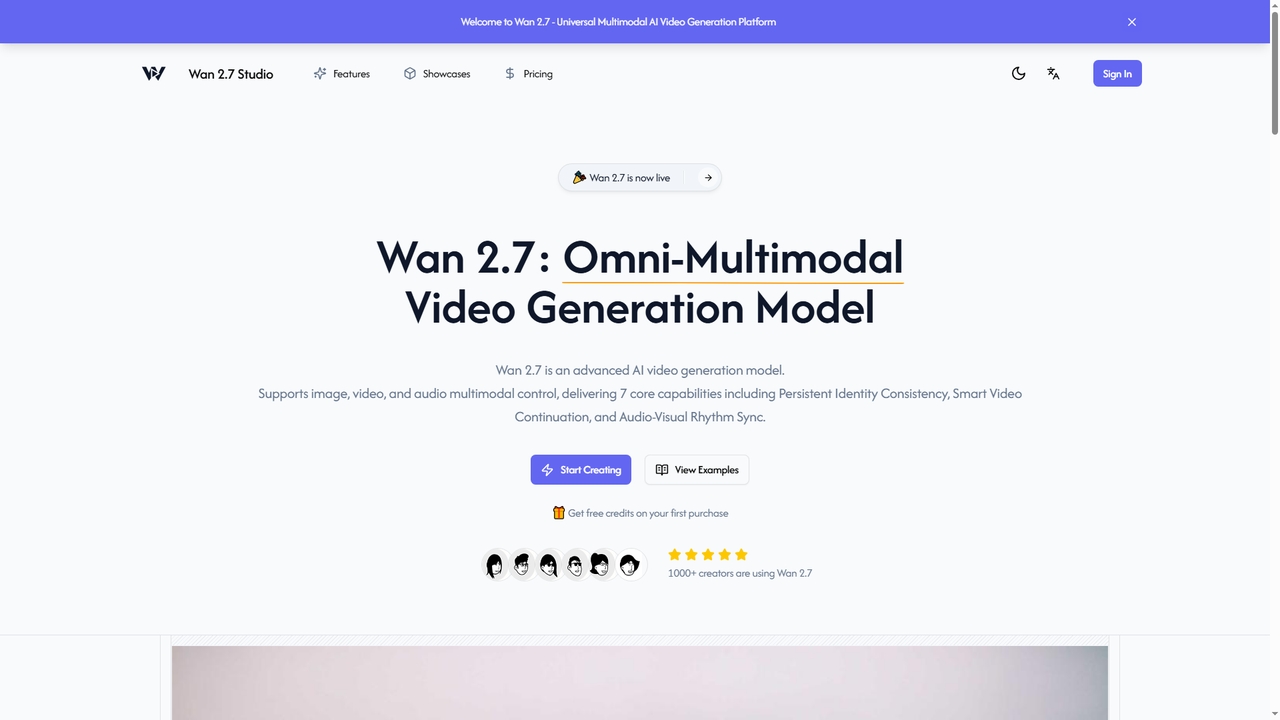
Wan2_7 is an advanced multimodal AI video generation platform that transforms text, images, audio, and video into high-quality, coherent video content. It excels at maintaining character consistency, extending video sequences logically, and achieving precise audio-visual synchronization, making it ideal for creators and teams.
Video Editing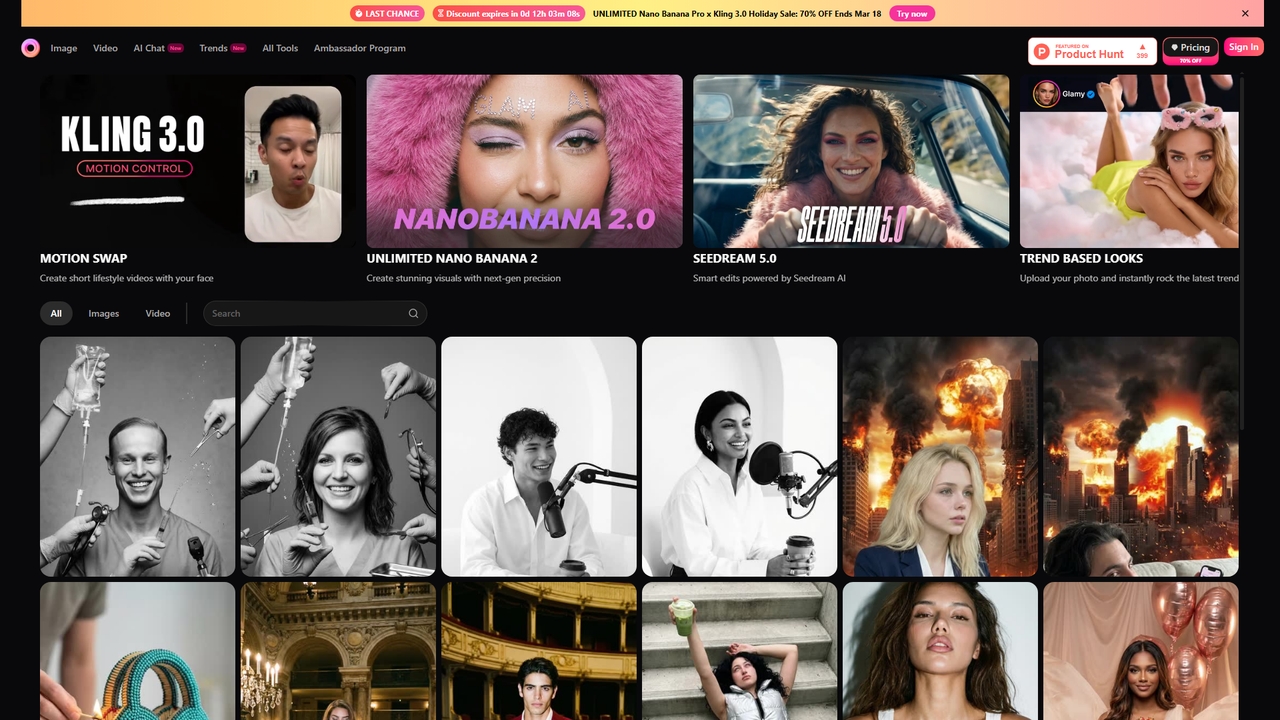
Glam is a comprehensive AI-powered video and photo editing platform that offers unlimited generations across a wide range of cutting-edge models. It allows users to create high-quality visual content, from swapping faces in videos and generating images in latest trends to producing realistic AI videos with perfect lip-sync, all through an accessible, all-in-one interface.
Content Creation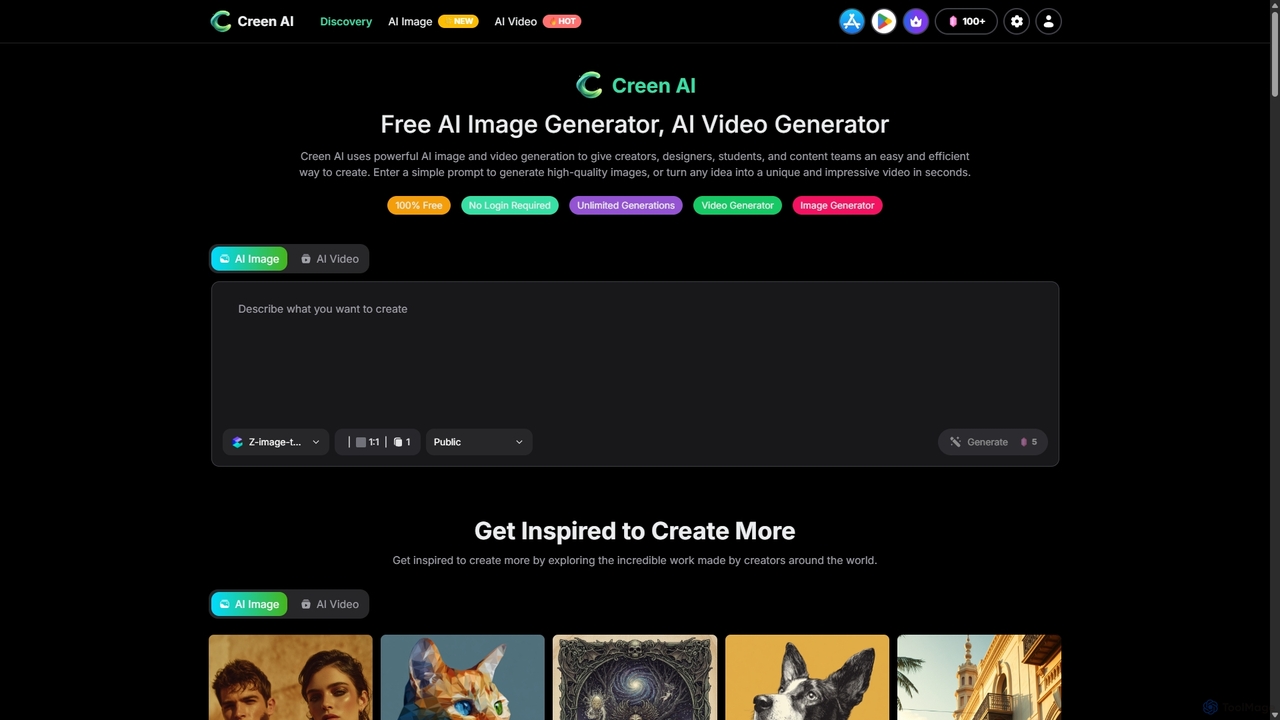
Creen is an advanced AI-driven creation platform that empowers users to generate high-quality images and videos instantly. With a focus on accessibility, it offers unlimited generations for its core features, requiring no sign-up or login for immediate creative work.
Image Generation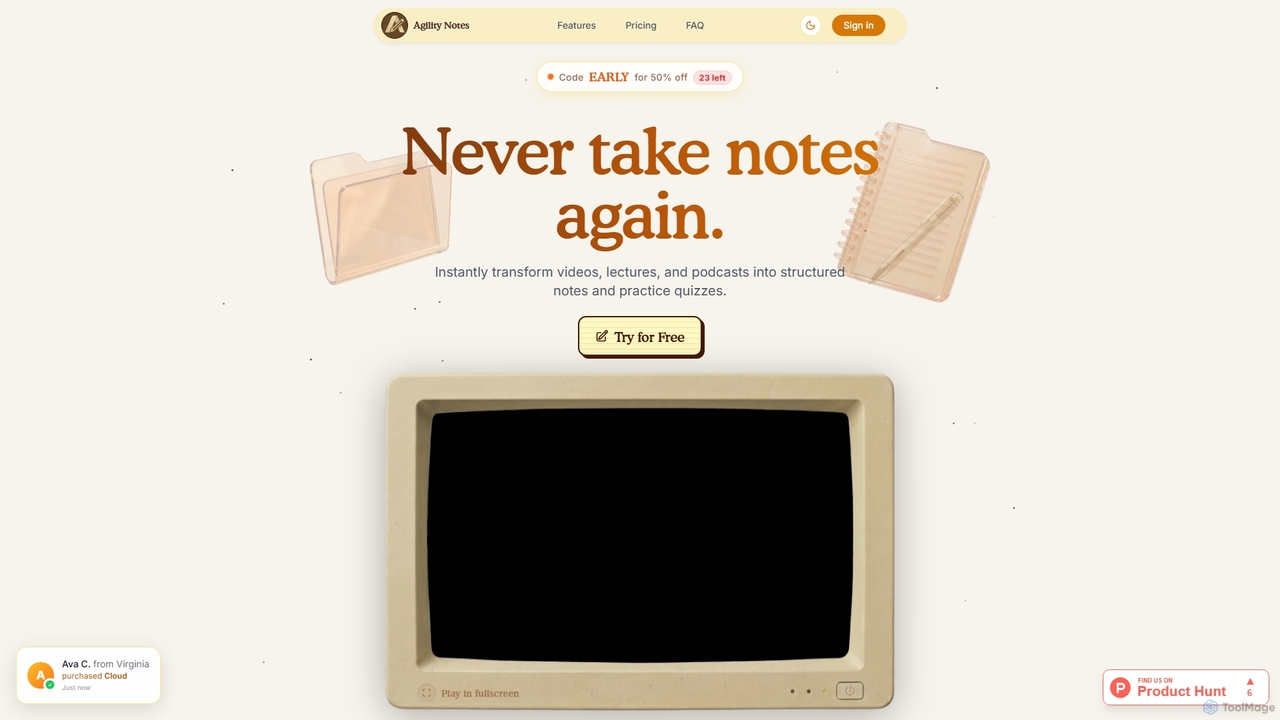
Agility Notes is an AI-powered study tool that transforms videos, lectures, and podcasts into structured notes and interactive practice quizzes. Designed for students and professionals, it eliminates manual note-taking, helping users efficiently capture key information, organize knowledge, and reinforce learning across various subjects and academic levels.
Study Tools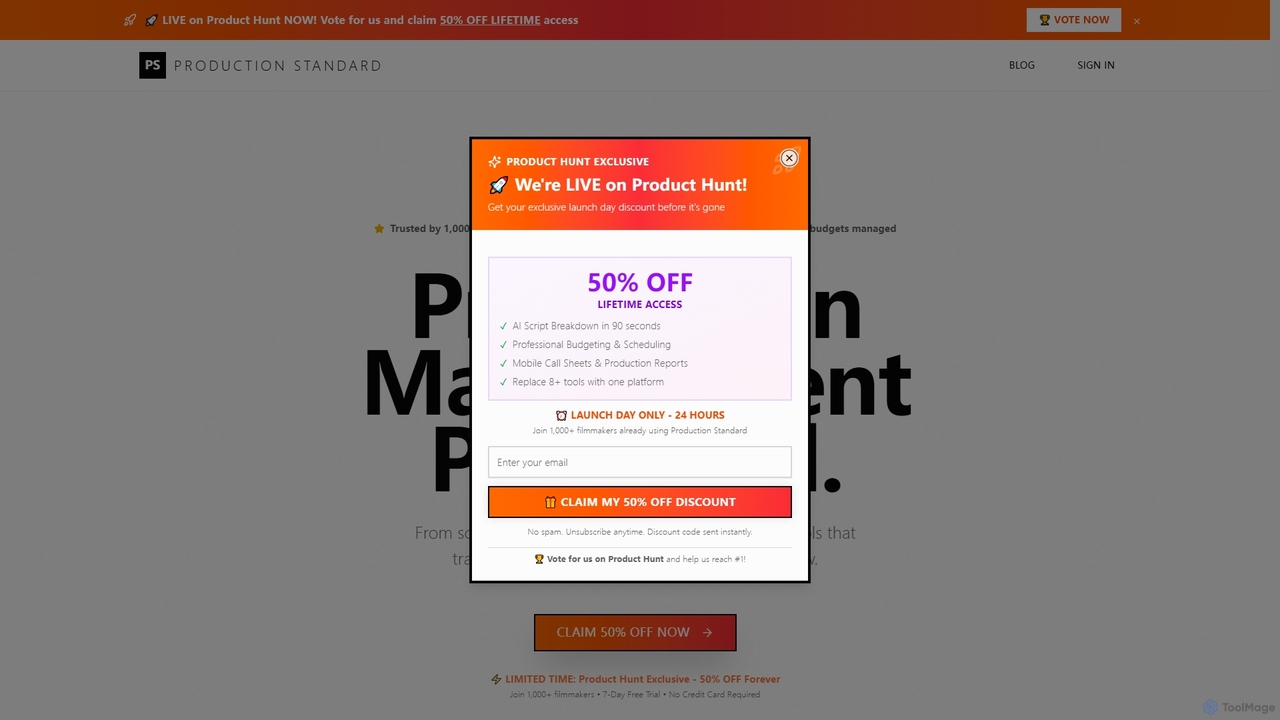
An AI-powered, all-in-one film production management platform. It streamlines pre-production by automating script breakdowns, optimizing schedules, managing budgets, and generating call sheets. Designed by filmmakers, it replaces over 8 tools, saving time and money while ensuring a professional workflow from script to wrap.
Management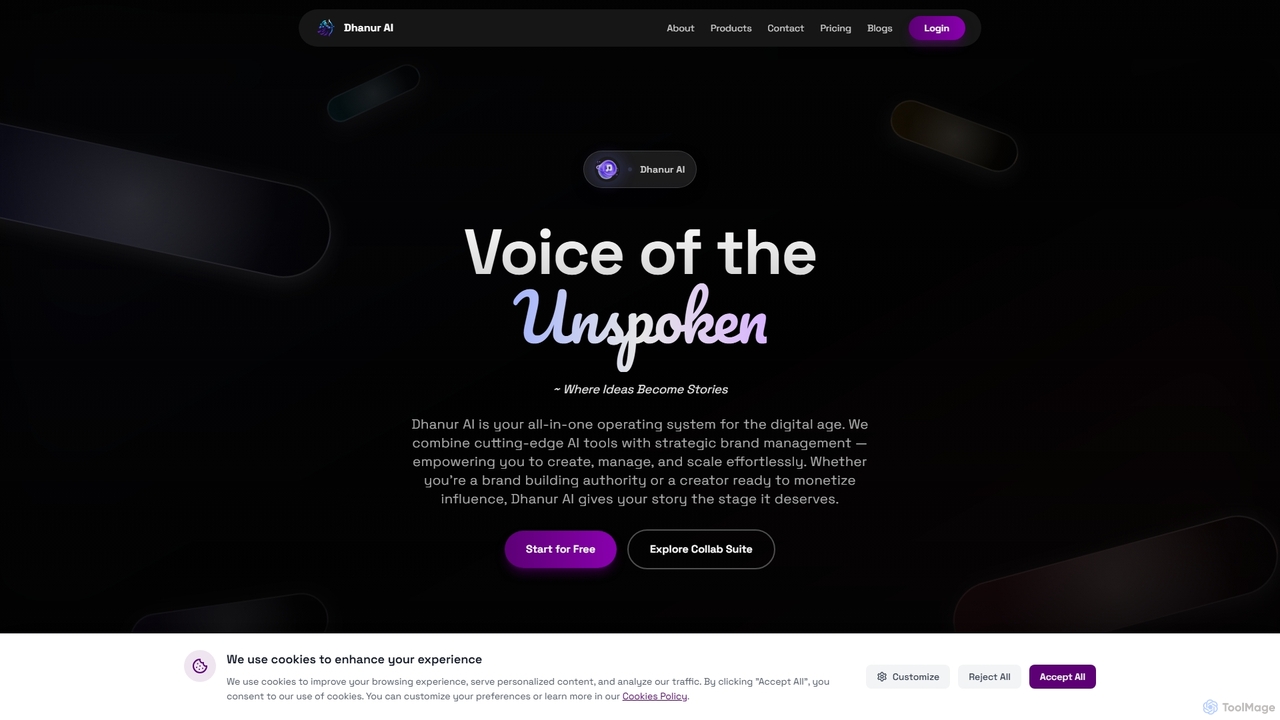
Dhanur AI is an all-in-one AI operating system designed for the digital age, empowering brands, agencies, and creators to effortlessly generate content, manage social media, oversee brand identity, and run influencer campaigns from a single, intuitive platform.
Music Generation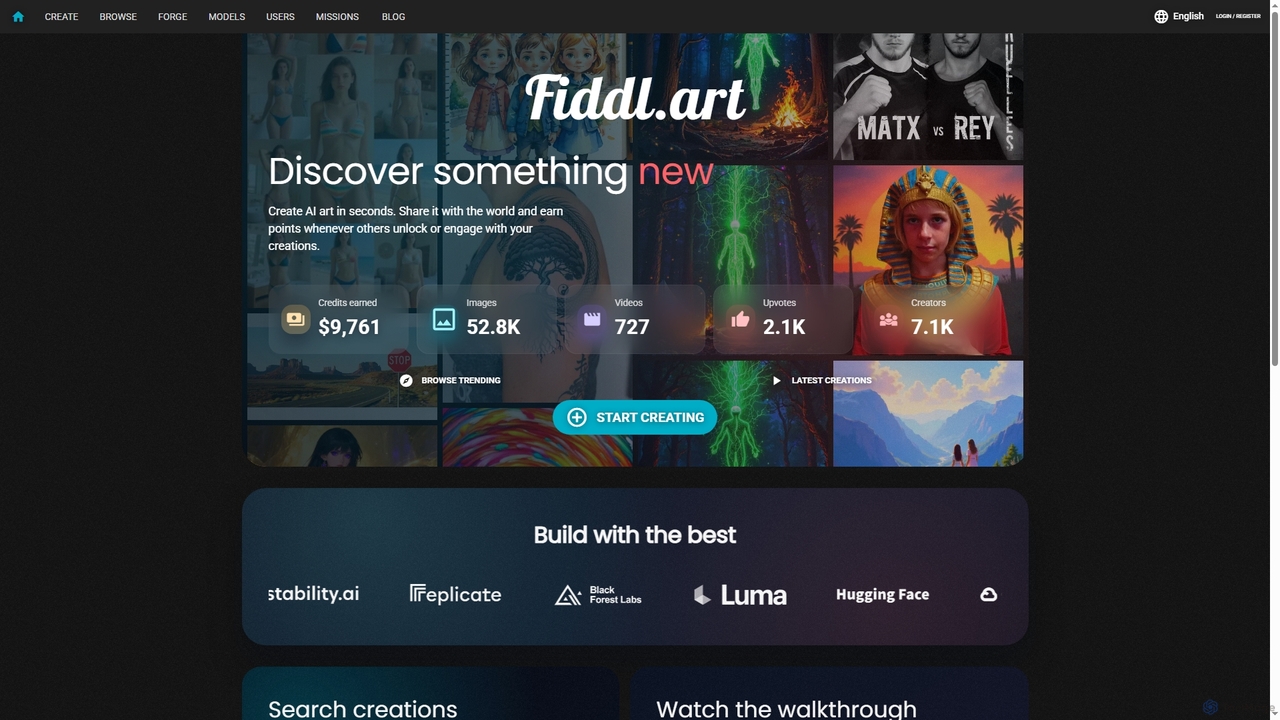
Fiddl is an advanced AI art and video generation platform that allows users to create stunning visuals in seconds. It features a diverse range of AI models, custom model training, and a vibrant community where creators can share their work, earn points, and explore new artistic possibilities without a subscription.
Generative Art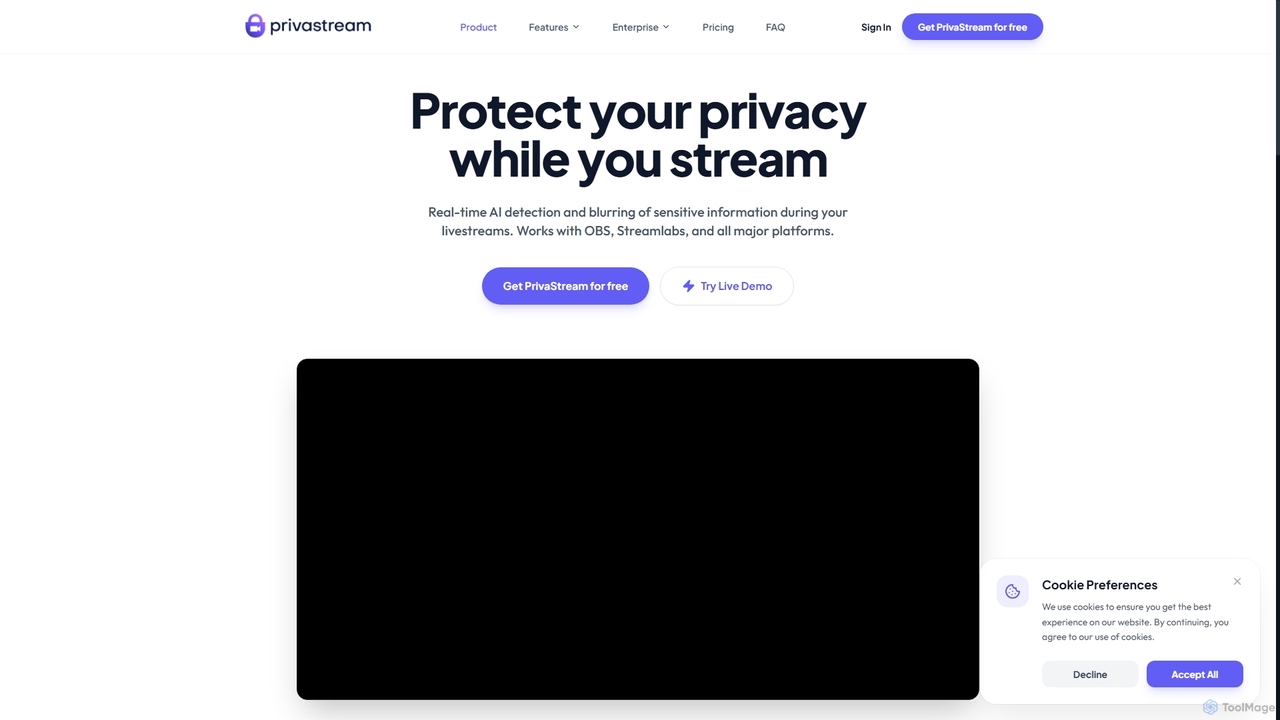
Privastream is a real-time AI toolkit designed for streamers and content creators to protect their privacy. It uses on-device Edge AI to automatically detect and blur sensitive information like faces and personal data during livestreams with zero latency, ensuring data never leaves your computer. It integrates seamlessly as a virtual camera with major streaming platforms like OBS, Twitch, and YouTube.
Privacy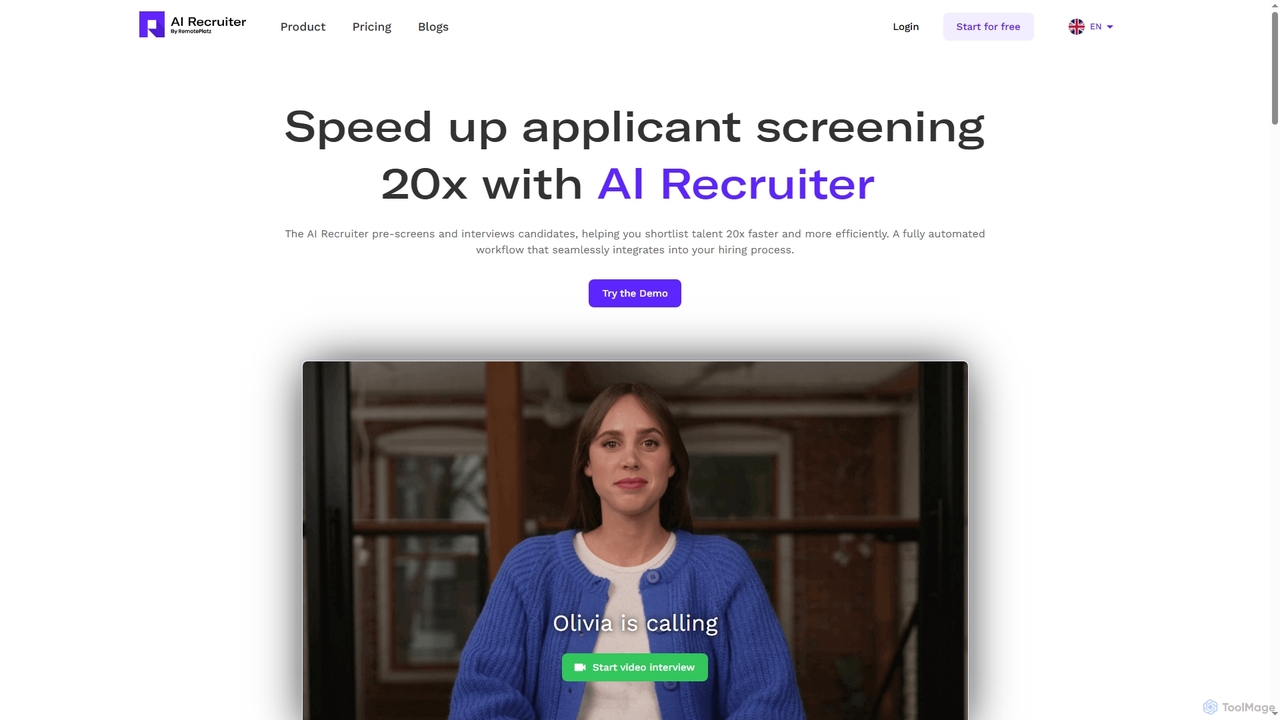
Ai Recruiter is an intelligent hiring platform that leverages AI to automate and accelerate the recruitment process. It conducts real-time video interviews, screens resumes, and provides data-driven talent analytics to help you shortlist the best candidates up to 20x faster.
Recruiting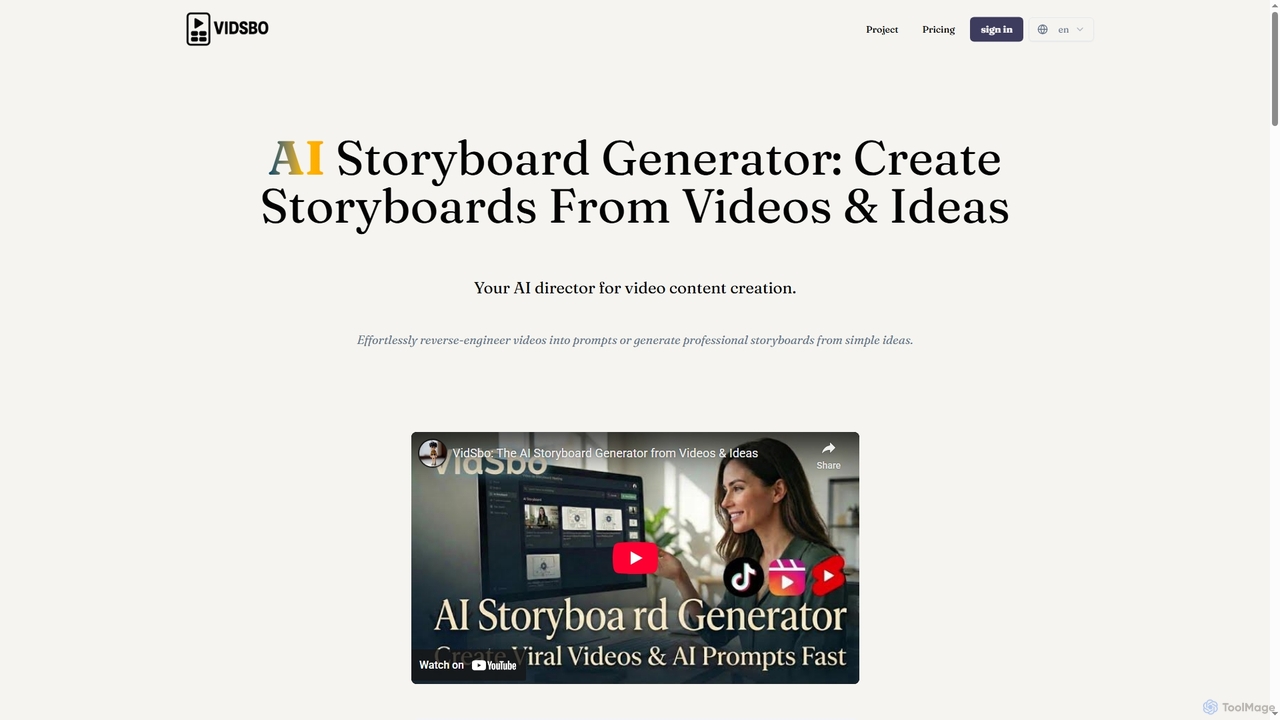
Vidsbo is an AI-powered storyboard generator that creates professional storyboards from either existing videos or simple text ideas. It streamlines the pre-production workflow for video creators by automating video analysis and creative generation.
Content Creation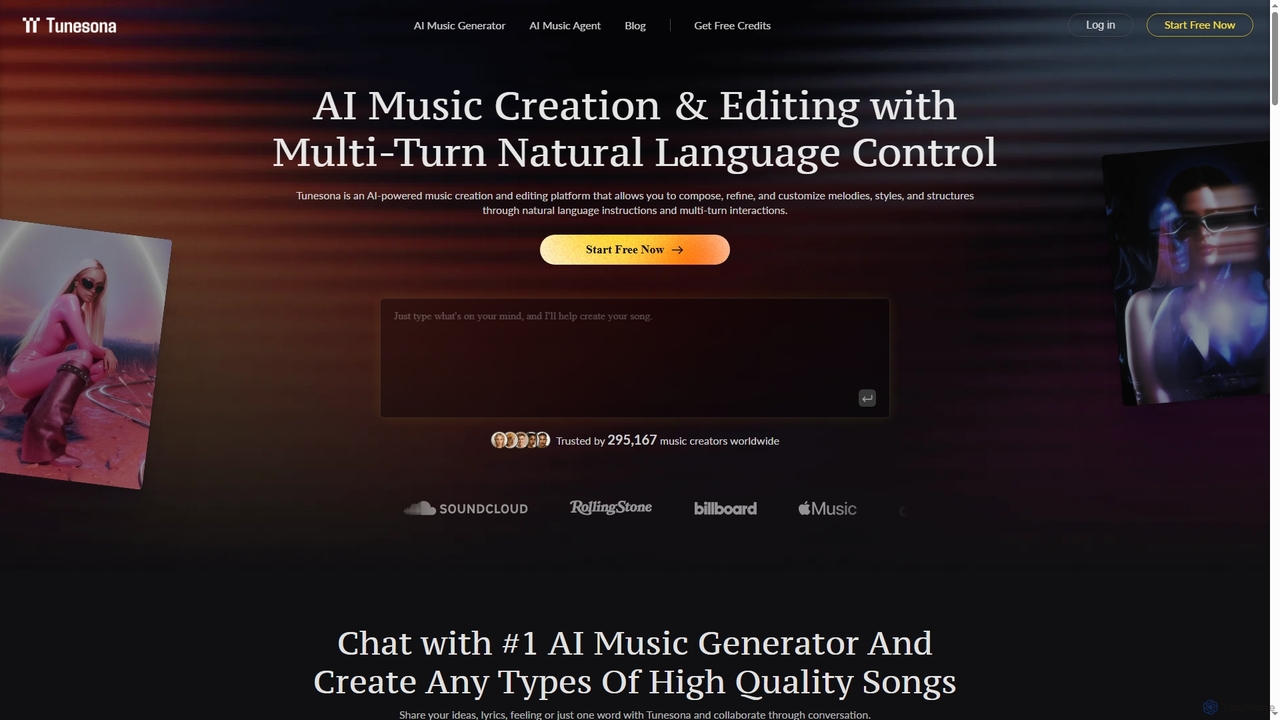
Tunesona is a conversational AI Music Agent that allows users to create, edit, and refine original, royalty-free songs through natural language chat. It supports over 400 genres and styles, requiring no technical music skills to produce high-quality tracks for commercial use.
Music Generation
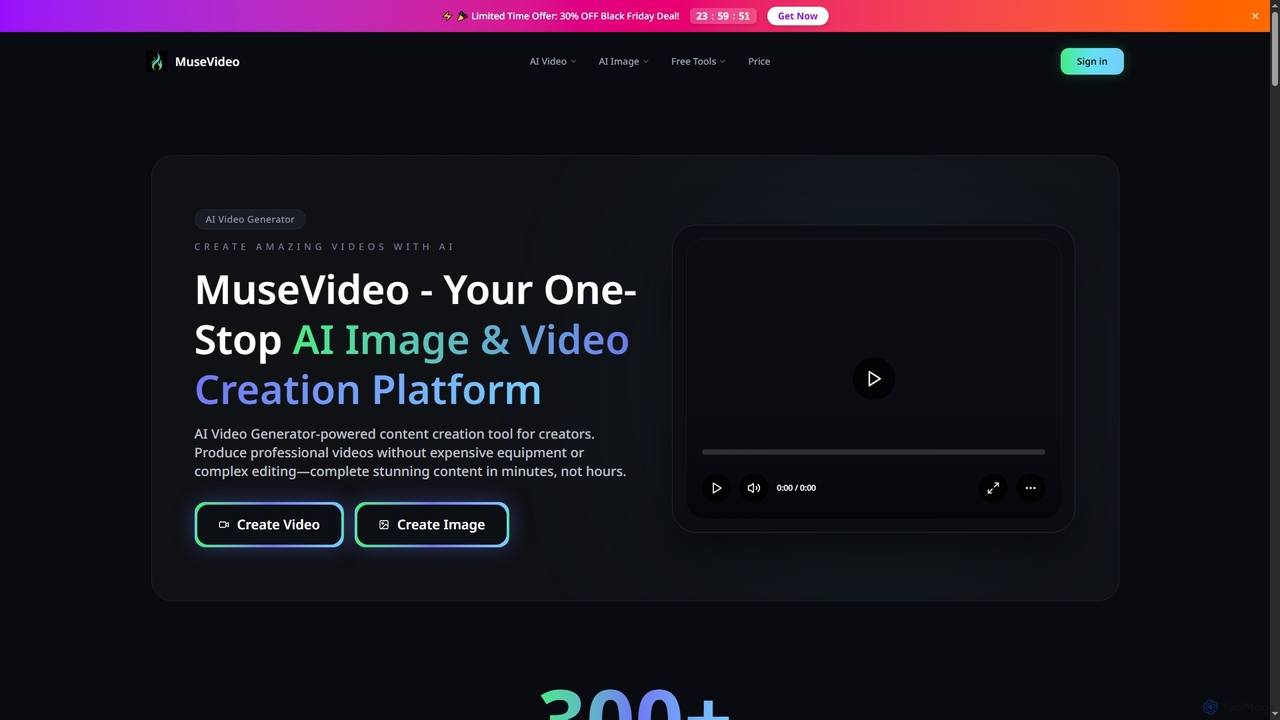
MuseVideo is an all-in-one AI video and image generation platform that integrates leading models like Sora 2, Veo, and Midjourney. It enables creators to produce professional-quality content from text or images in minutes, offering features like text-to-video, image-to-video, and intelligent model routing for optimal results without complex equipment.
Image Generation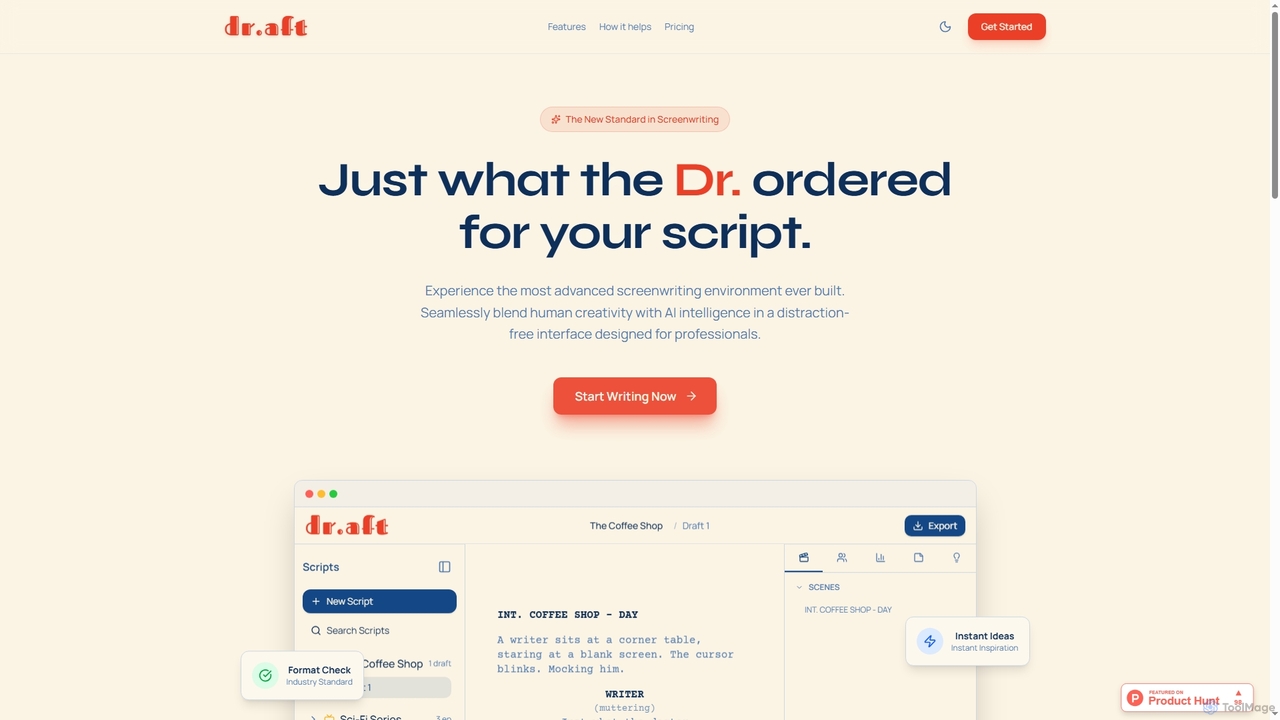
Dr Aft is an advanced AI-powered screenwriting environment designed for professionals. It combines a distraction-free interface with intelligent, context-aware AI to assist in outlining, drafting, and polishing scripts. The tool offers industry-standard formatting, portable exports, and flexible AI usage, streamlining the entire screenwriting process from concept to final draft.
Storytelling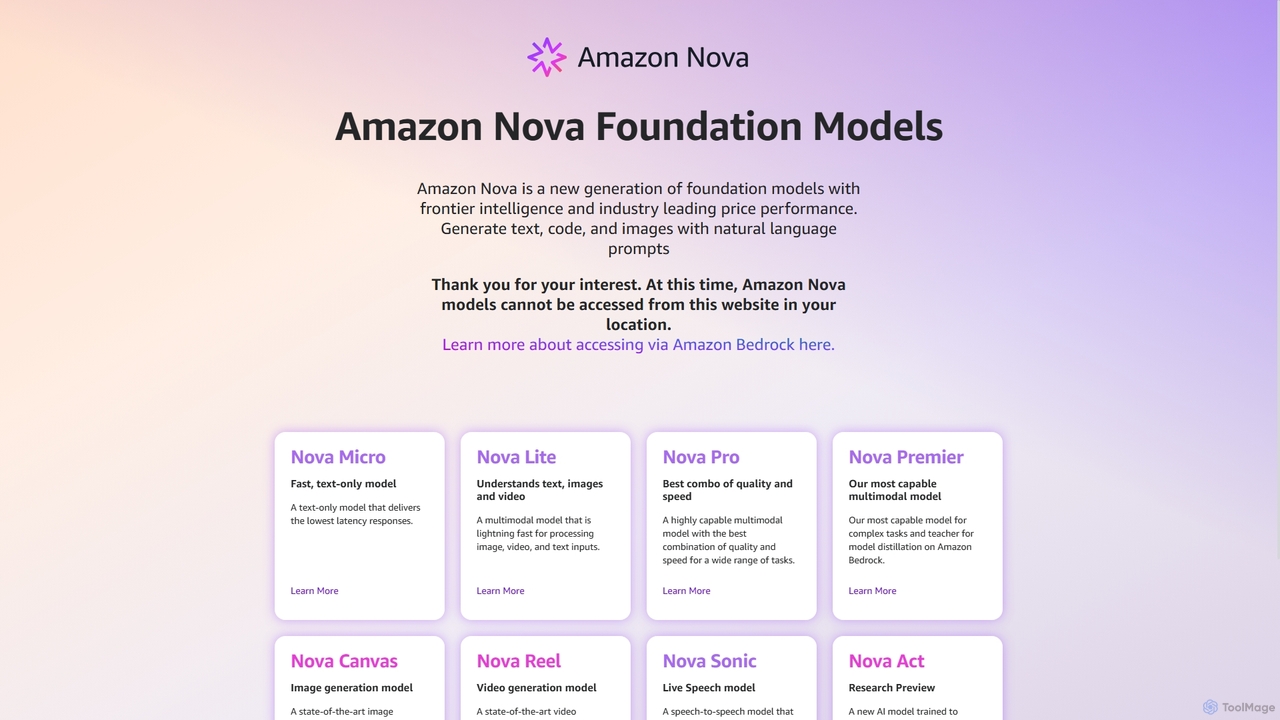
Amazon Nova is a suite of next-generation foundation models developed by Amazon. It offers a range of specialized models for generating text, code, images, video, and human-like speech, designed for high performance and cost-efficiency. These models are accessible to developers through Amazon Bedrock.
Foundation Model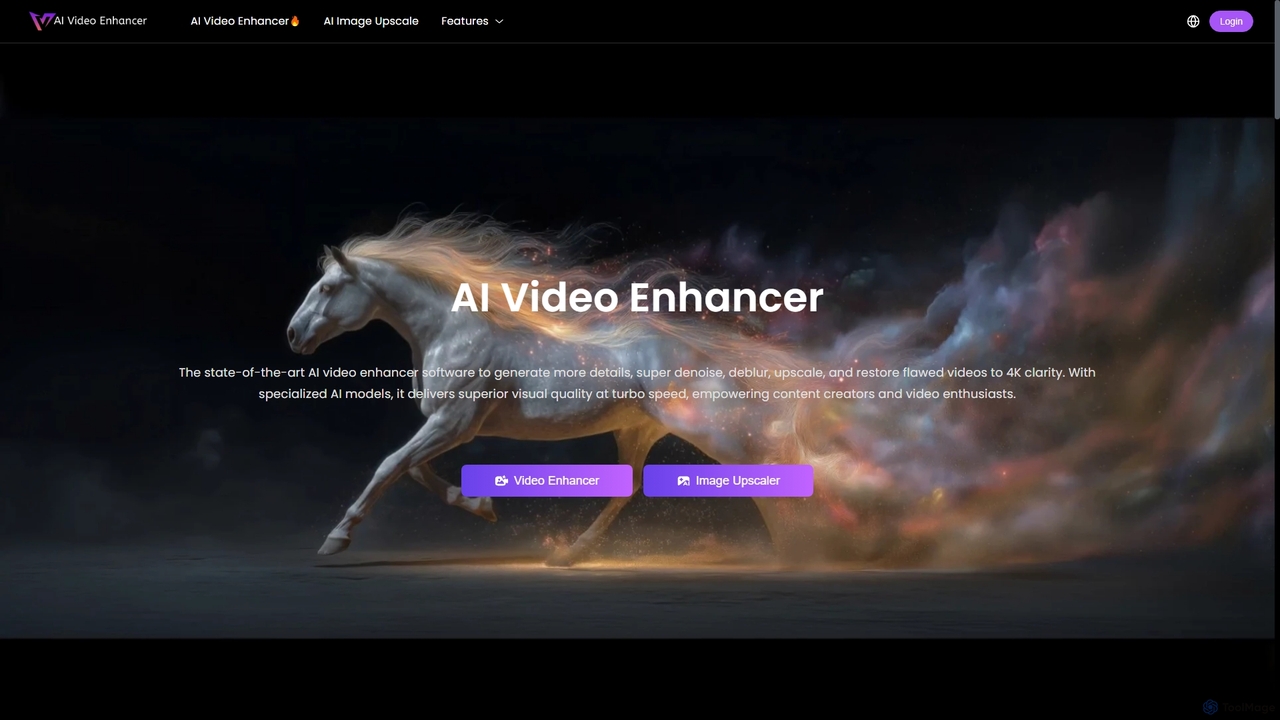
AIVideoEnhancer is an AI-powered online tool designed to enhance and upscale low-quality videos to 4K resolution. It also functions as an image upscaler, increasing photo resolution by up to 800%. The tool automatically denoises, deblurs, and restores details with one-click simplicity, focusing on realistic results and fast, GPU-accelerated processing.
Creative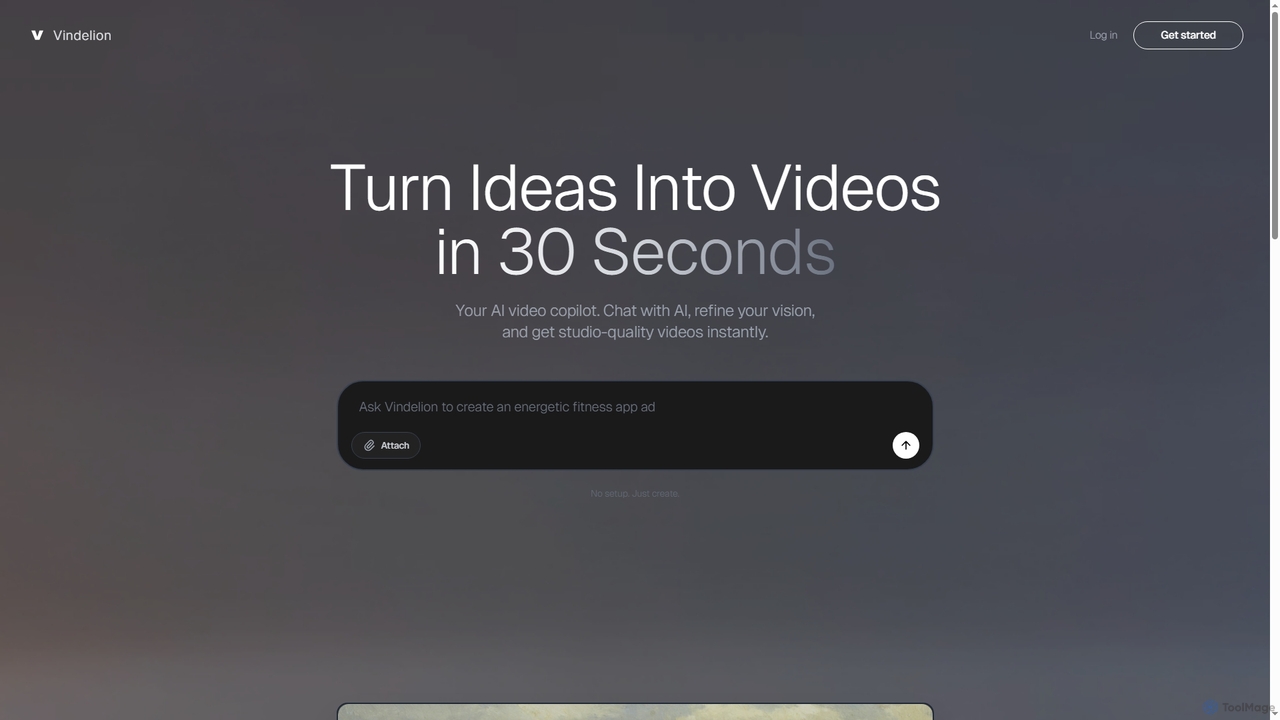
Vindelion is an AI video copilot that transforms ideas into studio-quality videos in seconds. It uses a conversational interface to guide users, especially beginners, through the creative process, from refining concepts to generating final videos for marketing, education, and social media.
E Learning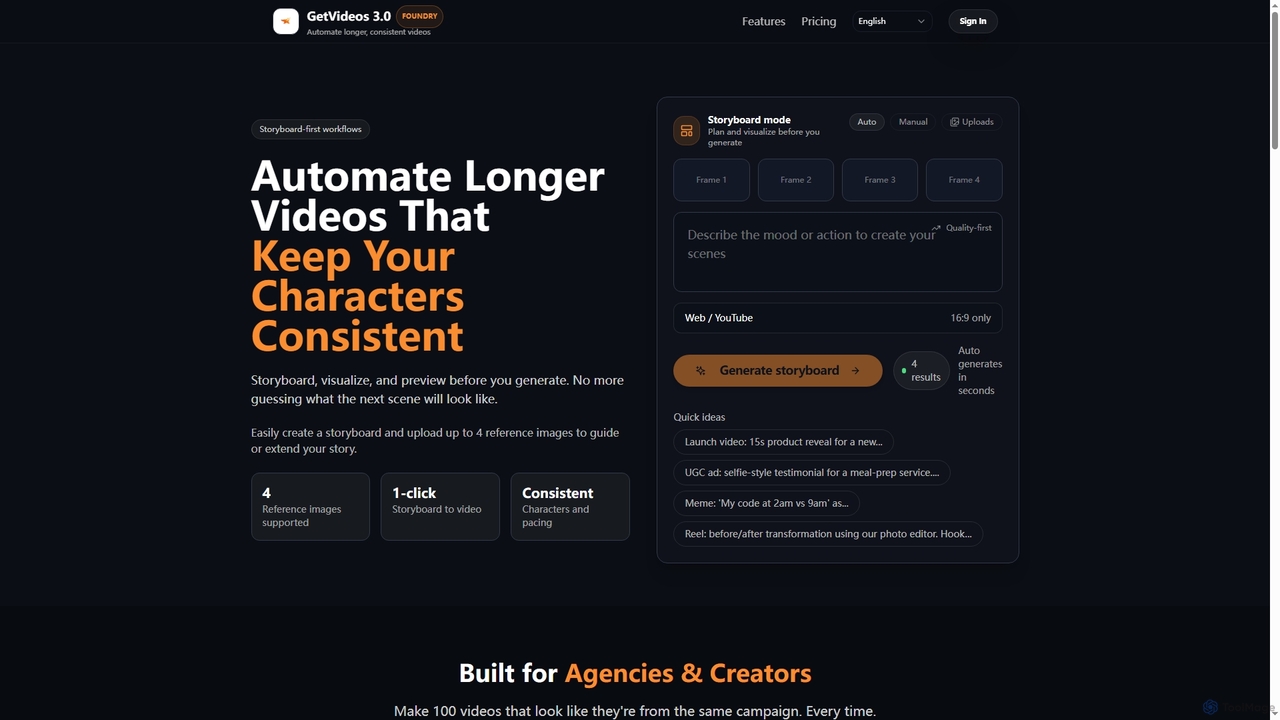
Getvideos is an AI video creation platform designed for agencies and creators, featuring a storyboard-first workflow. It automates the creation of longer videos while maintaining consistent characters, styles, and pacing, transforming ideas into ready-to-ship videos in minutes.
Social Media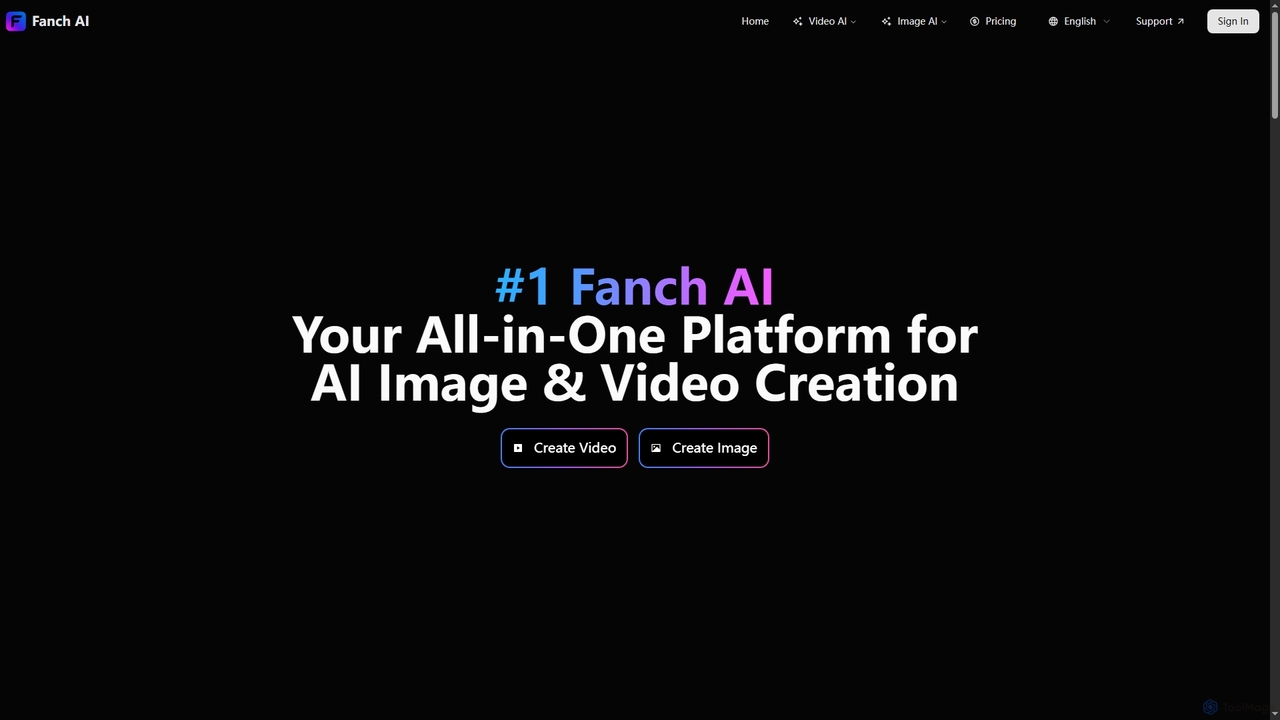
Fanchai is an all-in-one AI creative platform for generating high-quality videos and images from text, photos, or video inputs. It leverages advanced models like Sora 2, Midjourney, and GPT-4o to turn ideas into visuals in seconds. Ideal for creators, marketers, and developers, it offers text-to-video, image-to-image, AI editing tools, and talking avatars with a user-friendly interface.
Ai Art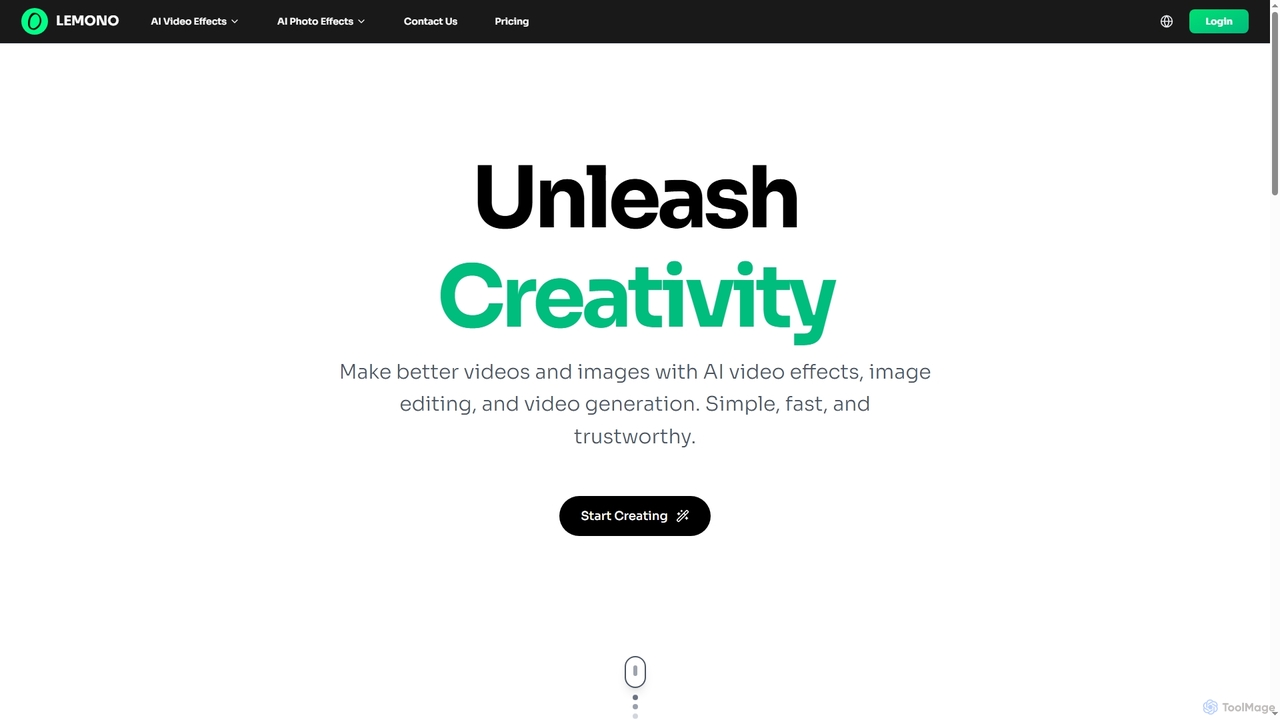
An AI-powered platform for creating engaging videos and editing images. Transform photos into dynamic animations like kissing, hugging, or dancing, and edit images with features like hairstyle changes, outfit swaps, and background removal.
Generative Art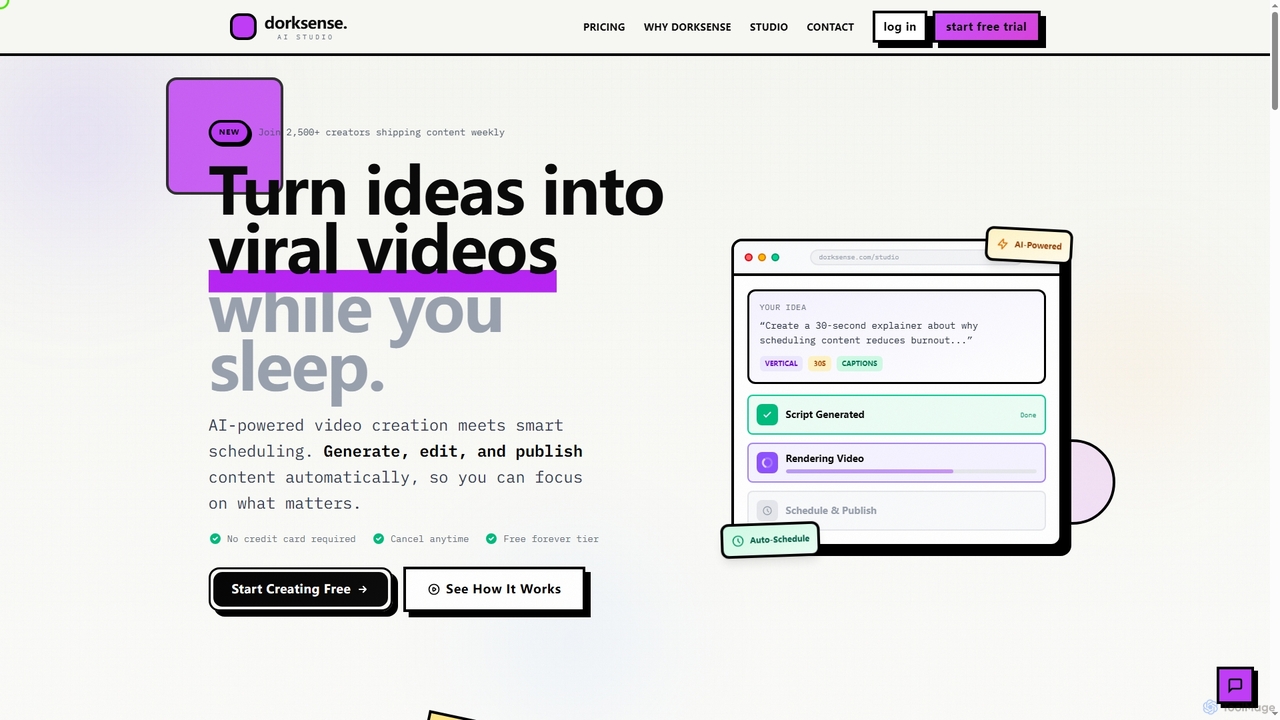
Dorksense is an AI-powered video creation and scheduling platform that transforms ideas into engaging videos. It automates the entire workflow from script generation to editing, rendering, and publishing on YouTube, allowing creators to maintain a consistent posting schedule without burnout.
Content Creation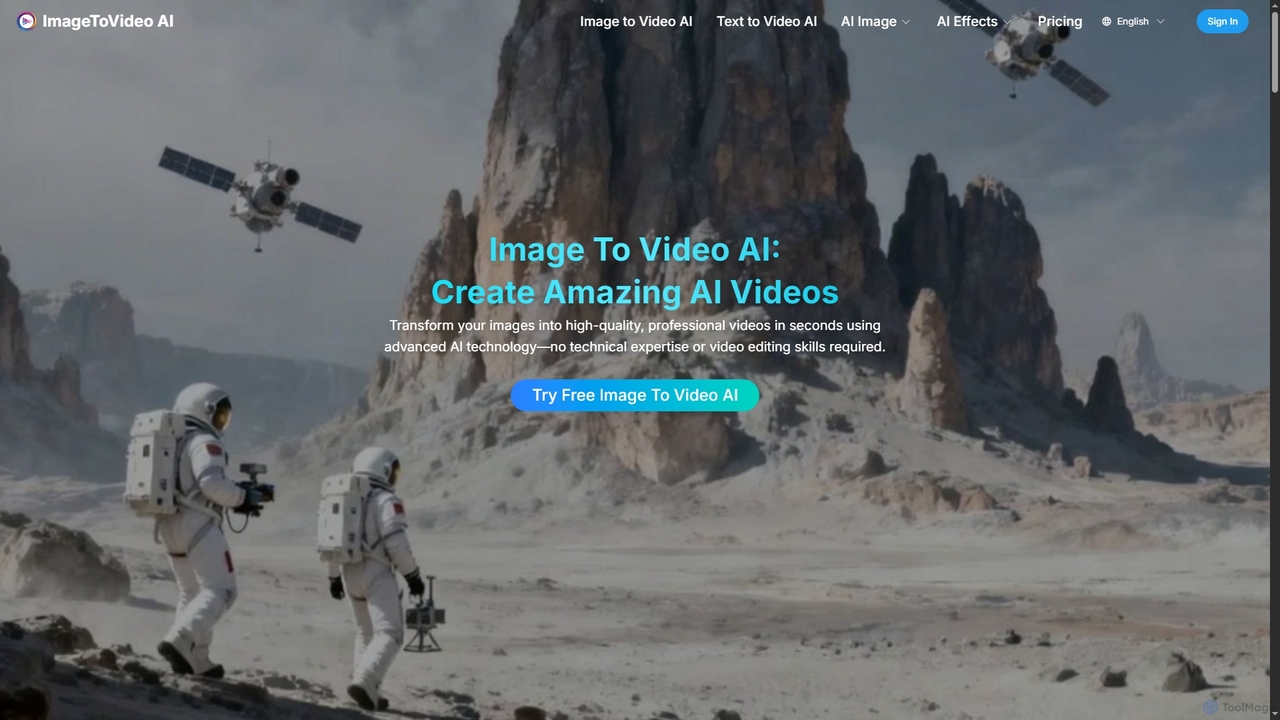
Imagetovideoai is an AI-powered video generator that transforms static images and text prompts into dynamic, animated videos. It features an intuitive interface, requiring no technical skills, and produces high-quality, watermark-free videos suitable for social media, marketing, and personal projects. The platform also includes unique AI effects for creative content.
Entertainment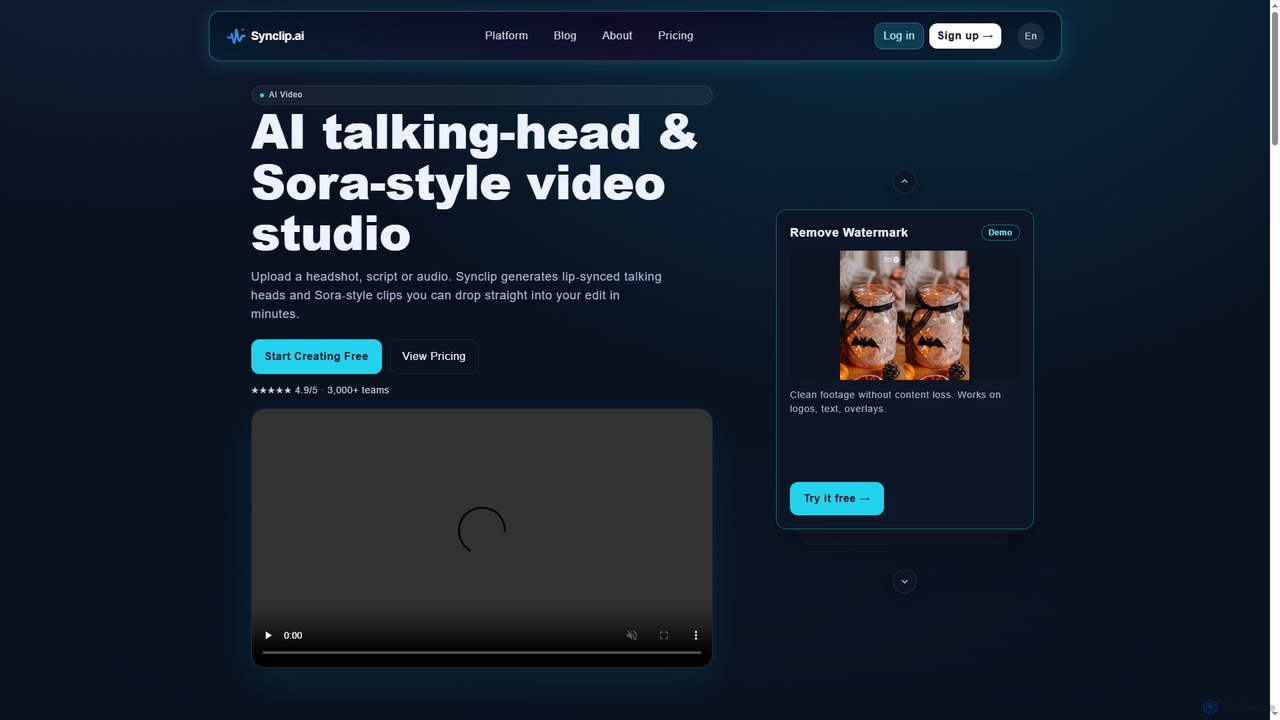
Synclip is an AI video generator that creates realistic lip-synced talking-head videos and cinematic Sora-style clips. Simply upload a headshot and a script or audio file to produce professional-grade videos in minutes. It also features a fast watermark remover and a free image toolkit.
TrainingAI Video tools are a class of software that use artificial intelligence to create, edit, and enhance video content. They leverage technologies like generative models, computer vision, and natural language processing to automate complex video production tasks. These tools are widely used for generating marketing videos, creating social media content, and personalizing video messages at scale. Their primary advantage is significantly reducing the time, cost, and technical skill required for professional video production.
These tools are valuable for marketing teams, content creators, e-learning developers, and sales departments. For example, a marketer can generate dozens of ad variations from a single script, while a YouTuber can quickly create short clips from a long podcast recording to increase their reach on different platforms.
When selecting an AI video tool, consider the specific features you need, such as generation versus editing. Evaluate the quality and style of the output, the platform's ease of use, and its pricing model (often based on generation time or credits). Also, check for integration capabilities with your existing software and workflow to ensure seamless operation.
A marketing manager for a small business needs to create a new product announcement video for social media. Using an AI video tool, they input a script, select a voice style, and choose from stock footage or AI-generated scenes. The tool automatically generates a complete video with subtitles, background music, and branding, reducing production time from days to minutes and eliminating the need for a professional video editor.
A content creator wants to repurpose their long-form YouTube videos into short, engaging clips for TikTok and Instagram Reels. They upload their video to an AI tool that automatically identifies the most interesting moments, reframes them into a vertical format (9:16), and adds dynamic captions. This allows them to create 10+ short clips from a single video in under an hour, dramatically increasing their content output and reach.
An instructional designer is tasked with creating a series of training modules. Instead of filming a presenter, they use an AI tool to create a realistic avatar. They simply type the script, and the avatar delivers the content with synchronized lip movements and gestures. This method allows for easy updates—if the script changes, they just edit the text instead of re-shooting the entire video, saving significant time and resources.
A sales team aims to improve their outreach response rates. They use an AI video platform to create a template video and then dynamically insert personalized elements like the prospect's name, company, or a website screenshot into each video. This process generates thousands of unique, personalized video messages that appear individually recorded, leading to higher engagement and conversion rates compared to standard text-based emails.
A media company wants to distribute its documentary to a global audience. They use an AI video tool to automatically transcribe the original audio, translate it into multiple languages, and generate a synthetic voiceover in the target language. The tool can even clone the original speaker's voice and sync the new audio with their lip movements, making the dubbed version feel natural and authentic without the high cost of traditional dubbing studios.
A user has old family videos or low-resolution clips they want to use in a project. They upload the footage to an AI video enhancer. The tool uses algorithms to upscale the resolution (e.g., from 480p to 4K), reduce noise and grain, sharpen details, and stabilize shaky camera movements. The result is a dramatically improved video that is clear and usable for modern displays, preserving valuable memories or salvaging important footage.
AI Video tools are software applications that use artificial intelligence to automate the creation, editing, and enhancement of video content. They employ technologies like generative AI to create videos from text, computer vision to analyze and edit footage, and machine learning to improve video quality. Key functions include text-to-video generation, automated editing, creating AI avatars, and video upscaling.
To choose the right tool, first identify your primary need: are you creating new videos from scratch (generation), editing existing footage, or enhancing quality? Then, consider these factors:
Traditional video editors (like Adobe Premiere Pro) provide a timeline and tools for manual manipulation of video clips, requiring significant skill and time. AI video generators, on the other hand, create new video content from prompts (text, images, audio) or automate complex editing tasks. The key difference is automation and creation versus manual control and editing. AI tools focus on speed and accessibility, while traditional editors offer more granular creative control.
The main capabilities of AI Video tools include:
A wide range of users can benefit. Marketers use them to quickly create ad campaigns and social media content. Content creators automate editing and repurpose videos to increase output. Businesses produce training and communication videos without large production teams. Educators create engaging e-learning materials. Even individuals can use them for personal projects without needing technical video editing skills.