ToolMage
Sign in

Best 1 3D & Immersive AI tools for Video

Popular 3D & Immersive AI tools in Video include reallife3d, helping you work more efficiently.

reallife3d
Paid

reallife3d

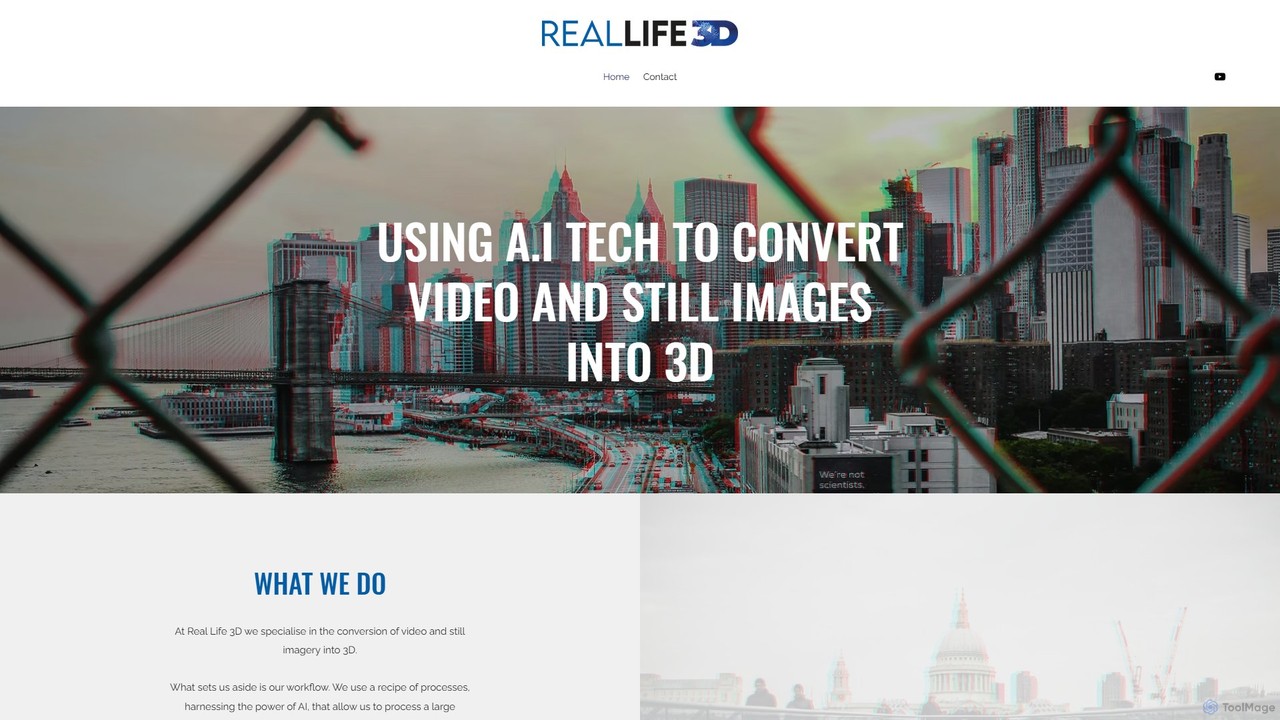
reallife3d is a specialized service that uses a proprietary AI-powered workflow to convert standard 2D videos and still images into immersive stereoscopic 3D. It offers a fast, cost-effective solution for creators to produce content for 3D and VR platforms like YouTubeVR, supporting formats such as side-by-side, VR180, and anaglyph.

Cultural Heritage
Visits 5.3KFavorites 118Likes 112

About 3D & Immersive

AI 3D & Immersive tools are a class of software that uses artificial intelligence to generate, manipulate, and enhance three-dimensional models and virtual environments. These tools often employ advanced techniques like generative adversarial networks (GANs), NeRFs (Neural Radiance Fields), and Gaussian Splatting to create 3D assets from text prompts, 2D images, or video footage. They significantly accelerate the creation of content for gaming, virtual reality (VR), augmented reality (AR), and digital simulations. This technology makes 3D content creation more accessible to creators without deep expertise in traditional modeling software.

Core Features

  • Text-to-3D Generation: Creates 3D models and objects directly from descriptive text prompts.
  • Image/Video-to-3D Conversion: Transforms 2D images or video clips into detailed 3D models or scenes using photogrammetry.
  • AI Texture Generation: Automatically creates realistic textures and materials for 3D surfaces based on simple inputs.
  • Environment & Scene Creation: Generates entire virtual landscapes, architectural spaces, or complex scenes for immersive experiences.
  • 3D Asset Optimization: Uses AI to automatically simplify model geometry (polygon reduction) and optimize textures for real-time performance.

Use Cases

These tools are widely used in game development for rapid asset prototyping, in architecture for creating interactive visualizations, and in e-commerce for generating 3D product models. They are also crucial for building training simulations in VR, creating digital twins of real-world objects, and populating virtual worlds for the metaverse.

How to Choose

When selecting a tool, consider the quality and realism of the generated models, supported output formats (e.g., FBX, OBJ, glTF), and integration capabilities with standard 3D software like Blender, Unity, or Unreal Engine. Also, evaluate the ease of use—whether it's a simple prompt-based interface or requires more technical input—and the processing speed or cloud rendering costs.

3D & Immersive use cases

1

Rapid Prototyping for Game Development

A solo game developer or a small studio needs to create numerous 3D assets for a new game but lacks the time or budget for manual modeling. Using a text-to-3D tool, the developer can type prompts like 'sci-fi cargo crate with glowing blue lights' or 'low-poly medieval sword' to instantly generate multiple variations. This allows for rapid iteration on the game's visual style and populating game levels with unique assets in hours instead of weeks, significantly accelerating the development cycle.

2

Creating Virtual Real Estate Tours

A real estate agency wants to offer immersive virtual tours for its listings. Using an AI tool that converts images to 3D, they can upload photos of a property from various angles. The AI processes these images to construct a detailed 3D model of the interior and exterior. This model can then be explored in a web browser or a VR headset, providing potential buyers with a realistic sense of the space without needing to visit in person. This enhances the listing's appeal and saves time for both agents and clients.

3

Generating Assets for AR Marketing Campaigns

A marketing team for a furniture brand wants to create an AR experience allowing customers to 'place' furniture in their own homes before buying. Instead of commissioning expensive 3D artists, they use an AI image-to-3D tool. They upload high-quality product photos, and the AI generates optimized 3D models. These models are integrated into a simple AR app or web-based viewer. Customers can then use their smartphone cameras to visualize how a new sofa or table would look in their living room, boosting engagement and conversion rates.

4

Building Immersive VR Training Simulations

A manufacturing company needs to train employees on complex machinery safely. They use an AI environment generation tool to create a realistic 3D digital twin of their factory floor. The AI can generate the entire layout, machinery models, and environmental textures from blueprints or video walkthroughs. This virtual environment is then used in a VR training module where new hires can practice operating machinery, learn safety protocols, and handle simulated emergencies without any real-world risk. This reduces training costs and improves knowledge retention.

5

E-commerce Product Visualization

An online shoe retailer wants to provide a more engaging shopping experience than static images. They use an AI photogrammetry tool to create 3D models of their best-selling sneakers. By taking a series of photos of each shoe from multiple angles with a smartphone, the tool automatically stitches them together into a high-fidelity 3D model. This model is then embedded on the product page, allowing customers to rotate, zoom, and inspect the shoe from every angle, leading to higher customer confidence and reduced return rates.

6

Conceptual Design for Architecture

An architect is in the early stages of designing a new building and wants to explore various facade options quickly. Instead of manually modeling each concept, they use an AI 3D tool. They provide a basic massing model of the building and use text prompts like 'modernist facade with vertical wood slats and large glass panels' or 'brutalist concrete exterior with geometric cutouts'. The AI generates multiple detailed facade designs that can be applied to the model, allowing the architect and client to visualize and decide on a design direction in a fraction of the time.

3D & Immersive FAQ

What are AI 3D & Immersive tools?

AI 3D & Immersive tools are software applications that use artificial intelligence to automate and accelerate the creation of 3D models, scenes, and virtual experiences. Unlike traditional 3D software that requires manual modeling, these tools can generate complex assets from simple inputs like text descriptions (text-to-3D) or 2D images (photogrammetry). They are primarily used to create content for video games, VR/AR applications, architectural visualization, and product design.

How do I choose the right AI 3D tool?

To choose the right tool, consider these factors:

  • Your Goal: Do you need to create objects from scratch (text-to-3D), or convert existing photos/videos into 3D models (photogrammetry)?
  • Output Quality: Evaluate the level of detail, realism, and texture quality the tool can produce. Look for sample galleries or user reviews.
  • File Formats: Ensure the tool exports in formats compatible with your existing workflow, such as .OBJ, .FBX, or .glTF for use in game engines or rendering software.
  • Ease of Use: Some tools are designed for beginners with simple interfaces, while others offer advanced controls for professionals. Choose one that matches your skill level.
What's the difference between AI 3D generation and traditional 3D modeling?

The main difference is the creation process. Traditional 3D modeling (e.g., in Blender or Maya) is a manual, technical process where an artist meticulously builds a model polygon by polygon. It offers precise control but is time-consuming. AI 3D generation automates this process. The user provides a high-level prompt (text or images), and the AI creates the model. This is much faster and ideal for rapid prototyping and concept art, though it may offer less fine-grained control than traditional methods.

What can I create with AI 3D & Immersive tools?

You can create a wide range of 3D content. Common examples include:

  • Game Assets: Characters, props, weapons, and environmental objects for video games.
  • Product Models: 3D visualizations of products for e-commerce and marketing.
  • Architectural Visualizations: Interactive 3D models of buildings and interior spaces.
  • Virtual Environments: Entire scenes or landscapes for VR/AR experiences, simulations, or the metaverse.
  • Digital Avatars: Personalized 3D characters for use in virtual worlds or as online profiles.
Are AI-generated 3D models ready for professional use?

It depends on the application. For concept art, rapid prototyping, and pre-visualization, AI-generated models are often sufficient and save a significant amount of time. For final, production-quality assets in high-end games or films, the models may still require manual cleanup, retopology, and texturing by a 3D artist. However, the technology is rapidly improving, and the quality of AI-generated assets is constantly getting closer to professional standards, often serving as an excellent starting point for further refinement.