ToolMage
Sign in

Best 3 3D AI tools for Video

Popular 3D AI tools in Video include PixelVibe, Intangible, and DigitalCarbon, helping you work more efficiently.

DigitalCarbon

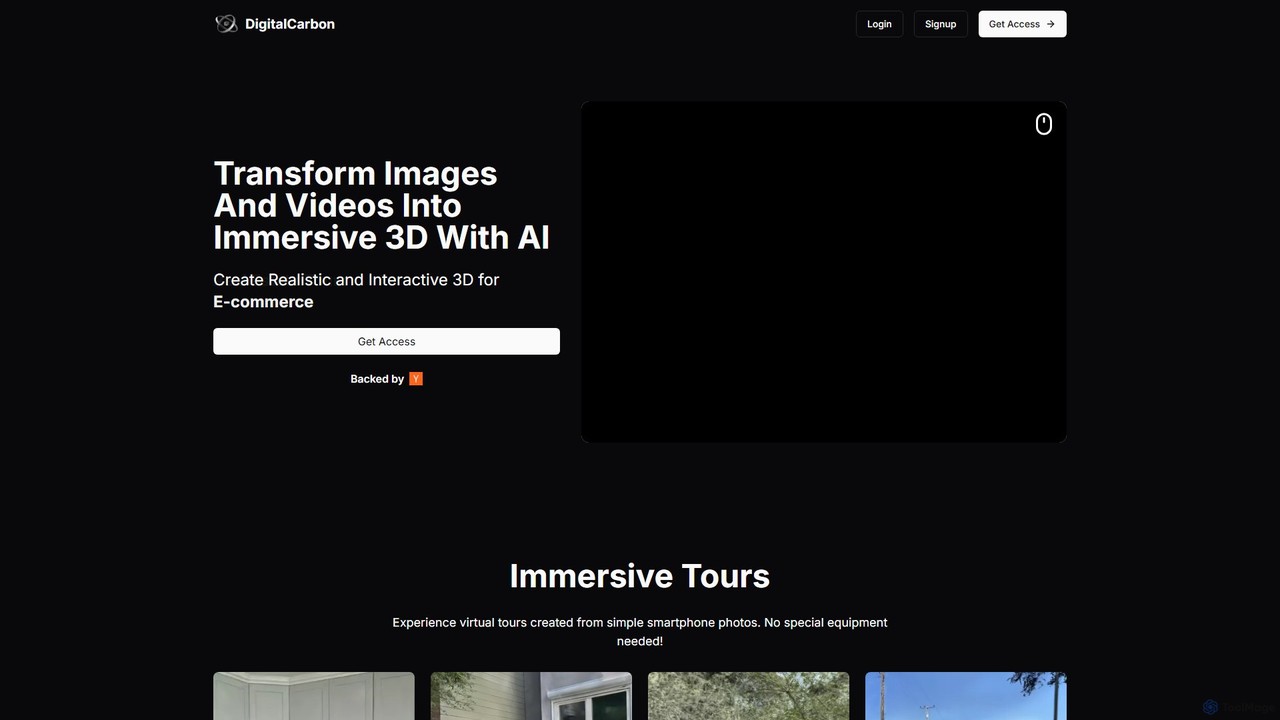
DigitalCarbon

DigitalCarbon is an AI-powered platform that transforms standard 2D images and videos into realistic, interactive 3D models and immersive virtual tours. Requiring no special equipment, it allows users to create high-fidelity 3D content for e-commerce, real estate, digital twins, and more, simply by using a smartphone.

Photogrammetry
Visits 7.3KFavorites 134Likes 150
PixelVibe
Freemium

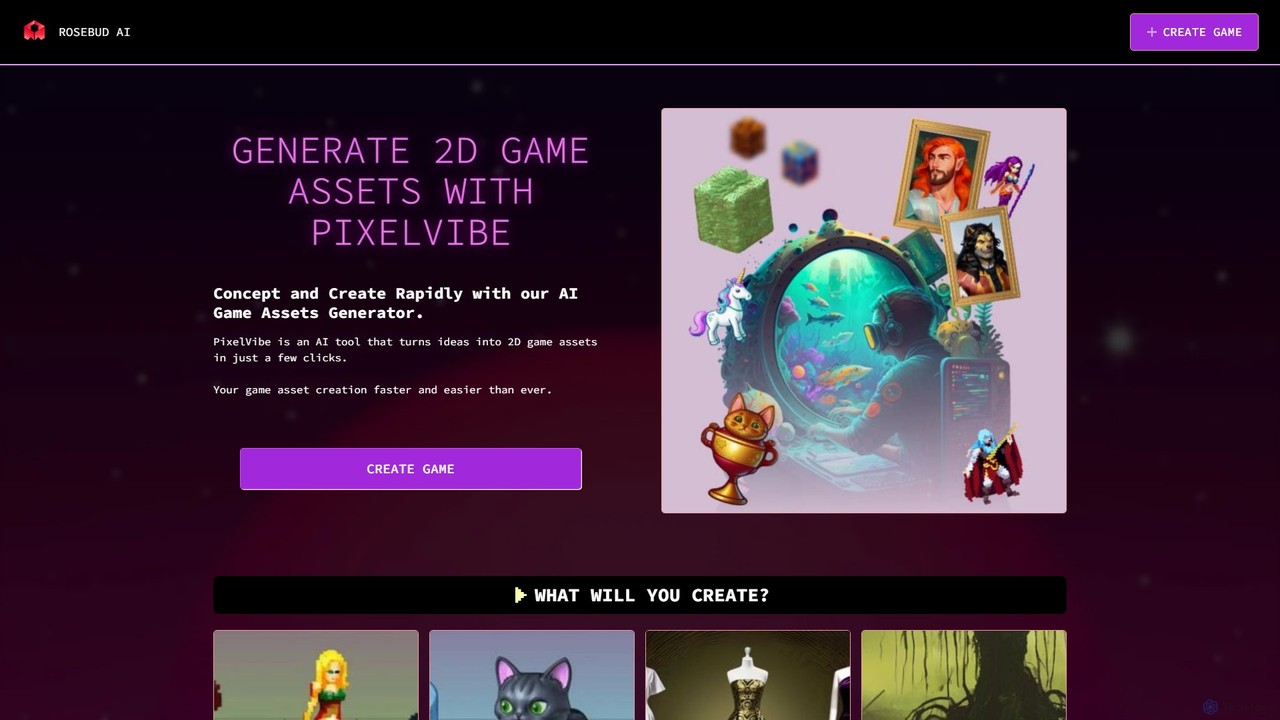
PixelVibe

PixelVibe by Rosebud AI is an advanced AI-powered platform for generating high-quality 2D and 3D game assets. It enables game developers to rapidly create character sprites, environments, props, isometric tiles, and more from simple text prompts. Designed to accelerate the creative process, it supports various art styles, making it an essential tool for both indie developers and established studios.

Game Development
Visits 305.7KFavorites 139Likes 132
Intangible
Freemium

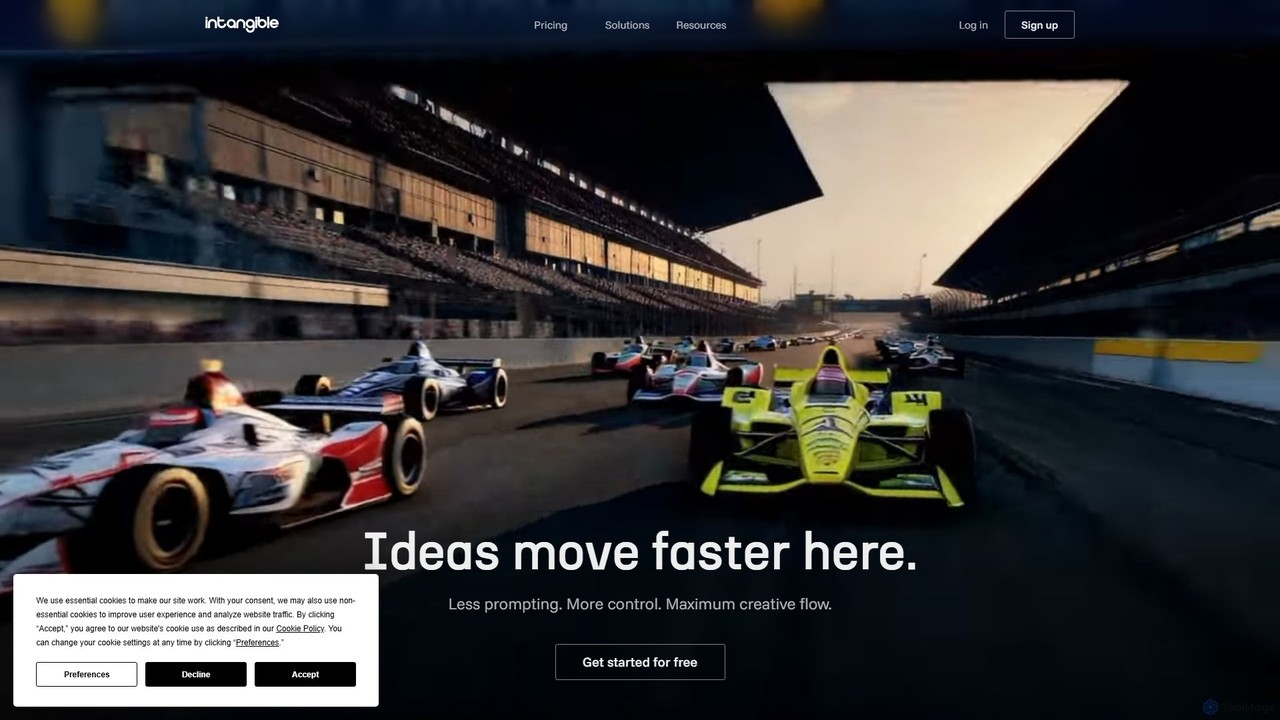
Intangible

Intangible is an advanced AI spatial intelligence platform for creative industries. It enables users to create, visualize, and collaborate on 3D scenes, videos, and storyboards using an intuitive 3D interface, offering more control and less reliance on text prompts. It's designed for professionals in film, advertising, events, and gaming.

Storyboarding
Visits 181.1KFavorites 148Likes 145

About 3D

AI 3D tools are a class of software that uses artificial intelligence to generate, texture, and animate three-dimensional models and scenes. These tools leverage generative models and neural radiance fields (NeRFs) to create complex 3D assets from inputs like text, images, or videos. They dramatically accelerate workflows in game development, product visualization, and visual effects, making 3D content creation more accessible. This technology lowers the technical barrier, enabling creators without extensive modeling experience to produce high-quality assets efficiently.

Core Features

  • Text-to-3D Generation: Creates 3D models and objects directly from descriptive text prompts.
  • Image/Video-to-3D Conversion: Generates 3D models or entire scenes by analyzing 2D images or video footage.
  • AI-Powered Texturing: Automatically applies realistic materials and textures to 3D models based on prompts or style references.
  • Procedural Asset Generation: Creates variations of complex objects like buildings or natural landscapes based on defined rules.
  • AI Motion Generation: Animates 3D characters or objects using video input or textual descriptions of actions.

Use Cases

AI 3D tools are widely used in industries such as game development for rapid asset prototyping, e-commerce for creating interactive product showcases, and film production for virtual set extensions and special effects. Architects and real estate professionals also use them for quick conceptual visualizations and immersive property tours.

How to Choose

When selecting an AI 3D tool, consider the required input type (text, image, video), desired output formats (.obj, .fbx, .gltf), and the level of detail and realism needed. Also evaluate its integration capabilities with existing software like Blender or Unreal Engine, rendering speed, and the pricing model (e.g., per-generation credits vs. a monthly subscription).

3D use cases

1

Rapid Prototyping for Game Developers

An indie game developer needs to create numerous unique assets for a new fantasy world. Instead of spending weeks manually modeling each prop, they use a text-to-3D tool. By inputting prompts like 'glowing magical sword with ancient runes' or 'moss-covered stone altar', they generate dozens of concept models in a single afternoon. This allows for rapid iteration on the game's visual style and level design, significantly reducing pre-production time and enabling them to test gameplay ideas with functional assets almost immediately.

2

Creating 3D Product Visualizations for E-commerce

An online furniture store wants to offer an interactive shopping experience. They use an image-to-3D tool to convert their standard product photos into high-quality 3D models. Customers can then rotate, zoom, and view the furniture from any angle on the product page. This process avoids expensive and time-consuming professional 3D scanning services. The resulting interactive models lead to higher customer engagement, better understanding of the product, and a reduction in returns, as buyers have a more accurate impression of the item before purchasing.

3

Virtual Set Extension for Filmmakers

A visual effects artist is working on a short film with a limited budget, unable to shoot on location. They use a video-to-3D tool (NeRF technology) to capture a public park with a smartphone. The AI processes the video into a navigable 3D scene. In post-production, the artist can place digital characters within this realistic virtual set, change the lighting, and add new elements. This technique provides high-fidelity virtual backgrounds without the cost of travel or complex set construction, democratizing high-quality VFX for independent creators.

4

Conceptual Architectural Visualization

An architect needs to quickly present a new building concept to a client. Instead of building a detailed model in traditional CAD software, which can take days, they use an AI 3D tool. They input a simple sketch and a text prompt like 'modernist office building with glass facade and rooftop garden'. The AI generates a textured, lit 3D model in minutes. This allows the client to visualize the final look and feel instantly, facilitating faster feedback and decision-making early in the design process.

5

Personalized Avatar Creation for the Metaverse

A user wants to create a unique, personalized avatar for a virtual reality platform. They use an AI tool that generates a 3D avatar from a single selfie. The AI analyzes facial features to create a realistic or stylized 3D head, which is then attached to a customizable body. The tool also automatically rigs the model, making it ready for animation and use in various metaverse applications. This provides a fast and intuitive way for non-technical users to represent themselves in digital worlds without needing any 3D modeling skills.

6

AI-Generated Textures for 3D Artists

A 3D artist is texturing a complex character model and needs a specific material: 'ornate, damascus steel armor with glowing magical engravings'. Creating this texture manually in software like Substance Painter would be intricate and time-consuming. Instead, they use an AI texturing tool. They input the prompt, and the AI generates a set of high-resolution, seamless PBR (Physically Based Rendering) texture maps (color, roughness, metallic, normal). The artist can then apply these maps directly to their model, achieving a highly detailed and unique look in a fraction of the time.

3D FAQ

What are AI 3D tools?

AI 3D tools are applications that use artificial intelligence to automate the creation and modification of 3D models, scenes, and animations. Unlike traditional 3D software that requires manual modeling, these tools can generate complex assets from simple inputs like text descriptions (text-to-3D), 2D images (image-to-3D), or video clips. They are designed to accelerate creative workflows, lower the barrier to entry for 3D creation, and enable rapid prototyping for industries like gaming, film, and product design.

How to choose the right AI 3D tool?

Choosing the right AI 3D tool depends on your specific needs. Consider the following factors:

  • Input Method: Do you need to generate models from text, images, or video? Choose a tool that specializes in your primary input type.
  • Output Quality & Style: Evaluate the level of detail, realism, and artistic style the tool produces. Some are better for realistic assets, others for stylized ones.
  • File Formats: Ensure the tool exports in formats compatible with your existing workflow, such as .FBX, .OBJ, or .GLTF for use in game engines or rendering software.
  • Ease of Use: Consider the user interface and learning curve. Some tools are designed for beginners, while others offer more advanced controls for professionals.
  • Cost: Compare pricing models, which can range from free tiers to subscription plans or pay-per-generation credit systems.
What's the difference between AI 3D generation and traditional 3D modeling?

The primary difference lies in the creation process and the level of control. Traditional 3D modeling (using software like Blender, Maya, or 3ds Max) is a manual process where artists meticulously build, sculpt, and texture models polygon by polygon. It offers precise control but requires significant technical skill and time. AI 3D generation automates this process. The user provides a high-level prompt (text or image), and the AI interprets it to generate the model. This is much faster and more accessible for non-experts but typically offers less granular control over the final result compared to traditional methods.

What kind of inputs can AI 3D tools use?

AI 3D tools can accept a variety of inputs to generate content. The most common types include:

  • Text Prompts: Users describe the object or scene they want to create in natural language (e.g., 'a rusty sci-fi robot'). This is known as Text-to-3D.
  • 2D Images: A single photo or sketch can be used to generate a 3D model. The AI infers the three-dimensional shape from the two-dimensional input.
  • Video Footage: By analyzing a video of an object or environment from multiple angles, AI (often using NeRF technology) can reconstruct a full 3D scene or model.
  • Sketches: Some tools allow users to draw a simple 2D sketch which is then inflated or interpreted into a 3D shape.
Who can benefit from using AI 3D tools?

A wide range of professionals and hobbyists can benefit from AI 3D tools. Key users include:

  • Game Developers: For rapidly creating prototypes, placeholder assets, and unique environmental props.
  • VFX Artists and Filmmakers: For generating virtual sets, special effects, and digital doubles.
  • Product Designers and Marketers: For creating realistic 3D product visualizations for e-commerce and advertising without physical photoshoots.
  • Architects and Interior Designers: For quickly visualizing building concepts and interior layouts for client presentations.
  • Hobbyists and Content Creators: For easily creating custom 3D assets for personal projects, social media, or virtual worlds without a steep learning curve.