Productivity Best in category 2 results Storyboarding AI Tool

Popular AI tools in the Storyboarding field of Productivity include Intangible、OneStory, etc., helping you quickly improve efficiency.

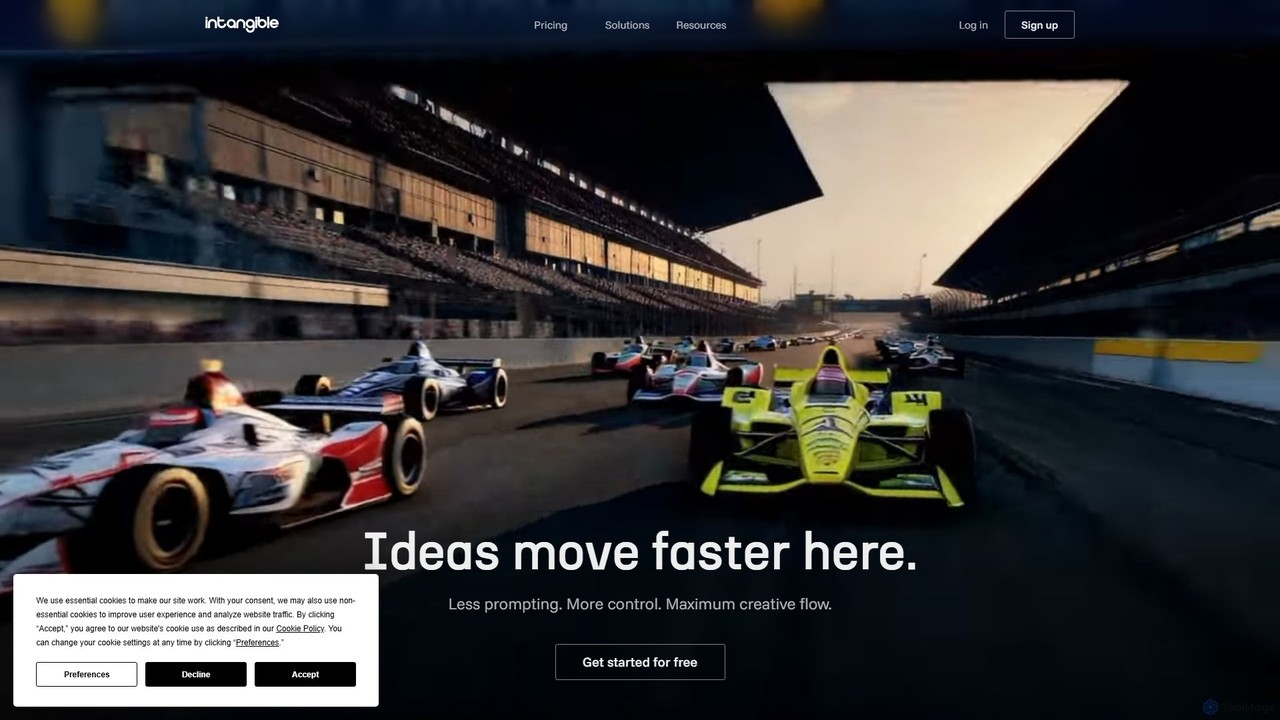
Intangible

Intangible

Intangible is an advanced AI spatial intelligence platform for creative industries. It enables users to create, visualize, and …

218.0K
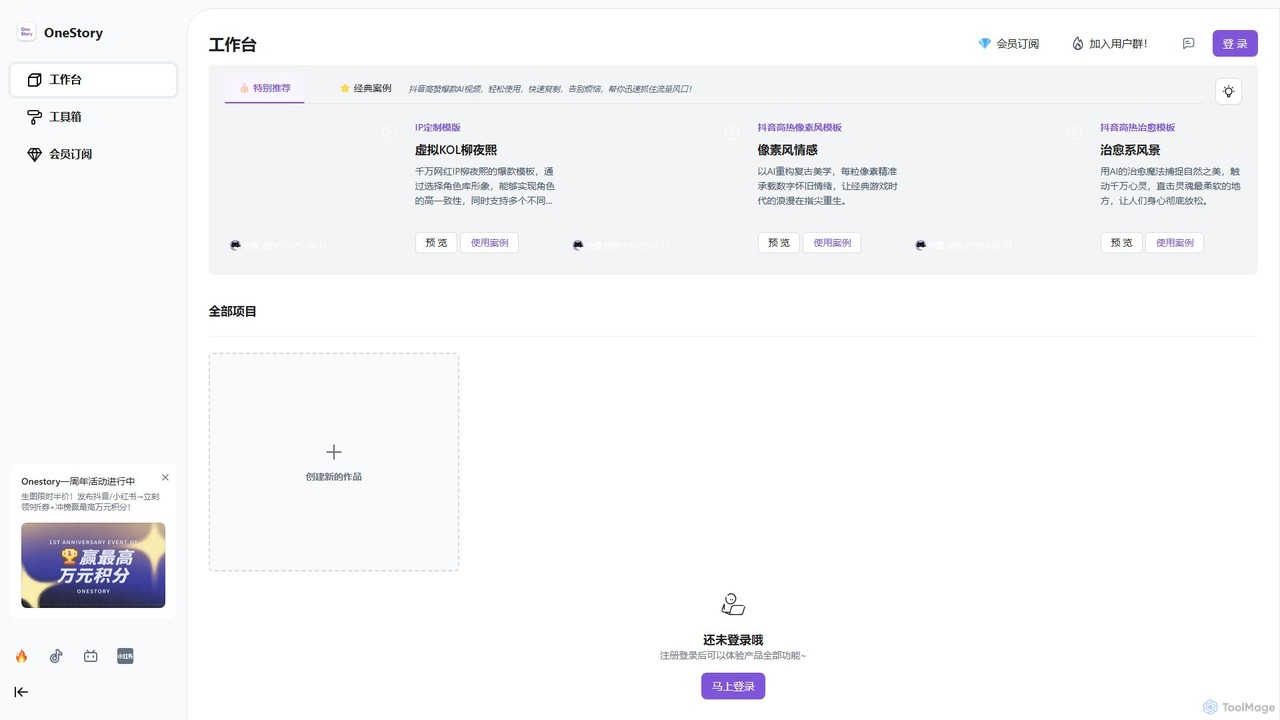
OneStory

OneStory

OneStory is a powerful multi-modal AI platform that transforms text, scripts, and ideas into professional storyboards and film-grade …

3.8K

About Storyboarding

AI Storyboarding tools are a category of AI-powered applications designed to assist in the visual planning and pre-visualization of narratives and sequences. These tools leverage artificial intelligence to generate visual panels, scenes, and character placements from text descriptions or script inputs, streamlining the creative process. They are invaluable for transforming abstract ideas into concrete visual blueprints, significantly enhancing productivity in various creative and production workflows.

Core Features

  • Automated Scene Generation: Instantly create visual panels and scenes from written scripts or prompts, including character actions and environmental details.
  • Extensive Asset Libraries: Access a rich collection of pre-designed characters, props, environments, and visual styles to populate storyboards.
  • Intuitive Sequence Editing: Easily arrange, reorder, and refine storyboard panels on a timeline, adding transitions, camera angles, and dialogue.
  • Collaborative Workflows: Facilitate team collaboration with features for sharing, commenting, and real-time feedback on storyboard projects.
  • Flexible Export Options: Export completed storyboards in various formats, such as image sequences, PDFs, or even basic animatics, for further production.

Applicable Scenarios

AI Storyboarding tools are widely adopted in film and video production for pre-visualizing complex scenes, in marketing for planning compelling ad campaigns, and in game design for mapping out cutscenes and interactive narratives. They empower creators to rapidly iterate on visual concepts, ensuring a cohesive and well-planned final product across diverse media projects.

How to Choose

When selecting an AI Storyboarding tool, consider the quality and flexibility of its AI generation capabilities, including style customization and prompt interpretation. Evaluate the richness and relevance of its built-in asset libraries, as well as the intuitiveness of its editing interface. Crucially, assess its collaboration features for team projects and its compatibility with your existing creative software ecosystem for seamless workflow integration.

StoryboardingUse Cases

1

Film & Video Pre-production

Filmmakers and video producers utilize AI storyboarding to rapidly visualize complex scenes, camera movements, and character blocking from scripts. By generating visual panels, they can experiment with different shot compositions and narrative flows, significantly reducing pre-production time and ensuring a clear visual guide for the entire crew before shooting begins.

2

Marketing & Advertising Campaign Planning

Marketing specialists and content strategists employ these tools to plan the visual narrative of advertising campaigns, explainer videos, or social media content series. They can quickly create sequential visual stories for ad spots, test different messaging with visual cues, and gain stakeholder approval more efficiently, ensuring a cohesive and impactful campaign.

3

Game Design & Narrative Mapping

Game designers and narrative developers use AI storyboarding to map out game cutscenes, interactive dialogue sequences, and critical in-game events. This allows them to visualize character expressions, environmental changes, and player choices, ensuring a consistent and engaging narrative flow throughout the game development process.

4

Educational Content Development

Educators and e-learning developers leverage AI storyboarding to design engaging visual aids for online courses, tutorials, or presentations. They can create step-by-step visual guides for complex concepts, add annotations, and plan the flow of information, making learning more accessible and interactive for students.

5

UX/UI User Journey Visualization

UX/UI designers use AI storyboarding to prototype and visualize user journeys and interaction flows within applications or websites. By creating sequential screens or states, they can demonstrate user actions, transitions between interfaces, and potential pain points, leading to early identification of usability issues and a more intuitive design.

6

Comic & Graphic Novel Conceptualization

Comic artists and graphic novelists utilize AI storyboarding to plan panel layouts, character poses, and the overall narrative progression of their visual stories. They can generate initial panel sketches from script segments, experiment with different compositions, and refine their visual storytelling before committing to final artwork, streamlining the creative process.

StoryboardingFrequently Asked Questions