ToolMage
Sign in

Best 3 3D AI tools for Productivity

Popular 3D AI tools in Productivity include NVIDIA, Beeble, and LookX, helping you work more efficiently.

NVIDIA
Freemium

NVIDIA

NVIDIA is a global leader in artificial intelligence computing, providing a full-stack platform of hardware, software, and services. Its solutions power everything from gaming and professional graphics with GeForce and RTX GPUs to advanced AI, data science, and high-performance computing in data centers and the cloud.

Infrastructure
Visits 39MFavorites 128Likes 119
Beeble
Freemium

Beeble

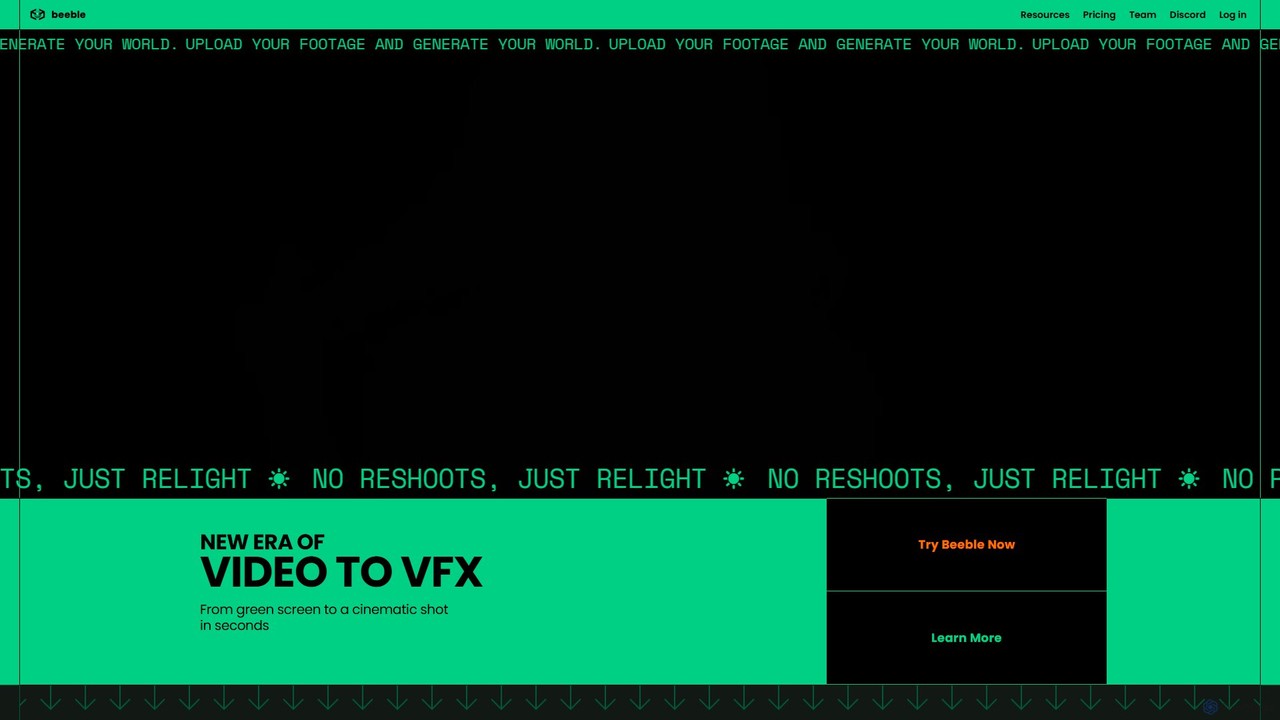
Beeble is an AI-powered platform that transforms standard video footage into professional-grade VFX assets. It automatically removes backgrounds, generates PBR texture maps for relighting, and creates depth maps for seamless 3D compositing. It's designed for VFX professionals and video creators to achieve cinematic results without expensive equipment or complex manual processes.

3D
Visits 264.9KFavorites 157Likes 165
LookX
Freemium

LookX

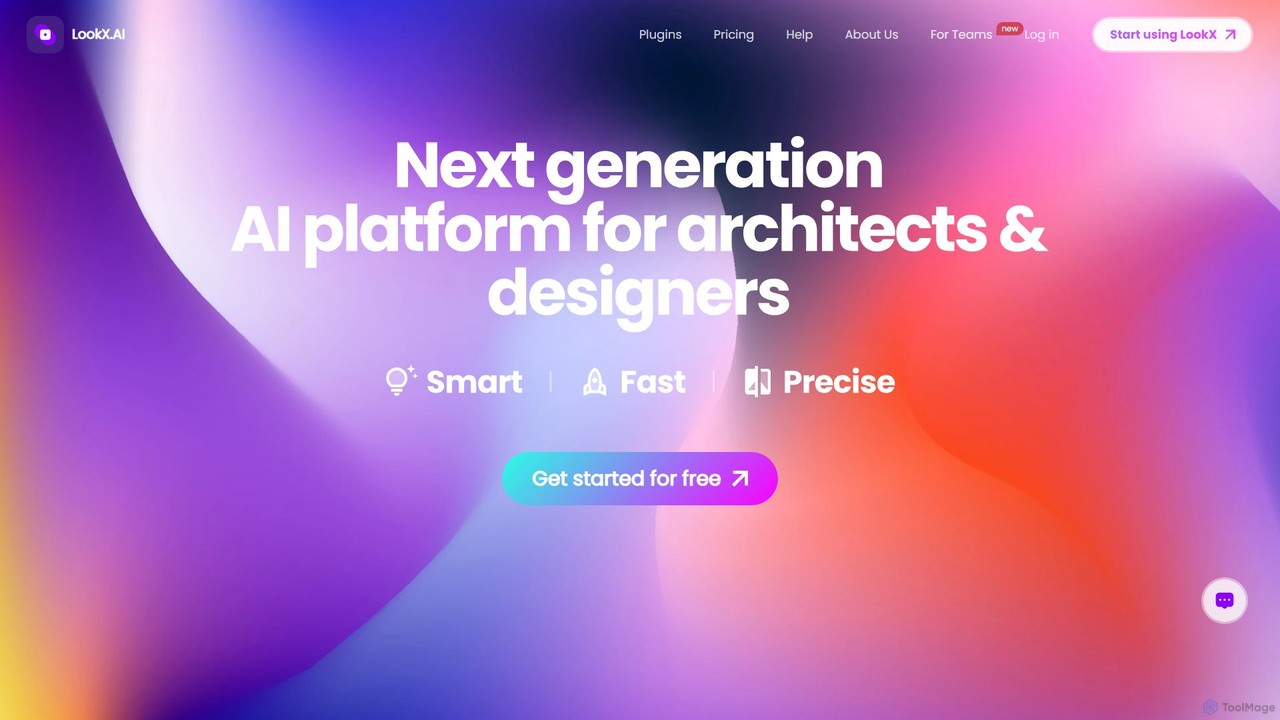
LookX is an AI-powered design platform specifically for architecture and interior design. It transforms text, sketches, and images into high-quality renderings and videos in real-time. Features include custom model training, plugins for SketchUp and Rhino, and advanced prompt assistance to accelerate the creative workflow for designers and architects.

Architecture
Visits 125.7KFavorites 148Likes 137

About 3D

AI 3D tools are a class of software that leverages artificial intelligence to generate, modify, and texture three-dimensional models. These tools typically interpret text prompts or 2D images to automatically create complex 3D assets, significantly accelerating creative workflows. They provide a powerful productivity boost for designers and developers by reducing the manual effort and technical skill required for 3D content creation. Unlike traditional modeling software, AI 3D tools focus on generative processes, enabling rapid prototyping and the creation of numerous variations from simple inputs.

Core Features

  • Text-to-3D Generation: Creates 3D models directly from descriptive text prompts.
  • Image-to-3D Conversion: Transforms 2D images, sketches, or photographs into detailed 3D objects.
  • AI-Powered Texturing: Automatically generates and applies realistic or stylized materials and textures to models.
  • Generative Modeling: Produces variations of 3D assets based on parameters and rules, ideal for creating diverse content.
  • Mesh Optimization: Intelligently simplifies and refines the geometry of 3D models for better performance in games or applications.

Use Cases

AI 3D tools are widely used in game development for rapid asset creation, in e-commerce for product visualization, and in architecture for conceptual modeling. They are also valuable in AR/VR development, film pre-visualization, and for hobbyists creating models for 3D printing.

How to Choose

When selecting an AI 3D tool, consider the primary input method (text, image, or both). Evaluate the quality and detail of the output models and the supported export formats (e.g., OBJ, FBX, glTF). Also, assess the level of post-generation control and customization options available, as well as potential integrations with existing software like Blender or Unreal Engine.


3D use cases

1

Rapid Prototyping for Game Assets

An indie game developer needs to populate a game world with dozens of unique props like chests, barrels, and furniture. Instead of spending weeks manually modeling each item, they use a text-to-3D tool. By inputting prompts like 'ornate wooden treasure chest with iron fittings' or 'sci-fi glowing energy crystal,' they can generate a wide variety of base models in minutes. This allows them to quickly test different assets in the game engine, iterate on the visual style, and focus their limited time on more complex character or environment modeling, accelerating the development cycle significantly.

2

E-commerce Product Visualization

An online furniture retailer wants to offer 360-degree interactive views of their products without expensive photoshoots or 3D artists. They use an image-to-3D tool. By uploading a few high-quality photos of a chair from different angles, the AI generates a complete 3D model. This model can then be embedded on the product page, allowing customers to rotate, zoom, and inspect the item from all sides. This enhances the online shopping experience, increases customer confidence, and has been shown to reduce return rates by providing a more accurate representation of the product.

3

Conceptual Architectural Visualization

An architect is in the early stages of designing a commercial building and needs to present multiple facade concepts to a client. Using an AI 3D tool, they can input a basic massing model of the building and apply different styles through text prompts like 'modern glass and steel facade with vertical gardens' or 'brutalist concrete exterior with deep-set windows'. The AI generates these concepts as textured 3D models almost instantly. This allows the architect and client to visually explore dozens of possibilities in a single meeting, facilitating faster decision-making and a more collaborative design process.

4

Creating Custom 3D Avatars from Photos

A social VR platform wants to offer users a simple way to create personalized avatars. Instead of complex character creators, they integrate an AI 3D tool. A new user simply uploads a selfie. The AI analyzes the facial features, structure, and skin tone from the 2D image and generates a stylized 3D head model that resembles the user. The platform can then attach this head to a standard body, allowing users to be represented by a recognizable digital version of themselves in the virtual world within seconds of signing up, significantly improving user onboarding and engagement.

5

Generating Unique Models for 3D Printing

A hobbyist wants to 3D print a custom phone stand that looks like a fantasy creature. They lack the advanced skills needed for digital sculpting in software like ZBrush. Using a text-to-3D AI tool, they enter a prompt like 'a small dragon curled up, with its wings forming a cradle for a phone'. The AI generates several 3D model variations. The user selects the best one, makes minor adjustments if the tool allows, and exports it as an STL file ready for their 3D printer. This empowers individuals without a 3D modeling background to create and print unique, personalized physical objects.

6

AI-Assisted Environment Texturing

A 3D artist is working on a large, complex environment for a film, such as an ancient, overgrown temple. Manually texturing every surface would be incredibly time-consuming. Instead, they use an AI texturing tool. They can select different parts of the model and apply materials using text prompts like 'mossy, cracked stone bricks' for the walls, 'damp earth with scattered leaves' for the ground, and 'weathered bronze with green patina' for statues. The AI intelligently applies these textures, ensuring they wrap correctly around the geometry and have realistic variations, saving hundreds of hours of work compared to traditional methods.

3D FAQ

What are AI 3D tools?

AI 3D tools are applications that use artificial intelligence to automate or assist in the creation of three-dimensional models and assets. Instead of requiring users to manually build models polygon by polygon, these tools can generate 3D objects from simple inputs like text descriptions (text-to-3D) or 2D images (image-to-3D). Their primary purpose is to dramatically increase productivity, lower the technical barrier for 3D creation, and enable rapid exploration of ideas for professionals and hobbyists alike.

How to choose the right AI 3D tool?

To choose the right AI 3D tool, consider these factors:

  • Input Method: Determine if you primarily need text-to-3D, image-to-3D, or video-to-3D capabilities based on your workflow.
  • Output Quality: Examine the level of detail, mesh cleanliness, and texture resolution of sample outputs. Some tools are better for conceptual work, while others produce game-ready assets.
  • Export Formats: Ensure the tool exports in formats compatible with your target software, such as FBX for game engines or STL for 3D printing.
  • Control and Refinement: Check how much control you have over the generation process and whether you can edit or refine the model after it's created.
  • Cost and Usage Limits: Compare pricing models (subscription vs. pay-per-generation) and understand any limits on the number or resolution of models you can create.
What's the difference between AI 3D generators and traditional 3D modeling software?

The core difference lies in the creation process. Traditional 3D modeling software (like Blender, Maya, 3ds Max) requires an artist to manually construct a model from basic shapes, manipulating vertices, edges, and polygons. This process offers precise control but is time-consuming and requires significant technical skill. In contrast, AI 3D generators automate this process. The user provides a high-level prompt (text or image), and the AI builds the model. This is much faster and more accessible for beginners, but may offer less granular control than traditional methods. AI tools excel at rapid ideation, while traditional software is suited for detailed, specific execution.

What kind of quality can I expect from AI-generated 3D models?

The quality of AI-generated 3D models varies significantly between tools and is rapidly improving. Currently, many tools produce models that are excellent for conceptualization, pre-visualization, and as a base mesh for further refinement. The geometry (topology) can sometimes be messy or not optimized for animation. However, for static objects, product mockups, or 3D printing, the quality is often sufficient. High-end tools are beginning to produce cleaner, more detailed models with better textures that can be used in games or professional renders with minor cleanup. It's best to check recent examples from any tool you're considering to assess its current capabilities.

Who can benefit from using AI 3D tools?

A wide range of users can benefit from AI 3D tools. This includes:

  • Game Developers: For rapidly prototyping assets and populating game worlds.
  • Product Designers & Marketers: For creating quick product visualizations and mockups for e-commerce or advertising.
  • Architects & Interior Designers: For generating conceptual models and exploring design variations quickly.
  • Hobbyists & 3D Printing Enthusiasts: For creating custom models without needing deep technical modeling skills.
  • Content Creators & VFX Artists: As a starting point for more complex scenes or for generating unique assets and textures.

Essentially, anyone who needs 3D content but may lack the time or expertise for traditional modeling can find significant value in these productivity-enhancing tools.