Productivity Best in category 2 results 3D Modeling AI Tool

Popular AI tools in the 3D Modeling field of Productivity include Homestyler、worldsbeyondnft, etc., helping you quickly improve efficiency.

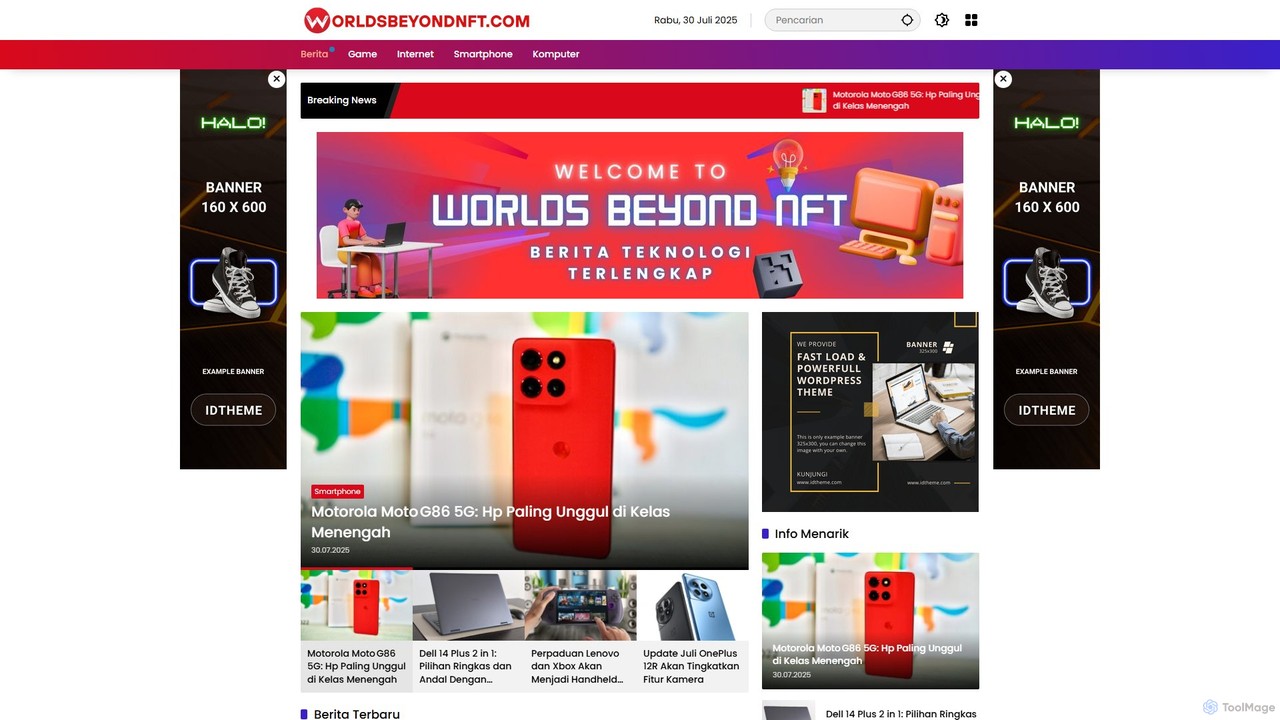
worldsbeyondnft

worldsbeyondnft

An all-in-one AI-powered platform for creating, analyzing, and deploying digital assets and experiences for the metaverse and Web3. …

2.7K
Homestyler

Homestyler

Homestyler is a powerful, user-friendly online 3D home design platform that allows users to create stunning interior designs …

2.0M

About 3D Modeling

AI 3D Modeling tools are a class of software that leverages artificial intelligence to automatically generate or assist in the creation of three-dimensional digital models. These tools typically use generative models, such as NeRFs or diffusion models, to interpret inputs like text descriptions or 2D images and transform them into complex 3D geometry. Their primary value lies in dramatically accelerating the concepting and asset creation process, making 3D design more accessible to users without extensive technical modeling skills. This technology significantly reduces the time required for initial prototyping and content production in various creative and technical fields.

Core Features

  • Text-to-3D Generation: Creates 3D models directly from descriptive text prompts, enabling rapid ideation.
  • Image-to-3D Conversion: Transforms one or more 2D images into a textured 3D object.
  • AI-Assisted Sculpting: Provides intelligent tools that suggest details, smooth surfaces, or simplify geometry during the modeling process.
  • Automated UV Unwrapping & Texturing: Uses AI to logically unfold a 3D model's surface for texturing and can generate materials from prompts.
  • Mesh Optimization: Automatically reduces the polygon count of a model (retopology) to make it suitable for real-time applications like games or AR/VR.

Use Cases

AI 3D Modeling is widely used in game development for rapid asset prototyping, in product design for creating initial concepts, and in architecture for quick visualization of building exteriors. It also serves content creators for generating unique assets for AR/VR experiences and virtual environments, empowering them to produce complex models without traditional, time-consuming workflows.

How to Choose

When selecting an AI 3D Modeling tool, consider the primary input method you'll use (text, image, or video). Evaluate the quality and detail of the generated models and the available output formats (e.g., OBJ, FBX, glTF) for compatibility with your existing software pipeline. Also, assess the level of user control for refining results and the tool's pricing model, which is often based on credits per generation.

3D ModelingUse Cases

1

Rapid Prototyping of Game Assets

A solo game developer needs to populate a fantasy world with dozens of unique props like chests, barrels, and furniture. Instead of manually modeling each item, which could take weeks, they use an AI 3D modeling tool. By inputting text prompts such as 'ornate wooden treasure chest with iron fittings' or 'weathered oak barrel,' they generate multiple 3D model variations in minutes. They can then select the best options, perform minor tweaks in a traditional 3D editor, and quickly import them into their game engine. This process reduces asset creation time by over 80%, allowing for faster iteration and world-building.

2

Creating 3D Models for E-commerce

An online furniture store wants to offer a 360-degree view and an AR 'view in your room' feature for its products. Photographing each item from every angle is impractical. Instead, the marketing team uploads a few high-quality product photos to an image-to-3D AI tool. The AI generates a detailed, textured 3D model of the chair or table. This model is then embedded on the product page for interactive viewing and used in the AR application. This approach enhances customer engagement and reduces the need for expensive photoshoots or hiring specialized 3D artists, making advanced e-commerce features accessible to smaller businesses.

3

Conceptual Design for Architecture

An architect is in the early stages of designing a residential building and needs to present several massing concepts to a client quickly. Using an AI 3D modeling tool, they can input simple sketches or text descriptions like 'modern three-story residential block with balconies and a rooftop garden.' The AI generates multiple 3D conceptual models, allowing the architect and client to visualize different forms and layouts instantly. This accelerates the decision-making process and allows for more creative exploration in the initial design phase, long before detailed drafting begins in traditional CAD software.

4

Creating Custom Models for 3D Printing

A hobbyist wants to 3D print a custom phone stand for their desk but lacks the skills to use complex CAD software. They use a text-to-3D tool and type 'a small octopus holding up a smartphone with its tentacles.' The AI generates a 3D model that matches the description. After a quick check for printability in a slicer program, they can export the model as an STL file and send it directly to their 3D printer. This empowers individuals without a design background to create personalized, functional objects, bridging the gap between imagination and physical creation.

5

Generating 3D Avatars from a Single Photo

A company developing a metaverse platform needs a simple way for users to create personalized avatars. Instead of complex character creators, they integrate an AI 3D modeling API. A new user simply uploads a selfie. The AI analyzes the facial features from the single 2D image and generates a fully rigged, 3D head model that resembles the user. This model is then attached to a standard body, creating a personalized avatar in seconds. This frictionless process significantly improves user onboarding and engagement by making personalization instant and effortless.

6

AI-Assisted Digital Sculpting Details

A 3D character artist is working on a high-detail model of a fantasy creature. Manually sculpting intricate details like scales, wrinkles, or complex armor patterns can be extremely time-consuming. The artist uses an AI-assisted sculpting tool. After creating the basic form of the creature, they use an AI brush that can generate realistic scale patterns across the surface, following the contours of the model. For armor, they can describe a pattern like 'elvish filigree' and have the AI apply it as a detailed surface relief. This hybrid workflow combines the artist's creative direction with AI's efficiency for detail work, achieving high-quality results in a fraction of the time.

3D ModelingFrequently Asked Questions