Productivity Best in category 12 results Accessibility AI Tool

Popular AI tools in the Accessibility field of Productivity include Eyeware、TextToVoice、aivoicegenerator、Sonify、Text Reader、weaccess、Voicefy、embedvoice、subtitles by fframes、Altsnap, etc., helping you quickly improve efficiency.

TongueType

TongueType

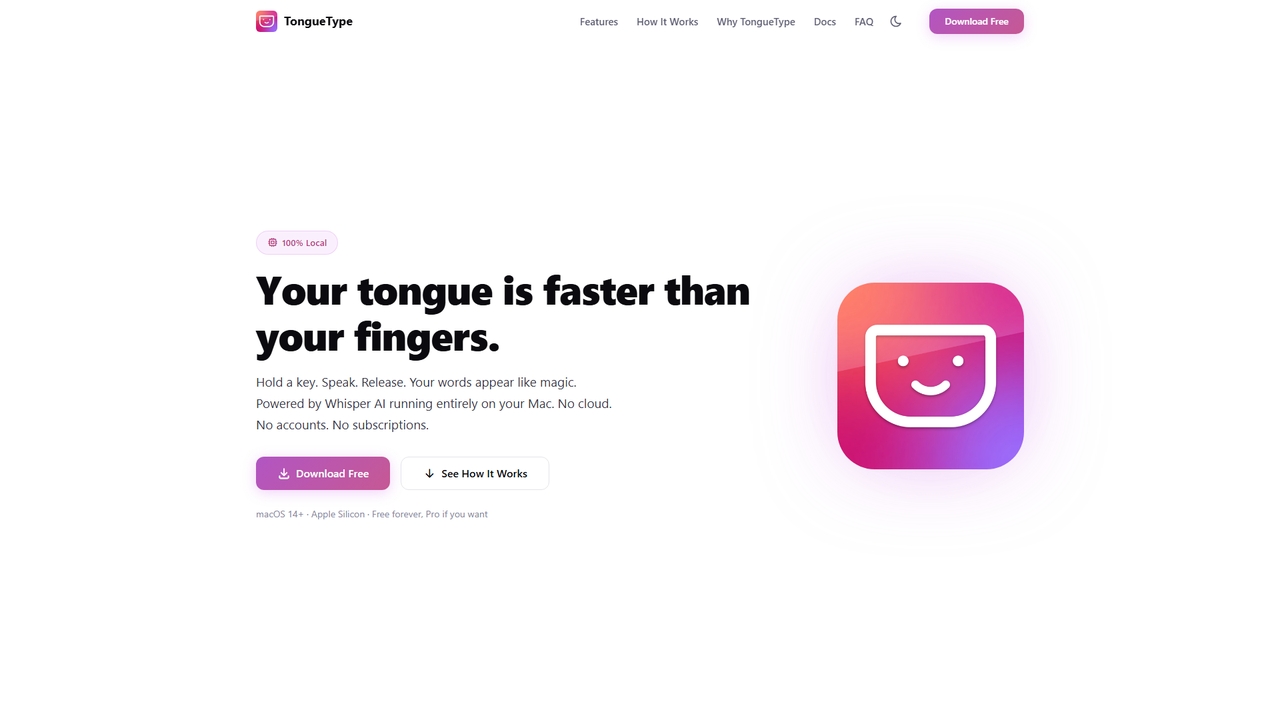
TongueType is a 100% private, offline voice dictation app for macOS. It uses the Whisper AI model locally …

2.0K
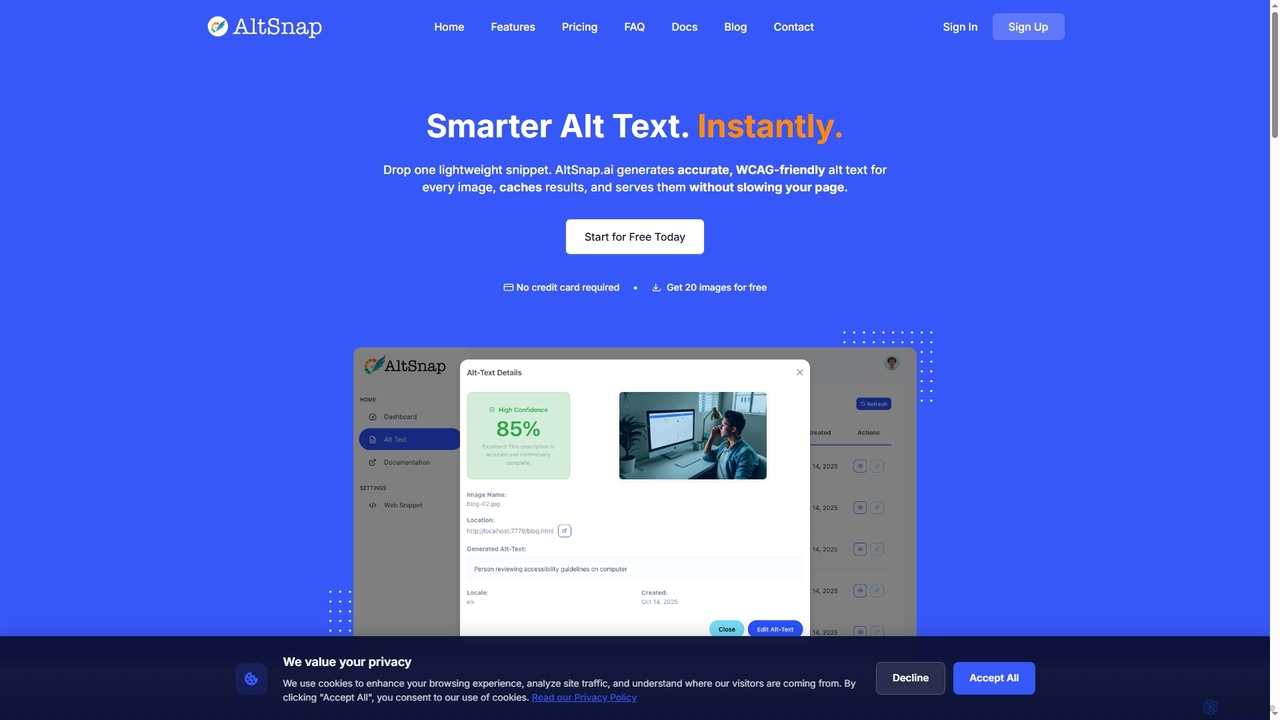
Altsnap

Altsnap

Altsnap is an AI-powered tool that automatically generates accurate, WCAG-compliant alt text for website images. It improves accessibility …

2.0K
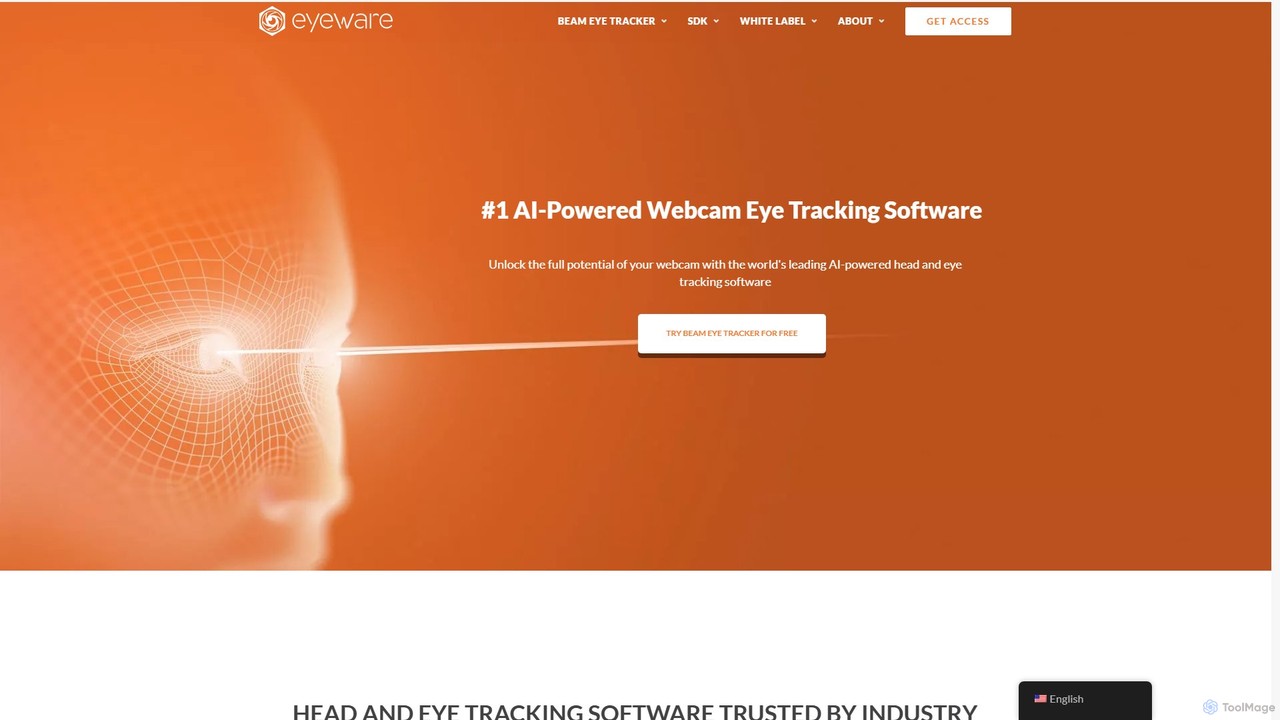
Eyeware

Eyeware

Eyeware provides AI-powered head and eye tracking software that transforms standard webcams into powerful tracking devices. It offers …

135.3K
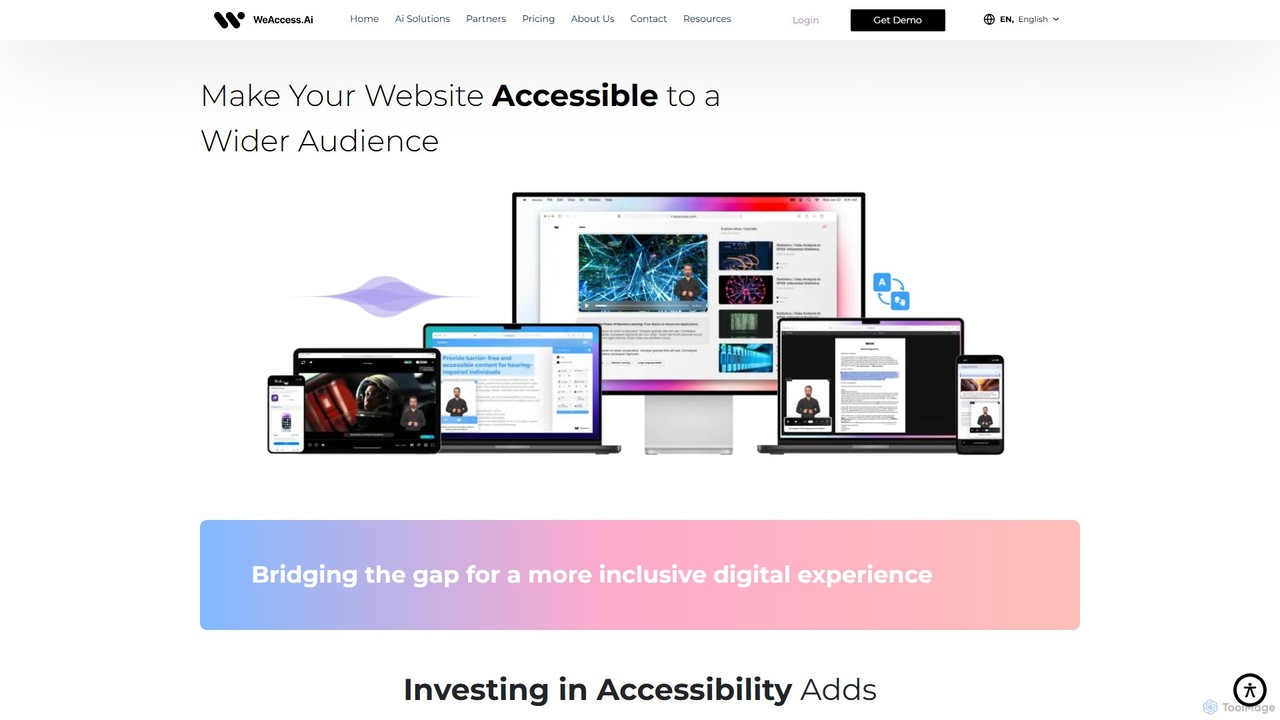
weaccess

weaccess

weaccess is an AI-powered digital accessibility solution designed to help websites, mobile apps, and digital content achieve WCAG …

3.0K
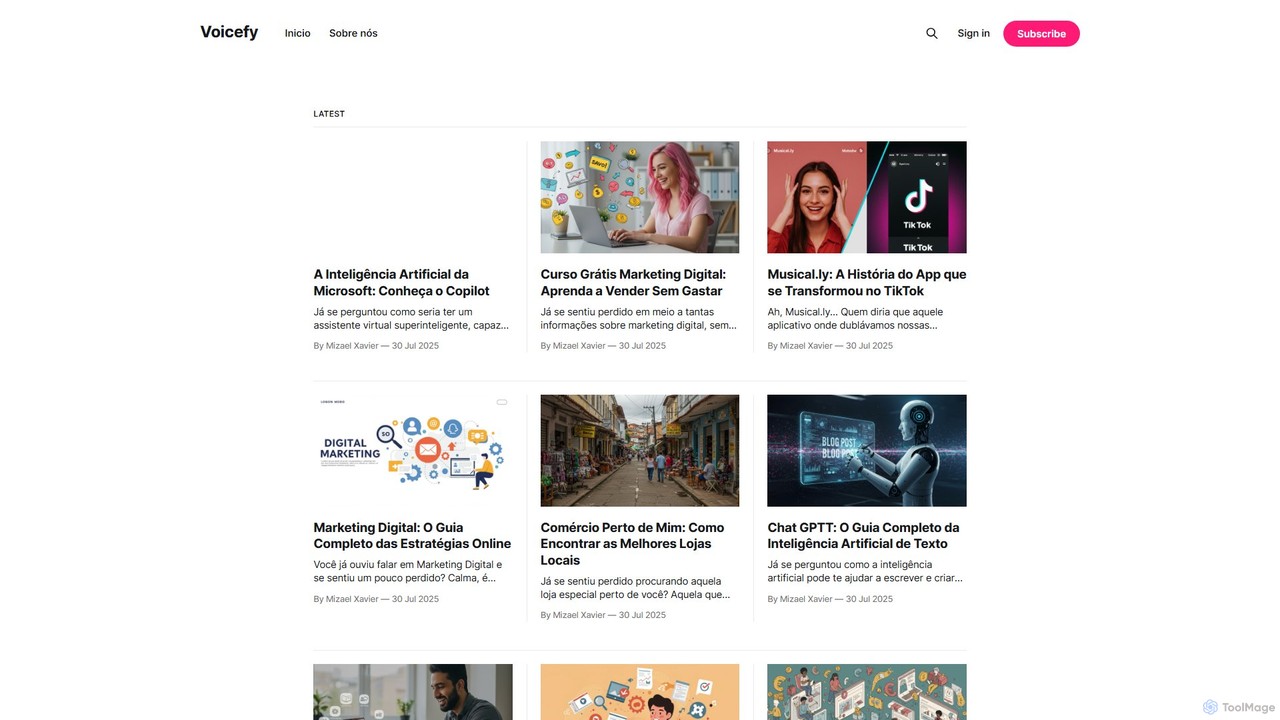
Voicefy

Voicefy

Voicefy is an advanced AI-powered text-to-speech (TTS) platform that converts written text into incredibly natural and human-like audio. …

2.7K
embedvoice

embedvoice

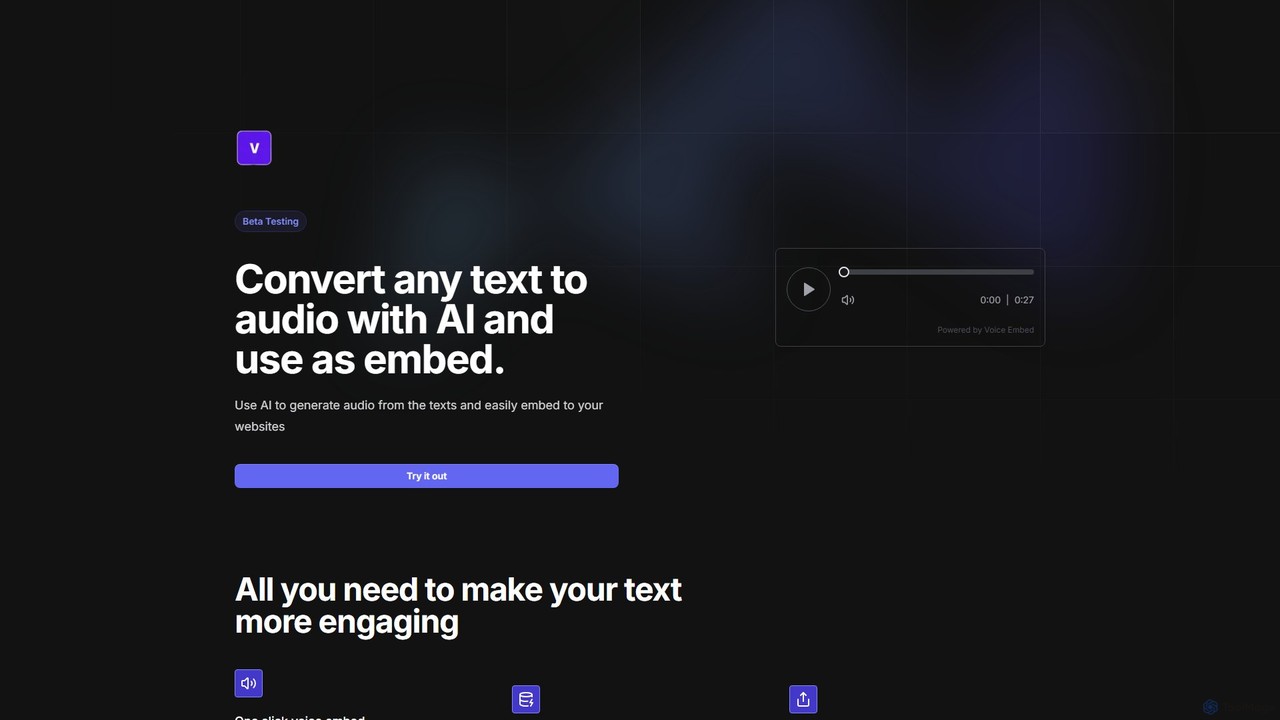
embedvoice is an AI-powered tool that converts any text into natural-sounding audio and provides a simple, embeddable player …

2.7K
AirCaption

AirCaption

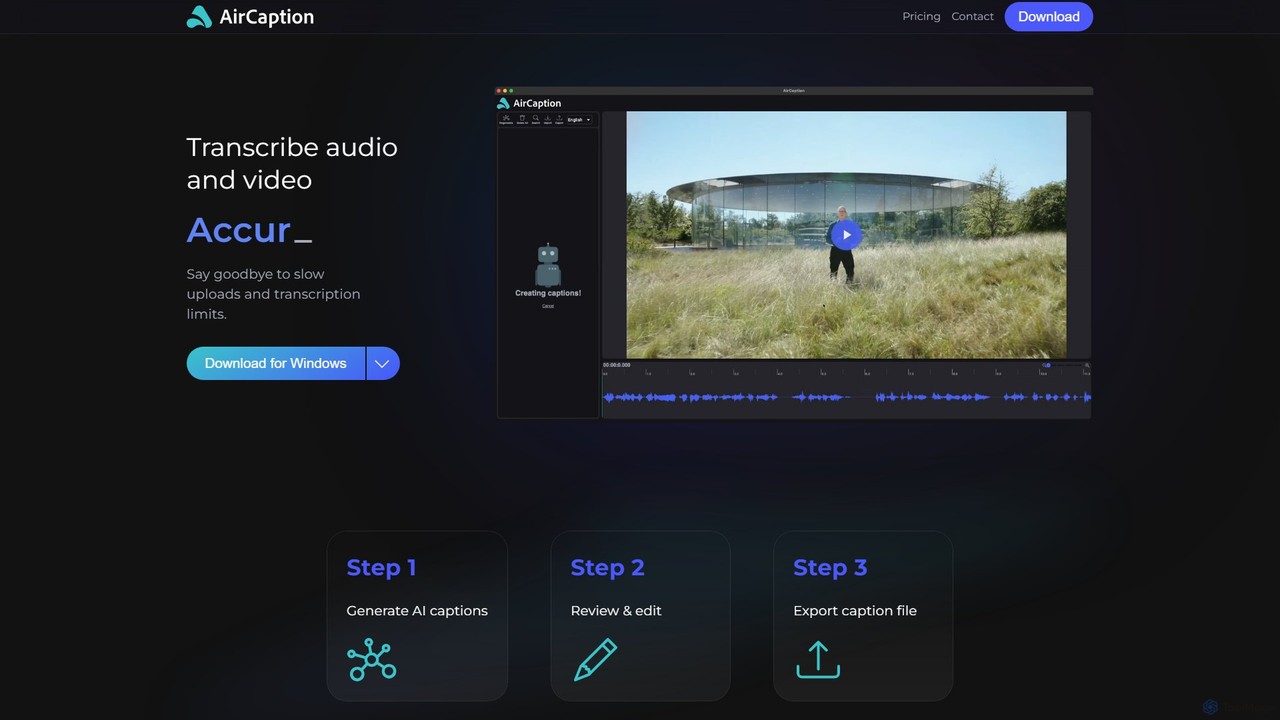
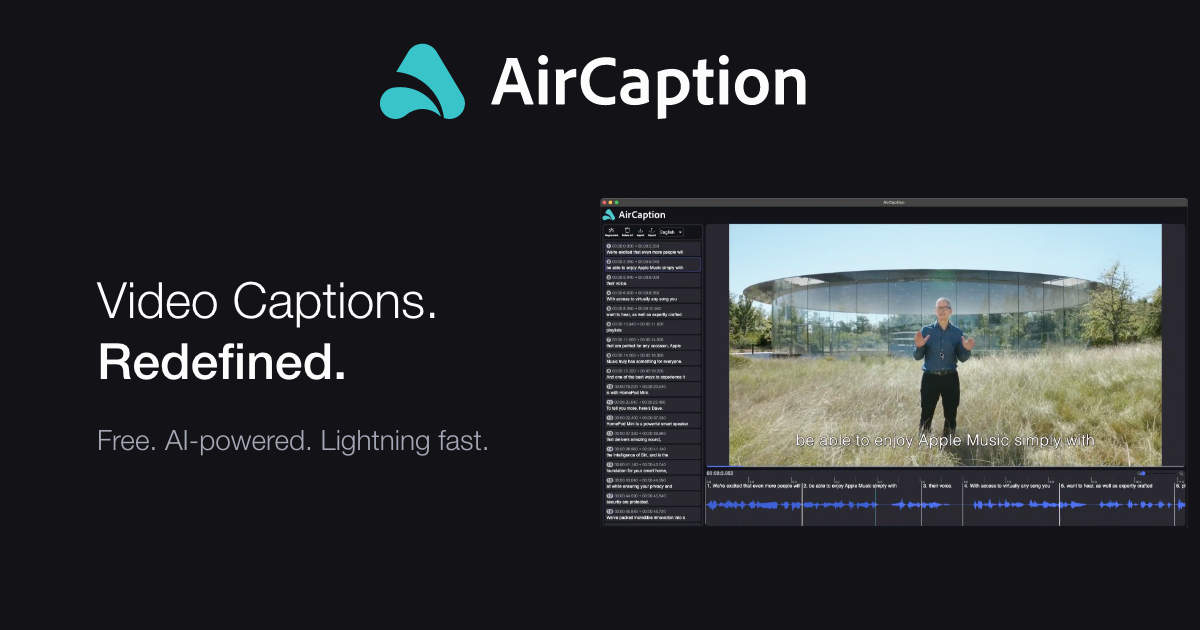
A desktop application for Windows and Mac that provides fast, accurate, and private AI-powered speech-to-text transcription. It generates …

1.8K
Free
subtitles by fframes

subtitles by fframes

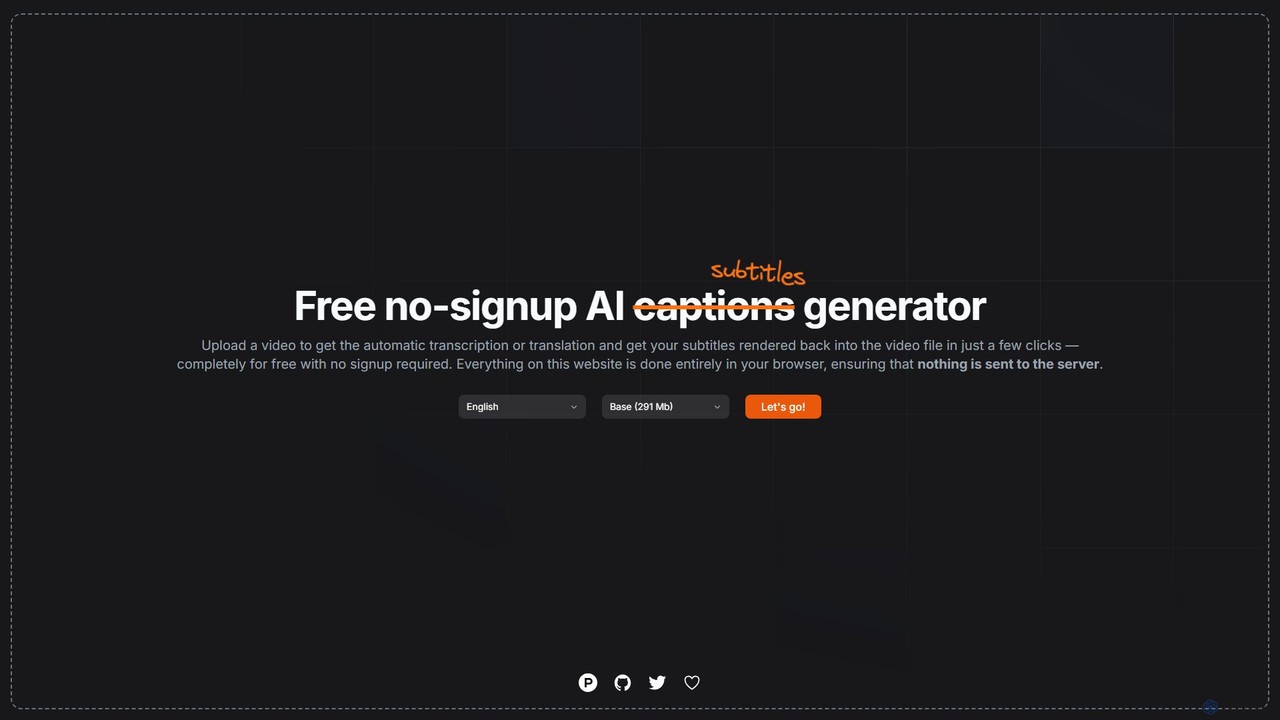
A free, no-signup, browser-based AI tool for automatically generating, translating, and rendering subtitles directly into your videos. It …

2.4K
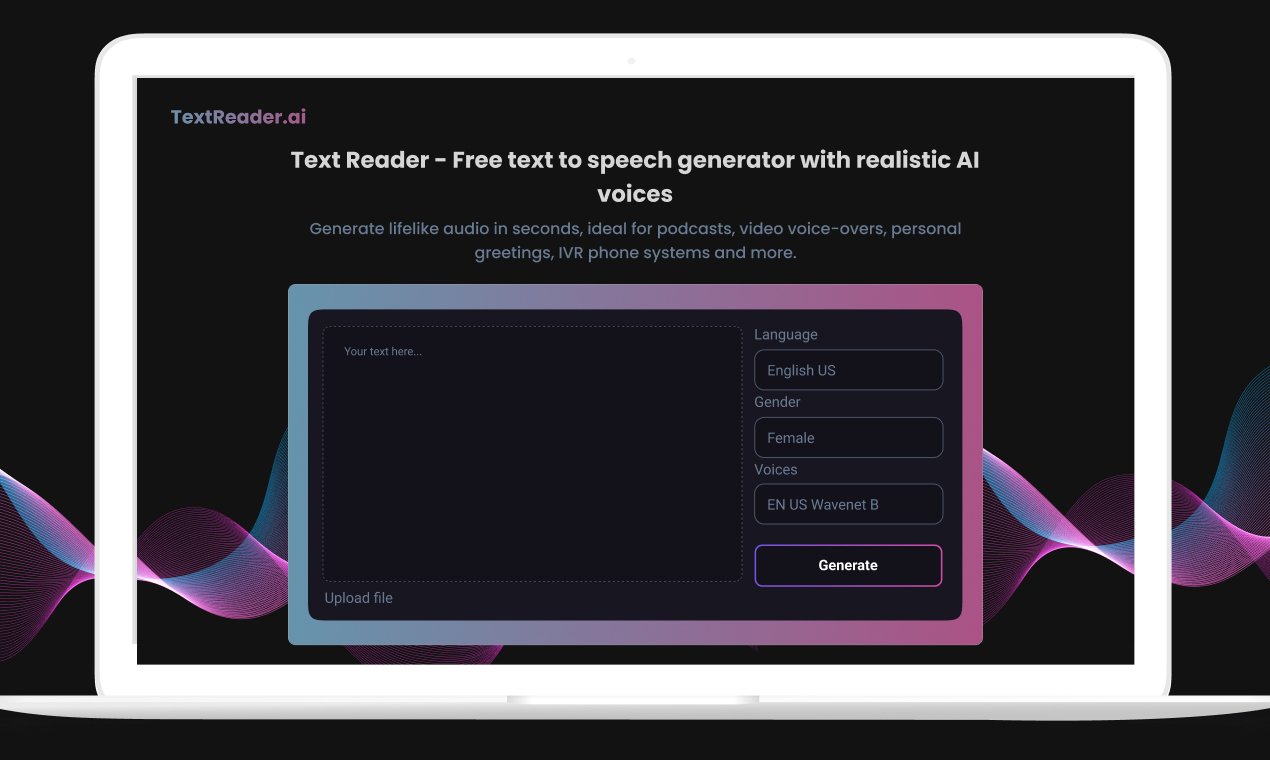
Text Reader

Text Reader

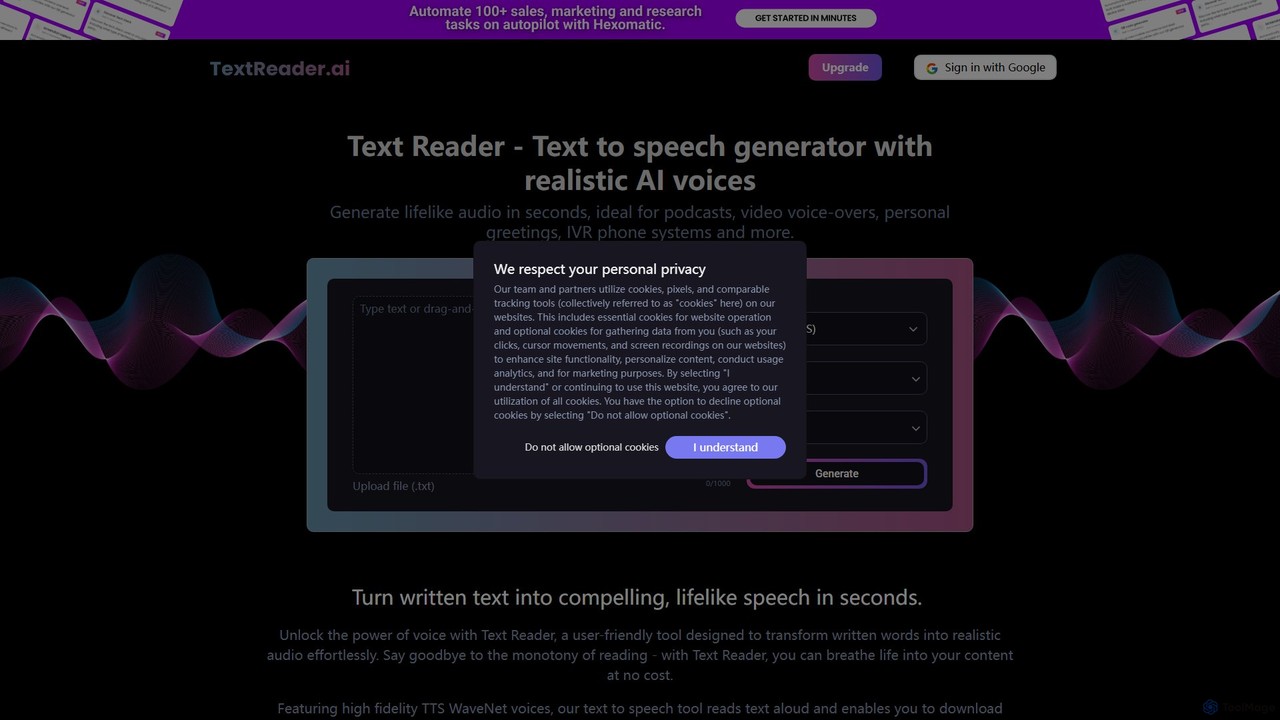
Text Reader is a free AI-powered text-to-speech generator that converts written text into realistic, lifelike audio in seconds. …

3.9K
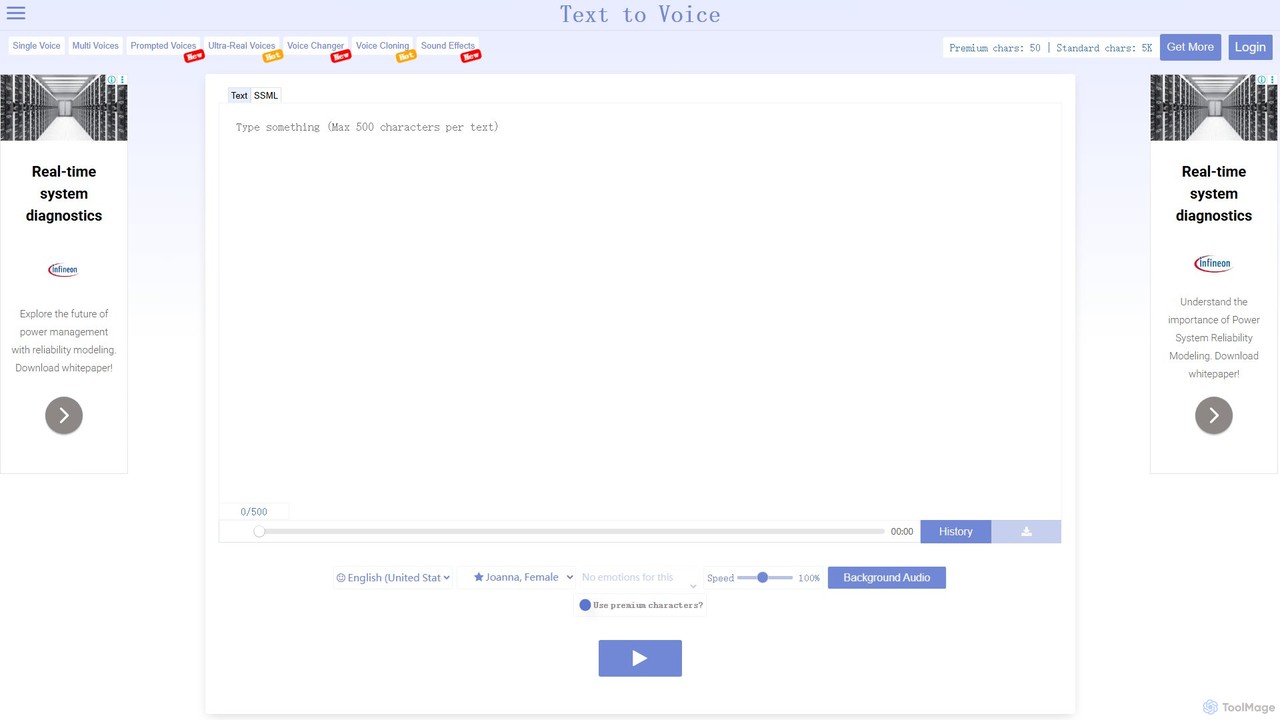
TextToVoice

TextToVoice

An advanced AI text-to-speech converter that generates ultra-realistic, emotional voices from text. It supports multiple languages, various speech …

51.2K
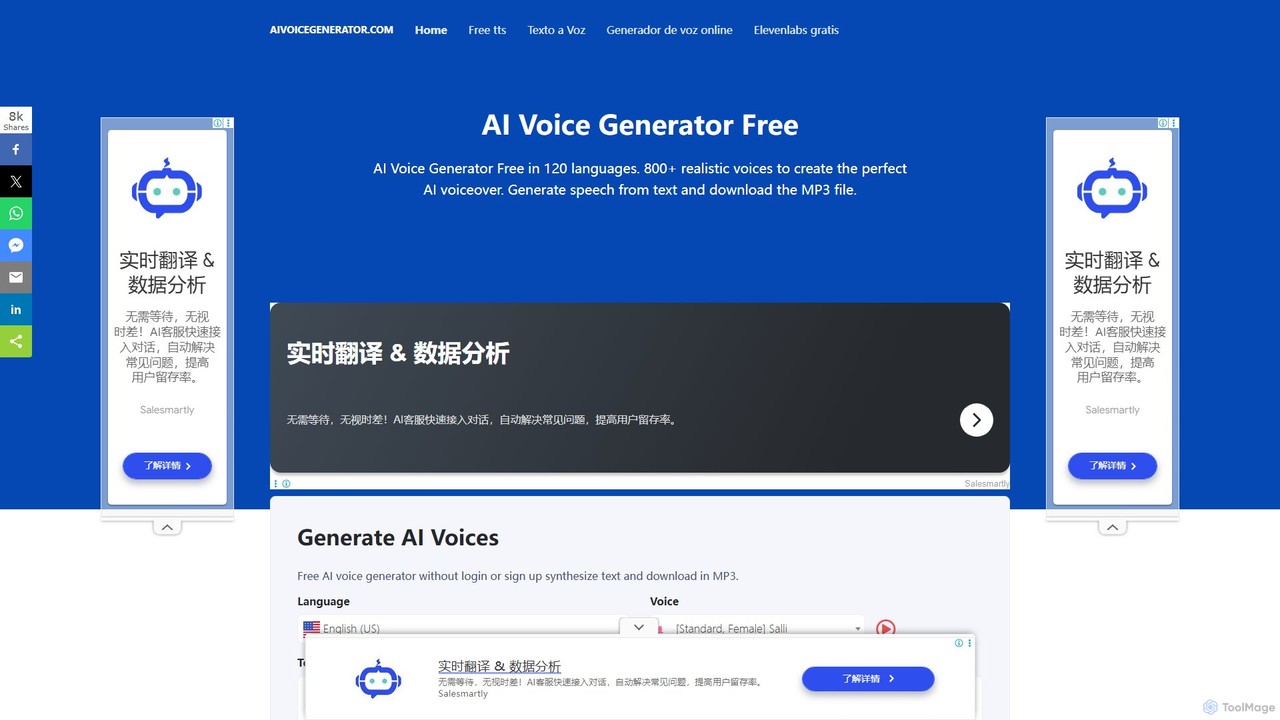
aivoicegenerator

aivoicegenerator

A free, no-signup AI voice generator that converts text to speech in over 120 languages with 800+ realistic …

12.3K
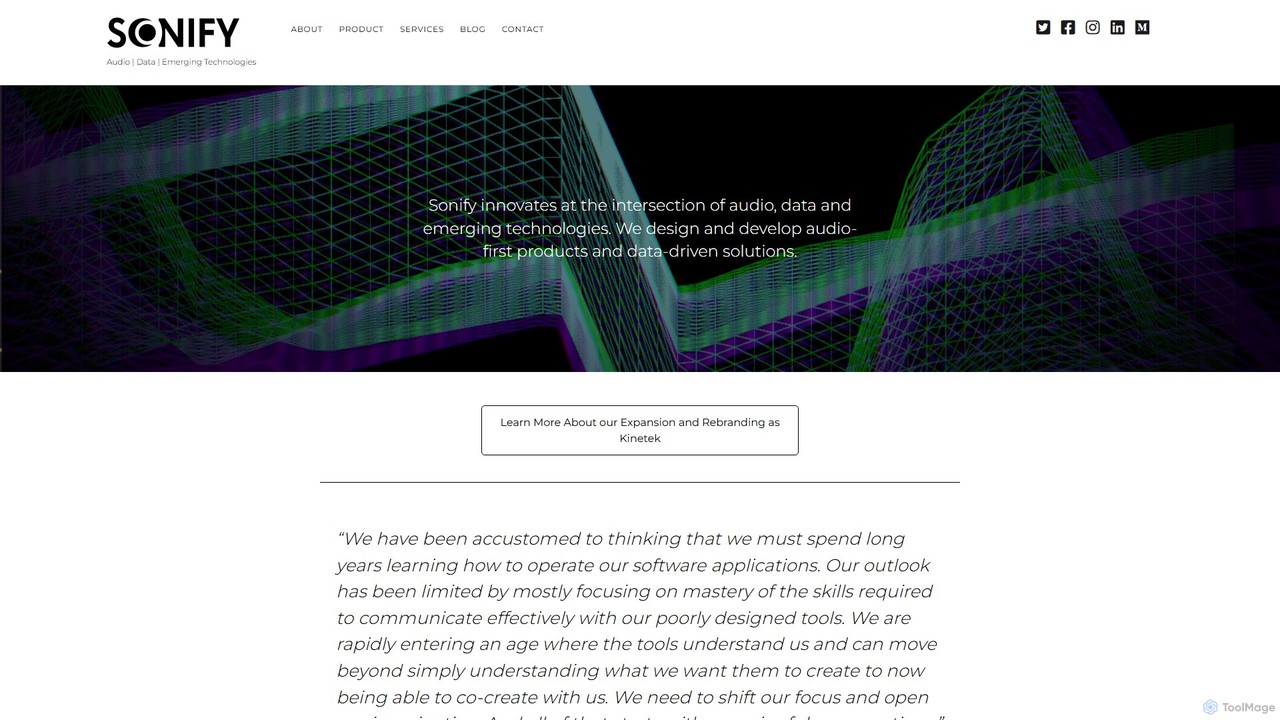
Sonify

Sonify

Sonify is an innovation studio that specializes in data sonification, using AI and emerging technologies to transform complex …

5.8K

About Accessibility

Accessibility tools are AI-powered solutions designed to make digital content, products, and services usable by individuals with diverse abilities. Leveraging advanced technologies like natural language processing and computer vision, these tools automatically identify and remediate accessibility barriers. Their primary value lies in ensuring equal access to information and functionalities, fostering inclusivity, and helping organizations meet compliance standards like WCAG.

Core Features

  • Automated Captioning & Transcription: Generates accurate text captions and transcripts for audio and video content, benefiting hearing-impaired users.
  • Image Description & Alt Text Generation: Automatically creates descriptive alternative text for images, crucial for visually impaired users relying on screen readers.
  • Content Remediation: Converts inaccessible document formats (e.g., untagged PDFs) into accessible versions, ensuring readability and navigability.
  • Text-to-Speech & Speech-to-Text: Provides conversion between written text and spoken audio, supporting users with visual impairments or motor disabilities.
  • Accessibility Auditing & Monitoring: Scans websites and applications for WCAG compliance issues, offering recommendations for improvement.

Use Cases

Accessibility tools are vital across various sectors. For content creators, they automate the generation of captions and alt text, making multimedia accessible. Educational institutions use them to convert learning materials into formats usable by students with disabilities. Businesses leverage these tools to ensure their websites and applications are inclusive and compliant with global accessibility standards, expanding their customer reach and avoiding legal penalties.

How to Choose

When selecting an AI accessibility tool, consider its compliance standards (e.g., WCAG 2.1 AA), the range of content types it supports (documents, video, web), its integration capabilities with existing platforms, and the level of automation versus human oversight required. Evaluate its accuracy in generating descriptions or captions and its ability to customize outputs to specific user needs.

AccessibilityUse Cases

1

Automating Video Captioning for Online Courses

An e-learning platform uses AI accessibility tools to automatically generate accurate captions and transcripts for thousands of video lectures. This ensures that students with hearing impairments can fully engage with the course material, while also benefiting other students who prefer to read along or review content quickly.

2

Enhancing Website Accessibility for E-commerce

An online retailer employs AI tools to scan its product pages and automatically generate descriptive alt text for all product images. This allows visually impaired customers using screen readers to understand product details, significantly improving their shopping experience and expanding the retailer's potential customer base.

3

Converting Inaccessible Documents for Government Agencies

A government agency utilizes AI accessibility solutions to remediate legacy PDF documents, converting them into WCAG-compliant, screen-reader-friendly formats. This ensures that all citizens, including those with disabilities, can access critical public information and services without barriers, fulfilling legal obligations.

4

Simplifying Complex Content for Cognitive Accessibility

A healthcare provider uses AI to analyze patient information brochures and simplify complex medical jargon into plain language summaries. This makes vital health information more understandable for individuals with cognitive disabilities or those with limited literacy, promoting better health outcomes.

5

Real-time Speech-to-Text for Live Events

Event organizers deploy AI-powered speech-to-text tools to provide real-time captions for live webinars and virtual conferences. This immediate transcription service ensures that deaf or hard-of-hearing attendees can follow presentations simultaneously, enhancing their participation and engagement.

6

Developing Inclusive Mobile Applications

Mobile app developers integrate AI accessibility features during the design and testing phases. Tools automatically identify UI elements lacking proper labels or contrast issues, providing actionable insights to build applications that are inherently more usable for individuals with various disabilities from the outset.

AccessibilityFrequently Asked Questions