
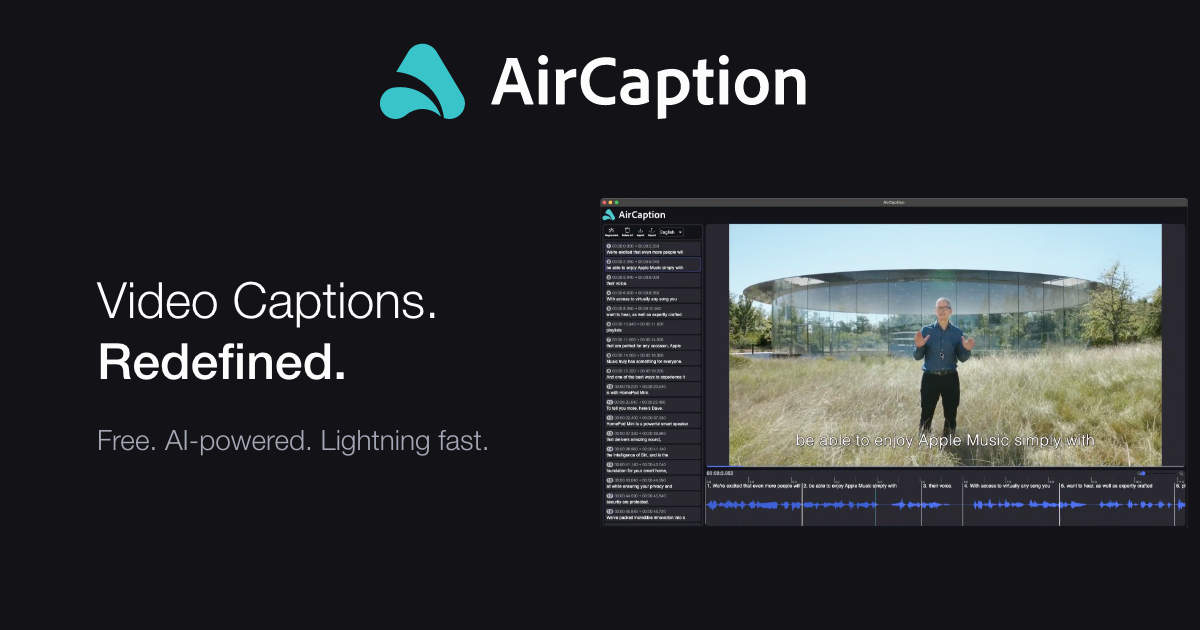
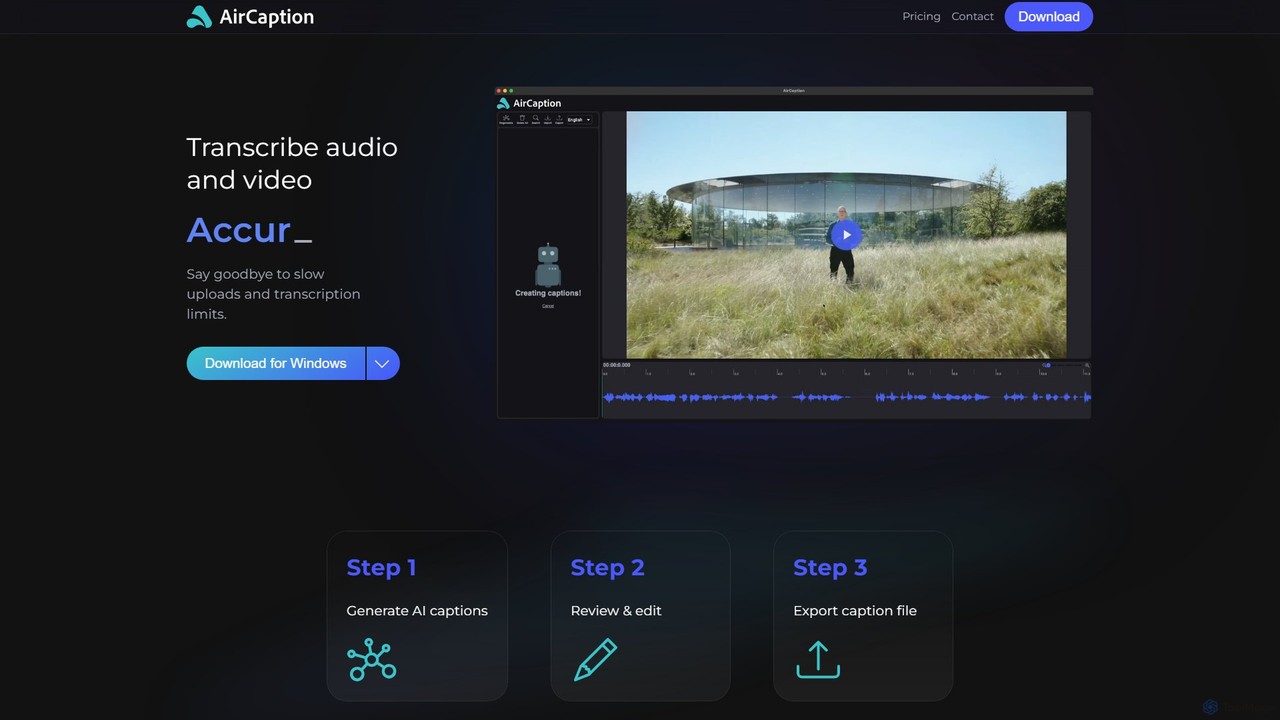
AirCaption Overview
AirCaption is a powerful AI-driven desktop application designed for content creators, video editors, podcasters, and professionals who need fast, accurate, and private transcription and subtitling. Powered by the latest AI models from OpenAI, AirCaption transforms audio and video files into precise text and captions directly on your computer, eliminating the need for slow uploads and ensuring your data remains completely private.
The tool is built with efficiency in mind, offering a streamlined workflow that allows users to generate, edit, and export captions with ease. Its standout feature is its offline functionality, which means all processing happens locally on your Mac or Windows device. This not only guarantees the security of your sensitive media files but also allows you to work from anywhere, without depending on an internet connection. AirCaption supports subtitling in over 67 languages, making it an invaluable asset for reaching a global audience.
How to use AirCaption
Using AirCaption is a straightforward, three-step process designed for maximum efficiency:
- Generate AI Captions: Simply drag and drop your audio or video files into the application. For users with large volumes of media, AirCaption supports batch processing, allowing you to queue up an entire folder of files and let the tool handle the transcription automatically.
- Review & Edit: Once the transcription is complete, use the intuitive editor to review and refine the generated text. The editor allows for easy adjustments to both the text content and the timing of the captions. It includes helpful hotkeys to speed up the editing process, ensuring perfect synchronization with your media. You can also import existing caption files (like SRT or VTT) to edit them.
- Export Caption File: After perfecting your captions, export them in various standard formats, including SRT, VTT, or plain text. You can also choose to export the video with the subtitles burned in, ready for publishing.
Core Features of AirCaption
- Offline AI Transcription: All transcription and subtitling processes are performed locally on your computer, ensuring 100% privacy and data security. No internet connection is required after installation.
- High-Accuracy AI Models: Leverages the latest and most advanced speech recognition models from OpenAI to deliver highly accurate transcriptions. The Pro plan offers even more powerful models for professional-grade results.
- Multi-Language Support: Generate subtitles in up to 67 different languages (beta), breaking down language barriers and expanding your content's reach.
- Batch Processing: Transcribe multiple files or entire folders in a single queue, saving significant time and effort.
- Intuitive Editor: A user-friendly interface for editing text and adjusting timestamps, complete with hotkeys for a faster workflow.
- Multiple Export Formats: Export your work as SRT, VTT, plain text files, or as a new video file with embedded subtitles.
- Import Existing Captions: Easily import and edit pre-existing subtitle files.
- Cross-Platform Availability: Available as a native application for both Windows and macOS.
Use Cases for AirCaption
AirCaption is a versatile tool suitable for a wide range of users:
- Video Editors: Quickly transcribe raw footage to search for specific dialogue or accurately subtitle final video projects.
- Podcasters: Generate full transcripts of episodes for blog posts, show notes, or to create accessible captions for video podcasts.
- Marketers: Add captions to promotional videos to boost engagement, increase watch time, improve SEO, and reach a wider audience, including those who watch with sound off.
- Online Course Creators: Enhance the learning experience by providing accurate captions for educational videos, improving comprehension and accessibility for all students.
- Legal Professionals: Transcribe depositions, court hearings, and other legal proceedings with confidentiality and precision.
- Researchers & Journalists: Transcribe interviews, focus groups, and press briefings for detailed analysis and accurate reporting.
- Language Learners: Use subtitles to improve listening comprehension and learn new vocabulary in a practical context.
Advantages of AirCaption
The primary advantage of AirCaption is its privacy-first, offline-first approach. Unlike web-based services, your files never leave your computer. This is combined with top-tier accuracy from OpenAI models, a user-friendly interface, and powerful batch processing features that make it a highly efficient tool. The generous free plan with unlimited transcription makes it accessible to everyone, while the Pro plan provides the extra power needed by professionals.
Pricing and Plans
AirCaption offers a simple and transparent pricing structure:
- Essentials Plan (Free): This plan is ideal for getting started and includes unlimited AI transcription, the ability to edit text and timing, caption generation in up to 60 languages, importing and editing existing caption files, and exporting in SRT, VTT, text, or video formats. It works completely offline.
- Pro Plan ($14.99/Month): This plan includes all the features of the Essentials plan, plus access to the medium and large AI models for the highest possible accuracy, and the ability to add multiple files to the transcription queue for streamlined batch processing.
Traffic
Latest traffic
Status
Monthly traffic trend
- 2025-9: 2.5K
- 2026-1: 700
- 2026-2: 0
- 2026-3: 47
- 2026-4: 0
- 2026-5: 228
Geography
Top 5 countries / regions
- 🇺🇿Uzbekistan100.0%
Top keywords
| Keyword | Cost per click |
|---|---|
| aduo to caption | $0.00 |
| aircaption | $0.00 |
AirCaption Alternatives
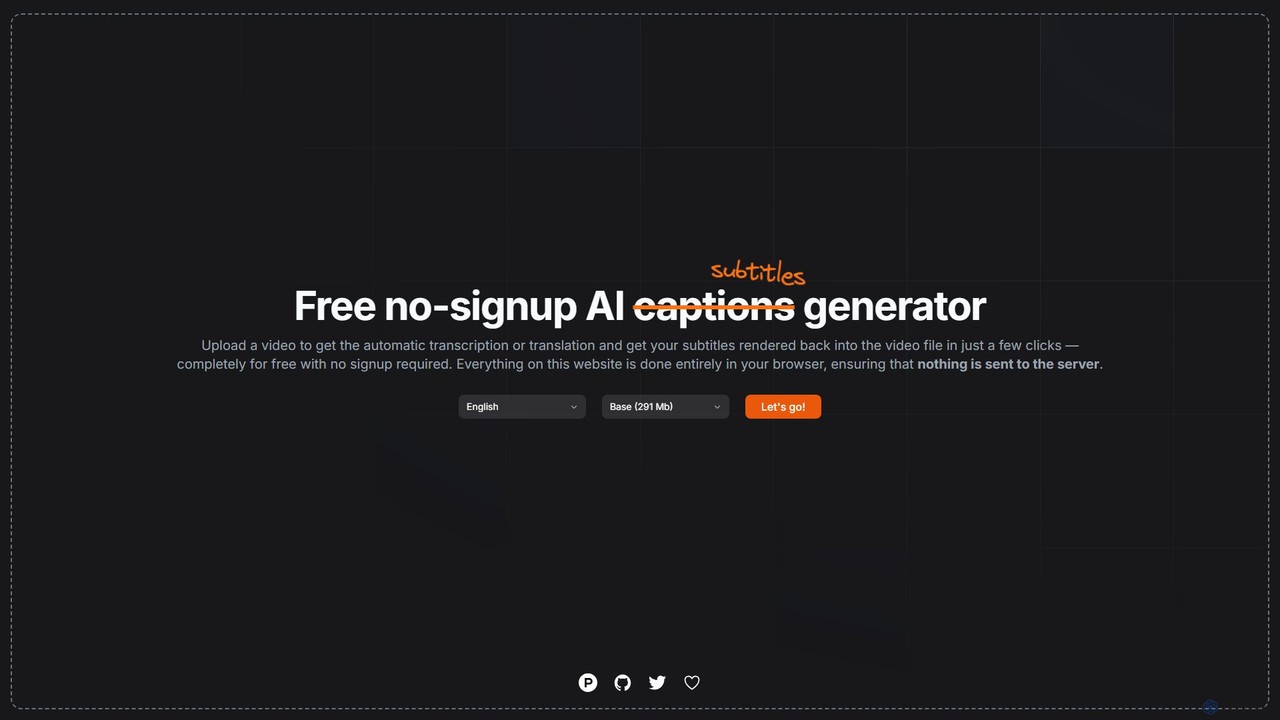
subtitles by fframes
A free, no-signup, browser-based AI tool for automatically generating, translating, and rendering subtitles directly into your videos. It ensures privacy by processing everything locally on your device.
Transcription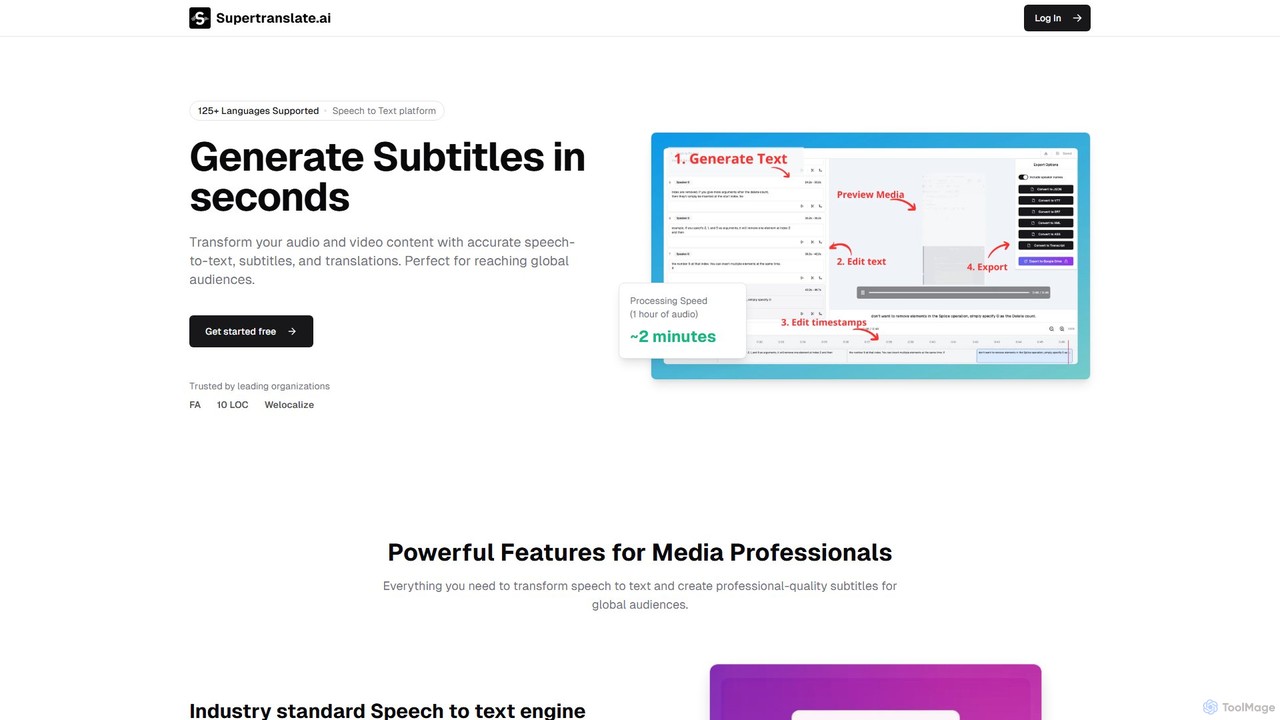
Supertranslate
Supertranslate is an AI-powered platform that transforms audio and video content into highly accurate transcriptions, subtitles, and translations in over 125 languages. It's designed for media professionals, content creators, and businesses to quickly and easily reach a global audience with professional-quality localized content.
Speech To Text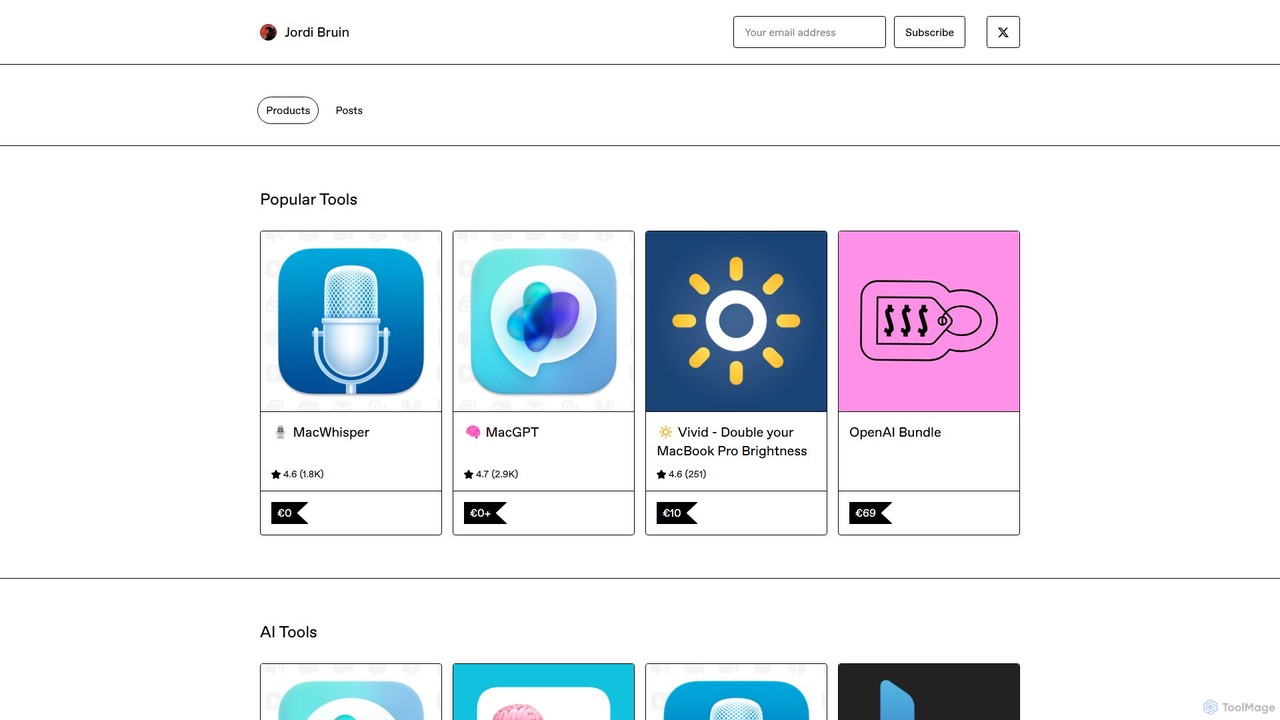
MacWhisper
MacWhisper is a powerful macOS application that leverages OpenAI's state-of-the-art Whisper technology for fast, accurate, and private audio-to-text transcription. It operates entirely on your device, ensuring your data remains secure.
Speech To Text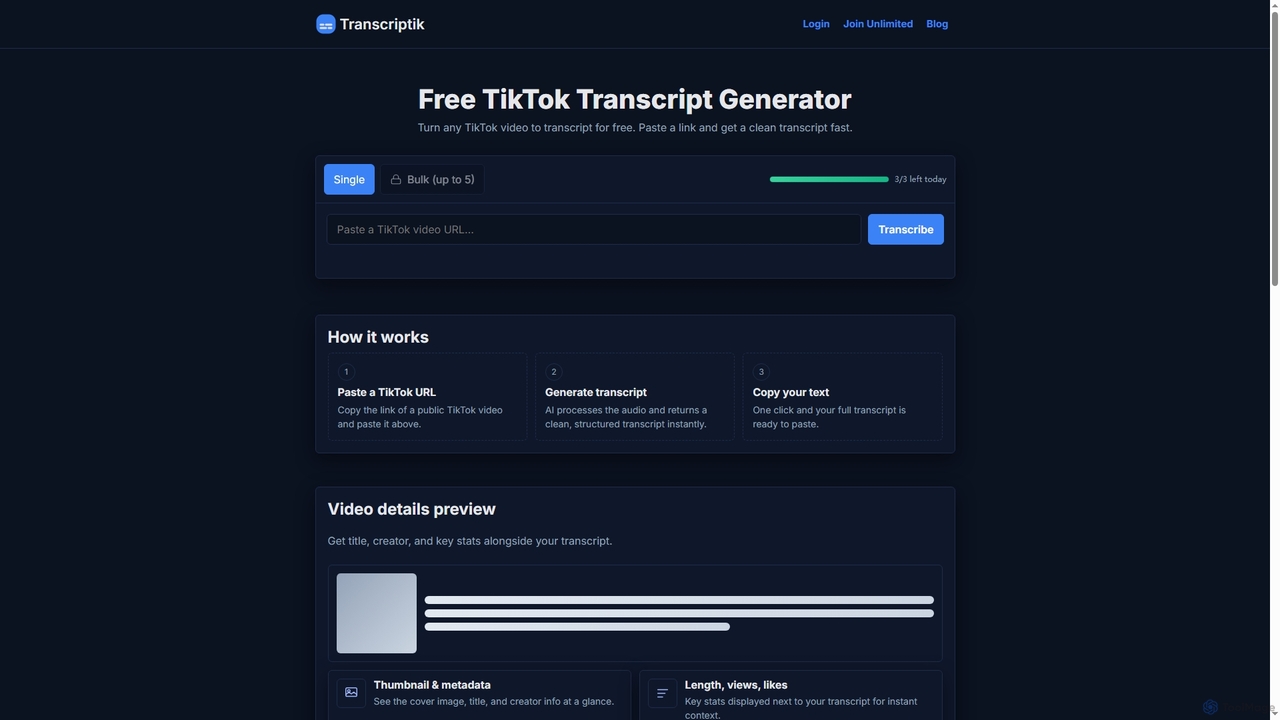
Transcriptik
Transcriptik is a free and fast AI-powered tool designed to generate accurate transcripts from TikTok videos. It supports over 50 languages, allowing users to quickly convert video audio into structured text for various content creation and analysis needs without requiring an account.
Text Generation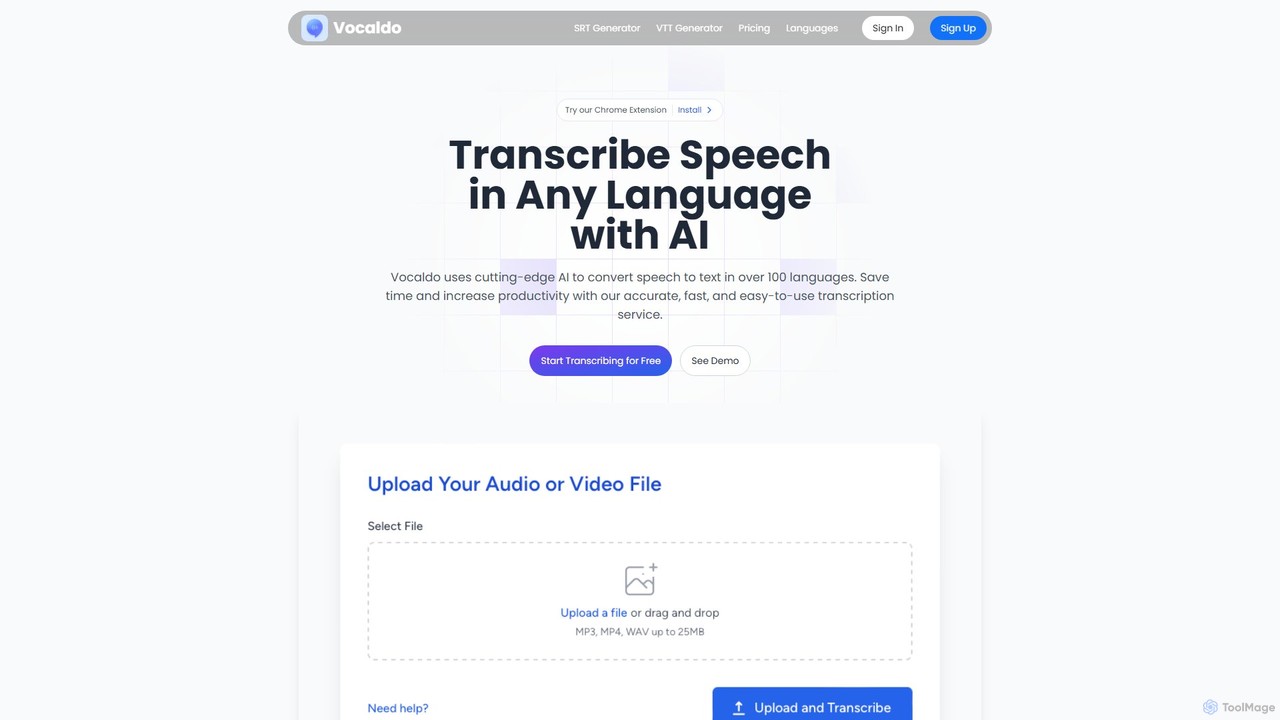
Vocaldo
Vocaldo is an AI-powered transcription service that accurately converts speech to text in over 100 languages. It offers fast processing, high accuracy, and supports various file formats like TXT, SRT, and VTT. Features include automatic summarization, translation, and a user-friendly editor, making it ideal for content creators, businesses, and professionals to save time and expand their global reach.
TranscriptionAirCaption Categories
AirCaption Embed Widget
Copy this embed code to place the badge on your blog, article, or product site and send readers directly to this ToolMage detail page.

Related AI tools
MacWhisper
MacWhisper is a powerful macOS application that leverages OpenAI's state-of-the-art Whisper technology for fast, accurate, and private audio-to-text transcription. It operates entirely on your device, ensuring your data remains secure.
Speech To TextVocaldo
Vocaldo is an AI-powered transcription service that accurately converts speech to text in over 100 languages. It offers fast processing, high accuracy, and supports various file formats like TXT, SRT, and VTT. Features include automatic summarization, translation, and a user-friendly editor, making it ideal for content creators, businesses, and professionals to save time and expand their global reach.
Transcription
subcapgenie
subcapgenie is an AI-powered tool that automatically generates accurate subtitles and captions for videos in multiple languages. It helps content creators boost engagement, improve accessibility, and reach a global audience by simplifying the video subtitling workflow.
Transcriptionsubtitles by fframes
A free, no-signup, browser-based AI tool for automatically generating, translating, and rendering subtitles directly into your videos. It ensures privacy by processing everything locally on your device.
Transcription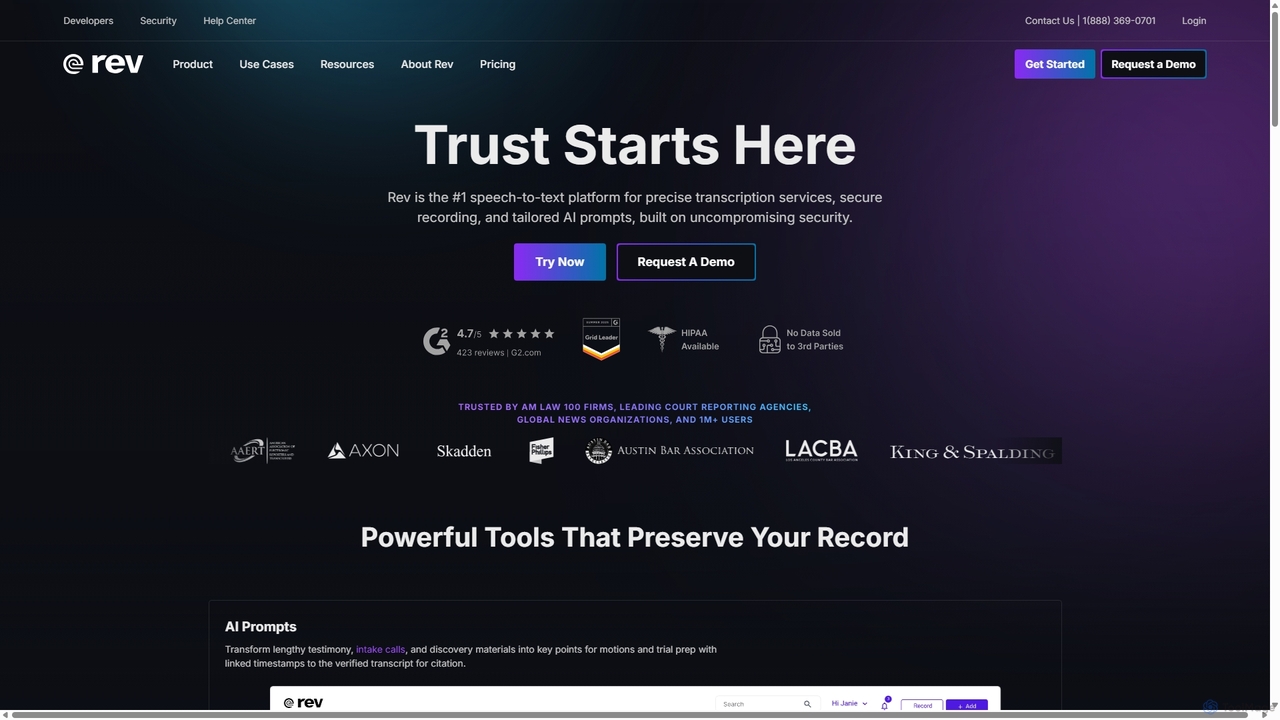
Rev
Rev is a leading speech-to-text platform offering both AI-powered and human-based transcription, captioning, and subtitling services. It's designed for professionals in legal, media, and research, providing industry-leading accuracy (up to 99%+). Rev's suite of AI tools helps users analyze audio/video content to uncover key insights, generate summaries, and streamline workflows, all within a secure and compliant environment.
Speech To Text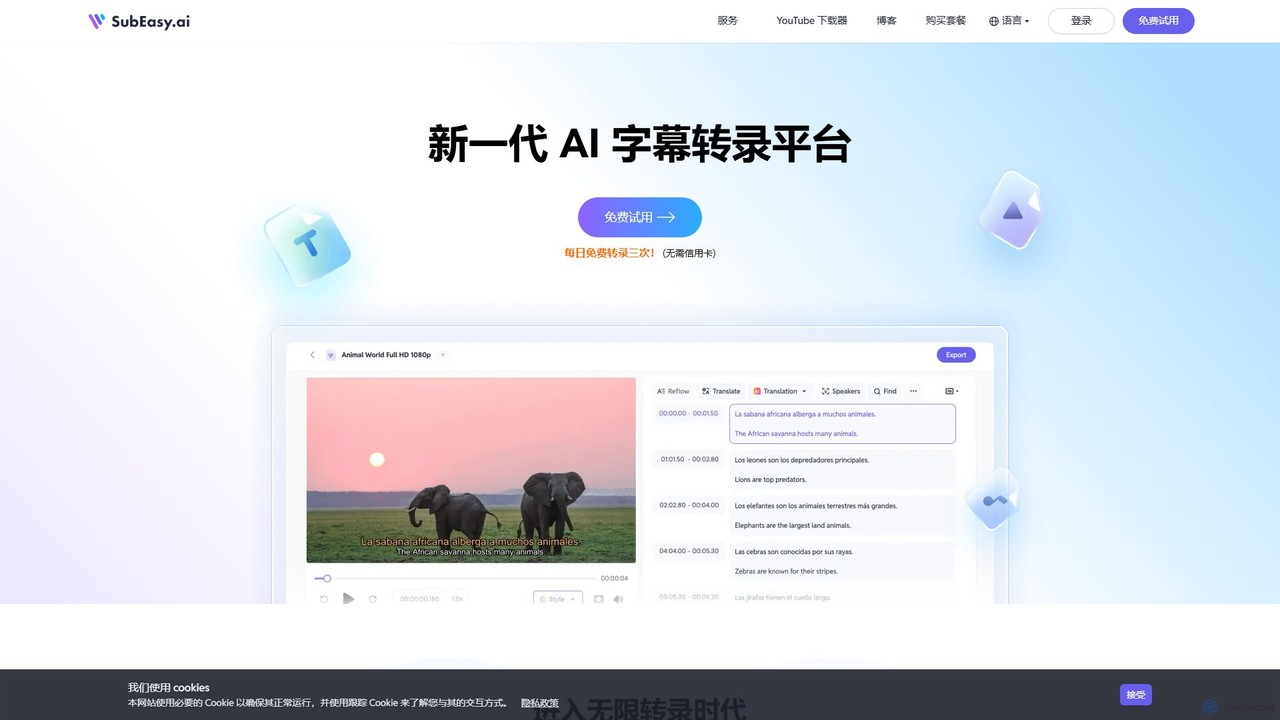
SubEasy
SubEasy is a next-generation AI platform for video and audio transcription, subtitle generation, and translation. Powered by OpenAI's Whisper, it delivers up to 99% accuracy. It supports over 100 languages, offers a unique AI Reflow feature for perfectly timed subtitles, and provides an all-in-one solution from transcription to video export, making it ideal for content creators, educators, and businesses.
Transcription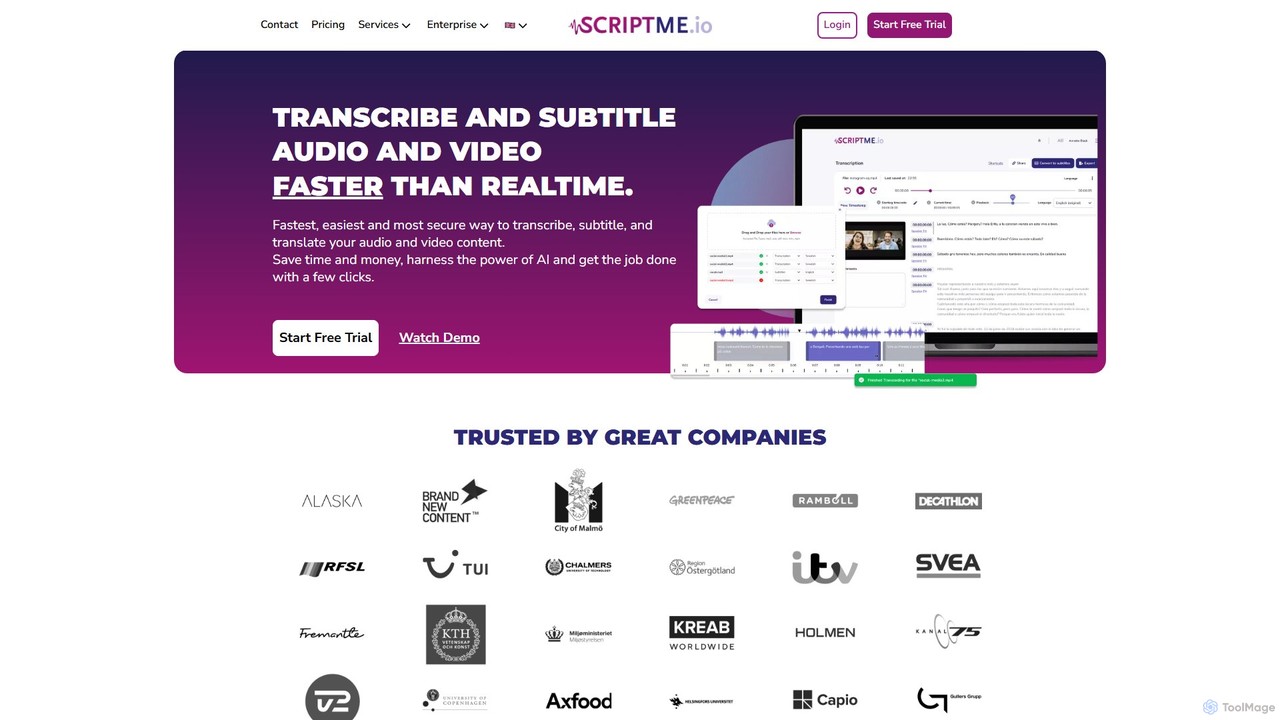
ScriptMe
ScriptMe is an AI-powered platform for fast and accurate automatic transcription of audio and video files. It also provides tools for generating and editing subtitles, making it ideal for content creators, journalists, researchers, and media companies looking to streamline their workflow and improve content accessibility.
Transcription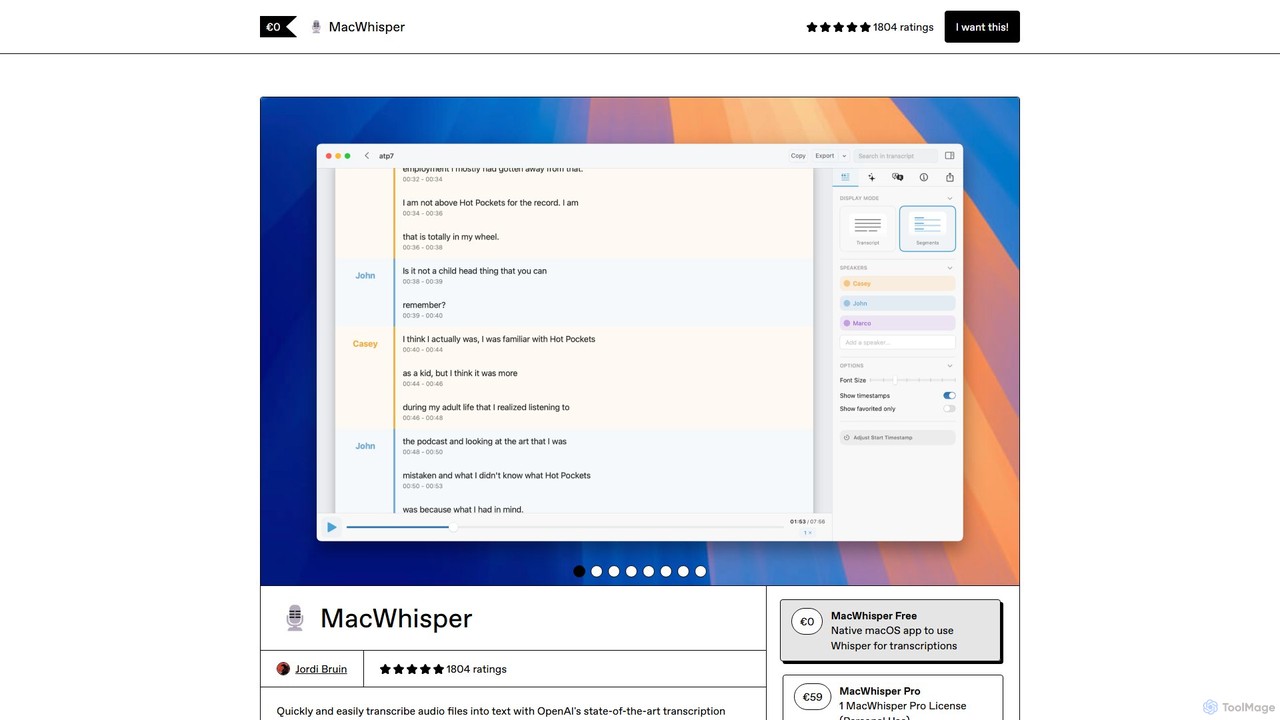
MacWhisper
MacWhisper is a powerful macOS application that leverages OpenAI's Whisper and other advanced models for fast, accurate, and private audio-to-text transcription. It allows users to easily transcribe audio/video files, record meetings, and use system-wide dictation, all processed locally on your device. It offers a free version for basic use and a Pro version with a one-time purchase for advanced features like speaker recognition, batch processing, and translation.
Speech To Text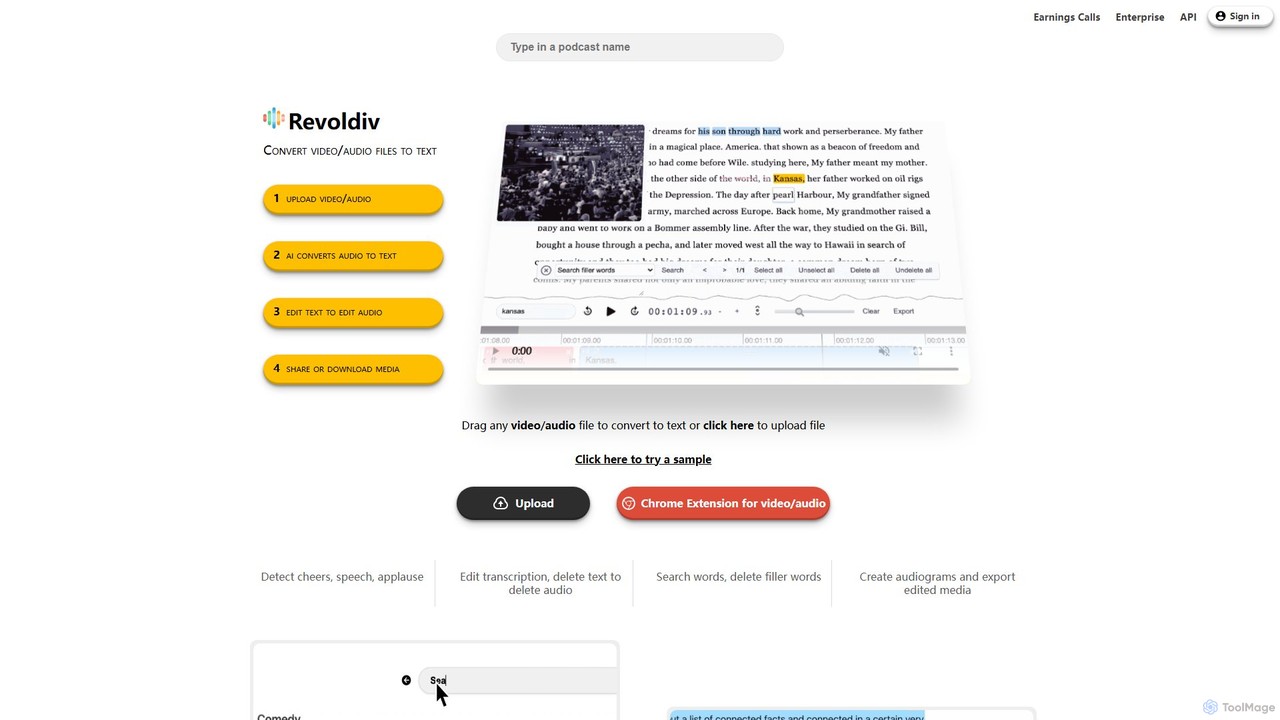
Revoldiv
Revoldiv is an AI-powered platform that transcribes video and audio files into editable text. It revolutionizes content creation by allowing users to edit media by simply editing the text, automatically removing filler words, creating audiograms, and fostering collaboration, making the post-production process fast and intuitive.
Transcription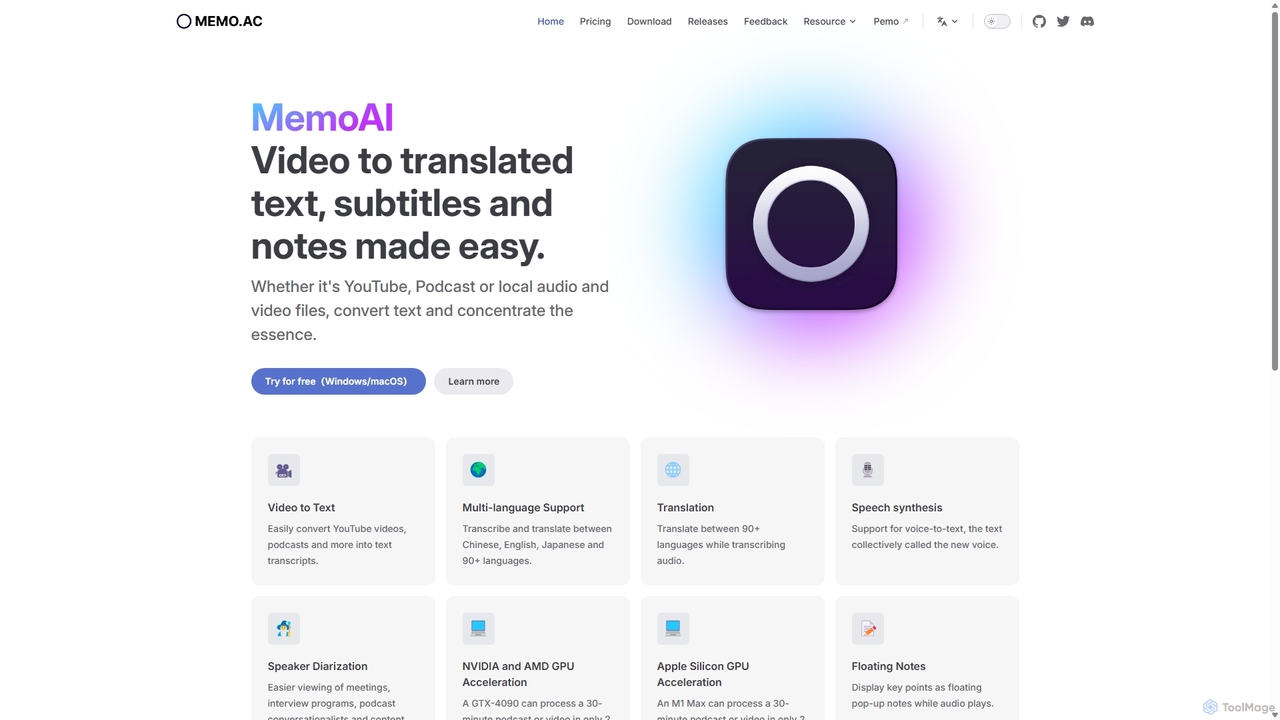
Memo AI
Memo AI is a privacy-focused desktop application for Windows and macOS that provides AI-powered transcription, translation, and summarization for audio and video files. It operates completely offline, leveraging GPU acceleration for fast processing of local files and online content from platforms like YouTube. It supports over 90 languages, speaker diarization, and various export formats.
Speech To Text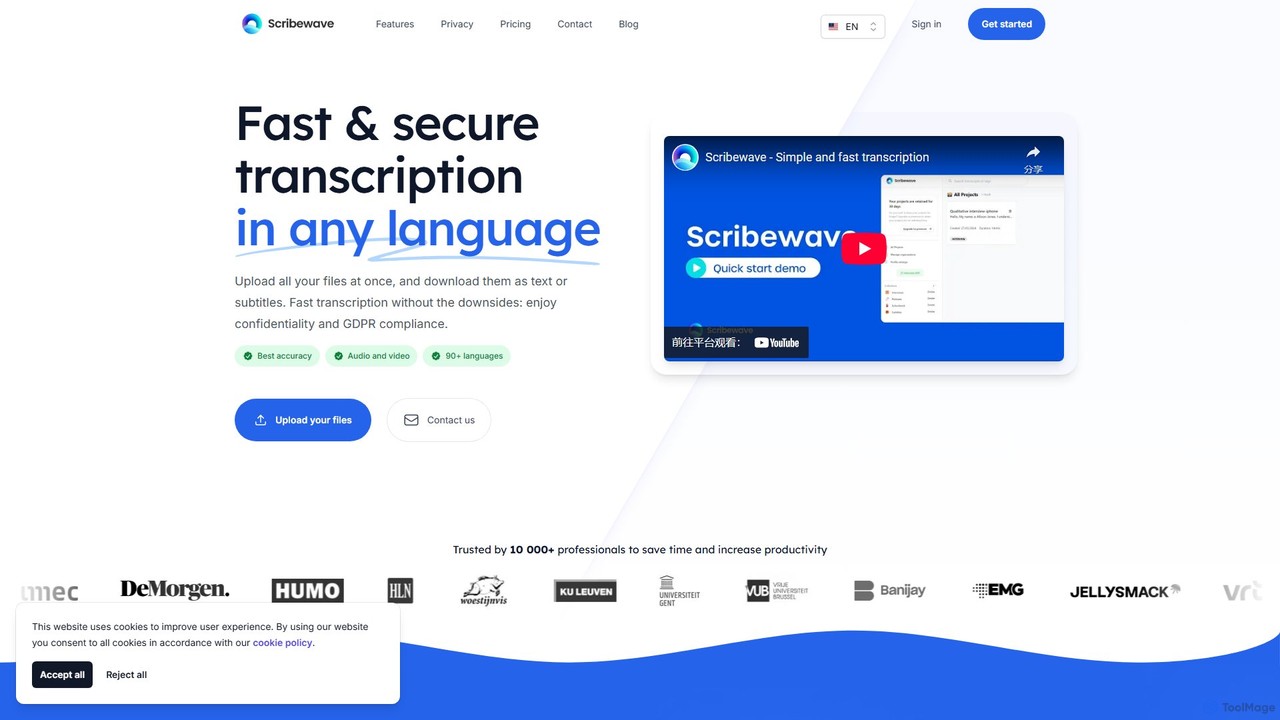
Scribewave
Scribewave is an AI-powered transcription service that converts audio and video files into text with high accuracy in over 90 languages. It prioritizes user privacy with GDPR compliance and secure European servers. Designed for professionals, researchers, and content creators, it features an interactive editor, subtitle generation, and flexible pay-as-you-go pricing, saving significant time on manual transcription.
Speech To Text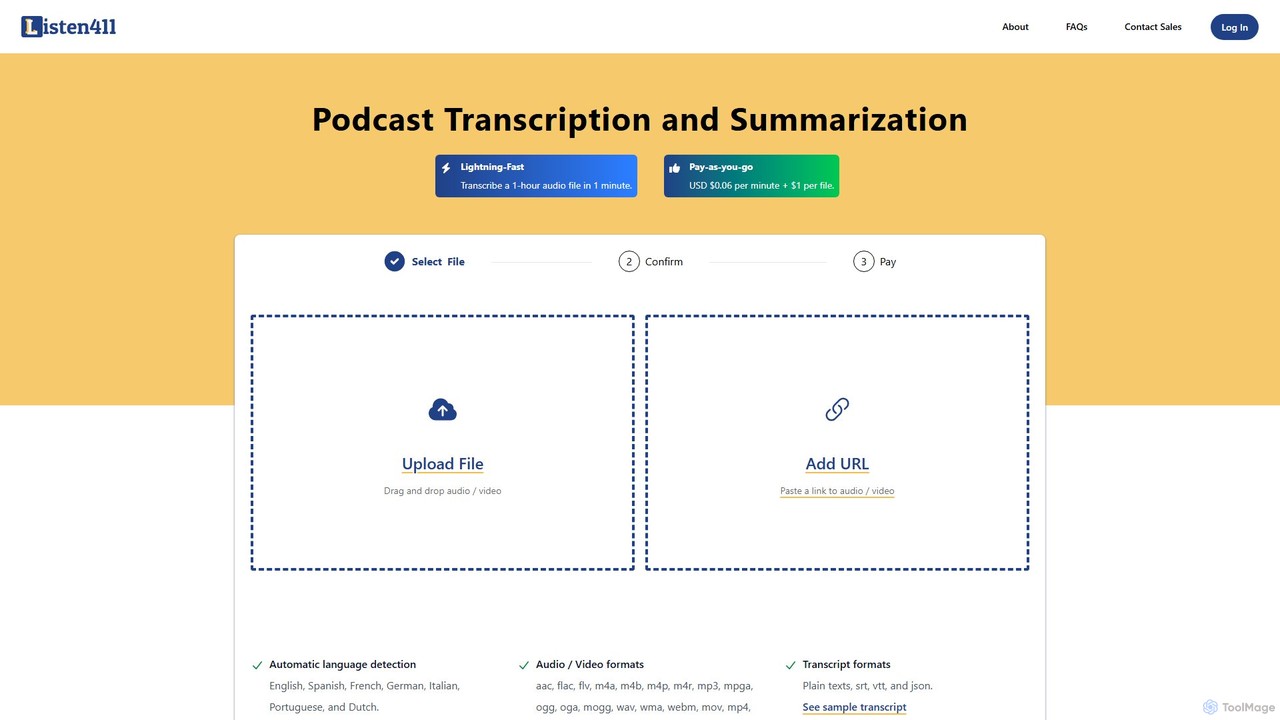
listen411
listen411 is a fast, affordable AI-powered service for transcribing and summarizing audio and video files. It supports multiple languages with automatic detection and provides transcripts in various formats like TXT, SRT, and VTT. With a simple pay-as-you-go model, it's ideal for podcasters, content creators, researchers, and anyone needing quick and accurate text from their media files.
Transcription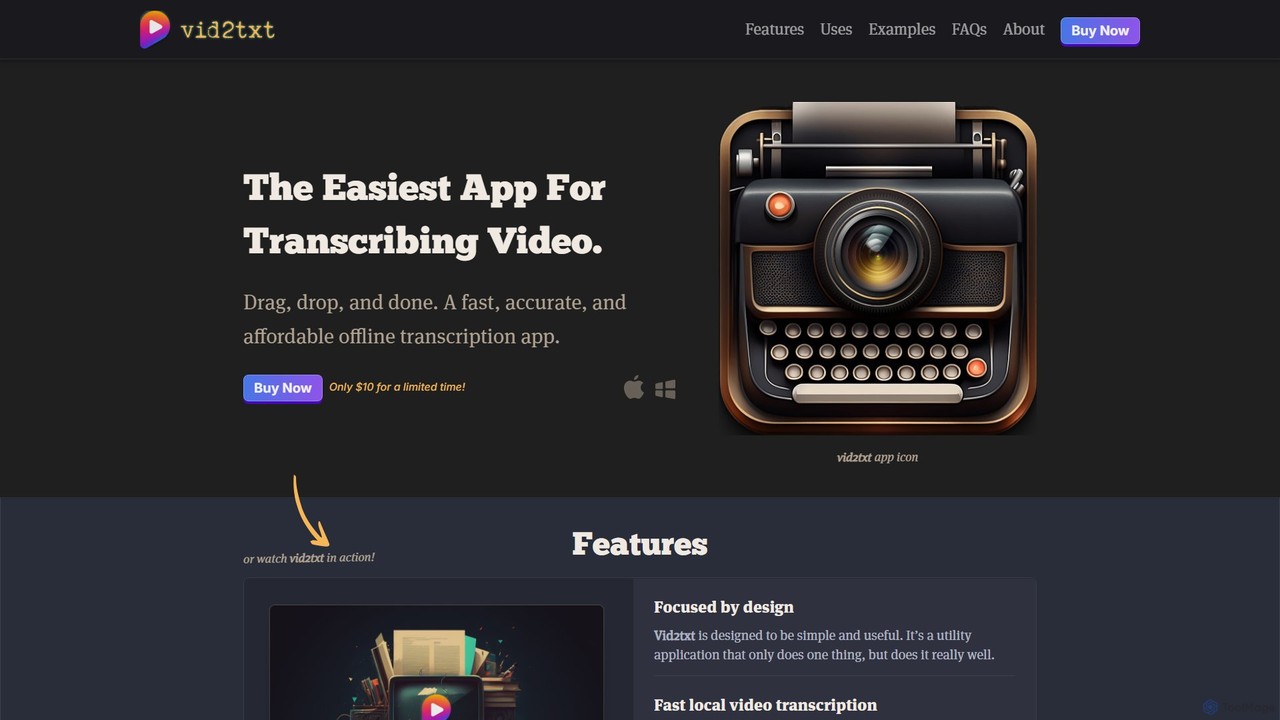
vid2txt
vid2txt is a fast, accurate, and affordable desktop application for transcribing video and audio files. It operates 100% offline, ensuring your data remains private. With a simple drag-and-drop interface, it supports numerous formats and generates .txt, .srt, and .vtt files. It's available for a one-time purchase, offering an anti-subscription model for unlimited transcriptions.
TranscriptionSupertranslate
Supertranslate is an AI-powered platform that transforms audio and video content into highly accurate transcriptions, subtitles, and translations in over 125 languages. It's designed for media professionals, content creators, and businesses to quickly and easily reach a global audience with professional-quality localized content.
Speech To Text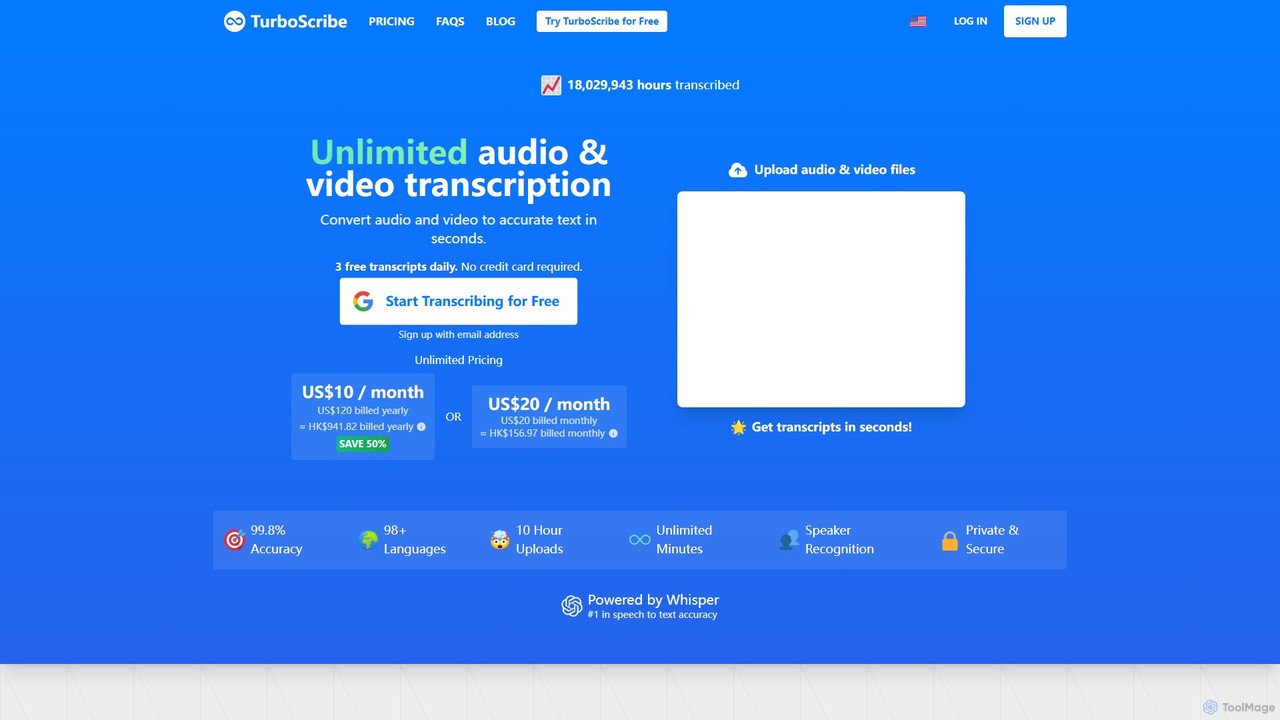
TurboScribe
TurboScribe is an AI-powered transcription service that converts unlimited audio and video files to highly accurate text in seconds. Powered by Whisper, it supports over 98 languages, features speaker recognition, and offers built-in translation to 134+ languages. Ideal for transcribing meetings, interviews, podcasts, and videos with up to 99.8% accuracy. It offers a generous free plan and an affordable unlimited plan.
Transcription
AirCaption Comments (0)
Sign in to comment.
Sign inNo comments yet.