ToolMage
Sign in

Best 31 Transcription AI tools for Video

Popular Transcription AI tools in Video include Video Highlight, Designrr, Transcriptik, Felo Subtitles, Skimming AI, SolidPoint, Read Their Lips, imaginario.ai, tldwai, and youblogify, helping you work more efficiently.

Agility Notes
Freemium

Agility Notes

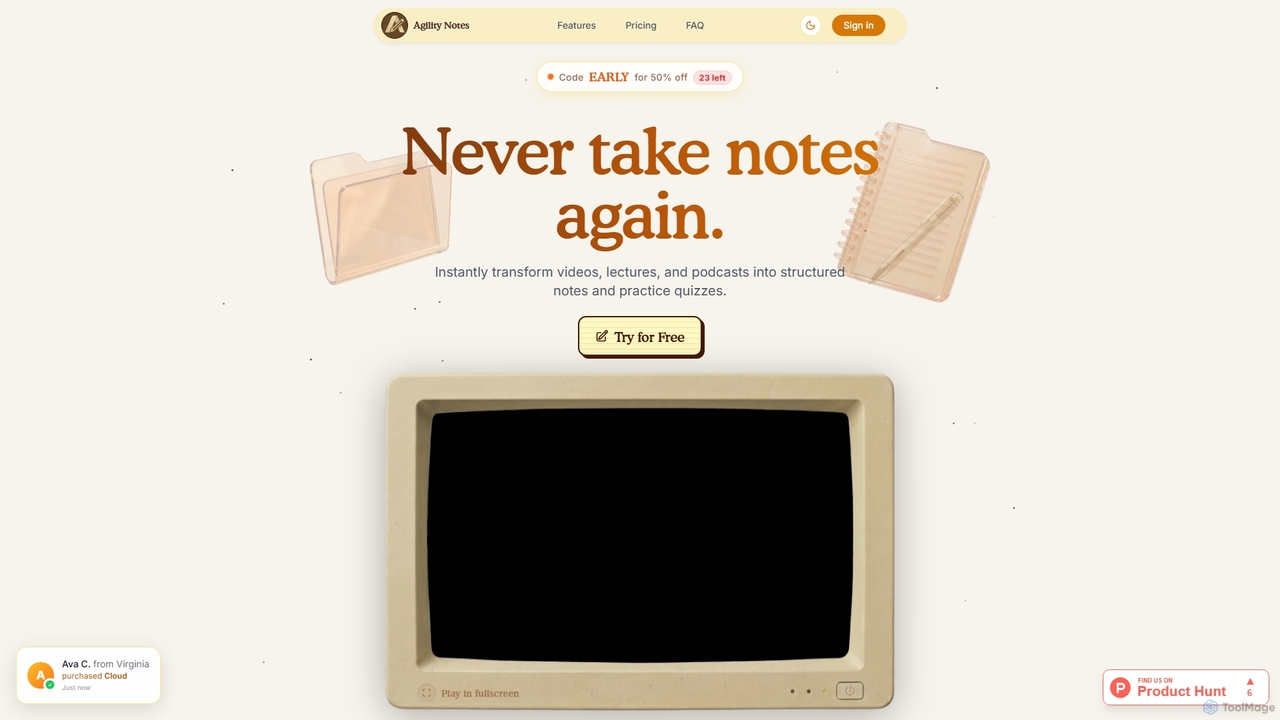
Agility Notes is an AI-powered study tool that transforms videos, lectures, and podcasts into structured notes and interactive practice quizzes. Designed for students and professionals, it eliminates manual note-taking, helping users efficiently capture key information, organize knowledge, and reinforce learning across various subjects and academic levels.

Study Tools
Visits 5.7KFavorites 37Likes 30
Transcriptik
Freemium

Transcriptik

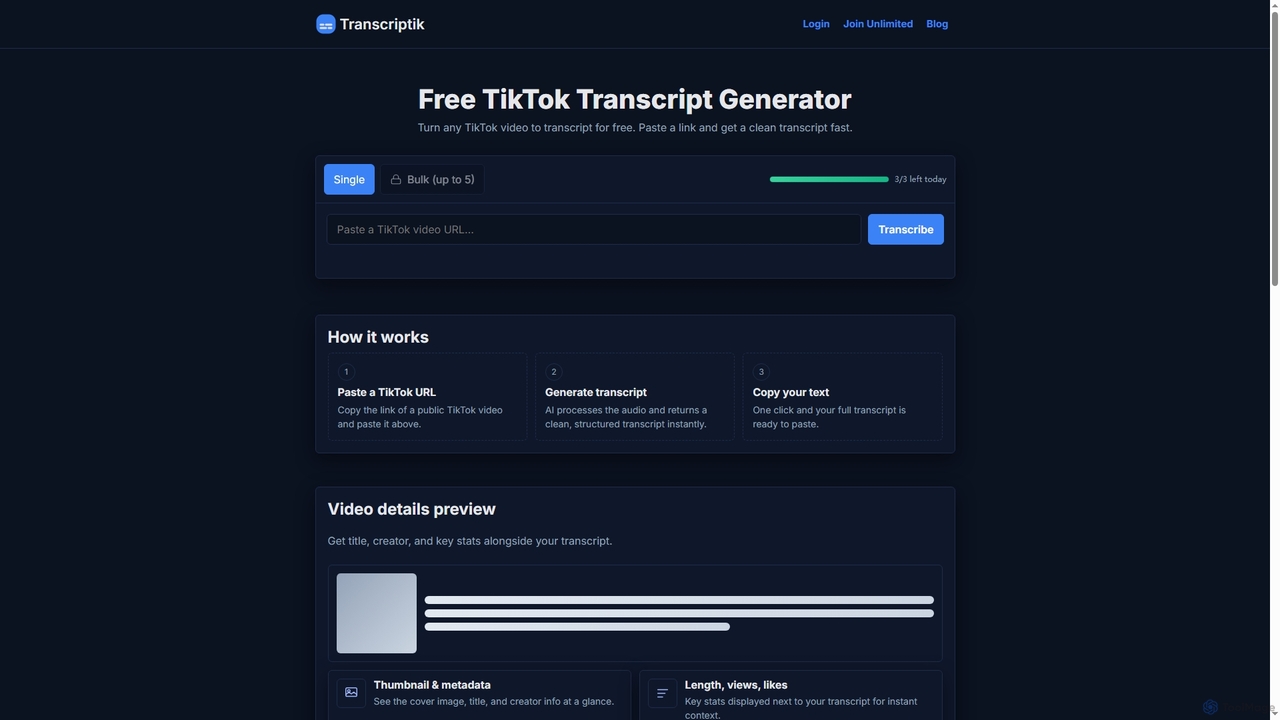
Transcriptik is a free and fast AI-powered tool designed to generate accurate transcripts from TikTok videos. It supports over 50 languages, allowing users to quickly convert video audio into structured text for various content creation and analysis needs without requiring an account.

Text Generation
Visits 48.8KFavorites 109Likes 129
NutshellPro
Freemium

NutshellPro

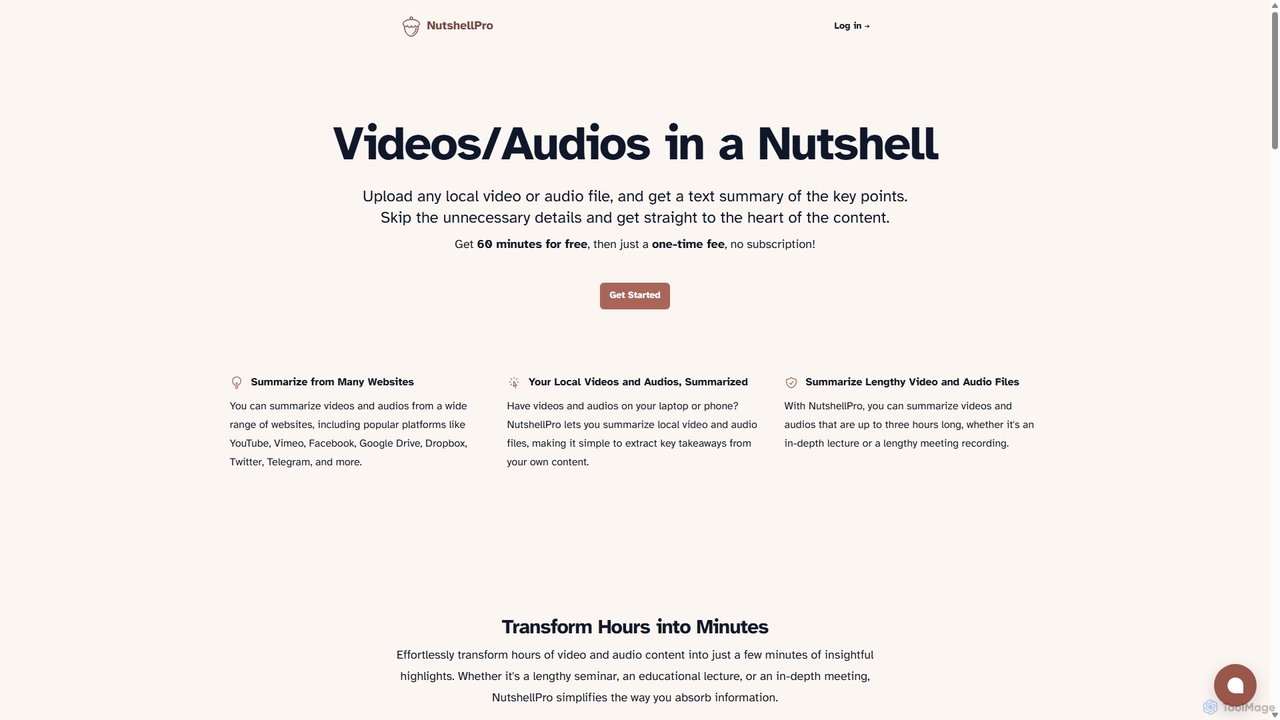
NutshellPro is an AI-powered tool that efficiently summarizes any video or audio file. It supports both local files and content from various websites like YouTube, Vimeo, and Google Drive. By extracting key points, it transforms hours of content into concise text summaries, saving you significant time and effort. It offers a free trial and flexible, one-time payment plans without a subscription.

Note Taking
Visits 5.8KFavorites 152Likes 130
Skimming AI
Freemium

Skimming AI

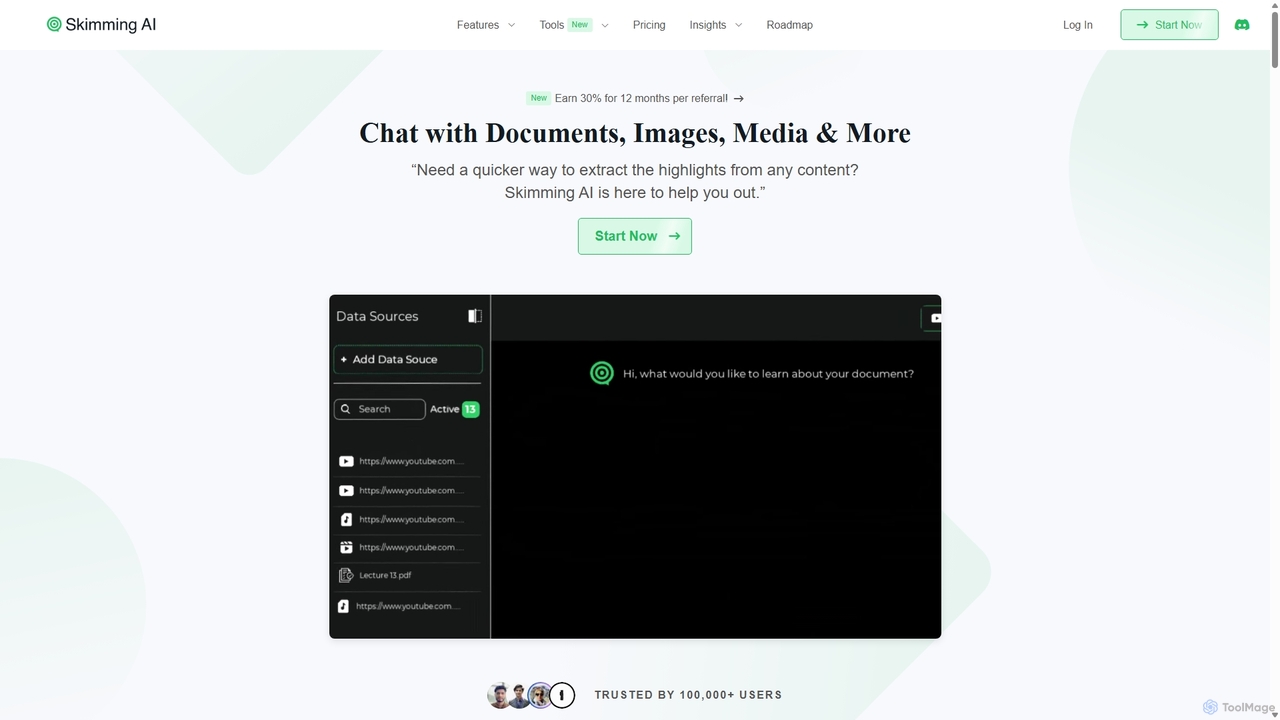
Skimming AI is a versatile AI-powered platform that allows you to chat with and summarize a wide range of content, including documents, PDFs, YouTube videos, audio, images, and social media posts. Instantly extract key insights, ask questions, and get accurate answers without sifting through hours of material. It's designed to boost productivity for students, researchers, and professionals by making information consumption faster and more efficient across multiple formats and languages.

Analysis
Visits 22KFavorites 112Likes 125
Summarify
Freemium

Summarify

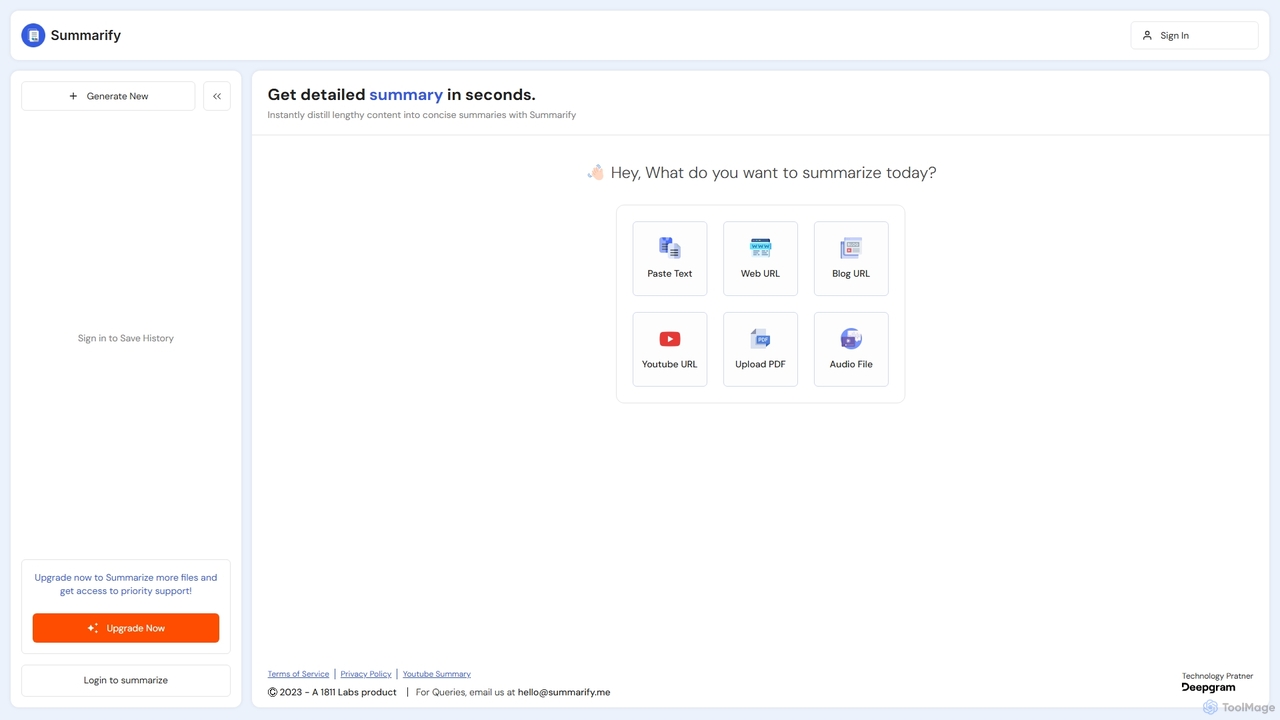
Summarify is an AI-powered tool that instantly distills lengthy content into concise summaries. It supports various formats including text, web URLs, YouTube videos, PDFs, and audio files, helping users save time and absorb key information quickly.

Research
Visits 6.2KFavorites 128Likes 126
SolidPoint
Freemium

SolidPoint

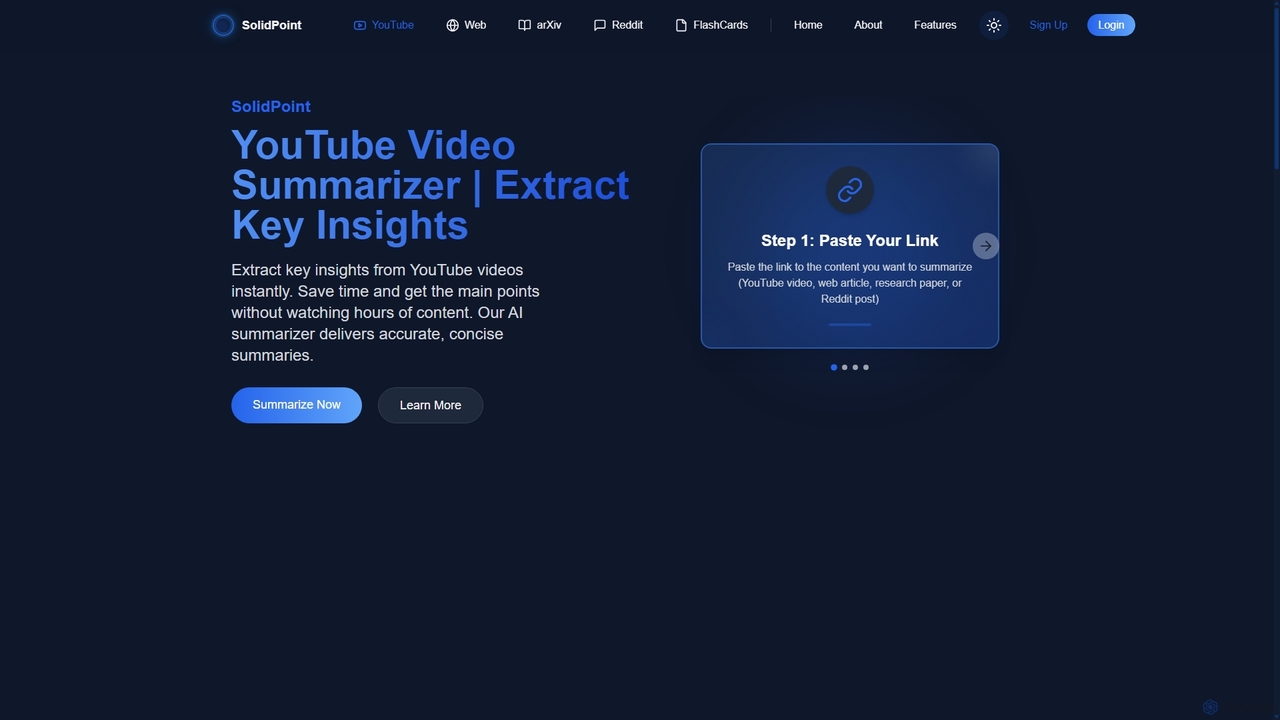
SolidPoint is an AI-powered summarization tool that instantly extracts key insights from various content types, including YouTube videos, web articles, arXiv research papers, and Reddit threads. It helps students, researchers, and professionals save time, increase productivity, and retain information more effectively.

Research
Visits 19.4KFavorites 160Likes 138
VideoDigest
Freemium

VideoDigest

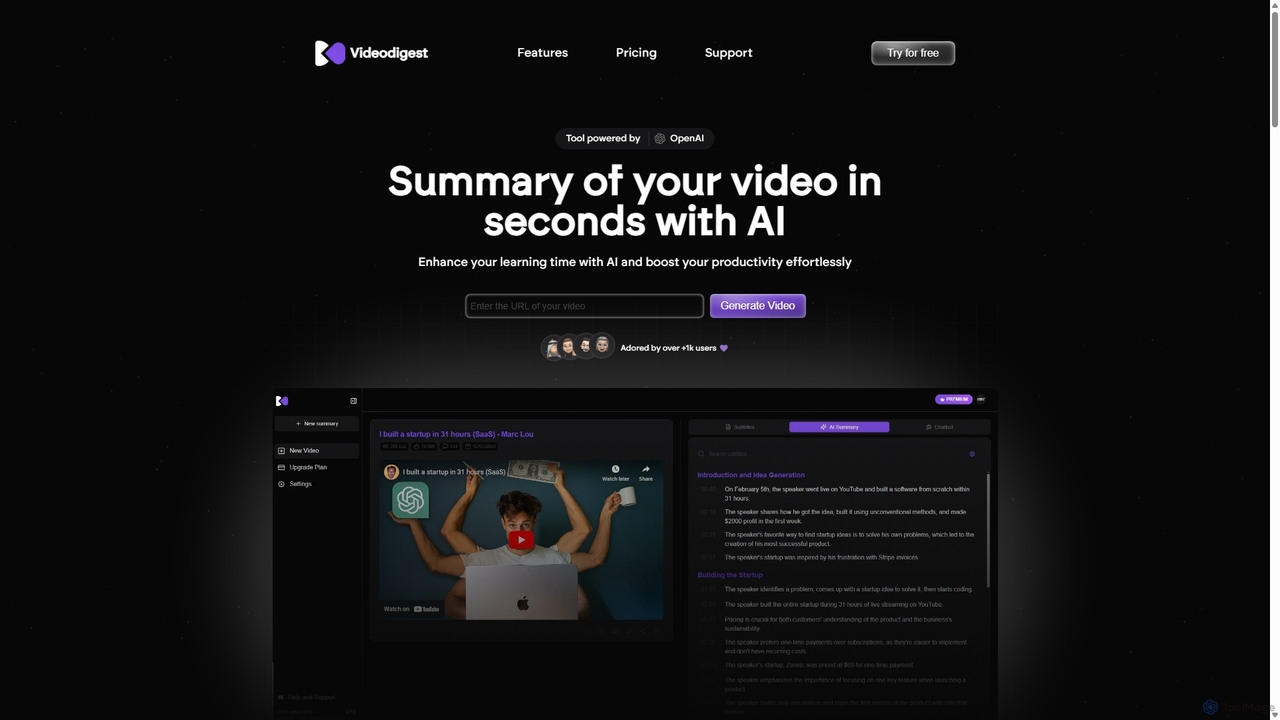
VideoDigest is an AI-powered tool that transforms long YouTube videos into concise, readable summaries in seconds. It enhances learning and productivity by extracting key insights, main themes, and actionable takeaways. Features include an ad-free viewing experience, smart AI translations in over 20 languages, an interactive AI chat assistant, and a high-speed 'Turbo Reader' to accelerate content consumption.

Learning
Visits 5.6KFavorites 147Likes 144
Recaply
Freemium

Recaply

Recaply is an AI-powered summarization tool that transforms long-form content like YouTube videos, articles, and audio files into concise, digestible summaries. It extracts key insights, main points, and action items in seconds, helping users save time and boost productivity. Ideal for students, researchers, and professionals who need to quickly grasp the essence of content without consuming it in its entirety.

Note Taking
Visits 5.5KFavorites 120Likes 132
Read Their Lips
Paid

Read Their Lips

An AI-powered tool that transcribes speech from video by analyzing lip movements. It's designed to extract dialogue from silent footage or videos with poor audio quality, making it ideal for forensics, journalism, and content recovery.

Captioning
Visits 13.7KFavorites 142Likes 137
Felo Subtitles
Freemium

Felo Subtitles

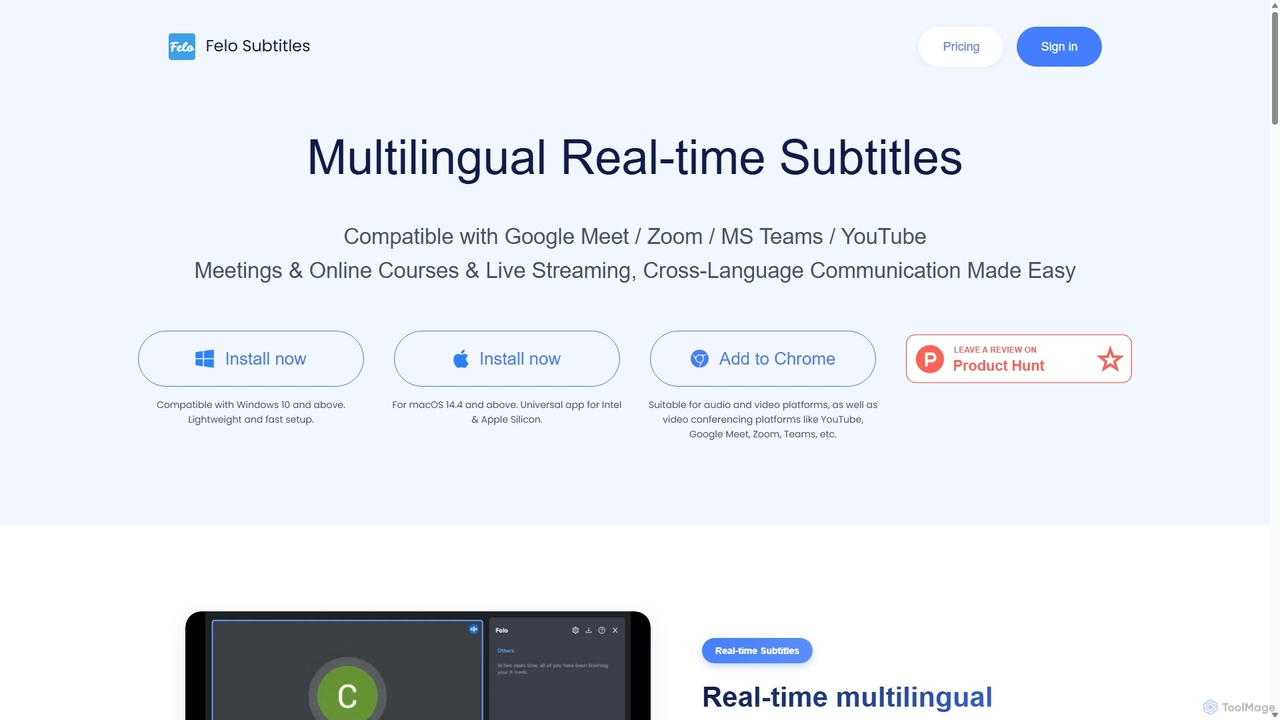
Felo Subtitles is an AI-powered tool providing real-time multilingual captions and translated subtitles for meetings and videos. It seamlessly integrates with platforms like Google Meet, Zoom, MS Teams, and YouTube, offering features like speaker recognition, AI summaries, and customizable dictionaries to ensure clear, cross-language communication.

Language Learning
Visits 26.1KFavorites 142Likes 154
youtubesummarized
Freemium

youtubesummarized

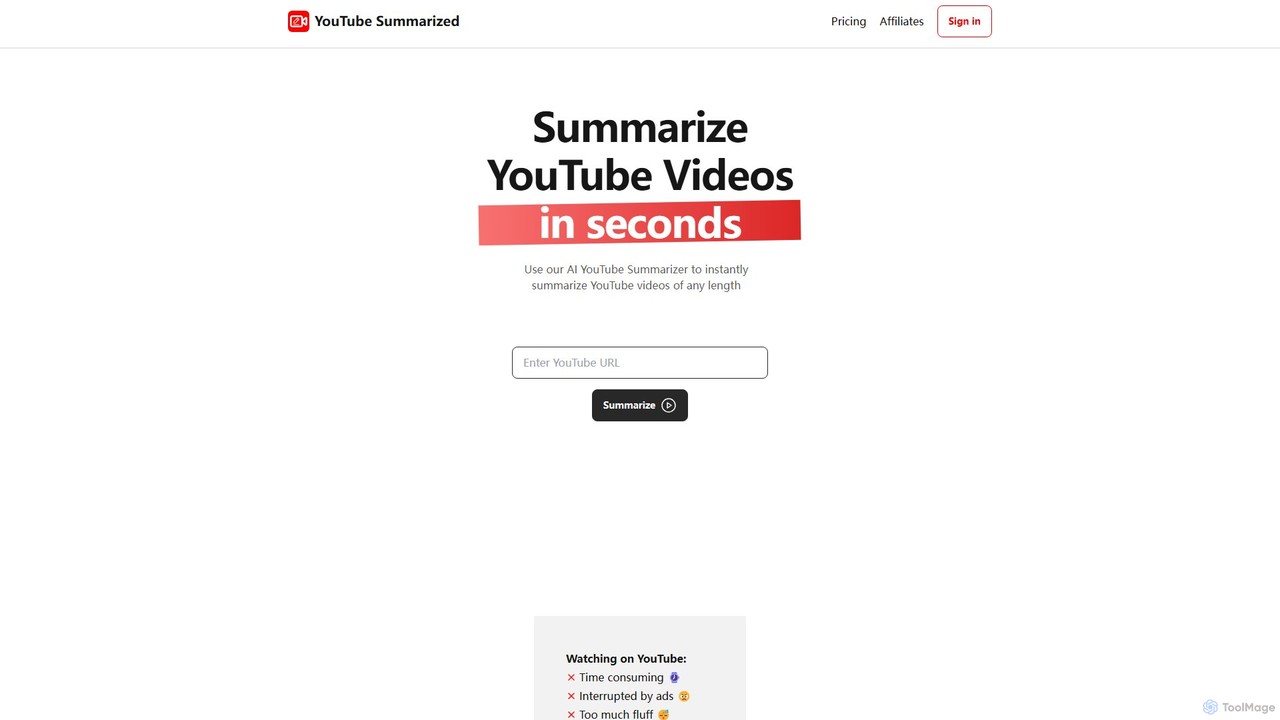
youtubesummarized is an AI-powered tool that instantly condenses any YouTube video into a concise, easy-to-read summary. Save time, avoid ads, and grasp key information in seconds. Ideal for students, researchers, and professionals who need to absorb video content efficiently. It offers browser extensions for seamless integration and supports multiple languages, making learning faster and more accessible.

Note Taking
Visits 5.5KFavorites 114Likes 104
MakeTheDocs
Freemium

MakeTheDocs

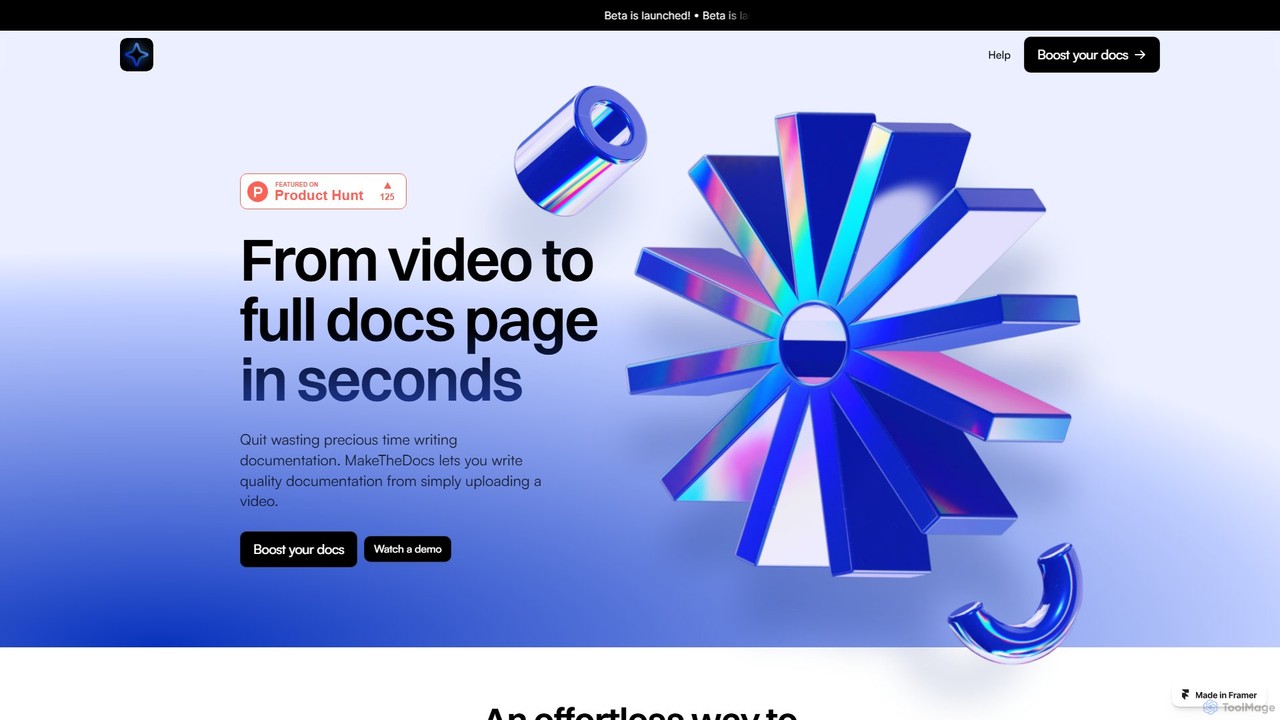
MakeTheDocs is an AI-powered tool that transforms videos into comprehensive documentation pages in seconds. Simply upload a video, and the AI will generate clear, well-structured text, saving you countless hours of manual writing. It's designed for developers, educators, HR departments, and content creators who need to produce high-quality tutorials, guides, and training materials efficiently.

Documentation
Visits 5.4KFavorites 107Likes 111
TED SMRZR
Free

TED SMRZR

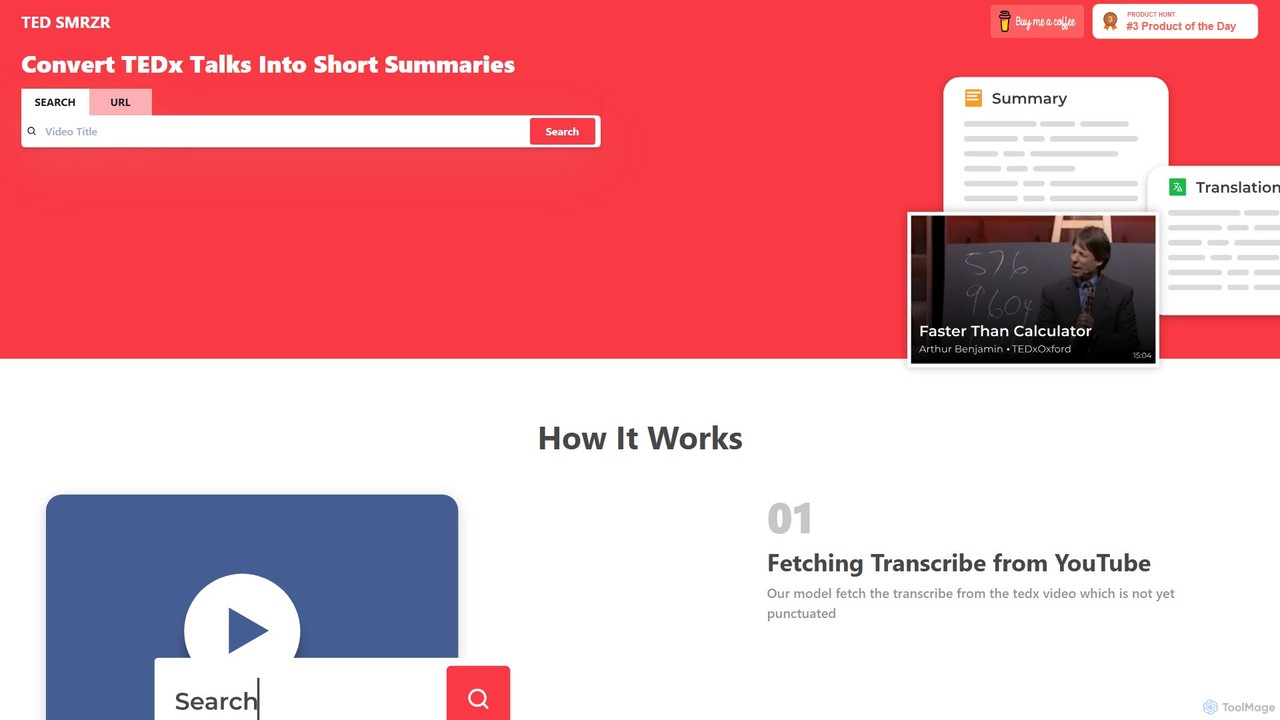
TED SMRZR is an AI-powered tool that transforms lengthy TED and TEDx talks into concise, easy-to-read summaries. Simply paste a YouTube URL, and the tool will fetch the transcript, add punctuation, and generate a summary. It also allows you to compare multiple talks for deeper insights and offers translations, making knowledge from TED accessible to everyone in a fraction of the time.

Learning
Visits 5.7KFavorites 133Likes 124
AirCaption
Freemium

AirCaption

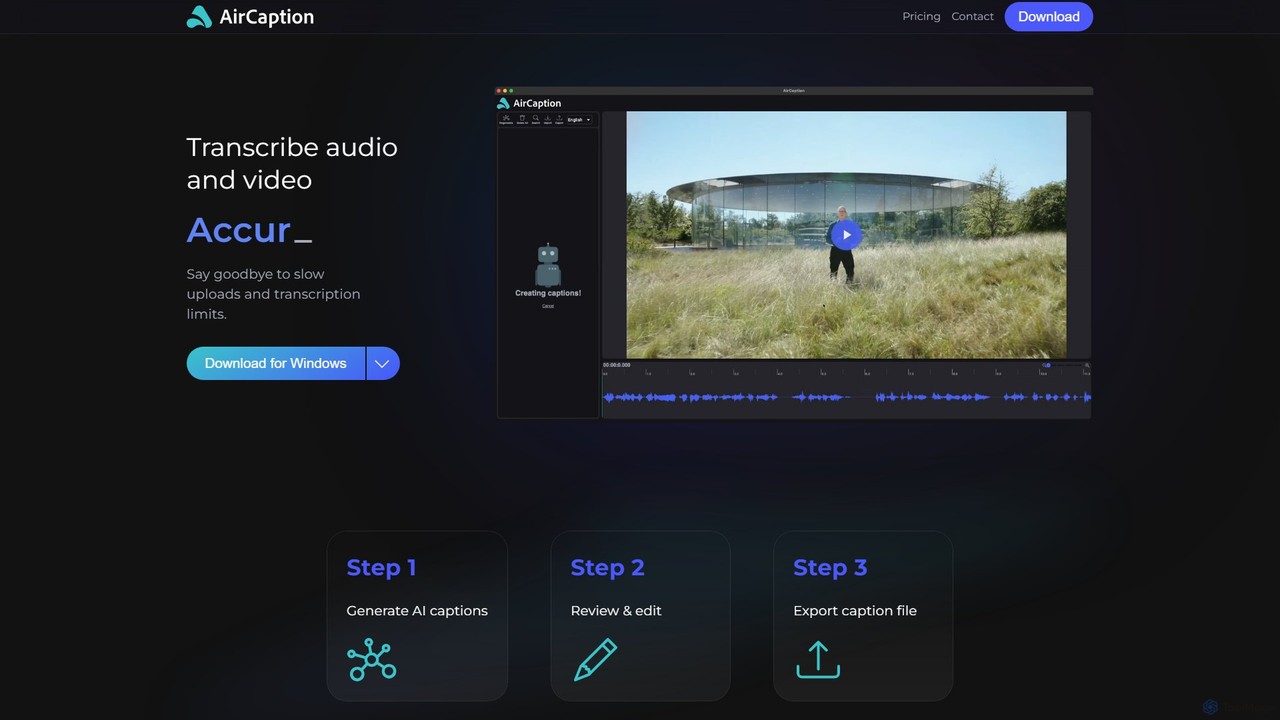
A desktop application for Windows and Mac that provides fast, accurate, and private AI-powered speech-to-text transcription. It generates subtitles for audio and video files in over 60 languages, works entirely offline to protect user data, and offers powerful editing tools for content creators, marketers, and professionals.

Accessibility
Visits 5.7KFavorites 123Likes 138
youtubesummarizer
Freemium

youtubesummarizer

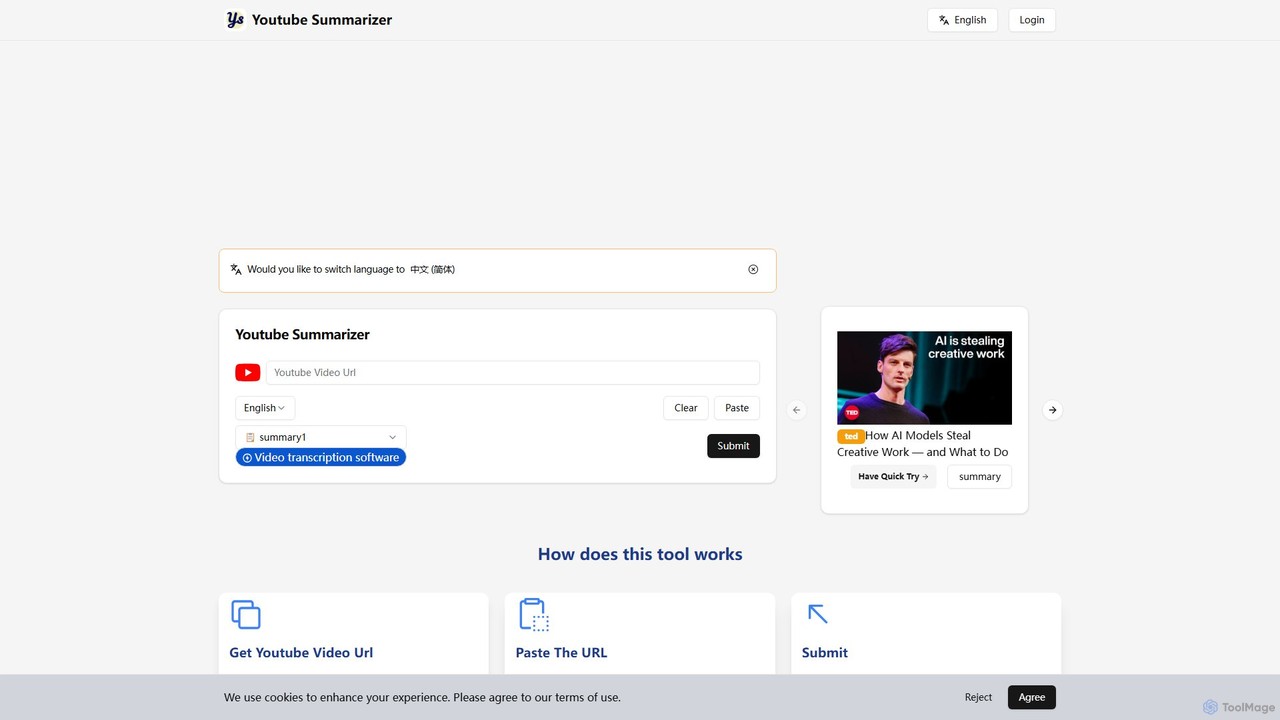
youtubesummarizer is a free, AI-powered online tool that instantly generates concise summaries and full transcripts of YouTube videos. Simply paste a video URL to get key insights, saving time on long lectures, tutorials, and talks. It supports multiple languages, requires no account, and works on any device, making it an essential productivity tool for students, professionals, and lifelong learners.

Learning Tools
Visits 5.6KFavorites 117Likes 121
Tubed.pro
Freemium

Tubed.pro

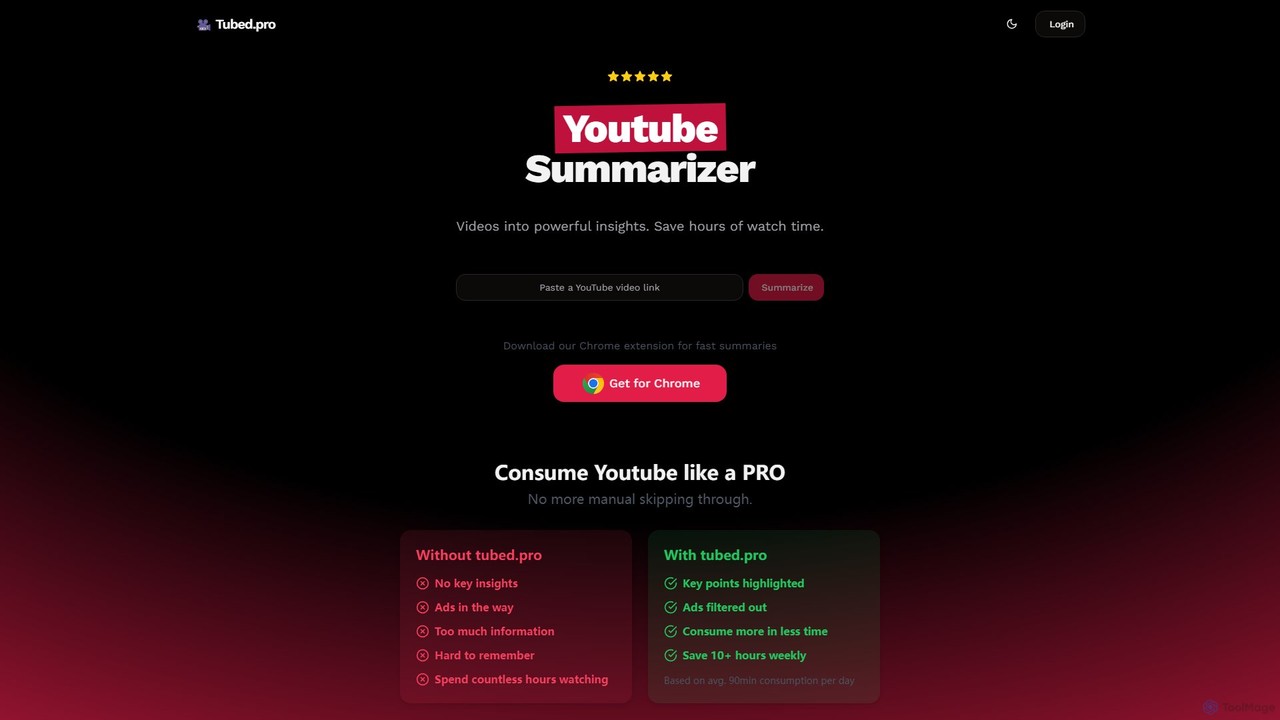
Tubed.pro is an AI-powered YouTube summarizer that transforms long videos into concise, powerful insights. As a Chrome extension, it integrates seamlessly into your YouTube experience, providing instant summaries, full transcripts, and even humorous 'roasts' of videos. Save hours of watch time, filter out fluff, and absorb key information more efficiently for learning, research, or professional development.

Chrome Extensions
Visits 6.5KFavorites 132Likes 113
Knowledge AI
Freemium

Knowledge AI

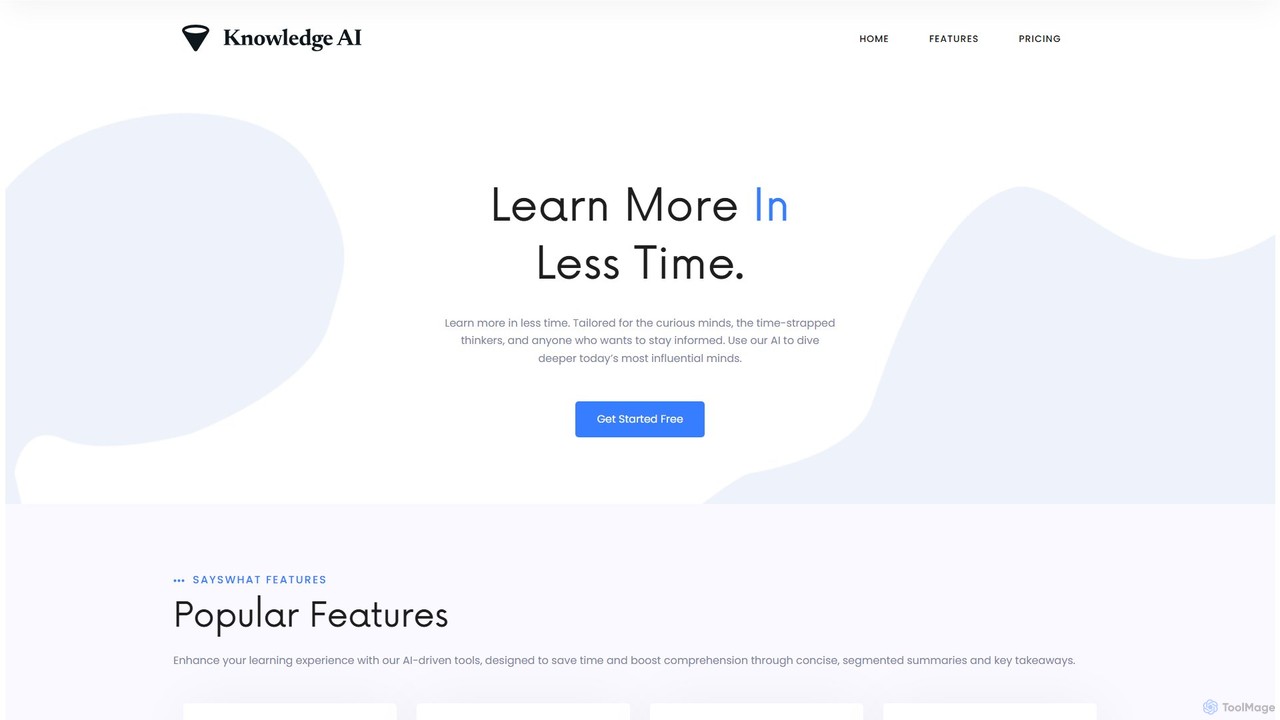
Knowledge AI is an AI-powered learning platform designed to save you time and enhance comprehension. It transforms long YouTube videos and audio files into concise, digestible summaries. By extracting key concepts, generating Q&As, and providing segmented breakdowns, it helps busy professionals, students, and curious minds learn more effectively and stay informed without sifting through hours of content.

Learning
Visits 5.5KFavorites 132Likes 110
imaginario.ai
Freemium

imaginario.ai

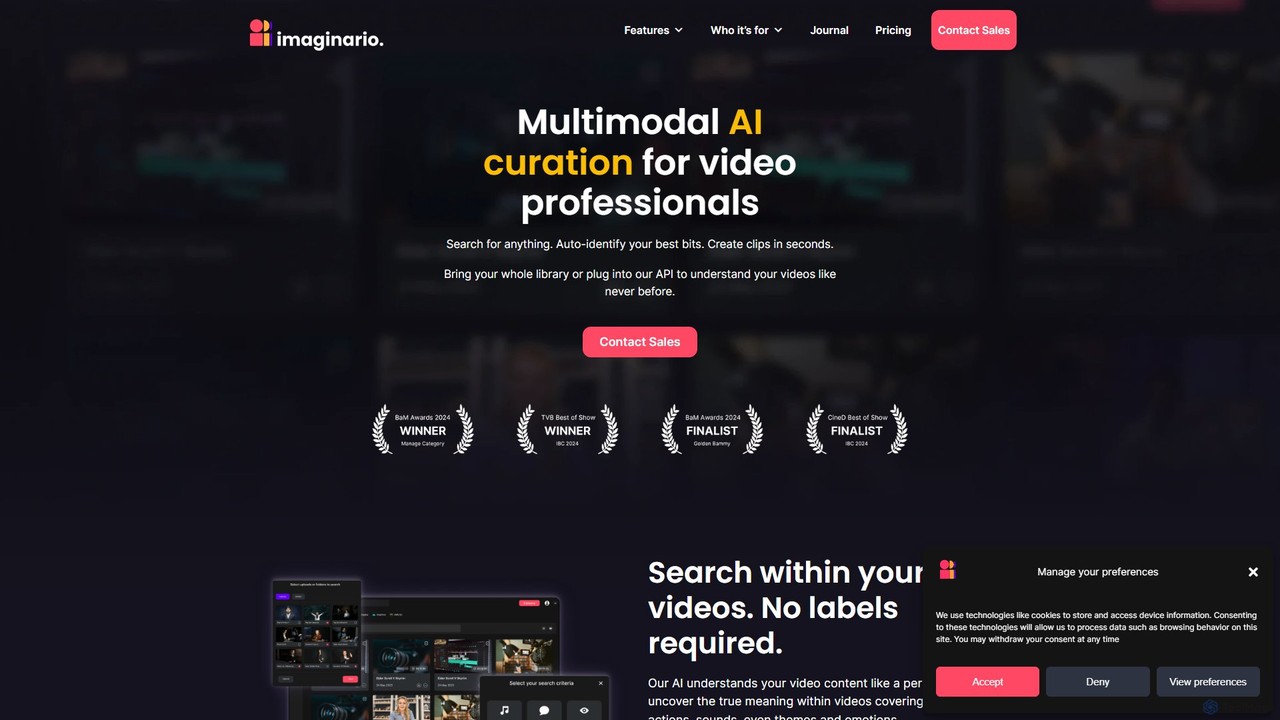
imaginario.ai is a multimodal AI platform for video professionals, enabling them to search, clip, and manage video content as easily as text. It uses AI to analyze dialogue, actions, sounds, and emotions, automatically identifying key moments and generating shareable clips, significantly reducing editing time and enhancing productivity.

Social Media
Visits 13.7KFavorites 159Likes 158
ToWords
Freemium

ToWords

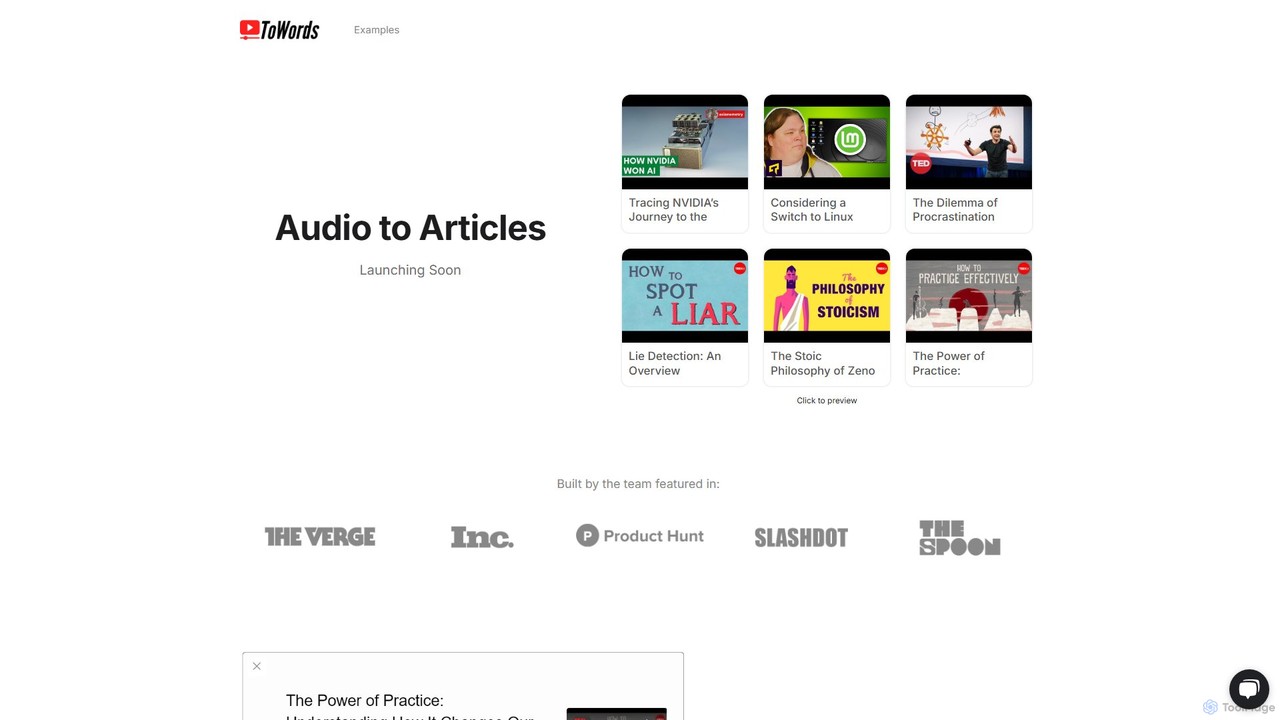
ToWords is an AI-powered tool that effortlessly converts YouTube videos into well-structured, SEO-friendly blog posts. Simply paste a video link to receive a ready-to-edit article, saving hours of transcription and writing time. It supports over 25 languages, making it ideal for content creators, marketers, and educators looking to repurpose video content and expand their reach.

Writing
Visits 6.2KFavorites 105Likes 104
youblogify
Freemium

youblogify

YouBlogify is an AI-powered tool that effortlessly transforms YouTube videos into high-quality, SEO-friendly blog posts. Simply paste a video link, choose a content format like a summary, tutorial, or listicle, and let the AI generate a complete article. It's perfect for content creators, marketers, and bloggers looking to repurpose video content, save time, and boost their website's traffic.

Content Repurposing
Visits 7.3KFavorites 138Likes 144
Video Highlight
Freemium

Video Highlight

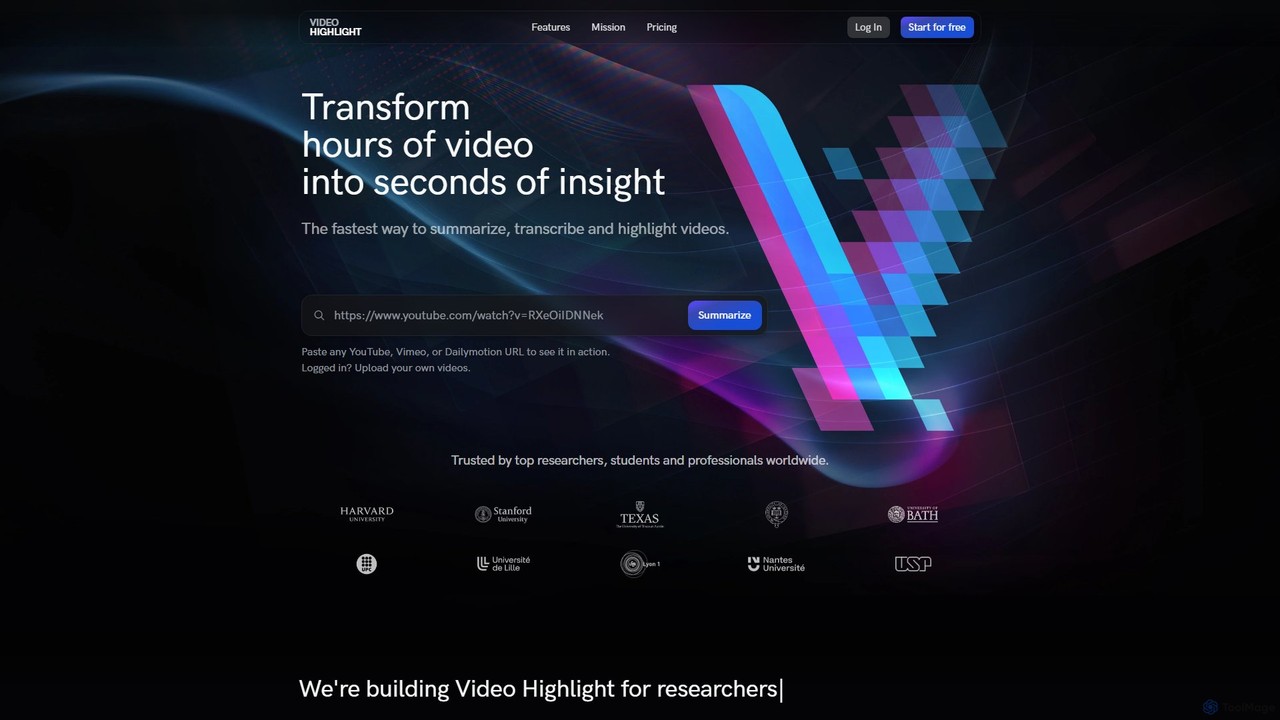
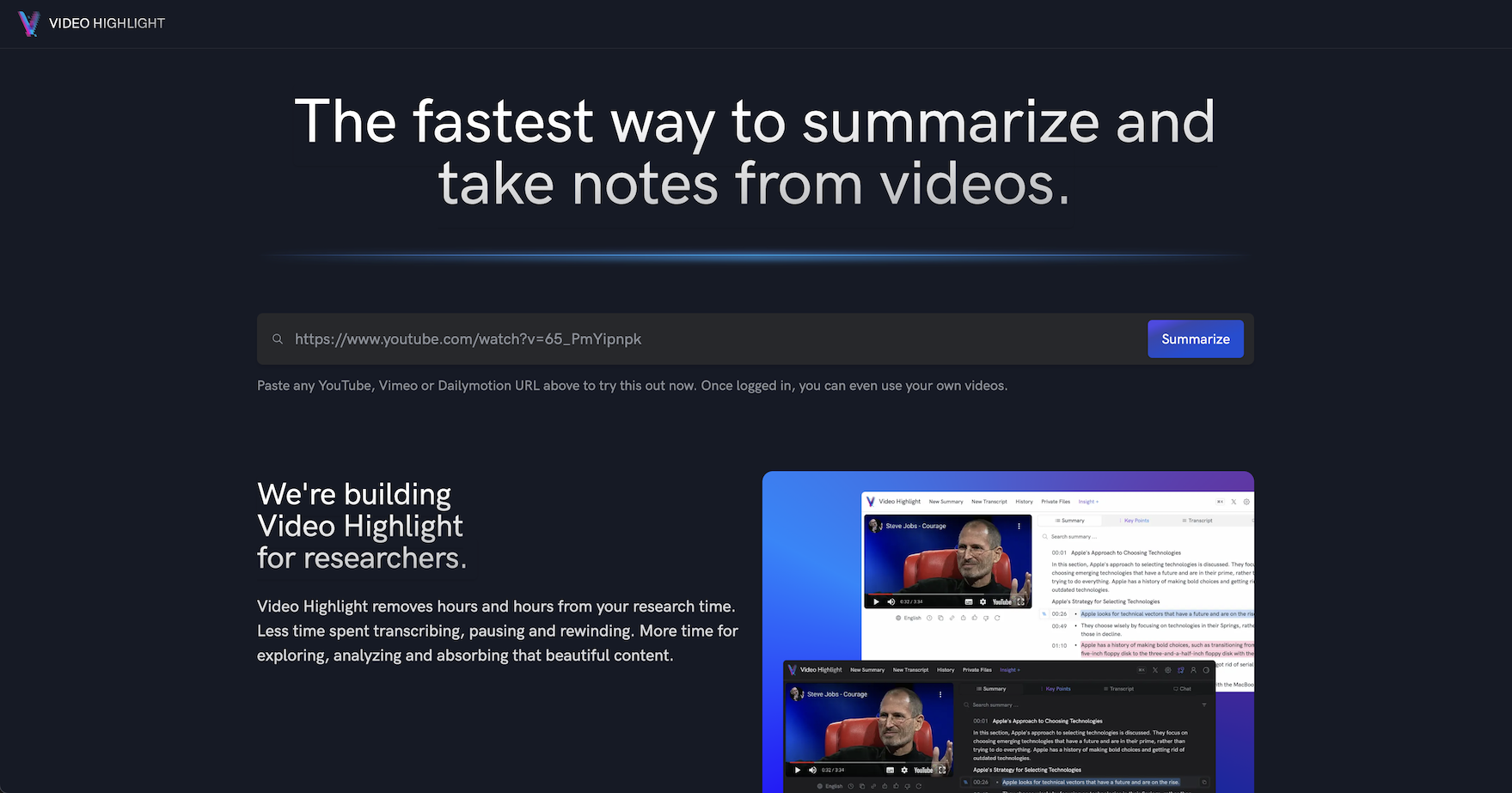
Video Highlight is an AI-powered tool that transforms long videos into concise, actionable insights. It instantly generates timestamped summaries, accurate transcripts, and allows interactive chat with video content. Ideal for researchers, students, and content creators looking to save time and enhance productivity.

Note Taking
Visits 584KFavorites 113Likes 127
Supertranslate
Freemium

Supertranslate

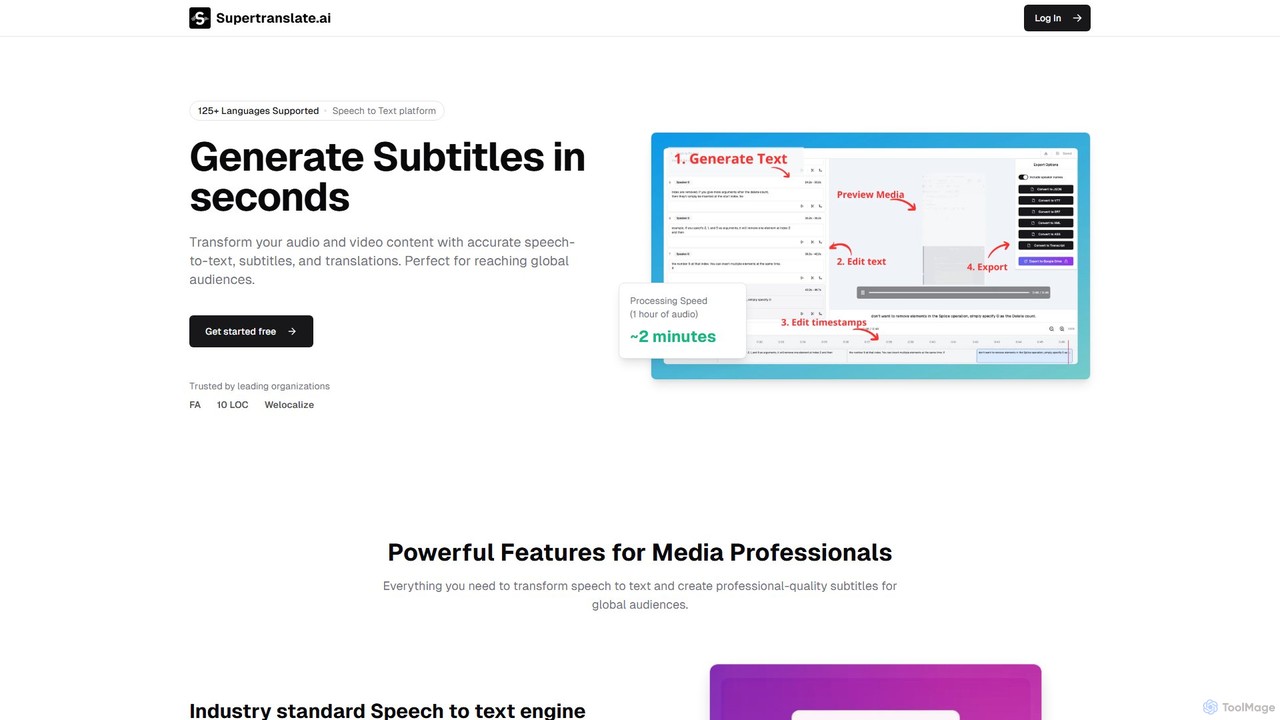
Supertranslate is an AI-powered platform that transforms audio and video content into highly accurate transcriptions, subtitles, and translations in over 125 languages. It's designed for media professionals, content creators, and businesses to quickly and easily reach a global audience with professional-quality localized content.

Speech To Text
Visits 6.2KFavorites 128Likes 123
The Video Reader
Freemium

The Video Reader

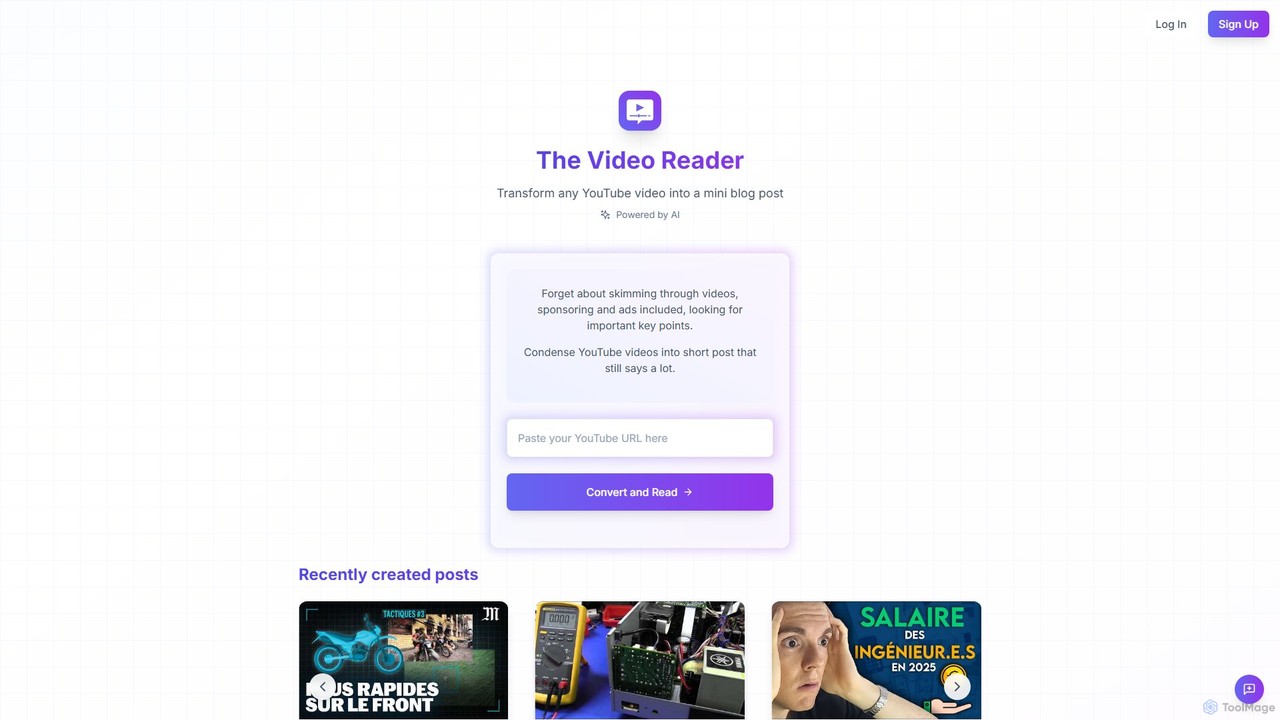
The Video Reader is an AI-powered tool that transforms any YouTube video into a concise, readable blog post. It automatically transcribes, summarizes, and extracts key points, allowing you to grasp the core message of a video in minutes. Ideal for students, researchers, and content creators looking to save time and repurpose content efficiently.

Repurposing
Visits 5.5KFavorites 153Likes 140
Designrr
Paid

Designrr

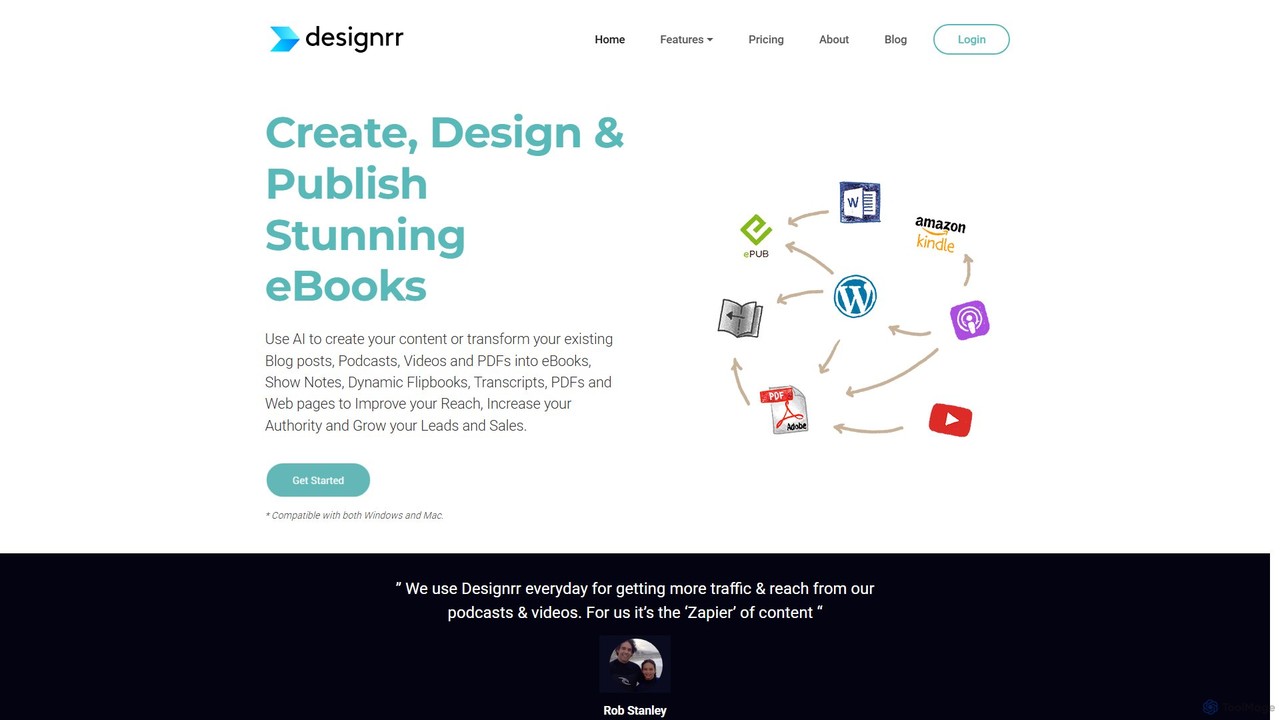
Designrr is an AI-powered platform that transforms your existing content—like blog posts, podcasts, videos, and PDFs—into professionally designed eBooks, lead magnets, flipbooks, and more in minutes. It also features an AI writer to generate new content from scratch, making it a comprehensive solution for content repurposing and creation.

Content Creation
Visits 377.6KFavorites 150Likes 136

About Transcription

AI Transcription tools are a class of software that automatically converts spoken language from video and audio files into written text. These tools utilize advanced Automatic Speech Recognition (ASR) technology to accurately capture dialogue, even with multiple speakers or background noise. They are essential for making video content searchable, accessible, and easy to repurpose. Many platforms also provide features like speaker identification, timestamping, and custom vocabulary to improve the accuracy and usability of the final transcript.

Core Features

  • Automated Speech-to-Text: High-accuracy conversion of spoken words into a written transcript using advanced ASR models.
  • Speaker Diarization: Automatically identifies and labels who is speaking at different points in the video or audio file.
  • Accurate Timestamping: Aligns each word or phrase in the transcript with its precise timing in the source media file.
  • Custom Vocabulary: Allows users to add specific names, industry jargon, or technical terms to improve recognition accuracy.
  • Multi-language Support: Capable of transcribing content in numerous languages and dialects, often with translation options.

Use Cases

These tools are widely used in media production for creating subtitles and captions, in market research for analyzing user interviews, and in corporate settings for documenting video conferences and webinars. Educational institutions also use them to generate transcripts for lectures, making learning materials more accessible for students.

How to Choose

When selecting a transcription tool, consider its accuracy rate for your specific language and accent. Evaluate the quality of its speaker diarization and timestamping features. Check for necessary integrations with your video editing software or cloud platforms, and review its data security policies, especially when handling sensitive information. Finally, assess the supported file formats and pricing models to ensure they fit your workflow and budget.

Featured tool rankings

Transcription use cases

1

Create Accurate Subtitles and Captions for Videos

Content creators and marketing teams use AI transcription tools to rapidly generate subtitles and closed captions for their video content. By uploading a video file, the tool automatically produces a time-coded transcript. This text can then be reviewed, edited for accuracy, and exported in standard formats like SRT or VTT. This process significantly speeds up post-production workflows, enhances video accessibility for hearing-impaired viewers, and improves SEO performance on platforms like YouTube by making the content indexable by search engines.

2

Generate Searchable Meeting and Webinar Minutes

Project managers and corporate teams leverage AI transcription to create detailed records of virtual meetings, training sessions, and webinars. After a video conference on platforms like Zoom or Teams, the recording is processed to produce a full transcript with speaker labels. This allows participants to quickly search for key decisions, action items, or specific topics without re-watching the entire video. It serves as an objective record, ensures accountability, and makes important information easily accessible to team members who were unable to attend.

3

Analyze Qualitative Data from User Interviews

UX researchers and product managers rely on AI transcription to efficiently process video recordings of user interviews and usability tests. Instead of manually transcribing hours of footage, they can get a written version in minutes. This allows them to quickly search for keywords, identify user pain points, and tag important quotes. The text-based data can be easily imported into qualitative analysis software, enabling teams to spot trends and extract actionable insights much faster, accelerating the product development cycle.

4

Transcribe Educational Lectures for Study Aids

Students and educational institutions utilize AI transcription to convert recorded lectures, seminars, and academic presentations into text. This creates a valuable study resource that is searchable and easy to review. Students can quickly find specific information discussed in a long lecture, copy key definitions, and create comprehensive notes. It also supports accessibility for students with learning disabilities or for whom the language of instruction is not their first language, promoting a more inclusive learning environment.

5

Expedite News Reporting for Journalists

Journalists and media professionals use AI transcription to speed up the process of converting video interviews, press conferences, and field recordings into text. This allows them to quickly find compelling quotes and verify facts for their articles, documentaries, or news segments. The ability to get a draft transcript almost instantly frees up valuable time that would otherwise be spent on manual transcription, enabling reporters to focus on storytelling and meet tight deadlines more effectively.

6

Document Legal Depositions and Hearings

Legal professionals, including lawyers and paralegals, employ AI transcription tools to create written records of video-recorded depositions, witness statements, and court hearings. While not always a substitute for a certified court reporter, these tools provide a fast and cost-effective way to produce a draft transcript for case preparation, review, and analysis. Features like speaker identification and precise timestamping are crucial for accurately documenting the proceedings and referencing specific moments in the recording.

Transcription FAQ

What are AI transcription tools?

AI transcription tools are applications that use artificial intelligence, specifically Automatic Speech Recognition (ASR) technology, to convert spoken language from audio or video files into written text. They go beyond simple conversion by offering features like identifying different speakers (diarization), adding timestamps to the text, and allowing for custom vocabularies to improve accuracy for specific jargon. These tools are designed to automate and accelerate the process of creating accurate, readable transcripts.

How do I choose the right AI transcription tool for video content?

To choose the right tool, focus on several key factors. First, evaluate its transcription accuracy, especially for the languages, dialects, and technical terms relevant to your videos. Second, assess the quality of its speaker identification and timestamping. Third, check for integrations with your existing workflow, such as video editors or cloud storage. Finally, consider the tool's security protocols for protecting your data and a pricing model that aligns with your usage volume and budget.

What is the difference between AI transcription and manual transcription?

The primary differences are speed, cost, and accuracy. AI transcription is significantly faster and more affordable, delivering a transcript within minutes. Manual transcription, done by a human, is much slower and more expensive. While the best AI tools can achieve over 95% accuracy in ideal conditions, a skilled human transcriber can often reach 99%+ accuracy, especially with poor audio quality, heavy accents, or complex terminology. Many workflows use AI for a first draft, followed by a quick human review to achieve the best of both worlds.

How accurate are AI transcription tools?

The accuracy of modern AI transcription tools is impressively high, often exceeding 95% under optimal conditions. Accuracy is highest with clear audio, minimal background noise, and standard accents. It can decrease with factors like overlapping speakers, poor microphone quality, or highly specialized jargon. Many top-tier tools allow you to create a custom vocabulary, where you can add specific names or terms to significantly boost accuracy for your particular content.

Who benefits most from using AI transcription for video?

A wide range of professionals benefit from these tools. Video creators and marketers use them to create subtitles and improve SEO. Corporate teams use them to document meetings and webinars. Journalists and researchers speed up their analysis of interviews. Educators and students make learning materials more accessible. Essentially, anyone who works with spoken content in video and needs to convert it into a searchable, editable, and shareable text format will find significant value.