ToolMage
Sign in

Best 31 Transcription AI tools for Video

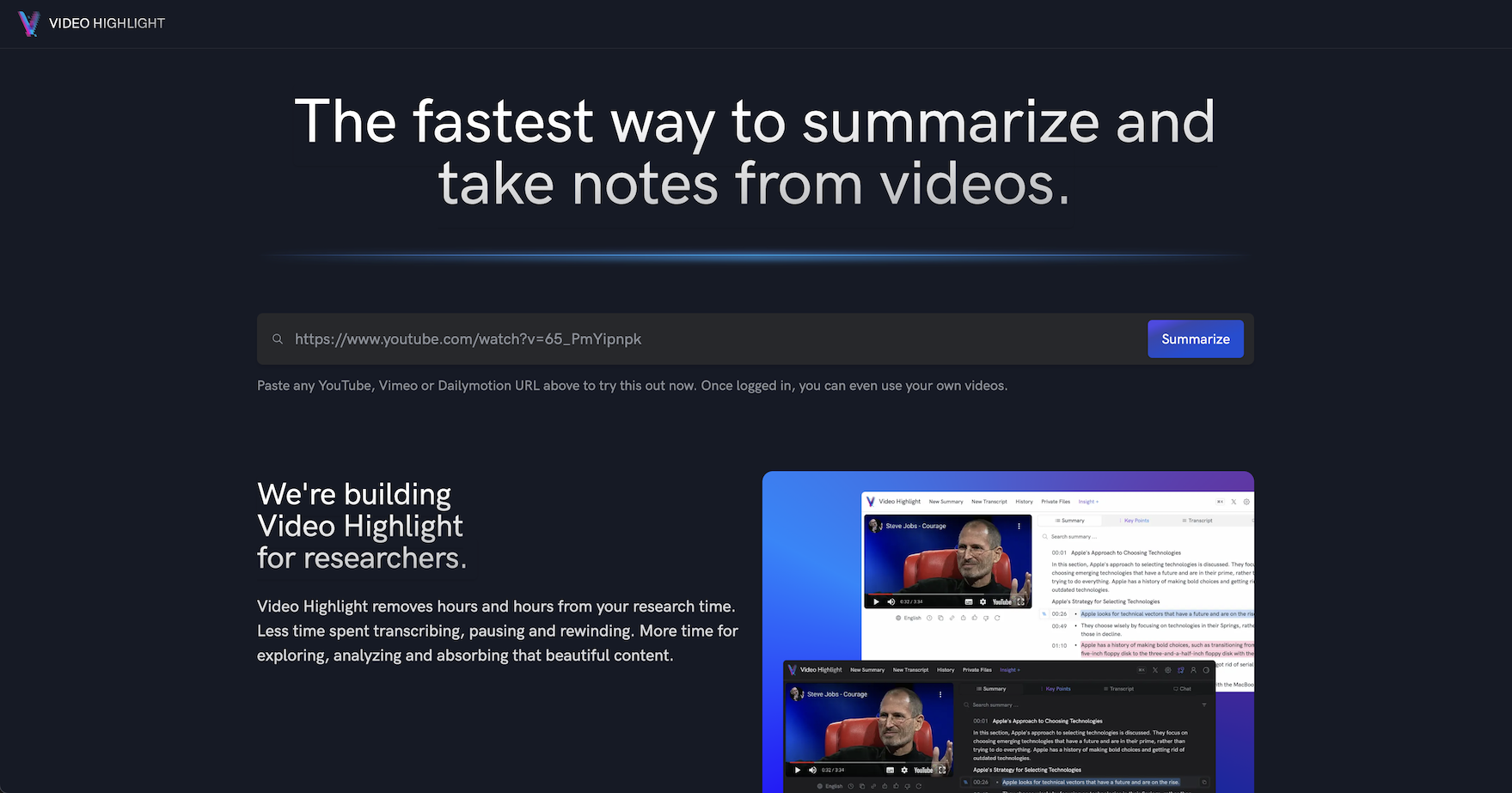
Popular Transcription AI tools in Video include Video Highlight, Designrr, Transcriptik, Felo Subtitles, Skimming AI, SolidPoint, Read Their Lips, imaginario.ai, tldwai, and youblogify, helping you work more efficiently.

SummarizeIt
Freemium

SummarizeIt

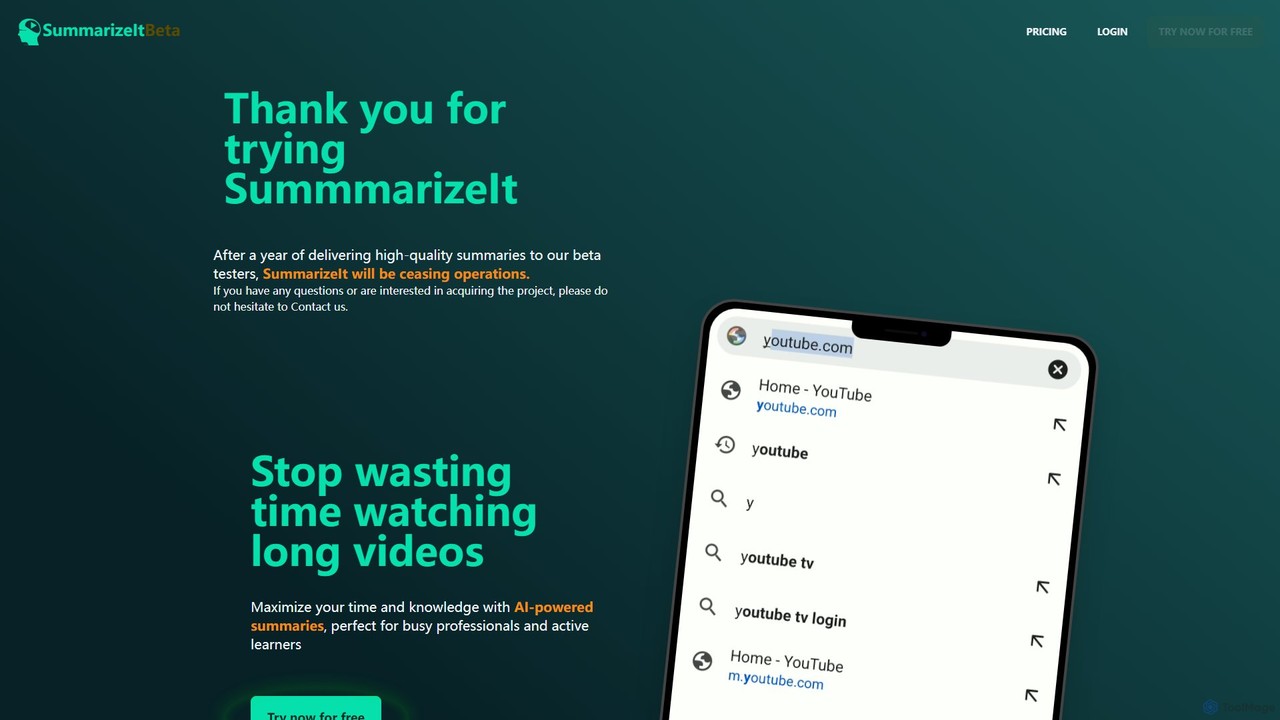
SummarizeIt is an AI-powered tool designed to save you time by generating concise summaries of long YouTube videos. It quickly extracts key points and insights, making it perfect for busy professionals, students, and anyone looking to learn more efficiently.

Learning
Visits 5.9KFavorites 146Likes 153
captr
Freemium

captr

captr is an AI-powered assistant that transforms long videos, primarily from YouTube, into concise summaries, full transcripts, and actionable insights. It allows users to quickly understand video content without watching it in its entirety, ask questions, and export key information, boosting productivity and learning efficiency.

Note Taking
Visits 6KFavorites 120Likes 127
YouPost
Freemium

YouPost

YouPost is an AI-powered browser extension that converts YouTube videos into complete, well-structured articles in a single click. It extracts text from video subtitles and includes relevant images, enabling users to quickly repurpose video content for blogs, create SEO-friendly articles, or simply read video information instead of watching. It's ideal for content creators, marketers, and researchers.

Repurposing
Visits 5.9KFavorites 121Likes 111
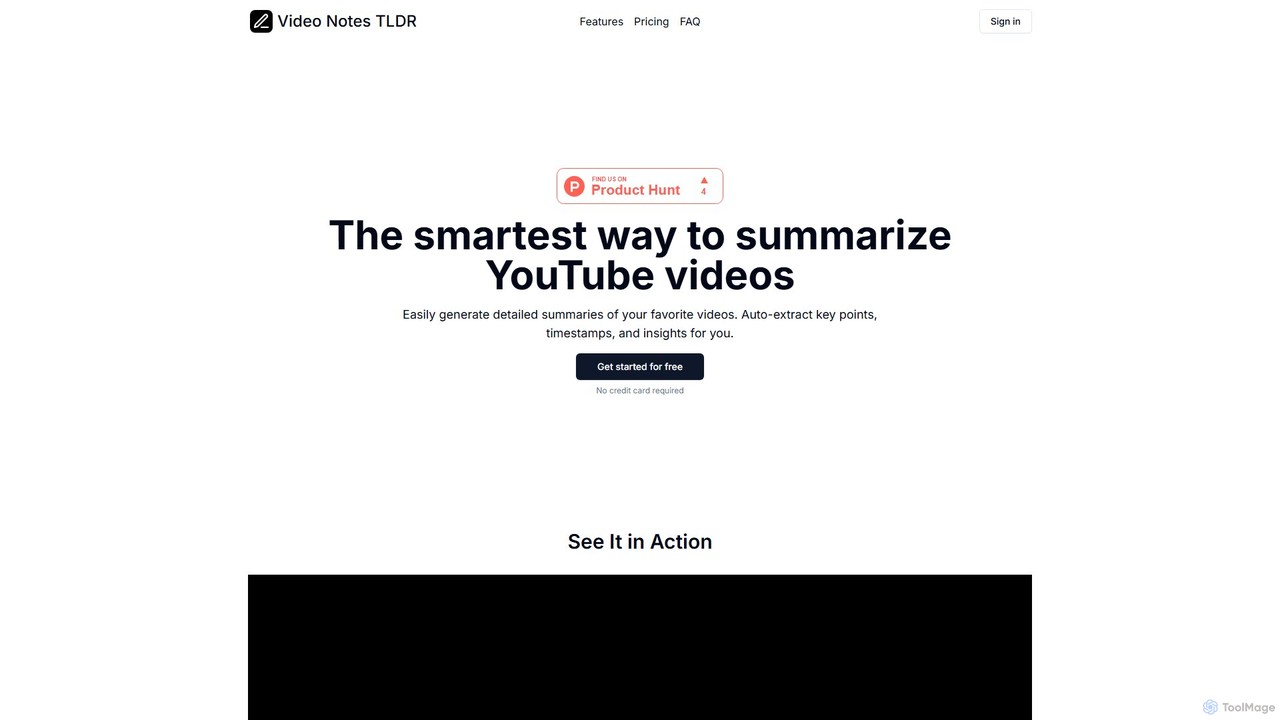
videonotestldr
Freemium

videonotestldr

videonotestldr is an AI-powered tool that instantly generates detailed summaries, key points, and timestamps from any YouTube video. It helps users save time, learn faster, and efficiently organize video content by exporting notes directly to Notion.

Note Taking
Visits 6.1KFavorites 114Likes 108
tldwai
Freemium

tldwai

tldwai is an AI-powered video summarizer that transforms long videos from YouTube or local files into concise, easy-to-read text summaries. It supports a vast range of languages, helping users save time, overcome language barriers, and quickly grasp key information from any video content.

Learning
Visits 8.9KFavorites 174Likes 197
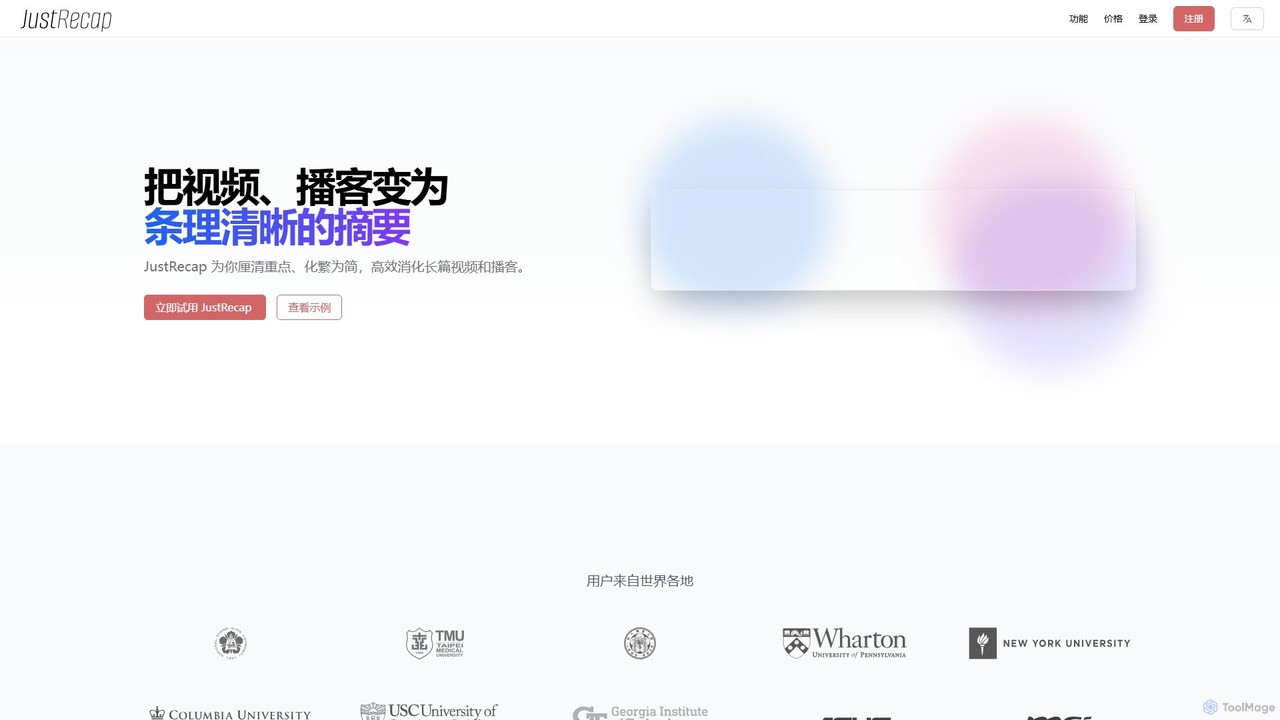
JustRecap
Freemium

JustRecap

JustRecap is an AI-powered learning tool that transforms long videos and podcasts into well-structured, interactive summaries. It generates key takeaways, visual snapshots (key frames), and segmented transcripts, allowing users to digest complex information efficiently. Ideal for students, researchers, and professionals who need to learn faster and more effectively from video content.

Learning
Visits 6.8KFavorites 145Likes 134
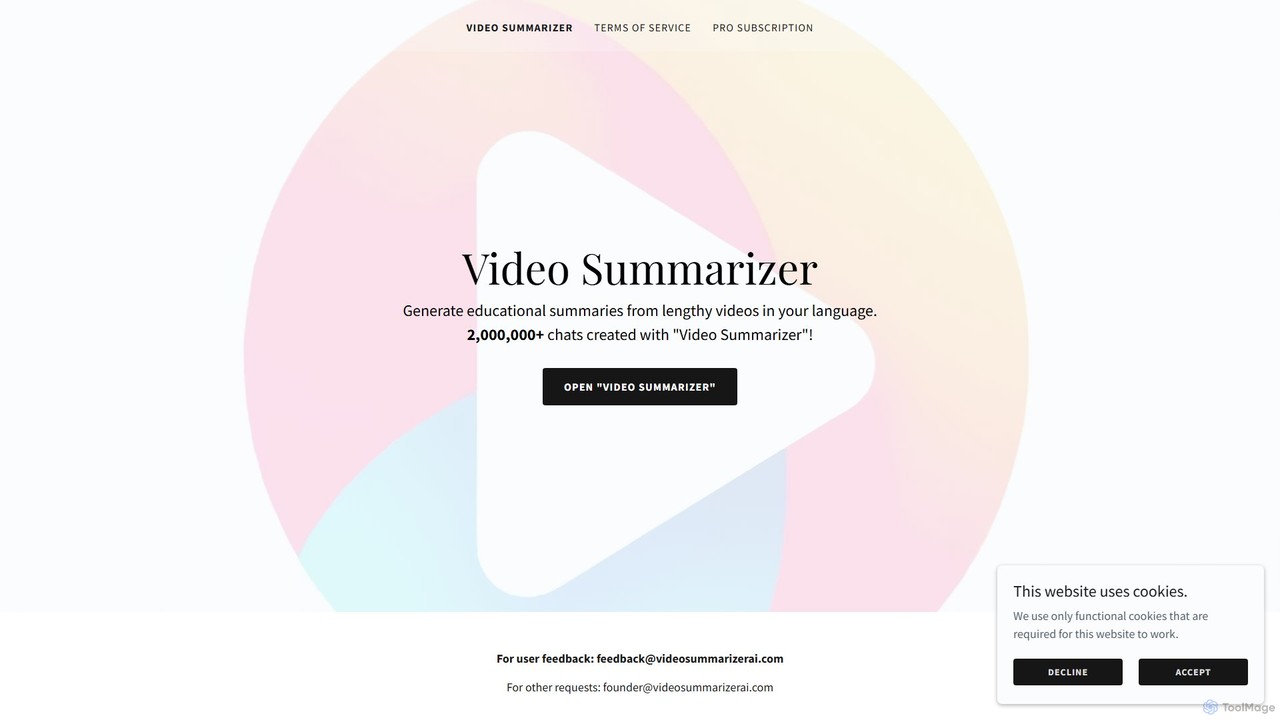
Video Summarizer AI
Freemium

Video Summarizer AI

Video Summarizer AI is an intelligent tool that generates concise, educational summaries from lengthy videos in multiple languages. Ideal for students, researchers, and professionals, it quickly extracts key information from lectures, webinars, and talks, saving you valuable time.

Learning
Visits 6.7KFavorites 109Likes 123

About Transcription

AI Transcription tools are a class of software that automatically converts spoken language from video and audio files into written text. These tools utilize advanced Automatic Speech Recognition (ASR) technology to accurately capture dialogue, even with multiple speakers or background noise. They are essential for making video content searchable, accessible, and easy to repurpose. Many platforms also provide features like speaker identification, timestamping, and custom vocabulary to improve the accuracy and usability of the final transcript.

Core Features

  • Automated Speech-to-Text: High-accuracy conversion of spoken words into a written transcript using advanced ASR models.
  • Speaker Diarization: Automatically identifies and labels who is speaking at different points in the video or audio file.
  • Accurate Timestamping: Aligns each word or phrase in the transcript with its precise timing in the source media file.
  • Custom Vocabulary: Allows users to add specific names, industry jargon, or technical terms to improve recognition accuracy.
  • Multi-language Support: Capable of transcribing content in numerous languages and dialects, often with translation options.

Use Cases

These tools are widely used in media production for creating subtitles and captions, in market research for analyzing user interviews, and in corporate settings for documenting video conferences and webinars. Educational institutions also use them to generate transcripts for lectures, making learning materials more accessible for students.

How to Choose

When selecting a transcription tool, consider its accuracy rate for your specific language and accent. Evaluate the quality of its speaker diarization and timestamping features. Check for necessary integrations with your video editing software or cloud platforms, and review its data security policies, especially when handling sensitive information. Finally, assess the supported file formats and pricing models to ensure they fit your workflow and budget.

Featured tool rankings

Transcription use cases

1

Create Accurate Subtitles and Captions for Videos

Content creators and marketing teams use AI transcription tools to rapidly generate subtitles and closed captions for their video content. By uploading a video file, the tool automatically produces a time-coded transcript. This text can then be reviewed, edited for accuracy, and exported in standard formats like SRT or VTT. This process significantly speeds up post-production workflows, enhances video accessibility for hearing-impaired viewers, and improves SEO performance on platforms like YouTube by making the content indexable by search engines.

2

Generate Searchable Meeting and Webinar Minutes

Project managers and corporate teams leverage AI transcription to create detailed records of virtual meetings, training sessions, and webinars. After a video conference on platforms like Zoom or Teams, the recording is processed to produce a full transcript with speaker labels. This allows participants to quickly search for key decisions, action items, or specific topics without re-watching the entire video. It serves as an objective record, ensures accountability, and makes important information easily accessible to team members who were unable to attend.

3

Analyze Qualitative Data from User Interviews

UX researchers and product managers rely on AI transcription to efficiently process video recordings of user interviews and usability tests. Instead of manually transcribing hours of footage, they can get a written version in minutes. This allows them to quickly search for keywords, identify user pain points, and tag important quotes. The text-based data can be easily imported into qualitative analysis software, enabling teams to spot trends and extract actionable insights much faster, accelerating the product development cycle.

4

Transcribe Educational Lectures for Study Aids

Students and educational institutions utilize AI transcription to convert recorded lectures, seminars, and academic presentations into text. This creates a valuable study resource that is searchable and easy to review. Students can quickly find specific information discussed in a long lecture, copy key definitions, and create comprehensive notes. It also supports accessibility for students with learning disabilities or for whom the language of instruction is not their first language, promoting a more inclusive learning environment.

5

Expedite News Reporting for Journalists

Journalists and media professionals use AI transcription to speed up the process of converting video interviews, press conferences, and field recordings into text. This allows them to quickly find compelling quotes and verify facts for their articles, documentaries, or news segments. The ability to get a draft transcript almost instantly frees up valuable time that would otherwise be spent on manual transcription, enabling reporters to focus on storytelling and meet tight deadlines more effectively.

6

Document Legal Depositions and Hearings

Legal professionals, including lawyers and paralegals, employ AI transcription tools to create written records of video-recorded depositions, witness statements, and court hearings. While not always a substitute for a certified court reporter, these tools provide a fast and cost-effective way to produce a draft transcript for case preparation, review, and analysis. Features like speaker identification and precise timestamping are crucial for accurately documenting the proceedings and referencing specific moments in the recording.

Transcription FAQ

What are AI transcription tools?

AI transcription tools are applications that use artificial intelligence, specifically Automatic Speech Recognition (ASR) technology, to convert spoken language from audio or video files into written text. They go beyond simple conversion by offering features like identifying different speakers (diarization), adding timestamps to the text, and allowing for custom vocabularies to improve accuracy for specific jargon. These tools are designed to automate and accelerate the process of creating accurate, readable transcripts.

How do I choose the right AI transcription tool for video content?

To choose the right tool, focus on several key factors. First, evaluate its transcription accuracy, especially for the languages, dialects, and technical terms relevant to your videos. Second, assess the quality of its speaker identification and timestamping. Third, check for integrations with your existing workflow, such as video editors or cloud storage. Finally, consider the tool's security protocols for protecting your data and a pricing model that aligns with your usage volume and budget.

What is the difference between AI transcription and manual transcription?

The primary differences are speed, cost, and accuracy. AI transcription is significantly faster and more affordable, delivering a transcript within minutes. Manual transcription, done by a human, is much slower and more expensive. While the best AI tools can achieve over 95% accuracy in ideal conditions, a skilled human transcriber can often reach 99%+ accuracy, especially with poor audio quality, heavy accents, or complex terminology. Many workflows use AI for a first draft, followed by a quick human review to achieve the best of both worlds.

How accurate are AI transcription tools?

The accuracy of modern AI transcription tools is impressively high, often exceeding 95% under optimal conditions. Accuracy is highest with clear audio, minimal background noise, and standard accents. It can decrease with factors like overlapping speakers, poor microphone quality, or highly specialized jargon. Many top-tier tools allow you to create a custom vocabulary, where you can add specific names or terms to significantly boost accuracy for your particular content.

Who benefits most from using AI transcription for video?

A wide range of professionals benefit from these tools. Video creators and marketers use them to create subtitles and improve SEO. Corporate teams use them to document meetings and webinars. Journalists and researchers speed up their analysis of interviews. Educators and students make learning materials more accessible. Essentially, anyone who works with spoken content in video and needs to convert it into a searchable, editable, and shareable text format will find significant value.