ToolMage
Sign in

Best 41 Note Taking AI tools for Education

Popular Note Taking AI tools in Education include Otter.ai, Image to Text, Xmind, GitMind, Video Highlight, Thetawave AI, Wave, SoundType AI, TreeMind, and AmyMind, helping you work more efficiently.

Altalt
Free

Altalt

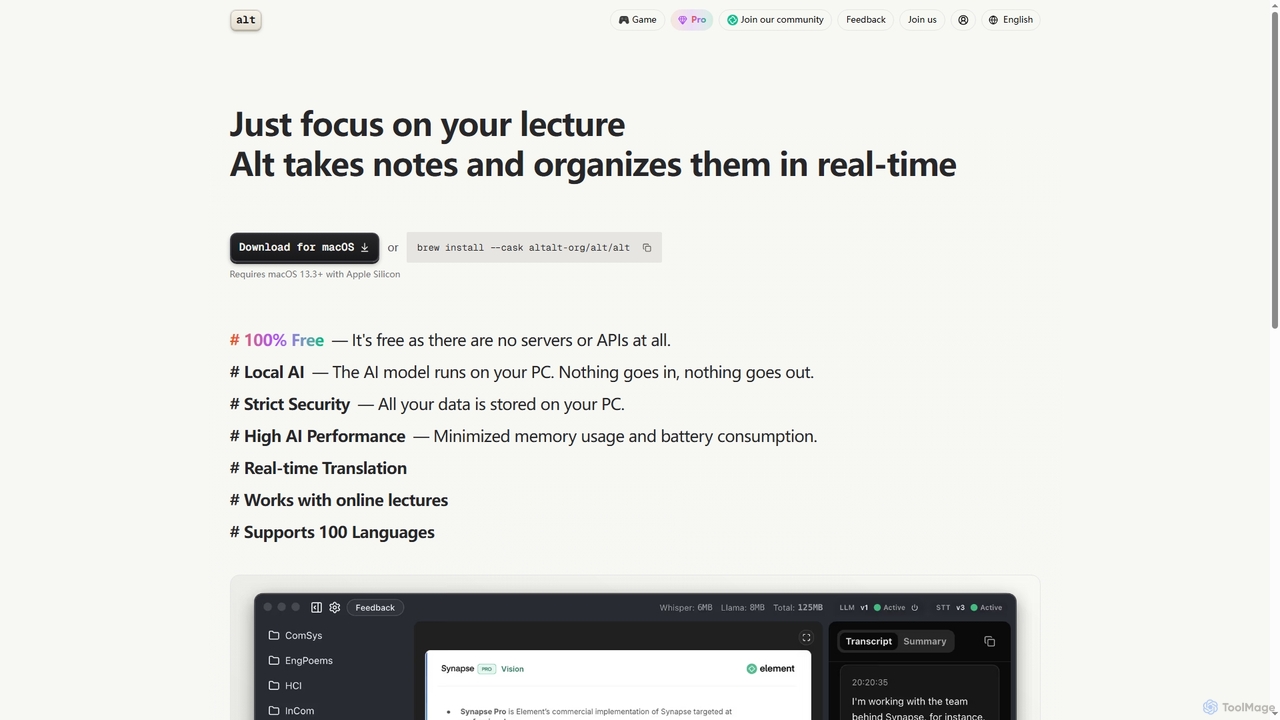
Altalt is a free, local AI lecture notetaker for macOS that transcribes and organizes your lectures in real-time. It ensures strict data privacy by running entirely on your device, supporting 100 languages and real-time translation, making it ideal for students and professionals seeking efficient, secure note-taking.

Note Taking
Visits 28.2KFavorites 77Likes 95
Clara

Clara

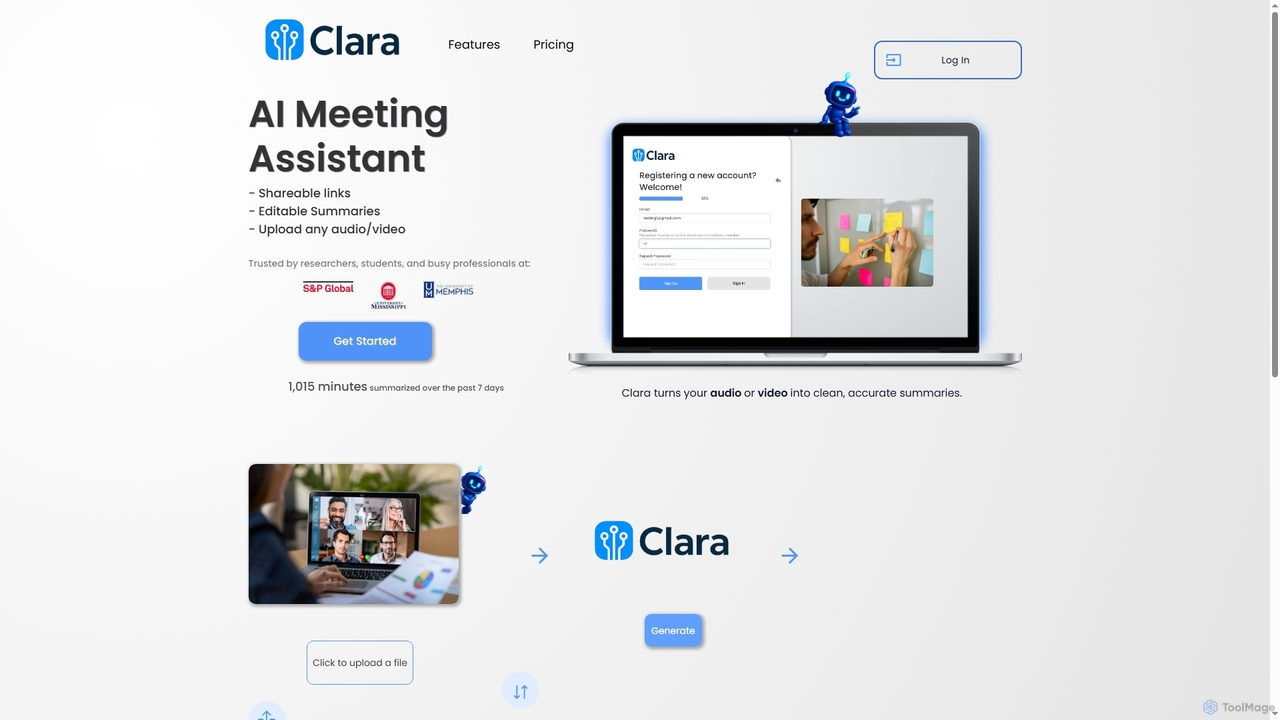
Clara is an AI meeting assistant that transforms audio and video files into accurate, editable, and shareable summaries. It automatically transcribes and analyzes content from lectures, meetings, and interviews to identify key points, action items, and themes, helping users stay organized.

Transcription
Visits 3.6KFavorites 149Likes 132
Zoc
Paid

Zoc

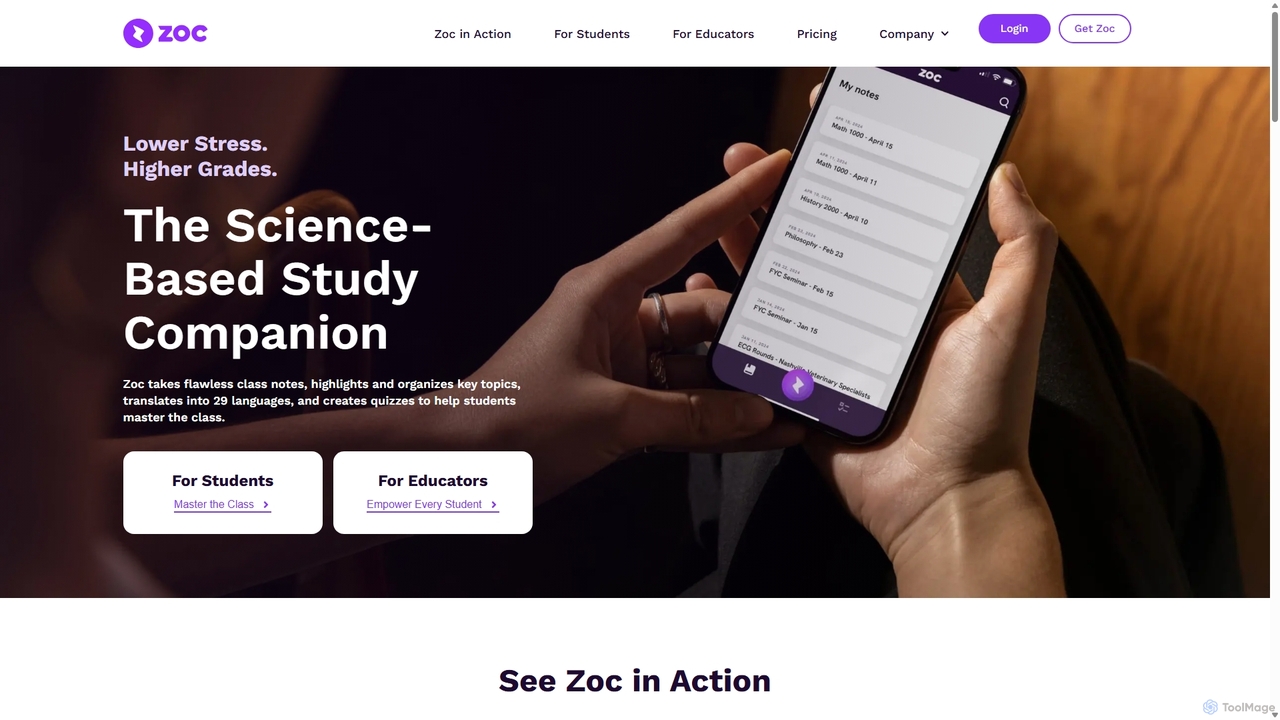
Zoc is an AI-powered study companion for students, designed to reduce stress and improve grades. It automatically transcribes lectures, synthesizes key topics into organized notes, creates interactive quizzes for revision, and translates content into 29 languages. It's a science-based tool that helps students focus in class and study more effectively.

Note Taking
Visits 11.5KFavorites 118Likes 122
NutshellPro
Freemium

NutshellPro

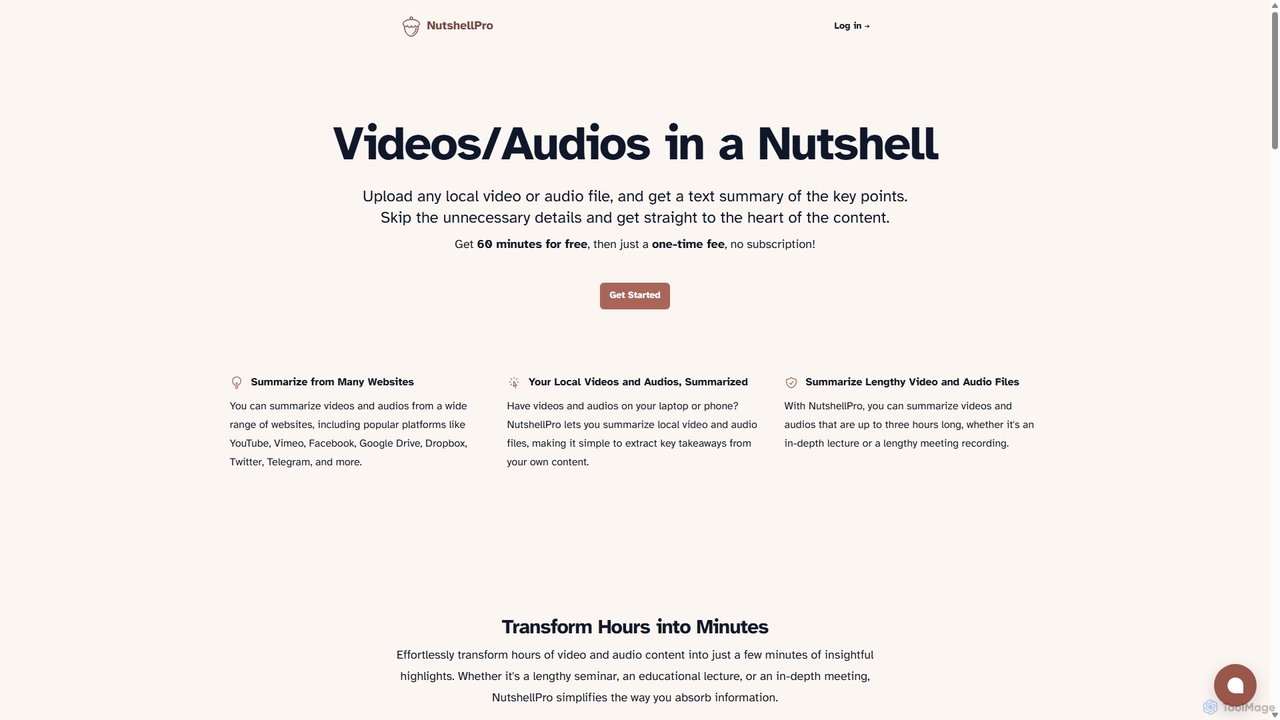
NutshellPro is an AI-powered tool that efficiently summarizes any video or audio file. It supports both local files and content from various websites like YouTube, Vimeo, and Google Drive. By extracting key points, it transforms hours of content into concise text summaries, saving you significant time and effort. It offers a free trial and flexible, one-time payment plans without a subscription.

Note Taking
Visits 3.9KFavorites 130Likes 116
Wave
Freemium

Wave

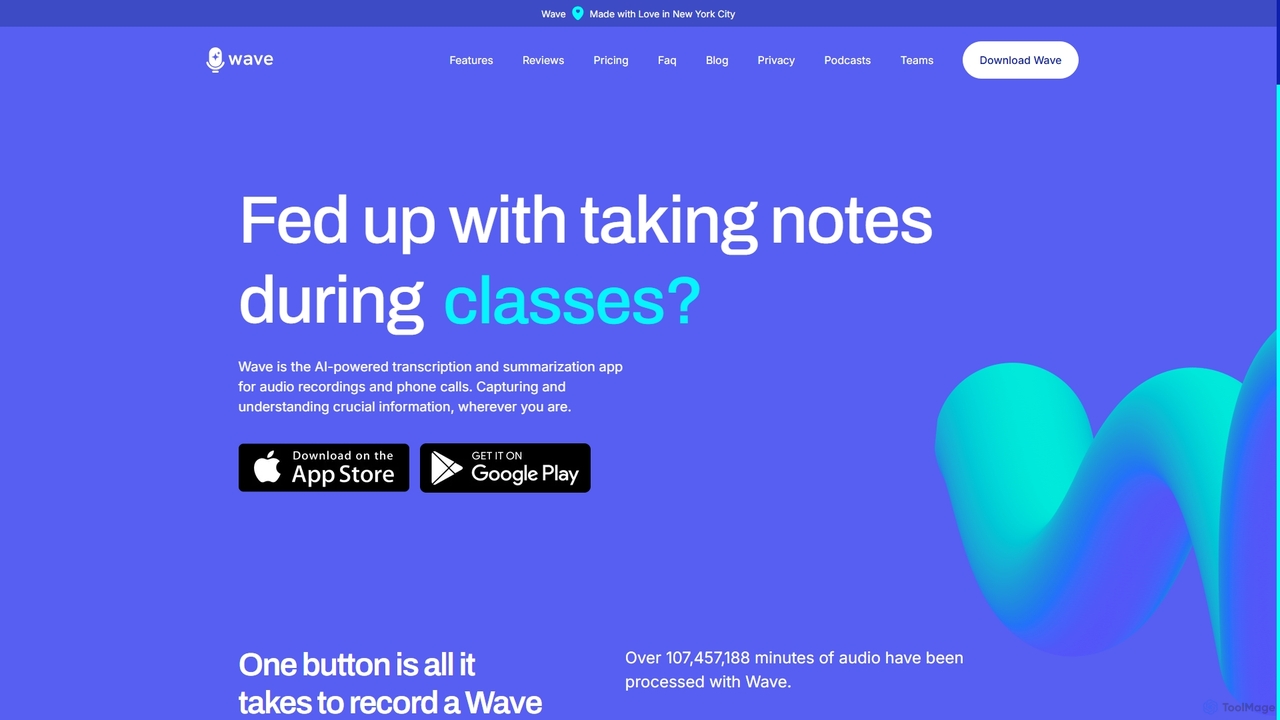
Wave is an AI-powered note-taker and transcription app for iOS and Android. It effortlessly records audio from meetings, calls, and lectures, providing highly accurate transcriptions and concise, customizable summaries. With features like phone call recording, multi-language support, and cross-device sync, Wave helps you capture and understand crucial information anywhere, anytime, without the hassle of manual note-taking.

Meeting Assistant
Visits 221KFavorites 156Likes 169
Recaply
Freemium

Recaply

Recaply is an AI-powered summarization tool that transforms long-form content like YouTube videos, articles, and audio files into concise, digestible summaries. It extracts key insights, main points, and action items in seconds, helping users save time and boost productivity. Ideal for students, researchers, and professionals who need to quickly grasp the essence of content without consuming it in its entirety.

Note Taking
Visits 3.7KFavorites 101Likes 114
picturetotext
Freemium

picturetotext

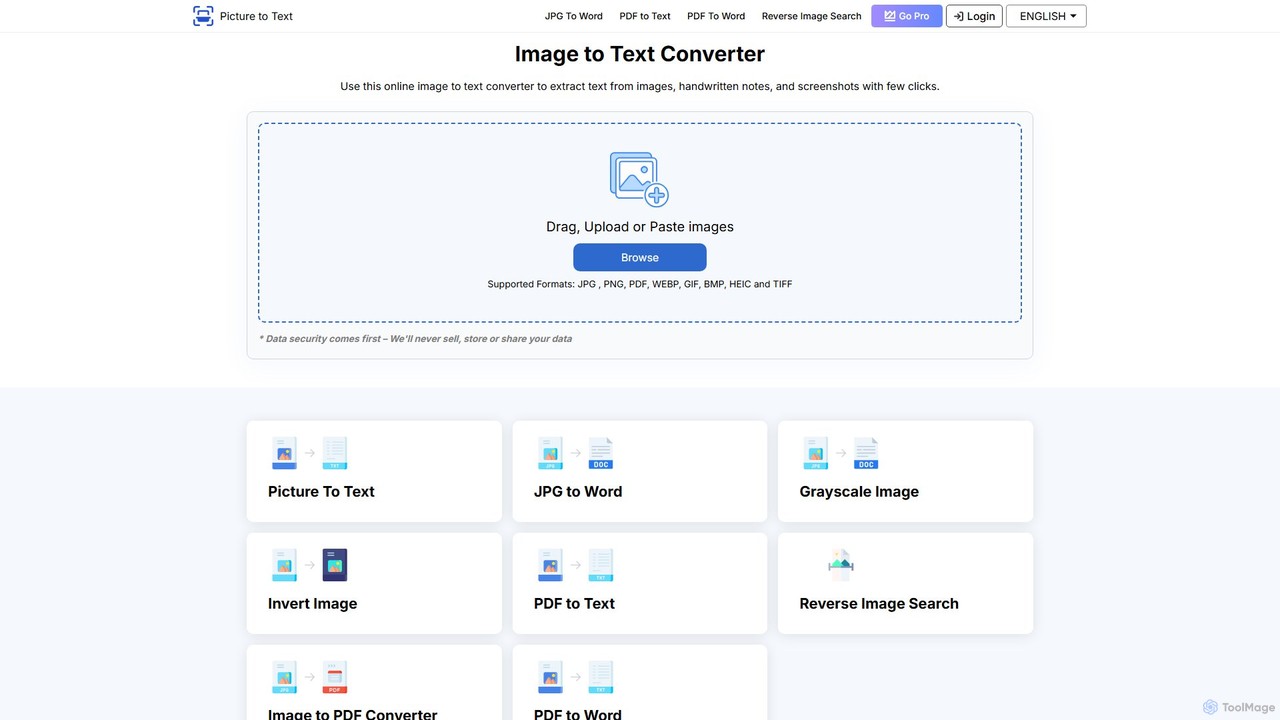
An AI-powered OCR tool that accurately converts images into editable text. It supports various formats, batch processing, and over 20 languages. Ideal for digitizing documents, automating data entry, and improving study efficiency with a user-friendly interface and a focus on data privacy.

Data Entry
Visits 13.5KFavorites 118Likes 110
youtubesummarized
Freemium

youtubesummarized

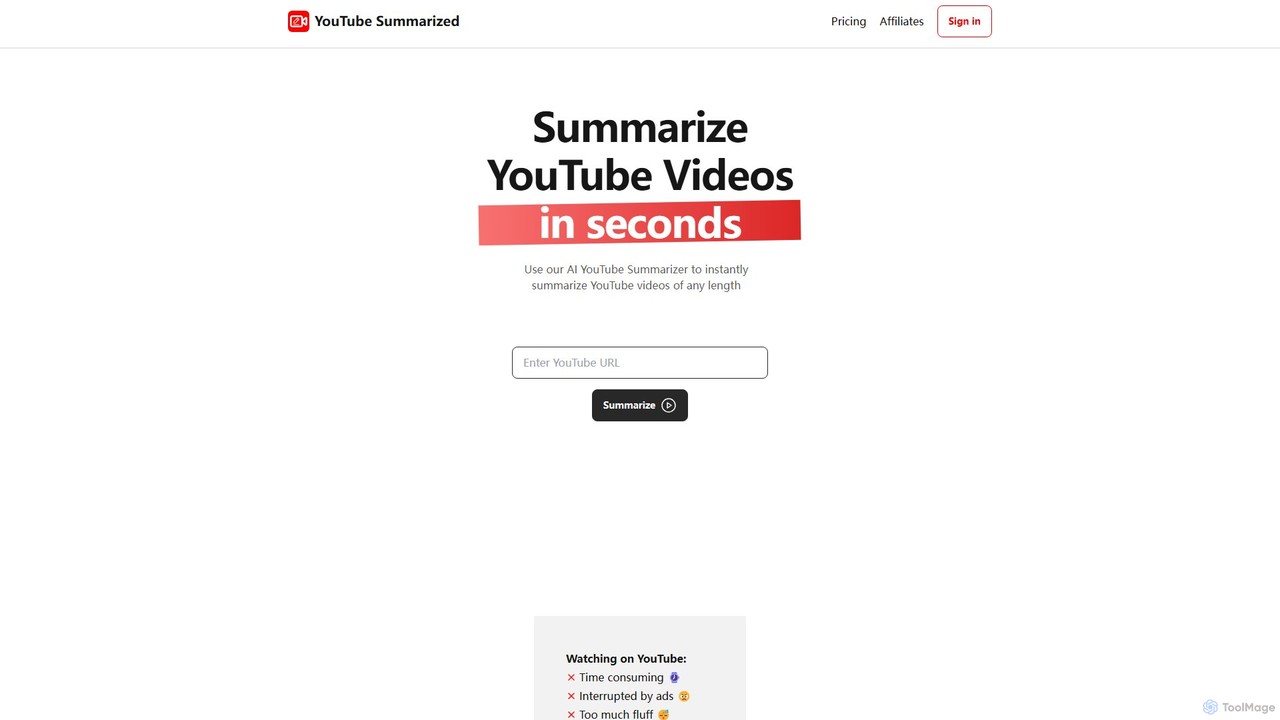
youtubesummarized is an AI-powered tool that instantly condenses any YouTube video into a concise, easy-to-read summary. Save time, avoid ads, and grasp key information in seconds. Ideal for students, researchers, and professionals who need to absorb video content efficiently. It offers browser extensions for seamless integration and supports multiple languages, making learning faster and more accessible.

Note Taking
Visits 3.6KFavorites 96Likes 93
Emberly
Freemium

Emberly

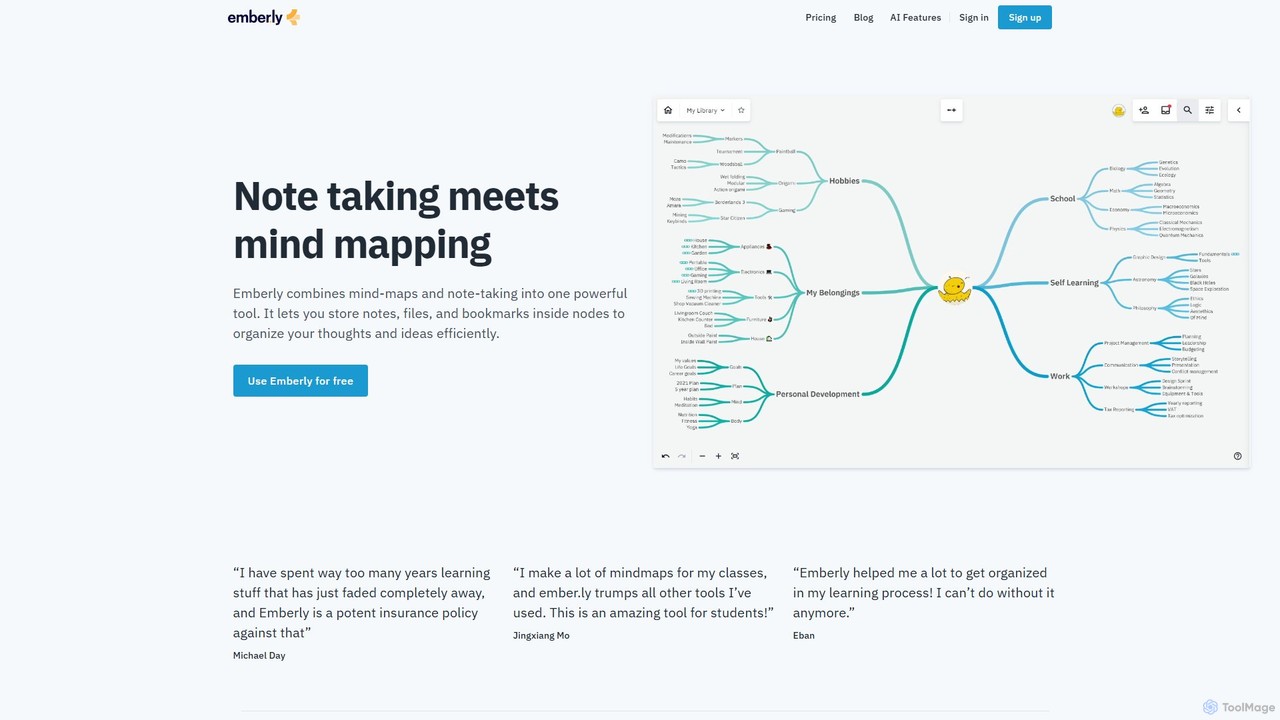
Emberly is an AI-enhanced knowledge management tool that combines mind mapping and note-taking. It allows you to visually organize your notes, files, and bookmarks in one place. Leverage AI to generate mind maps, create quizzes from your notes, and assist with your writing, making learning and organization more efficient and intuitive.

Note Taking
Visits 5.6KFavorites 138Likes 143
FileTranscribe
Freemium

FileTranscribe

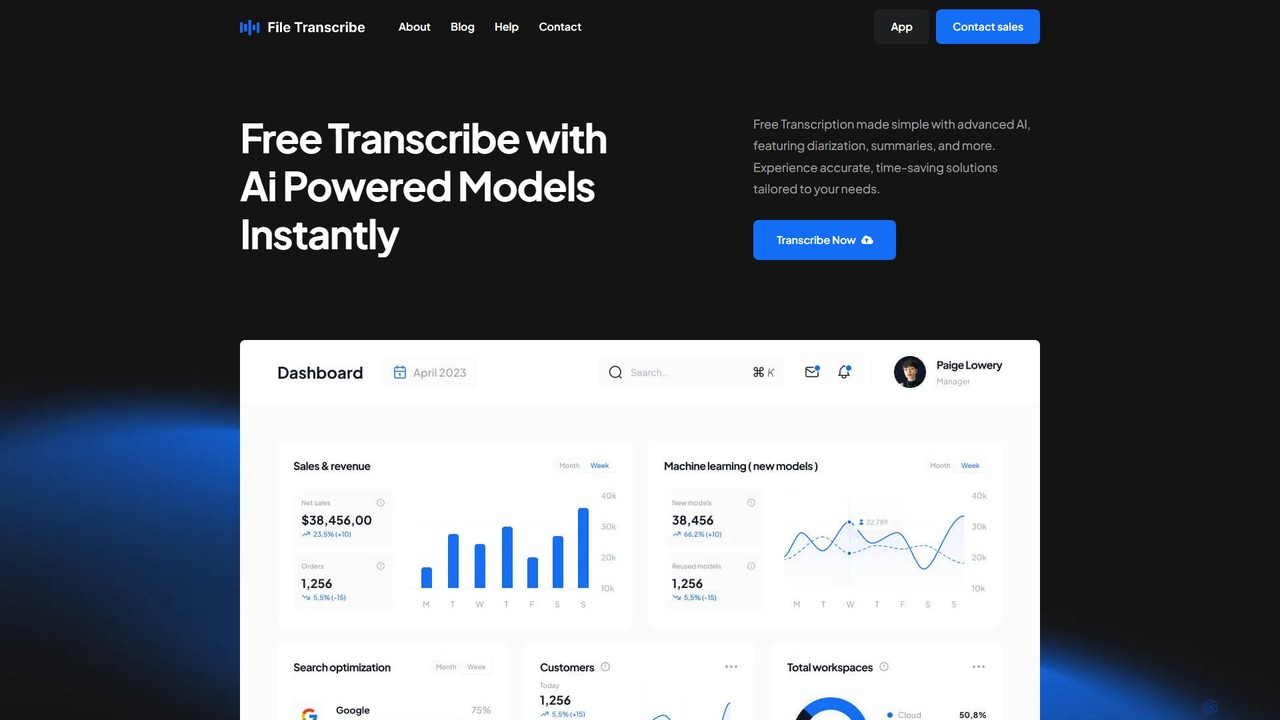
FileTranscribe is a free, AI-powered tool that accurately transcribes audio and video files in minutes. It offers advanced features like speaker diarization, automated summaries, and meeting minute generation, making it ideal for students, professionals, and content creators seeking to convert speech to text effortlessly.

Speech To Text
Visits 4.8KFavorites 107Likes 104
Image to Text
Free

Image to Text

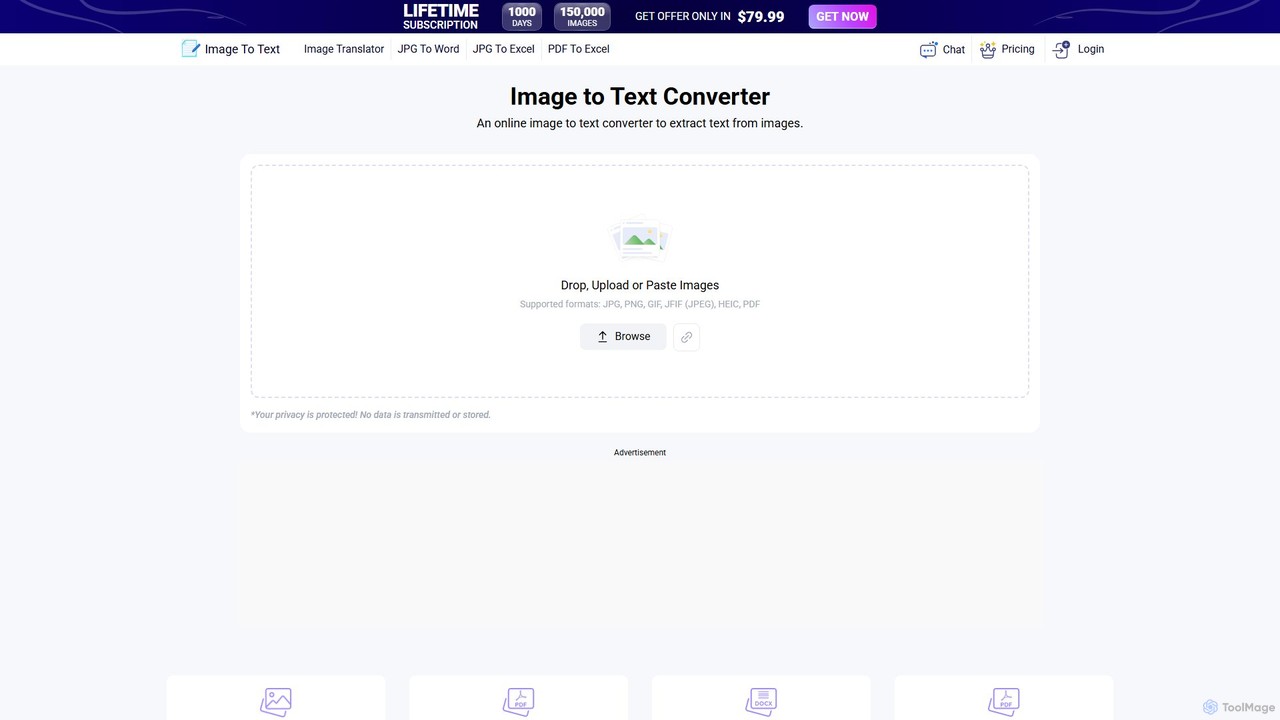
A free, AI-powered online OCR tool that accurately extracts text from images. It supports numerous languages and image formats without requiring registration. Easily convert images, documents, and notes into editable text, download as a .txt file, or copy to your clipboard.

Note Taking
Visits 5.8MFavorites 128Likes 126
GitMind
Freemium

GitMind

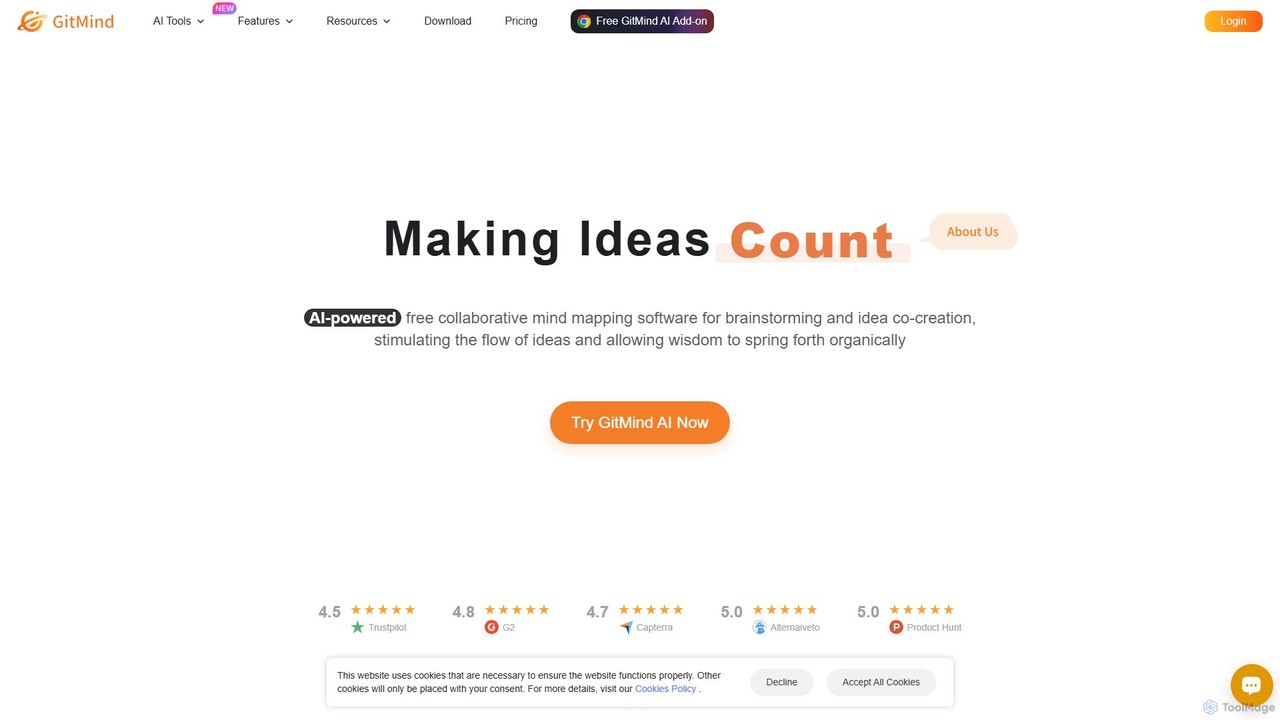
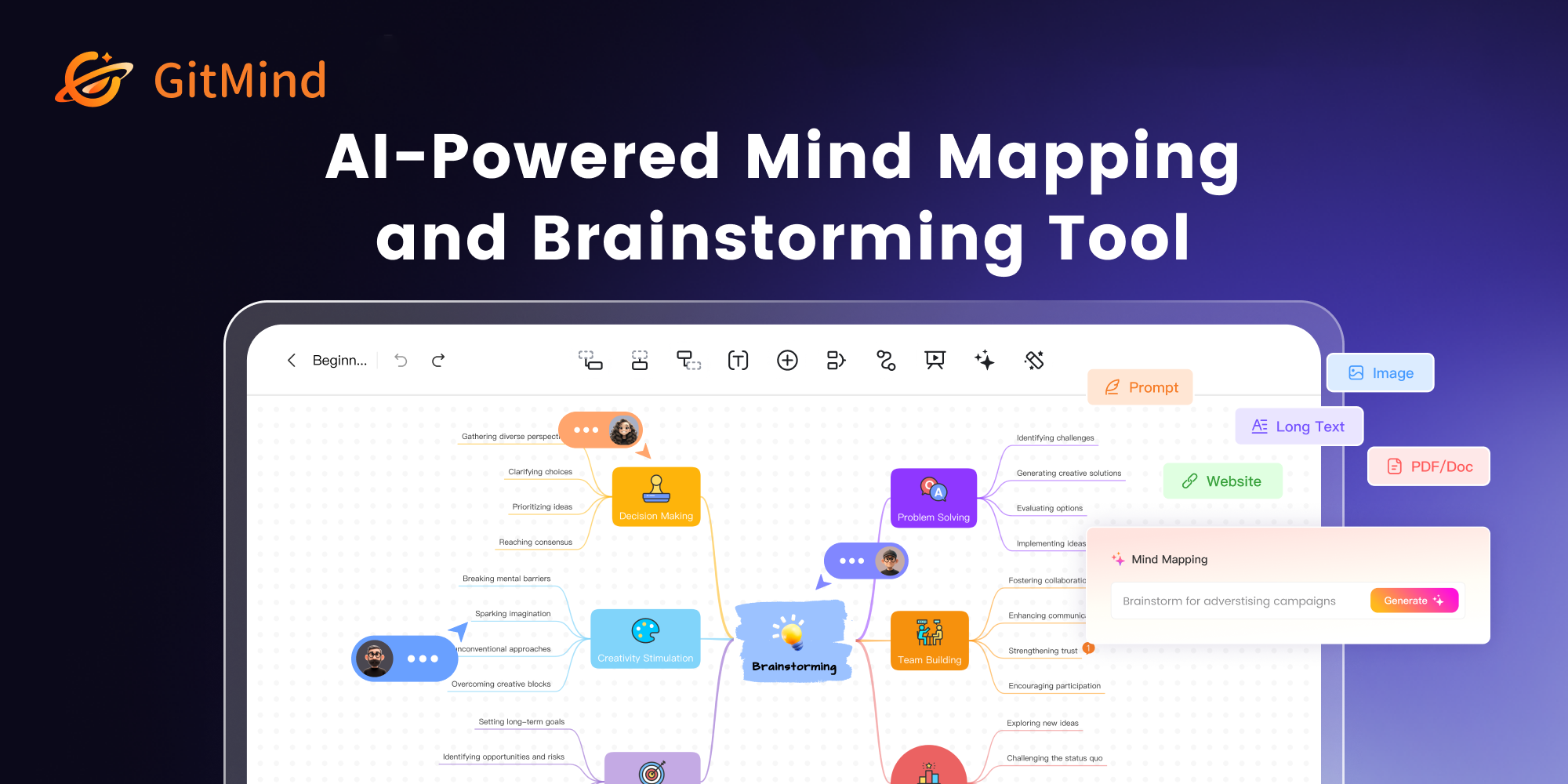
GitMind is an AI-powered collaborative mind mapping and brainstorming tool. It enables users to create mind maps, flowcharts, org charts, and other diagrams with ease. Featuring AI-driven content generation, summarization of documents and videos, and real-time co-editing, GitMind helps individuals and teams visualize ideas, streamline workflows, and enhance productivity. With cross-platform availability and a rich template library, it transforms complex information into clear, organized visuals.

Project Management
Visits 746.7KFavorites 92Likes 82
DGM
Freemium

DGM

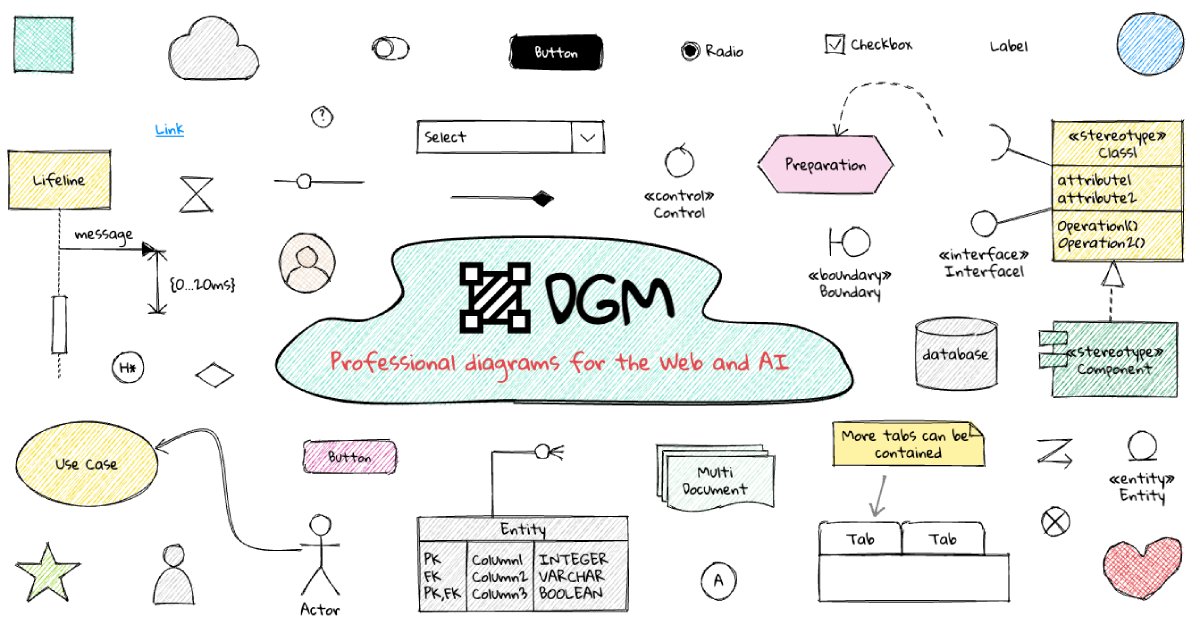
DGM is an AI-powered online platform for creating professional sketchnotes and visual diagrams. It combines a flexible digital canvas with intelligent tools to help users capture, organize, and share ideas visually. Ideal for meetings, brainstorming, and learning, DGM facilitates real-time collaboration and transforms complex information into clear, engaging visual notes.

Collaboration
Visits 7.6KFavorites 169Likes 180
Meeting.ai
Freemium

Meeting.ai

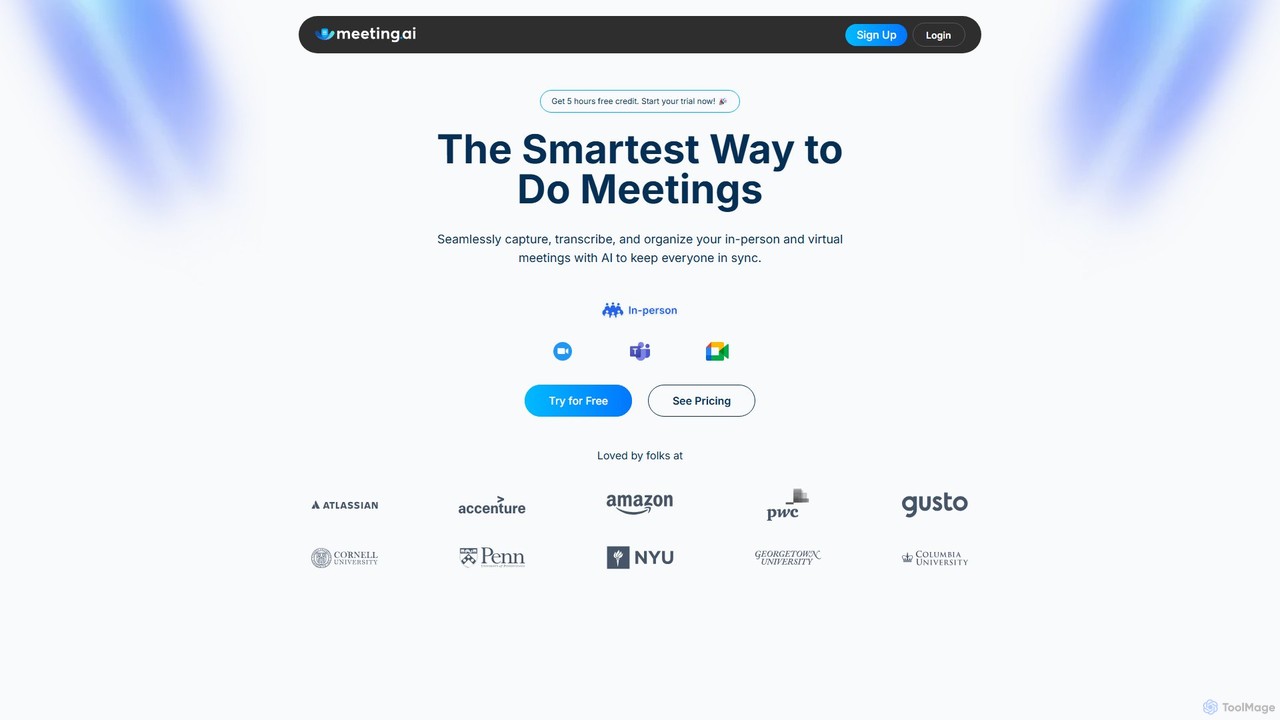
Meeting.ai is an AI-powered meeting assistant that seamlessly captures, transcribes, and summarizes your in-person and virtual meetings. It supports over 35 languages, integrates with major platforms like Zoom and Google Meet, and automatically generates organized notes and action items to keep your team synchronized and productive.

Transcription
Visits 45.3KFavorites 113Likes 123
Audiogest
Freemium

Audiogest

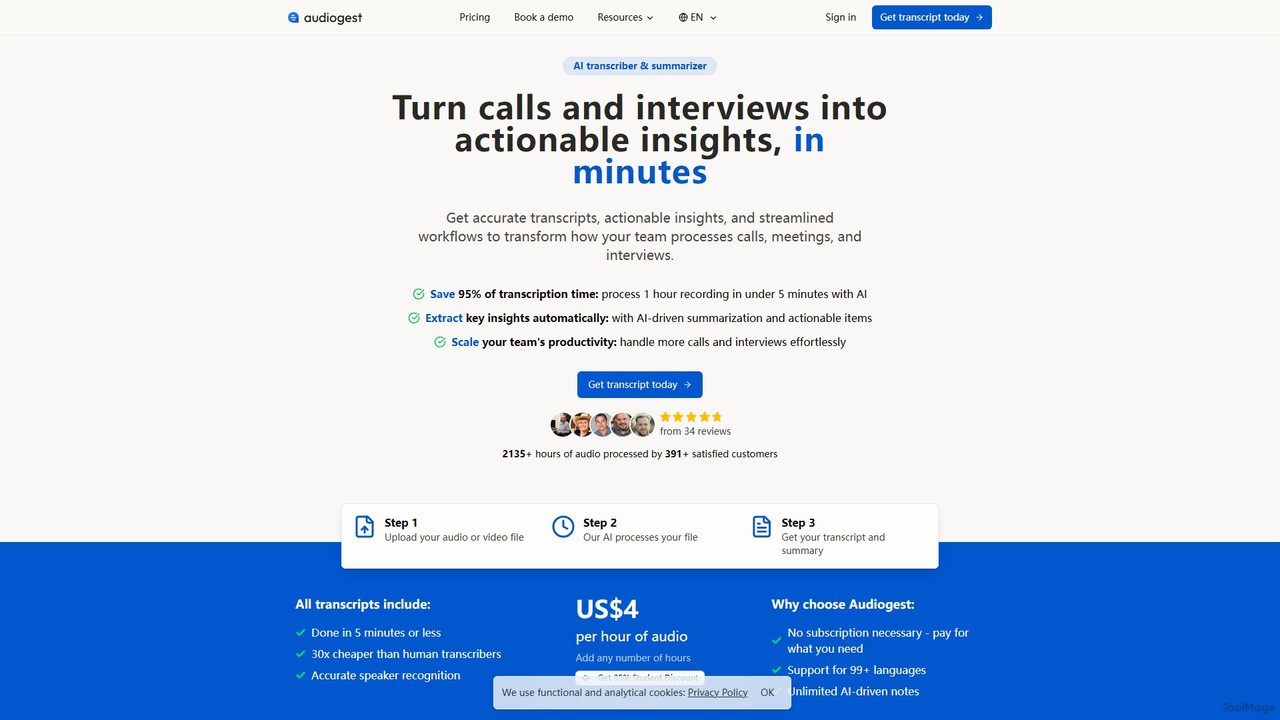
Audiogest is an AI-powered tool that quickly and accurately transcribes and summarizes audio and video files in over 99 languages. It features speaker recognition, customizable AI notes, and flexible pay-as-you-go pricing. Ideal for students, researchers, and professionals, it saves hours of manual work while ensuring data privacy with EU-based servers. Get fast, affordable, and reliable transcripts and summaries without a subscription.

Speech To Text
Visits 5.5KFavorites 124Likes 117
Memable
Freemium

Memable

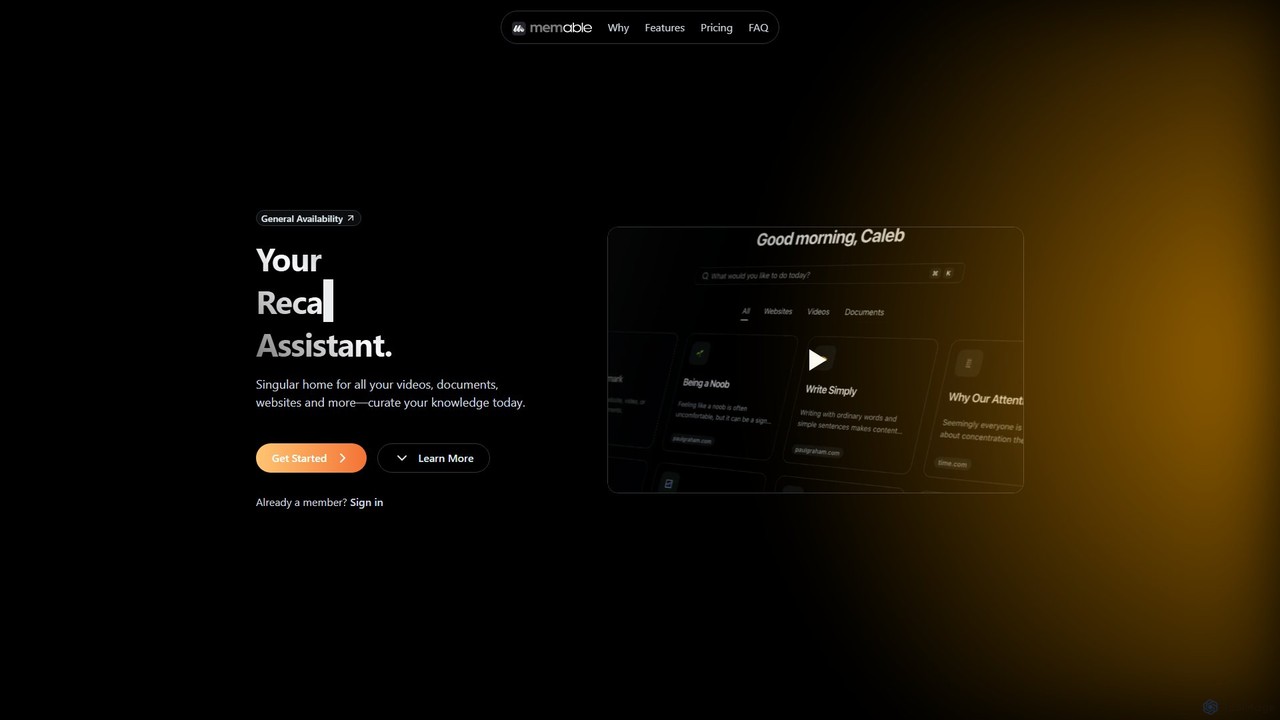
Memable is an AI-powered knowledge assistant designed to help you curate and recall information effortlessly. It provides a single home for your videos, documents, and websites, using AI to synthesize notes and create a searchable personal knowledge base. Chat with your content, visualize connections on a knowledge map, and overcome information overload to build lasting knowledge.

Note Taking
Visits 4.7KFavorites 104Likes 106
SoundType AI
Freemium

SoundType AI

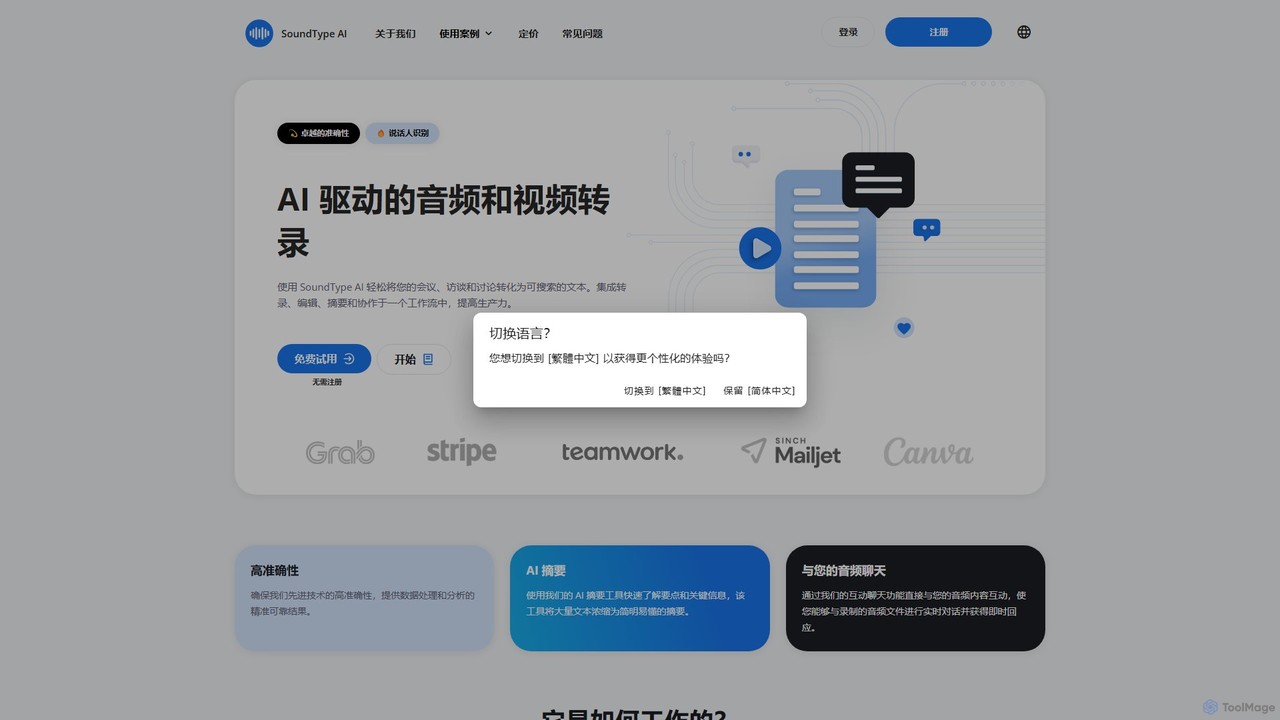
SoundType AI is an advanced AI-powered service for transcribing audio and video with high accuracy. It features speaker identification, AI-generated summaries, and an interactive chat function to query your audio content. It streamlines workflows for professionals, educators, and content creators by converting speech into searchable, editable text.

Speech To Text
Visits 133.4KFavorites 123Likes 129
Summify
Freemium

Summify

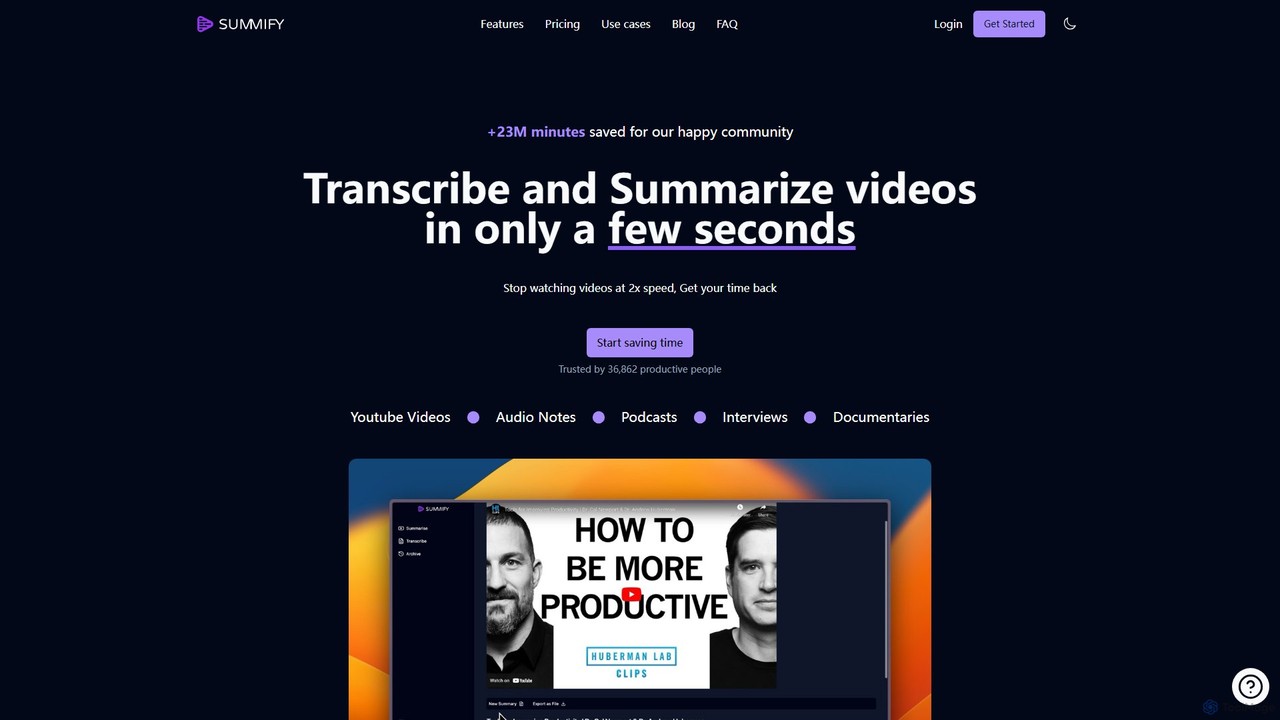
Summify is an AI-powered tool that transcribes and summarizes video and audio content in seconds. It supports over 130 languages, automatically detects speakers, and transforms lengthy content into concise summaries, blog posts, or social media threads. Ideal for content creators, students, marketers, and researchers looking to save time and repurpose content efficiently.

Transcription
Visits 26.6KFavorites 111Likes 101
y2doc
Freemium

y2doc

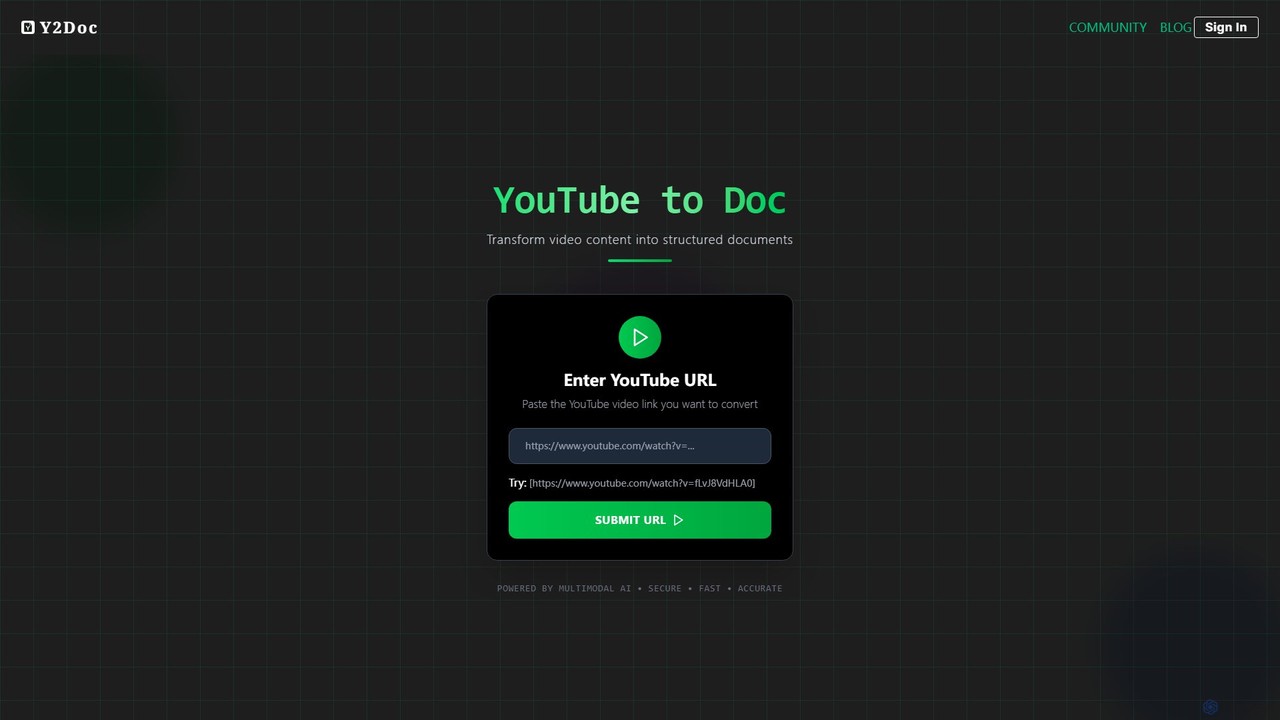
y2doc is an AI-powered tool that transforms YouTube videos into structured documents. Simply paste a YouTube URL to get accurate transcriptions, concise summaries, and key takeaways. It also functions as a versatile converter, allowing you to download videos as MP4 or audio as MP3. Ideal for students, content creators, and researchers looking to save time and repurpose video content efficiently.

Summarizer
Visits 13.2KFavorites 114Likes 115
minimemo
Freemium

minimemo

minimemo is an AI-powered tool designed for rapid summarization and intelligent note-taking. It transforms long articles, meeting transcripts, and videos into concise, digestible summaries, key points, and action items, helping users save time and absorb information more effectively.

Meeting Assistant
Visits 3.6KFavorites 119Likes 117
SlideNotes
Freemium

SlideNotes

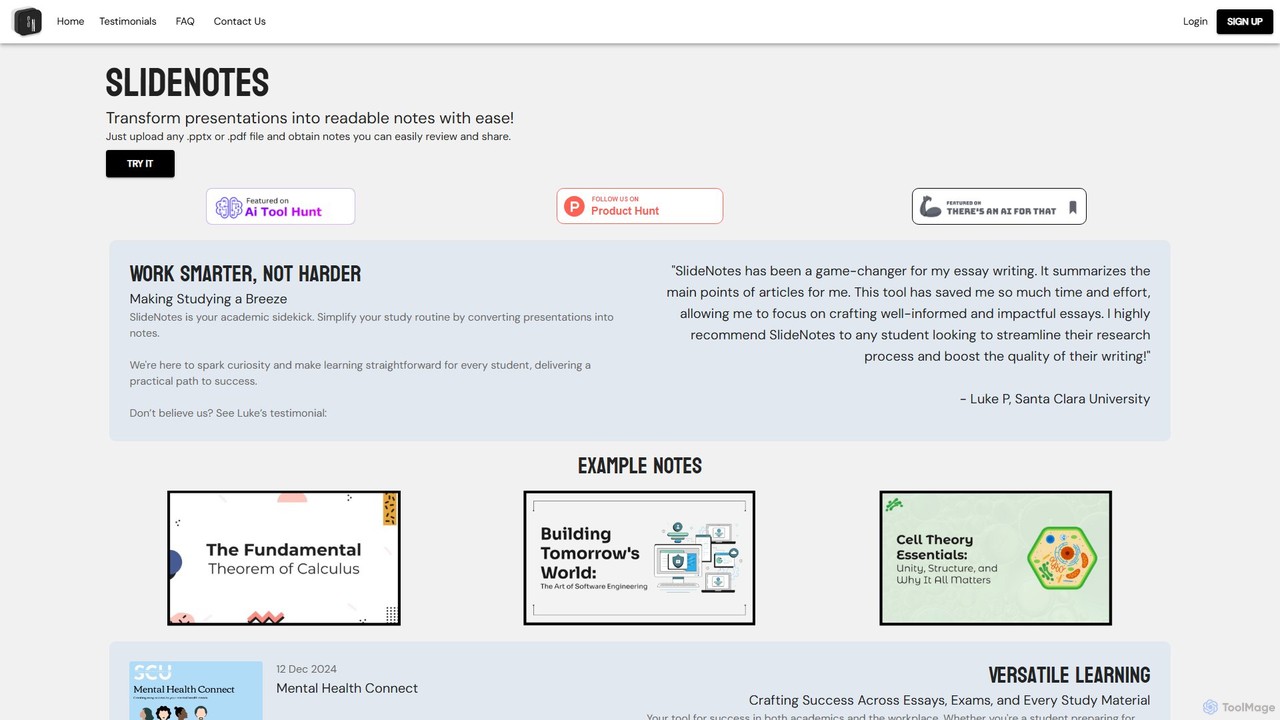
SlideNotes is an AI-powered tool that effortlessly transforms PowerPoint (.pptx) and PDF presentations into concise, readable, and shareable notes. Ideal for students and professionals, it automates the note-taking process, saving time and boosting productivity for studying, exam preparation, and post-meeting reviews.

Meeting Assistant
Visits 5.7KFavorites 137Likes 128
jamworks
Freemium

jamworks

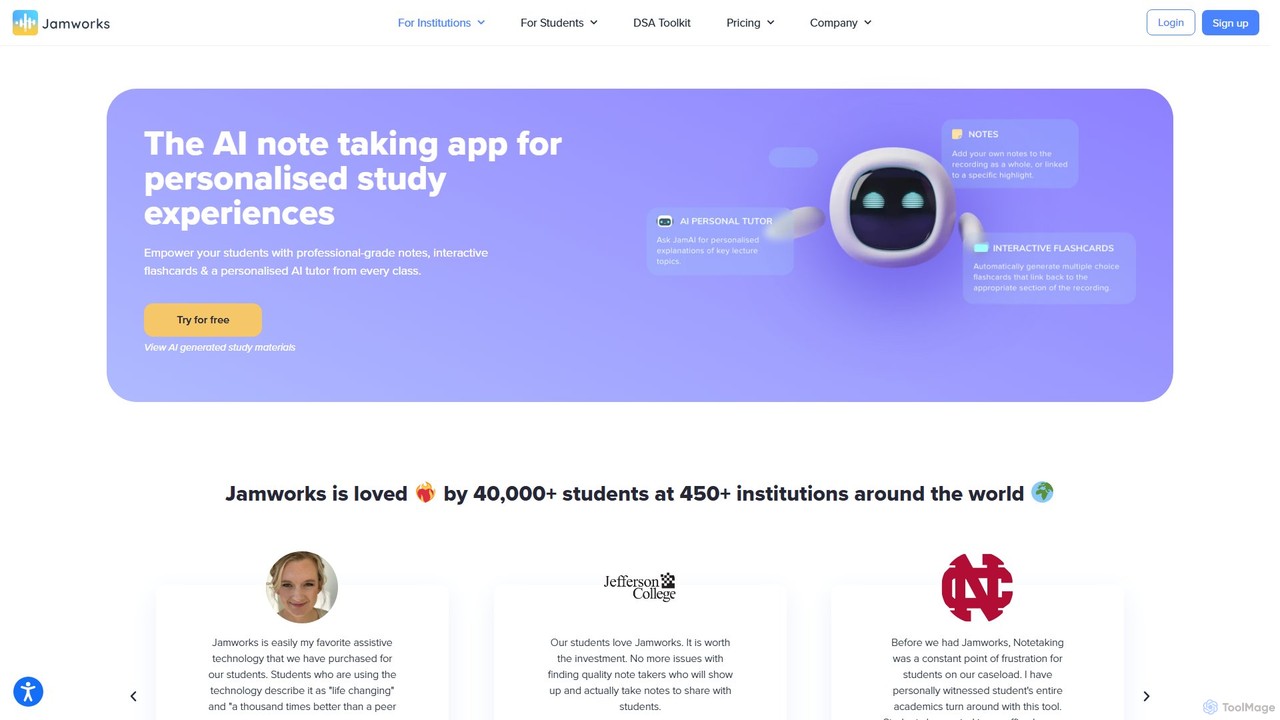
Jamworks is an AI-powered note-taking application designed for students to enhance their learning experience. It records lectures and automatically generates professional-grade notes, interactive flashcards, summaries, and a personalized AI tutor for each class. It aims to reduce study stress, improve comprehension, and make education more accessible for everyone.

Note Taking
Visits 31.5KFavorites 98Likes 108
Voxpad
Freemium

Voxpad

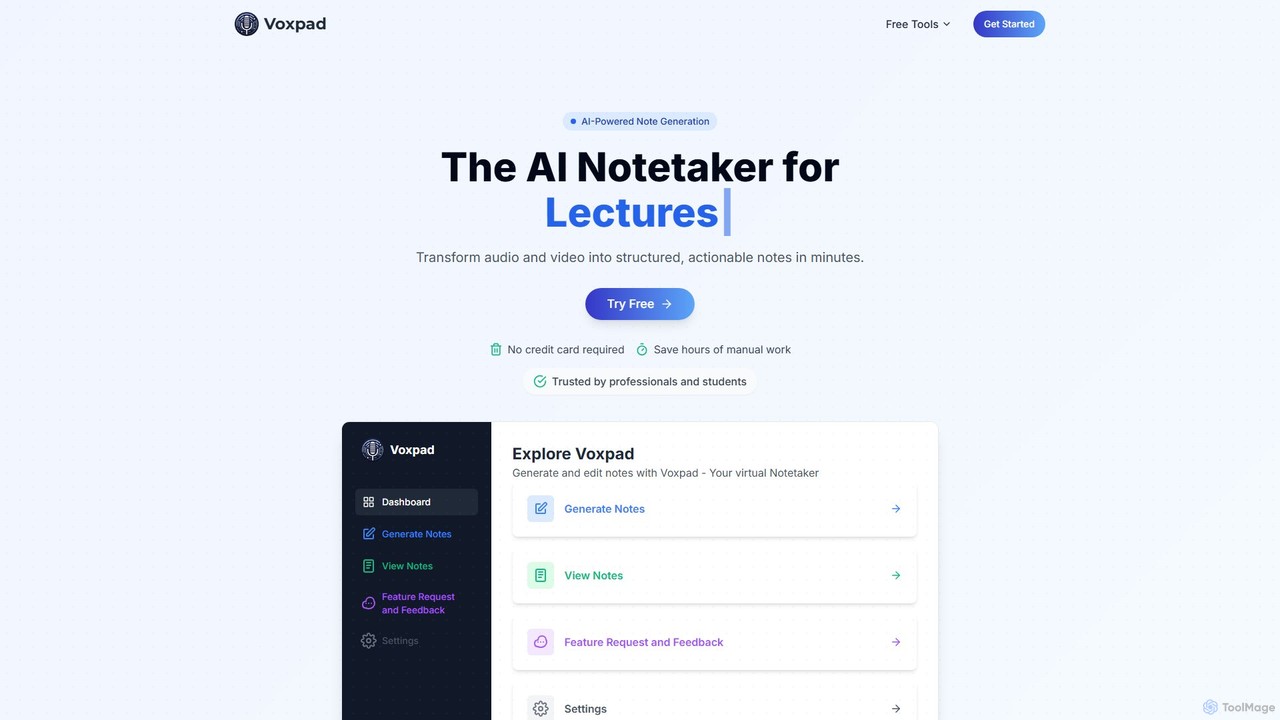
Voxpad is an AI-powered notetaker that transforms audio and video content into detailed, structured, and customizable notes. It's designed for students, professionals, content creators, and researchers to save time on manual transcription, capture key information from lectures and meetings, and repurpose content effortlessly. With high-accuracy transcription in over 60 languages, Voxpad helps you focus on what matters most.

Speech To Text
Visits 3.7KFavorites 127Likes 127
writeminimal
Freemium

writeminimal

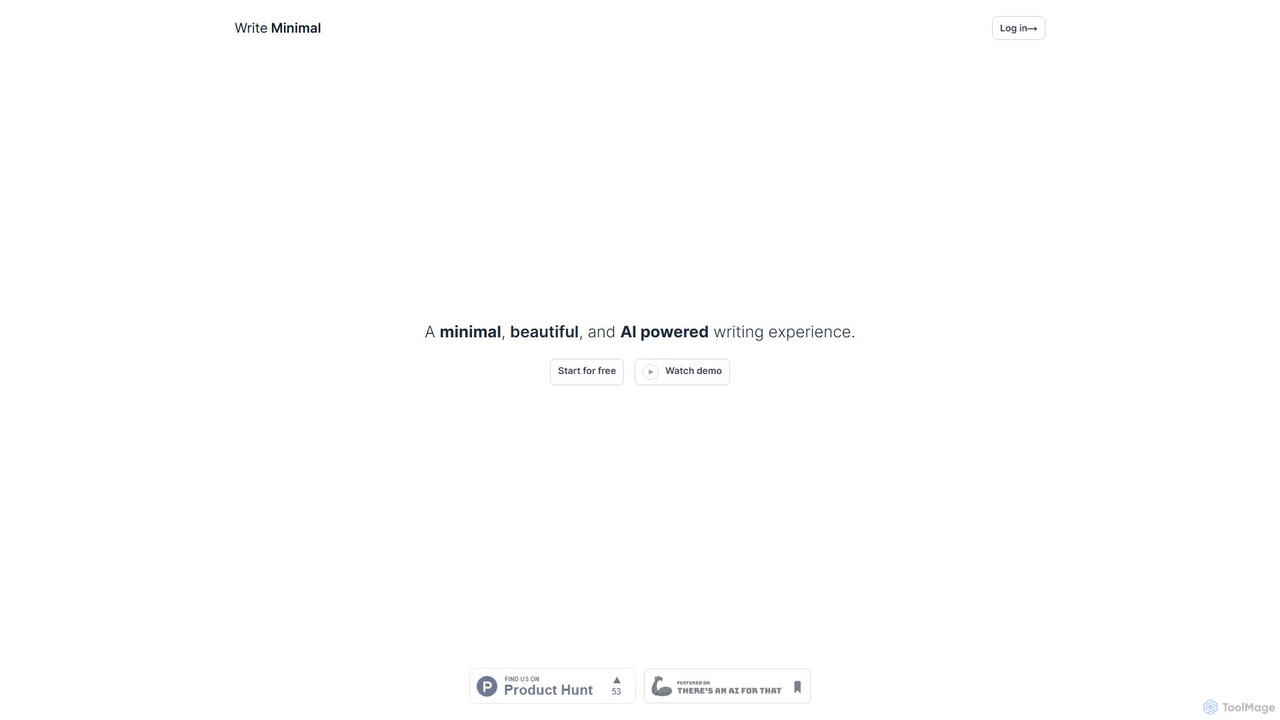
writeminimal is an AI-powered, minimalist writing editor designed for a distraction-free experience. It helps users focus on writing, while its AI assists with organizing, summarizing, and repurposing content into various formats like blog posts, tweets, or LinkedIn updates with a single click.

Note Taking
Visits 3.6KFavorites 93Likes 98

About Note Taking

AI Note Taking tools are applications that use artificial intelligence to enhance the capture, organization, and retrieval of information. They leverage technologies like Natural Language Processing (NLP) to automatically transcribe audio, summarize long texts, and identify key concepts. This transforms static notes into a dynamic, searchable knowledge base, making it easier for users in educational and professional settings to manage information. These tools excel at creating intelligent connections between disparate pieces of information, revealing insights that might otherwise be missed.

Core Features

  • Automated Transcription: Converts spoken words from lectures, meetings, or voice memos into searchable text.
  • AI-Powered Summarization: Condenses lengthy documents, articles, or notes into concise summaries highlighting key points.
  • Semantic Search: Enables users to search for notes based on conceptual meaning and context, not just exact keywords.
  • Intelligent Organization: Automatically tags, categorizes, and links related notes to build a connected knowledge graph.
  • Action Item Detection: Identifies tasks, decisions, and follow-ups within meeting notes or transcripts.

Use Cases

These tools are widely used by students for capturing and reviewing lecture content, by researchers for organizing literature reviews and data, and by professionals for managing meeting minutes and project documentation. Content creators also use them to brainstorm and structure ideas, building a personal knowledge management (PKM) system.

How to Choose

When selecting an AI Note Taking tool, consider the accuracy of its transcription and summarization features. Evaluate its integration capabilities with other platforms like calendars or cloud storage. Assess the user interface for ease of use and organization. Finally, review the platform's data privacy and security policies to ensure your information is protected.

Featured tool rankings

Note Taking use cases

1

Efficient Lecture Capture and Review

A university student uses an AI note-taking tool during a complex lecture. They activate the real-time audio transcription feature to capture every word the professor says. After class, the AI automatically generates a concise summary of the two-hour lecture, highlighting key theories and definitions. The student then uses semantic search to find all notes related to a specific concept for their exam preparation, saving hours of manual review and ensuring they don't miss critical information.

2

Managing Corporate Meeting Minutes

A project manager uses an AI note-taking app to record a virtual project kickoff meeting. The tool transcribes the entire conversation and distinguishes between different speakers. After the meeting, the AI identifies and lists all action items, assigning them to the correct team members based on the conversation. The manager can then share this structured summary and task list directly, ensuring clear communication and accountability without spending time manually drafting minutes.

3

Building a Personal Knowledge Management System

A researcher clips articles, PDFs, and web pages into their AI note-taking tool. As they add new information, the AI automatically identifies connections between different sources, creating a knowledge graph. When they start writing a paper, they can ask the tool, 'What are the main arguments against this theory?' The AI then synthesizes information from dozens of notes to provide a comprehensive answer, complete with source links, dramatically accelerating the research and writing process.

4

Journalist Interview Transcription and Analysis

A journalist conducts and records a 90-minute interview with a source. Instead of spending hours transcribing it manually, they upload the audio file to an AI note-taking tool. Within minutes, they receive a full, speaker-labeled transcript. They then use the AI's summarization feature to extract key quotes and themes from the conversation, allowing them to quickly draft their article with accurate, verifiable information while the interview is still fresh in their mind.

5

Content Creation and Idea Structuring

A content creator uses a voice memo feature on their AI note-taking app to capture ideas on the go. Later, they review the transcribed notes. The AI tool automatically groups related ideas and suggests potential headlines and outlines for a blog post. By visualizing the connections between different thoughts, the creator can develop a more coherent and well-structured piece of content, moving from scattered ideas to a polished draft more efficiently.

6

Analyzing User Feedback and Interviews

A UX researcher uploads recordings of several user interviews to an AI note-taking platform. The tool transcribes each session and allows the researcher to tag key moments, such as user pain points or feature requests. The AI can then analyze across all interviews to identify recurring themes and sentiment. This provides the product team with data-driven insights into user needs, saving dozens of hours of manual analysis and helping to prioritize the development roadmap effectively.

Note Taking FAQ

What are AI Note Taking tools?

AI Note Taking tools are advanced applications that go beyond traditional digital note-taking. They use artificial intelligence to actively assist in processing information by offering features like real-time audio transcription, automated summarization of long texts, and semantic search that understands context. Essentially, they act as an intelligent assistant to help you capture, understand, and connect ideas more effectively.

How do AI note-taking tools differ from traditional apps like Evernote or OneNote?

The primary difference lies in automation and intelligence. While traditional apps are excellent digital file cabinets for storing notes, AI tools actively process your information. Key differentiators include:

  • Automated Content Generation: AI tools can summarize text and transcribe audio, which traditional apps typically cannot do natively.
  • Intelligent Search: AI tools use semantic search to find concepts, whereas traditional apps rely on keyword matching.
  • Content Connection: AI tools can automatically link related notes to create a knowledge web, a feature not central to traditional apps.
In short, traditional apps help you store information; AI apps help you understand and synthesize it.

What are the key features to look for in an AI Note Taking tool?

When evaluating an AI Note Taking tool, focus on features that save time and enhance understanding. Key features include:

  • Transcription Accuracy: How well does it convert speech to text, especially with accents or background noise?
  • Summarization Quality: Does the AI create coherent and relevant summaries, or just pull random sentences?
  • Integration Capabilities: Can it connect with your calendar, cloud storage (like Google Drive), and other productivity apps?
  • Cross-Platform Sync: Is the tool available and does it sync seamlessly across all your devices (desktop, mobile, web)?
  • Data Security: Check for end-to-end encryption and clear privacy policies to ensure your notes are secure.

Who can benefit most from using AI Note Taking tools?

AI Note Taking tools are valuable for anyone who deals with a large volume of information. Key beneficiaries include:

  • Students and Academics: For capturing lectures, organizing research, and studying more efficiently.
  • Professionals: For documenting meetings, tracking action items, and managing project knowledge.
  • Researchers and Journalists: For transcribing interviews and analyzing large amounts of text-based data.
  • Content Creators: For brainstorming, structuring ideas, and building a personal knowledge base.
Essentially, if your work involves synthesizing information from various sources, these tools can provide a significant productivity boost.

Is my data secure with AI Note Taking tools?

Data security is a critical consideration. Reputable AI note-taking tools employ strong security measures, but practices can vary. When choosing a tool, look for:

  • End-to-End Encryption: This ensures that only you can access your notes, and not even the service provider can read them.
  • Clear Privacy Policy: The policy should explicitly state how your data is used, especially whether it's used for training AI models, and provide options to opt out.
  • Data Residency Options: Some services allow you to choose the geographic region where your data is stored, which can be important for compliance with regulations like GDPR.
Always review a tool's security and privacy documentation before entrusting it with sensitive information.