
DGM Overview
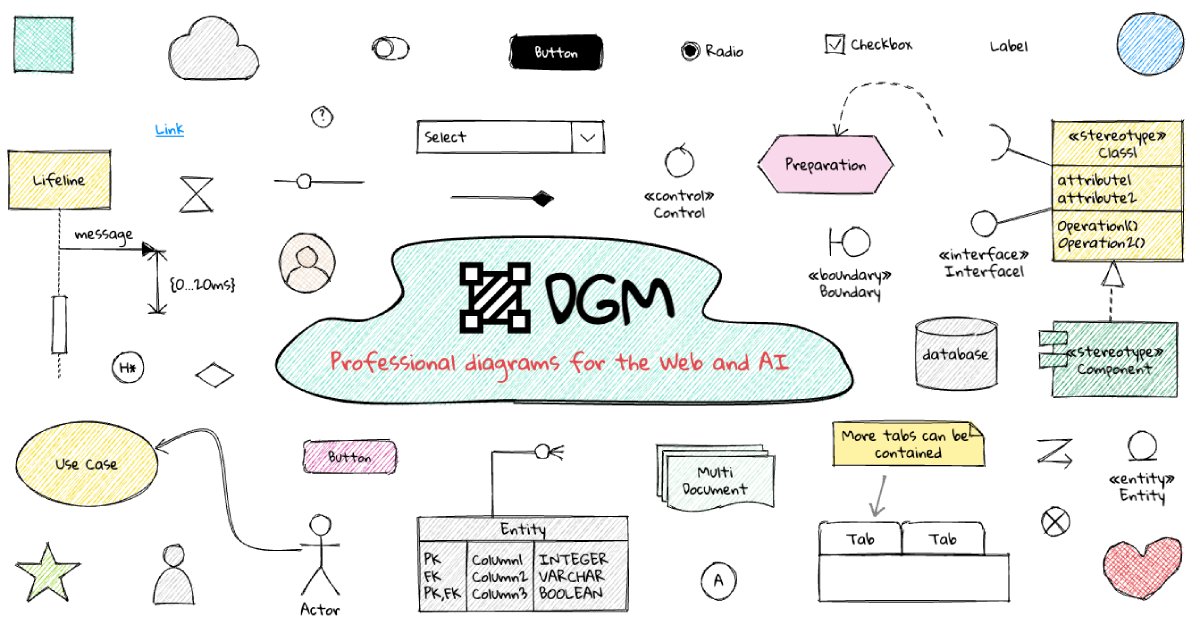
DGM is a sophisticated online tool designed for professionals who want to leverage the power of visual note-taking, commonly known as sketchnoting. It provides an infinite digital canvas where users can blend drawings, handwritten text, diagrams, and images to create rich, informative, and memorable notes. DGM is built to enhance productivity and creativity, making it an indispensable asset for consultants, educators, students, and teams in any industry.
The platform's core is its intuitive, user-friendly interface that mimics the feel of traditional pen-and-paper sketching but with the added benefits of digital technology. It moves beyond simple drawing applications by integrating AI-powered features that streamline the creative process. Whether you're live-scribing a conference talk, planning a project, or brainstorming with your team, DGM provides the tools to do it effectively and beautifully.
How to use DGM
Using DGM is straightforward and designed for a seamless user experience. Here's a typical workflow:
- Start a New Project: Navigate to the DGM website and create a new canvas. You can start with a blank slate or choose from a variety of pre-built templates for specific tasks like meeting agendas, project roadmaps, or SWOT analyses.
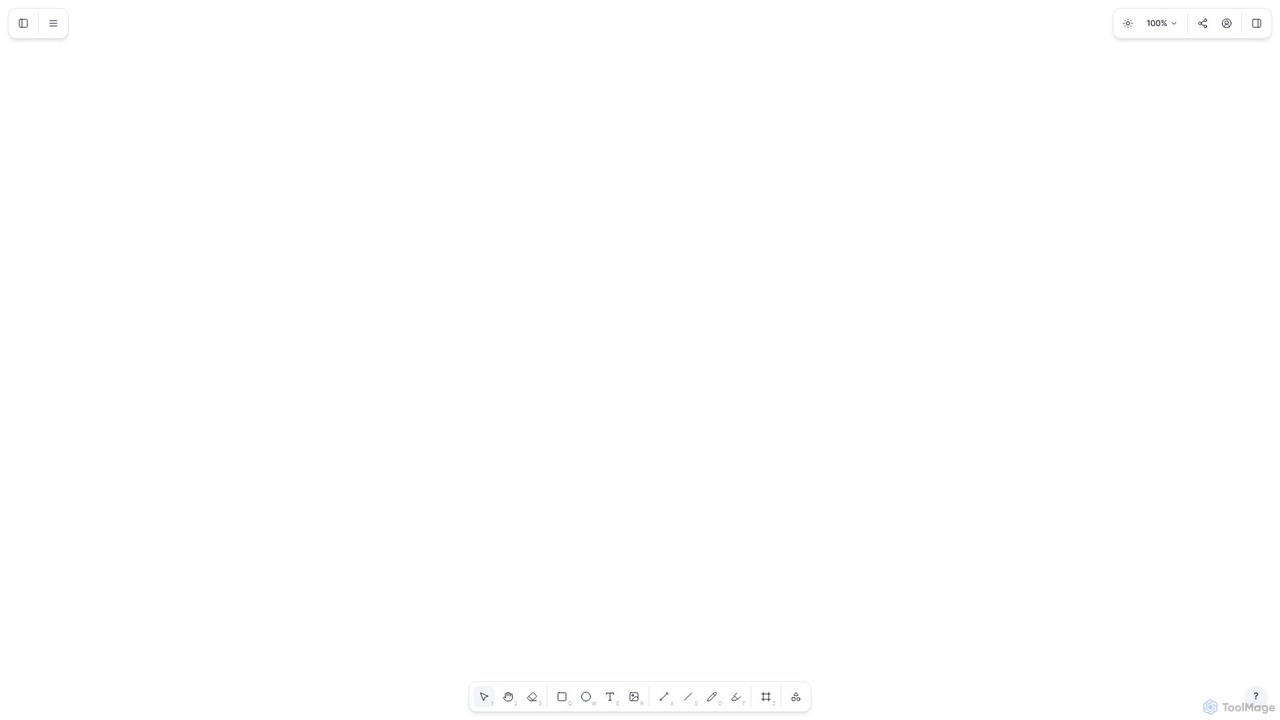
- Utilize the Toolbar: The main toolbar contains all the essential tools. Select from different pens, markers, and highlighters to start drawing. You can easily adjust color and stroke thickness.
- Add and Arrange Elements: Drag and drop shapes, icons, and text boxes onto your canvas. The interface is highly responsive, allowing you to use the spacebar to drag the canvas and arrow keys for precise element positioning.
- Leverage AI Assistance: Use the AI features to accelerate your work. For example, you can type a command like "create a flowchart for a user login process" and the AI will generate a basic diagram for you to customize. You can also use text-to-icon generation to quickly find and place relevant visuals.
- Collaborate in Real-Time: Invite team members to your canvas by sharing a unique link. You can see their cursors and changes as they happen, making it perfect for collaborative brainstorming and workshops.
- Export and Share: Once your sketchnote is complete, export it in various formats such as PDF, PNG, or SVG to share with others or embed in presentations and documents.
Core Features of DGM
- AI-Powered Diagramming: Automatically generate flowcharts, mind maps, and other diagrams from simple text prompts, saving significant time and effort.
- Infinite Canvas: Never run out of space. The canvas expands as you add more content, allowing for unrestricted brainstorming and idea mapping.
- Rich Toolset: A comprehensive set of drawing tools, including various pens and brushes, a vast library of customizable shapes and icons, and versatile text options with unique fonts.
- Real-Time Collaboration: Work simultaneously with your team on the same canvas, with changes synced instantly for all participants.
- Template Library: Access a growing collection of professional templates for meetings, project management, strategic planning, and education to get started quickly.
- Accessibility Features: Thoughtfully designed with support for screen readers and keyboard navigation, ensuring the tool is usable by everyone.
- Multi-Format Export: Easily export your work to high-quality PNG, JPG, PDF, and SVG formats for seamless integration into your workflow.
Use Cases for DGM
DGM is versatile and can be applied in numerous professional and educational contexts:
- Business Meetings & Workshops: Capture key discussion points, decisions, and action items visually. Facilitate more engaging and productive brainstorming sessions.
- Project Management: Create visual project plans, timelines, and dependency maps. Track progress and communicate status updates clearly to stakeholders.
- Education and Training: Teachers can create dynamic lesson plans and visual aids. Students can take more effective notes that improve information retention and understanding.
- UX/UI Design: Quickly sketch out user flows, wireframes, and customer journey maps. Collaborate with teams on early-stage design concepts.
- Consulting & Strategy: Explain complex concepts and frameworks to clients using clear, compelling visuals. Develop and present strategic plans.
Advantages of DGM
DGM stands out by offering a unique combination of creativity and productivity. Its primary advantage is its ability to make information more digestible and memorable through visual representation. The AI integration acts as a creative partner, automating tedious tasks and allowing users to focus on their ideas. The real-time collaboration feature breaks down physical barriers, enabling teams to innovate together from anywhere. Finally, its focus on a clean, intuitive user experience ensures that even those new to sketchnoting can quickly become proficient.
Pricing and Plans
DGM operates on a freemium model, making it accessible to a wide range of users.
- Free Plan: Ideal for individuals and casual use. It typically includes access to core features, a limited number of canvases, and standard support.
- Pro Plan: Designed for professionals and power users. This plan usually offers unlimited canvases, access to all advanced and AI-powered features, high-priority support, and no watermarks on exports.
- Team/Enterprise Plan: Tailored for organizations. It includes all Pro features plus team management capabilities, enhanced security options, single sign-on (SSO), and dedicated account management.
For the most current and detailed pricing information, please visit the official DGM website.
Traffic
Latest traffic
Status
Monthly traffic trend
- 2025-9: 4.4K
- 2026-1: 4.4K
- 2026-2: 2.6K
- 2026-3: 4.7K
- 2026-4: 3.2K
- 2026-5: 3.9K
Geography
Top 5 countries / regions
- 🇺🇸United States73.0%
- 🇮🇳India27.1%
Top keywords
| Keyword | Cost per click |
|---|---|
| d.g.m. | $0.00 |
| dgm | $1.47 |
| dgm free style | $0.00 |
| dgm login | $0.00 |
| dgm 拡張子 | $0.00 |
DGM Alternatives
GitMind
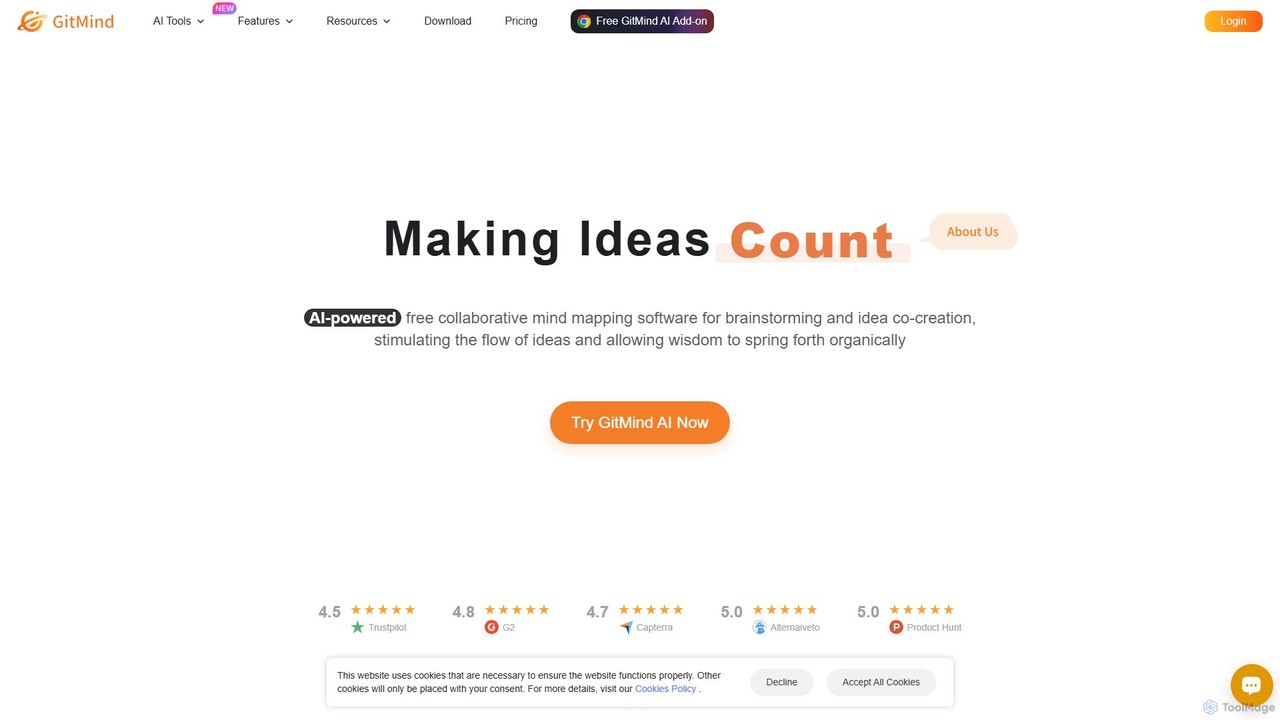
GitMind is an AI-powered collaborative mind mapping and brainstorming tool. It enables users to create mind maps, flowcharts, org charts, and other diagrams with ease. Featuring AI-driven content generation, summarization of documents and videos, and real-time co-editing, GitMind helps individuals and teams visualize ideas, streamline workflows, and enhance productivity. With cross-platform availability and a rich template library, it transforms complex information into clear, organized visuals.
Project Management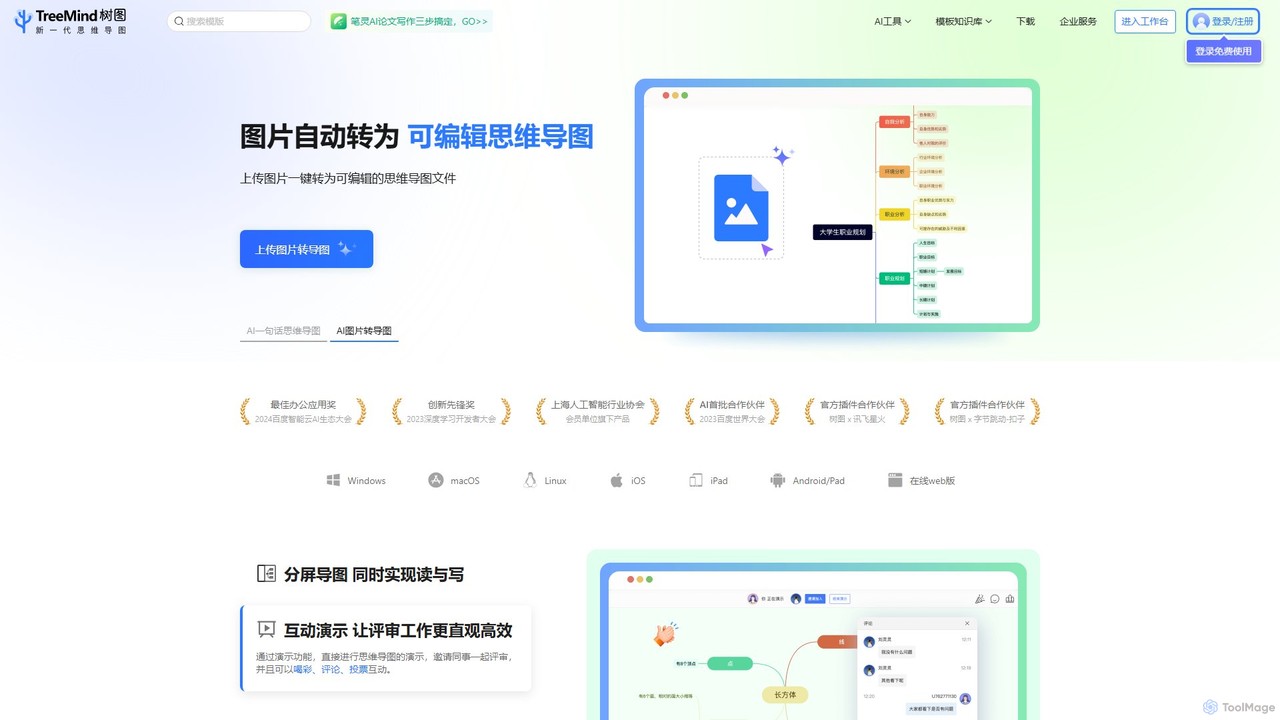
TreeMind
TreeMind is a next-generation AI-powered mind mapping tool that allows users to generate, organize, and visualize ideas effortlessly. It supports creating mind maps from a single sentence, images, or documents, and offers real-time collaboration, cross-platform synchronization, and a vast library of templates and design assets.
Generative
Flux AI
Flux AI is an intelligent collaborative whiteboard that transforms text prompts into complex diagrams. It empowers teams to visualize ideas, design workflows, and create flowcharts or mind maps in seconds, streamlining the entire planning and brainstorming process.
Whiteboard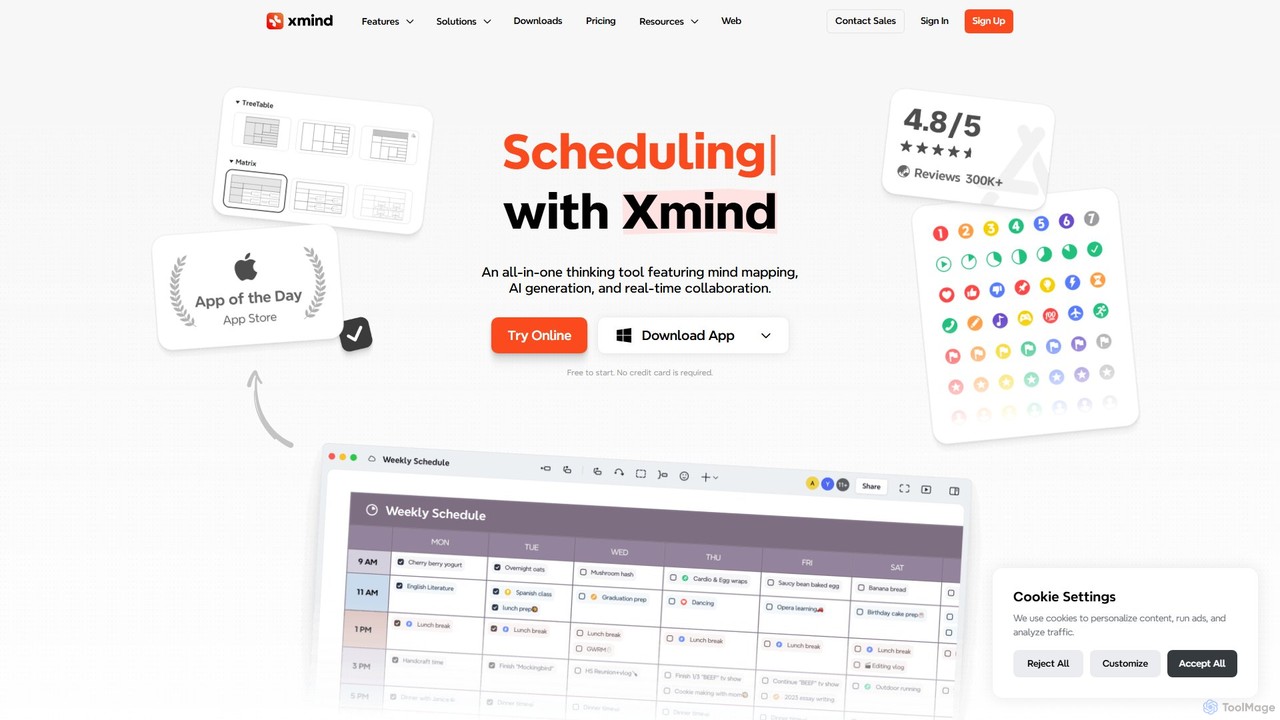
vienna
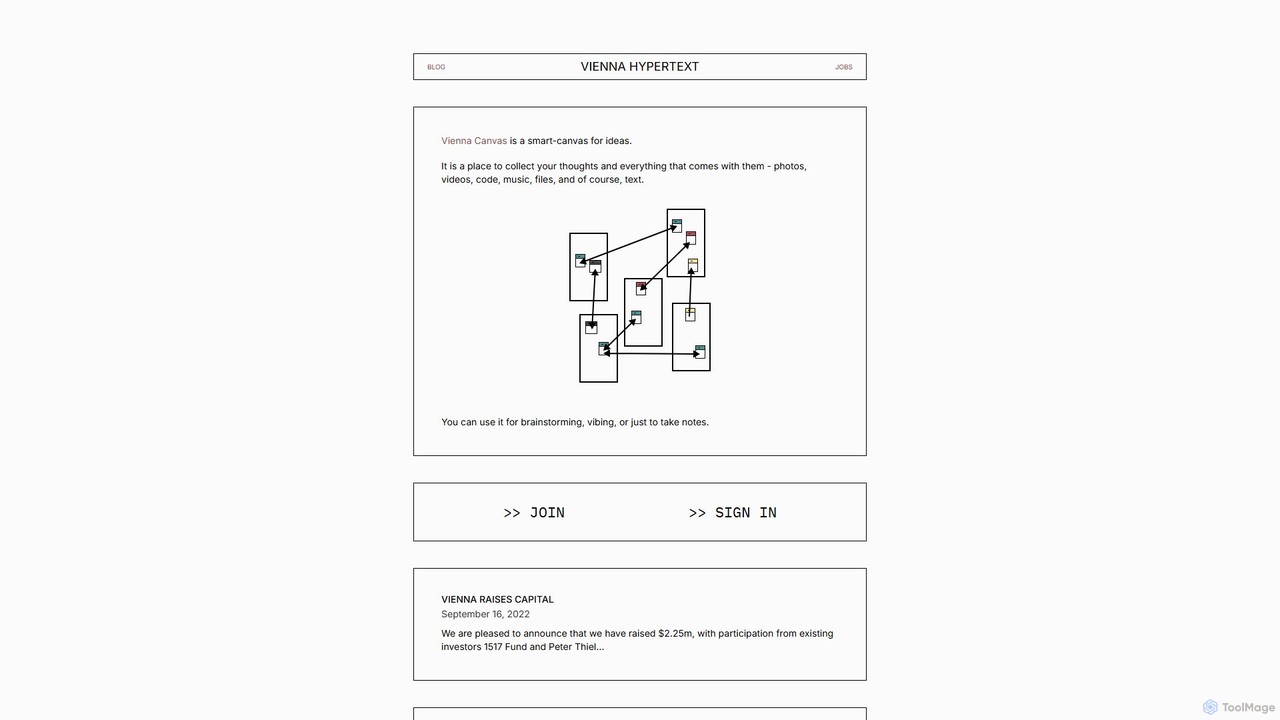
vienna is a networked smart-canvas designed for creative and intellectual work. It provides a freeform space to collect, connect, and develop ideas using text, images, videos, code, and more. Ideal for brainstorming, research, and visual note-taking.
BrainstormingDGM Categories
DGM Embed Widget
Copy this embed code to place the badge on your blog, article, or product site and send readers directly to this ToolMage detail page.

Related AI tools
TreeMind
TreeMind is a next-generation AI-powered mind mapping tool that allows users to generate, organize, and visualize ideas effortlessly. It supports creating mind maps from a single sentence, images, or documents, and offers real-time collaboration, cross-platform synchronization, and a vast library of templates and design assets.
Generative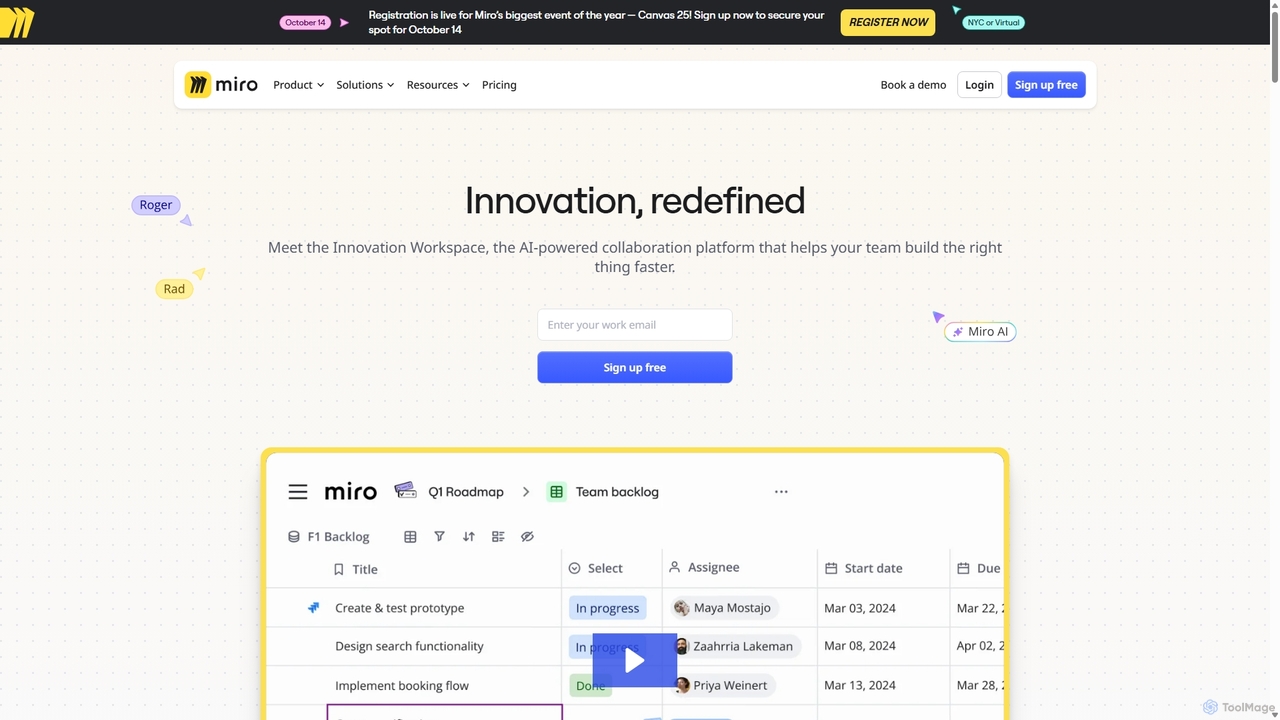
Miro
Miro is an AI-powered online collaborative whiteboard platform designed for modern teams. It provides an infinite canvas for brainstorming, planning, designing, and managing projects in real-time. With a vast template library, powerful integrations, and AI-driven features, Miro helps teams centralize communication and accelerate innovation from idea to execution.
Brainstorming
Jyek
Jyek is an AI agent platform that understands objectives, creates execution plans, uses tools, and delivers verifiable results for complex, multi-step tasks.
Automationvienna
vienna is a networked smart-canvas designed for creative and intellectual work. It provides a freeform space to collect, connect, and develop ideas using text, images, videos, code, and more. Ideal for brainstorming, research, and visual note-taking.
Brainstorming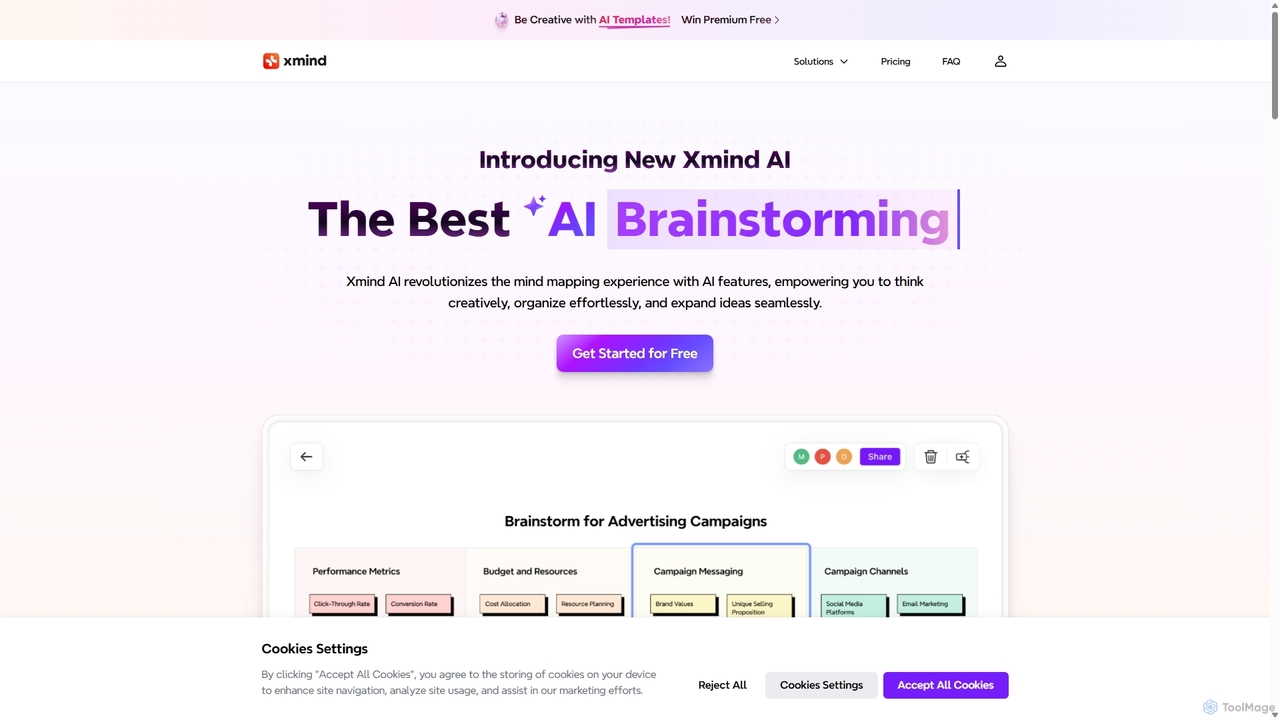
Xmind AI
Xmind AI is an advanced AI-powered mind mapping and brainstorming tool designed to enhance creativity and productivity. It helps users visualize thoughts, organize complex information, and collaborate with teams in real-time. With features like AI-driven idea generation, content summarization, and automated to-do lists, Xmind AI transforms abstract concepts into structured, actionable plans.
Teamwork
Kuse AI
Kuse AI is an intelligent visual collaboration platform that uses AI to supercharge brainstorming, mind mapping, and project planning. It provides an infinite canvas where teams can generate, organize, and develop ideas in real-time with the help of an AI assistant.
Mind Mapping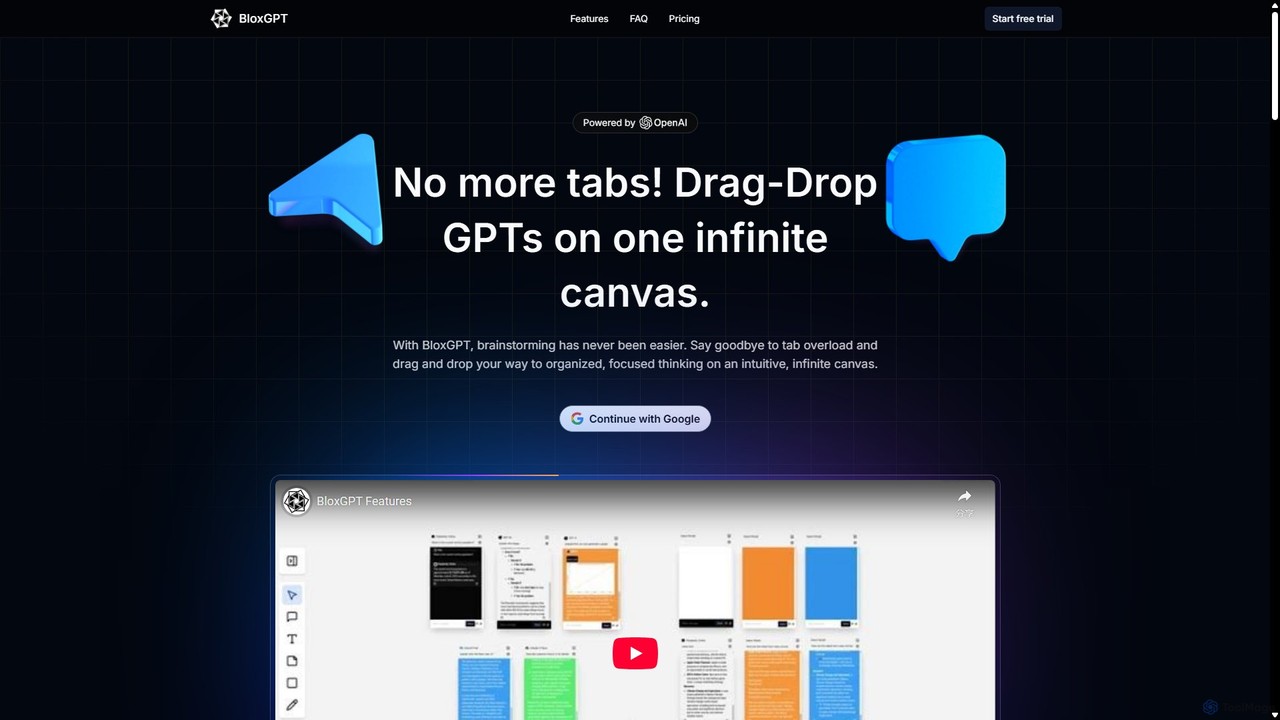
BloxGPT
BloxGPT is an AI-powered collaborative workspace that replaces tab clutter with a single, infinite canvas. Users can drag and drop GPT instances, brainstorm ideas, create diagrams, and collaborate with teams in real-time. It's designed for visual thinking, project planning, and enhanced productivity.
WireframingGitMind
GitMind is an AI-powered collaborative mind mapping and brainstorming tool. It enables users to create mind maps, flowcharts, org charts, and other diagrams with ease. Featuring AI-driven content generation, summarization of documents and videos, and real-time co-editing, GitMind helps individuals and teams visualize ideas, streamline workflows, and enhance productivity. With cross-platform availability and a rich template library, it transforms complex information into clear, organized visuals.
Project Management
Lucidspark
Lucidspark is an AI-powered virtual whiteboard designed to enhance team collaboration, brainstorming, and project planning. It provides an infinite canvas for teams to connect, ideate, and move seamlessly from concept to execution. With features like Collaborative AI, extensive templates, and deep integrations, Lucidspark helps teams unlock their most innovative ideas and turn them into actionable plans.
Project Management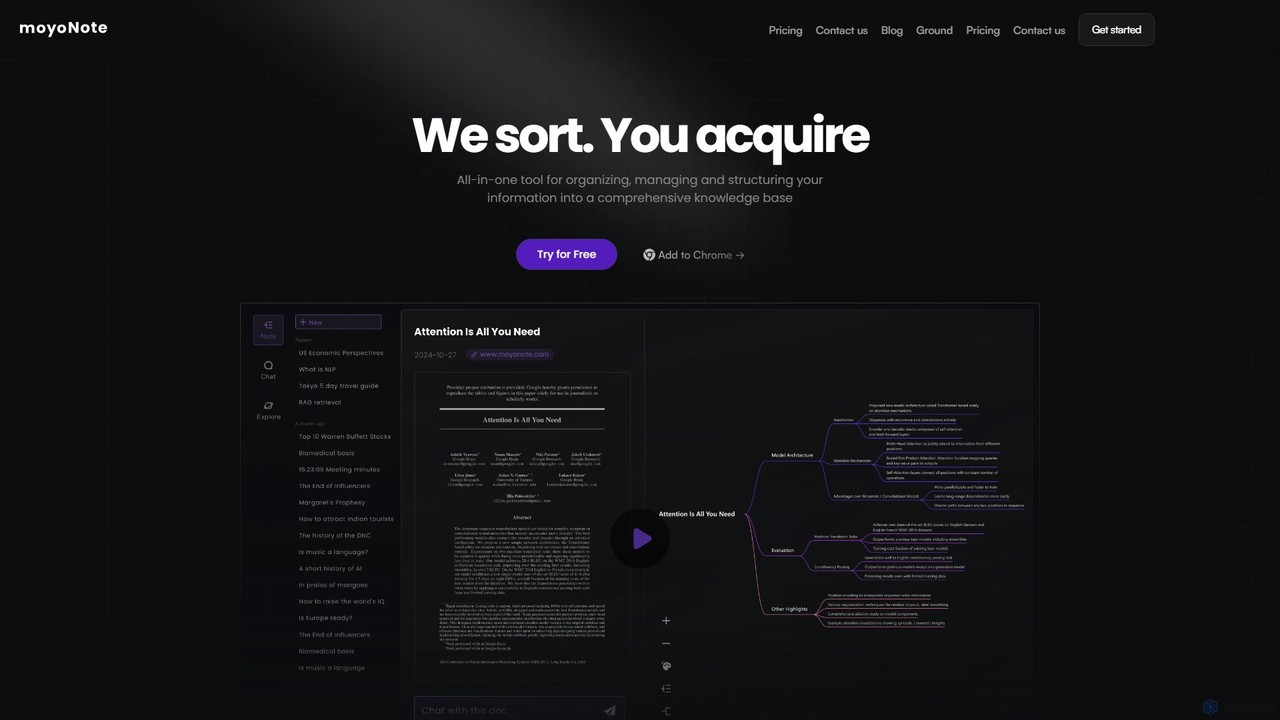
moyonote
moyonote is an AI-powered tool that automatically transforms documents, text, and various files into structured, interactive mind maps. It helps users quickly sort and acquire knowledge, enhancing productivity for students, professionals, and teams by simplifying complex information.
Document Analysis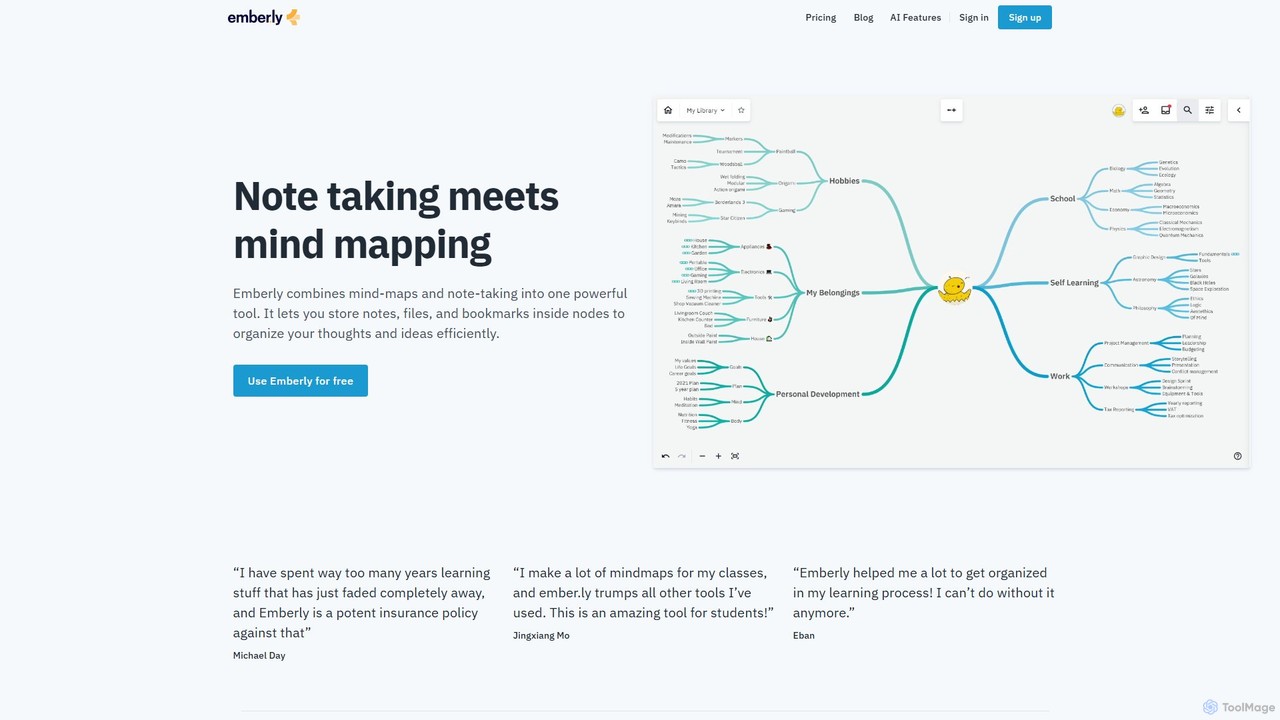
Emberly
Emberly is an AI-enhanced knowledge management tool that combines mind mapping and note-taking. It allows you to visually organize your notes, files, and bookmarks in one place. Leverage AI to generate mind maps, create quizzes from your notes, and assist with your writing, making learning and organization more efficient and intuitive.
Note Taking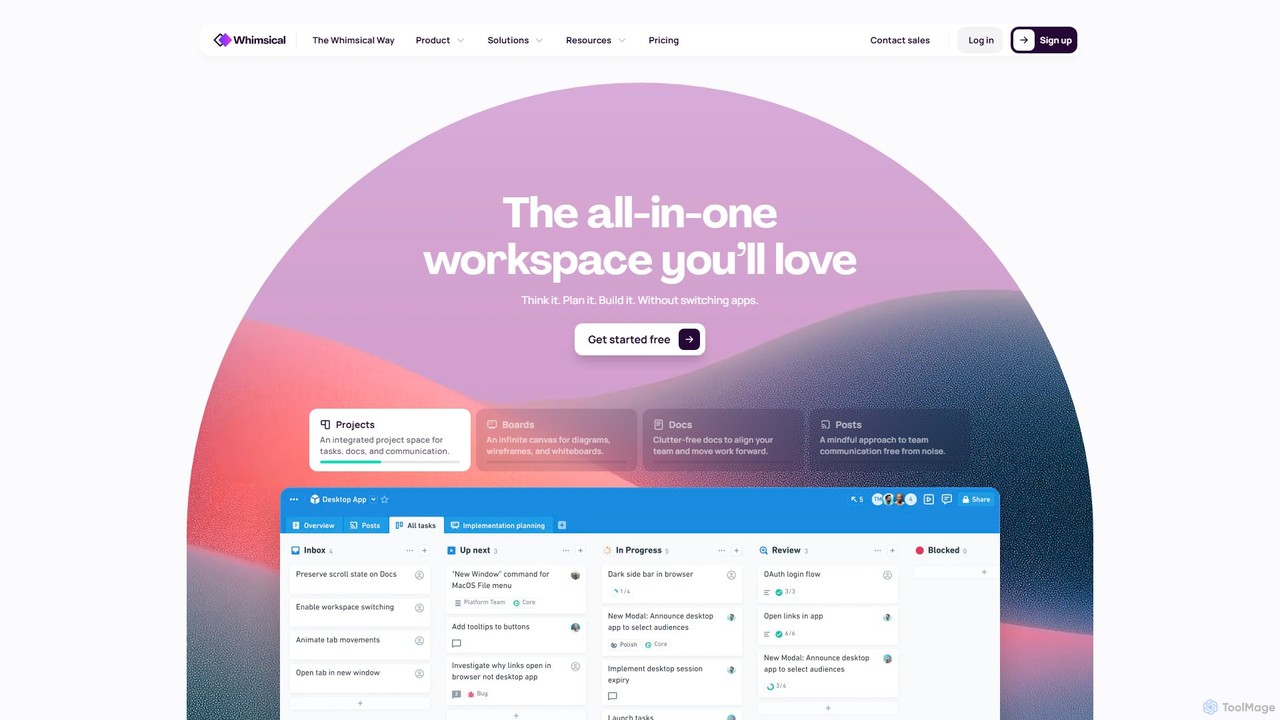
Whimsical
Whimsical is an all-in-one, AI-powered workspace that unifies visual collaboration, documentation, and project management. It combines whiteboards, mind maps, flowcharts, documents, and tasks to help teams streamline their entire workflow from initial idea to final execution in a single, interconnected platform.
Wireframing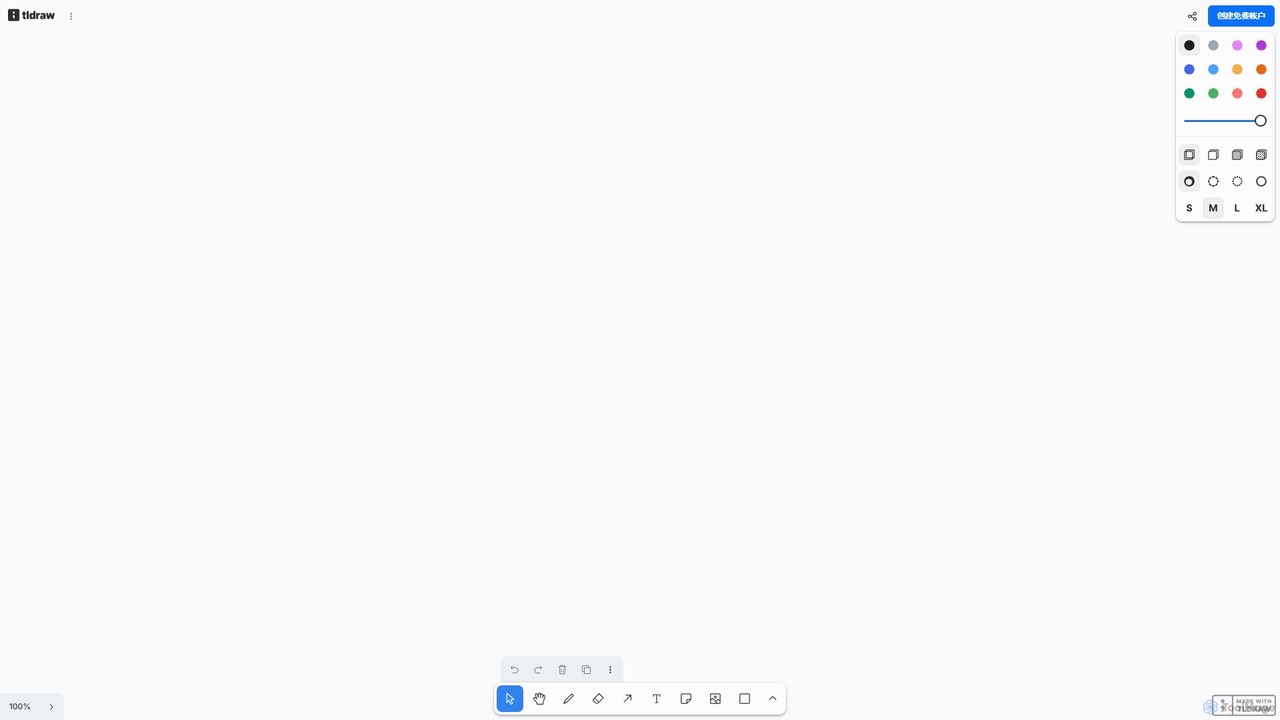
tldraw
tldraw is a free, AI-powered collaborative whiteboard that transforms your rough sketches into functional code and polished diagrams. With its 'Make Real' feature, it's an essential tool for developers, designers, and teams to brainstorm, prototype, and innovate with unprecedented speed.
Brainstorming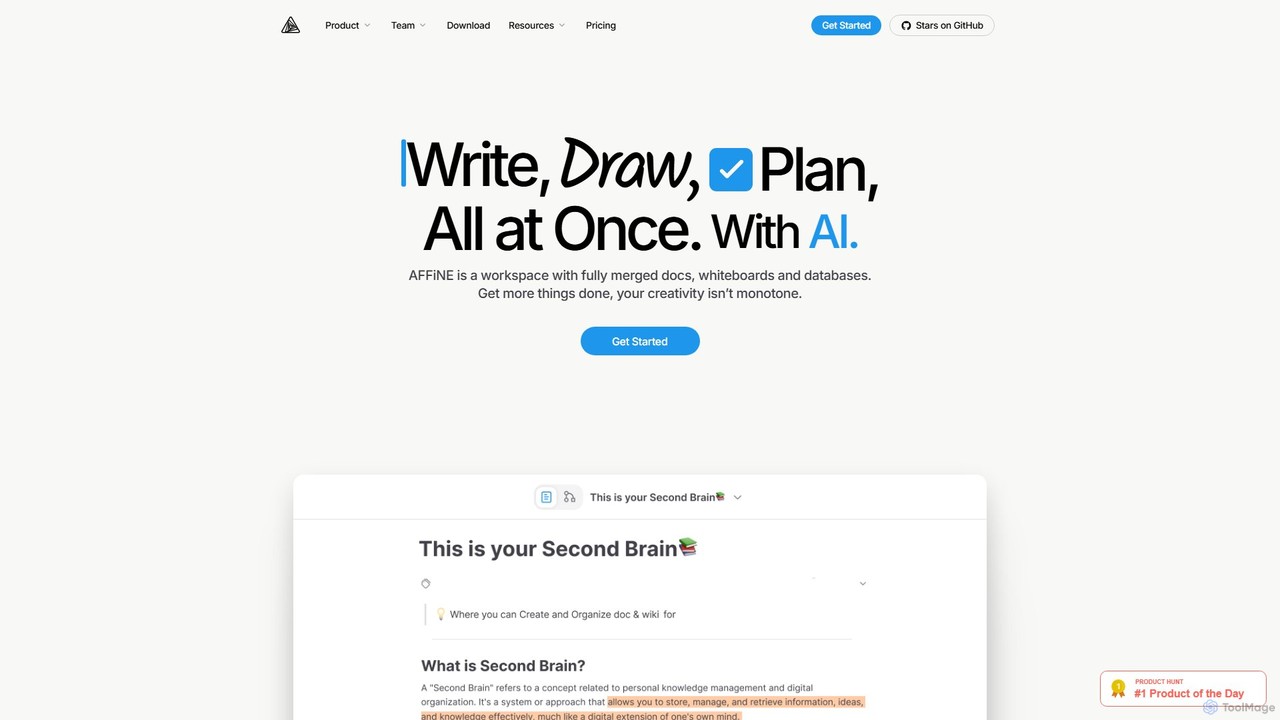
AFFiNE
AFFiNE is an all-in-one, AI-powered KnowledgeOS that seamlessly merges documents, whiteboards, and databases. It's a privacy-focused, open-source workspace designed to enhance productivity by allowing you to write, draw, and plan in a single, unified environment, eliminating the need to switch between multiple applications.
Whiteboard
DGM Comments (0)
Sign in to comment.
Sign inNo comments yet.